Administration





Epping Boys High School
213 Vimiera Road, Eastwood , New South Wales, 2122, AUhttps://eppingboy-h.schools.nsw.gov.aueppingboy-h.school@det.nsw.edu.au98692701 Facebook
Extended Leave
Extended Leave Application Form on School Bytes Parent Portal
Our extended leave application forms are online only.
- This form can be accessed by logging into your School Bytes Parent Portal and selecting “Forms” in the top menu bar. Scroll down and select “School Forms.”
- And then “Applications for Extended Leave.”
- Complete the form ensuring all relevant documentation is uploaded before submitting. Note: please ensure any attachments are in English and attachments are named using the English (Roman) alphabet. Characters in any other language are not supported by the program we use.
- Download the relevant year group “Collection of School Work and Assessment Tasks” form and request your son completes this step and return it to the school library.
Once the application has been approved by the principal, an email with a “Certificate of Extended Leave” will be issued electronically.
Note of interest: If any information is entered incorrectly, you will not be able to amend this once you have submitted the form.
- Please email the front office on eppingboy-h.school@det.nsw.edu.au with “Extended leave amendment request” in the subject line with the changes that need to be implemented and we will make the necessary changes for you.
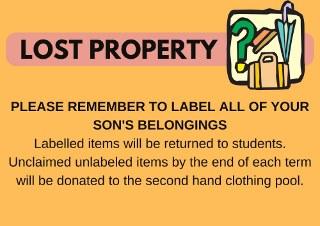
Lost Property
Julia Ma
Relieving School Administrative Manager