Inclusion

























 Wantirna College
Introducing Jamila

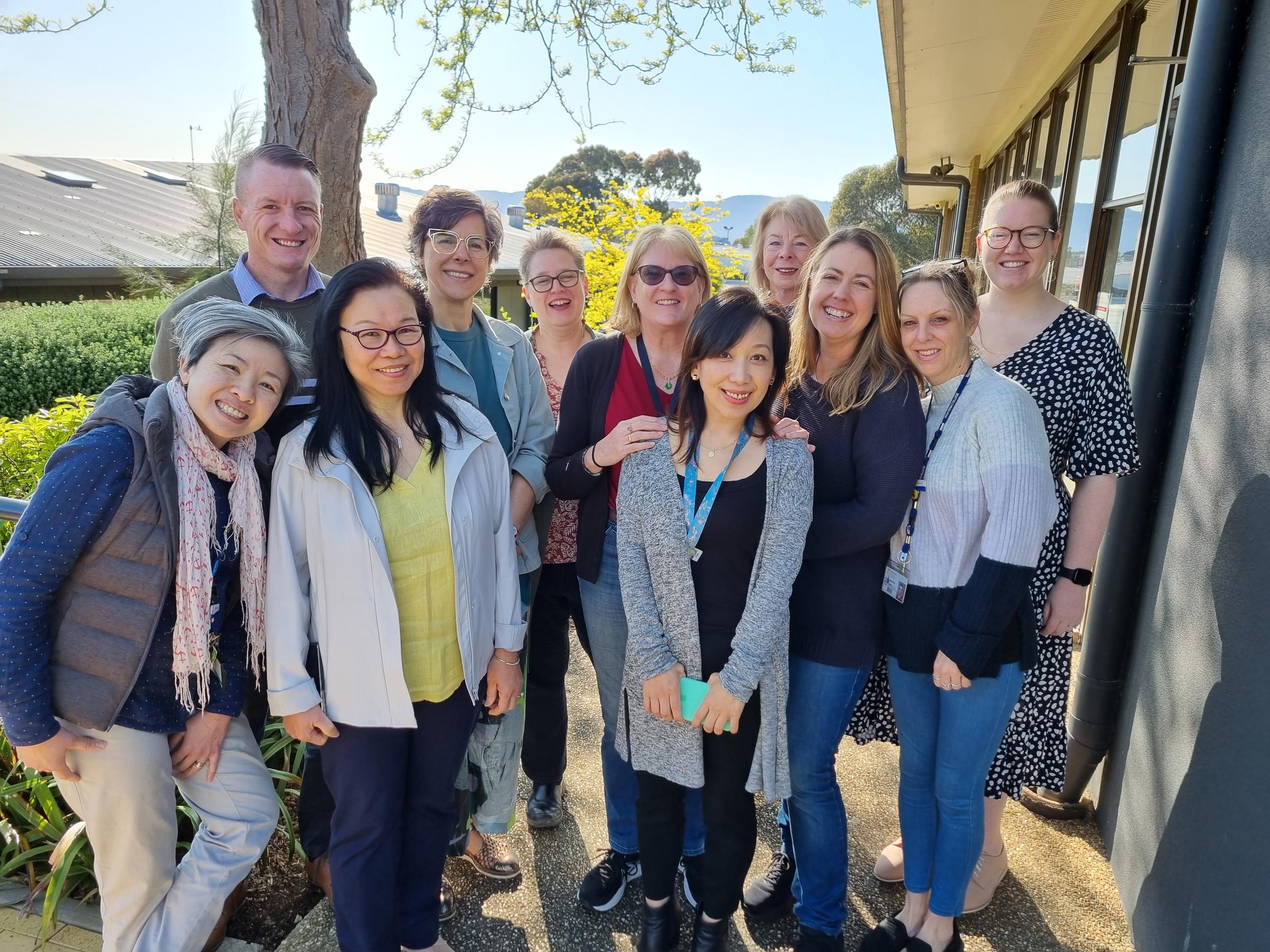
We are very excited to be welcoming Jamila Jamil-Lopez to the Inclusion team. Jamila will be our full-time Inclusion Learning Support Coordinator, organising and delivering a range of small group Tier 2 interventions for students requiring extra literacy and learning support.
Our Year 7 Learning Support classes have already begun and identified students, over four classes, have undertaken screening in Essential Assessment Literacy and Numeracy. They have also undertaken activities in processing and auditory memory to identify gaps and determine our starting points. You can learn more about Essential assessment here.
Assistive Technology
This year we continue to roll out our support for Assistive Technology at Wantirna College. Over the rest of this term, I’ll be highlighting different aspects of Assistive Technology in the College Newsletter so parents can read about, trial, and discuss with their students what may help them to improve their learning outcomes. This week we start with Text to Speech technology.
Text to Speech
Text to Speech programs allow for you to convert a block of writing into audio form. These types of software have gone through huge improvements in recent years, so electronic voices, which were difficult to listen to for long, now sound much more natural.
"We've been reading for hundreds of years - why do we need audio now?"
- Many students struggle with reading. The reasons for this struggle varies and can include issues of low vocabulary, poor decoding skills, phonological logical processing, Covid delay, or diagnosed learning disorders such as Dyslexia.
- Humans learn better with a multi-sensory approach as the brain develops a more dense neural network connecting the information. Listening to the information at the same time as reading allows for a deeper level of comprehension as you are engaging the auditory cortex in the brain.
- Classroom environments are not friendly places for students with auditory processing issues in which to focus. Having audio files they can listen to are more likely to ensure that student is engaged.
- Text to speech technology also allows for the audio file to be slowed down, allowing some students the extra time they need to process information properly.
"What options do we have?"
As so much of the work that the students access is on One Note, the best tool to access text to speech is Immersive Reader, which is built into the Microsoft platform. With the click of a button, the screen changes to support text to speech. The content in One Note can be read aloud by an electronic voice, and in addition, there are features to support limited visual input, coloured backgrounds, font choice, parts of speech, etc. For more information on Immersive Reader – please click here.
You can also translate any webpage into speech using the “Read Me” Chrome extension. Download the extension from the Chrome webstore and then pin it to the top and click and highlight patches of text. The electronic voice is less preferable to some other options, but more instant when dealing with web pages.
And finally, there are a range of free and paid text to speech options to explore online. Some good ones include Woord, Natural Reader and Speechify.
Next month, I’ll be providing you with some detail on Speech to Text – a great Assistive Technology option for those students who struggle with writing.
Kylie Rackham
Leader of Inclusion