Visual Arts News
Dear Parents,
Our budding filmmakers and digital creators have moved into the exciting post-production phase of Media Arts, busily editing, polishing, and finalising their original projects.
Prep
Our youngest animators have been capturing the final scenes of their Little Red Riding Hood stories, working diligently in partner pairs to record over 20 individual frames. The children carefully navigated their timeline tracks in Stop Motion Studio, identifying and deleting accidental finger shots to make character movements appear seamless and fluid. To conclude their production, pupils designed colourful "The End" title cards and helped export their completed animations to the class drive.
Grade 1
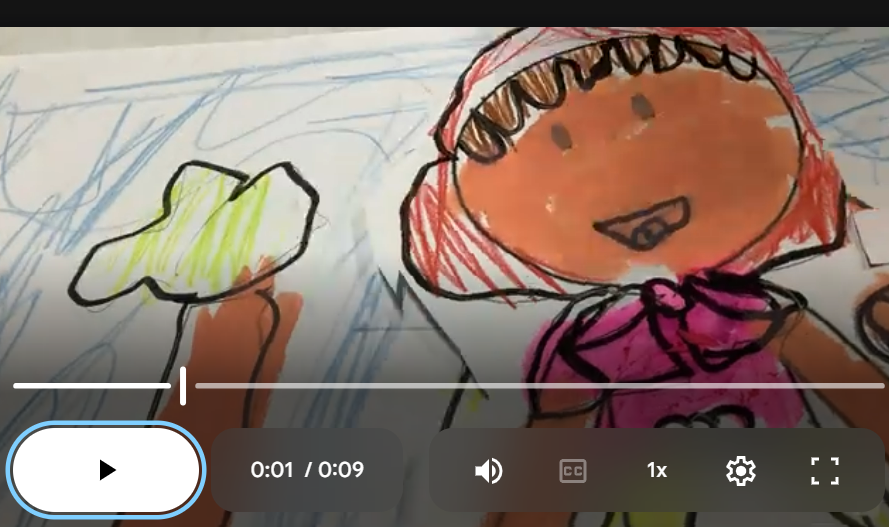
Grade 1 pupils wrapped up the final acts of their fairytale animations by capturing their remaining scene shifts and checking that their story timelines flowed smoothly. While filming teams deleted stray hand frames and ensured high frame density, design teams created structured promotional movie posters featuring hero character illustrations and title banners. Completed animations were then exported and shared directly to the class directory.
Grade 2
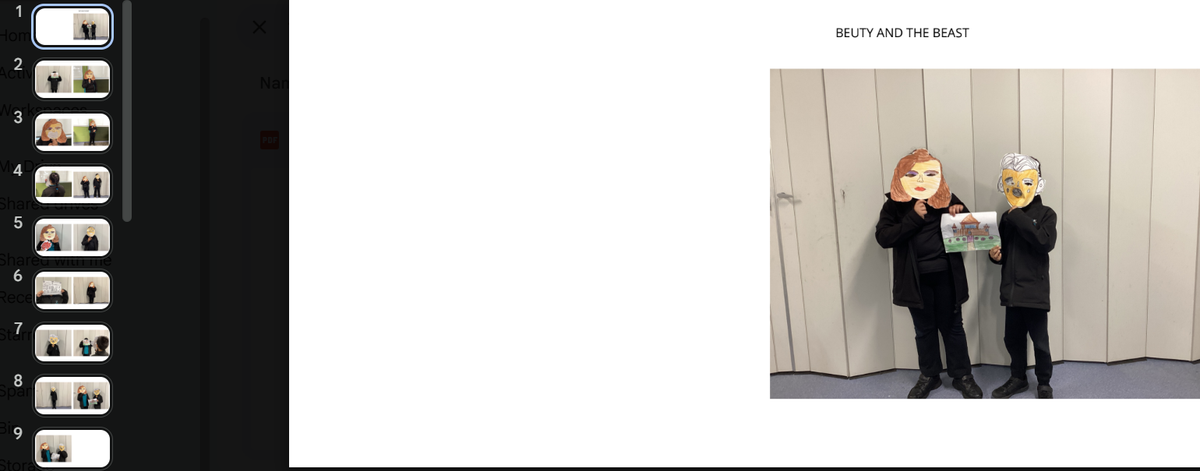
Grade 2 students focused on finalising their digital Beauty and the Beast photo books using Book Creator. Working in editorial and marketing teams, pupils sequenced their photographs chronologically, typed or recorded descriptive captions, formatted cover pages, and drafted back-cover blurbs. Alongside their digital books, students designed eye-catching promotional posters and completed storyboard explainers describing why specific camera shots were chosen.
Grade 3
Grade 3 classrooms transformed into dynamic editing suites as students assembled their 30-second toy commercials. Using digital editing tools, teams trimmed raw footage, inserted transitions, and added text overlays for product pricing. Pupils also recorded energetic, persuasive voiceover tracks directly over their video timelines and finalised their promotional marketing posters in preparation for sales pitches.
Grade 4
Our Grade 4 filmmakers completed their final scenes and transitioned into editing their fairytale short films using iMovie. Students learned how to import video files, arrange clips into chronological story order, and trim away unwanted pauses or bloopers. They also experimented with scene transitions, voiceover effects, and appropriate sound effects to enhance the mood of their narratives.
Grade 5
Grade 5 students concluded active filming and turned their attention to the craft of editing silent movies. Pupils imported their footage into iMovie, carefully sequencing scenes to ensure the visual narrative remained clear without spoken dialogue. They trimmed scenes for precise timing, added title cards, and paired their visual stories with expressive background music and atmospheric sound effects.
Grade 6
Senior Grade 6 students entered post-production for their short social-issue films, ensuring all scenes met strict two-minute duration guidelines. Working collaboratively in editing software, crews organised their captured footage, applied clean cuts to remove errors, inserted meaningful opening titles, and balanced audio levels so their powerful messages on kindness, inclusion, and the environment resonate clearly with audiences.