Specialist classes
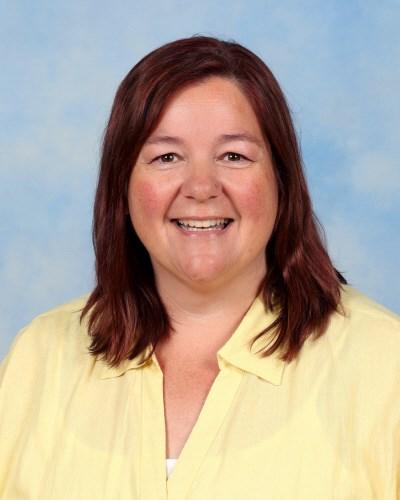
Ms Collins
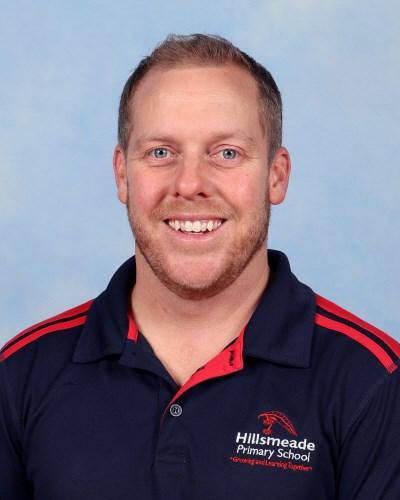
Mr Cole
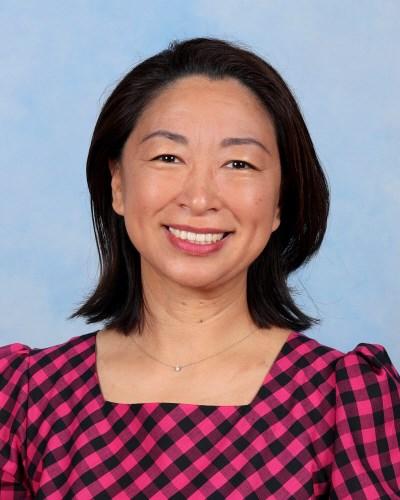
Ms Wang
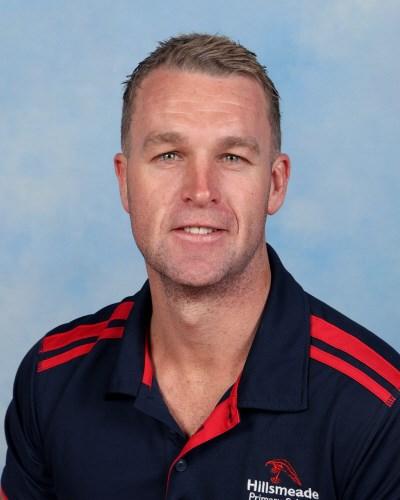
Mr Foster
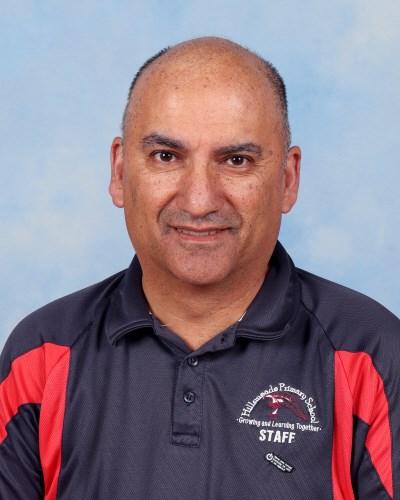
Mr Singh
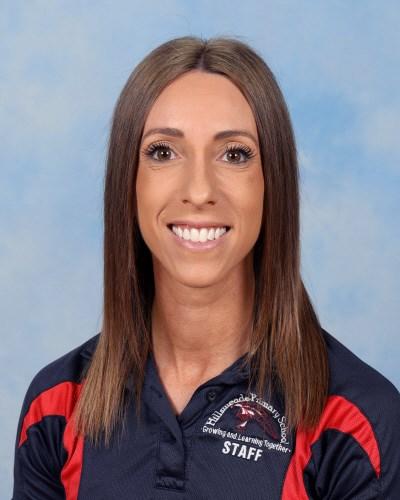
Ms Struth
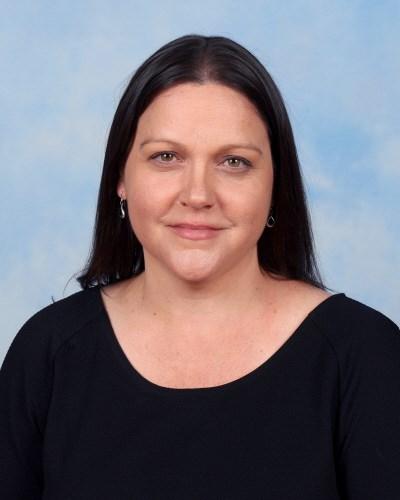
Ms Owen
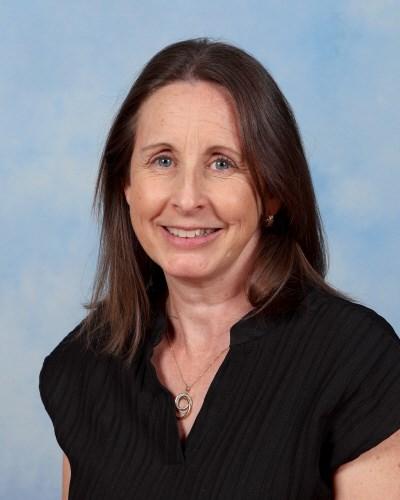
Ms Garwood
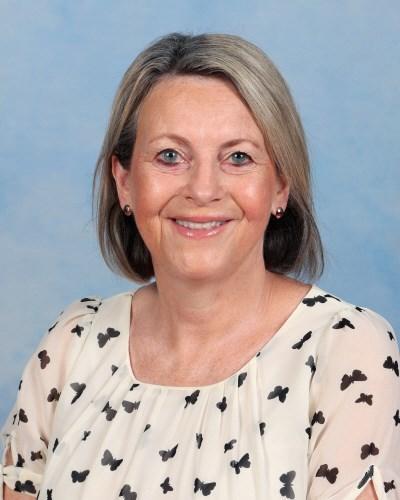
Ms Scott
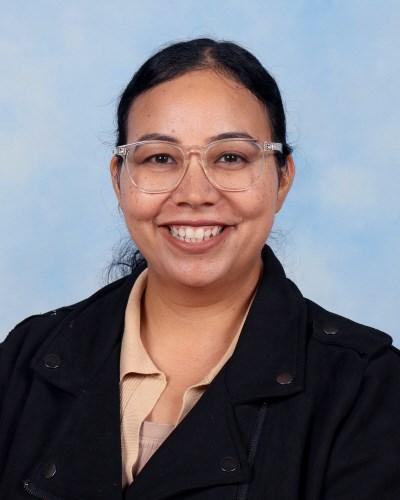
Ms Kaur
Ms Collins
Mr Cole
Ms Wang
Mr Foster
Mr Singh
Ms Struth
Ms Owen
Ms Garwood
Ms Scott
Ms Kaur
Digitech & Media Arts
A snapshot of what our students are creating
Year 2 — Coding with Scratch Jr
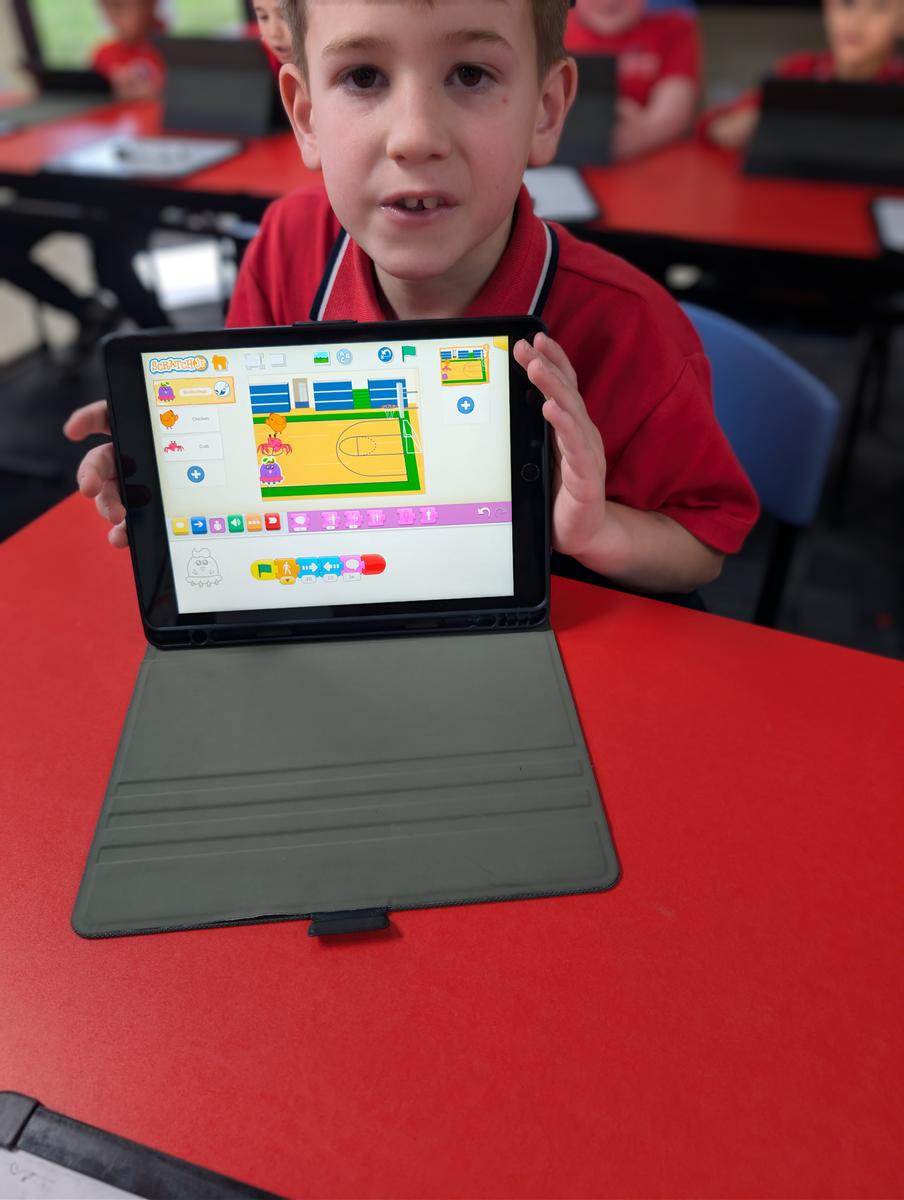
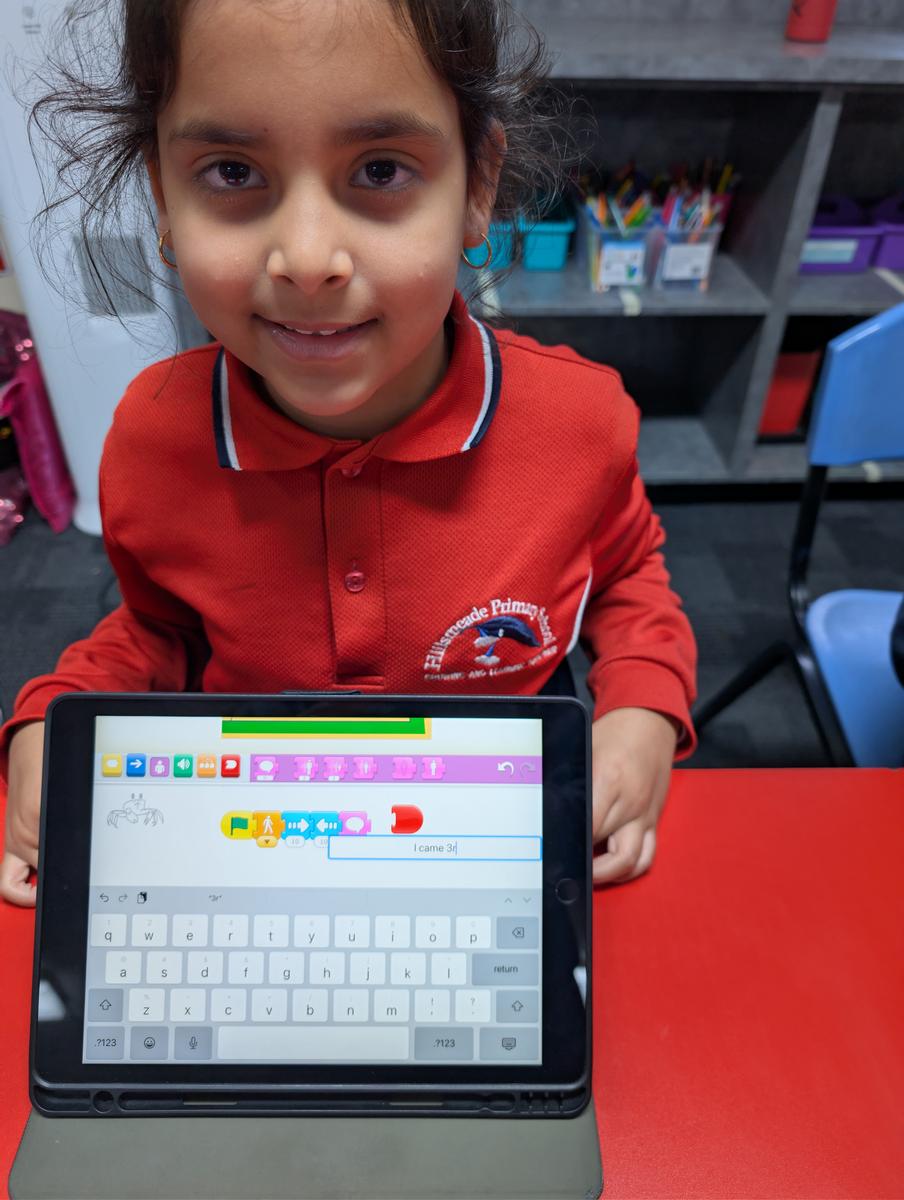
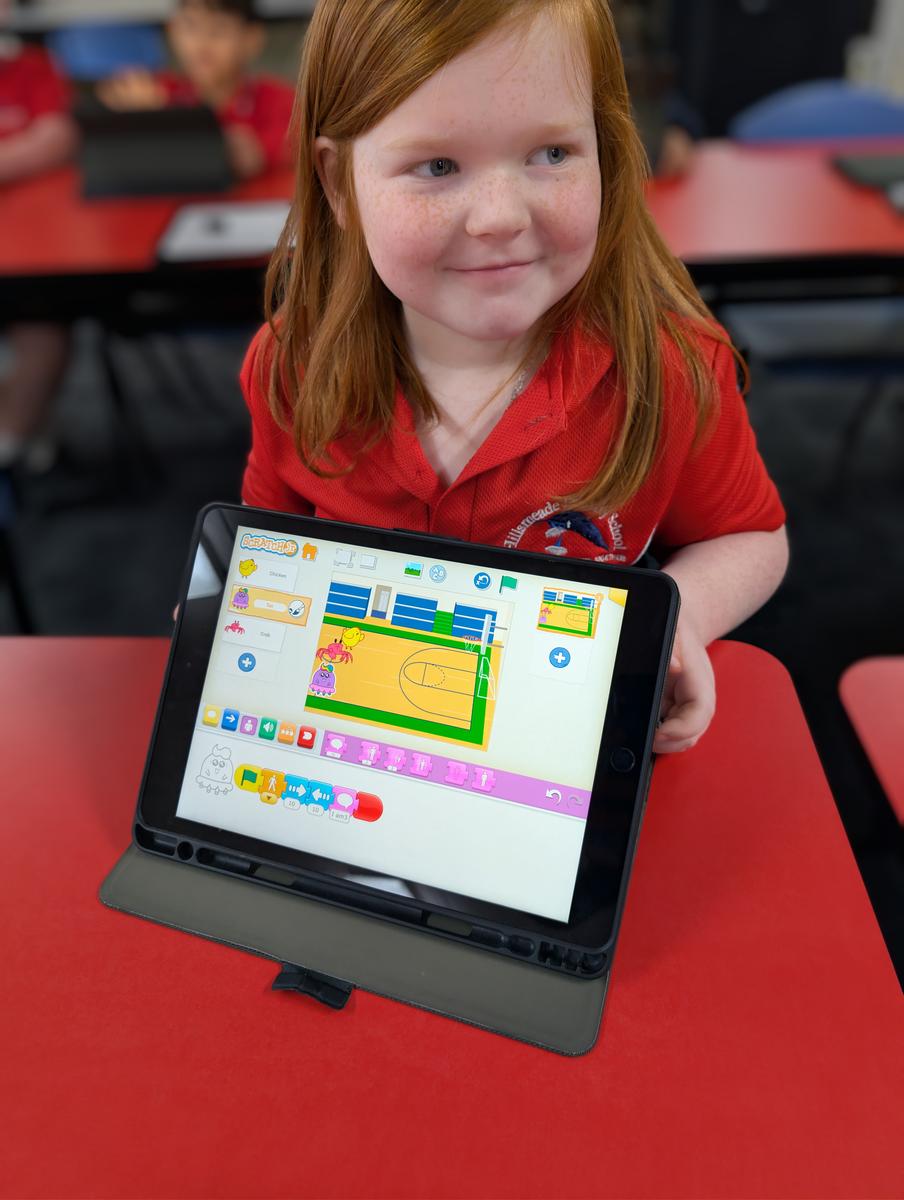
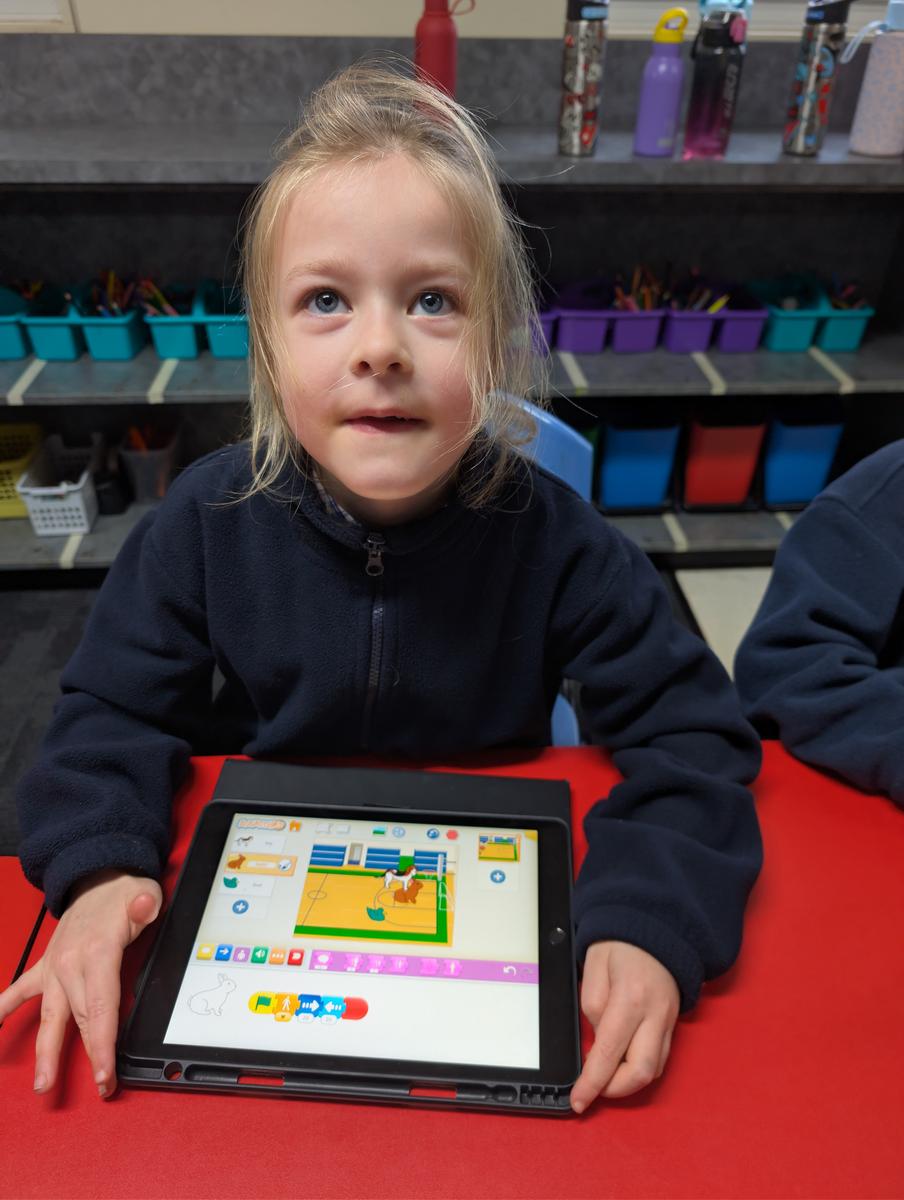
Our Year 2 students are exploring the world of coding using Scratch Jr — a colourful, block-based app that makes programming fun and accessible for young learners. By snapping instruction blocks together, students bring characters to life and begin to understand how computers follow step-by-step sequences.
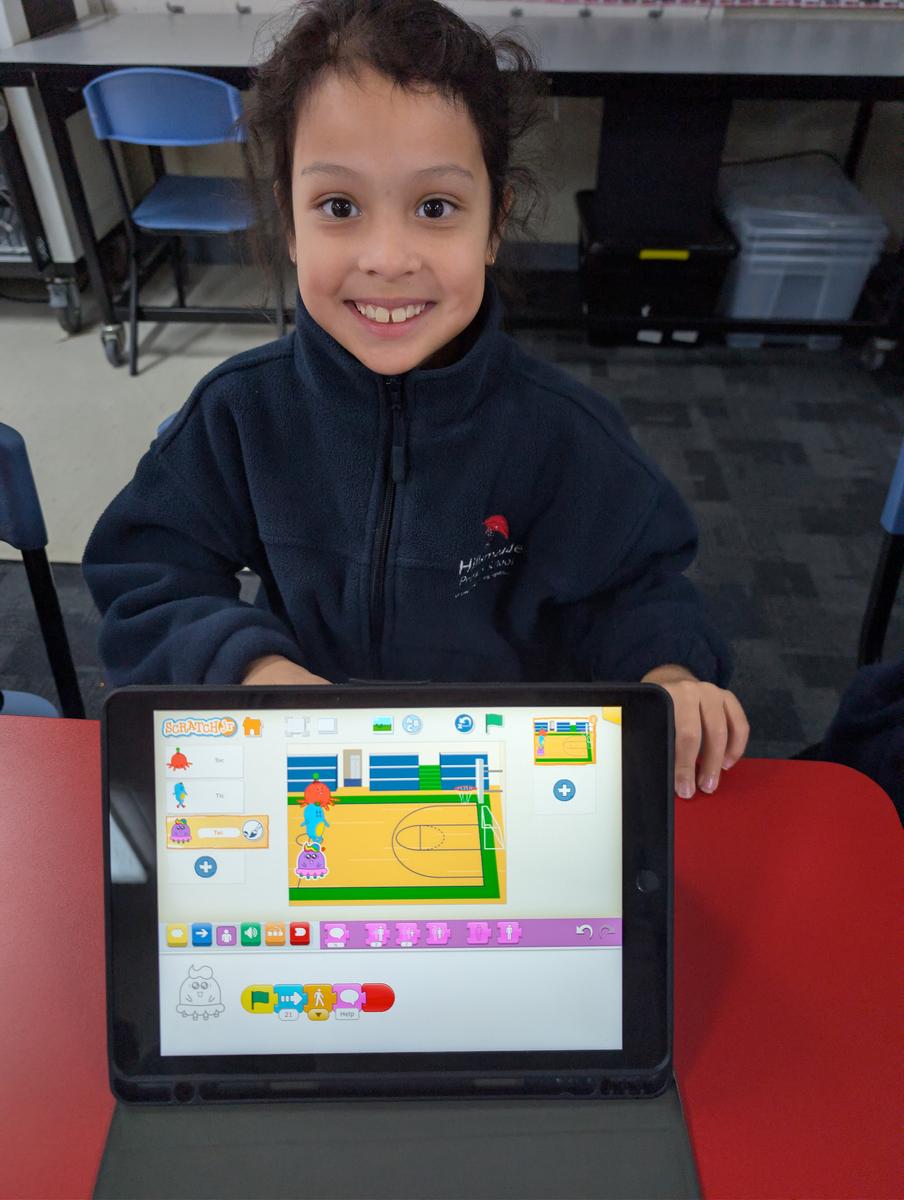
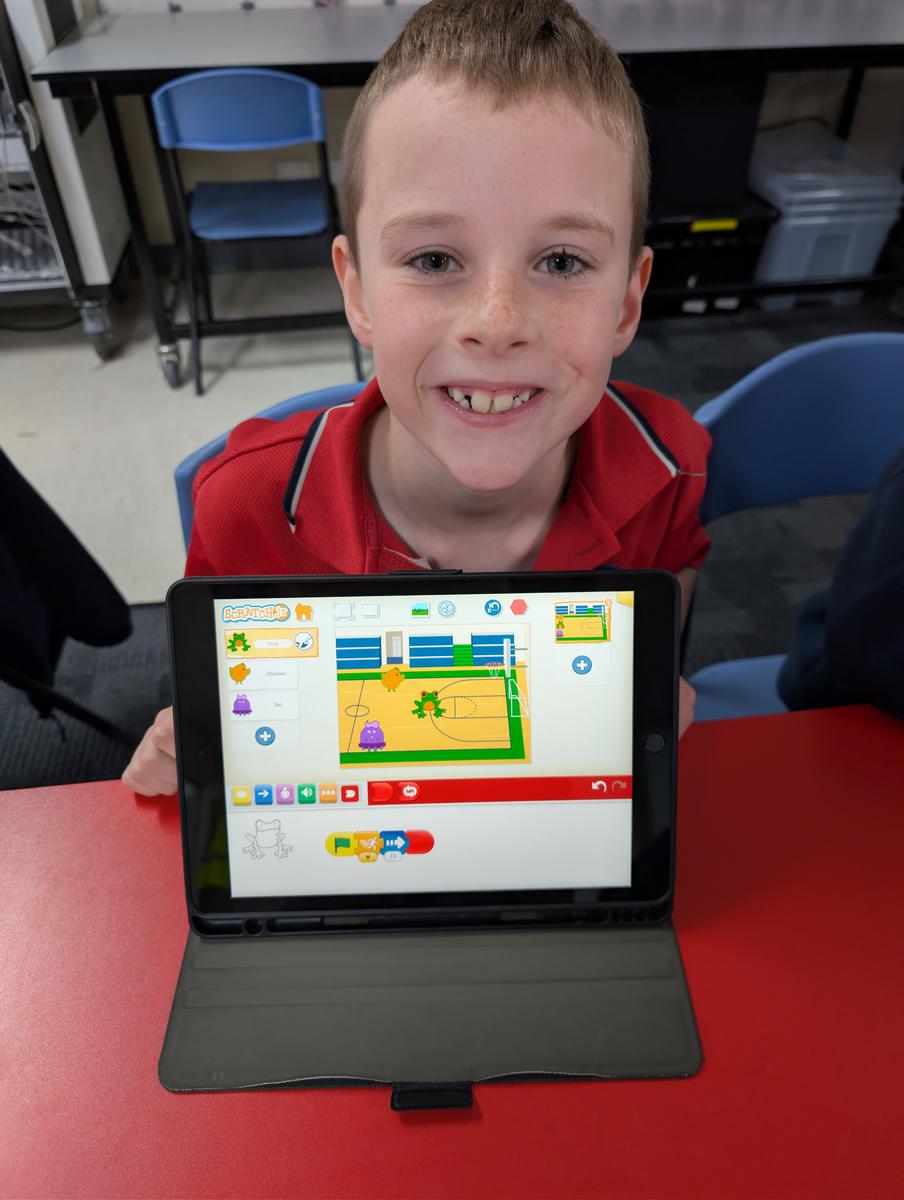
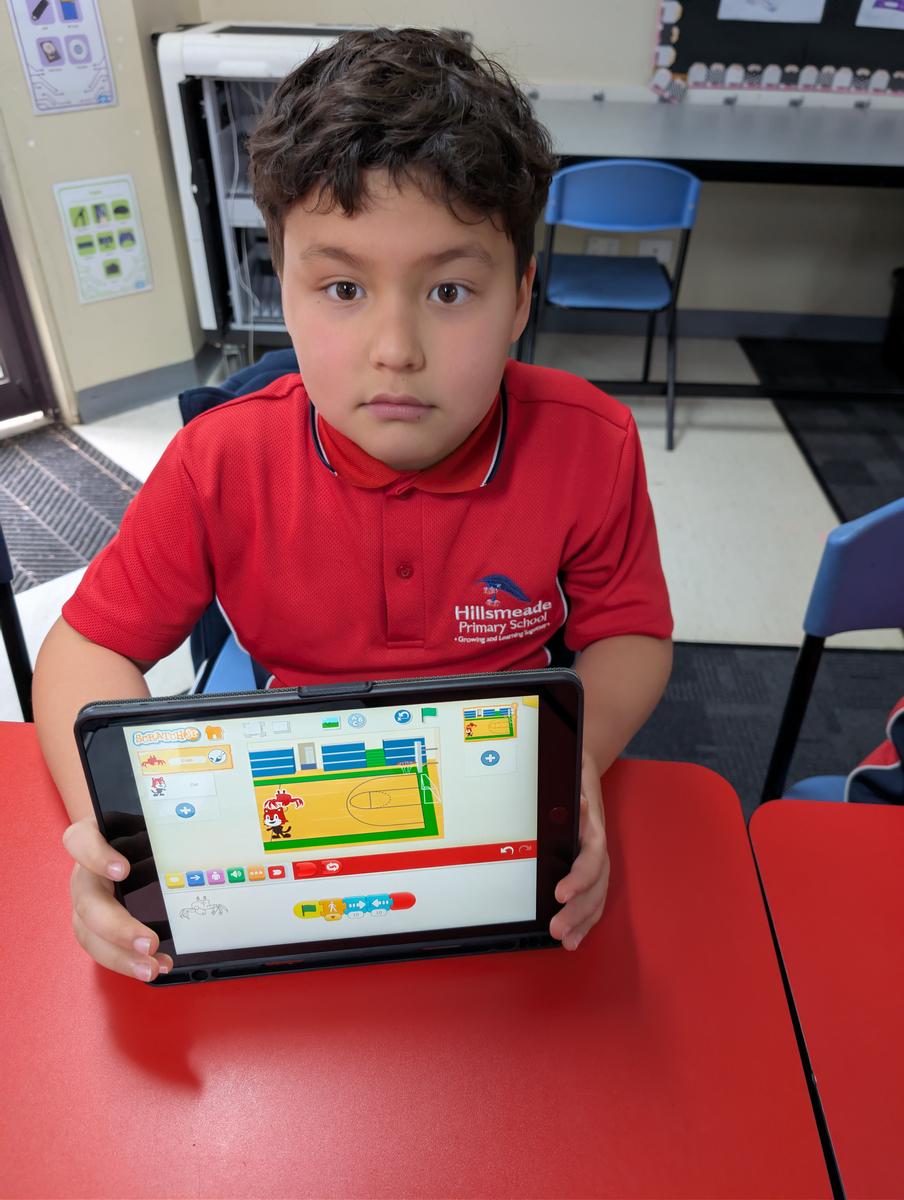
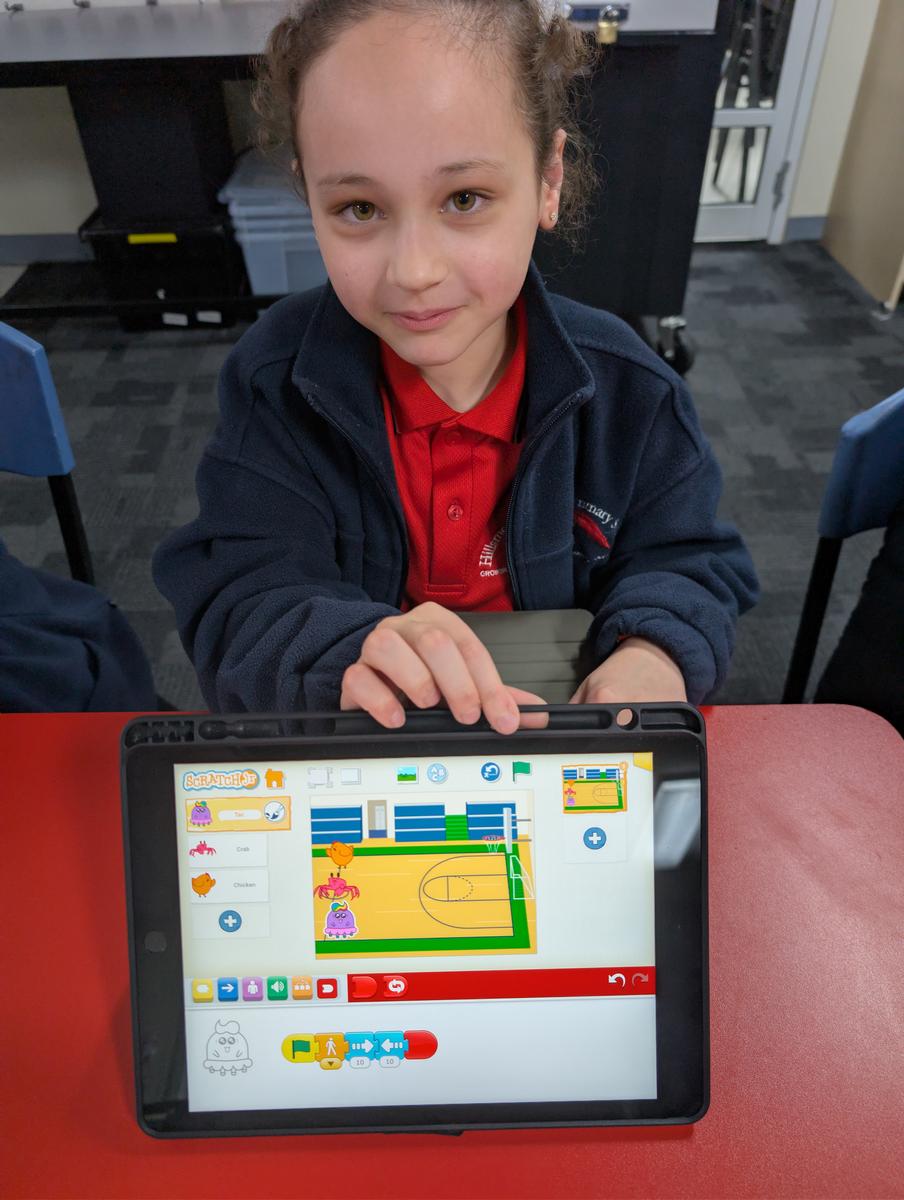
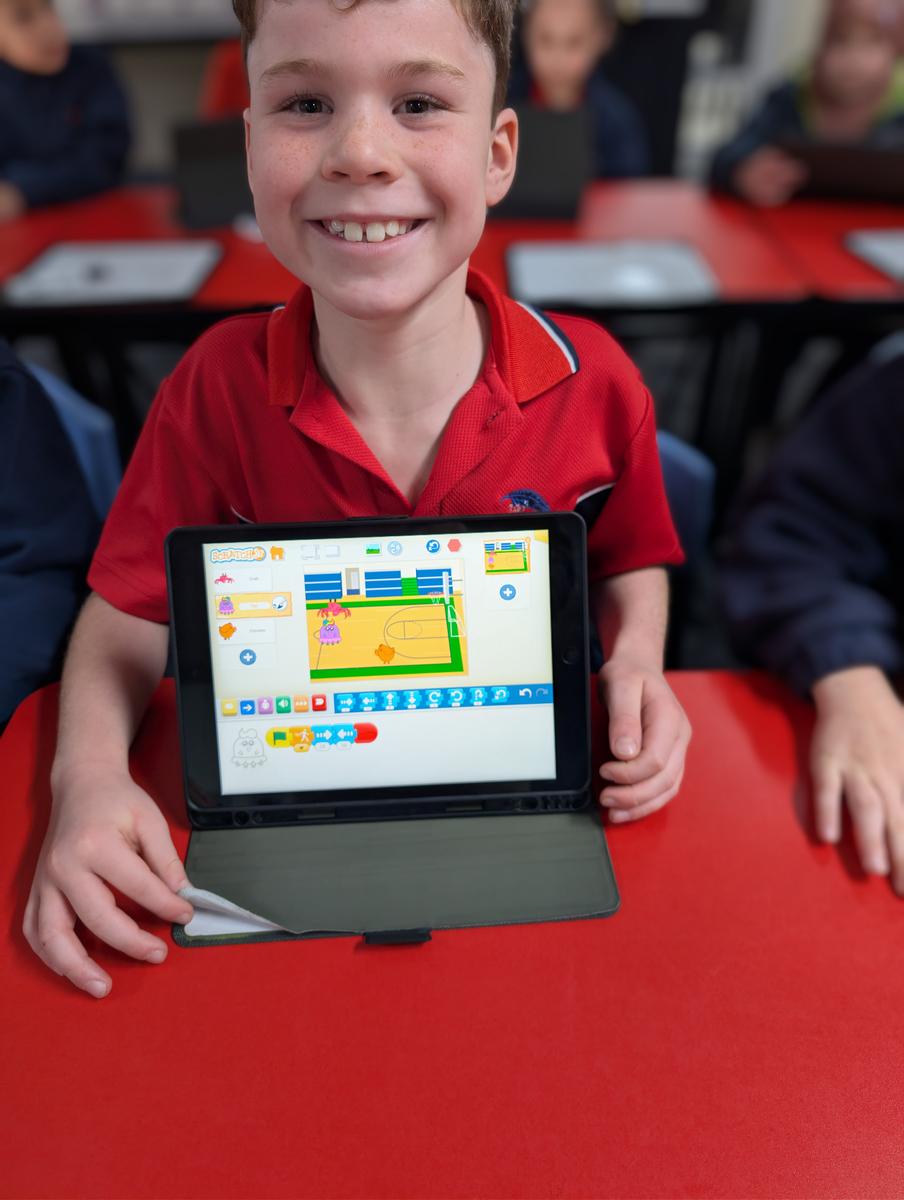
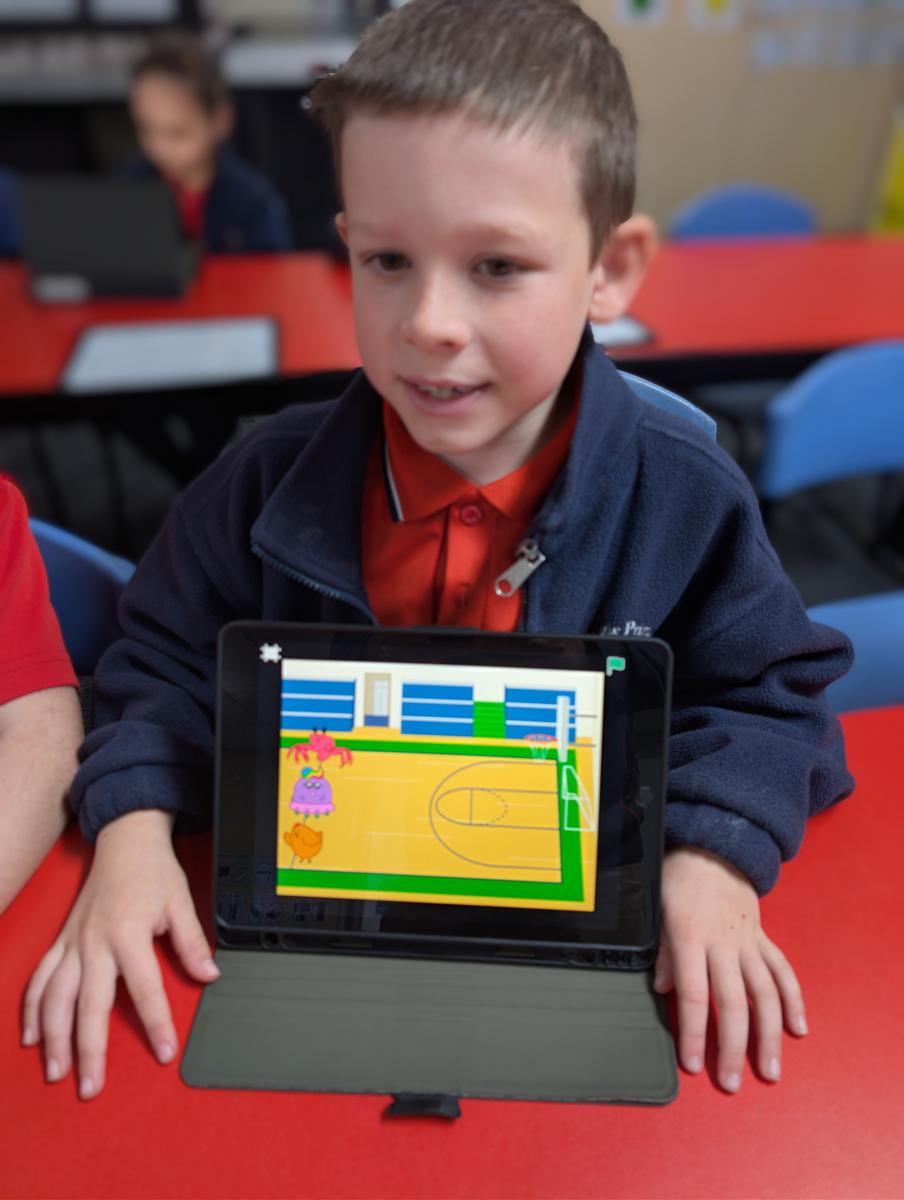
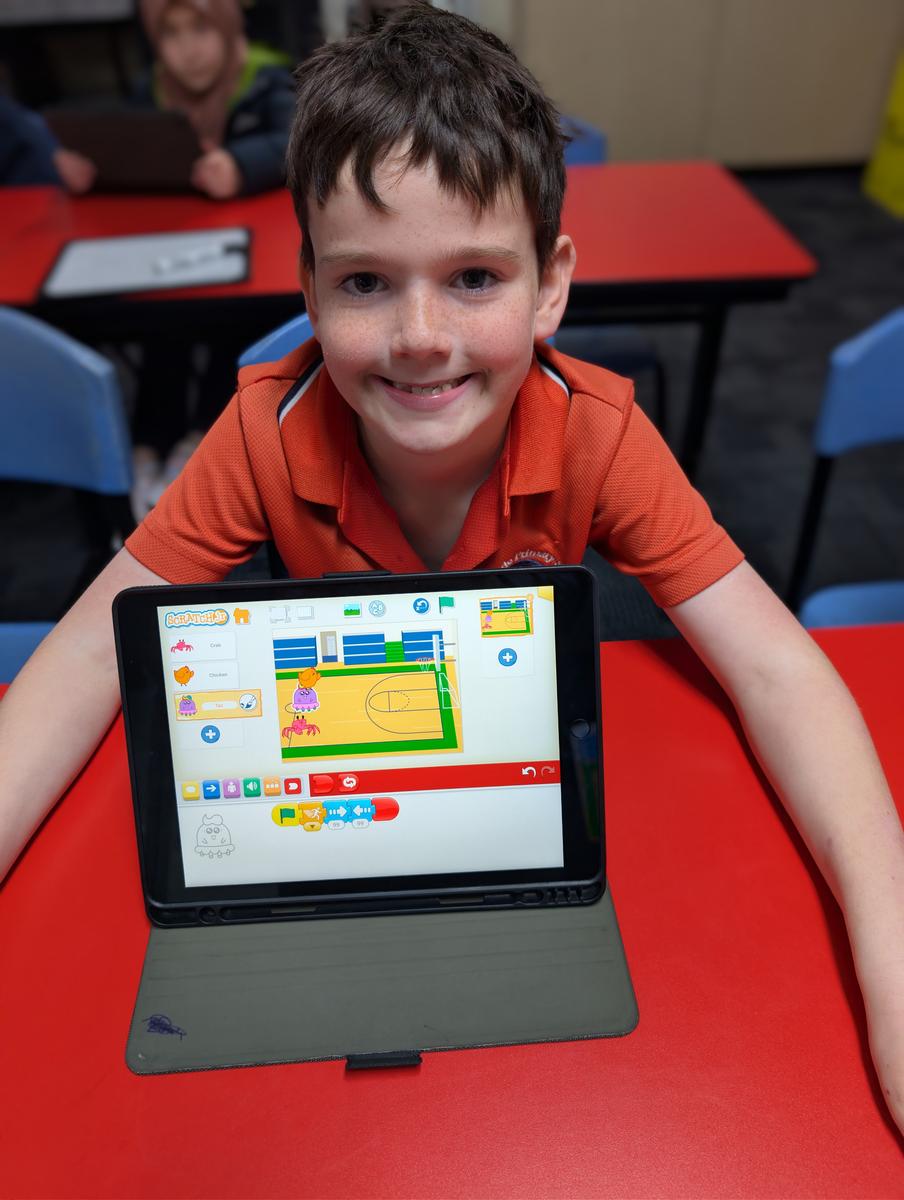
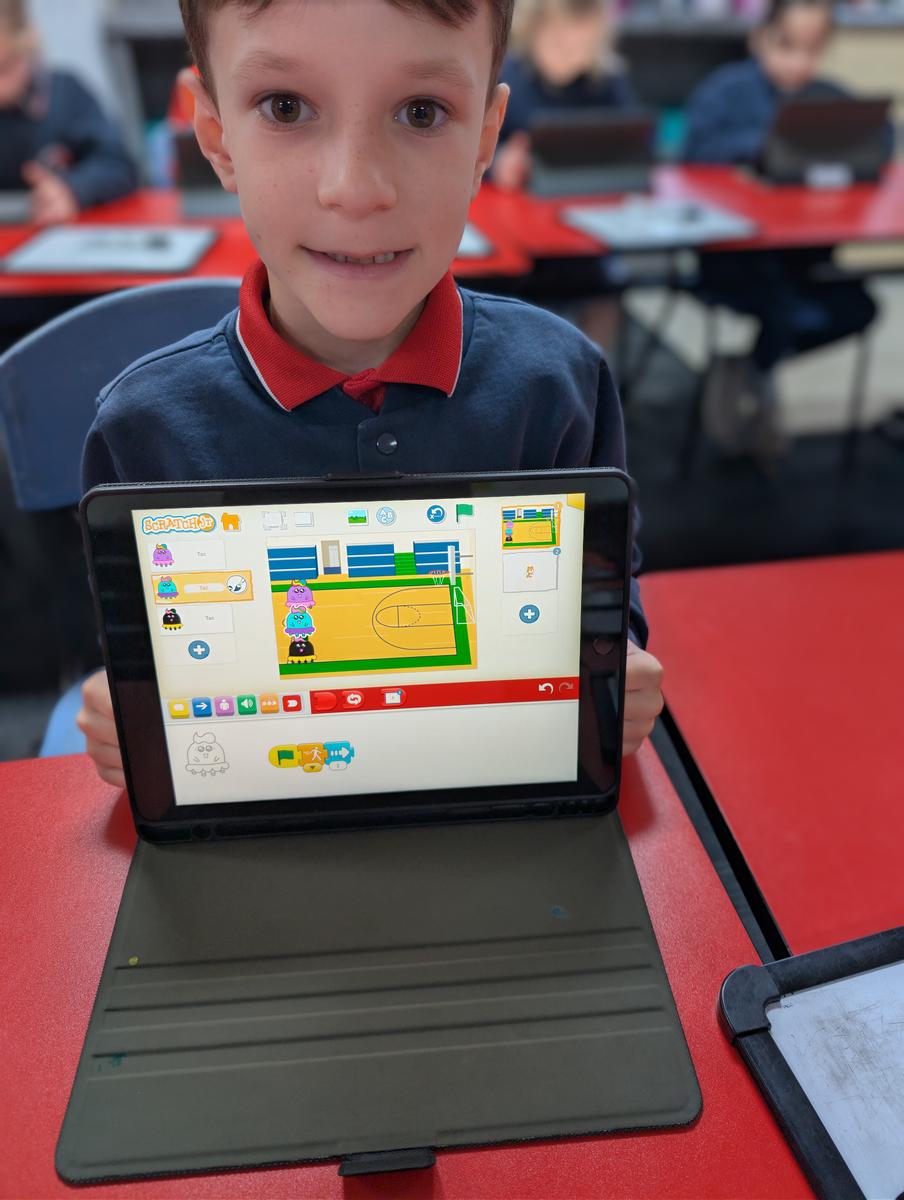
What we're covering:
Across six lessons, students learn what a sequence is and why order matters, build their own animated scenes, program multiple characters, and design a quiz — finishing by testing and improving their own creations.
Continue the learning at home:
- Download Scratch Jr (free) — available on iPad and Android tablets.
- scratchjr.org — beginner activities and video guides for families.
- CS First by Google — free beginner coding activities for kids.
Year 6 — Digital Art with Sketchbook
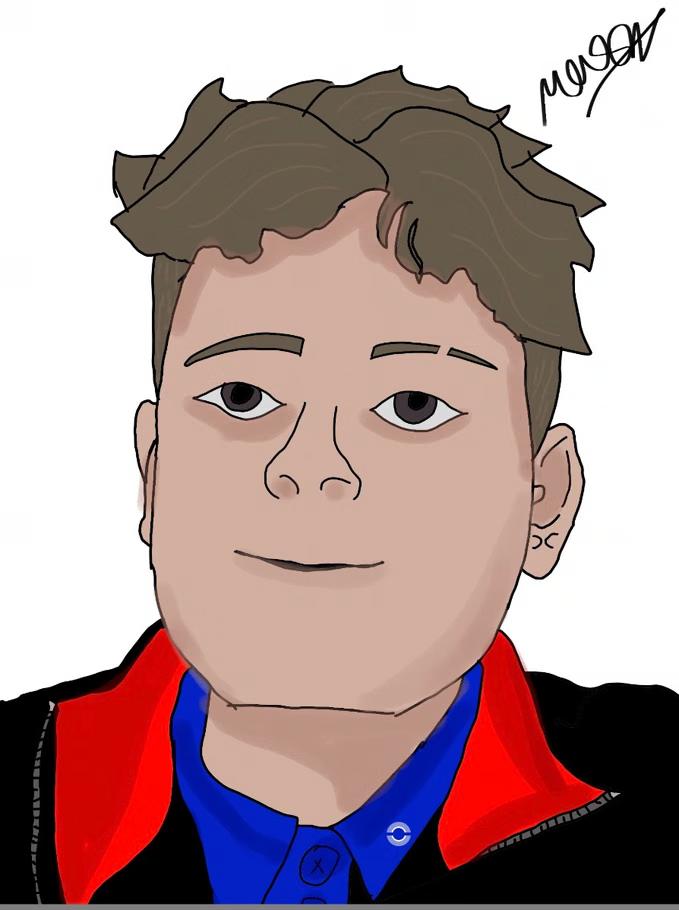
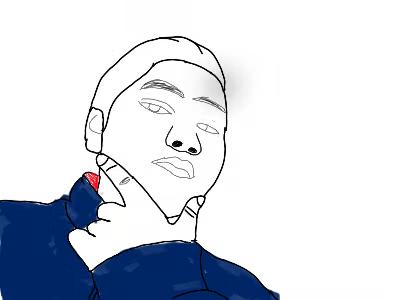
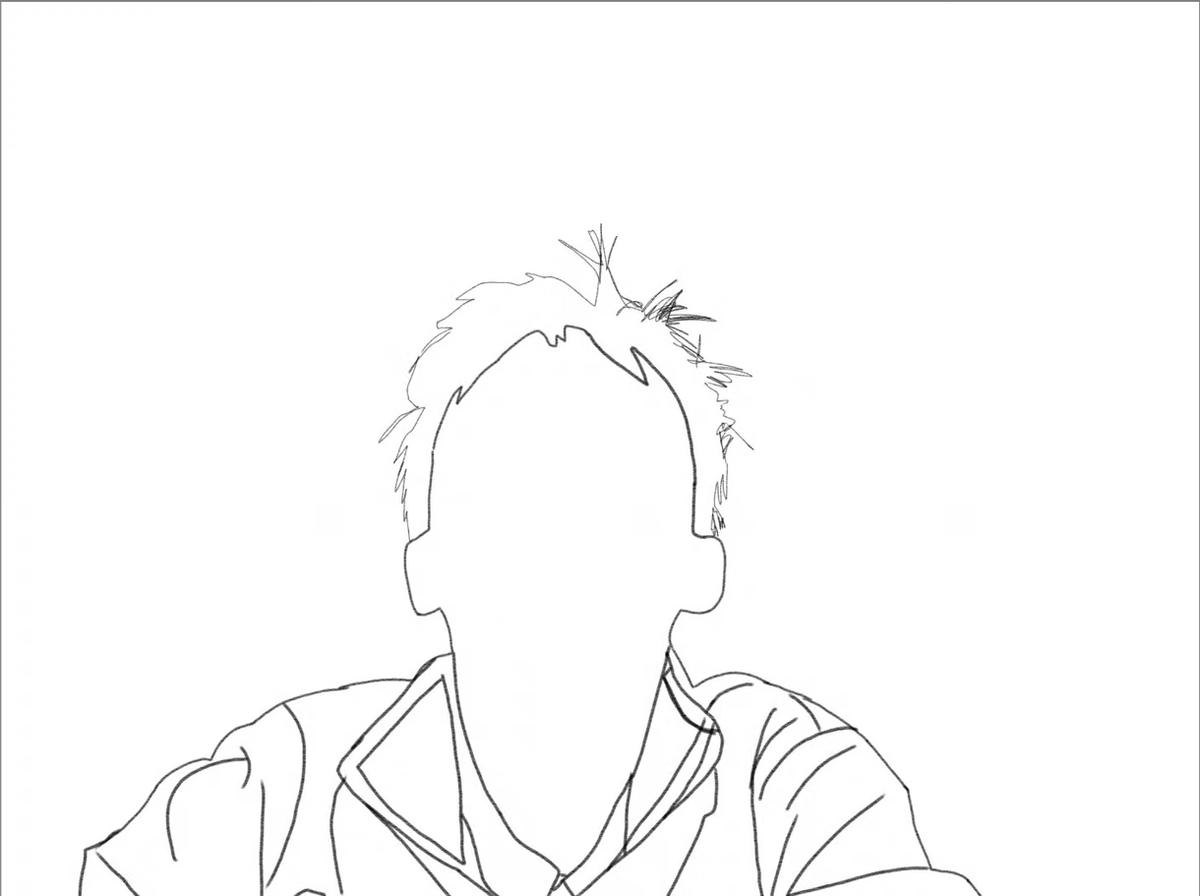
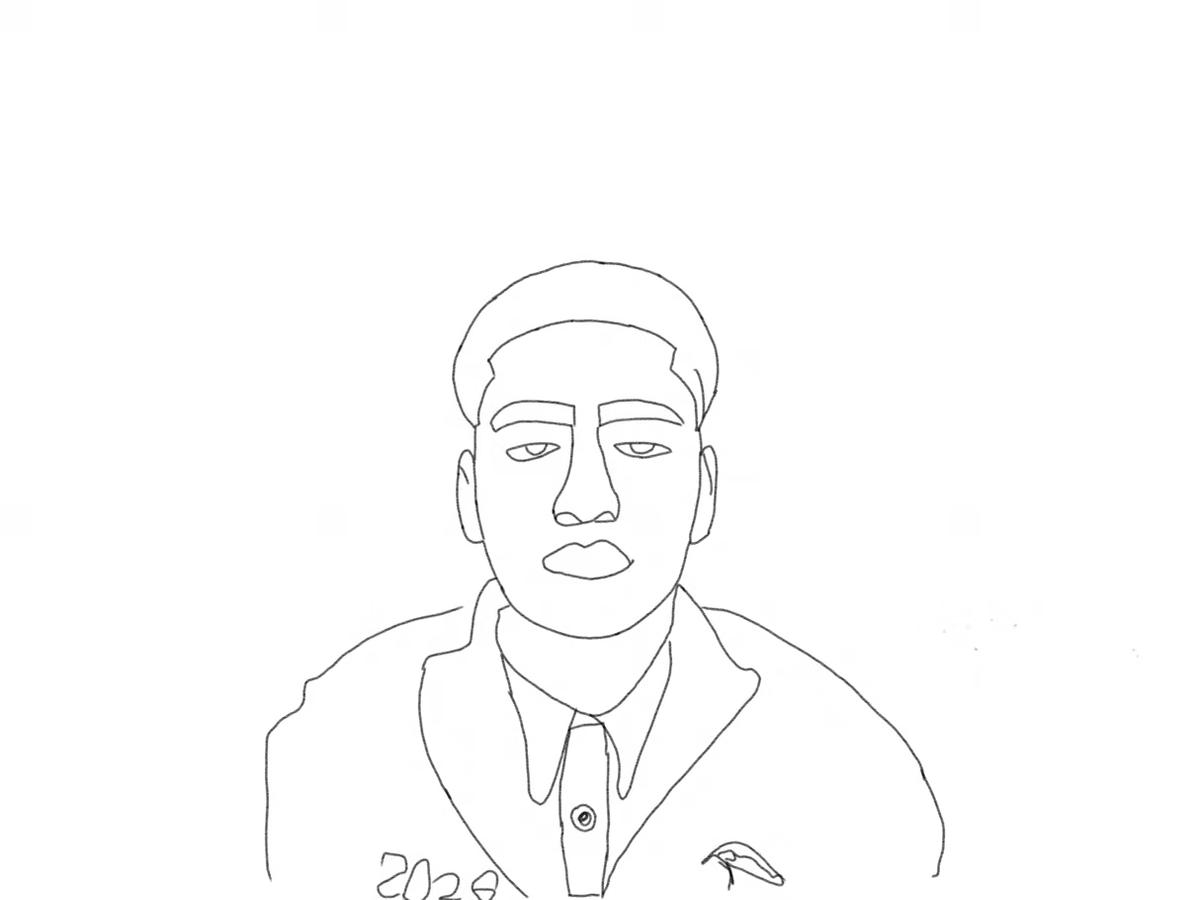
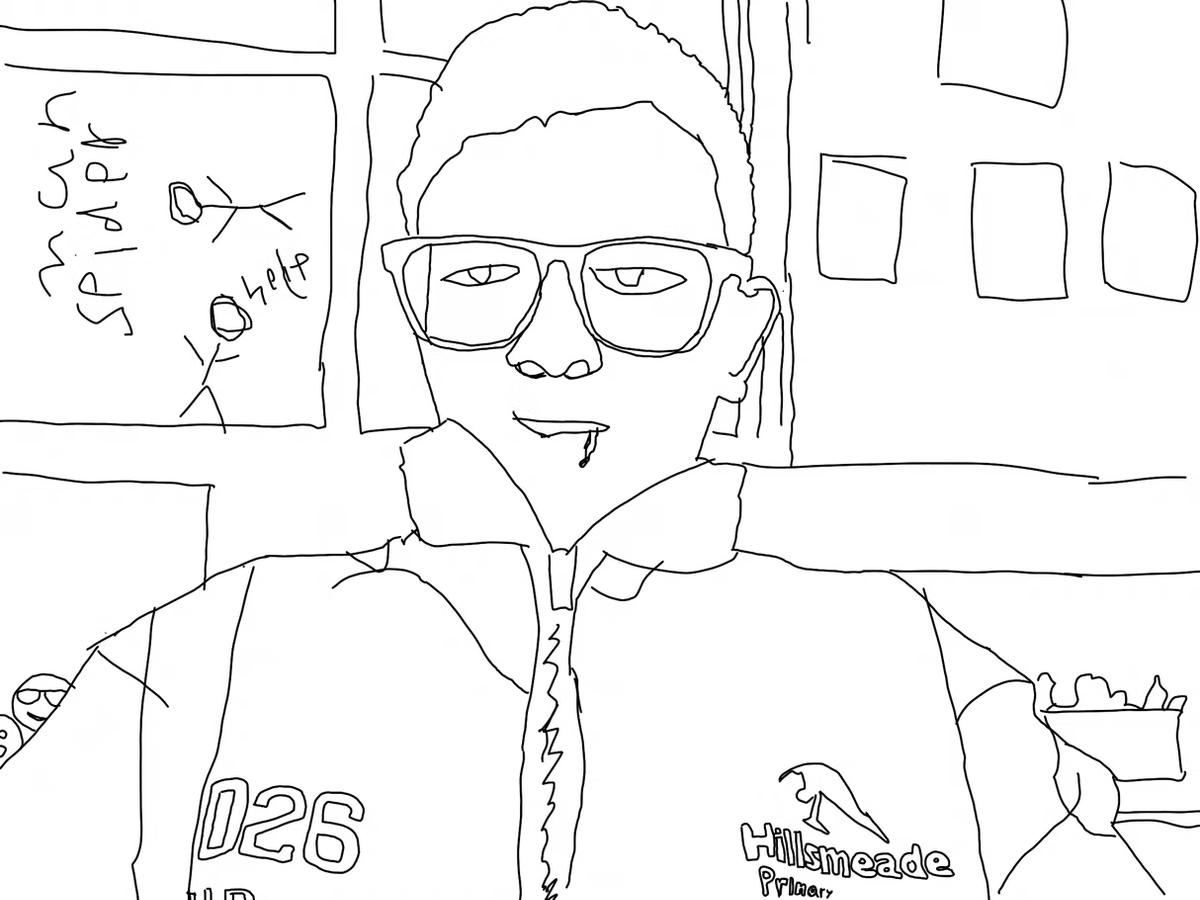
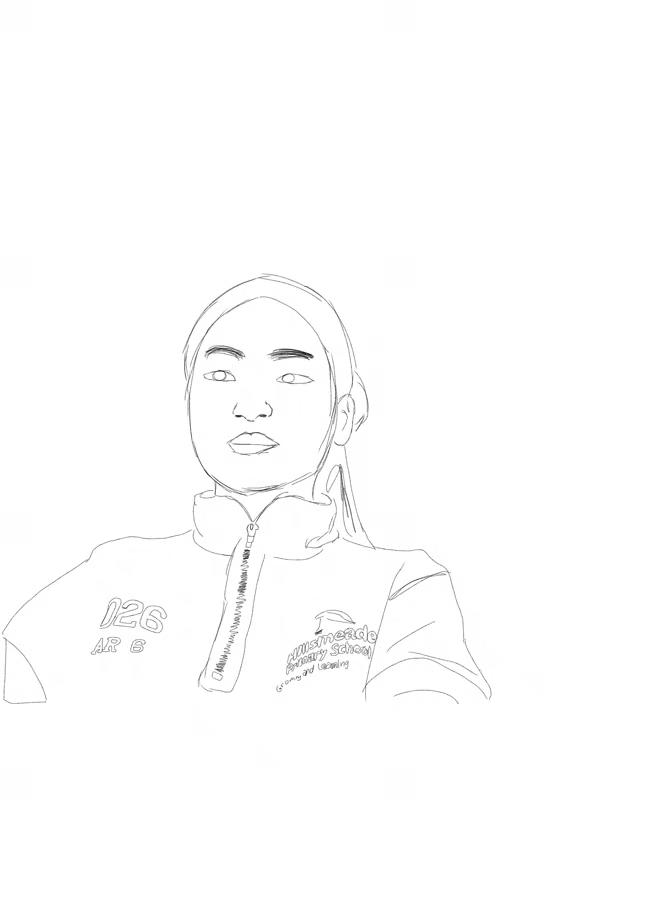
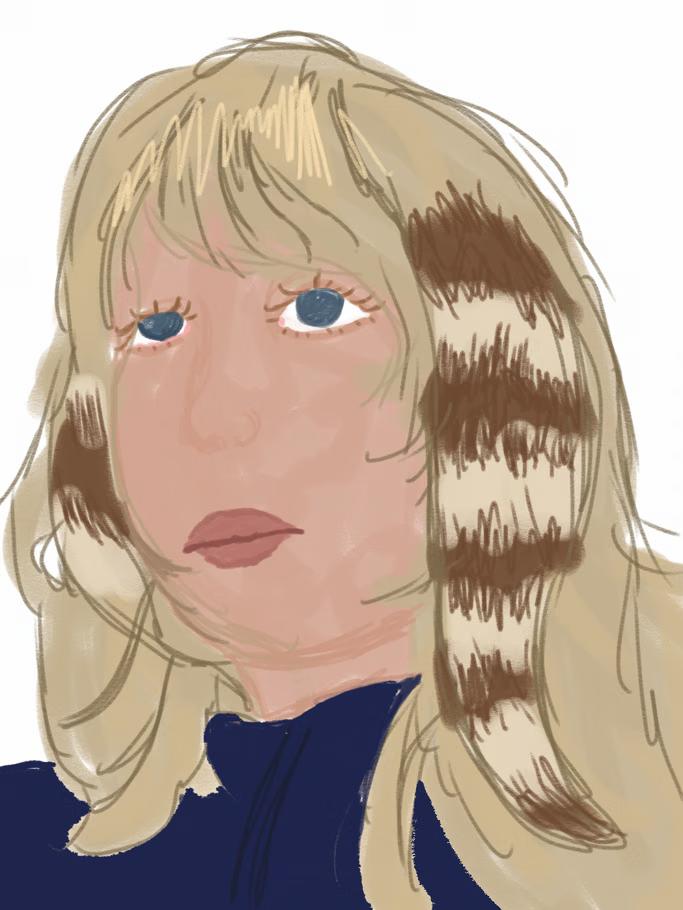
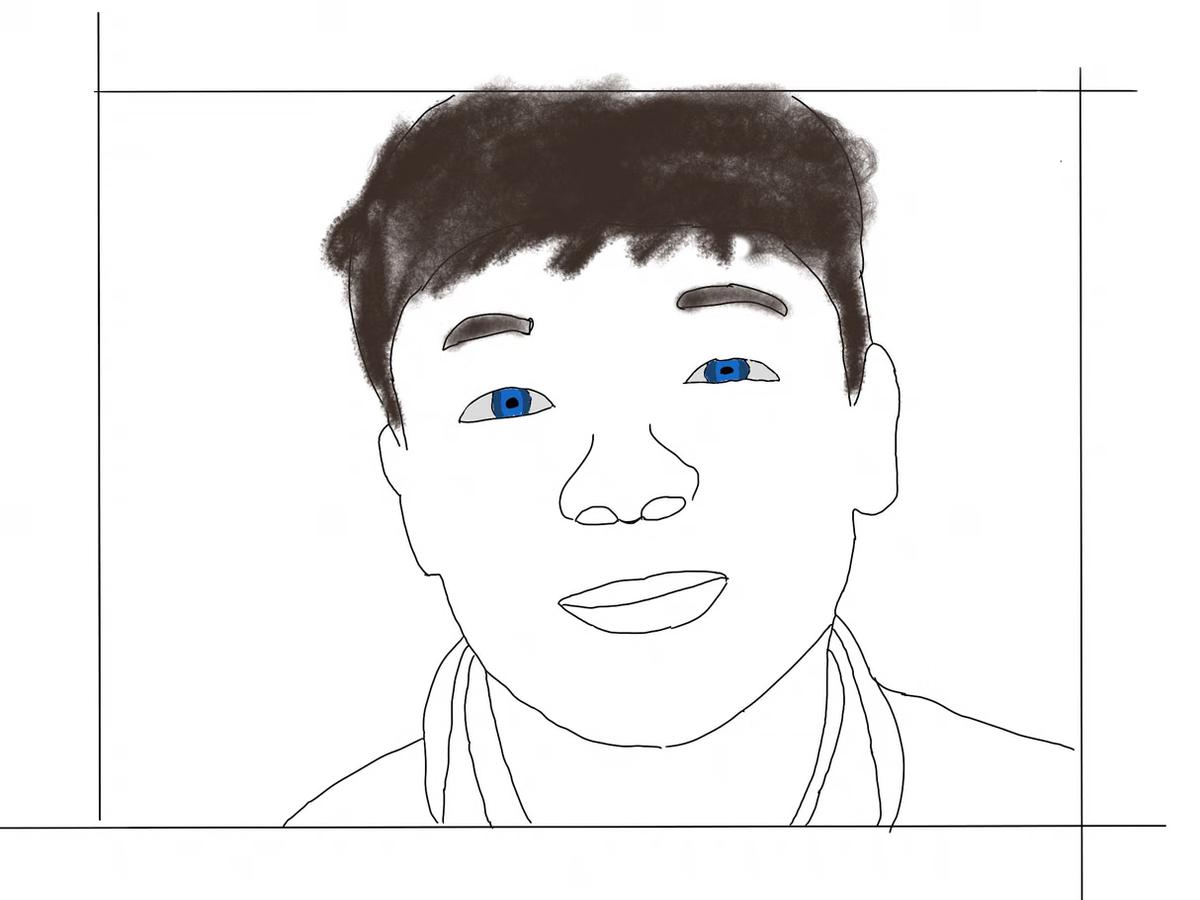
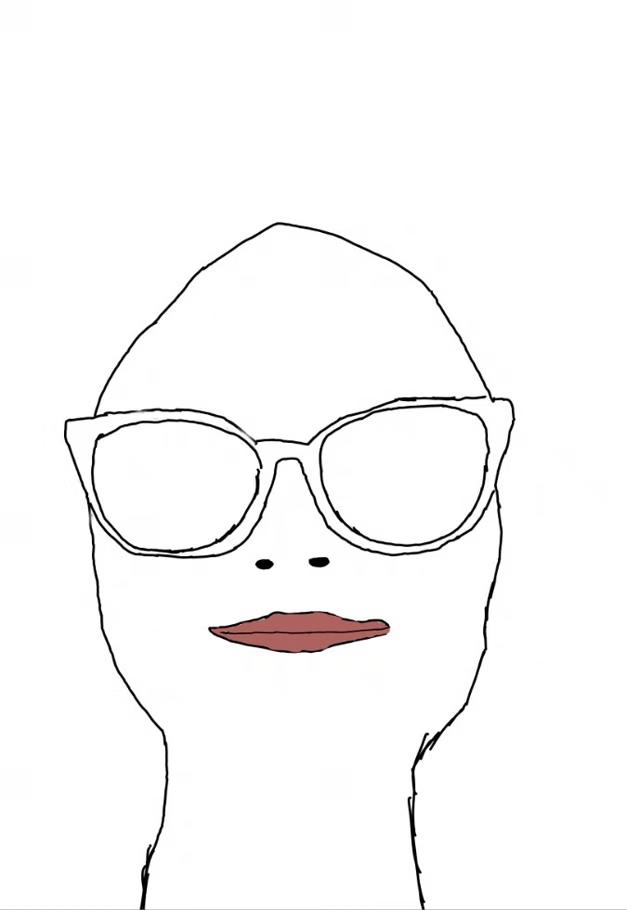
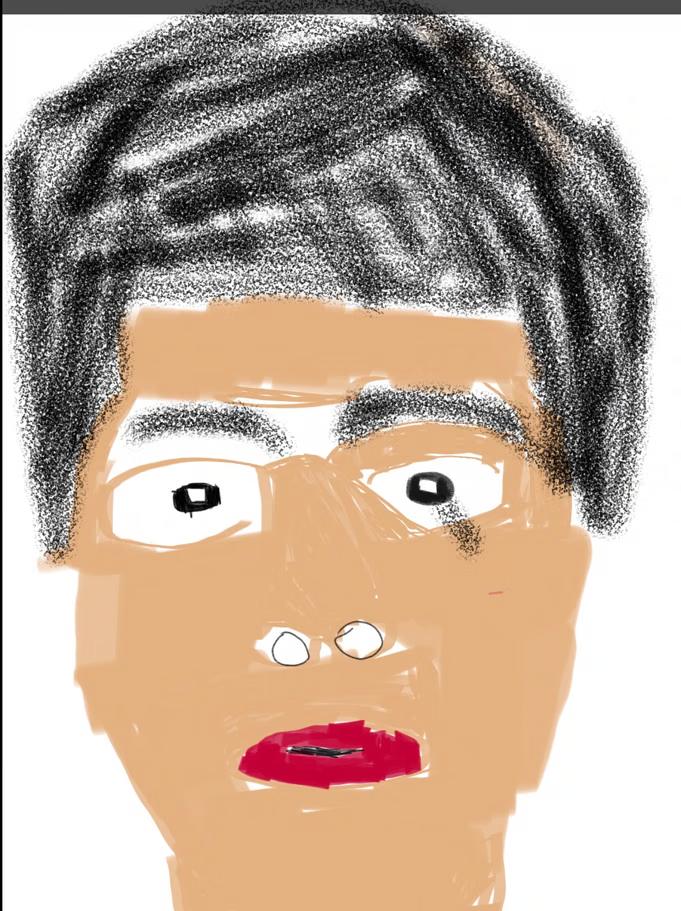
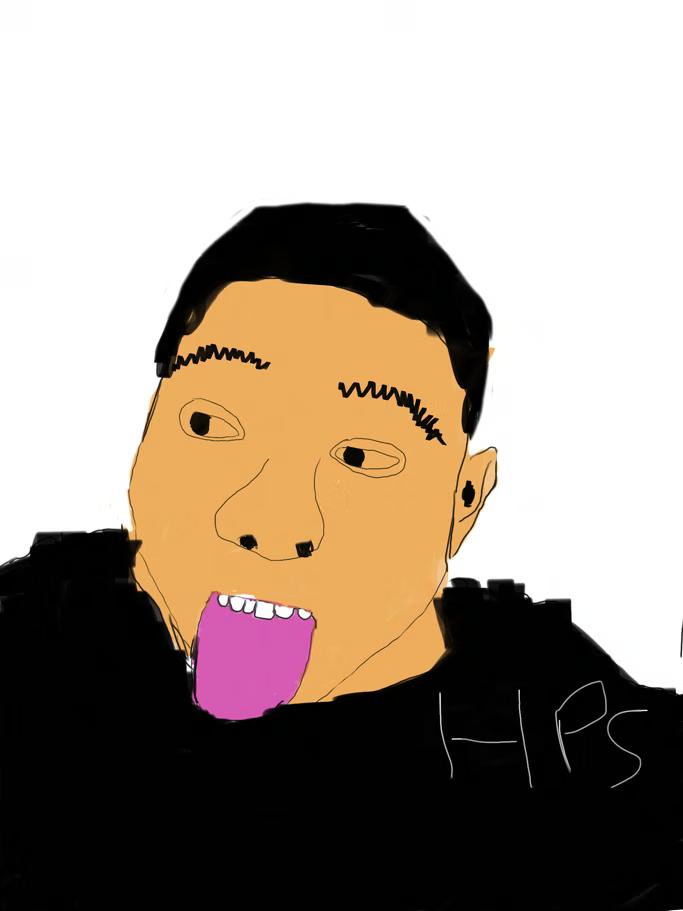
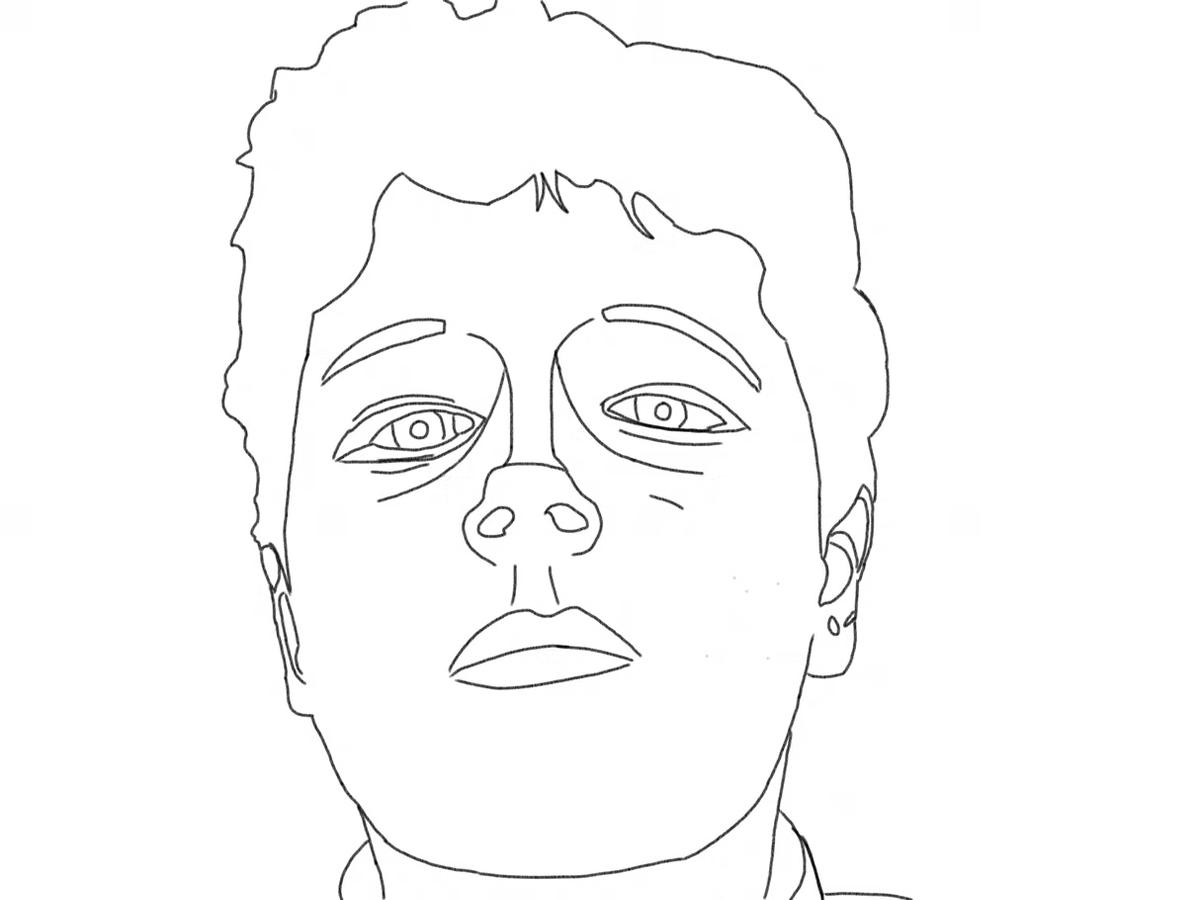
Year 6 students are combining creativity and technology in a four-lesson unit using the Sketchbook app. They are learning to use digital drawing tools to design original artwork — starting with a self-portrait, just like real digital artists do.
What we're covering:
Over four lessons, students trace a self-portrait using photo layers, explore colour palettes and skin tones, experiment with backgrounds and mood, and finish with an artist statement and a digital gallery they can share with an audience.
Continue the learning at home:
- Download Sketchbook (free) — available on iPad, Android, and Windows.
- Sketchbook Help & Tutorials — the same help site students use in class.
- Sketchbook for Beginners (YouTube playlist) — step-by-step video guides.