
MyCE Mobile App
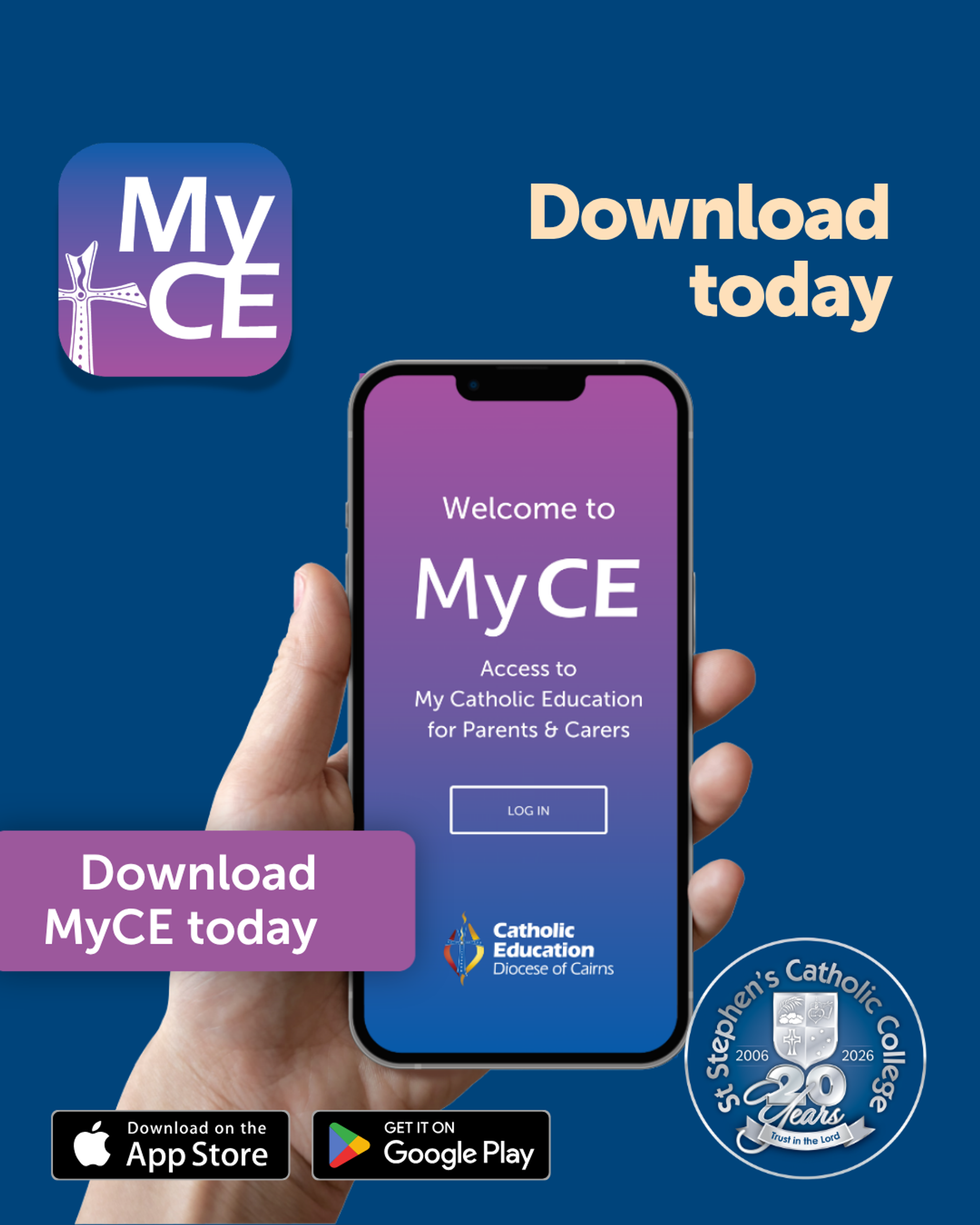
MyCE Mobile App is becoming our primary parent communication channel following the Parent Portal's retirement on 30 June 2026.
We've released a new version of MyCE and encourage all users to check that they're running the latest version to enjoy the updated design, performance improvements, new features and fixes, and the best possible MyCE experience.
Current Version: V2.0.0 (3300571)
You can find your app version displayed at the bottom of the Home Screen or MyStudents screen (for older versions). If an earlier version is displaying, please update your App following the steps below.
Check in the App/Play Stores for the latest version
- Open the App Store (Apple devices) or Google Play Store (Android devices).
- Search for MyCE.
- Tap the MyCE app icon to view MyCE app details page and confirm that that you have the latest version.
- If an update is available, tap it to install the latest version.
If you haven’t already downloaded the App, please go to the Apple App Store or Google Play Store and download it today.
If you need help with MyCE, please contact us at 4086 2500 or refer to the MyCE User Guide. We welcome all feedback on the app, and thank you for notifying us of any issues - this will allow us to quickly resolve problems.