Learning & Teaching
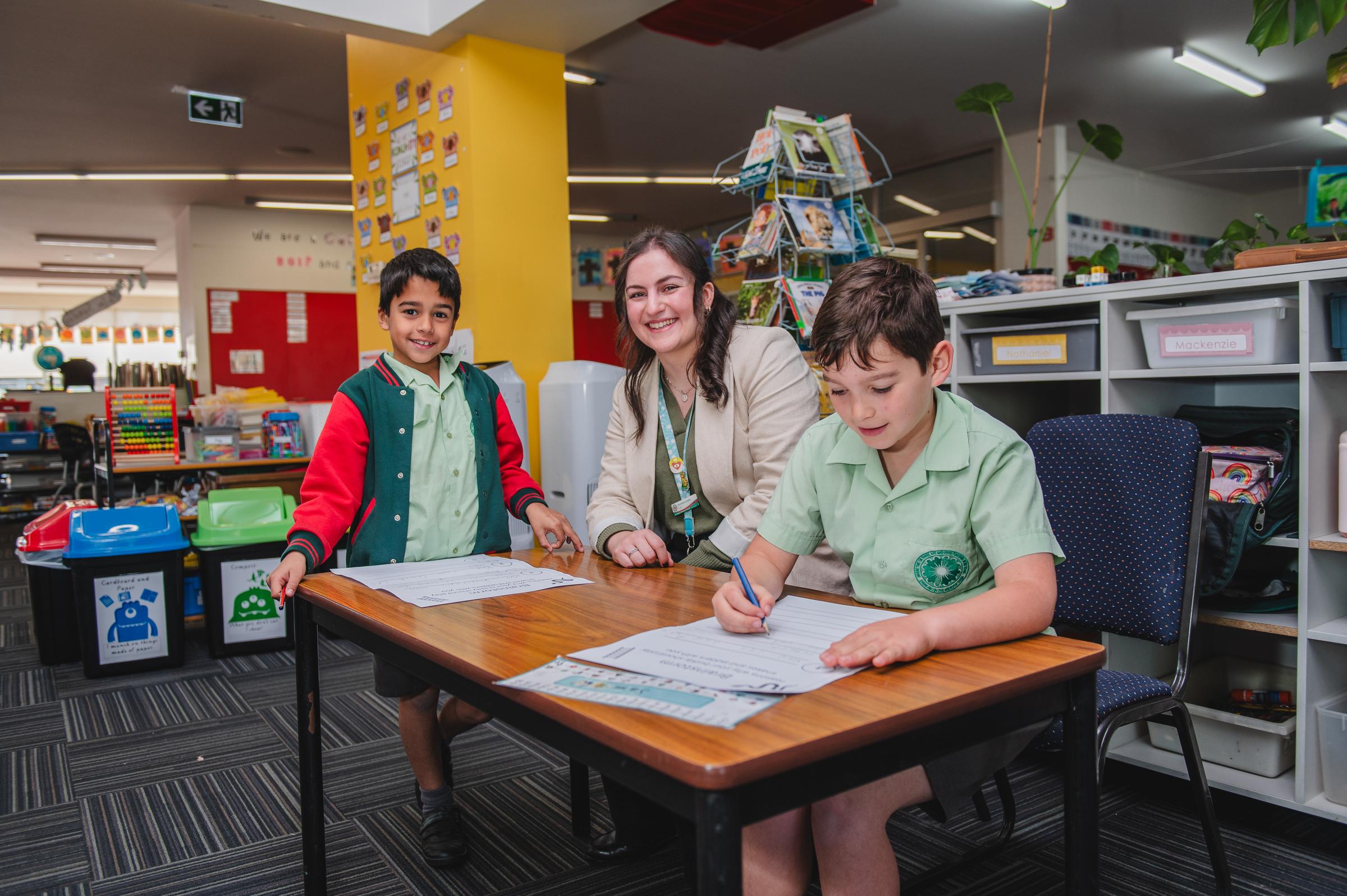
On Tuesday, June 23 after 4 pm, you will be receiving your child’s Semester One Report online via the nForma Parent Portal.
Instructions on accessing the nForma Parent Portal are provided below.
Accessing Your Child's Report via the nForma Parent Portal
How to Access the nForma Parent Portal:
1. Using the nForma App:
Download the nForma Parent Portal app from the Apple App Store or Google Play Store.
2. Using the Web Portal: Visit the nForma Parent Portal at https://portal.nforma.com.au/login
Logging In:
1. Use the email address registered with the school to log in.
2. If you have forgotten your password, click on the "Forgot Password?" link on the login page.
3. A password reset email will be sent to you from no-reply@nforma.com.au. Please check your junk or spam folder if you do not see it in your inbox.
Viewing Your Child's Report:
● After logging in, select your child from the list.
● Click on "View Reports" or scroll to the bottom of the page to find the report.
● Click on the "Download" link to download the PDF of your child’s report.
If you have any questions, please feel free to contact Sam Stasiak at: sstasiak@spbentleigheast.catholic.edu.au