Attendance



















 Evans High School
Every Day Counts – Supporting Student Attendance with Compass
Regular school attendance plays a vital role in every student's learning, wellbeing and success. Every day at school provides valuable opportunities to build knowledge, develop friendships and stay connected with teachers and classmates. Even missing just a few days each term can have an impact on learning.
If your child is going to be absent, we ask that you please notify the school as soon as possible through the Compass Parent Portal. Recording your child's absence through Compass helps us ensure all students are accounted for and allows us to maintain accurate attendance records.
Getting Started with Compass
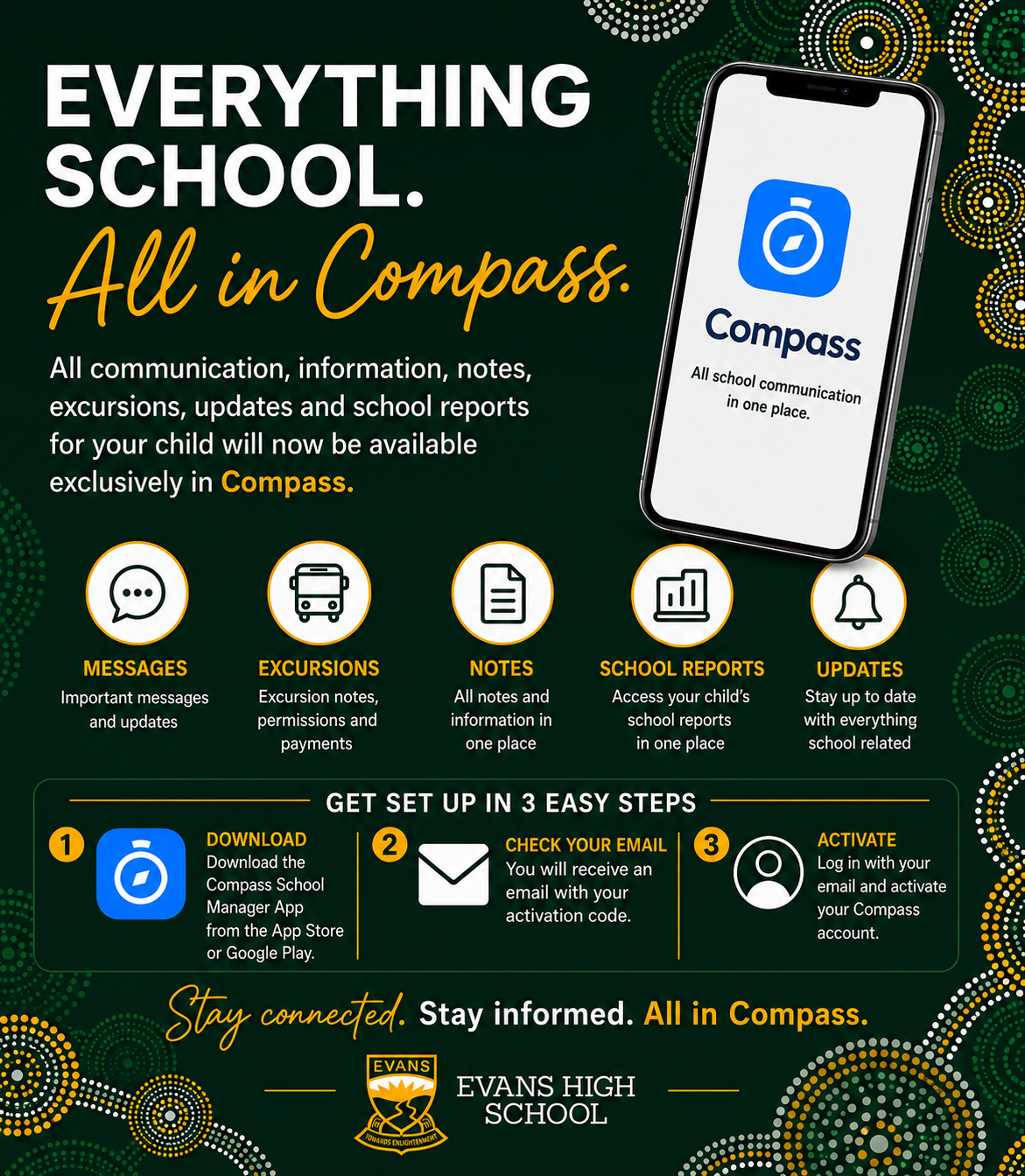
If you haven't already, download the Compass School Manager app from the Apple App Store or Google Play Store. You can also access Compass through your web browser.
Use the login details provided by the school to sign in. If you've forgotten your password or are having trouble accessing your account, please contact the school office and we'll be happy to assist.
How to Submit an Attendance Note
Open the Compass School Manager app or log in to the Compass Parent Portal.
Select your child from the home screen.
Tap Add Attendance Note or Explain Absence.
Select the date or dates your child will be absent.
Choose the reason for the absence.
Add any additional information if required.
Tap Submit to send the attendance note to the school.
Thank you for working with us to support your child's education. By ensuring your child attends school whenever possible and by promptly explaining absences through Compass, you're helping your child make the most of every learning opportunity.