Leader of Learning
Mrs Lynne Slater
















Leader of Learning
Mrs Lynne Slater
Assessments are commencing for all students. Please be guided by your notification to ensure you have all details pertaining to the task. It is essential that you are present on the day of each task. An illness misadventure request must be lodged if you miss a task for any reason. You can find these on COMPASS under the star key tab.
Lodging an Illness/Misadventure Request
If a student is unable to attend school on the day of an assessment task or submit a particular task on or by the set date of that task for reasons of illness or misadventure, the following procedures must be followed:
1. Call the school before 8:30am and leave a message to inform the Leader of Learning
2. Complete an Illness/Misadventure Claim form (available under the star icon on COMPASS).
3. Evidence (EG Medical Certificate) must be submitted and can be uploaded into the claim form. A medical certificate must specifically refer to the day of the task.
4. Students must be prepared to sit the exam on their first day back at school. In the case of assessment blocks, students' exams will be rescheduled. Students will be advised of the date via an email. Failure to attend the rescheduled exam will require a further Illness/Misadventure claim.
5. Students will be informed of the outcome of an Illness/Misadventure Claim via COMPASS.
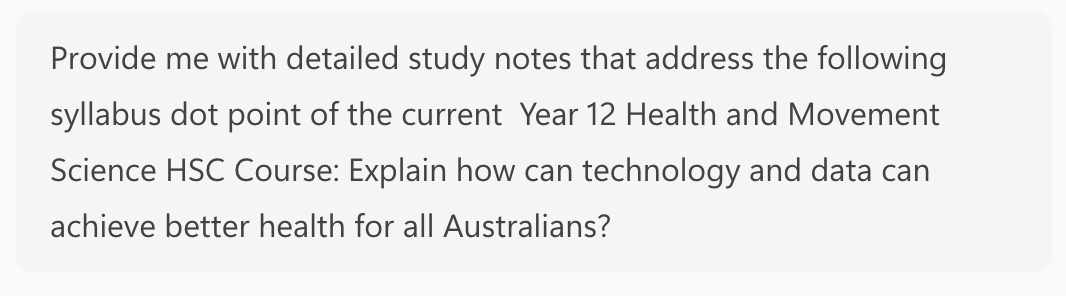
Microsoft Copilot and other generative AI can be used as a tutor helping you prepare for exams. The skill in using AI is ensuring the prompts are specific enough. Here is an example from a recent Health and Movement Science notification.
Use Copilot to create study notes:
Use AI to create study questions
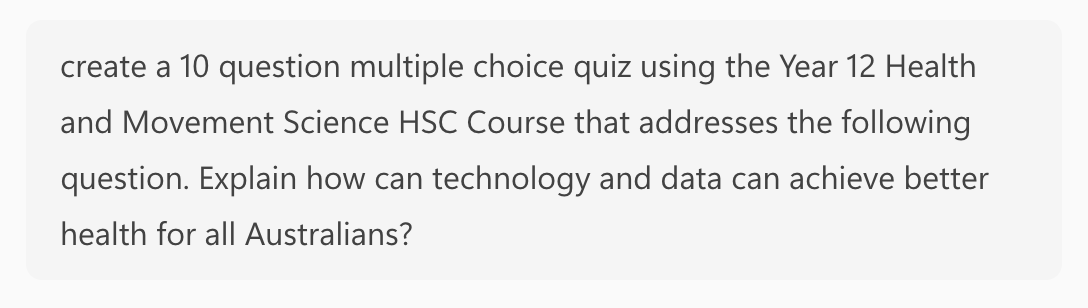
(You can ask to refrain from providing answers whilst you attempt the questions and then get AI to provide the answers)
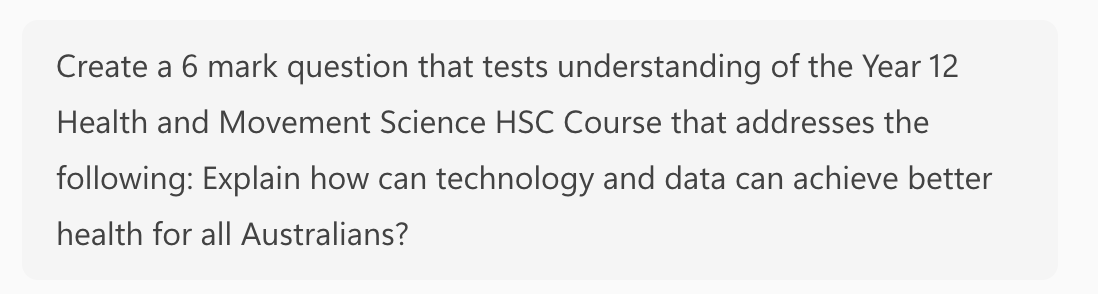
(Students then type their response into AI and ask for feedback on their response, or if they are really stuck they could ask for a Band 6 sample answer to the question).

Try AI for free
The popular Excel series of books has teamed with AI to offer a series of interactive study guides. We have the opportunity to try them for a month.
Visit app.excelhsccopilot.com.au/redeem
Use the following redemption code: bPmOg0oz
Offer expires on 31 March 2026
Try it as part of your study routine for your upcoming exams.