Policies and Procedures

All parents and caregivers are encouraged to familiarise themselves with the College'sPolicies and Procedures, all of which are available on our College website, via the link below. In particular, we draw your attention to the Parent Code of Conduct and refer you to our Enrolment Procedures and Business Regulations.
Enrolment Procedures and Business Regulations
Parents/caregivers are reminded to review our Enrolment Procedures and Business Regulations on a regular basis.
We would like to provide families with a friendly reminder that, when withdrawing a student from the College, written notice addressed to the Principal is required (via email) to principal@clayfield.qld.edu.au and enrol@clayfield.qld.edu.au.
Please refer to the applicable Enrolment Procedures and Business Regulations for more information on the required notice period.
College Mobile App
We kindly request that every parent and caregiver download the College Mobile App.
Following recent system updates, the next time you access the App you will be prompted to log in using your Parent Lounge username and password. This is a one-time login designed to link your College accounts and enhance the security of the App. If you require assistance with your login details, please contact the College ICT Team at itsupport@clayfield.qld.edu.au.
The College Mobile App provides information about College activities and events, as well as important notices and alerts, such as training cancellations, venue changes, wet weather plans and bus arrival notifications. It also includes access to the school calendar, student absentee submissions and key school contacts.
Families are encouraged to regularly review their notification settings and subscriptions to ensure they receive information relevant to their child's year level, activities and co-curricular commitments.
Step-by-step instructions to assist with downloading the App and managing your subscriptions are detailed in the Clayfield College Mobile App User Guide below.
Student Absentee Process
All student absentee notifications must now be submitted via Parent Lounge, accessible via the College App and/or the College website. Please see the User Guide below for
step-by-step instructions to submit a student absentee notification.
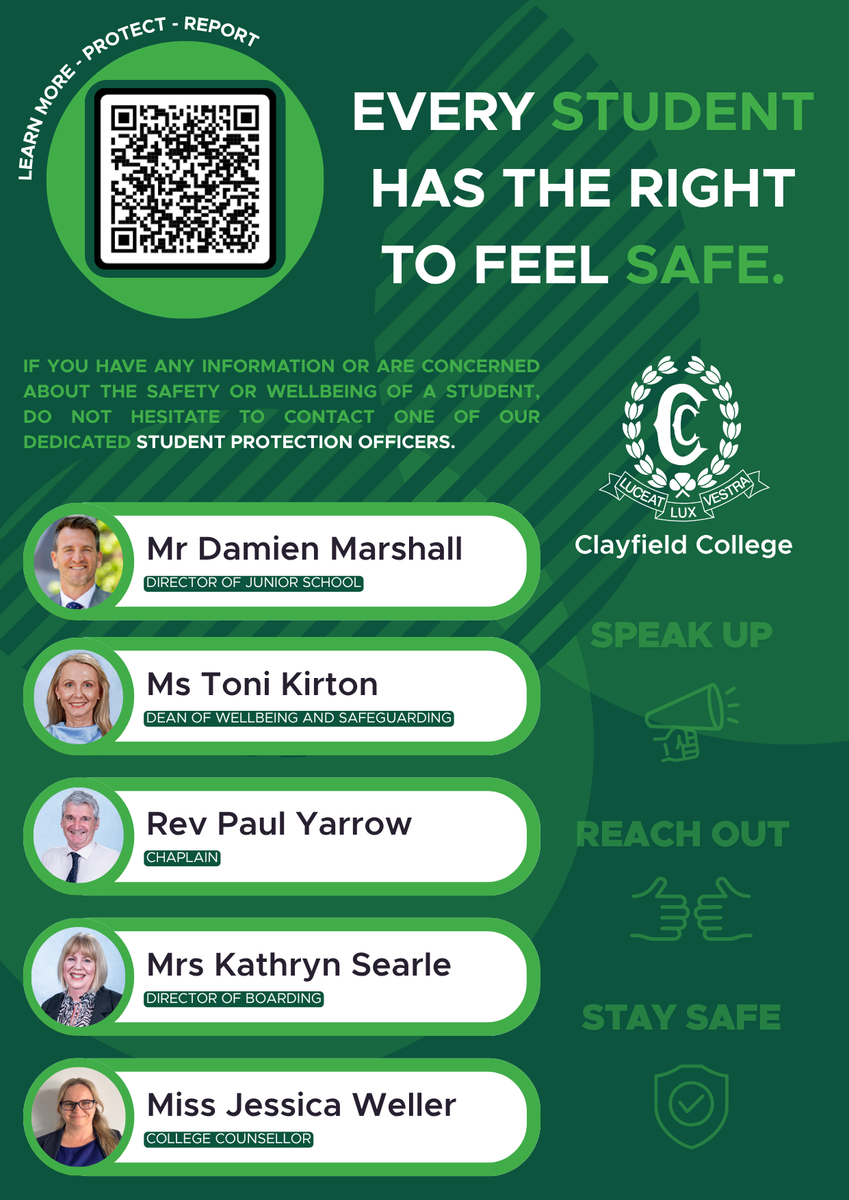
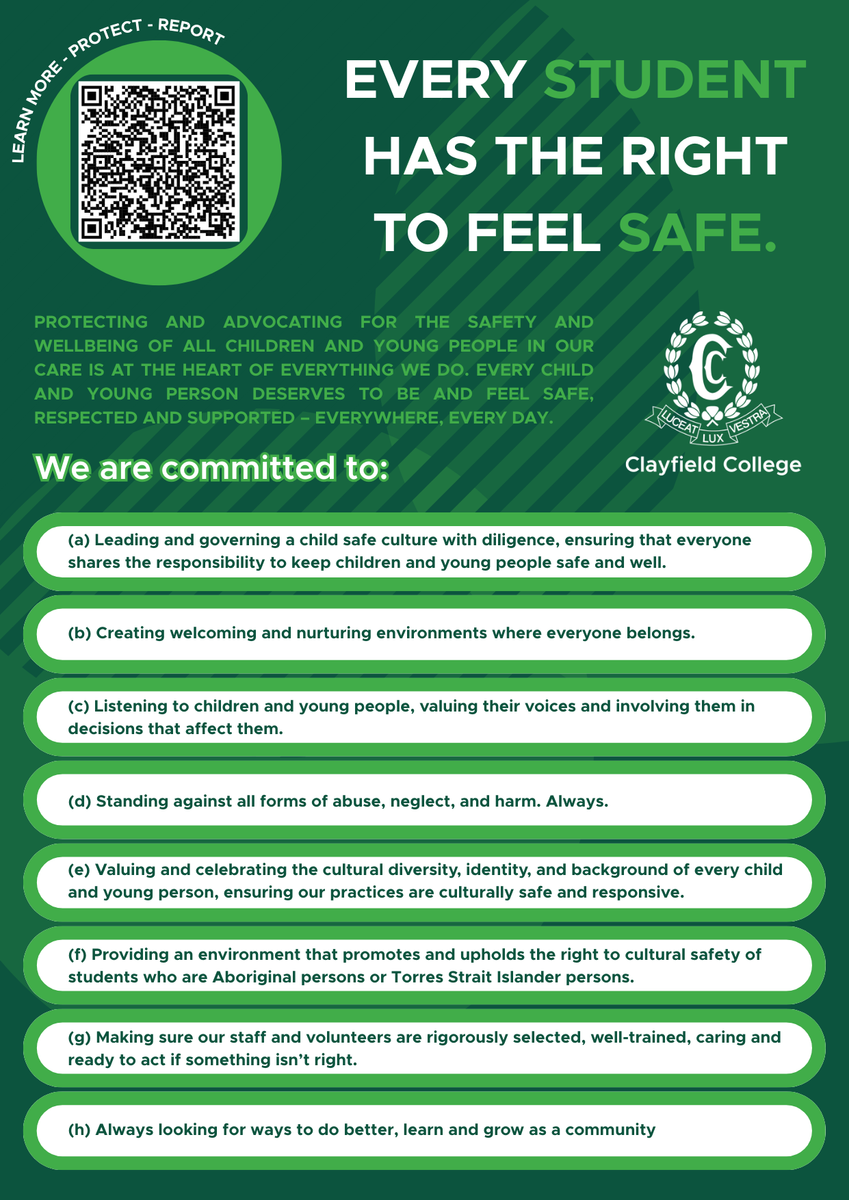
Wellbeing and Safeguarding