General Office Reminders
Office hours and contacts
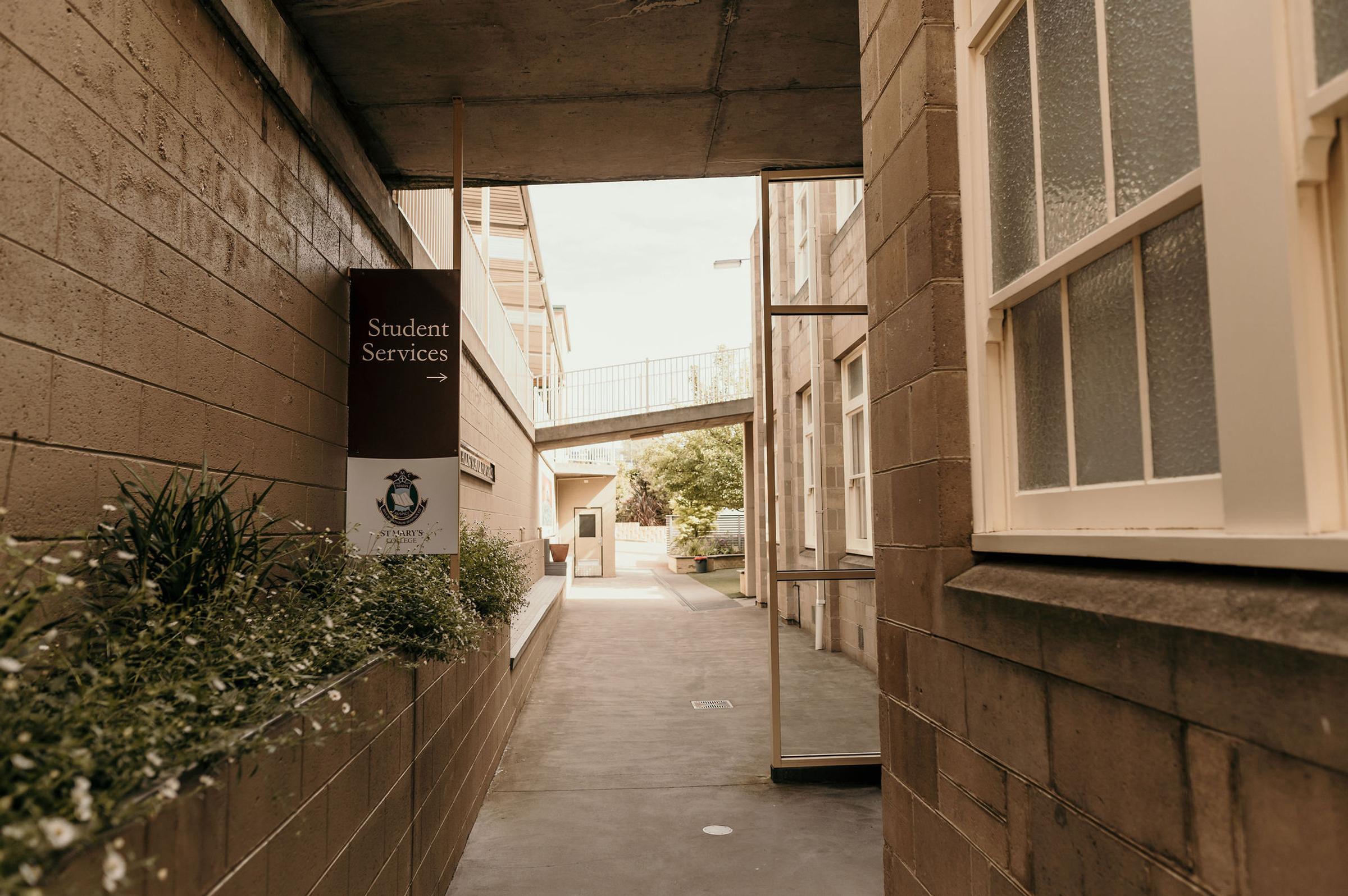
During the school term, the Student Services office is open from 8.00am to 4.00pm, Monday to Friday. During the school holidays, operating hours are 9.00am to 3.00pm, Monday to Friday.
To contact the College, please phone (03) 6108 2560 or email stmarys@smc.tas.edu.au.
Direct debit request forms
Please ensure that completed Direct Debit and Credit Card Authority forms are submitted at your earliest convenience.
Kindly note that direct debits must be renewed annually; therefore, existing families are required to complete new authority forms.
Our standard office forms can be downloaded using the link below, or you can email fees@smc.tas.edu.au for assistance.
Reporting student absences
If your child will be absent or arriving late to school, please notify the College as early as possible. You can do this by phoning the College office directly on (03) 6108 2560, emailing stmarys@smc.tas.edu.au, or by completing the 'Report an absence' form on our website.
Extended absences – Reminder for Families
If your family is planning an extended absence from school, please notify the College as early as possible by emailing the Principal, Mr Damian Messer, at dmesser@smc.tas.edu.au. Early communication helps us support your child’s learning and ensure all requirements are met.
Paying via Qkr! app
A reminder to all parents and carers to update their student’s details on the Qkr! app for the 2026 school year.
Updating your child's profile is as simple as following these steps:
1. Open the Qkr! app
2. Select St Mary's College
3. Click on the 'Profiles' tab
4. Select the student you wish to change
5. Change the year level from the Grade drop-down menu and hit 'Update Profile'.
6. Repeat for any additional students you have at St Mary's College.
For families new to our community, the Qkr! app allows lunches from Murphy's Café to be ordered and paid for easily and in advance. All orders must be placed prior to 9.00am daily.
Uniform items can also be purchased through the same app, along with other school services.
The YouTube clip here explains how the App works and how to install it.