
e-Learning and Cyber Safety

e-Learning and Cyber Safety
Hello families, Happy Term 2 break! We’ve achieved some amazing digital milestones over the last ten weeks. From launching new platforms to mastering collaborative online tools, your dedication to e-learning and cyber safety continues to elevate our community. Now, it’s time for the most important command of the term: Shut Down and Recharge. See you in Term 3, fully refreshed and ready to go!
Alannah and Madeline Foundation
Through e-learning this term I have been using some of The Alannah & Madeline Foundation resources to teach your children about online safety. You may have noticed some QR Codes coming home with information for you to look at to support your childs education. I have provided links below here also.
The Alannah & Madeline Foundation is a national not-for-profit organisation dedicated to keeping children and young people free from violence and trauma wherever they live, learn and play.
Through care, prevention and advocacy, we fight for children's right to be safe, so their future is strong.
Screentime and School Holidays
With the school holidays fast approaching, students may find themselves using screens, devices and tech more so especially with the cold Melbourne weather. Child wellbeing specialist Teodora Pavkovic has written a very useful article on screentime and school holidays. The key thing to remember is there is no 'hard and fast rule', rather you need to do what works for your family.
Click here for the article taken directly from our St Pats Online Safety Hub.
NFORMA Parent APP
The nForma Parent Portal has made communication with our school community so much easier and more efficient. Parents can quickly access student reports, stay informed about events, complete permission forms, update your child/ren's medical details and log absences all through a user-friendly app.
Our nForma Parent Portal app is up and running be sure to download it to your smartphone. Search nformaforparents in the App Store or Google Play. Click on the link below for a guide on how to sign in.
Qustodio
What is Qustodio?
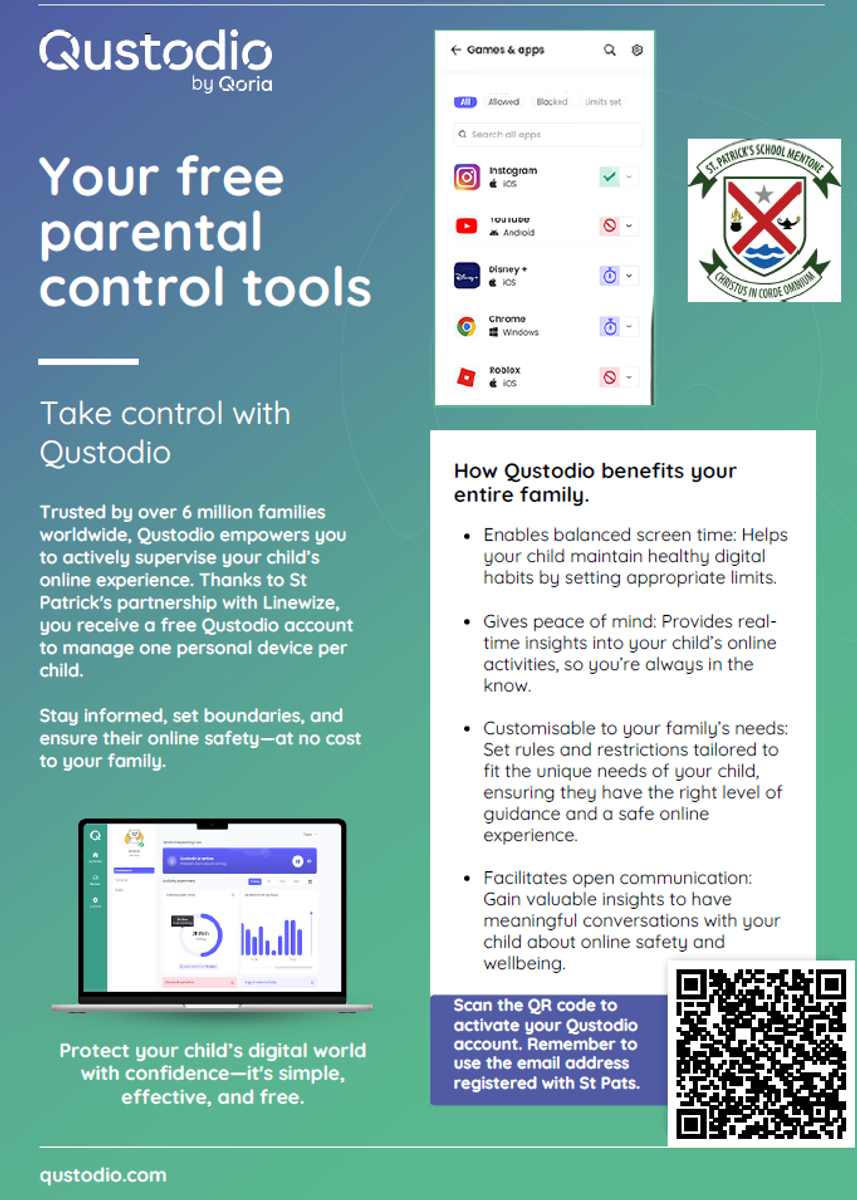
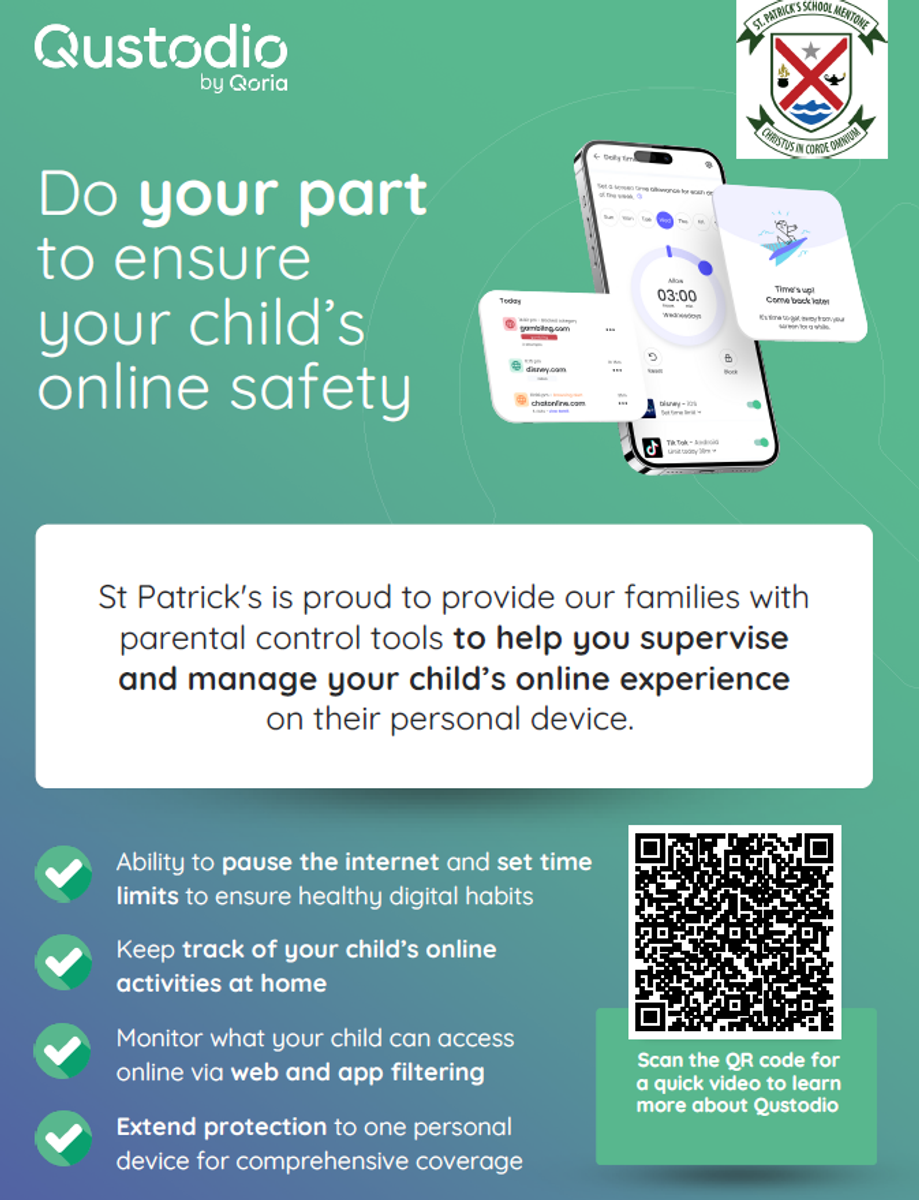
Qustodio is a comprehensive parental control app and digital wellbeing platform designed to help parents monitor, manage, and protect their children's online activities across multiple devices. It enables users to filter content, block apps, set daily screen time limits, track locations, and monitor social media usage on Android, iOS, Windows, Mac, and Kindle.
It is free for parents of St. Patrick's allowing you to set up one device per student enrolled.
Please see the flyer below to create your free Qustodio account. It was great to see more parents last year taking the opportunity to use this service. For those that haven't you still have access to this resource and feel free to reach out for support if needed or to the Qustodio team (info below).
Click here formany more Qustodio parent support videos!
Where to get help For ANY Qustodio related support queries contact Qustodio’s Support Team: e: myschool@qustodio.com
Thank you for partnering with us in this exciting new stage to support our children’s Digital Wellbeing journey.
Mr James Daidone and Mr Brodie Ross
ICT Leaders