Specialist News
Visual Arts - Physical Education - Music & Performing Arts & S.T.E.M.
Mrs Denise, Mr Rees, Mr Lytton and Mr Brokate



Specialist News
Visual Arts - Physical Education - Music & Performing Arts & S.T.E.M.
Mrs Denise, Mr Rees, Mr Lytton and Mr Brokate
Throughout all areas of the school, STEM this term has been focussed on the Biological Sciences, in other words we are learning about Living Things, Once Living and Not Living. We have been looking at the needs and habitats of Living Things and the many diverse Biomes of our wonderful planet.
In Foundation (Prep) over two lessons, the preps designed and created their own perfect zoo. A place for habitats and homes for many different animals.
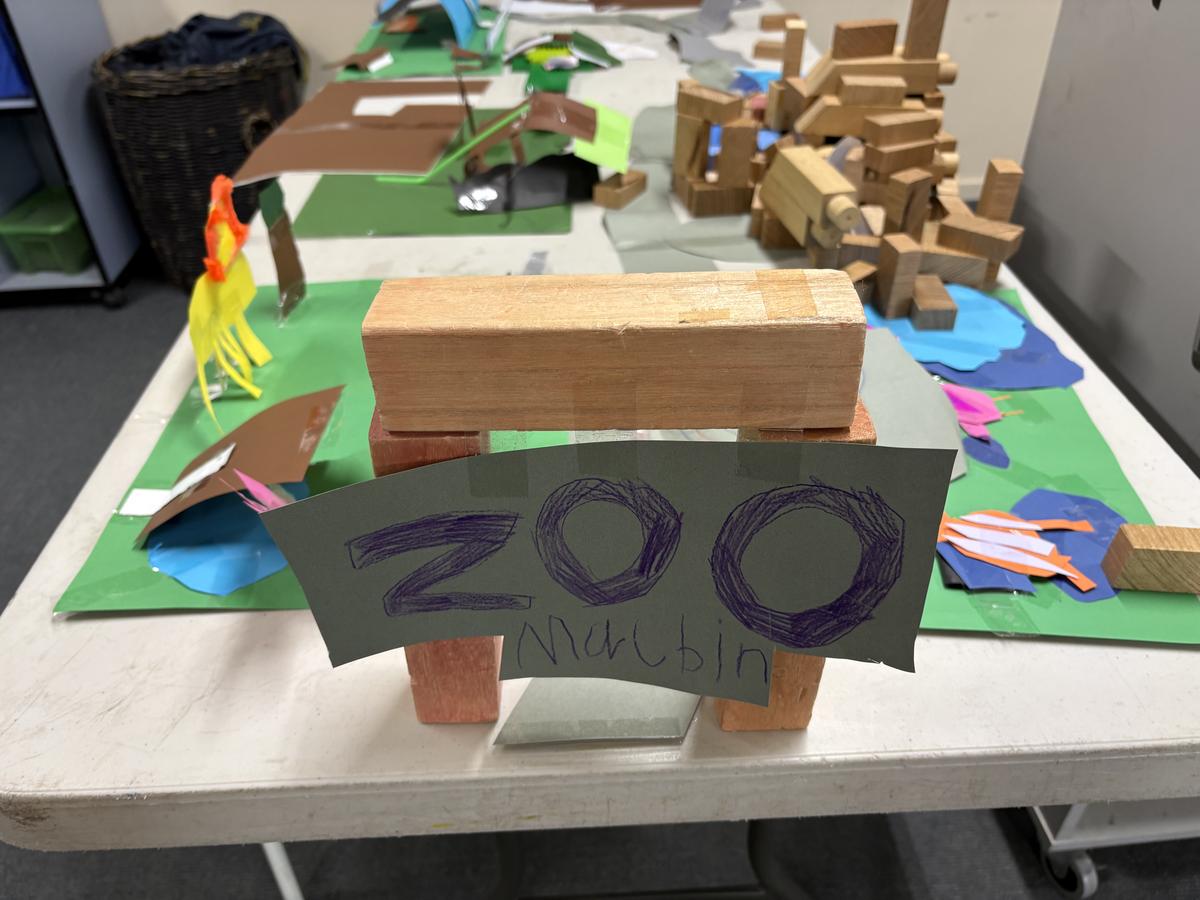
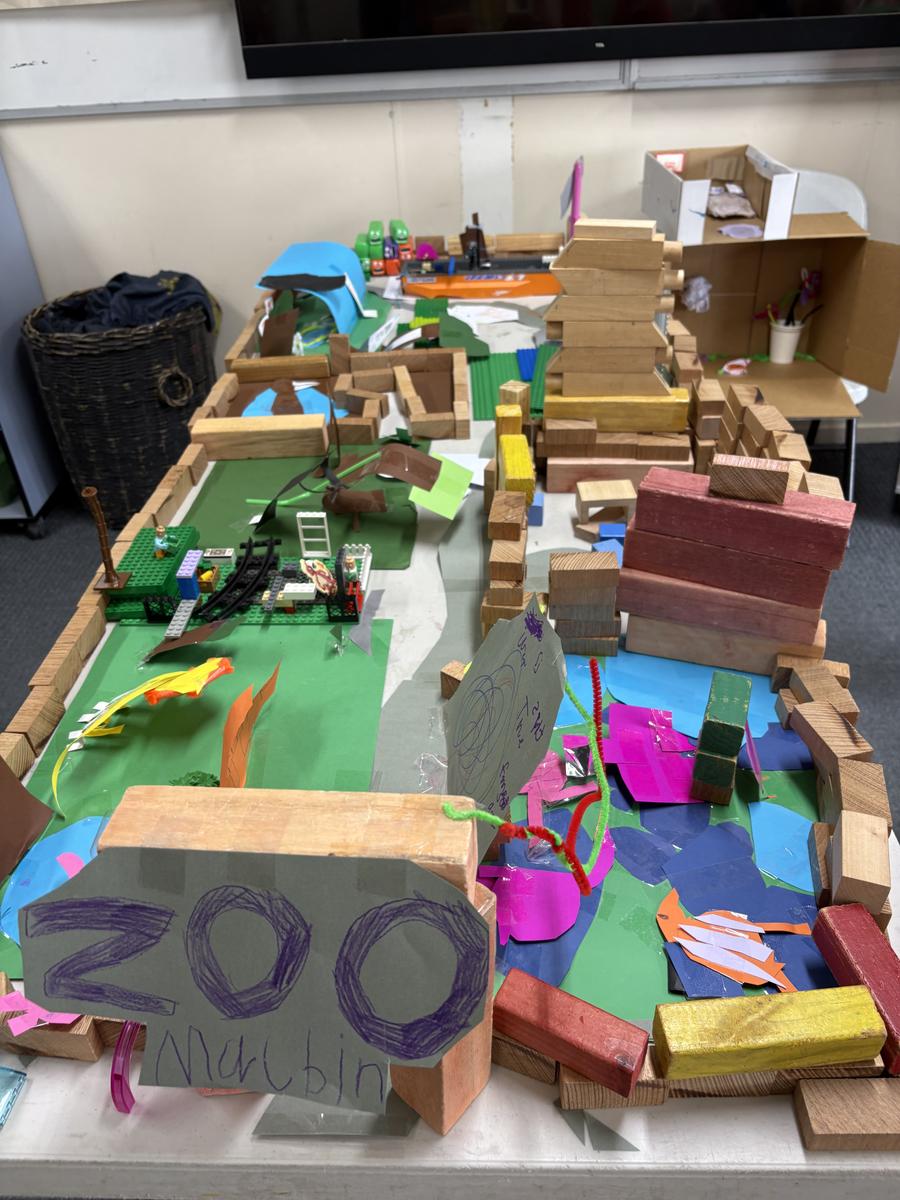
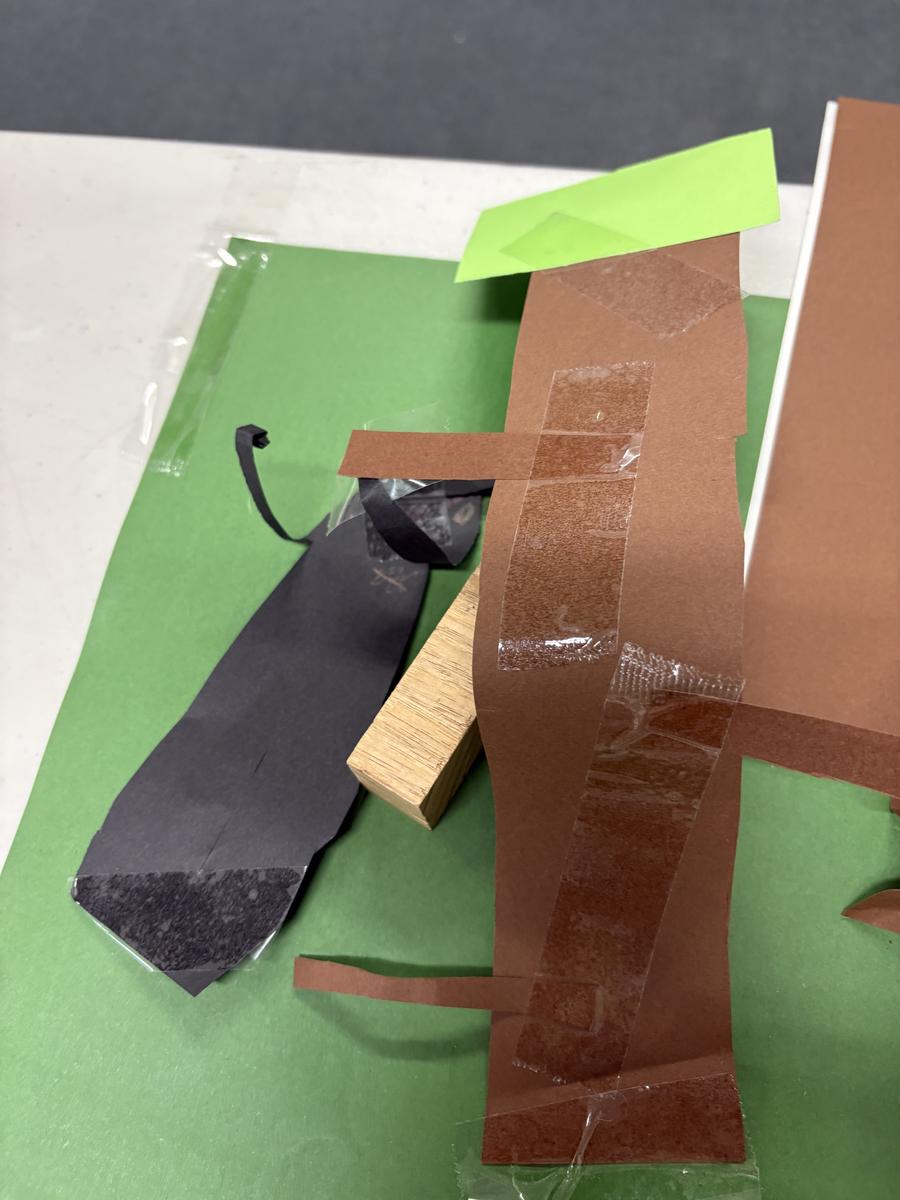
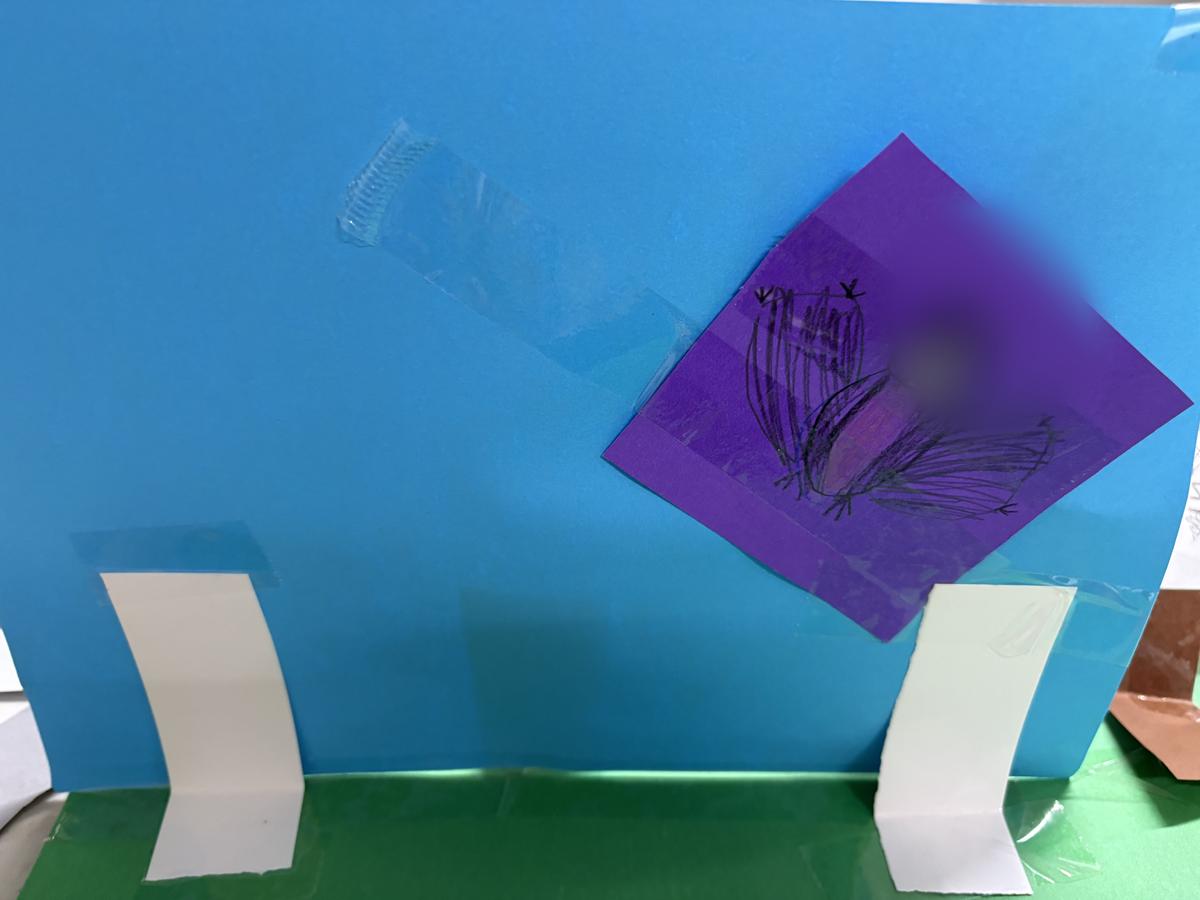
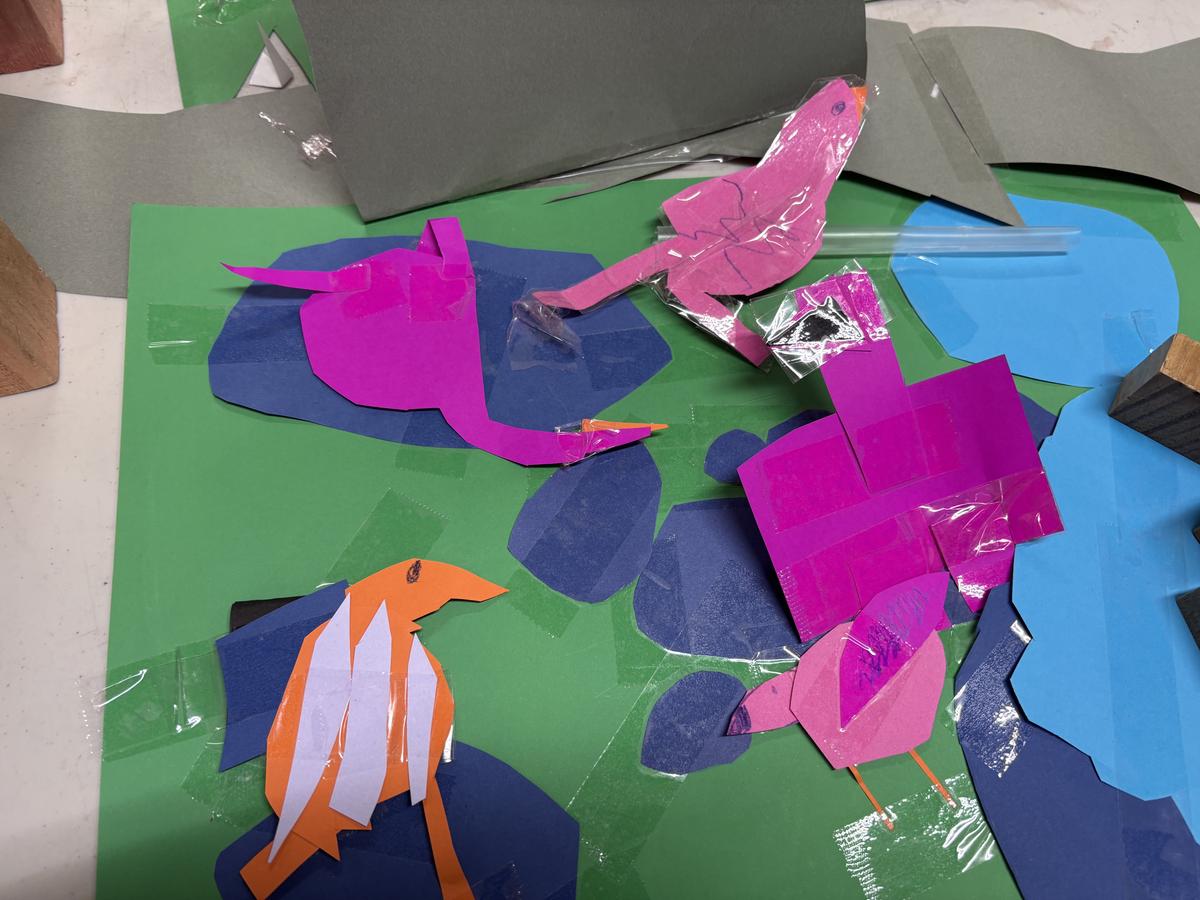
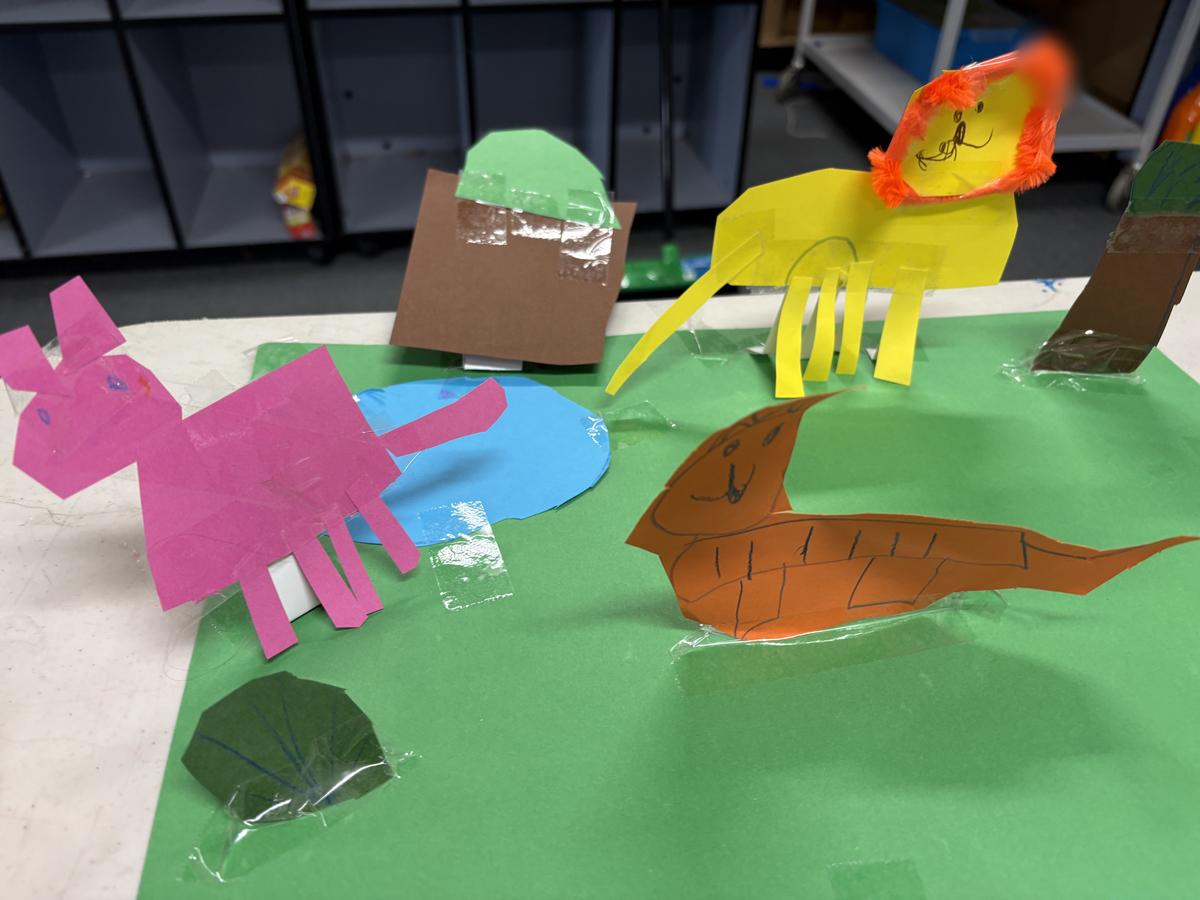
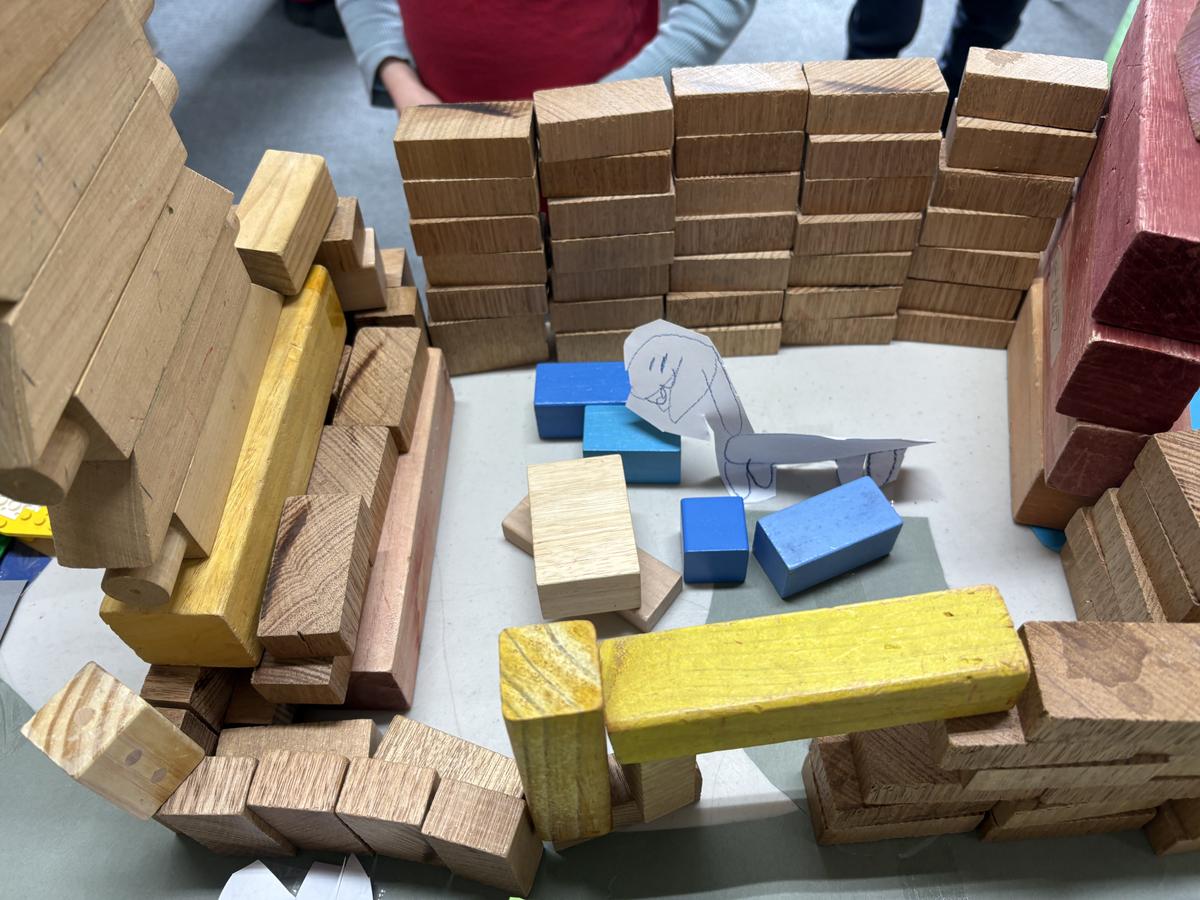
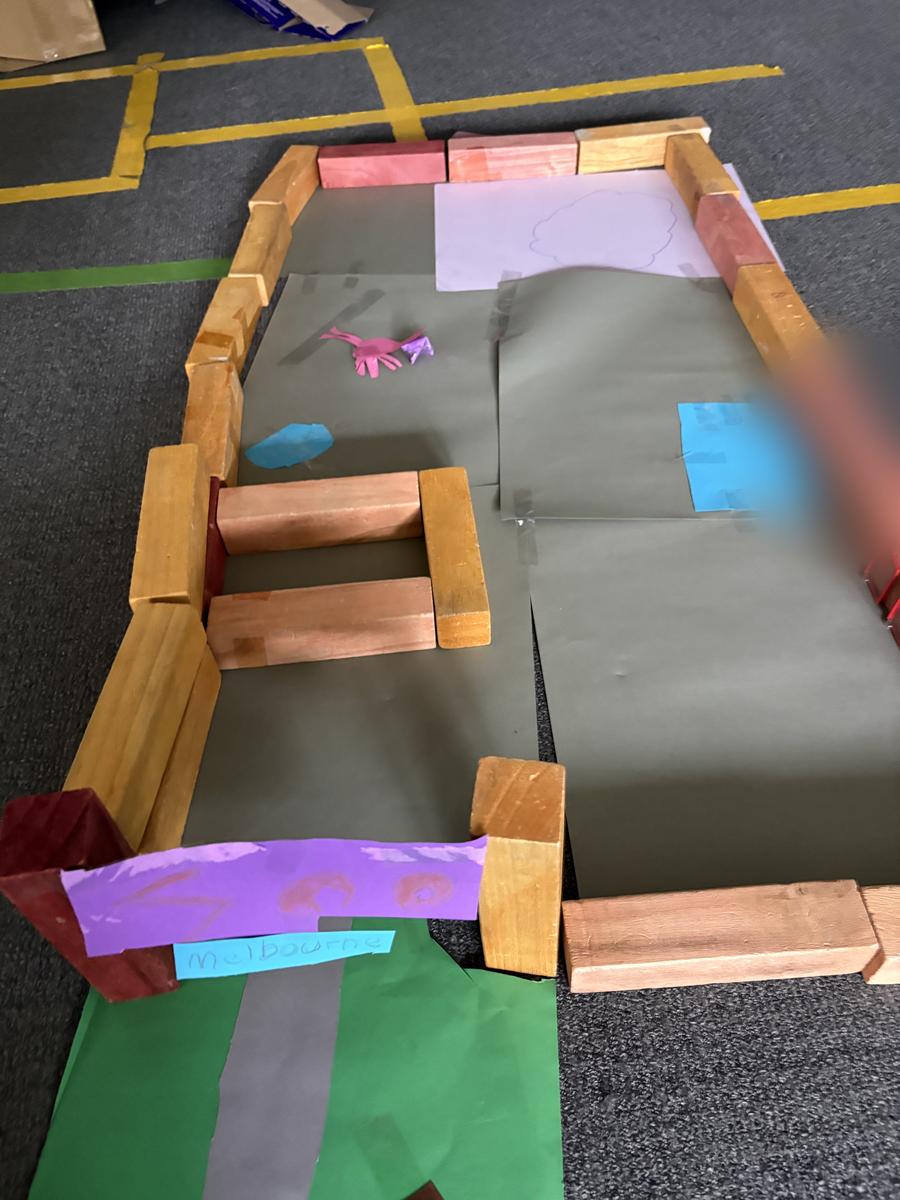
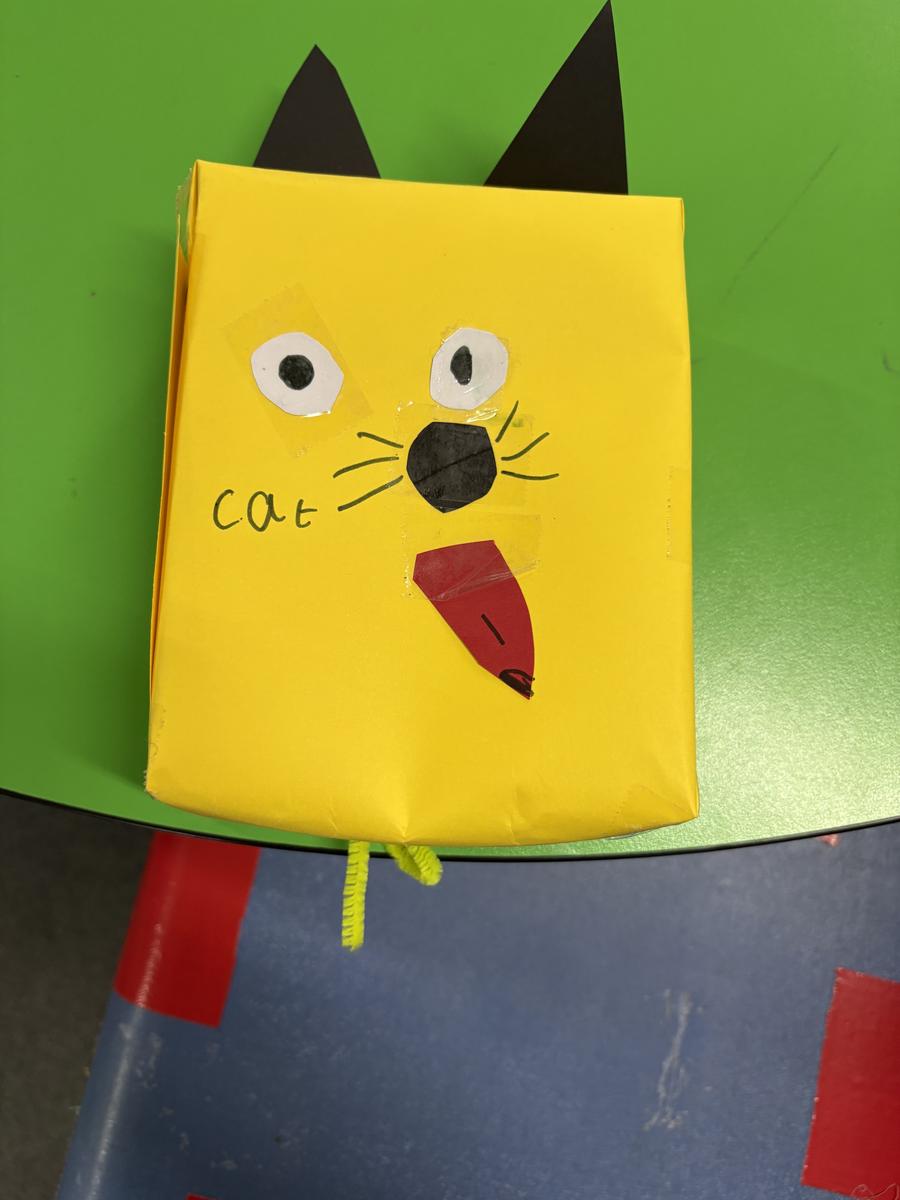
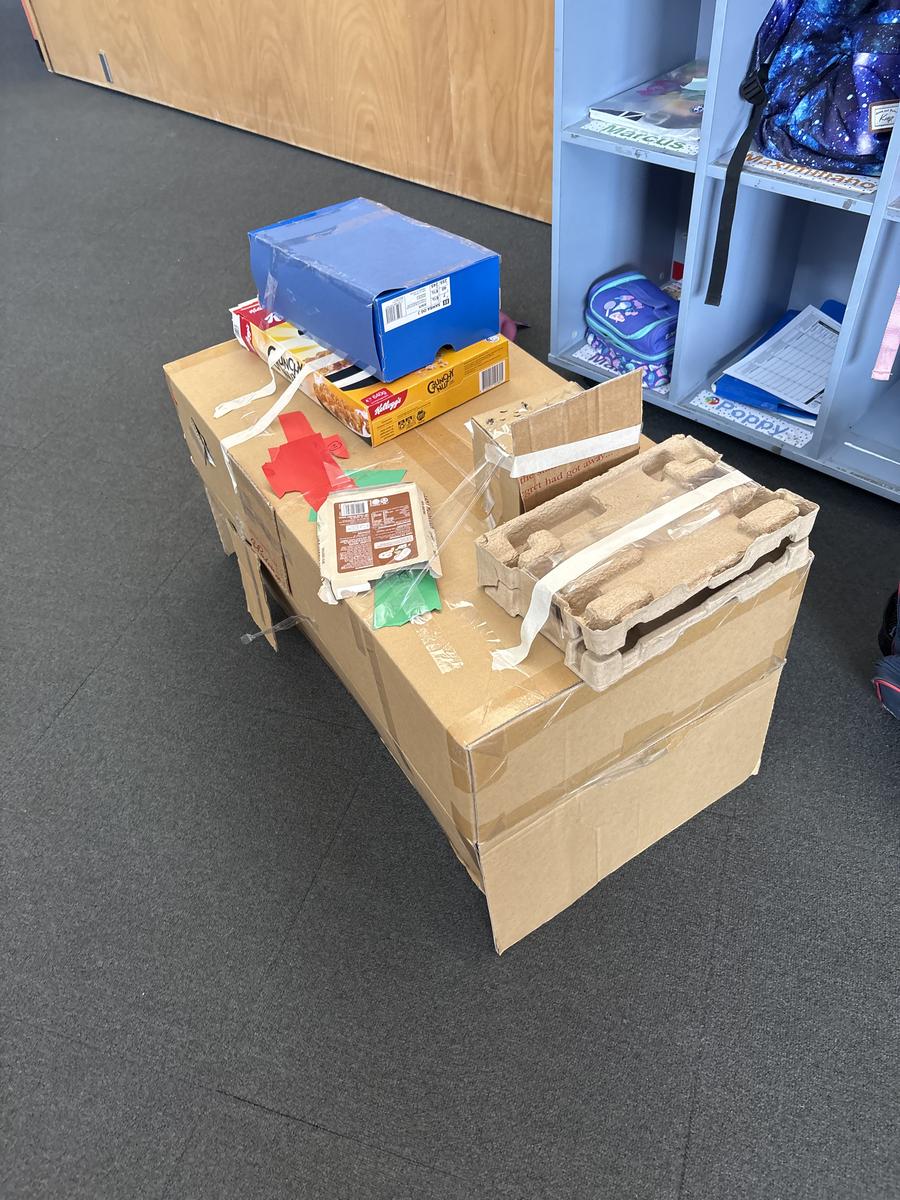
In Grade 1 and 2 for Term 2, the students looked at life cycles and made rotating paper plate life cycles after researching facts about their animal. They also designed and build some living things (both real and not real). Apologies for the small number of photos, the students love to take their work home and there is often limited time in the class session to photograph all the work.
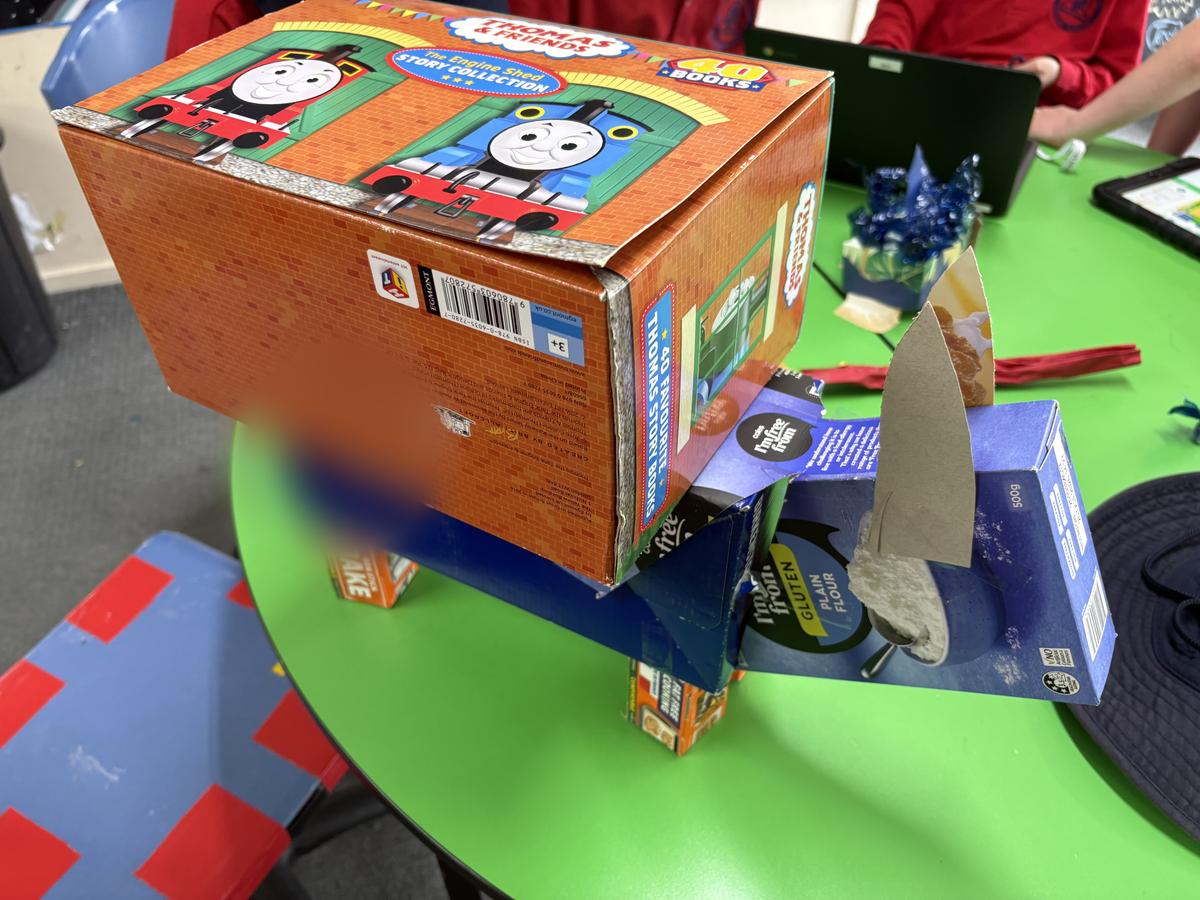
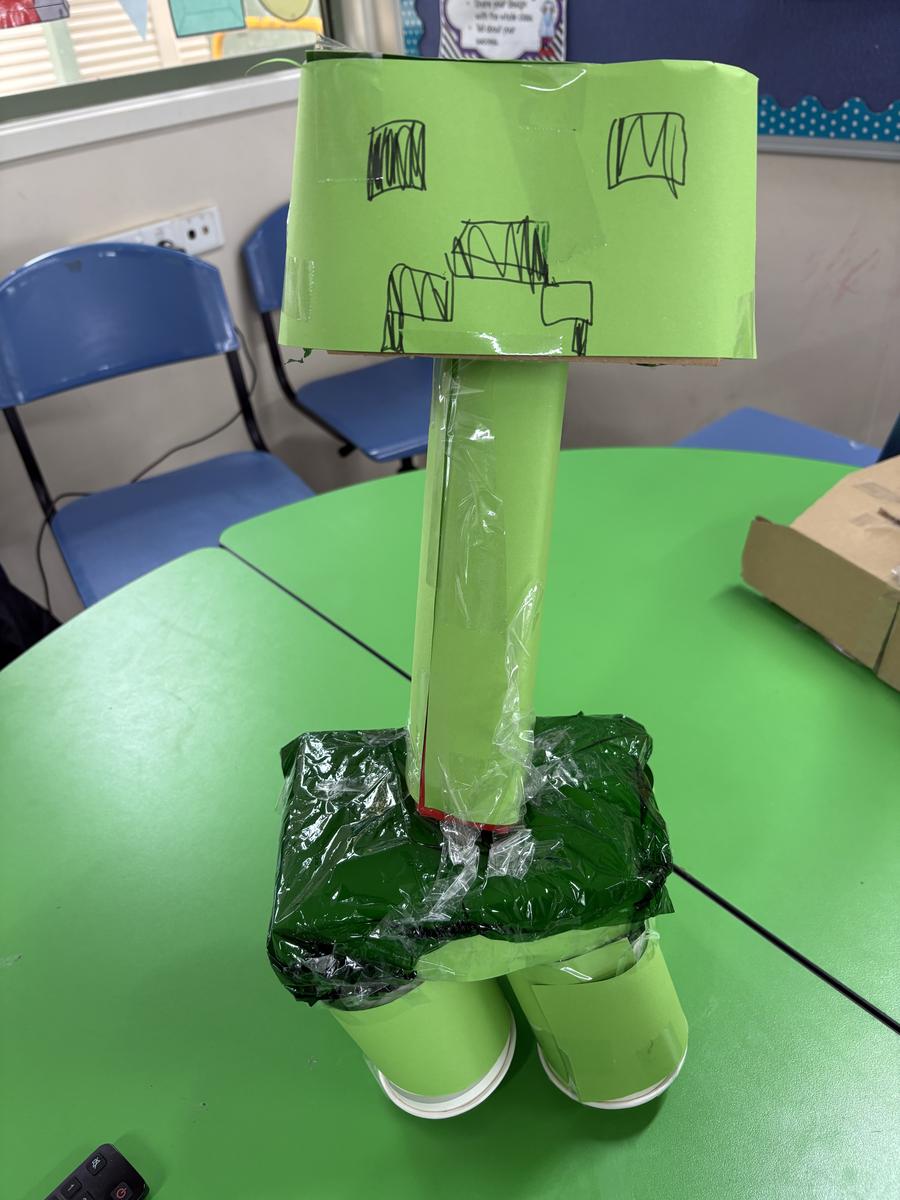
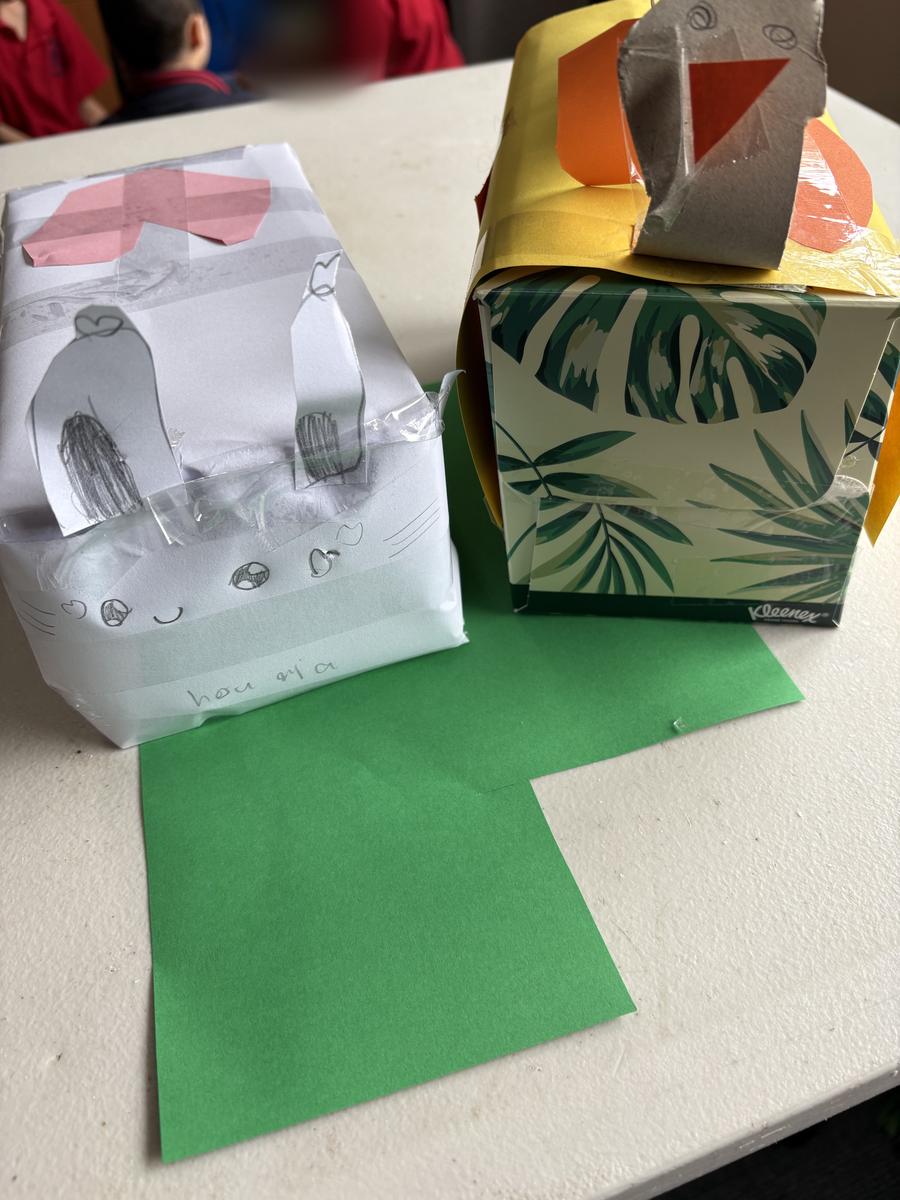
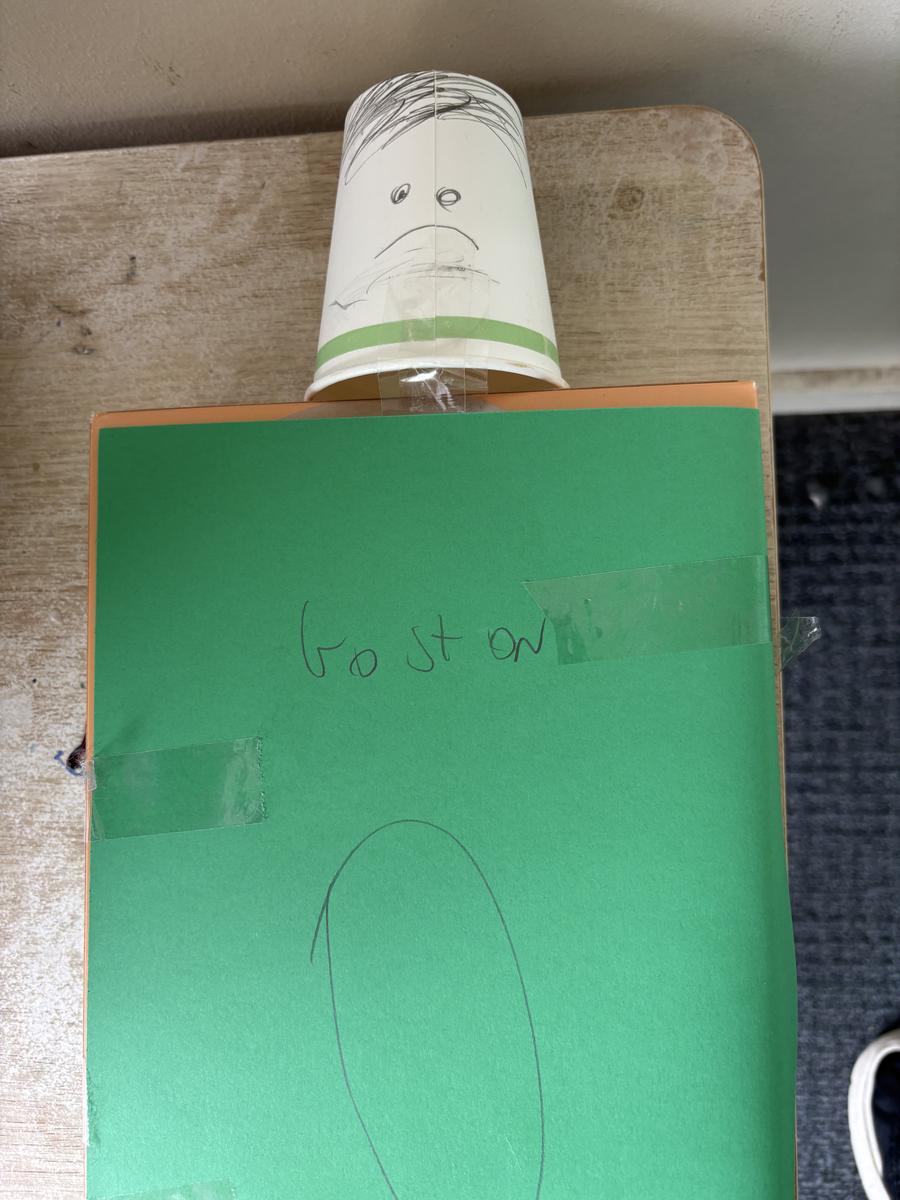
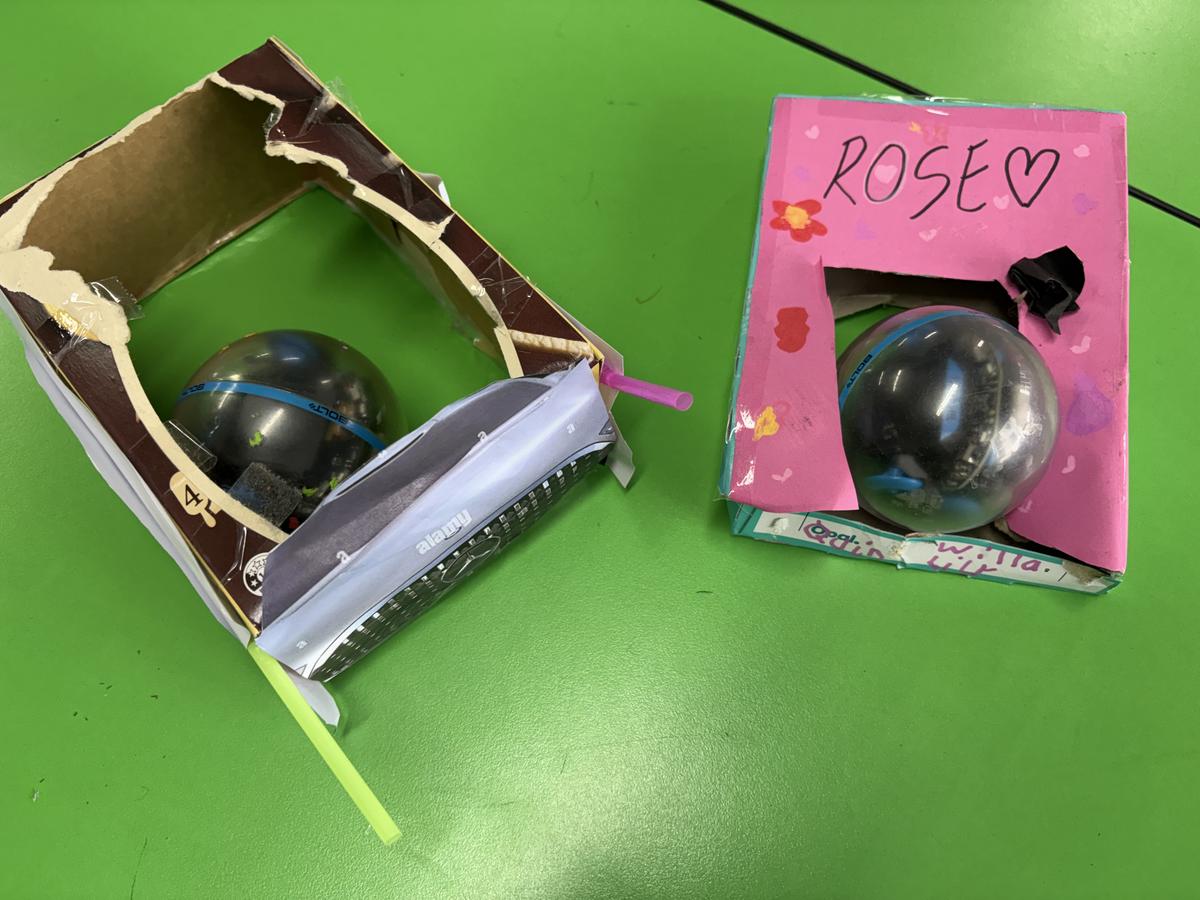
In Grade 3 and 4 we started the term by completing our Sphero programming and design unit with a sphero bumper car rally race. Congratulations to Billy, Cruz and Anniruddha of 34B who were the overall victors in the Grand final.
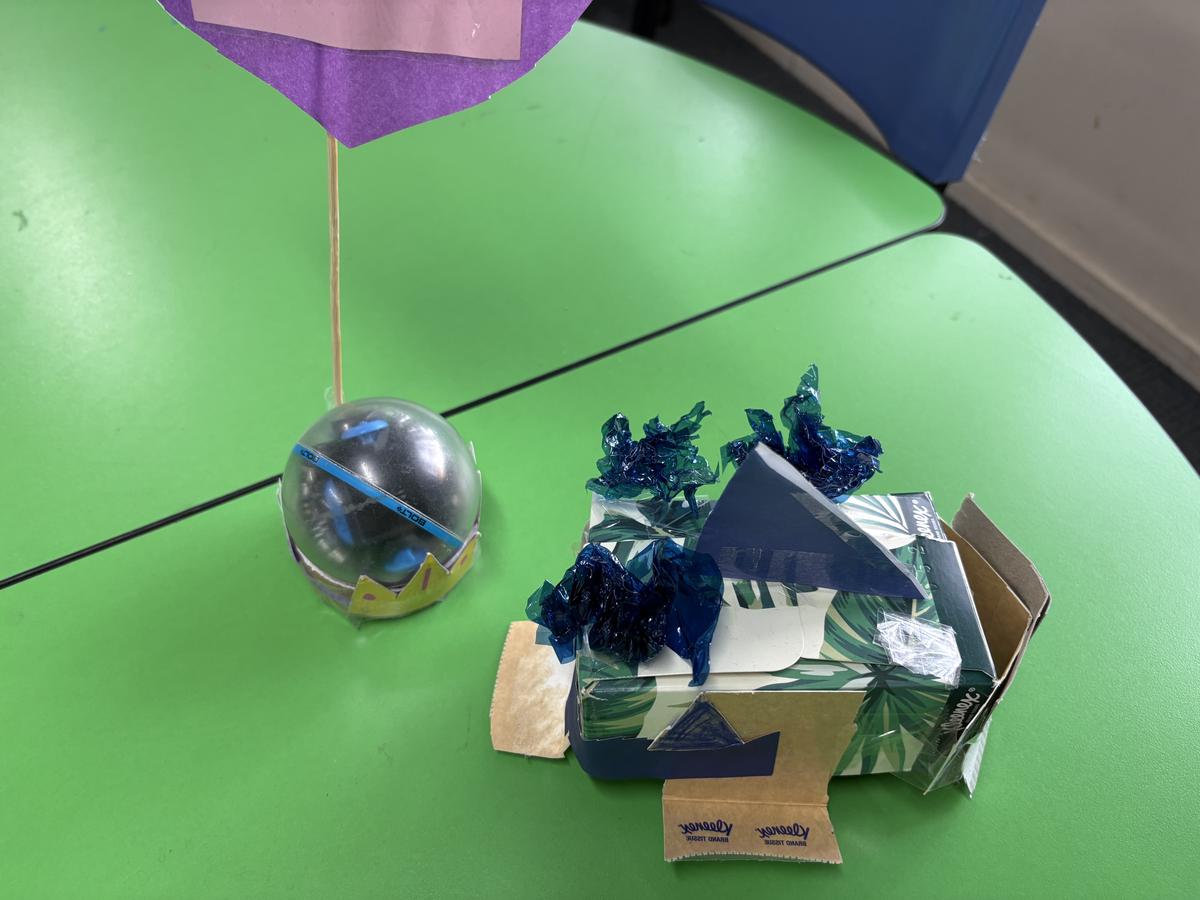
We then chose a living thing and completed some research on it.
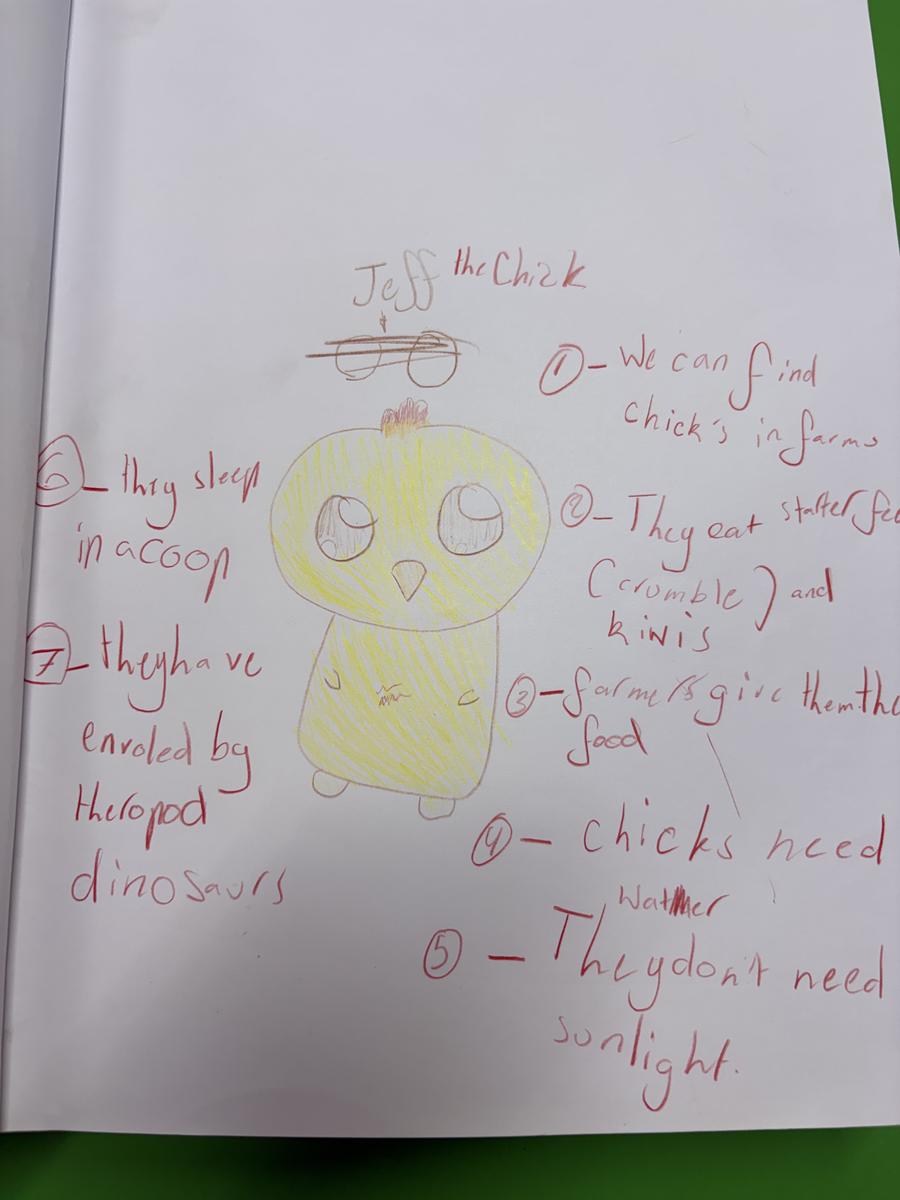
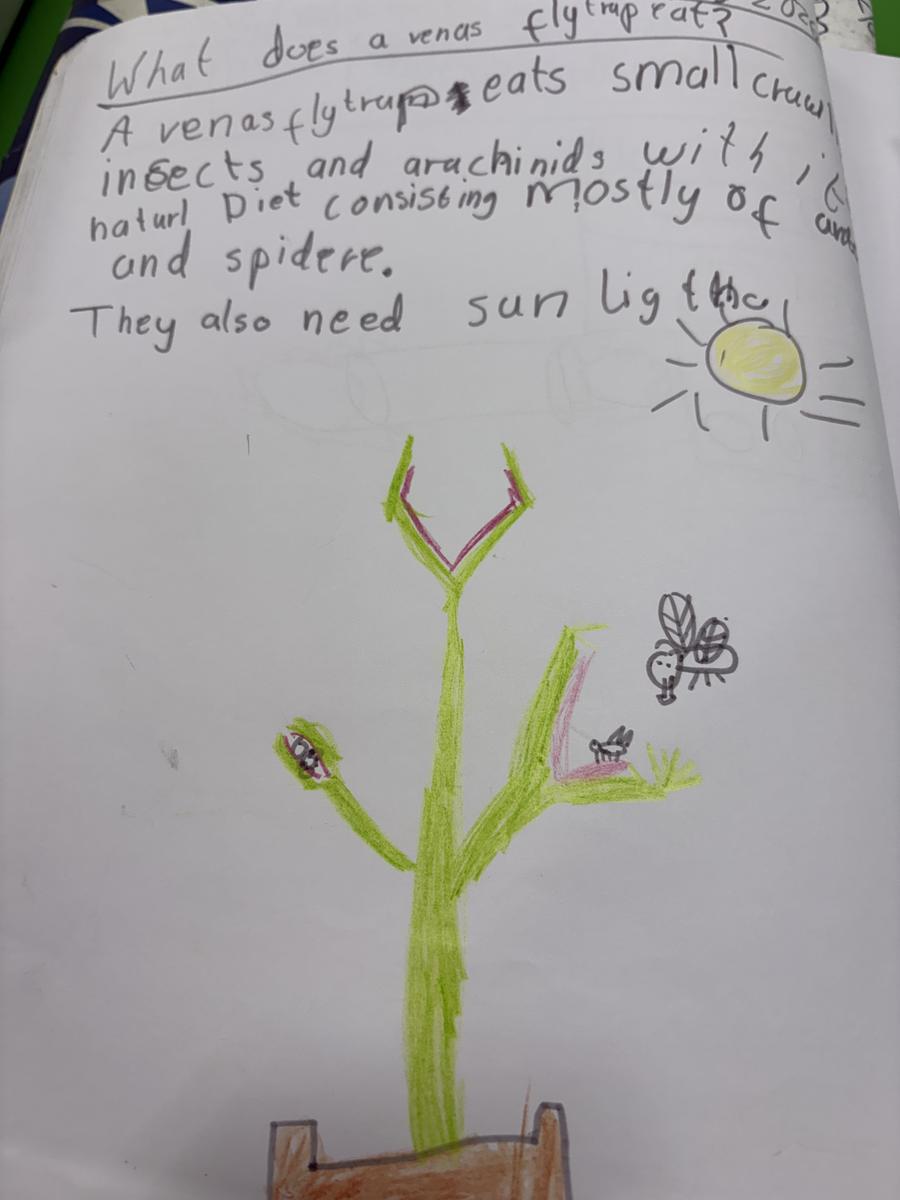
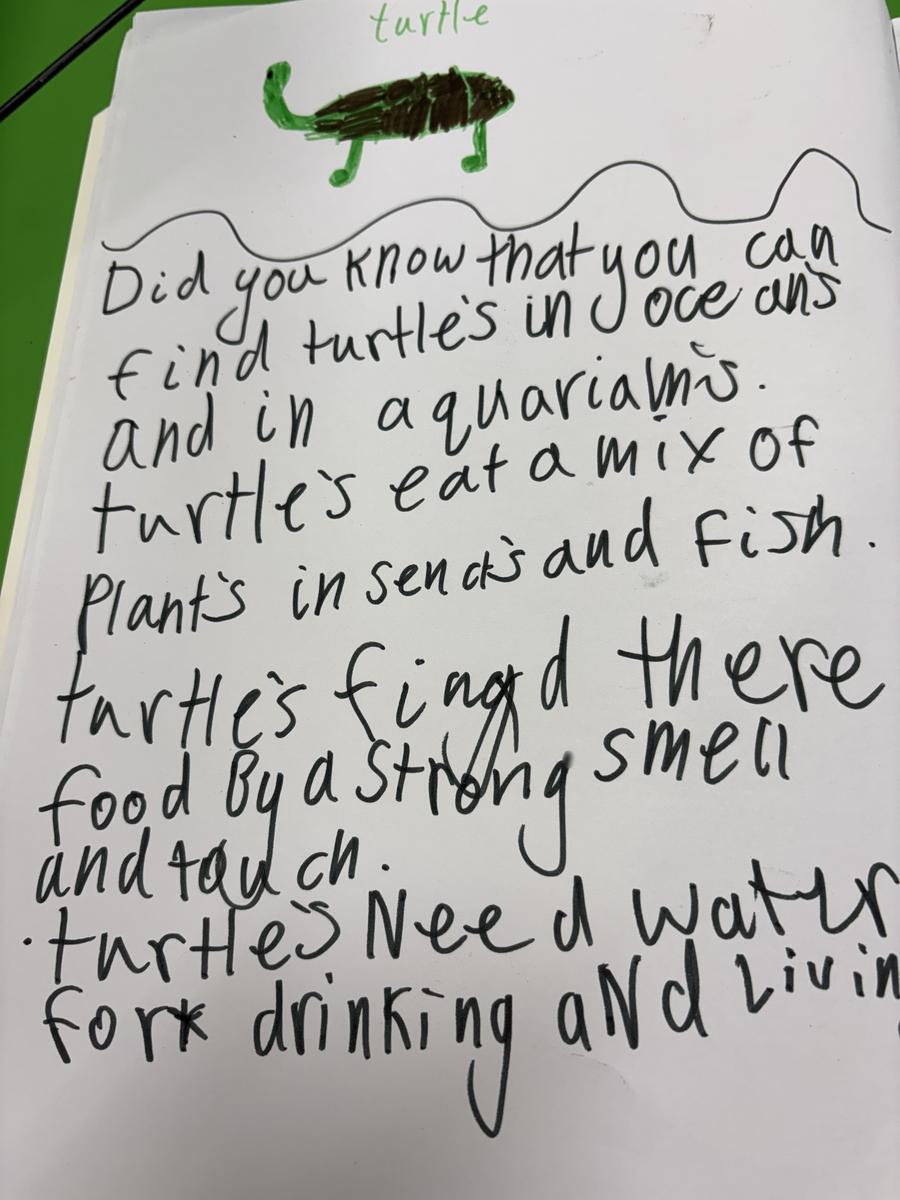
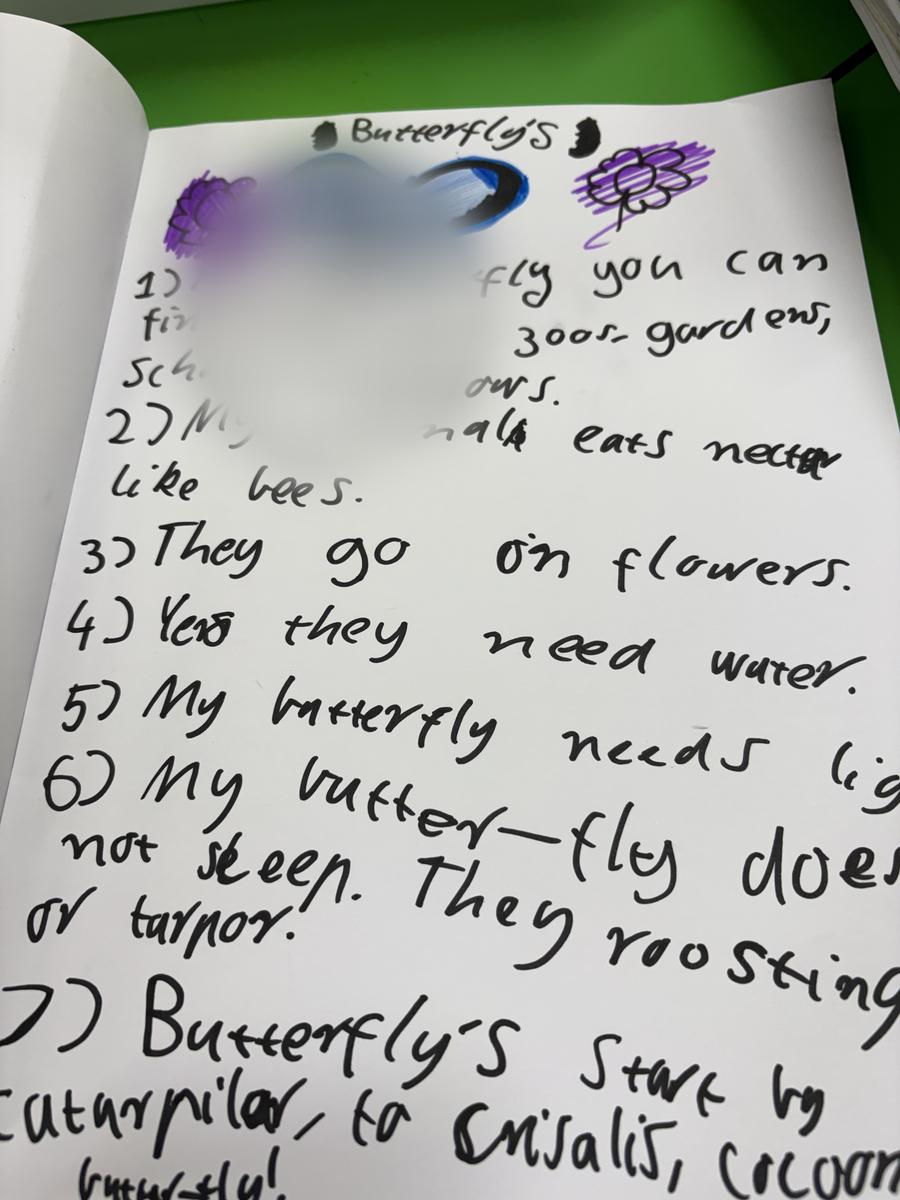
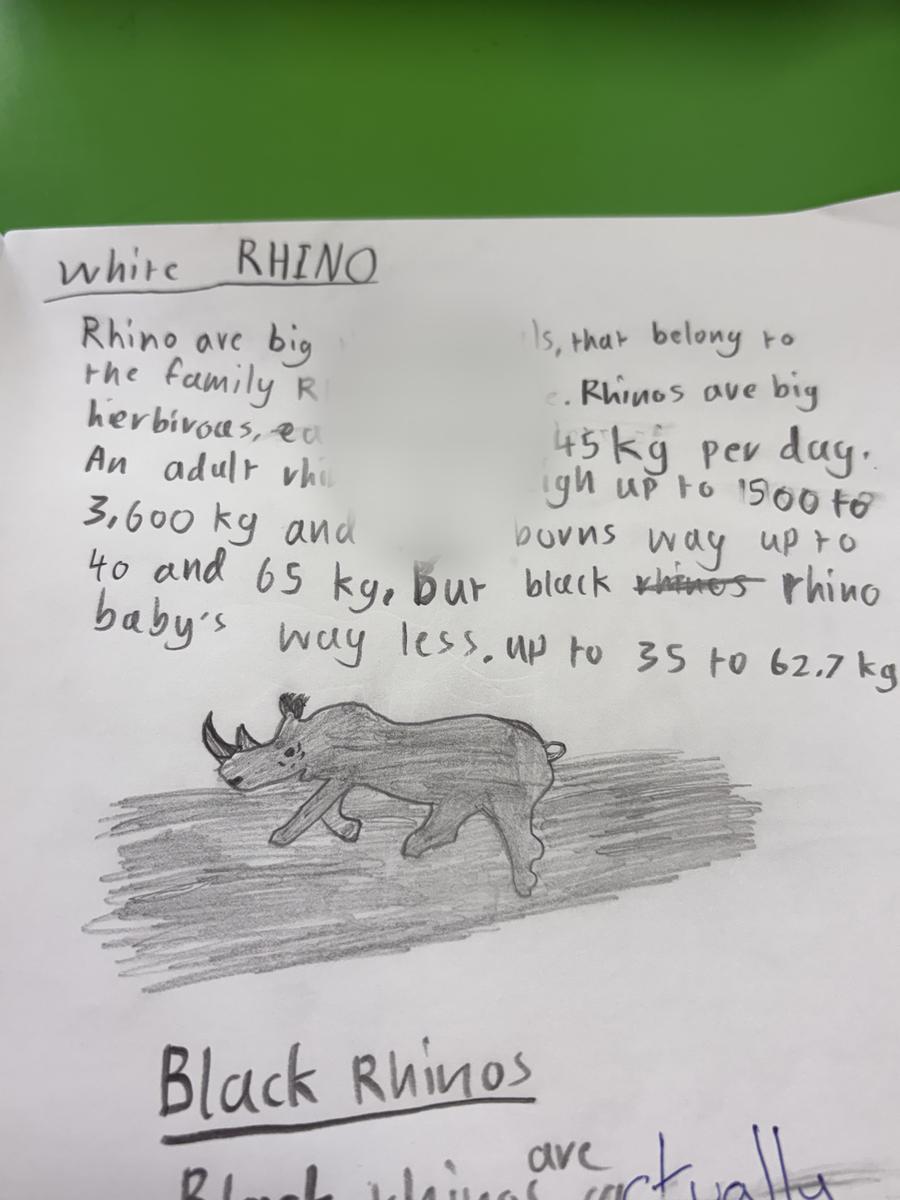
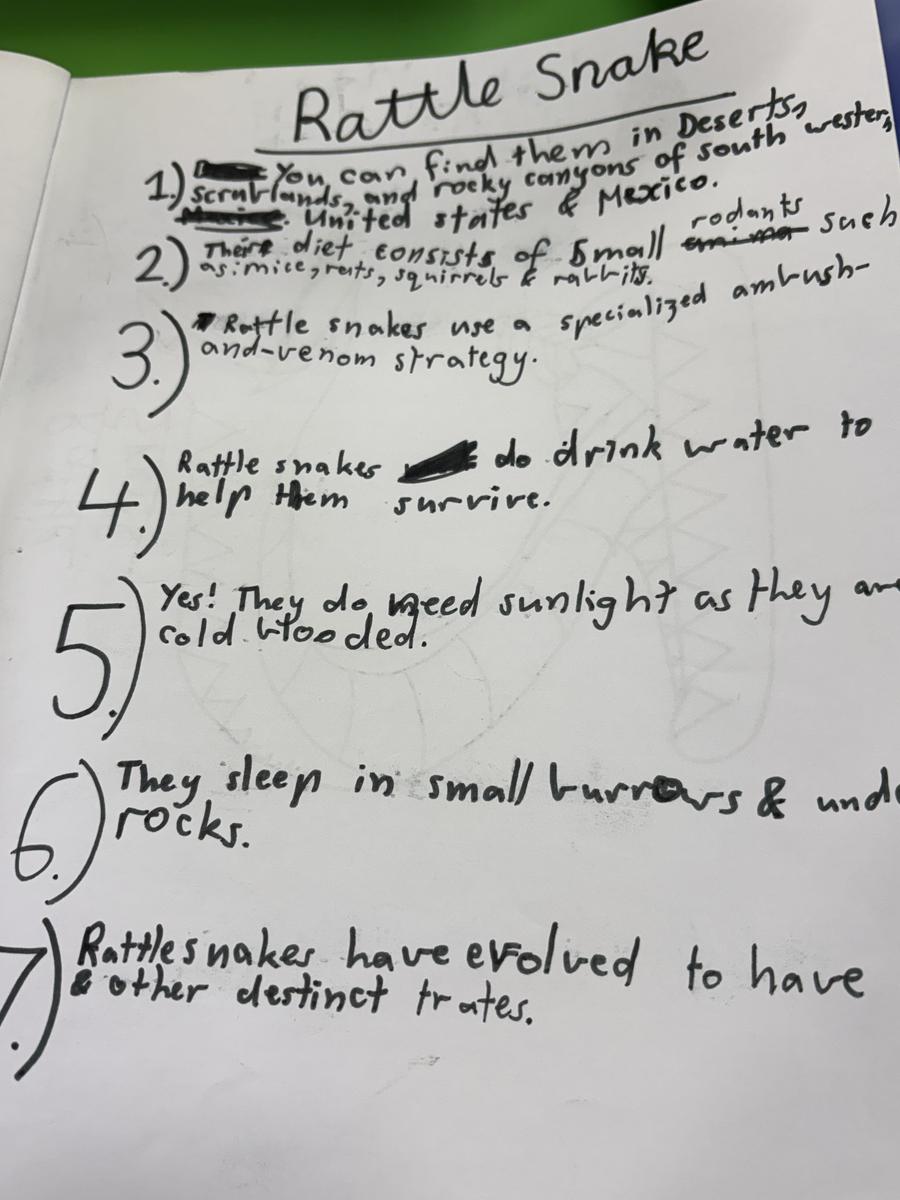
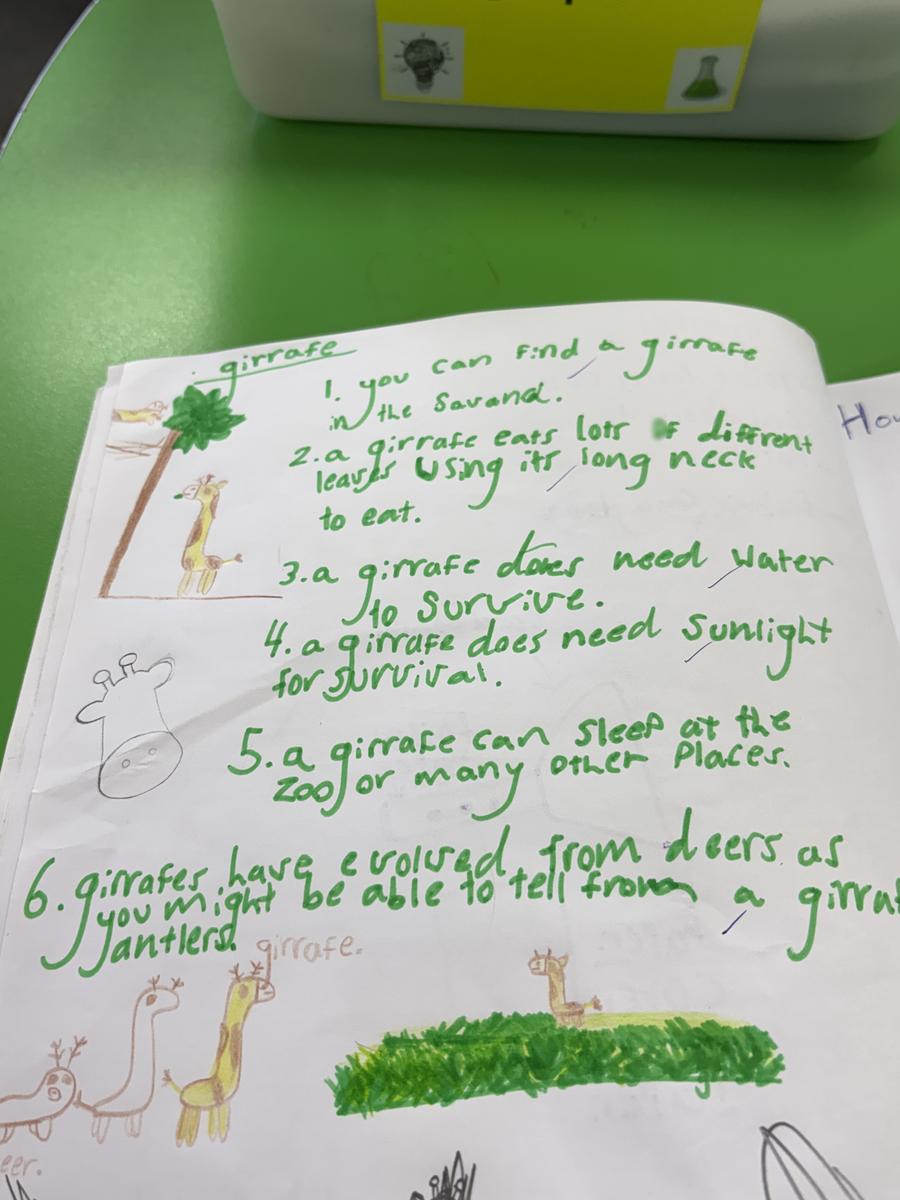
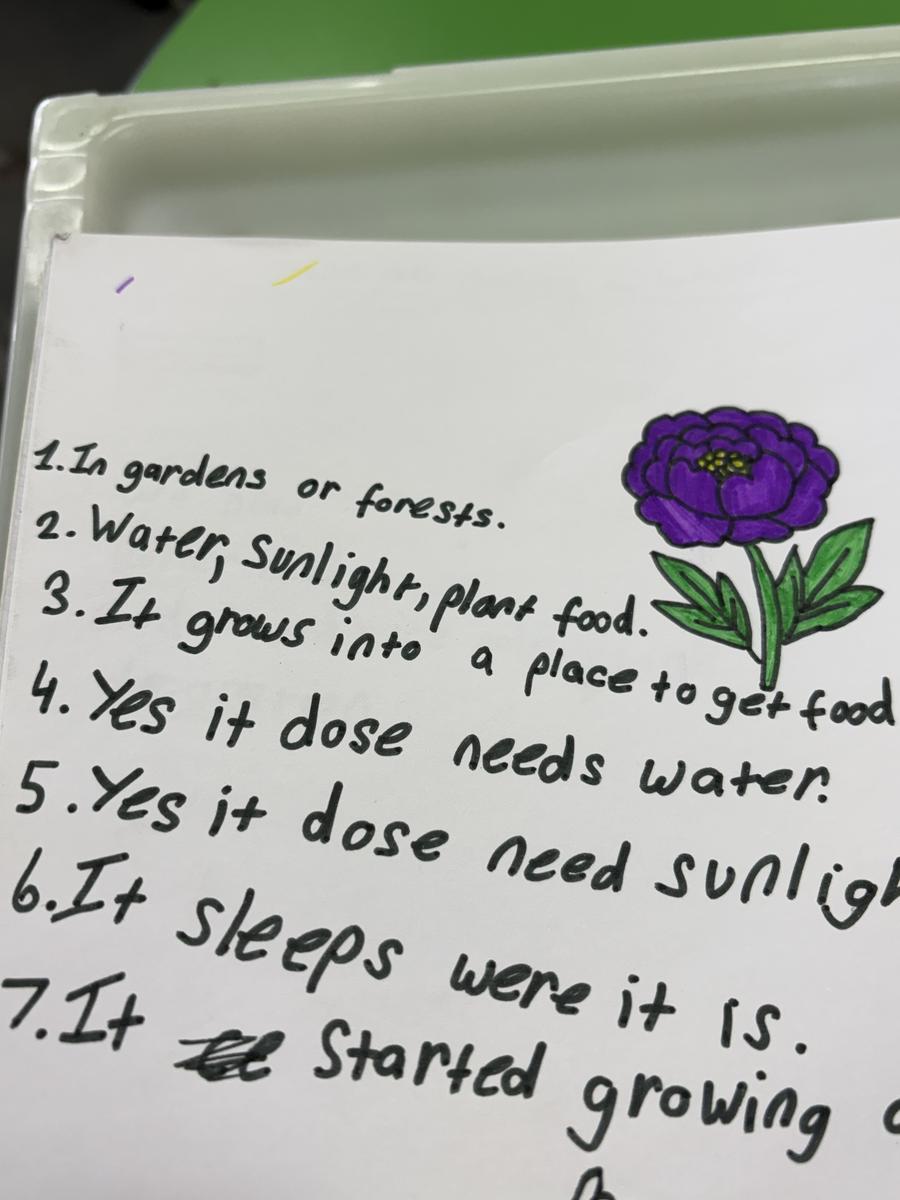
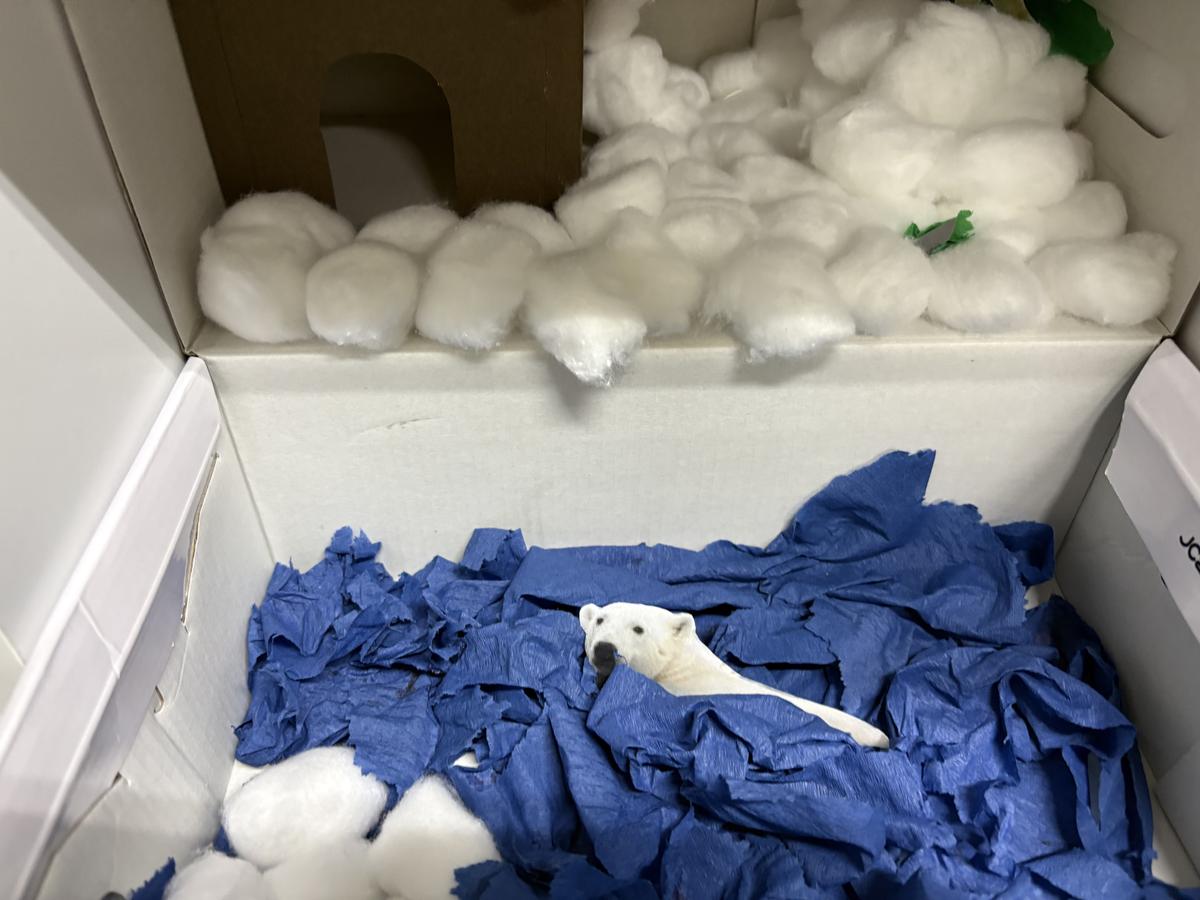
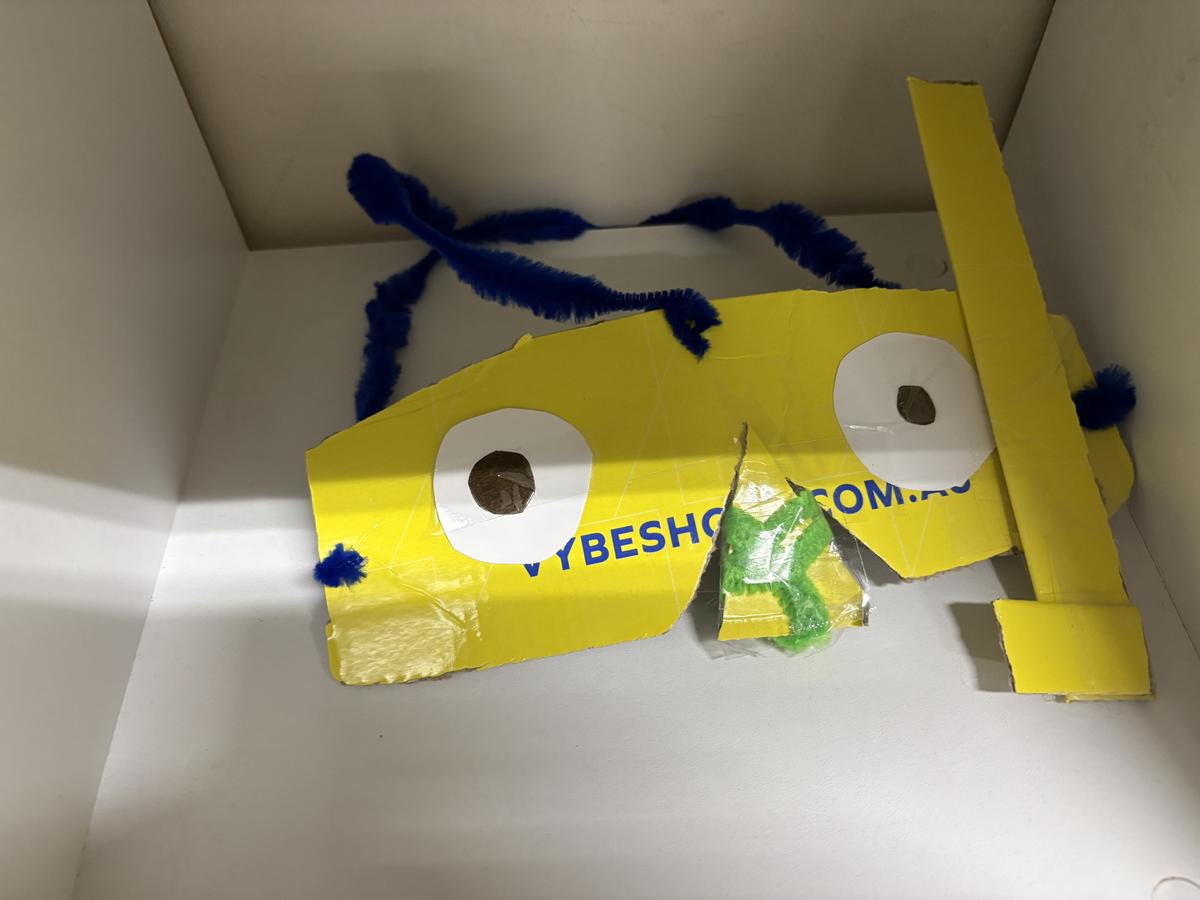
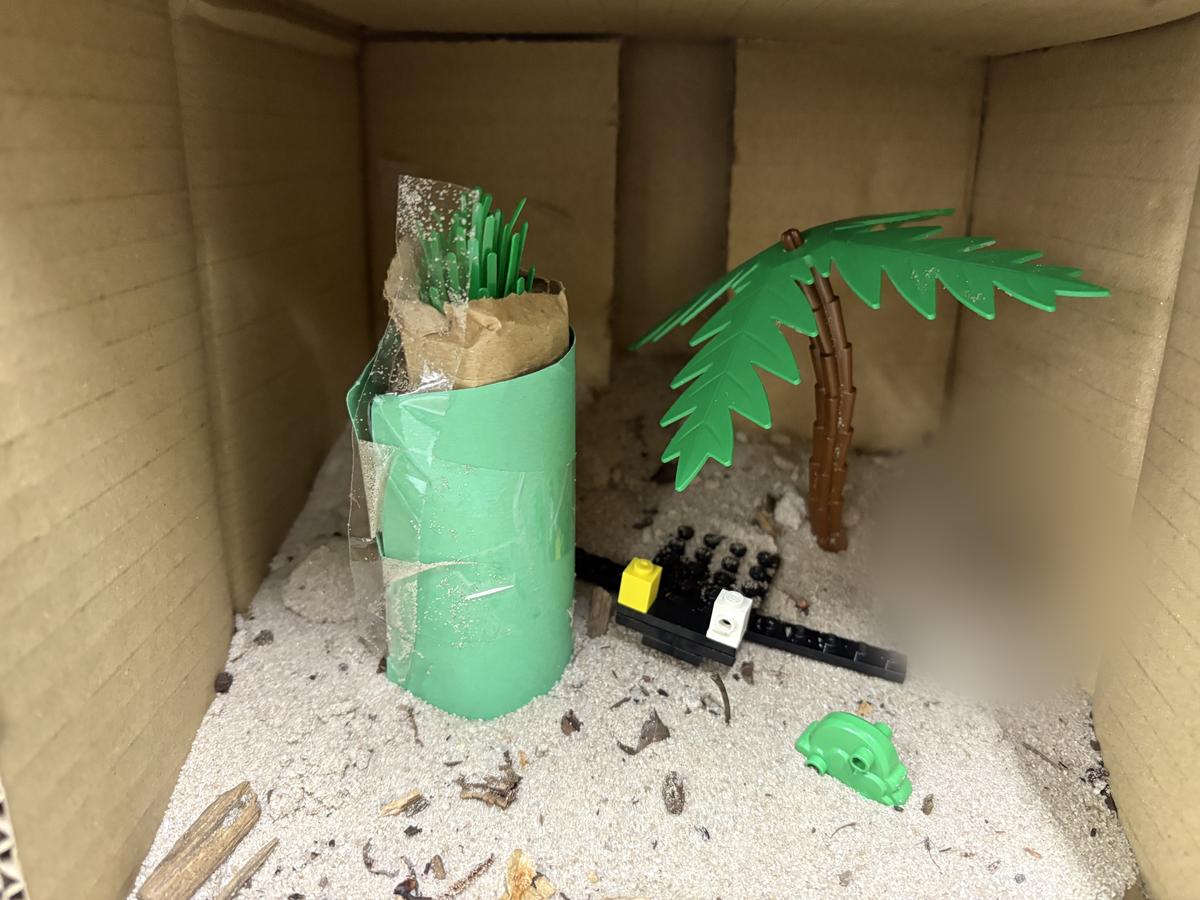
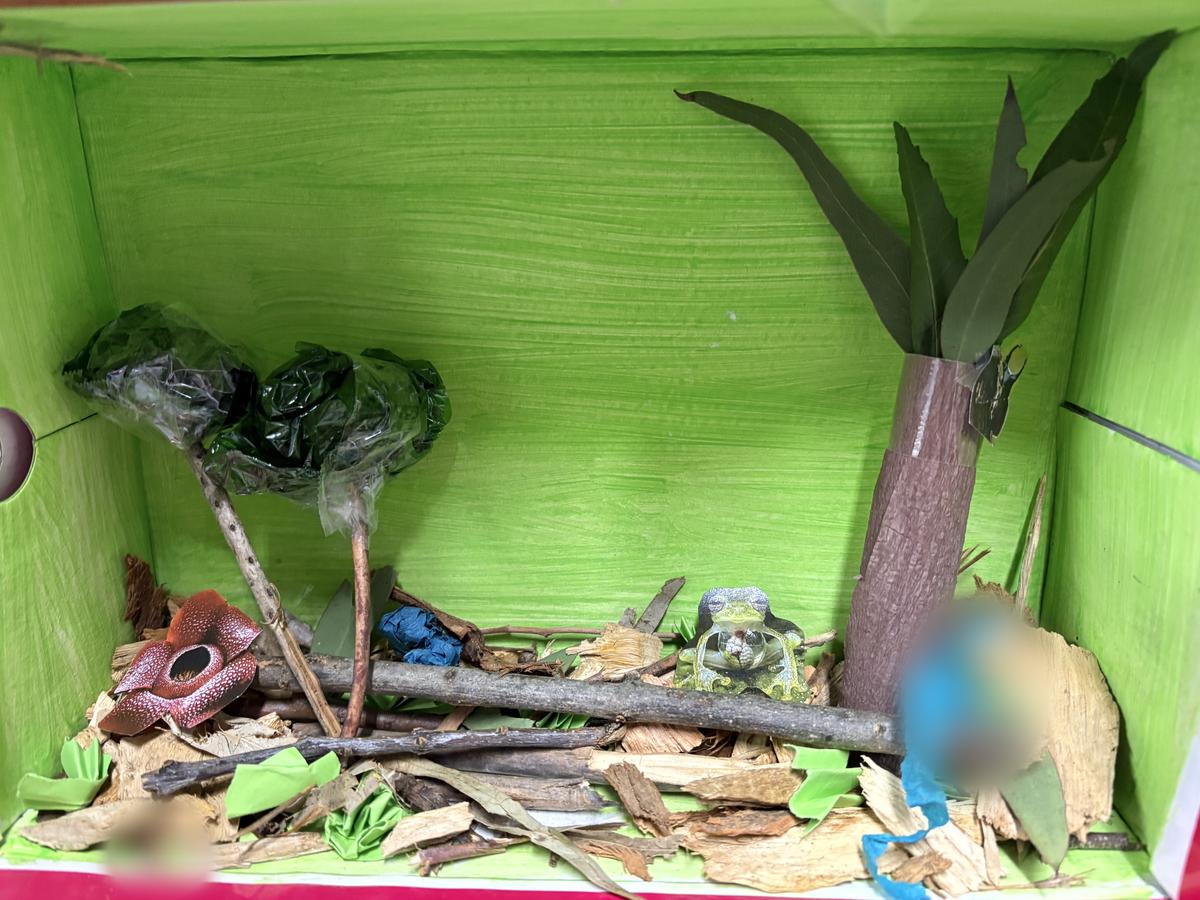
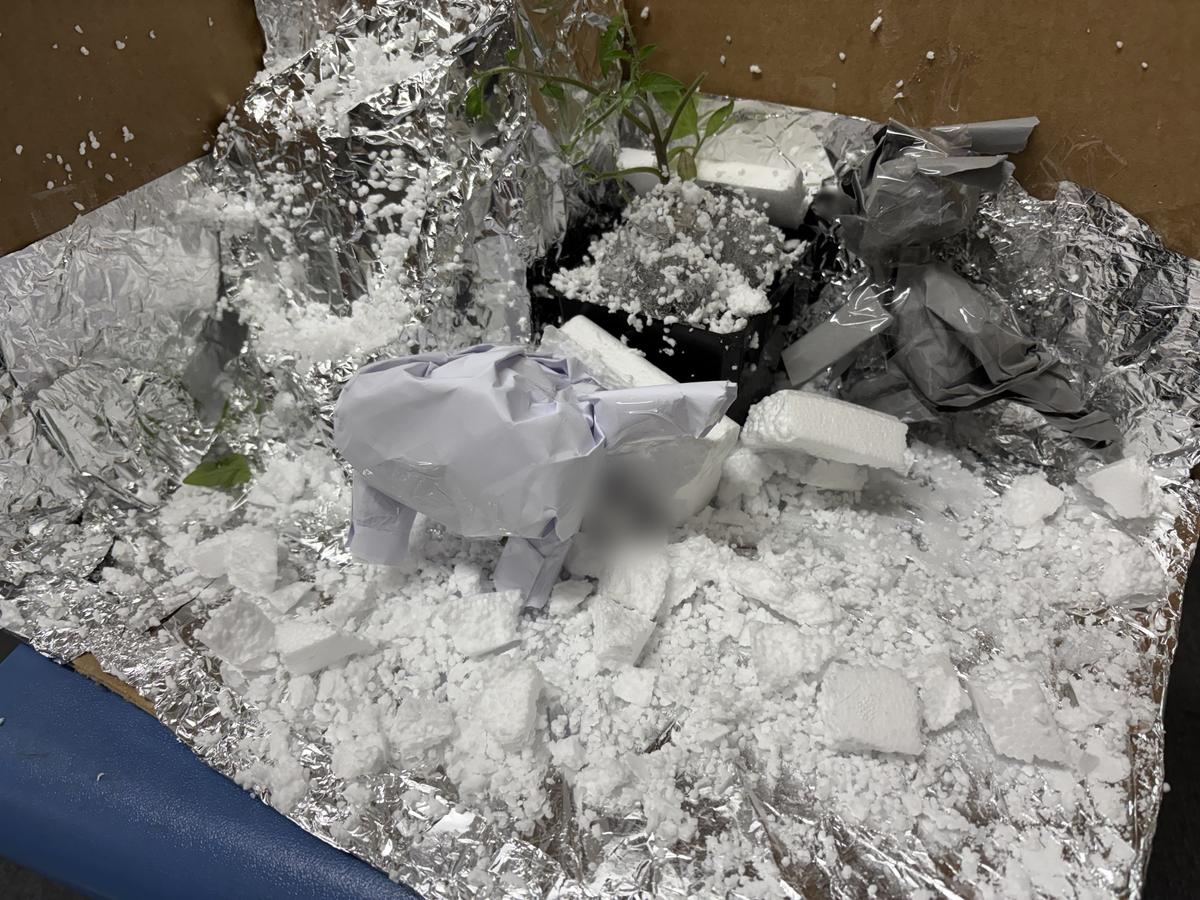
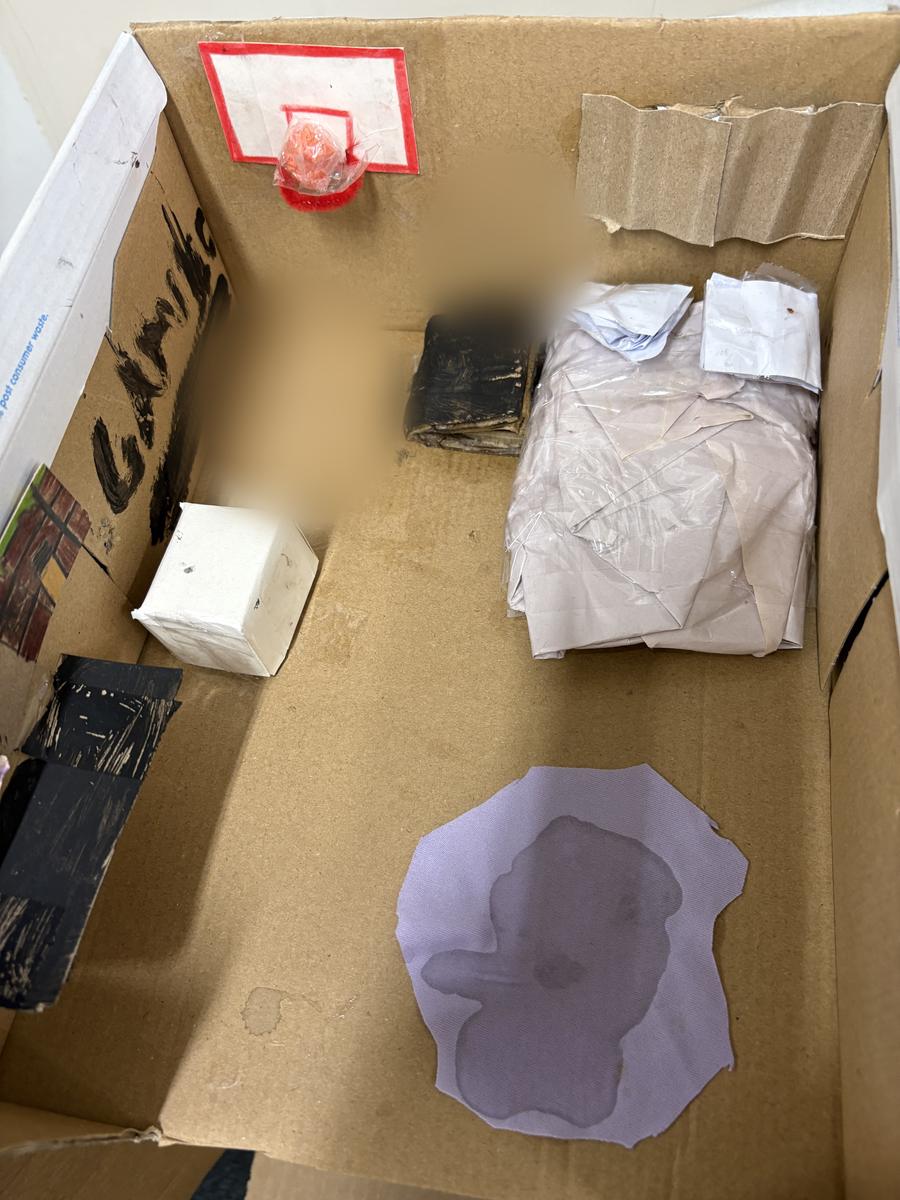
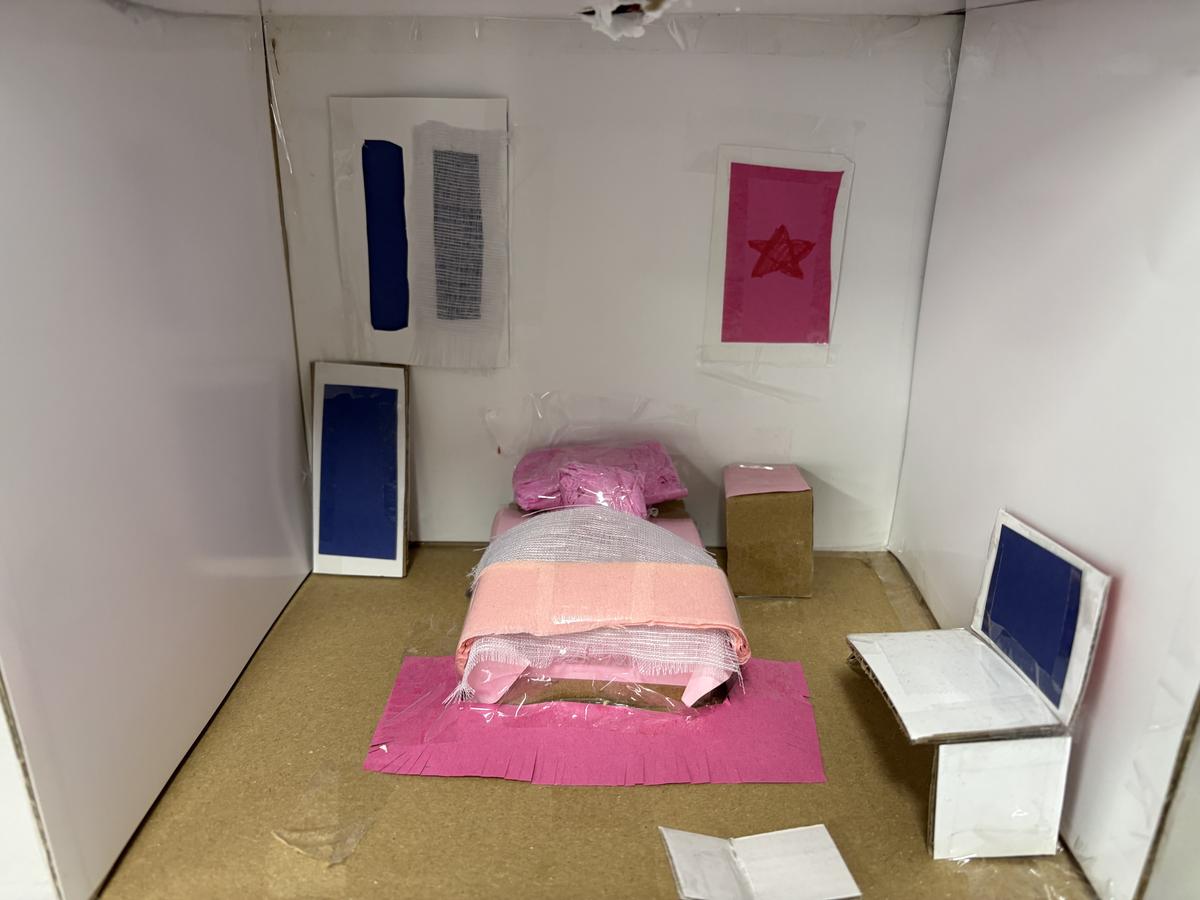
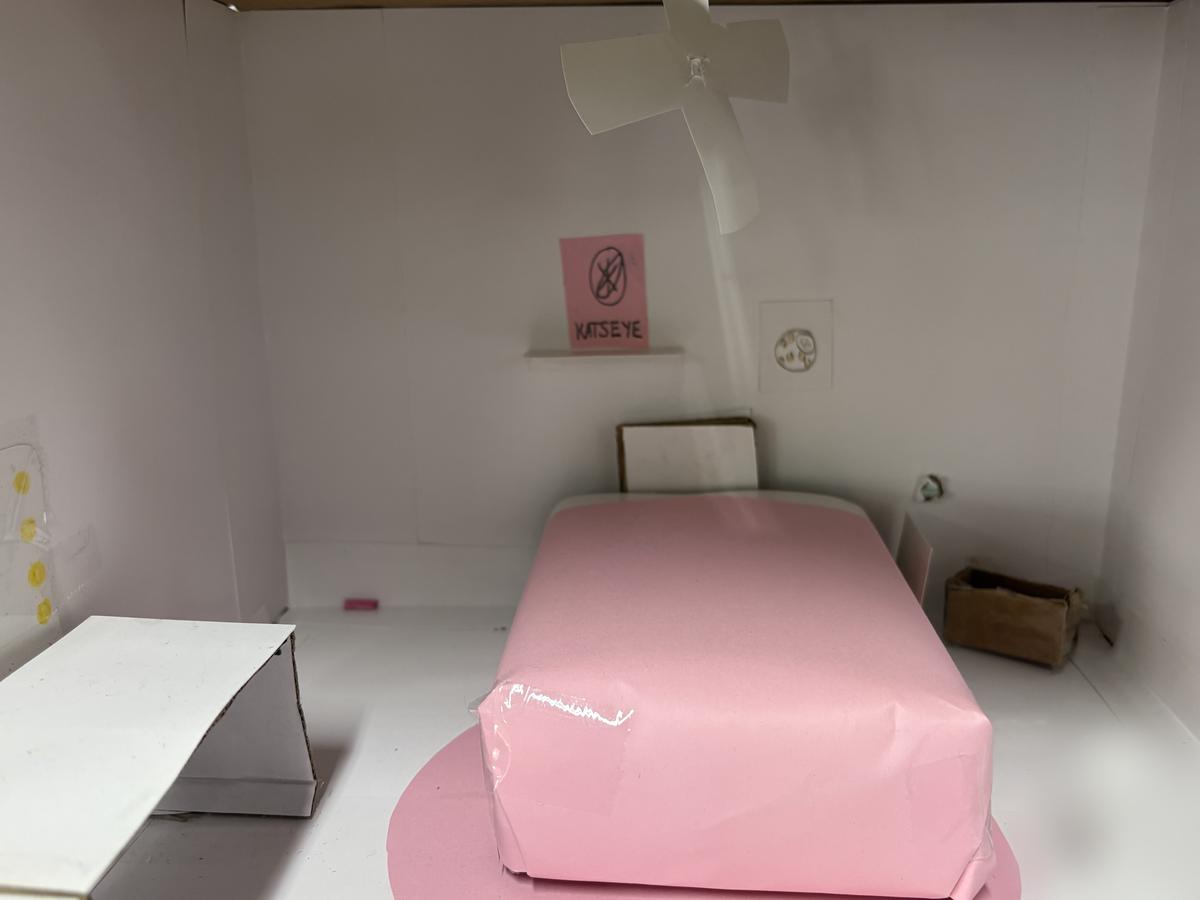
Finally the grade 5-6s have been working on the technology components of STEM by creating some coding using code.org (I have included some Parent information again on this at the end of my post) and using video to make mini films about the biomes. Here are some of the models of the Biomes that were created for the films as well as some of the 'rooms' that were created last Term for our power circuit work.
As always, If you ever have any questions or would like to contact me - the easiest way is to drop me an email at stephen.lytton@education.vic.gov.au
STEM Donations
The STEM room is still in need of cardboard tubes (from paper towel), bottle caps and small cardboard boxes as our supplies are dangerously low. f you could collect any you use over the next few week, or even during the school holidays and donate them to the school - both myself and the students will be very happy.
These items can be: -
Thank you, Stephen Lytton STEM Specialist
In my class, your student is learning computer science on Code.org, a fun, creative platform for learning computer science and basic coding to create interactive animations, games, or apps. Your interest in what your child is learning is critical, and Code.org makes it easy to stay involved.
One of the best ways is to ask your child to explain what they’re learning and show you a project they are proud of, see details. Or watch one of these videos together.
Our class uses secret words or secret pictures to sign in. To have your student sign in to Code.org at home, do the following:
At the top of their homepage, your student can continue the course they are doing with their classroom at school. They can also create their own games or artwork in the Project Gallery or check out code.org/athome for ideas for things to work on at home.
Keep up to date with what your student is working on and receive updates from Code.org. Have your child sign in to Code.org and then enter your email in Account Settings.
Code.org assigns utmost importance to student safety and security. As a not-for-profit organization, they are transparent about the limited data they collect and how they use it. They do not sell data or exploit it for financial gain. They do not sell ads. Code.org has signed the Student Privacy Pledge and their privacy practices are highly rated by Common Sense Media. You can find further details by viewing Code.org's Privacy Policy.
--------------------------------------------------------------------------------------------
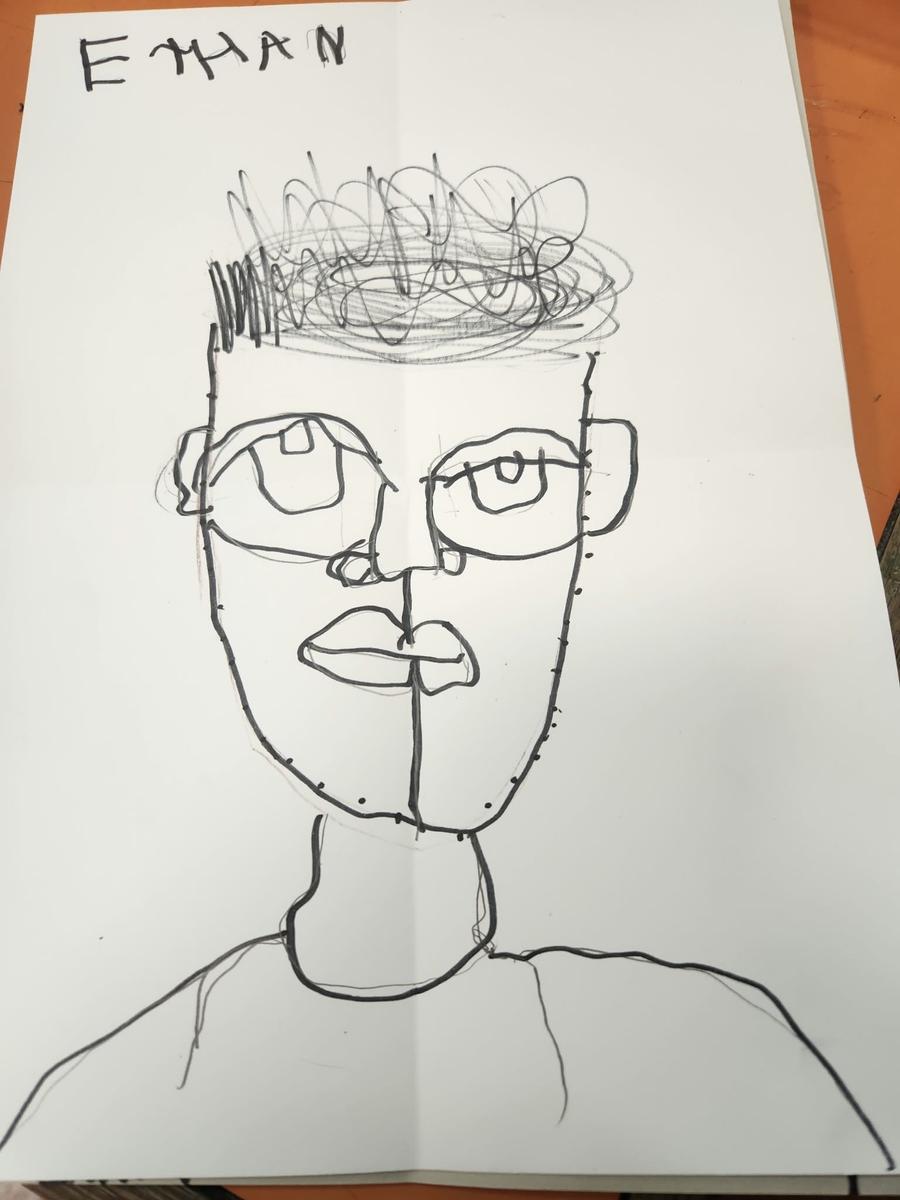
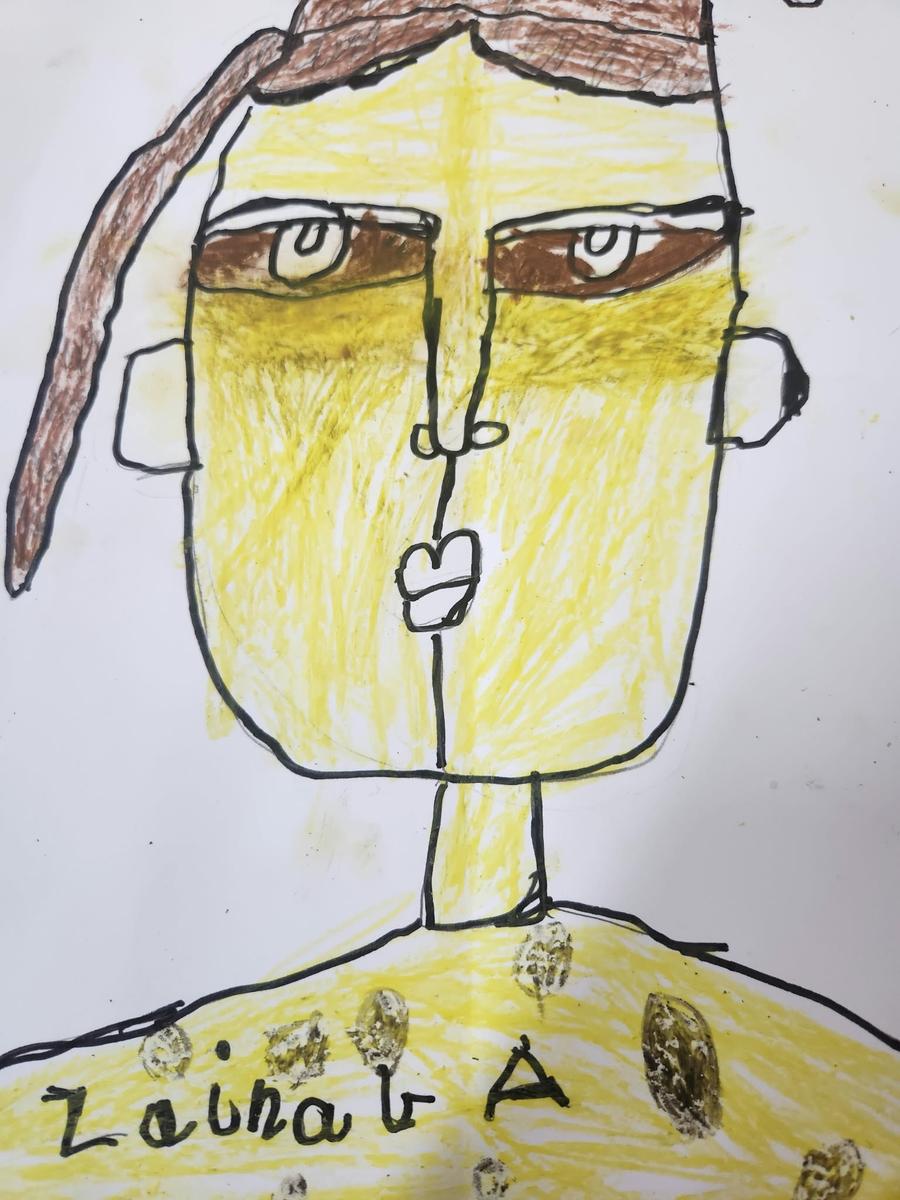
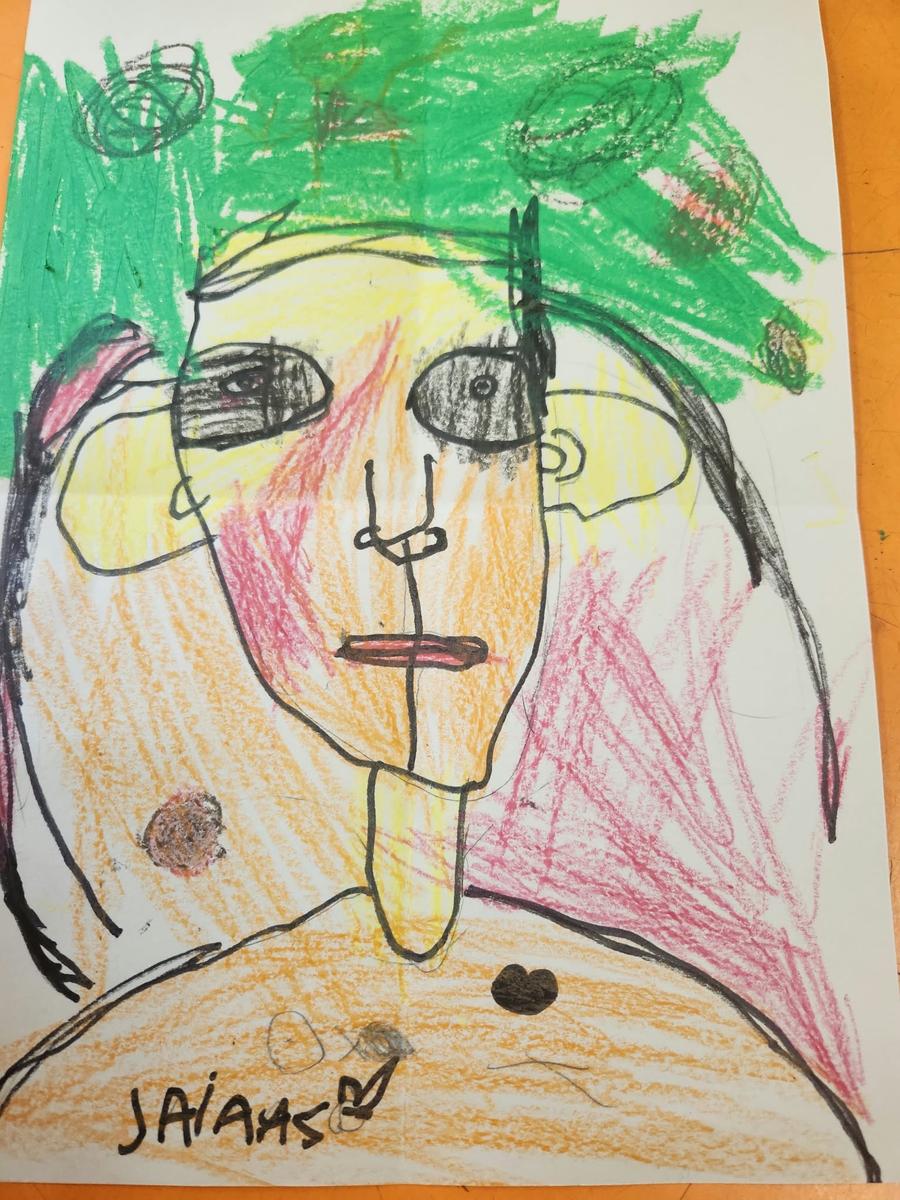
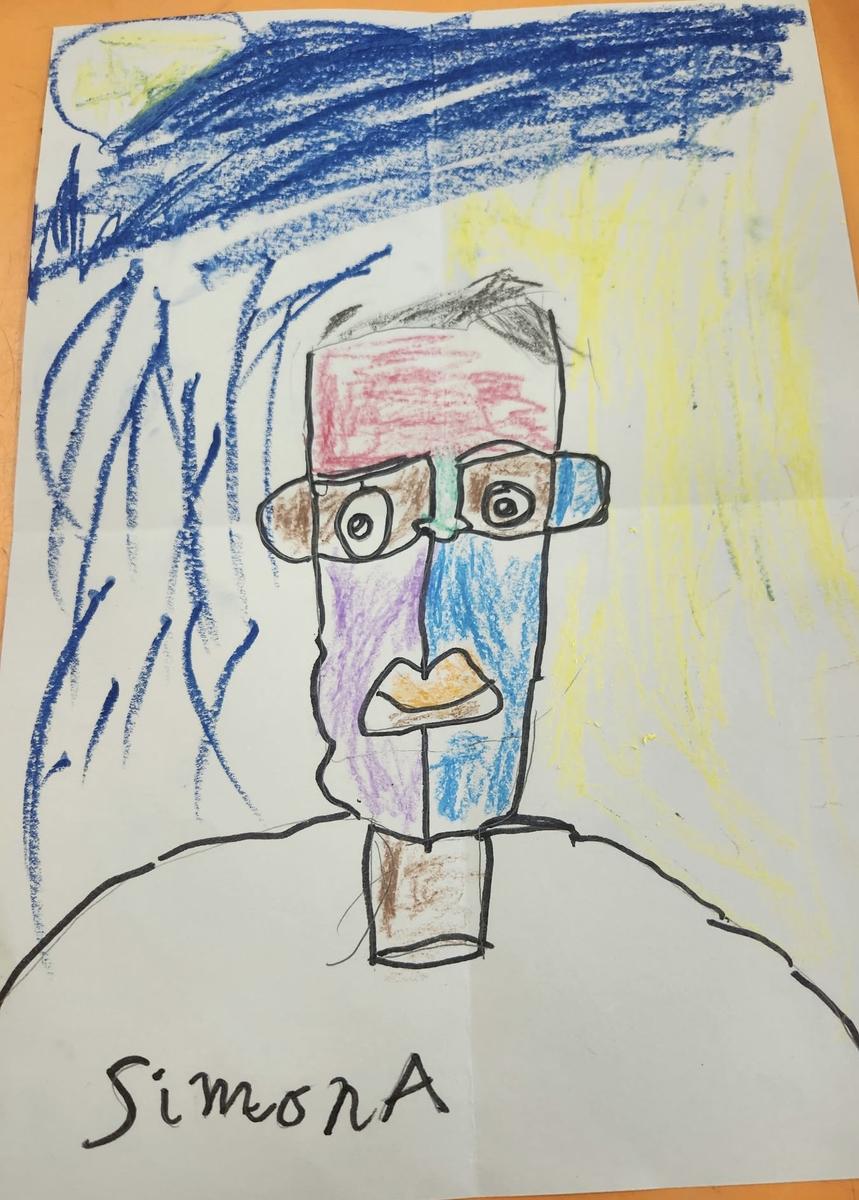
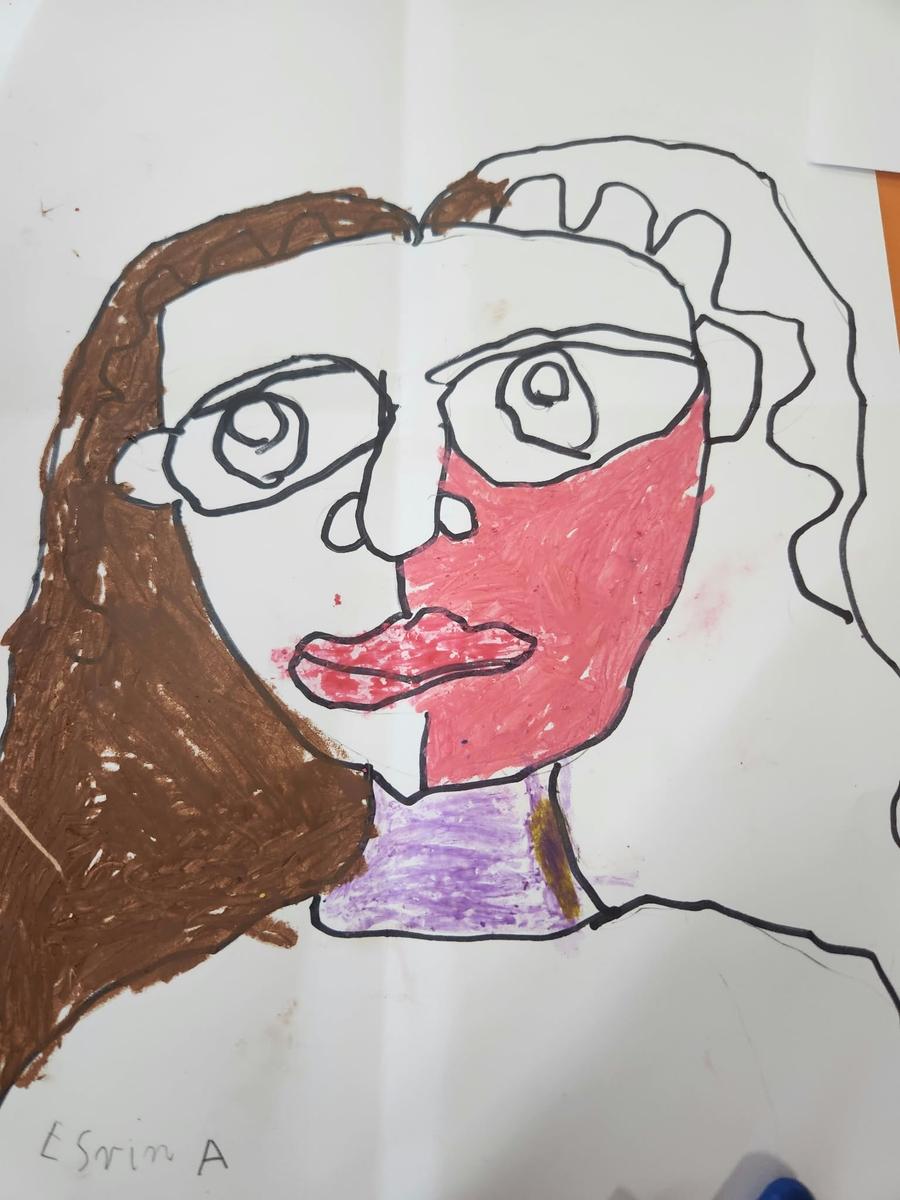
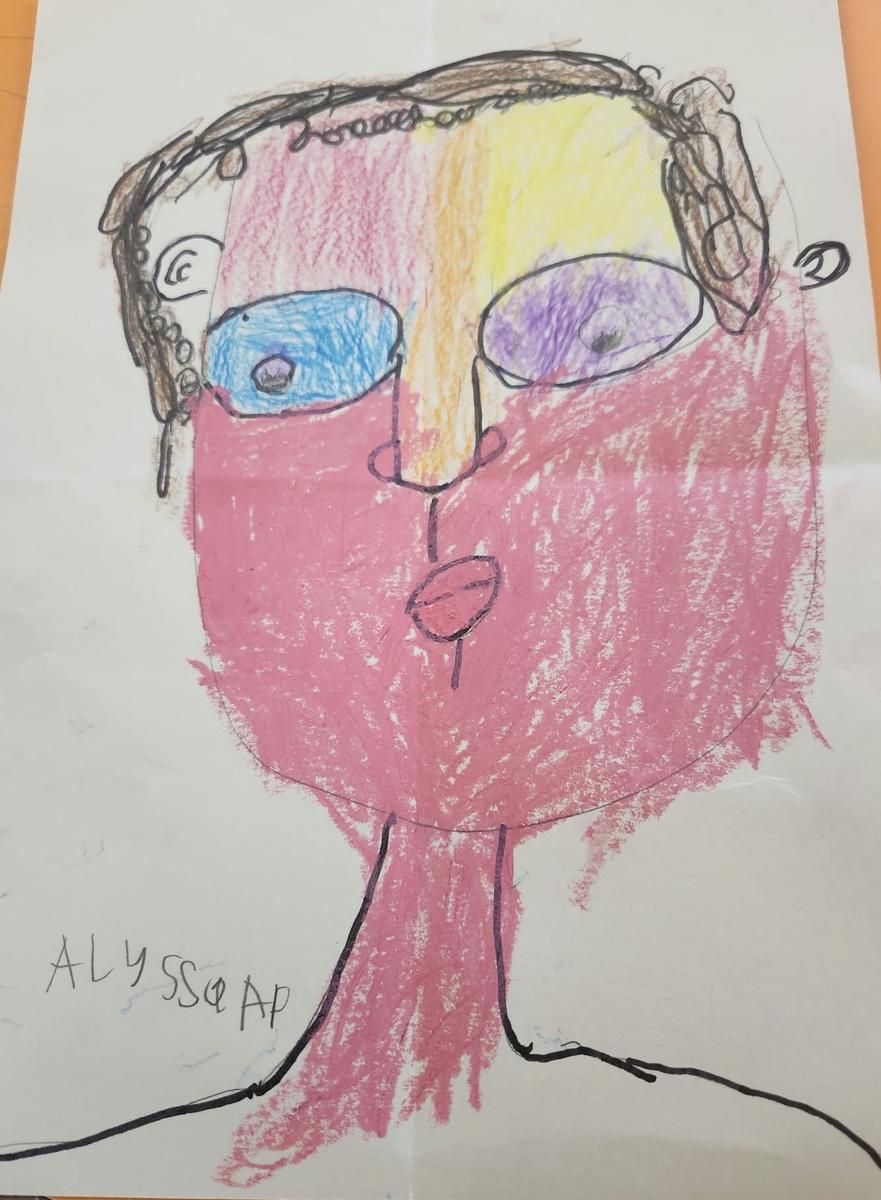
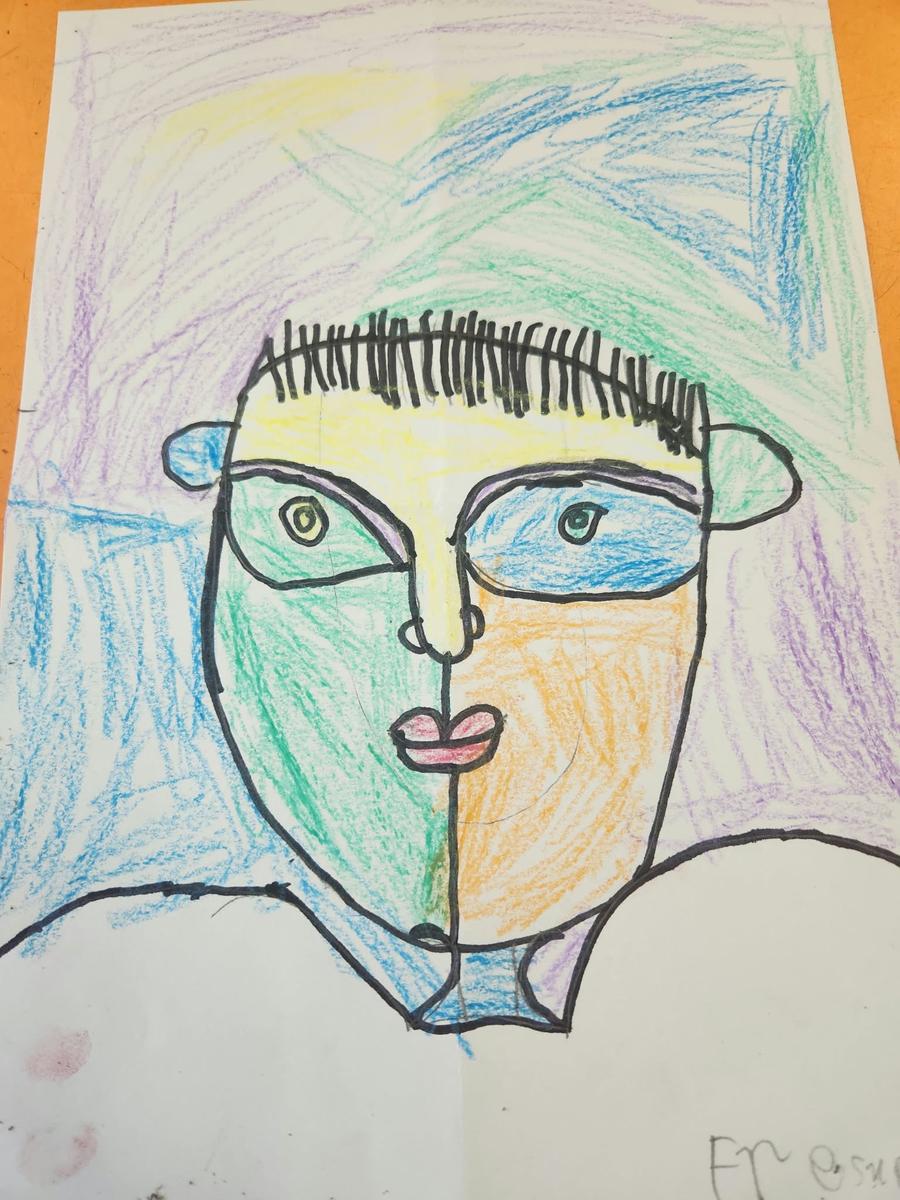
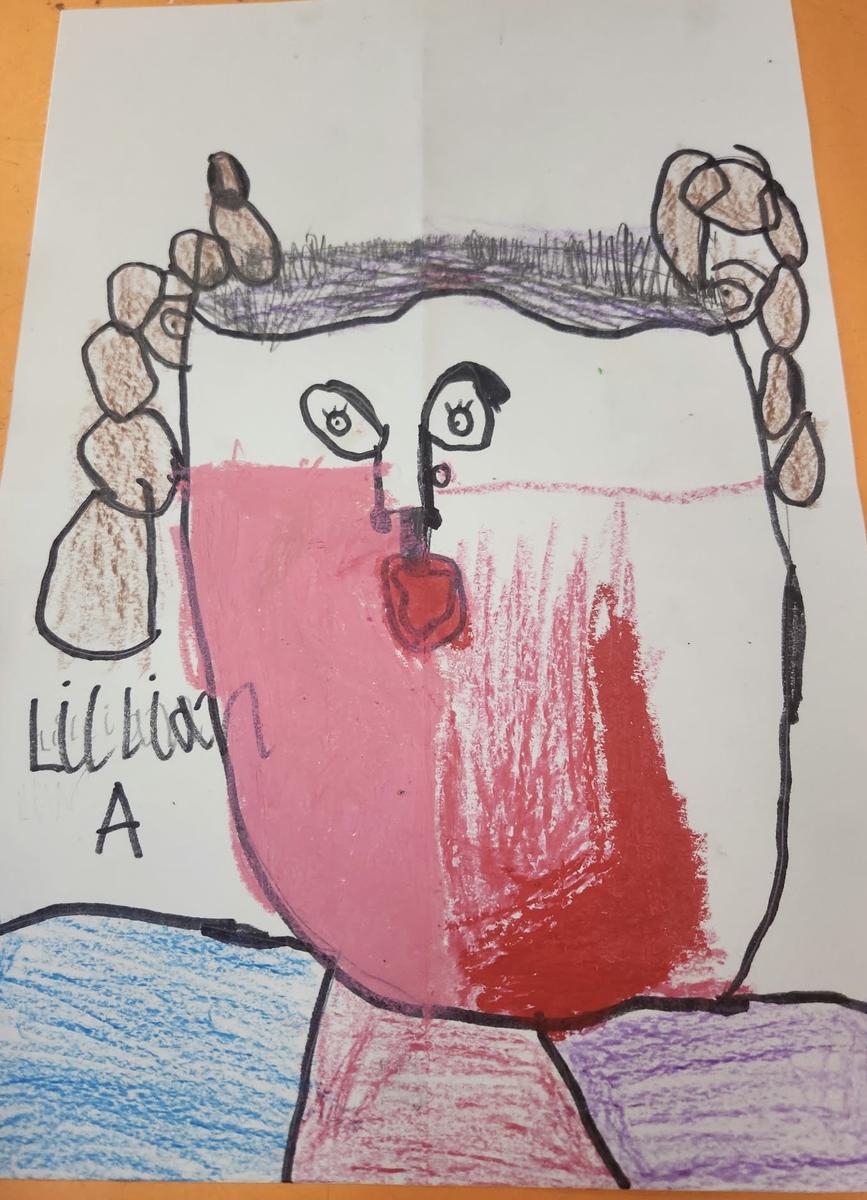
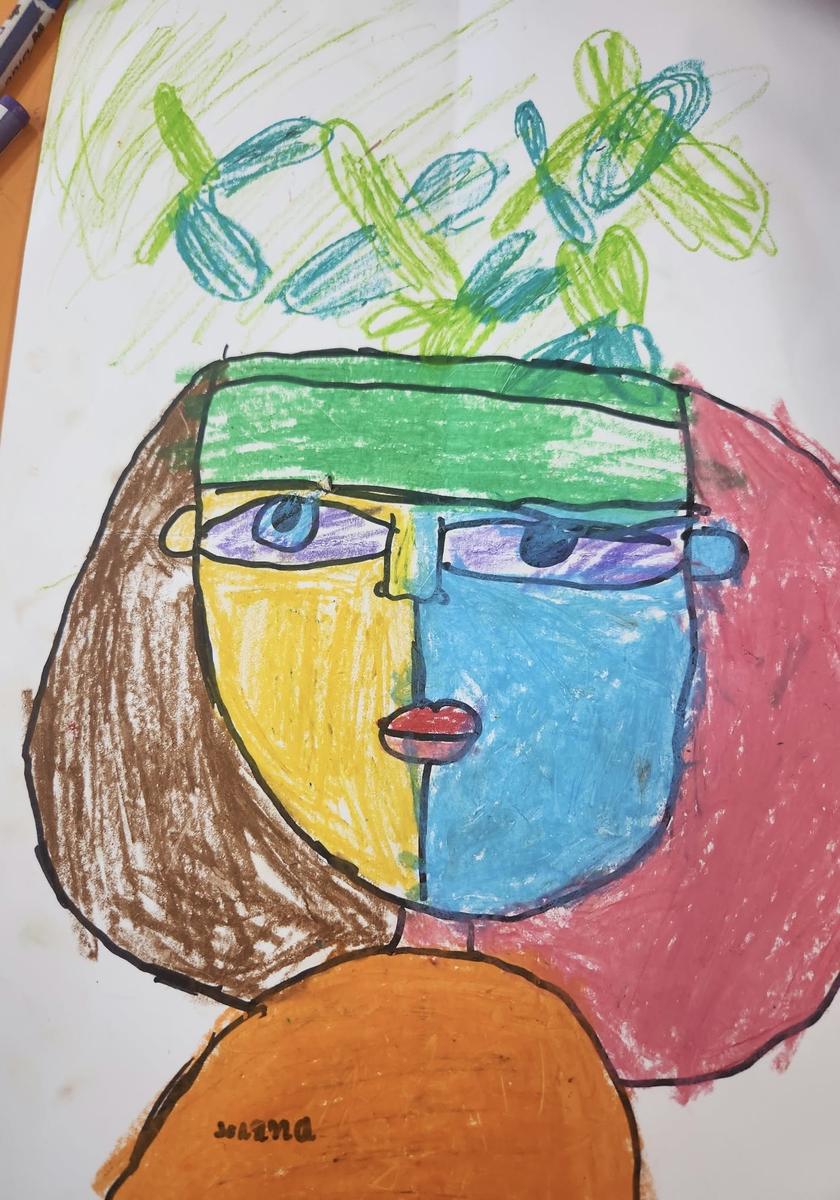
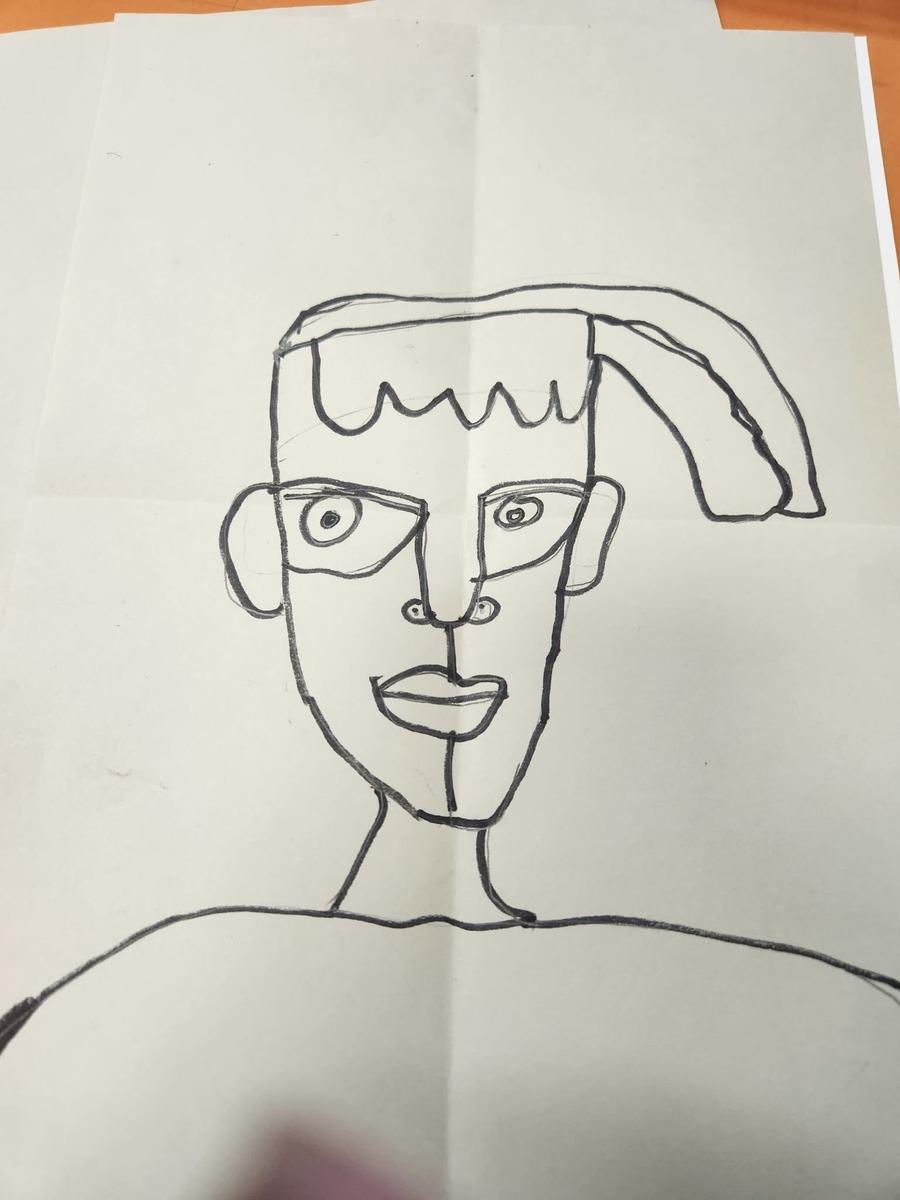
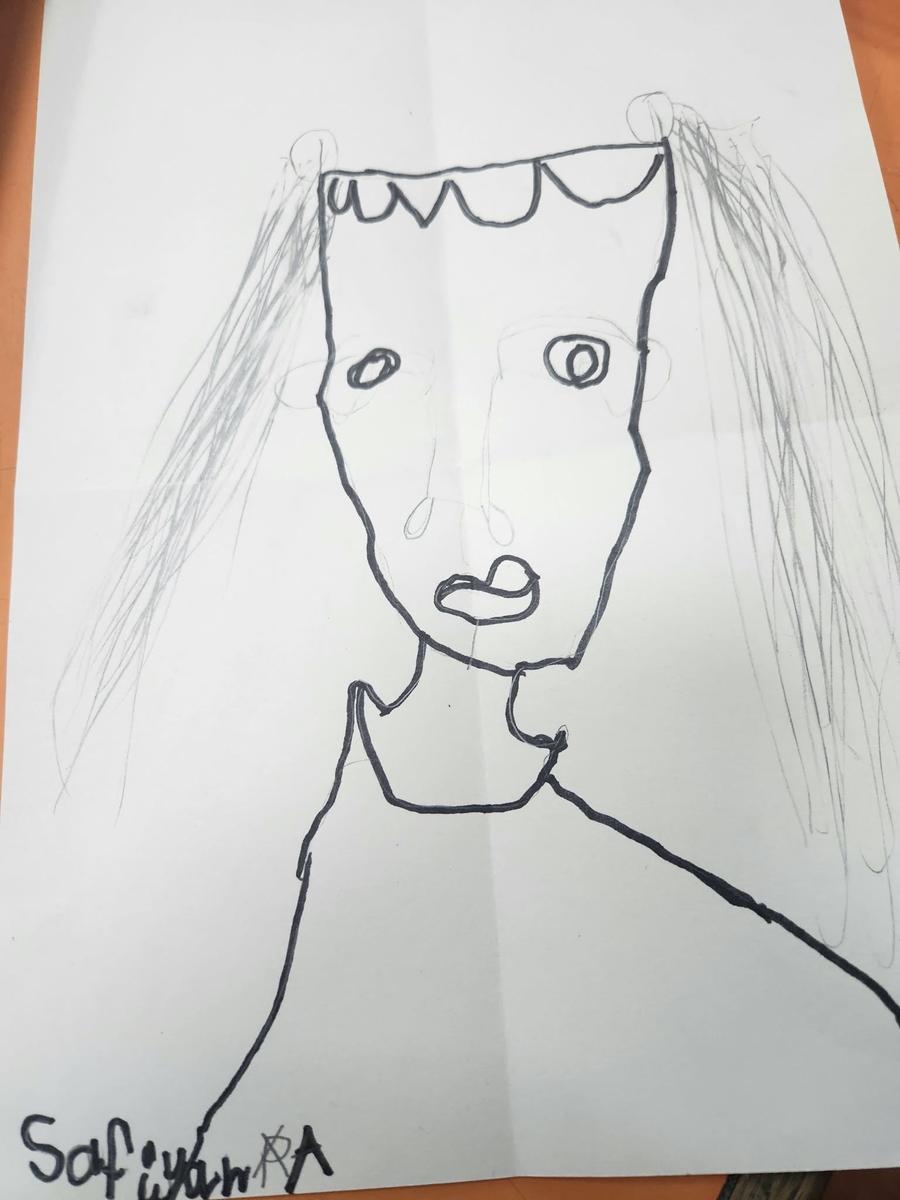
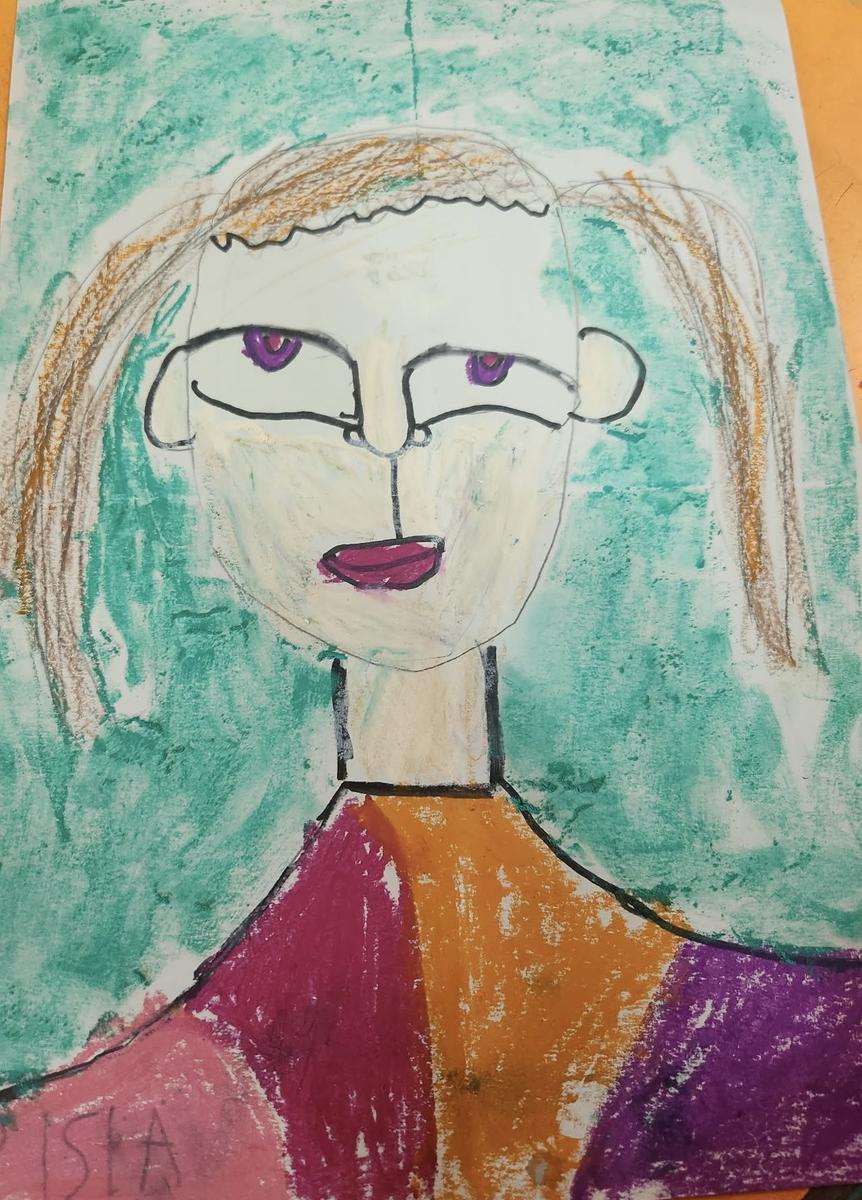
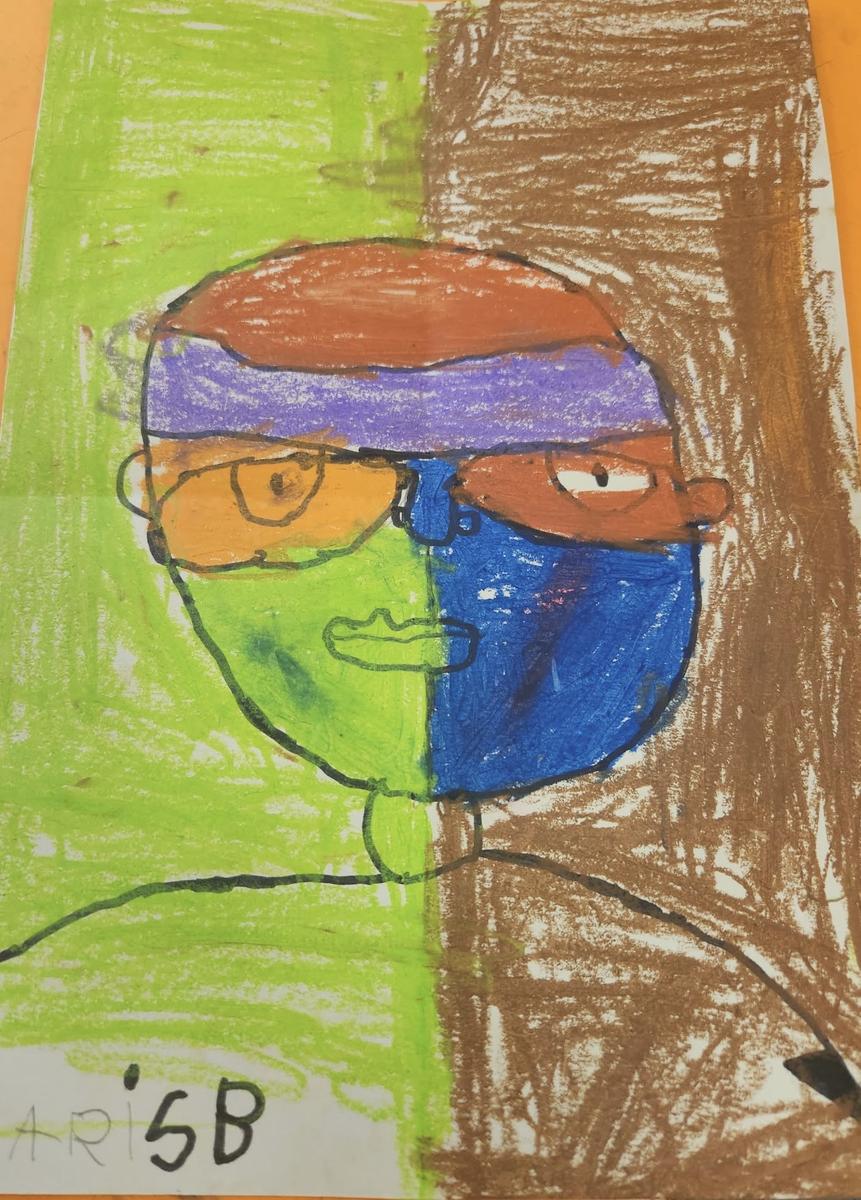
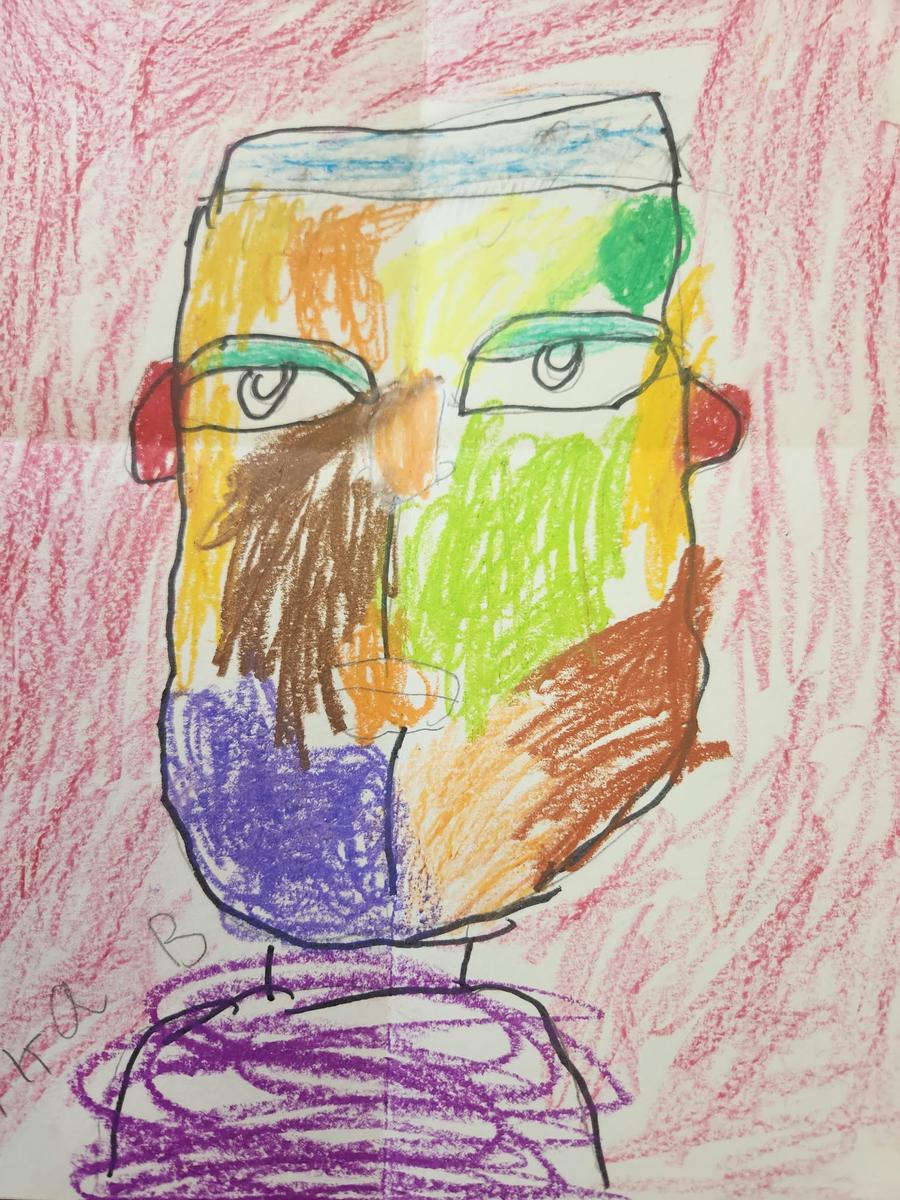
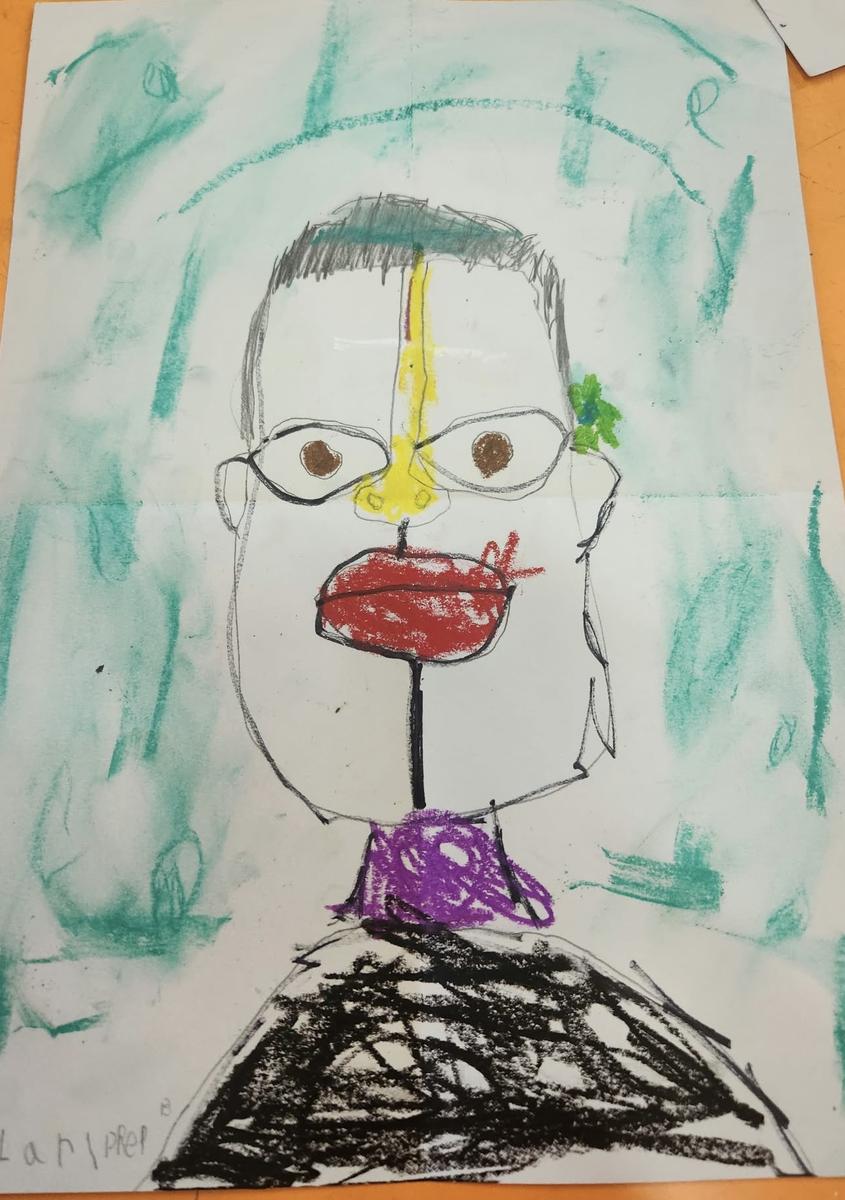
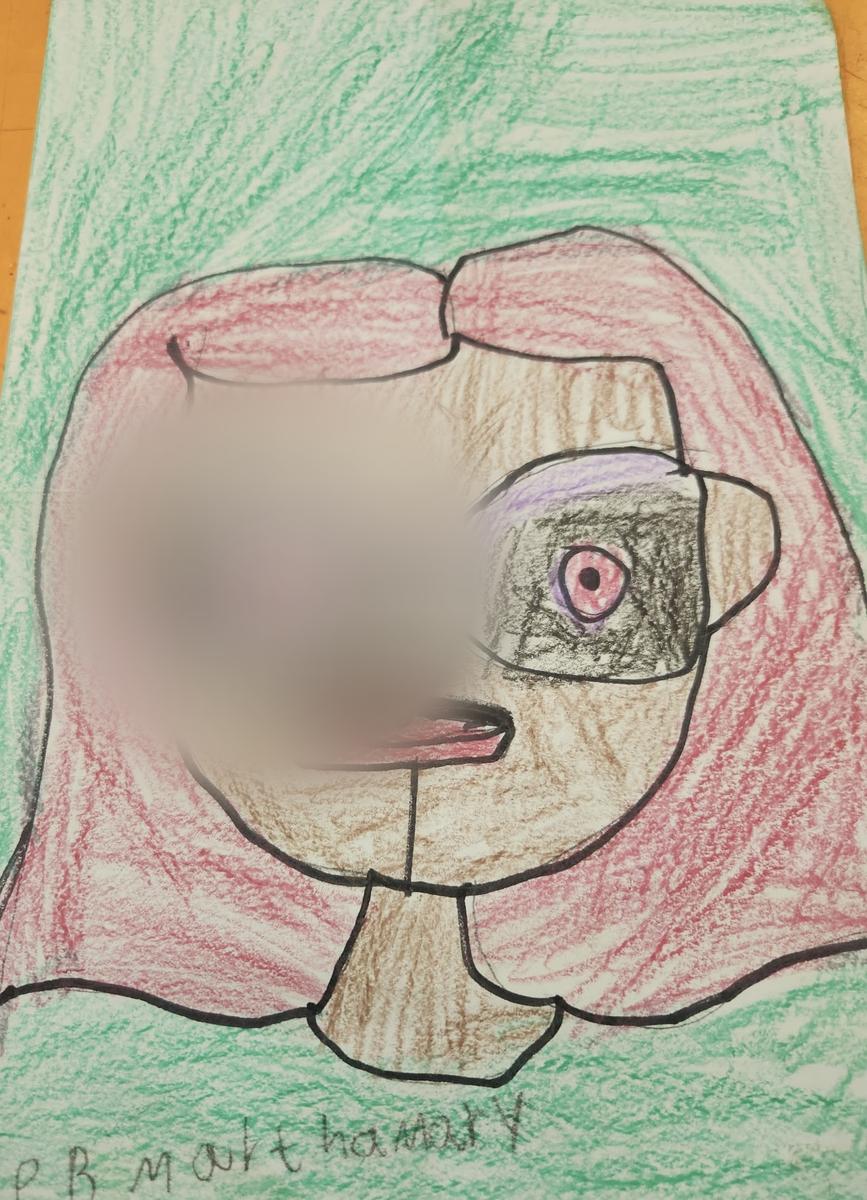
Visual Art has begun Term 4 with colour, creativity, and excitement! Students across the school have enthusiastically returned to the art room, eager to explore new techniques, experiment with materials, and express their unique ideas. It has been wonderful to see so much imagination, confidence, and artistic growth already on display. We look forward to another fantastic term filled with creativity, discovery, and many beautiful artworks to share with our school community.
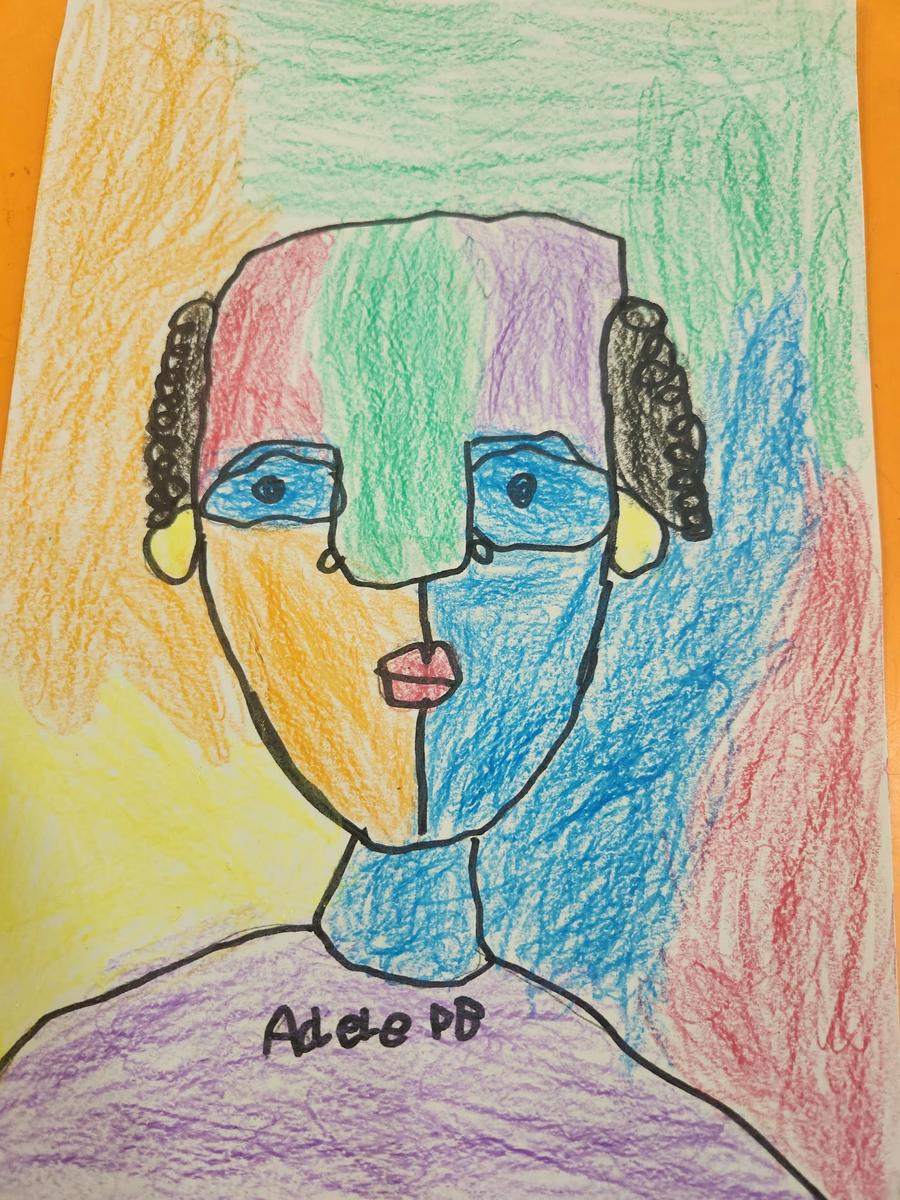
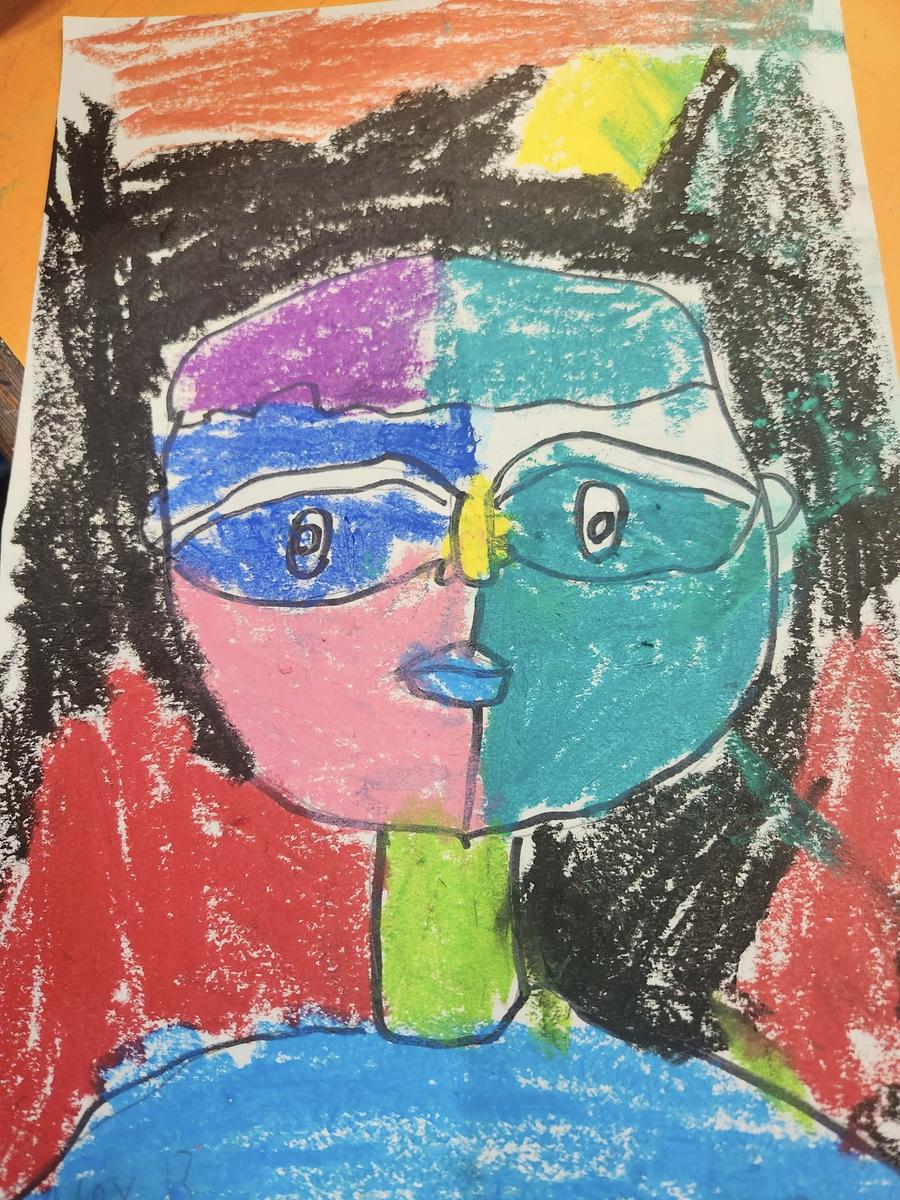
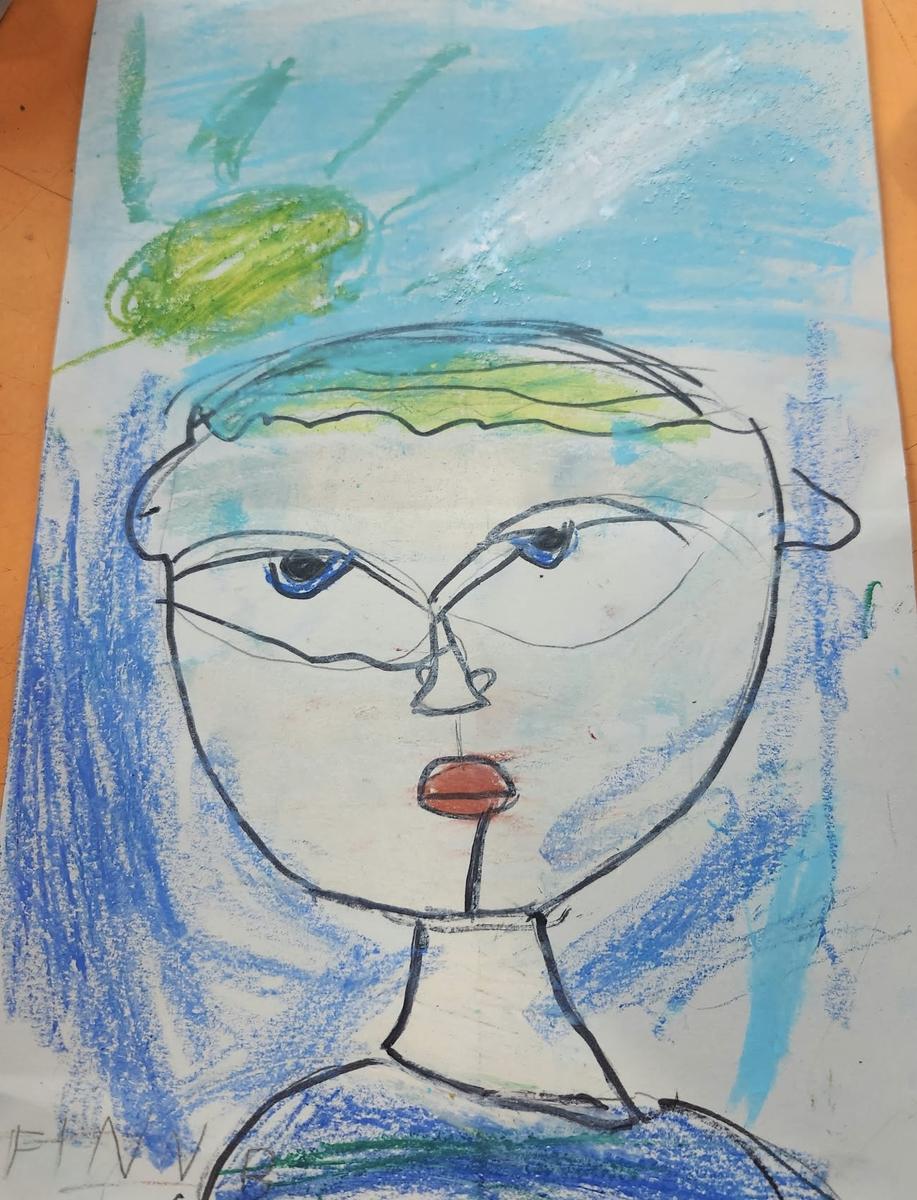
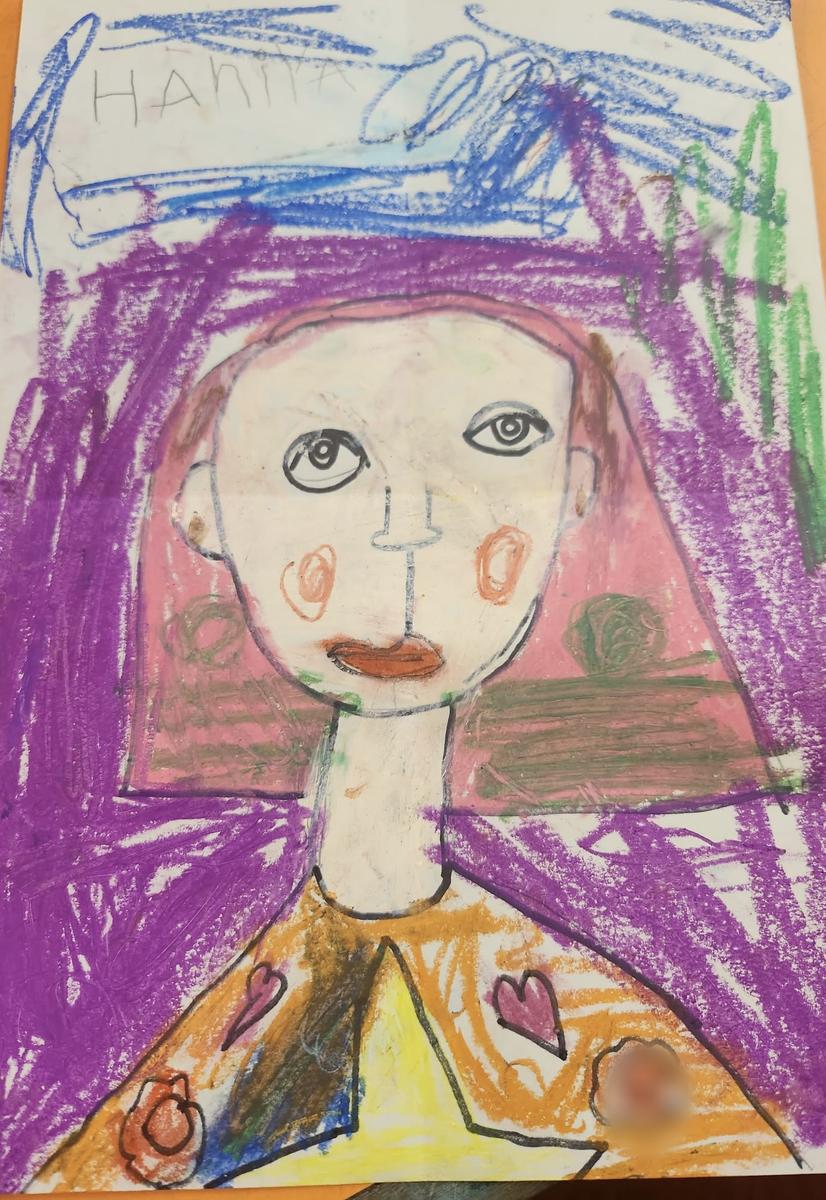
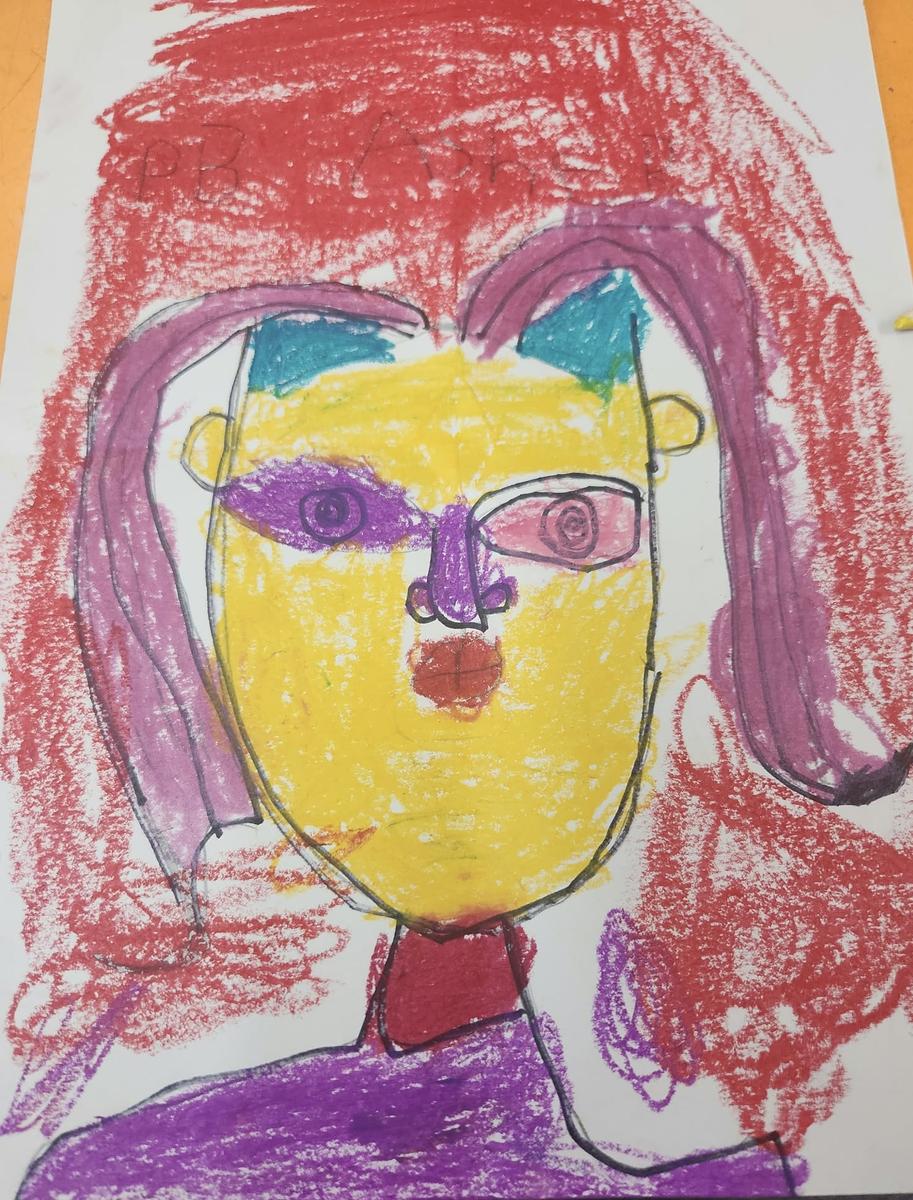
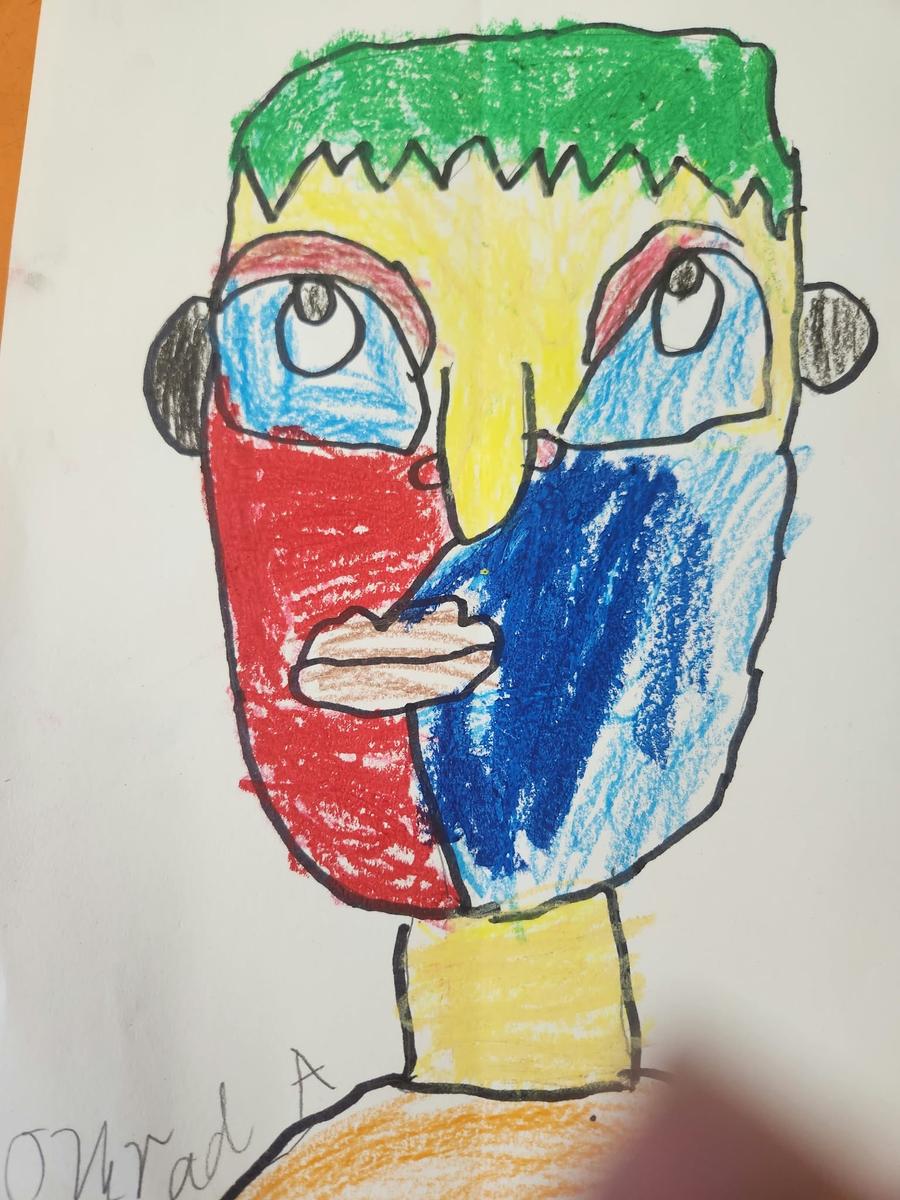
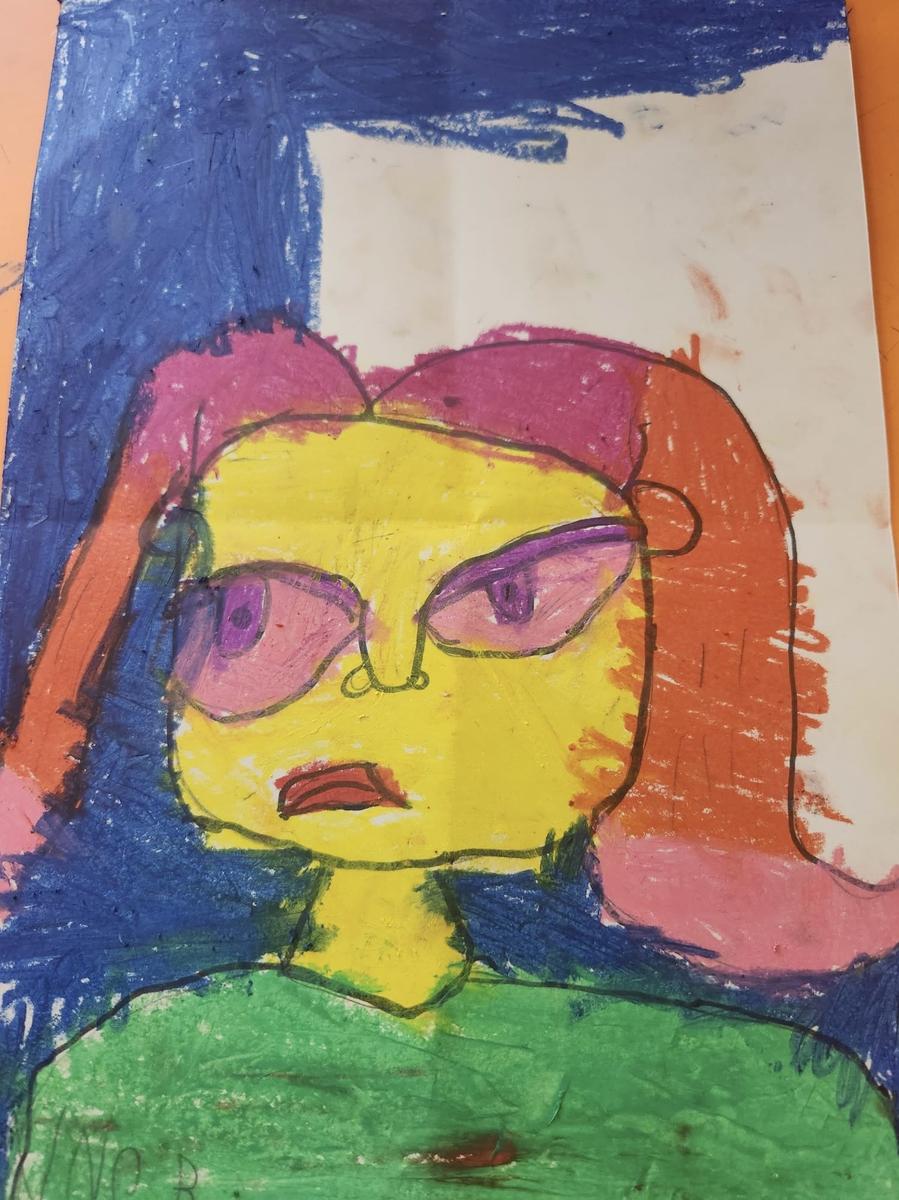
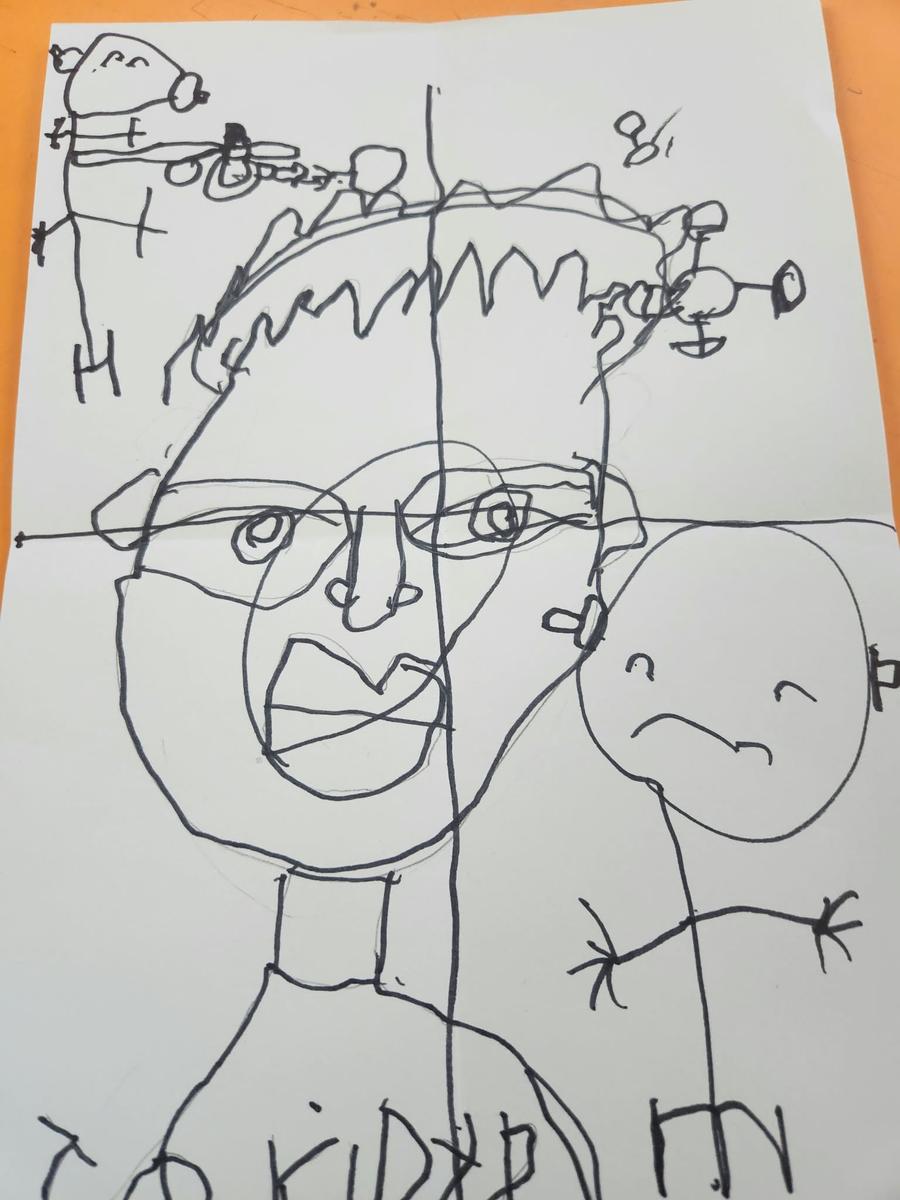
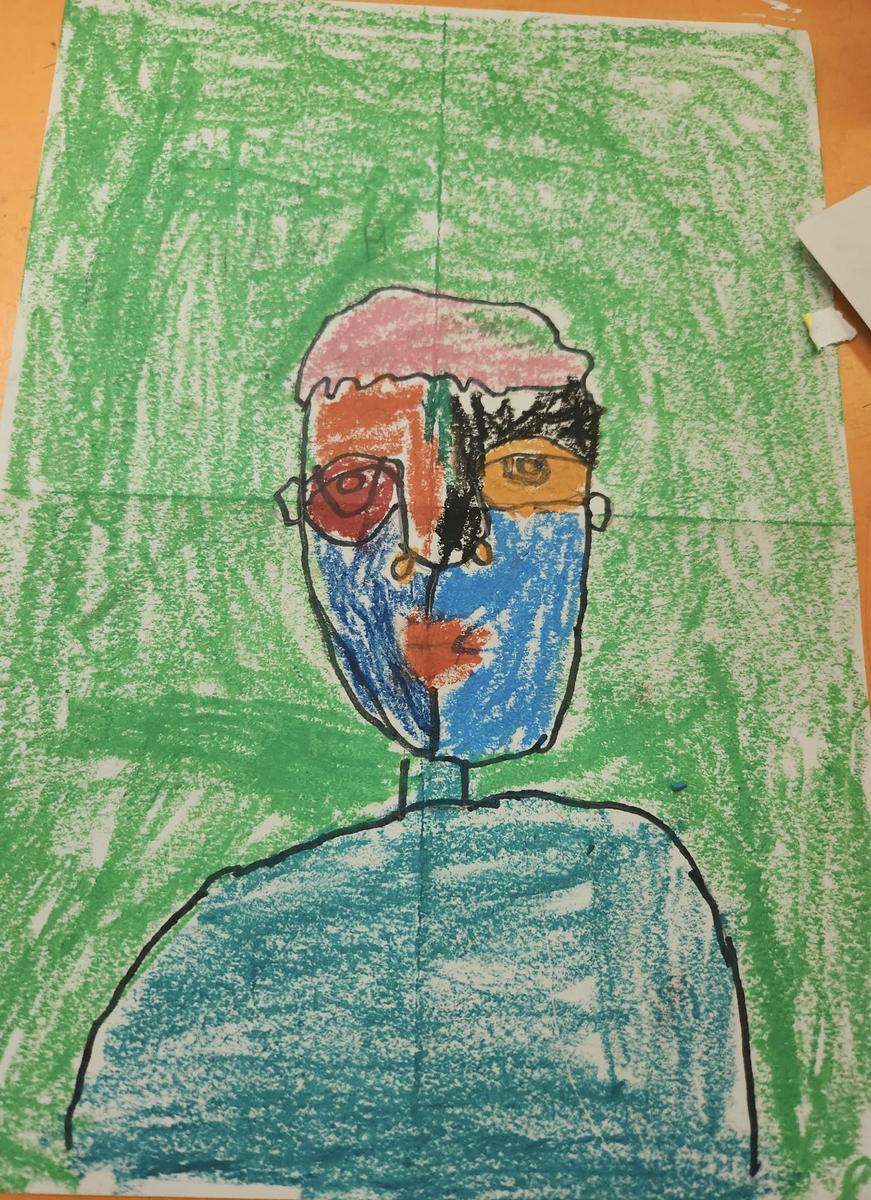
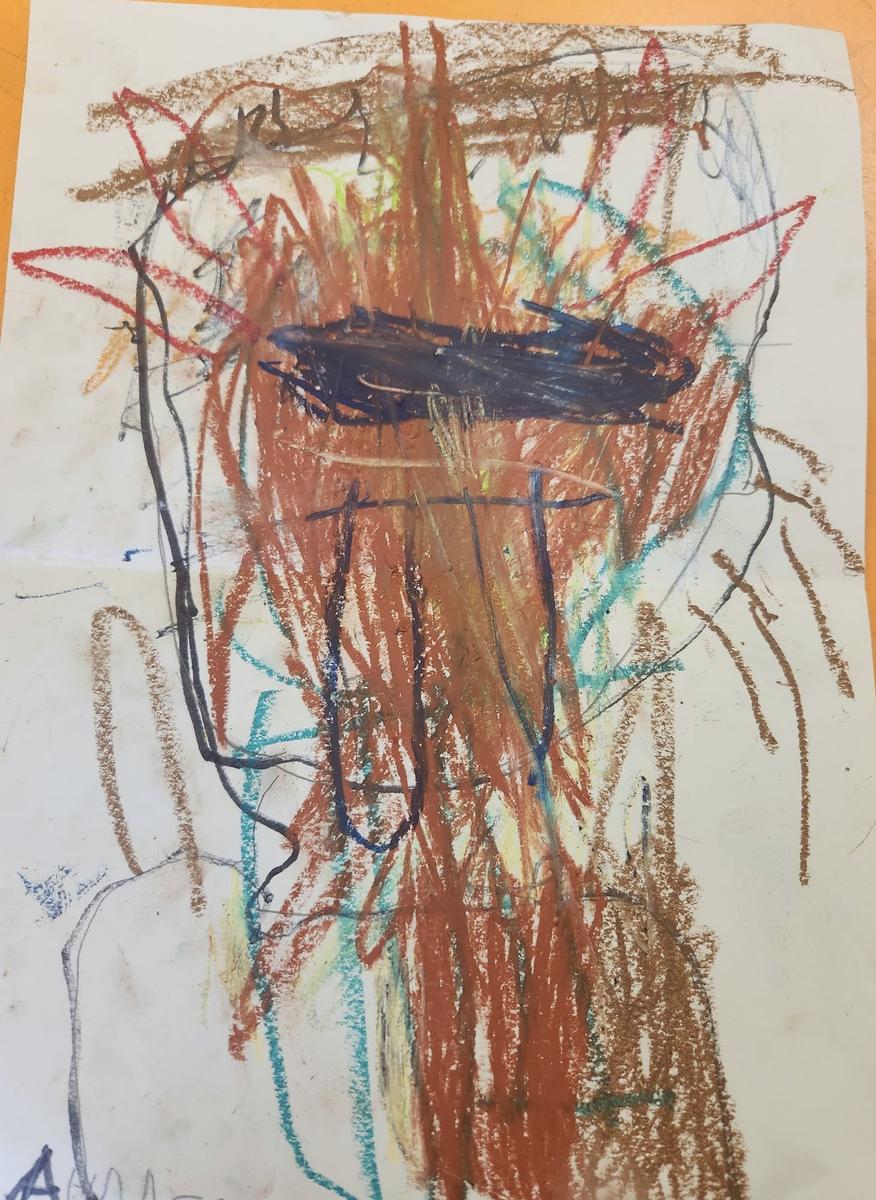
Abstract Self Portraits by Preps
Art Skill: Drawing
Art Elements: Line and Form
Art Principles: Balance and Scale
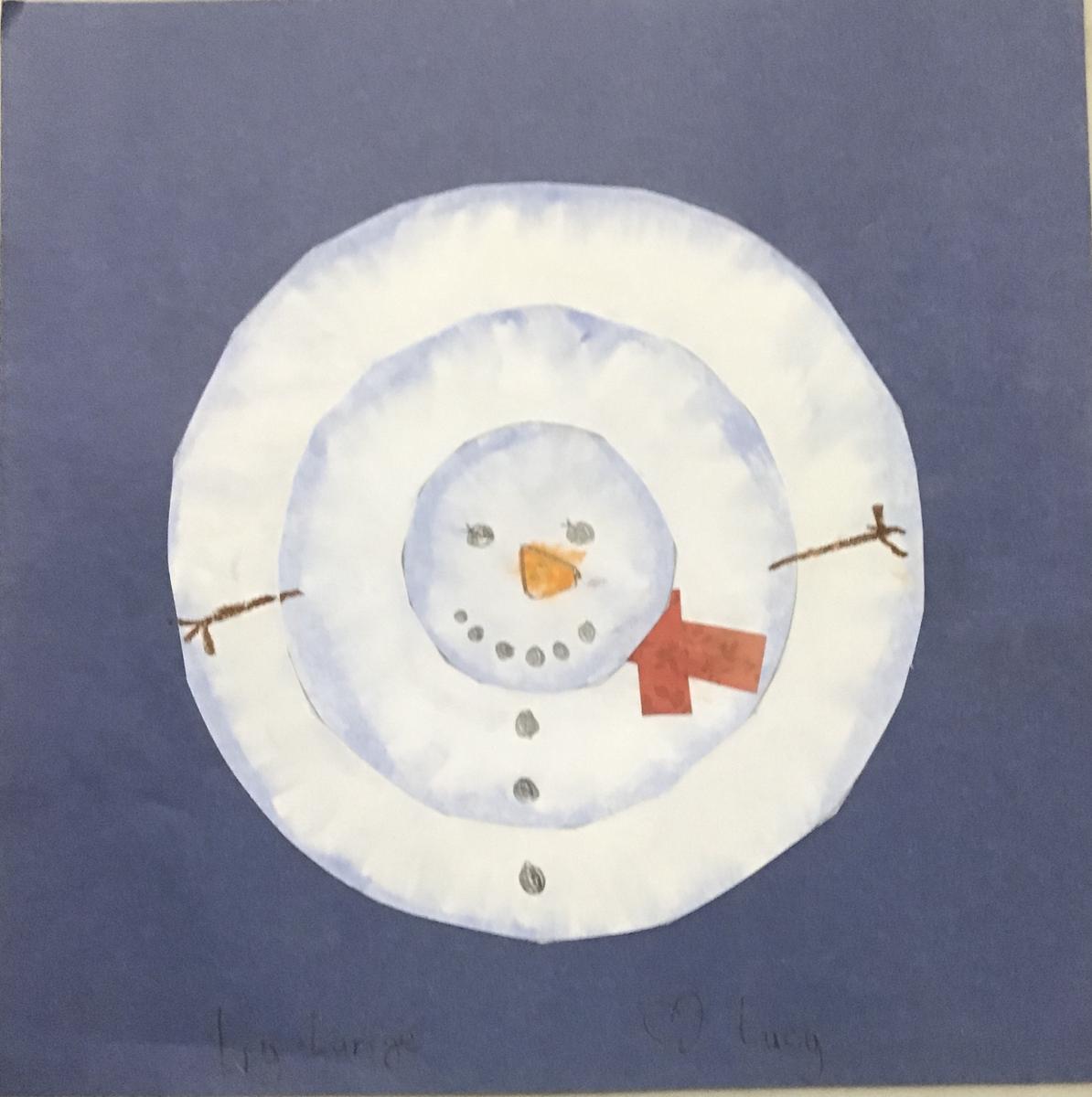
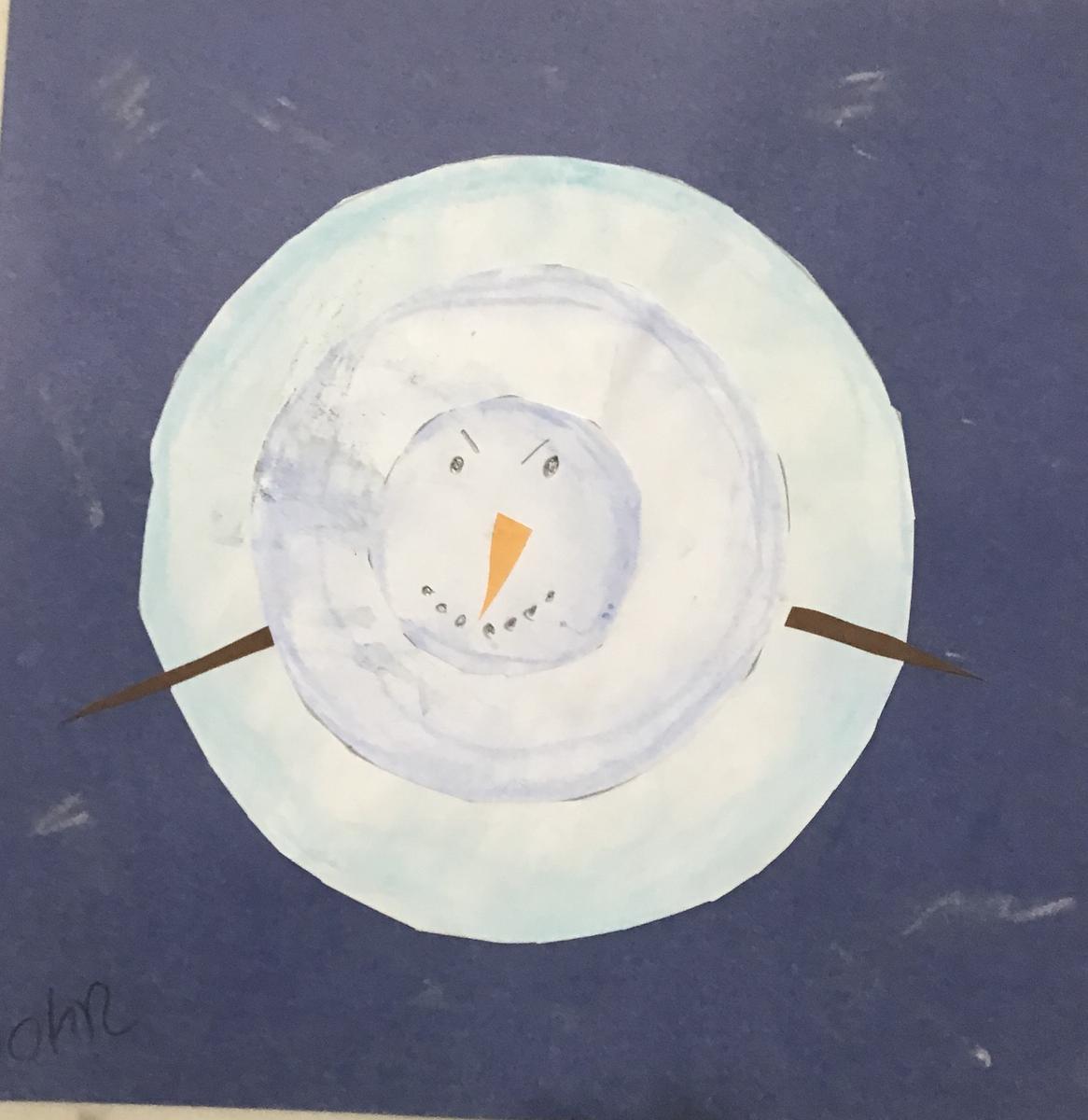
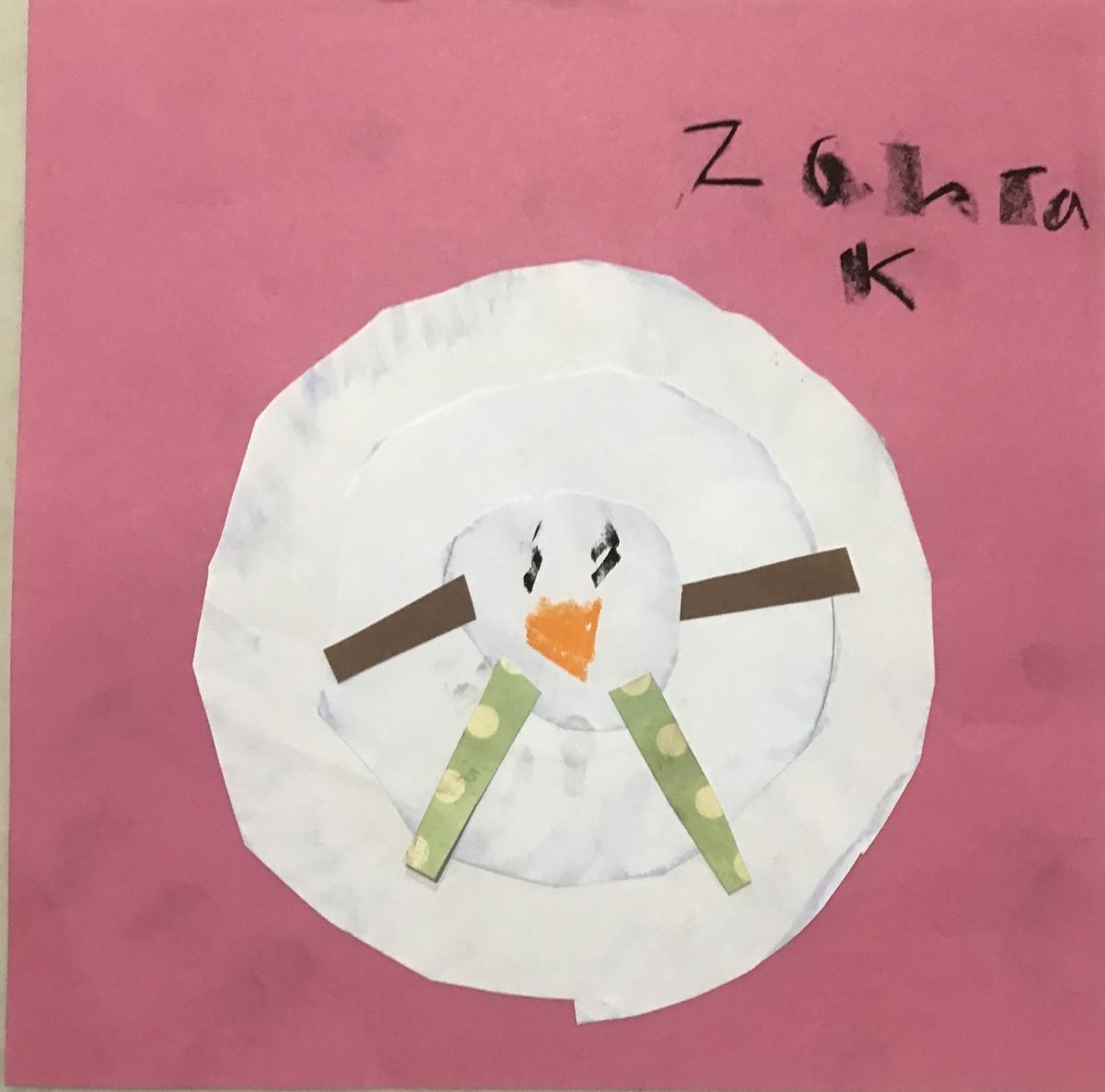
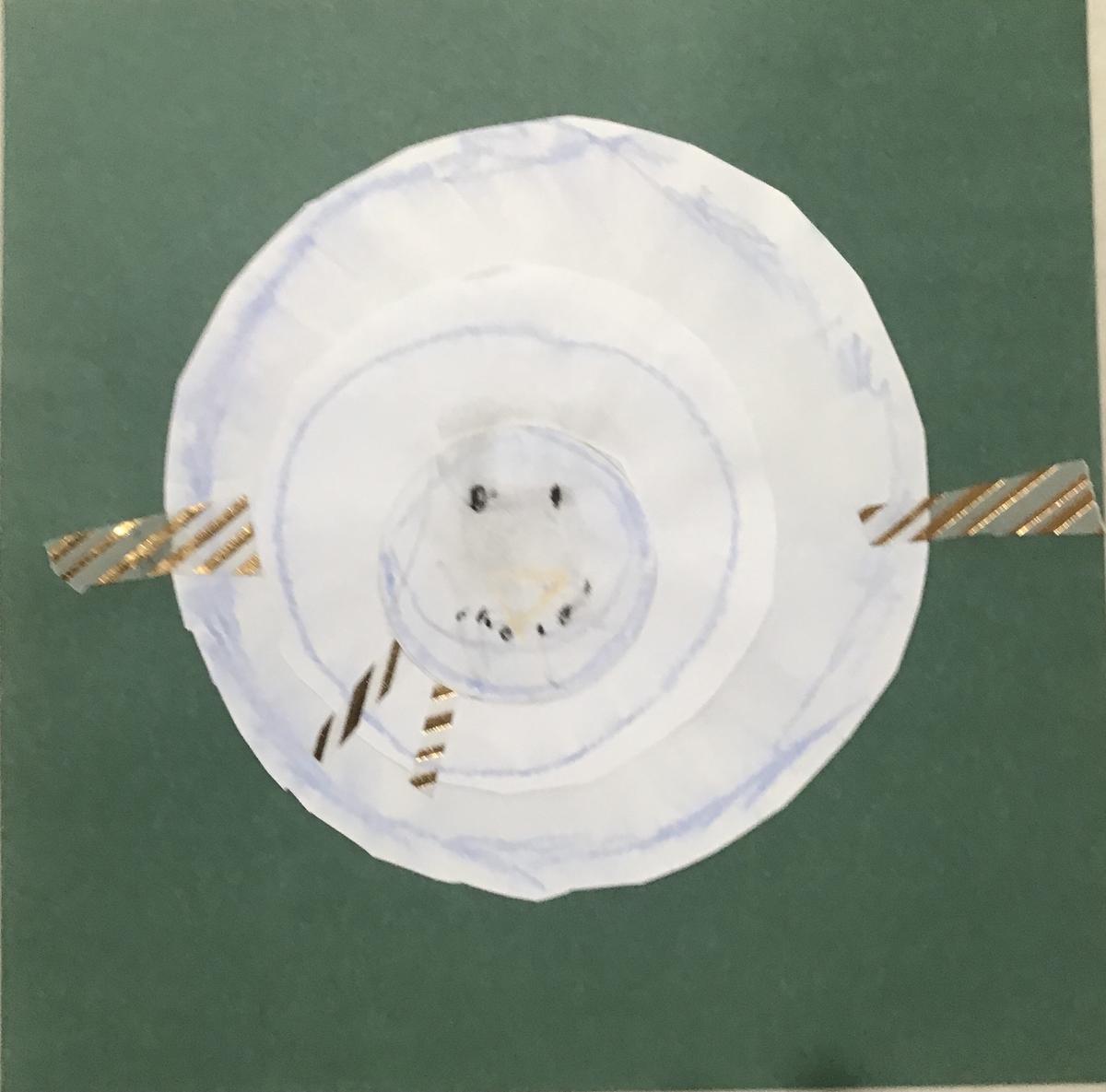
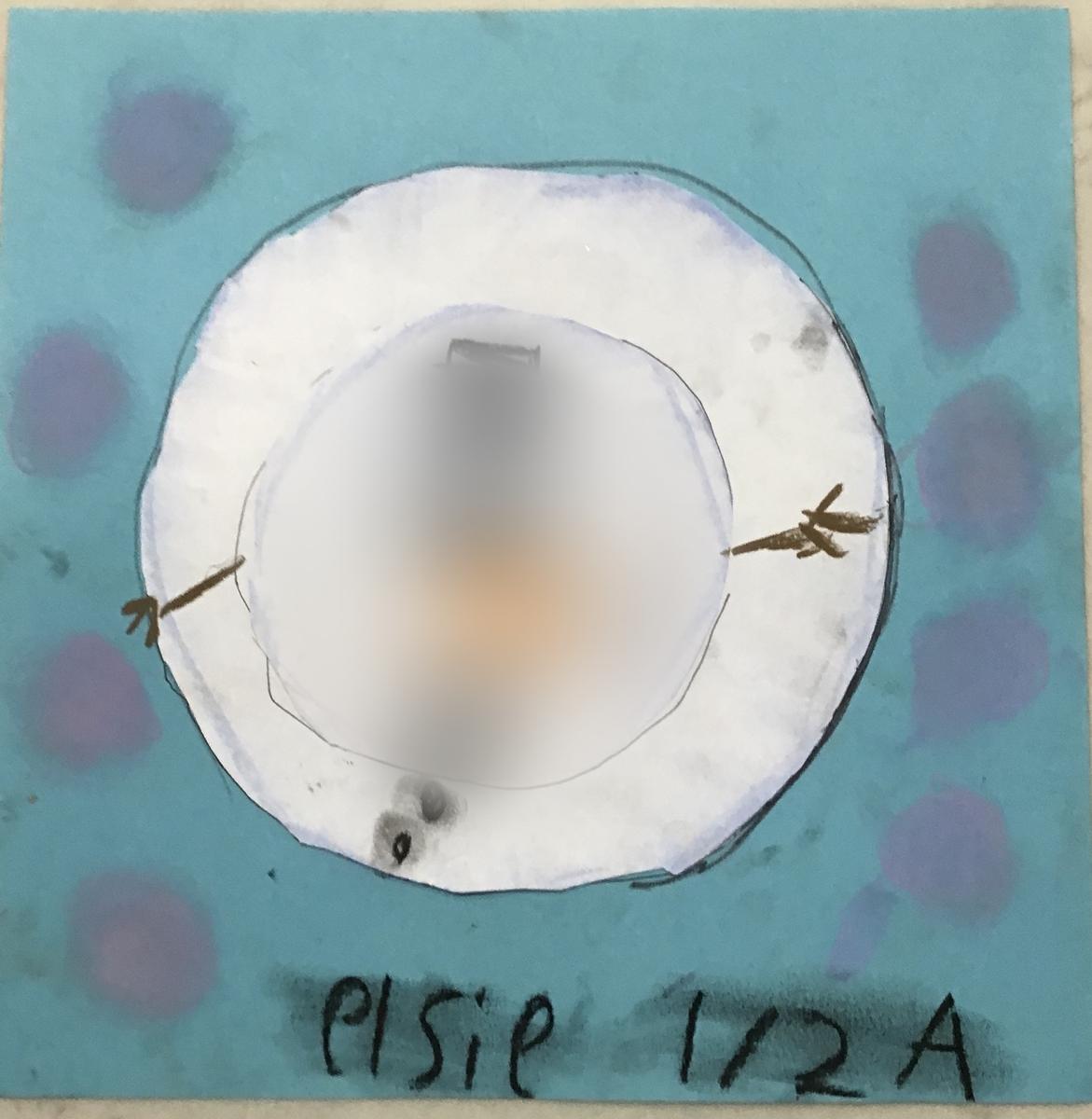
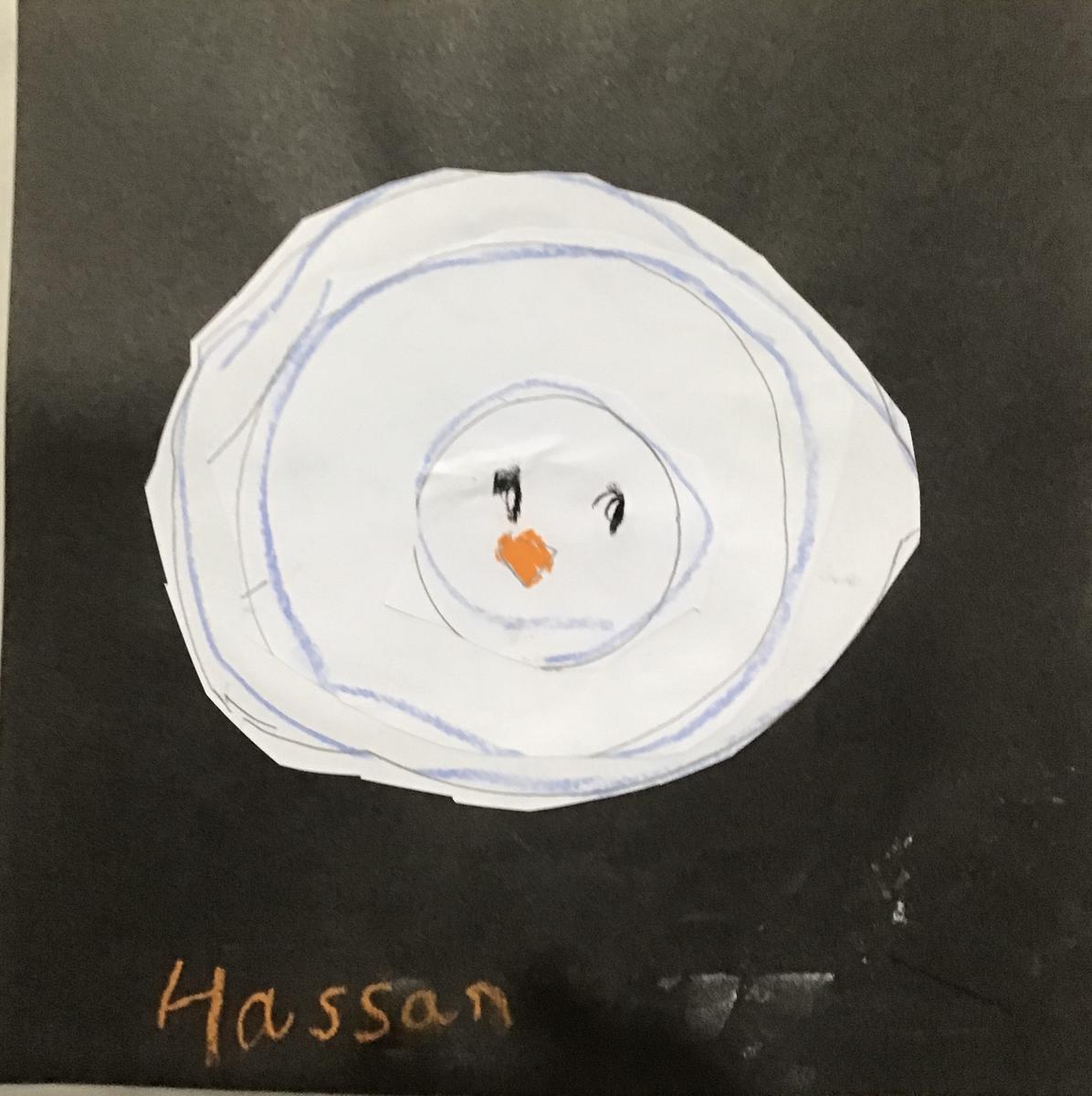
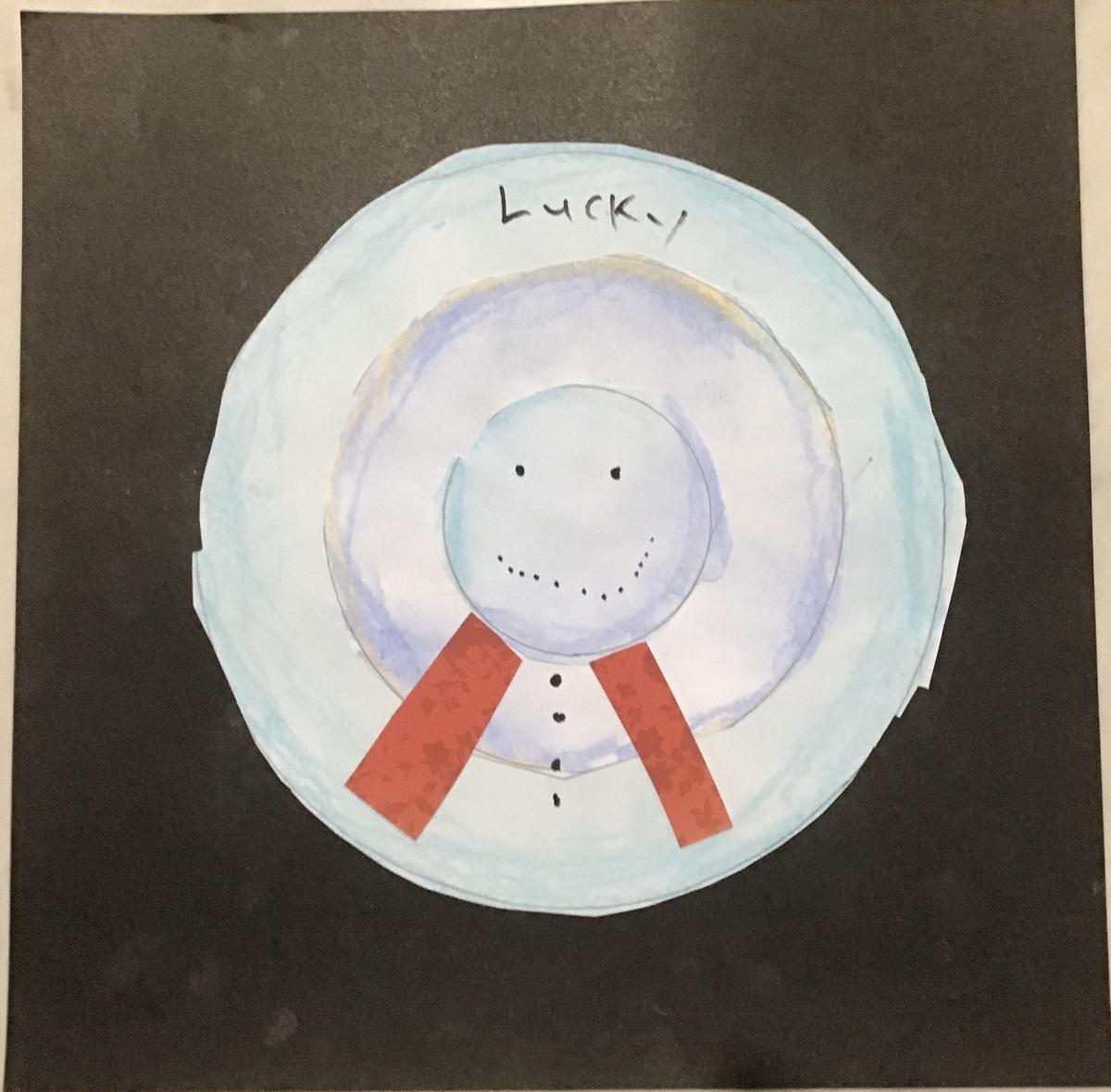
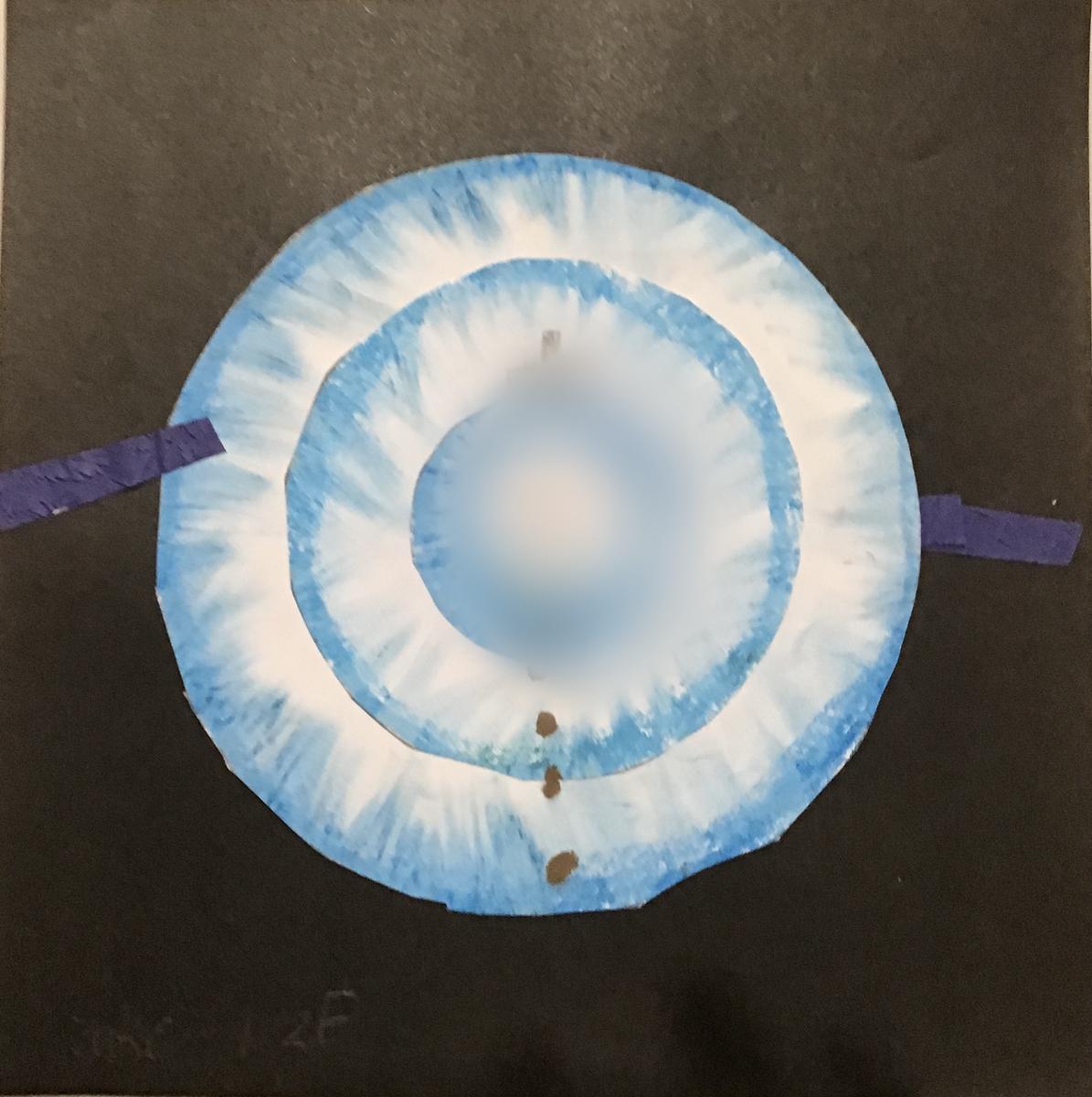
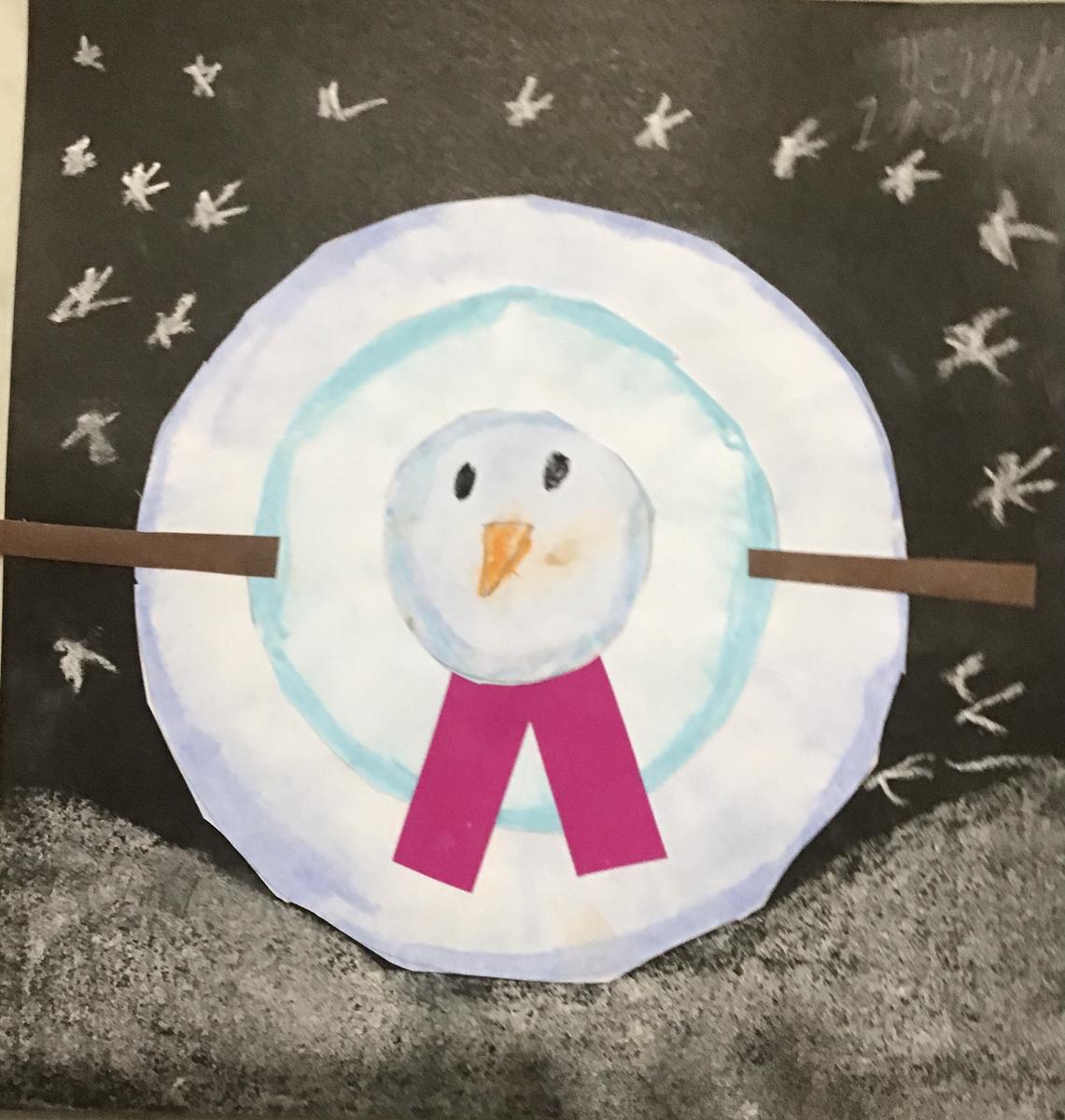
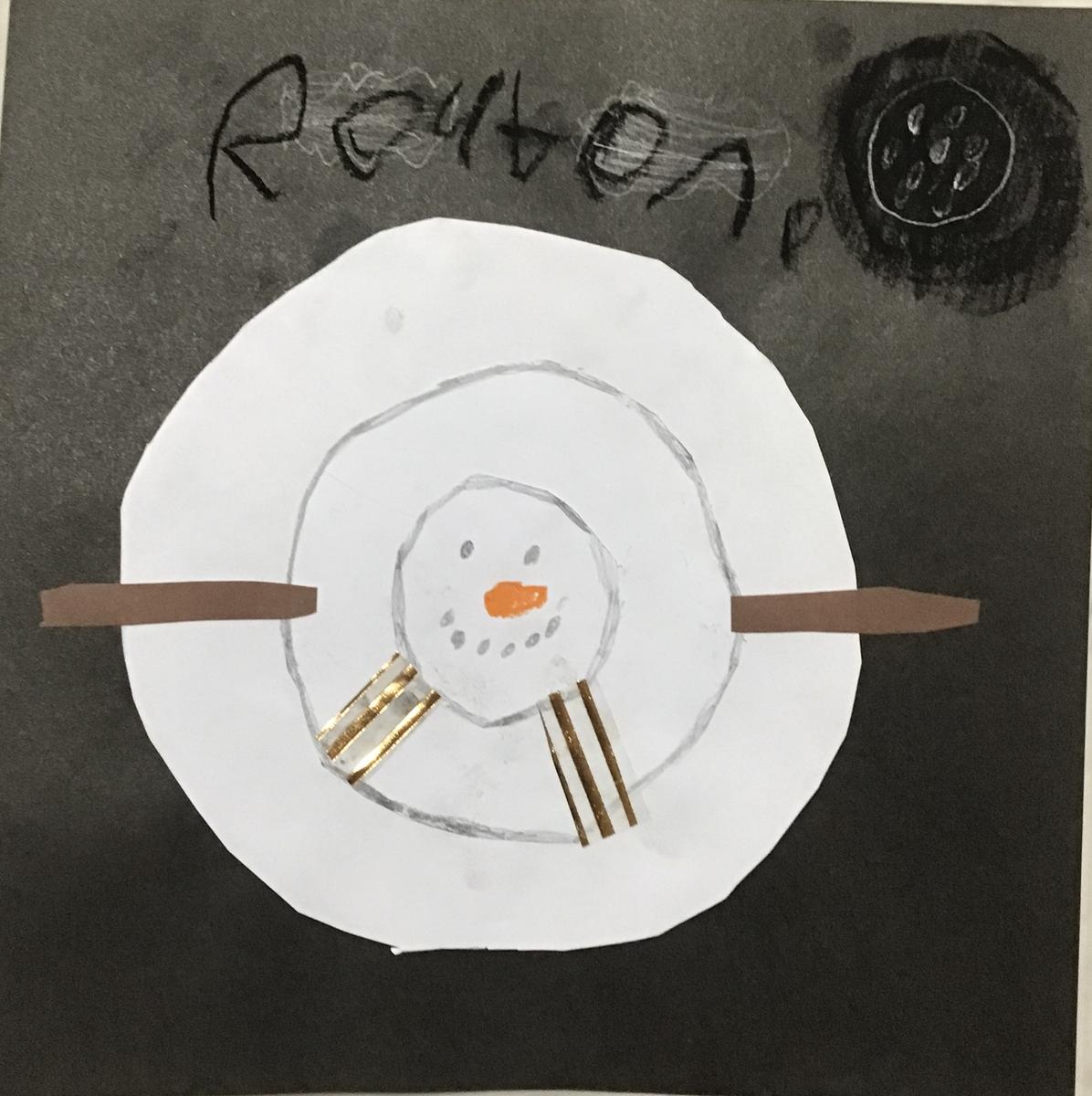
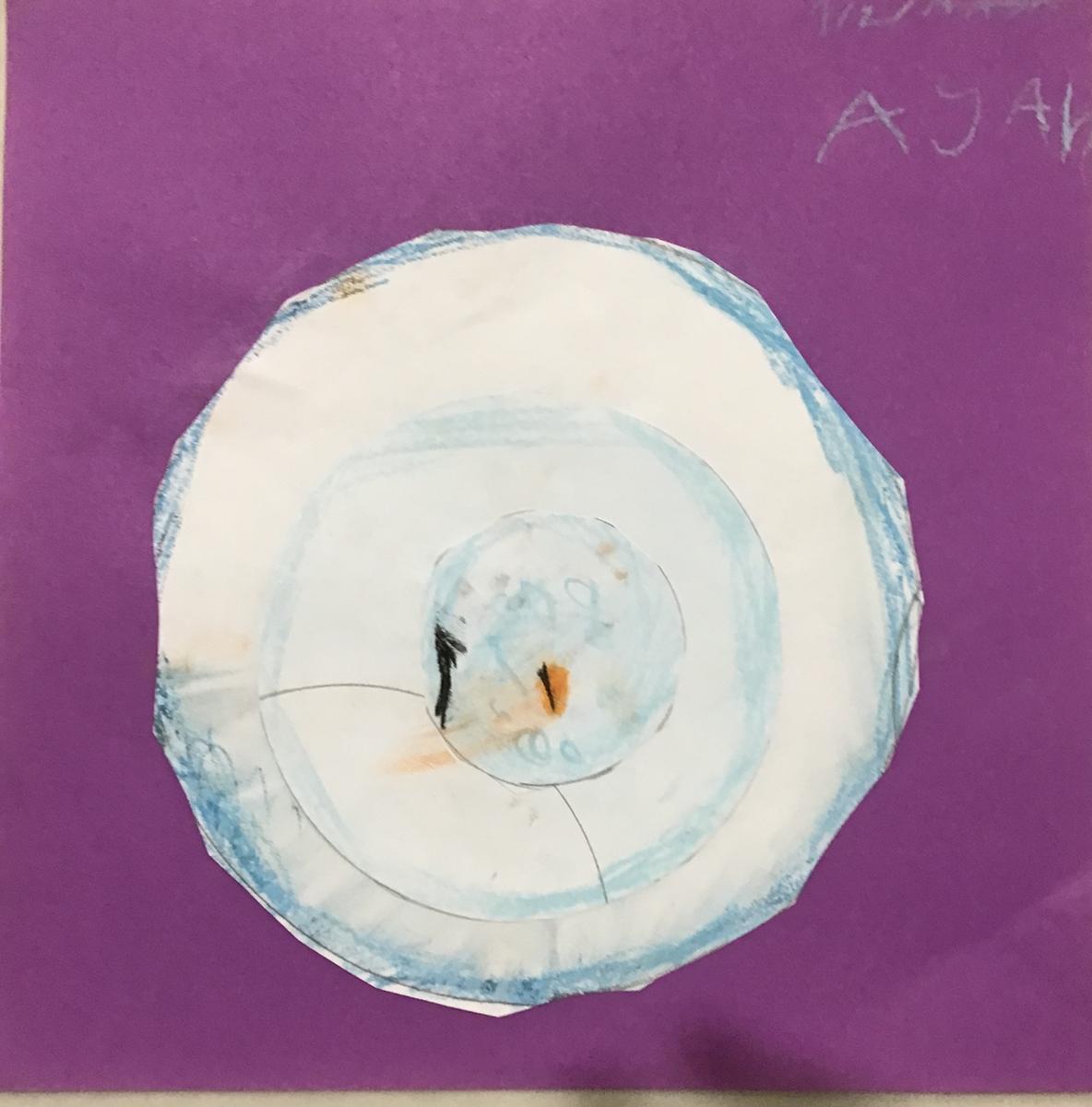
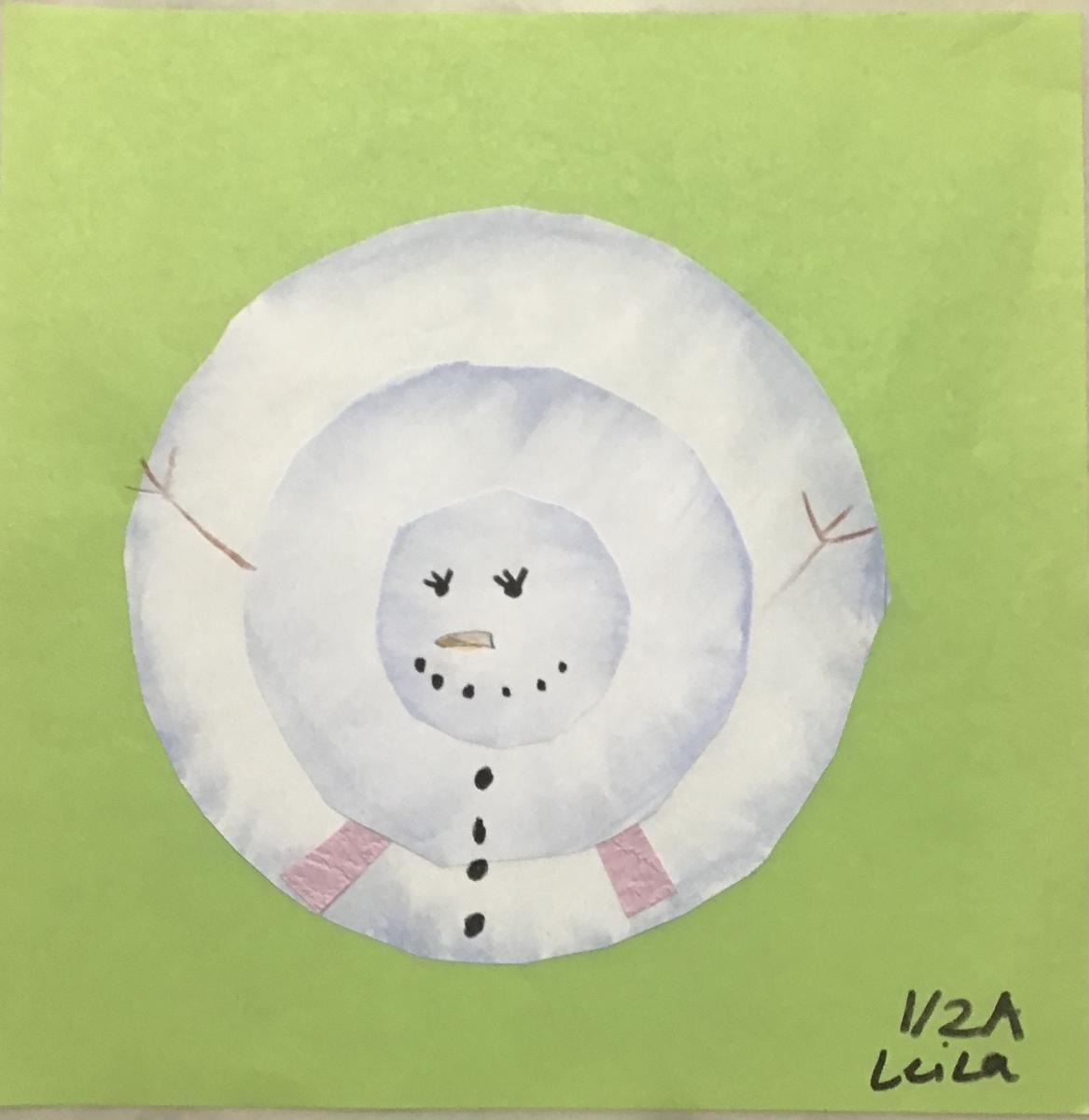
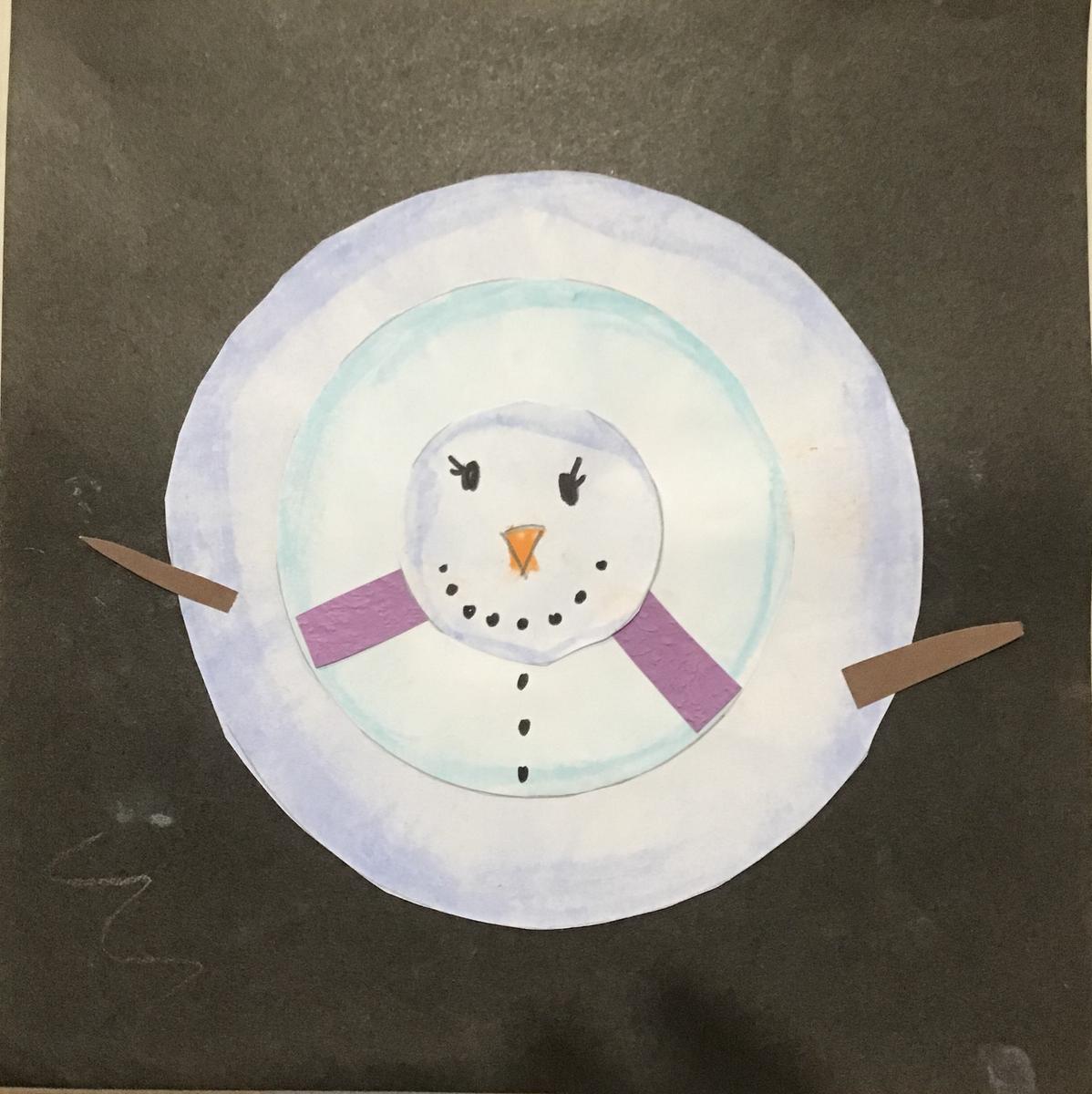
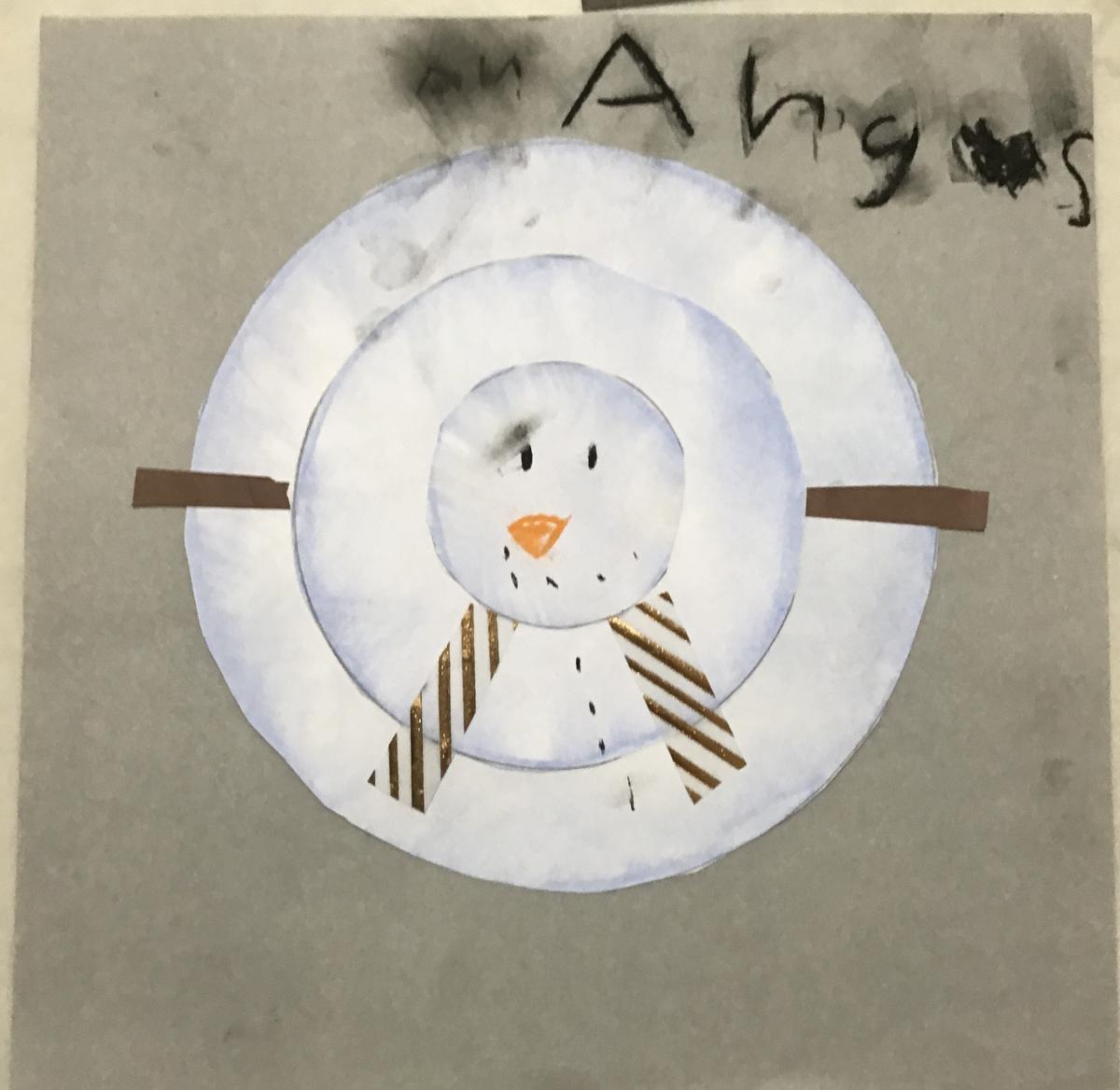
Snow people by 1/2s
A study of Bird’s Eye View
Art Skills: Drawing and Collage
Art Element: Shape and Space
Art Principles: Balance and Scale
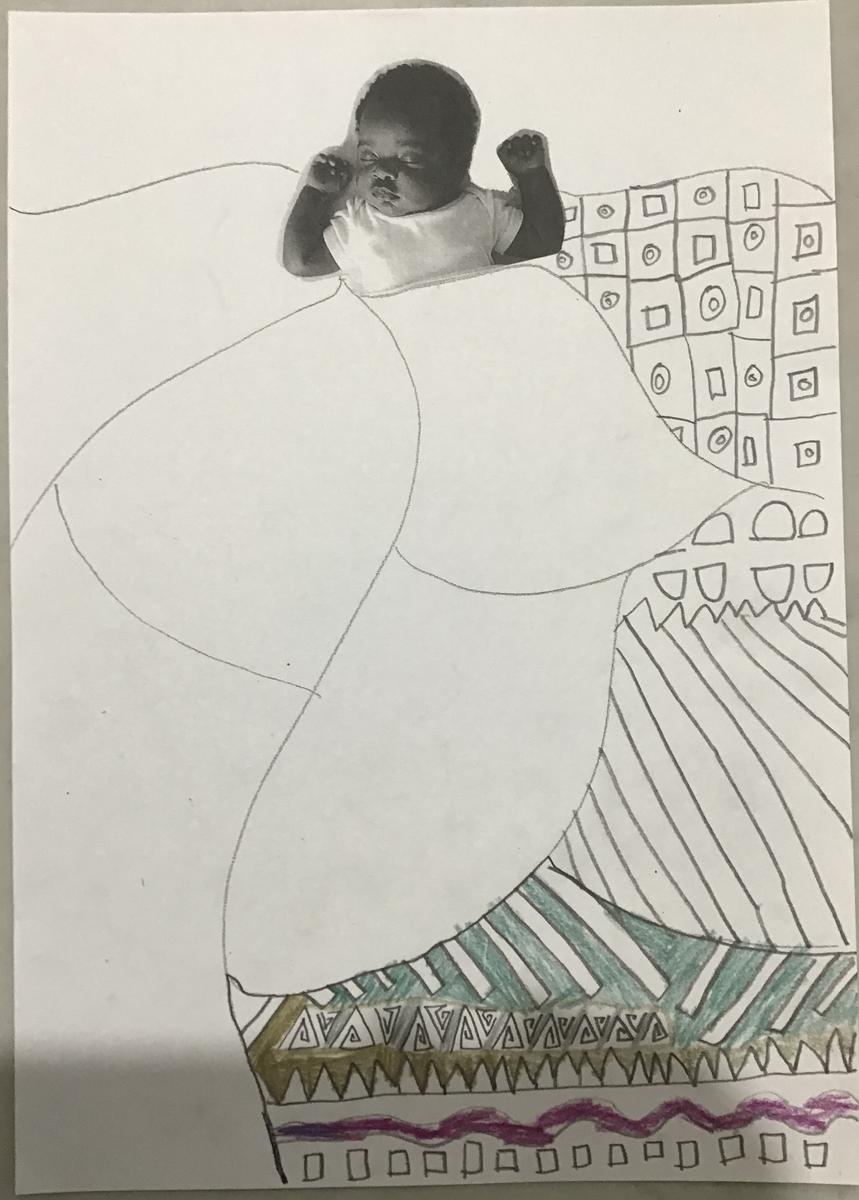
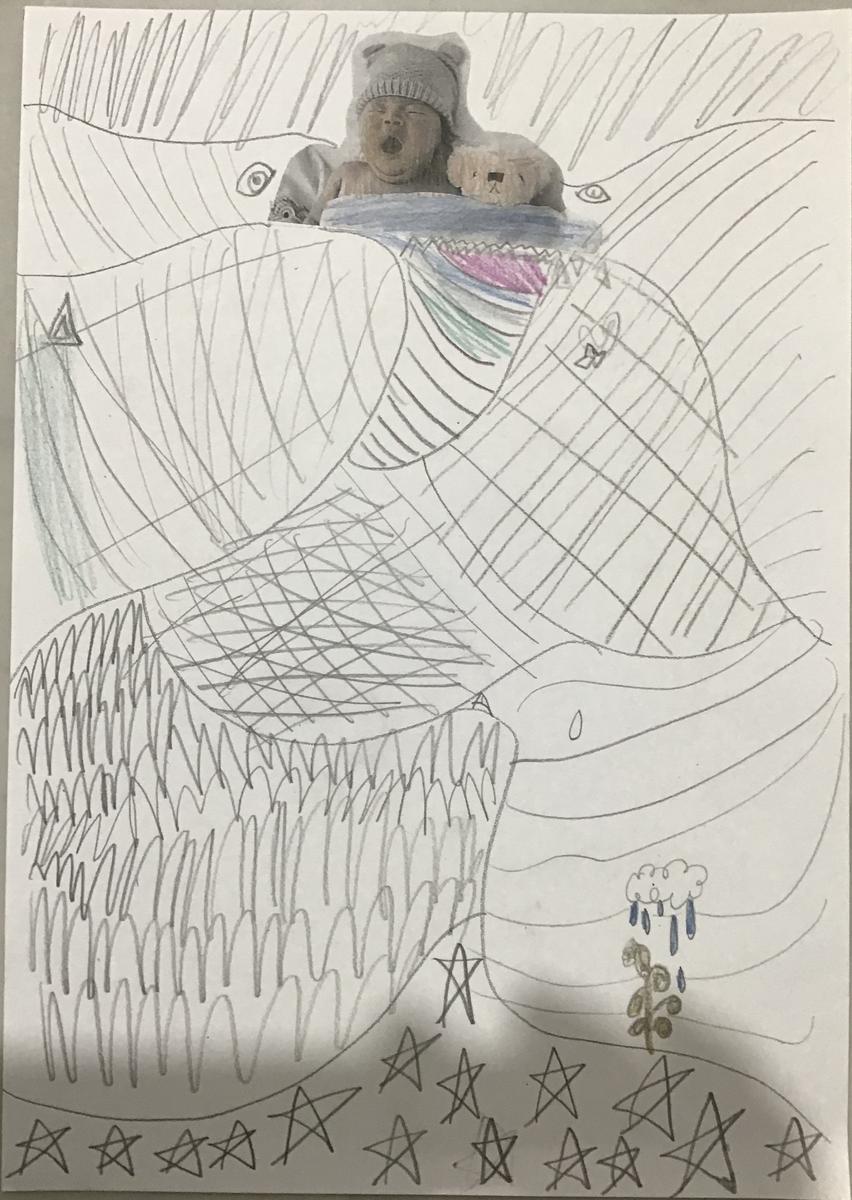
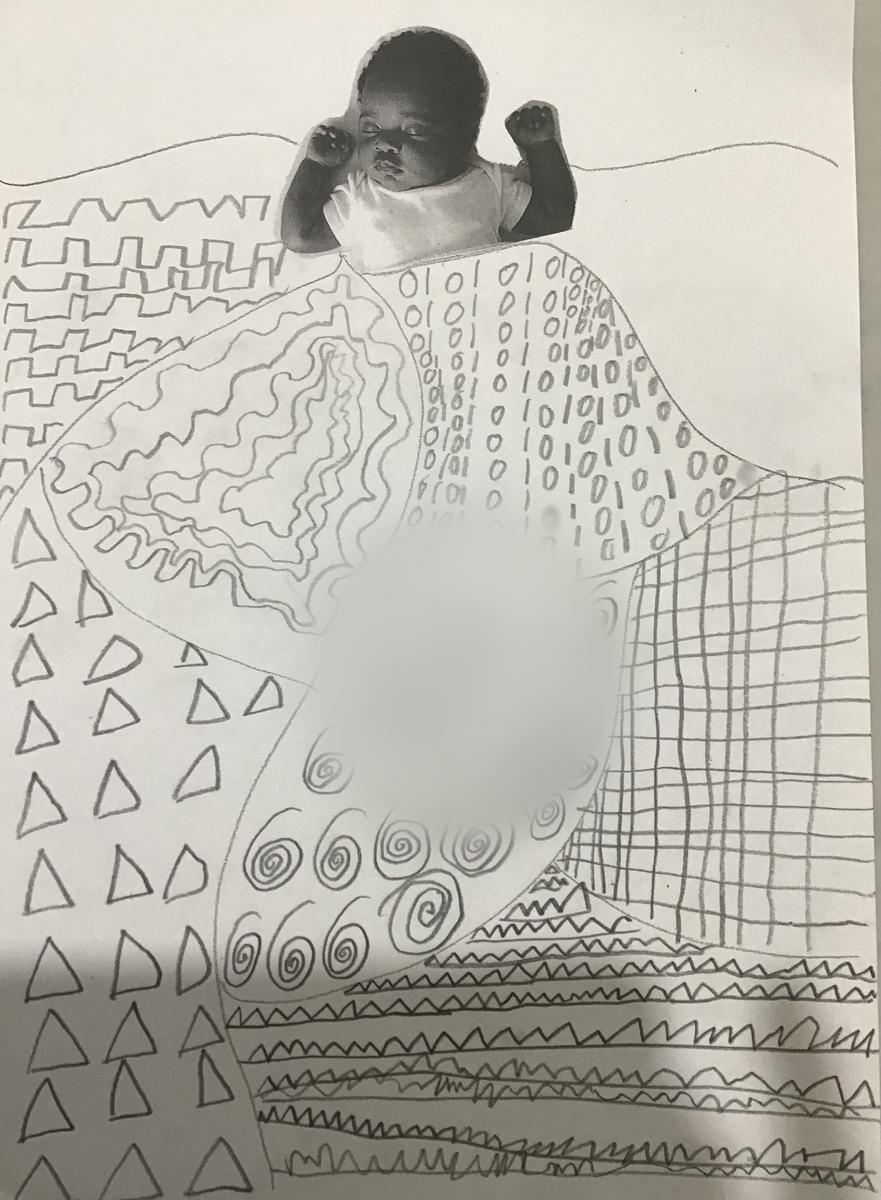
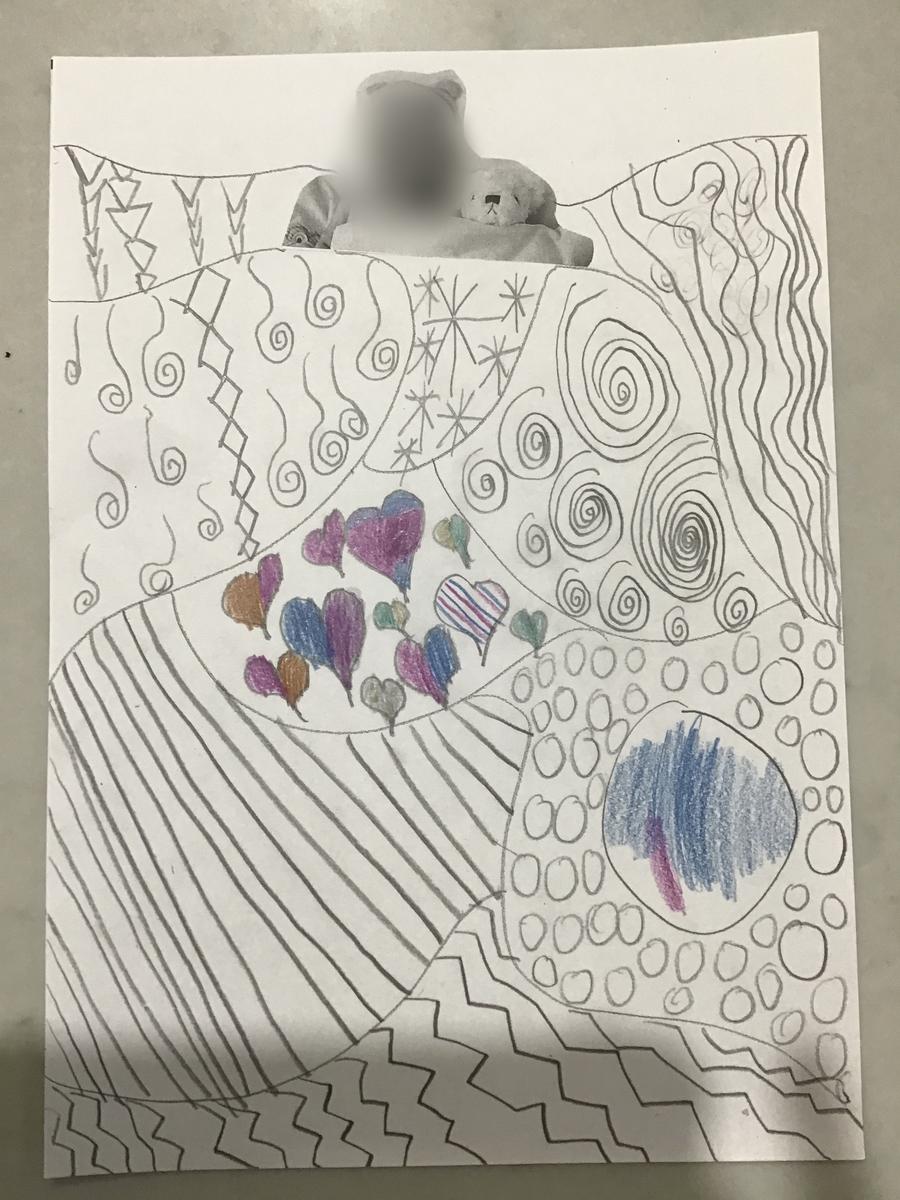
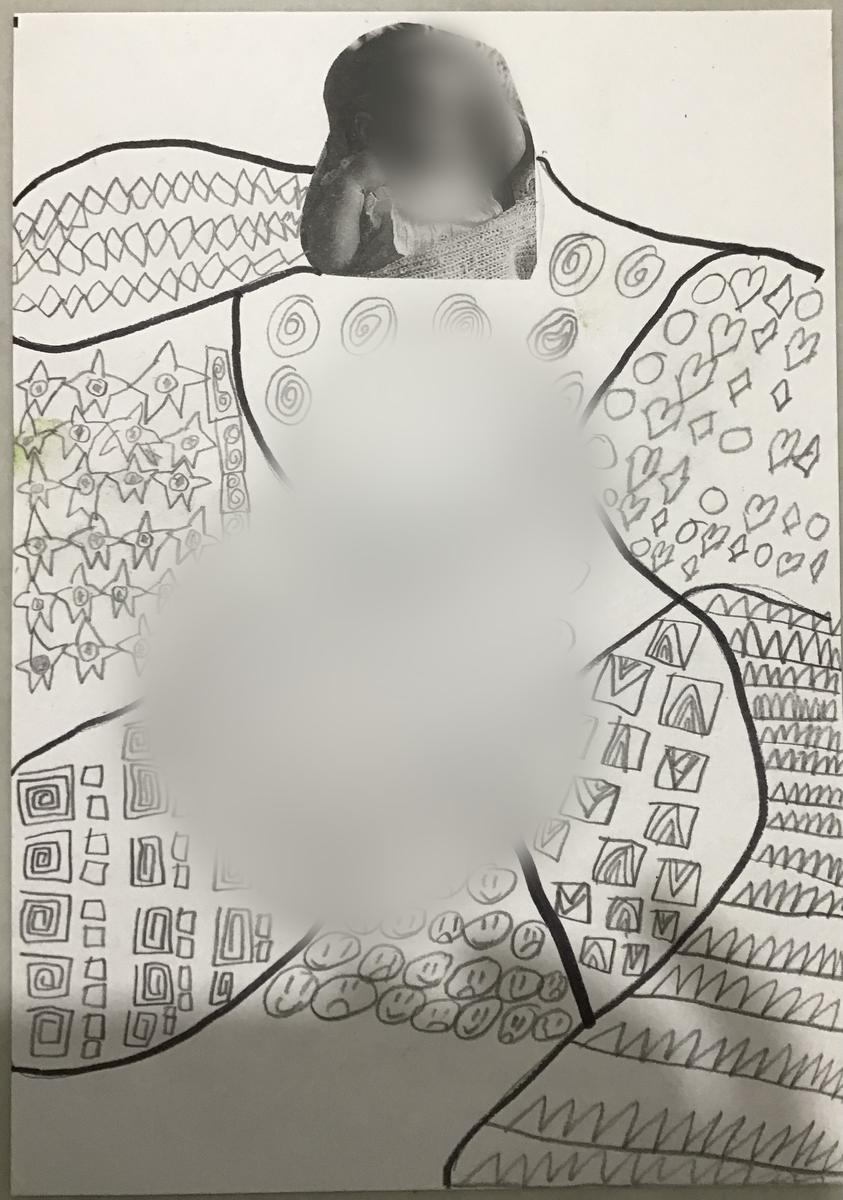
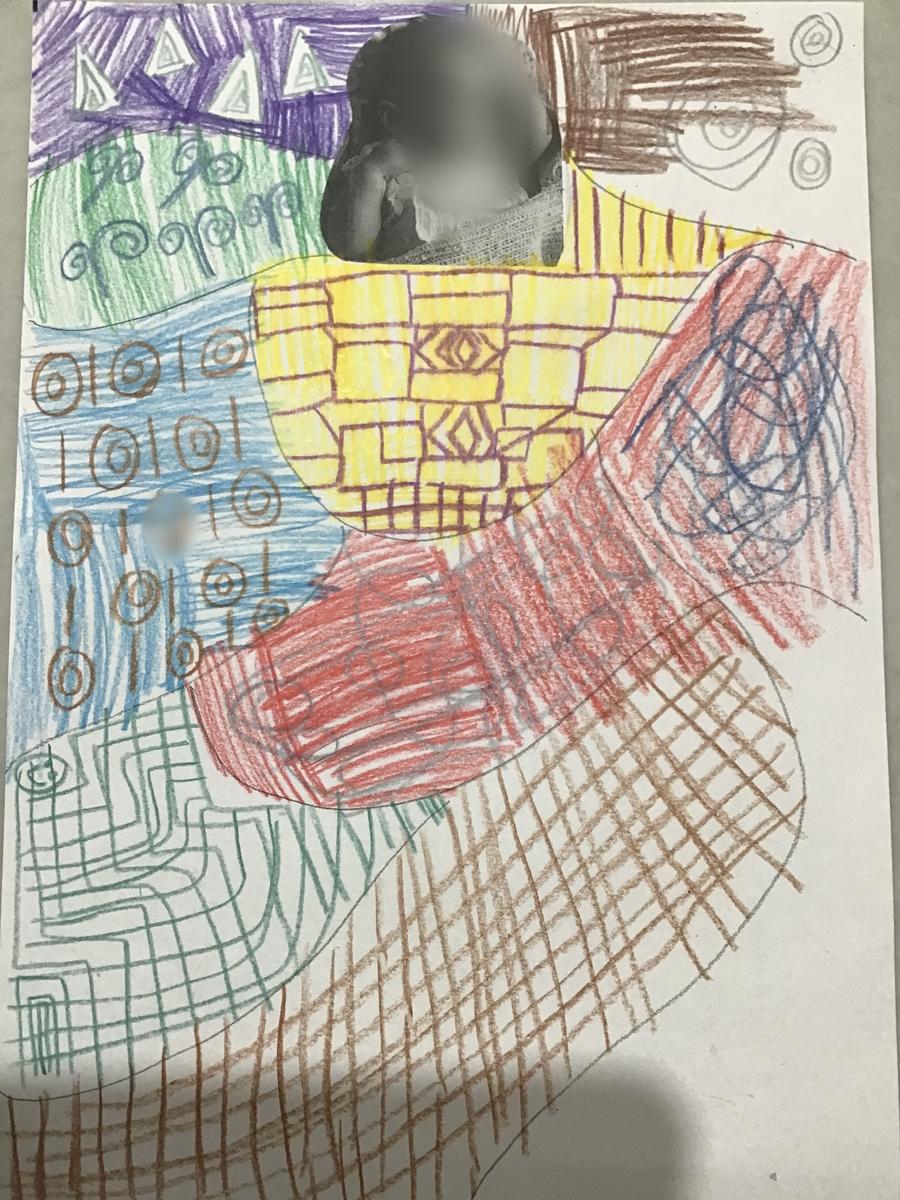
Baby in Blankets by 1/2s
Inspired by Gustav Klimt’s ‘Baby’
Artist studied: Gustav Klimt
Art Skill: Drawing
Art Elements: Line, Shape and Colour
Art Principles: Patterns and Harmony
These are snippets of their 'Baby in Blankets' that students are currently completing!
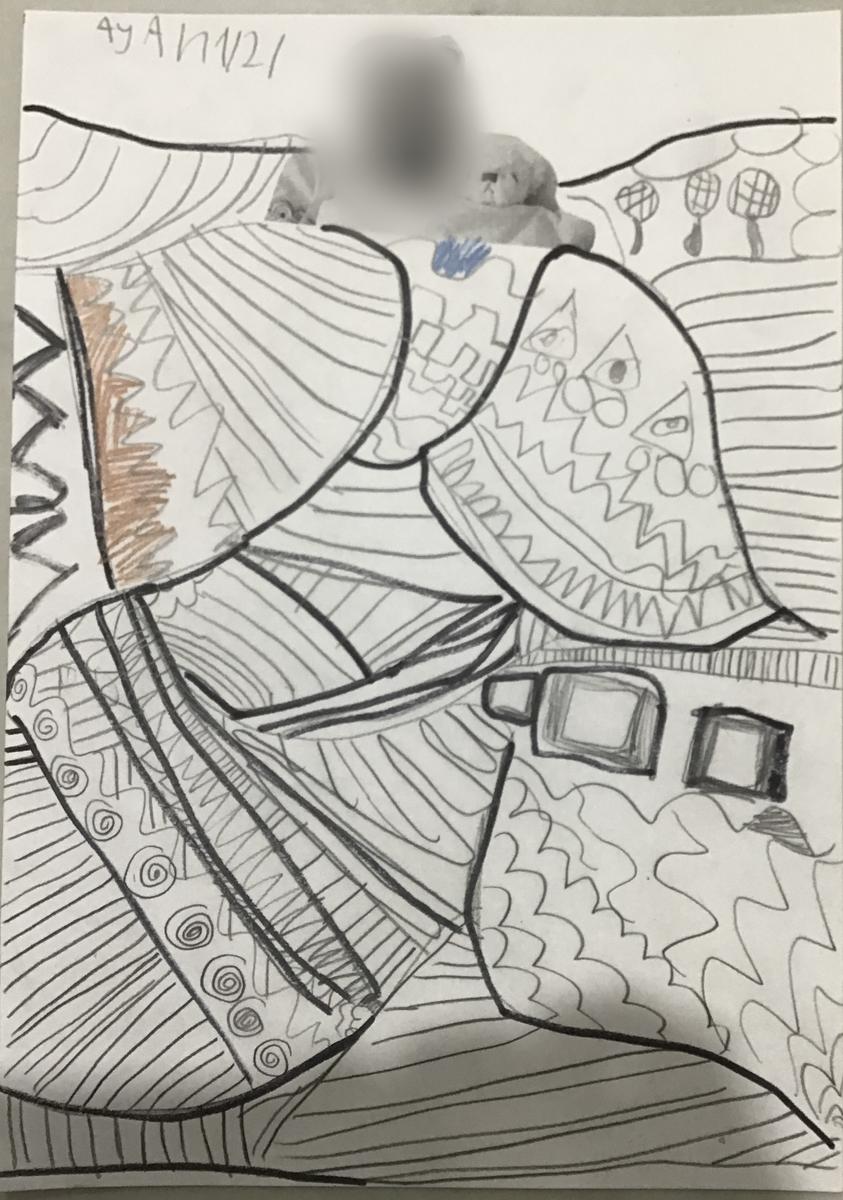
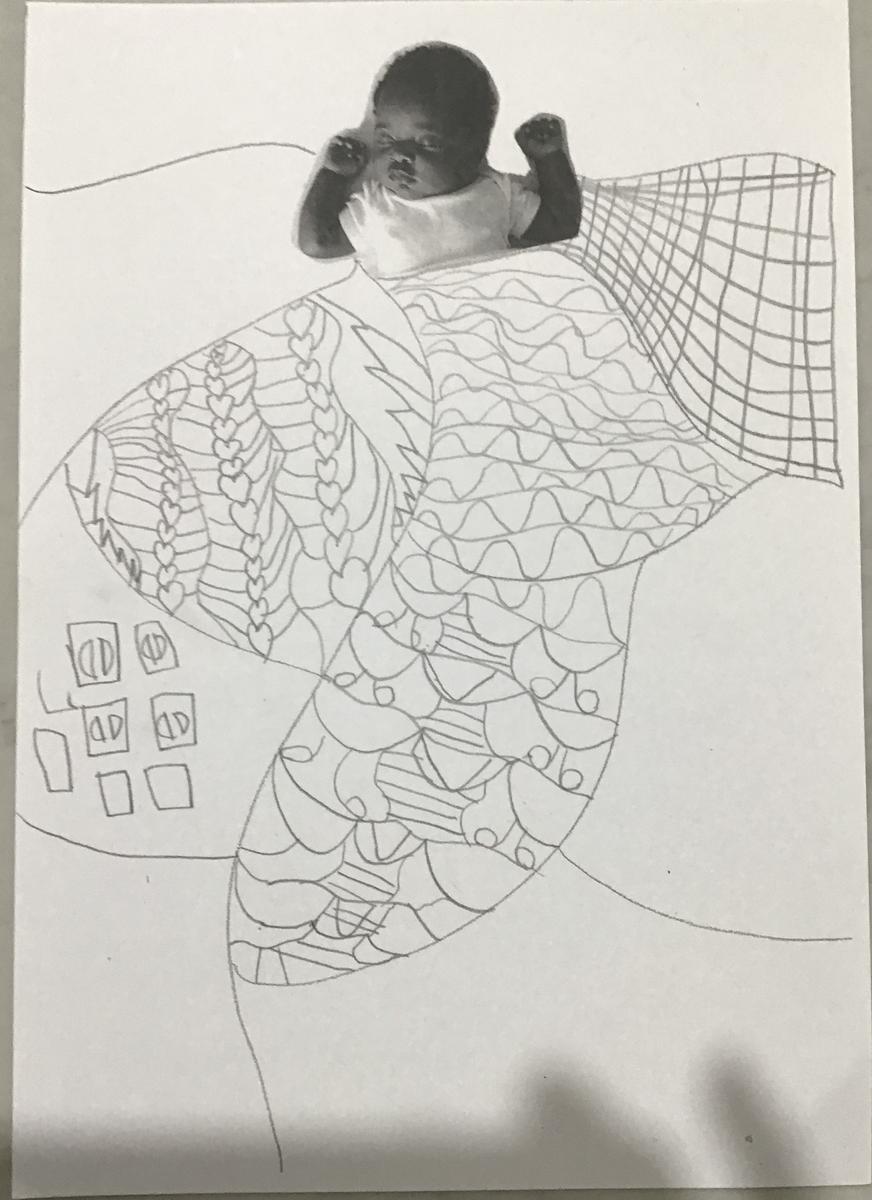
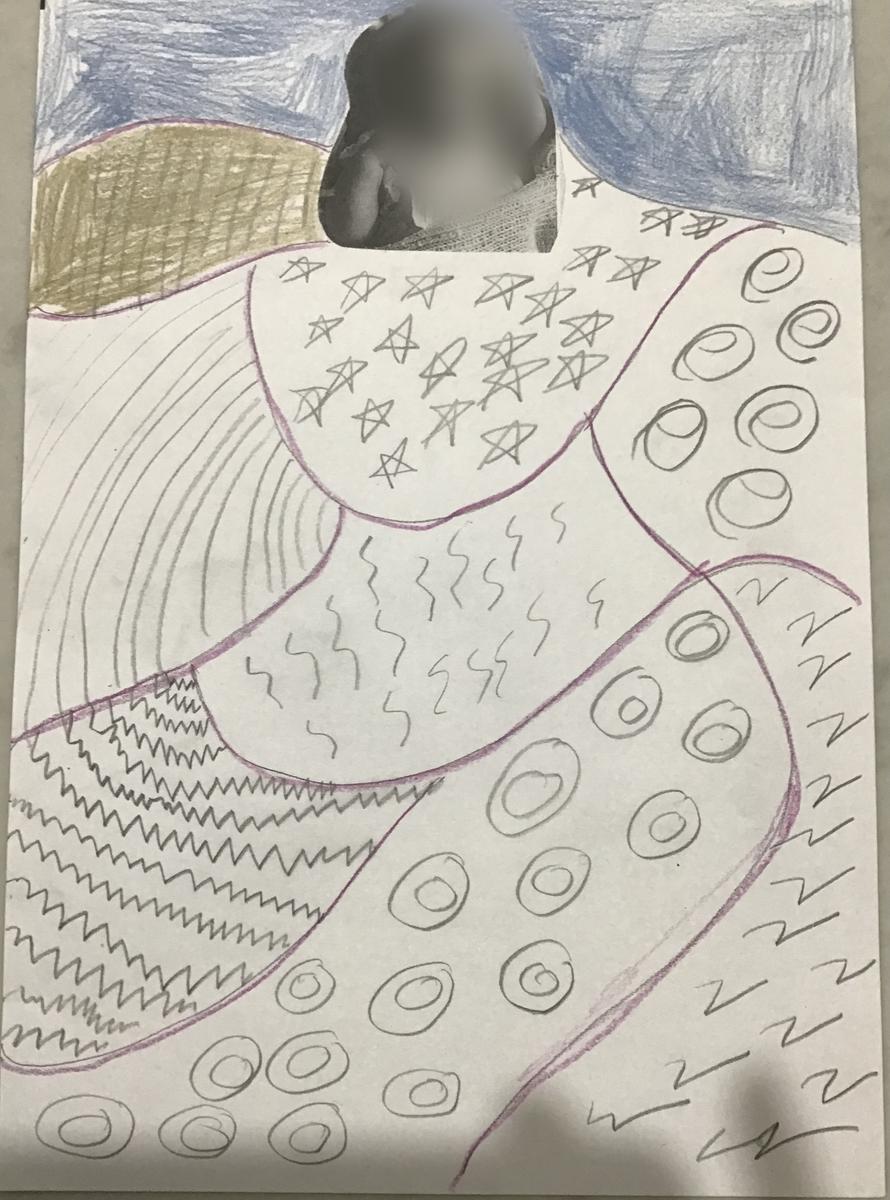
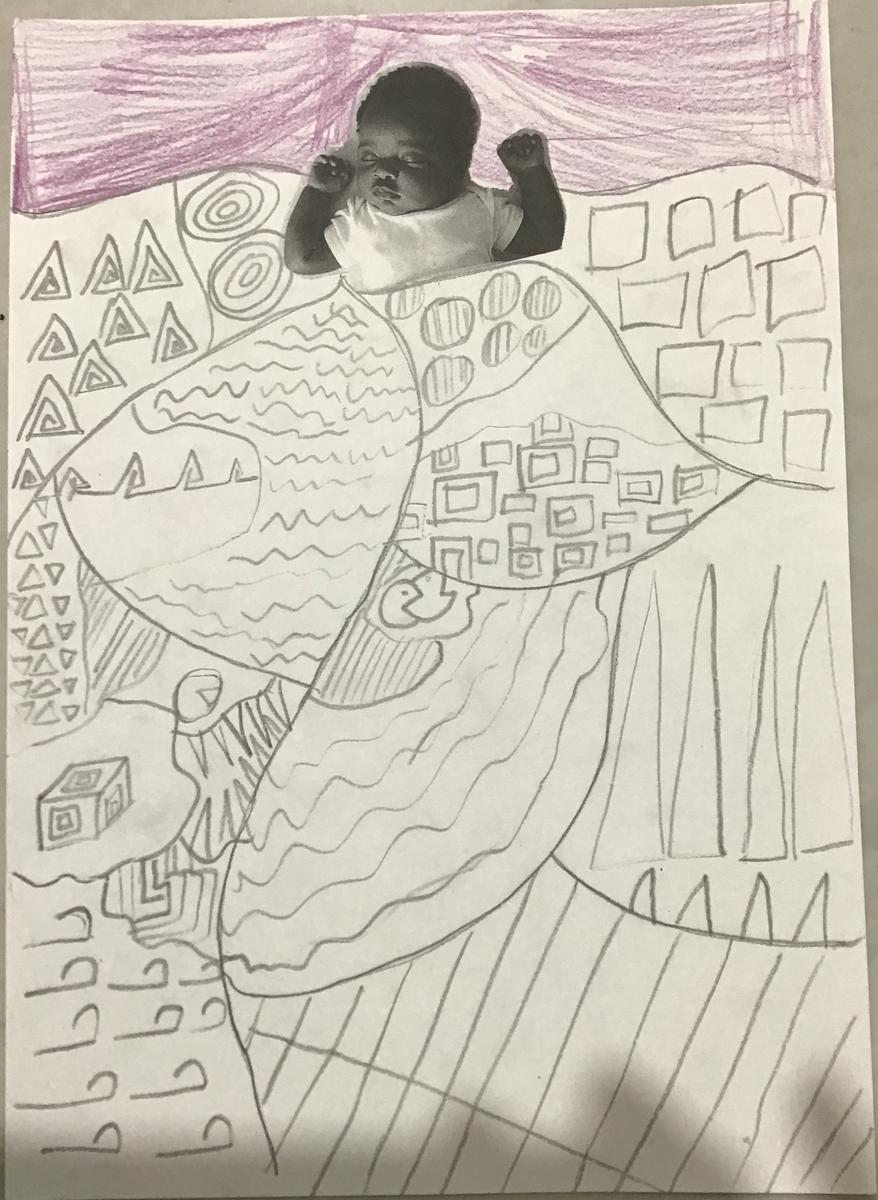
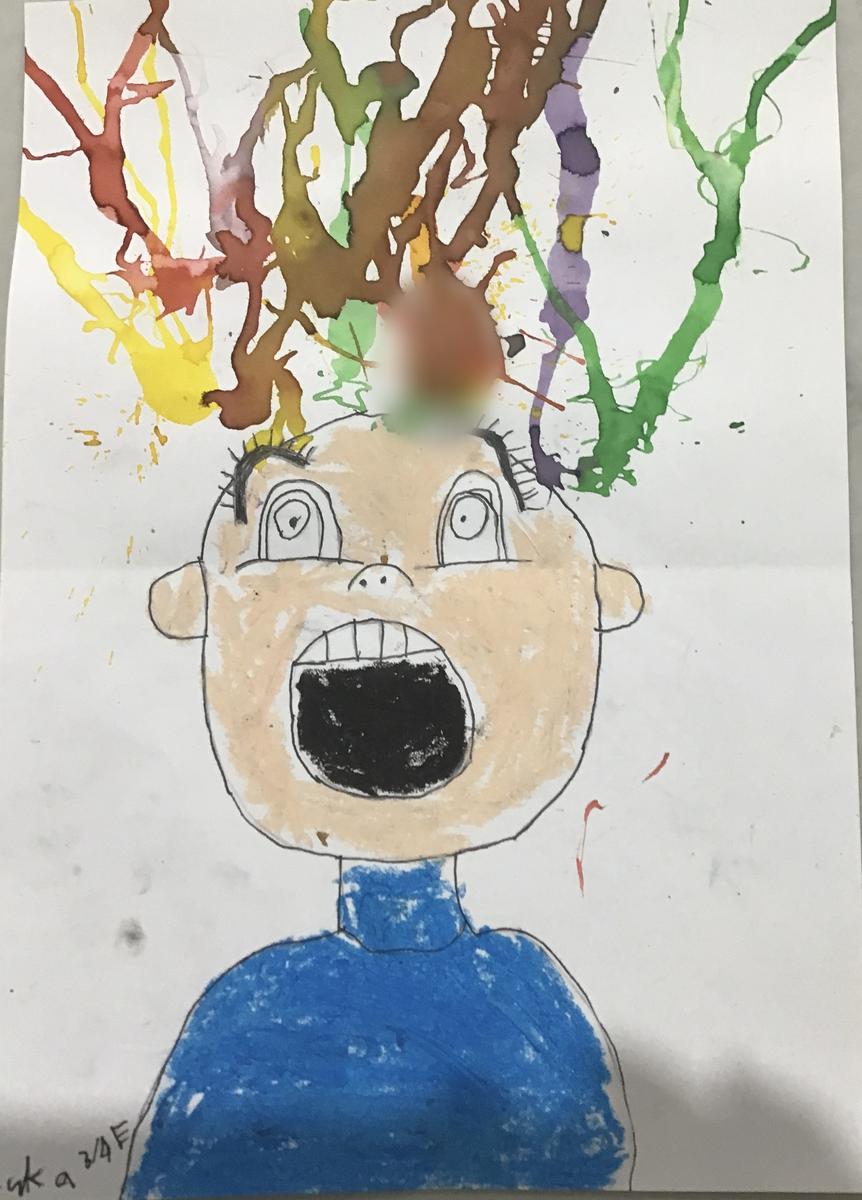
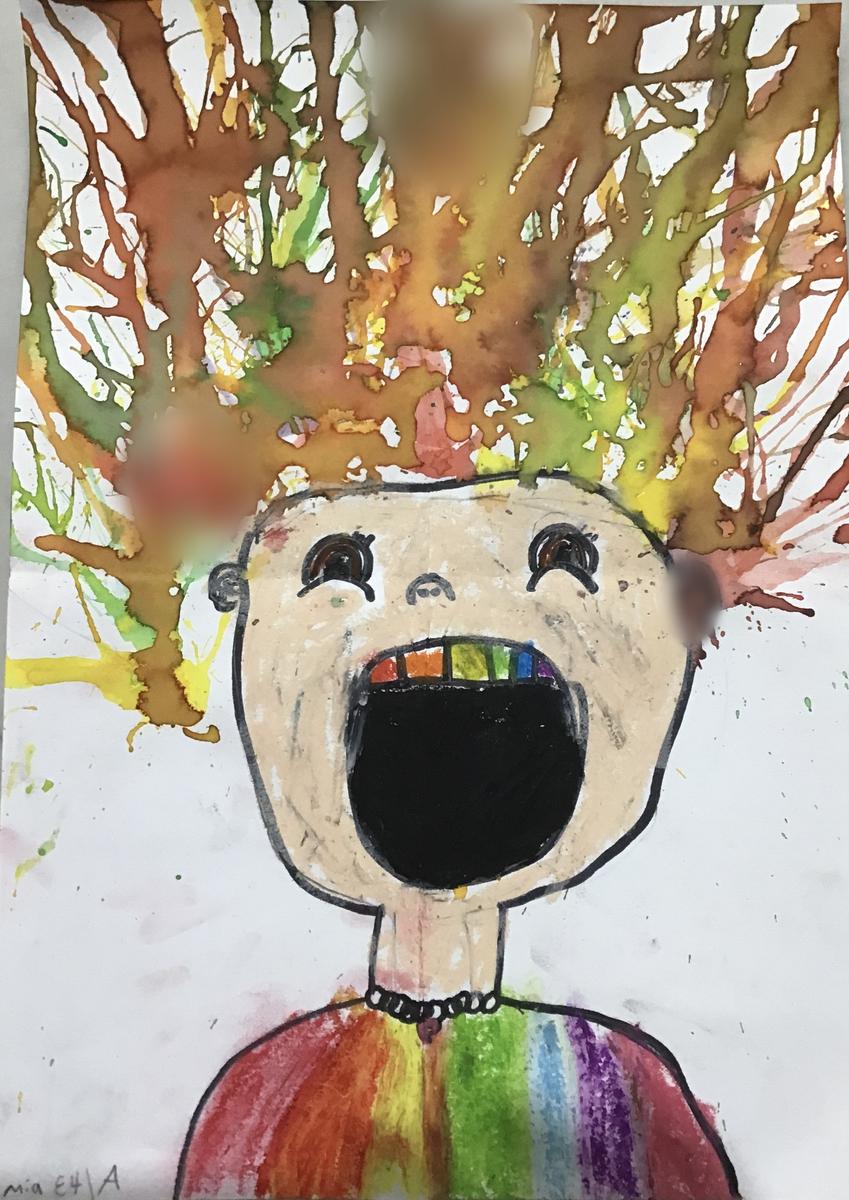
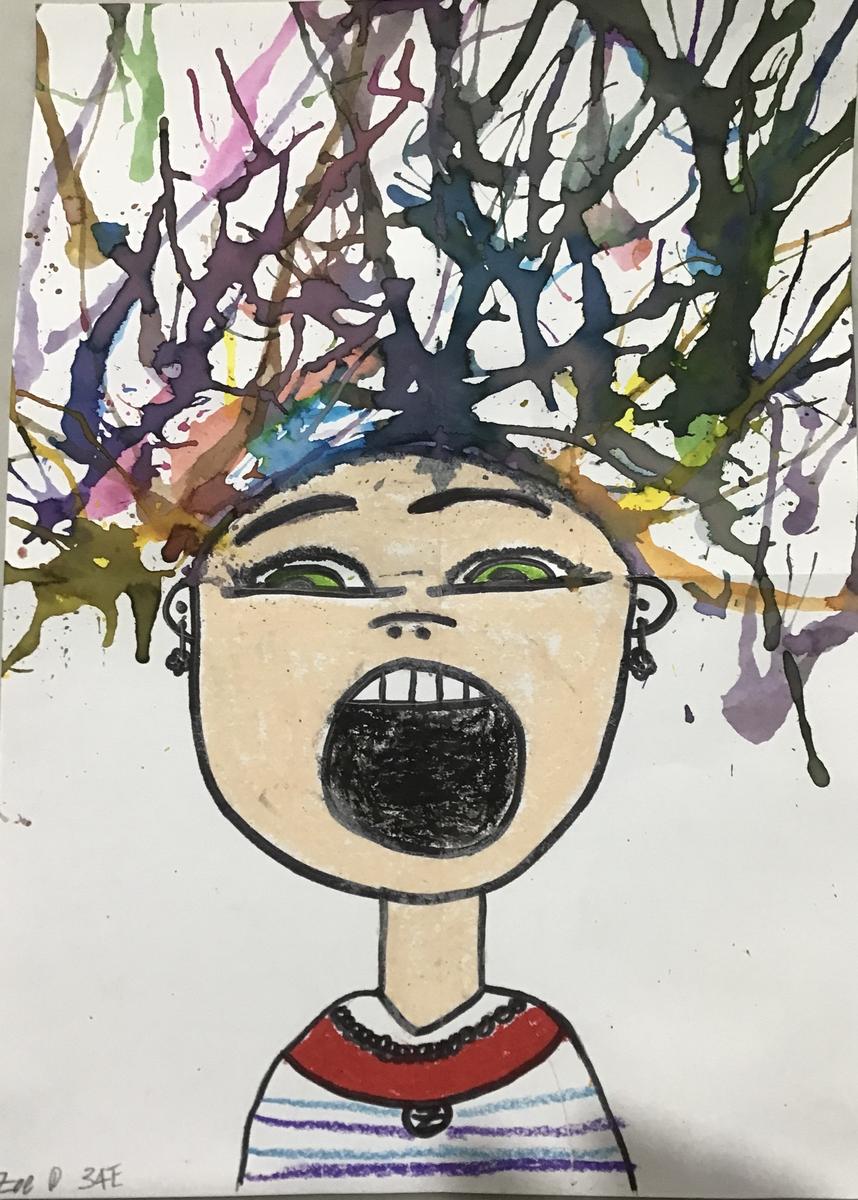
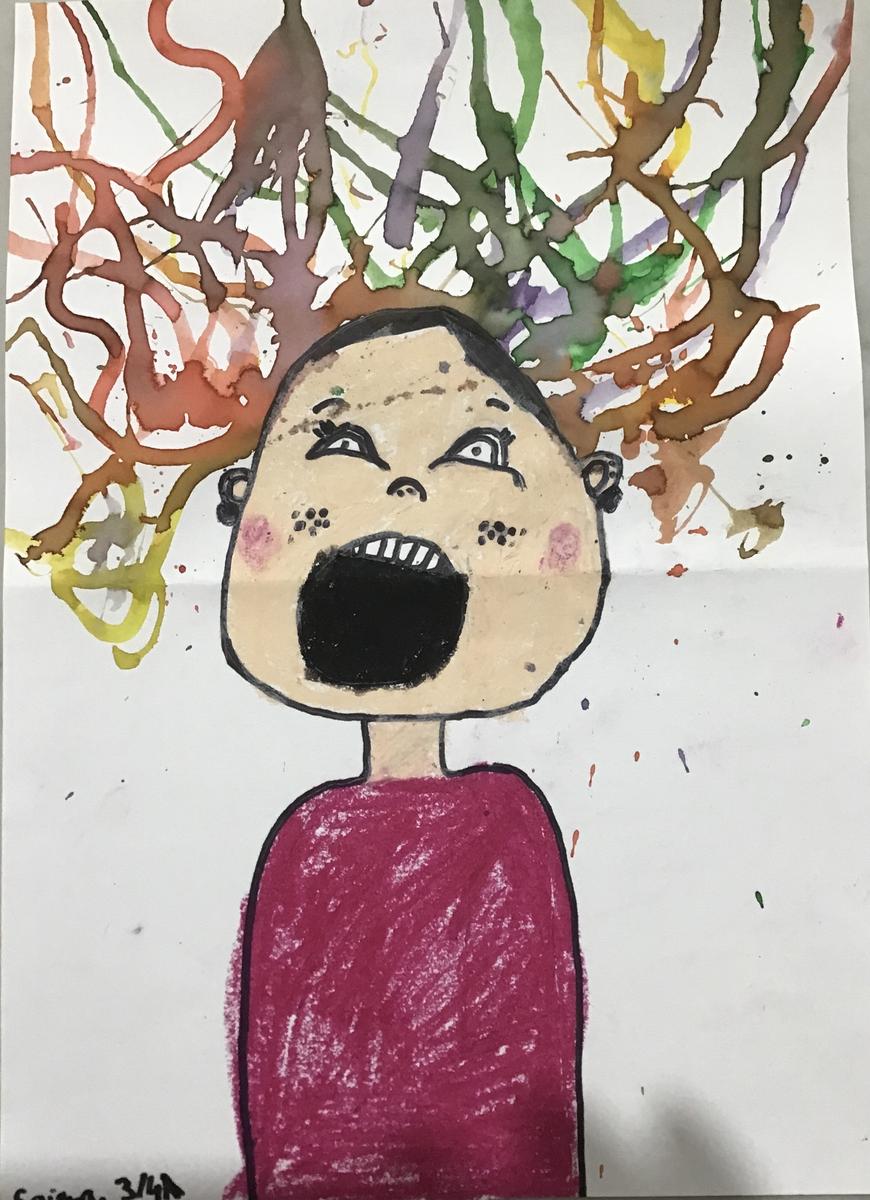
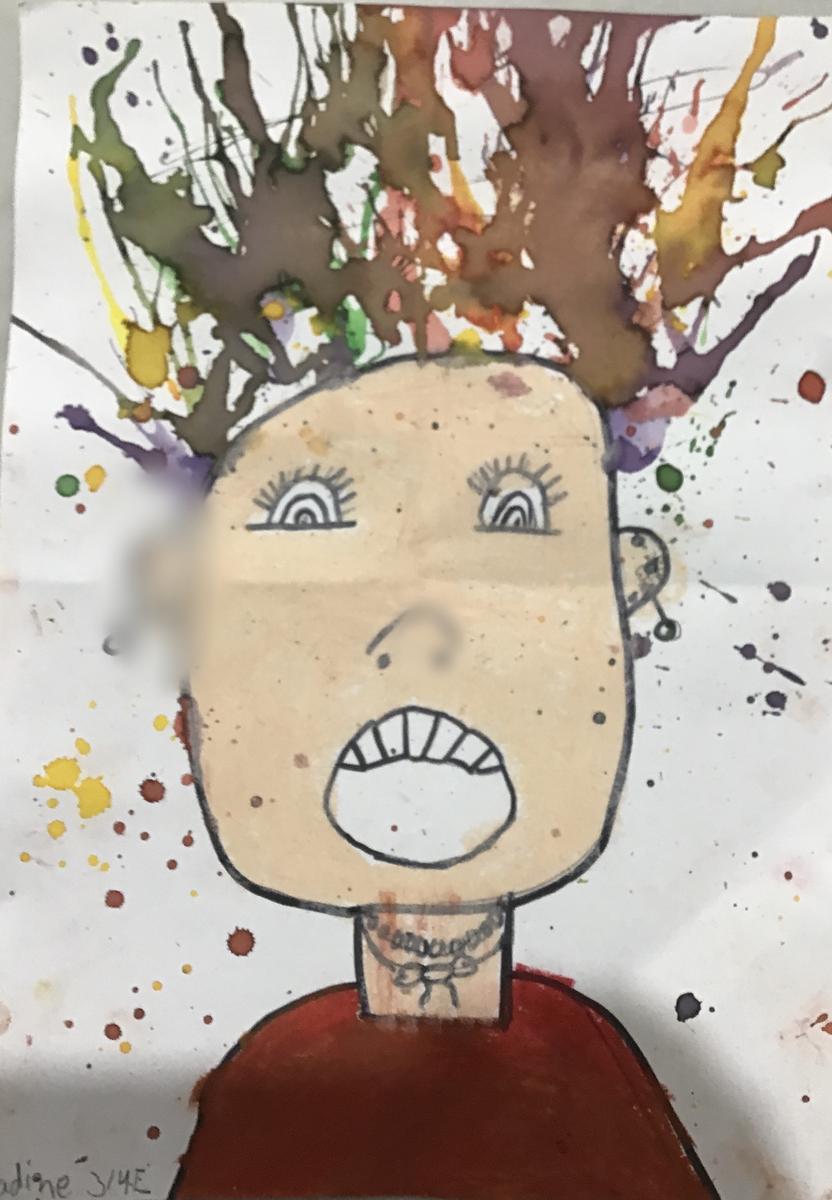
Screaming Faces by 3/4s
Step-by-step art lesson for drawing a screaming face and using blow painting to create hair standing on end
Art Skills: Drawing and Painting
Art Elements: Line and Form
Art Principles: Balance, Scale and Unity
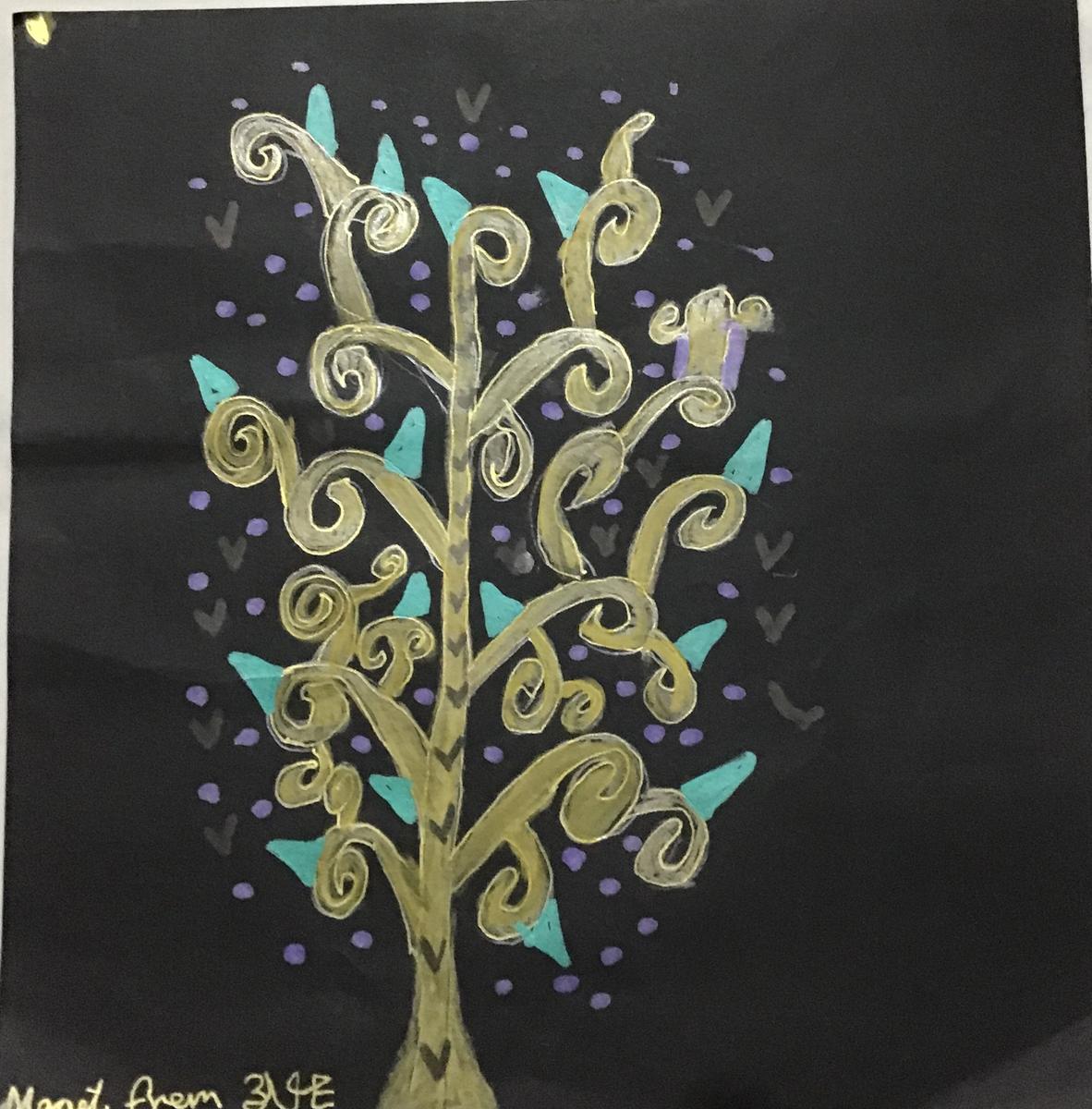
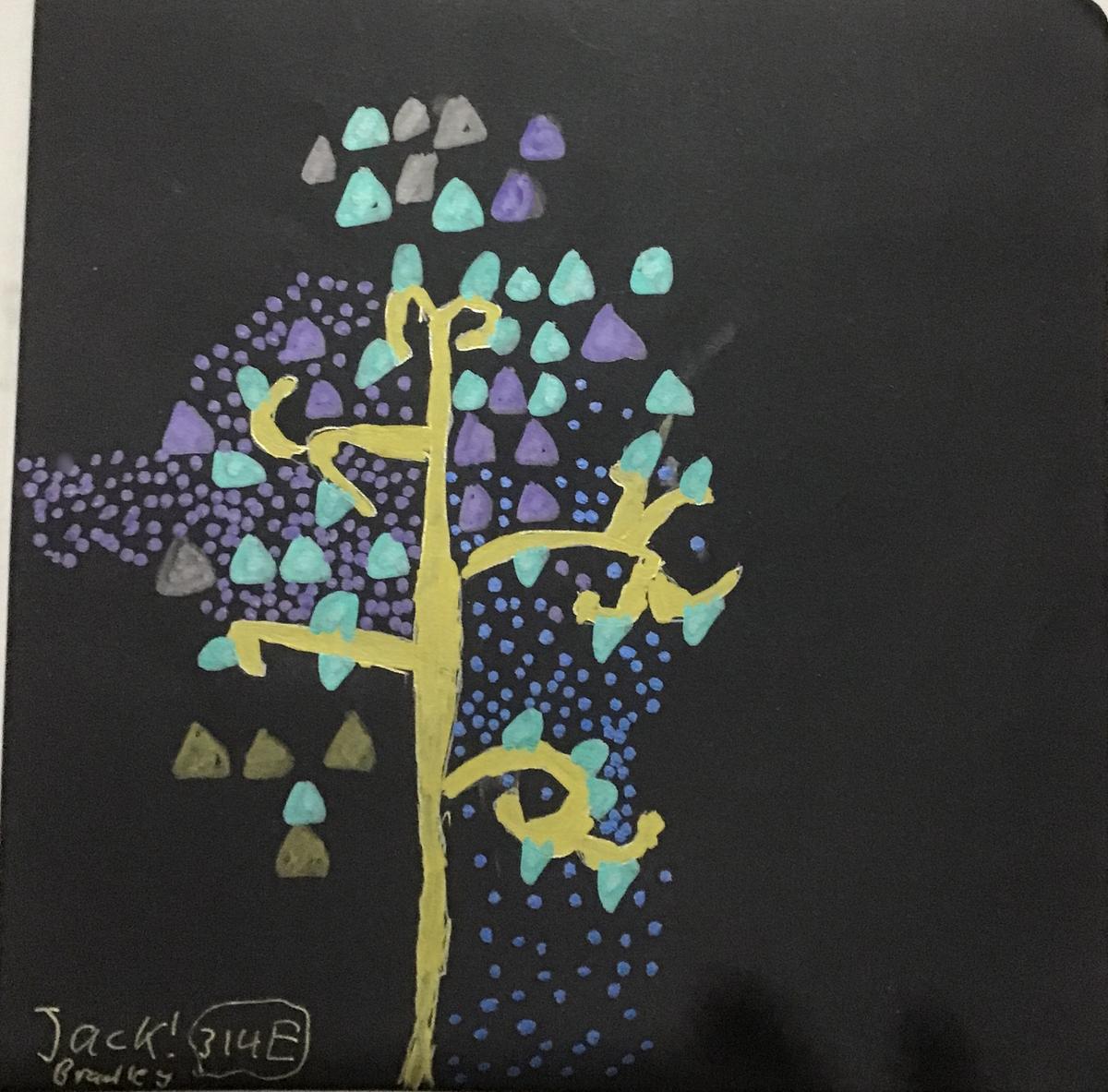
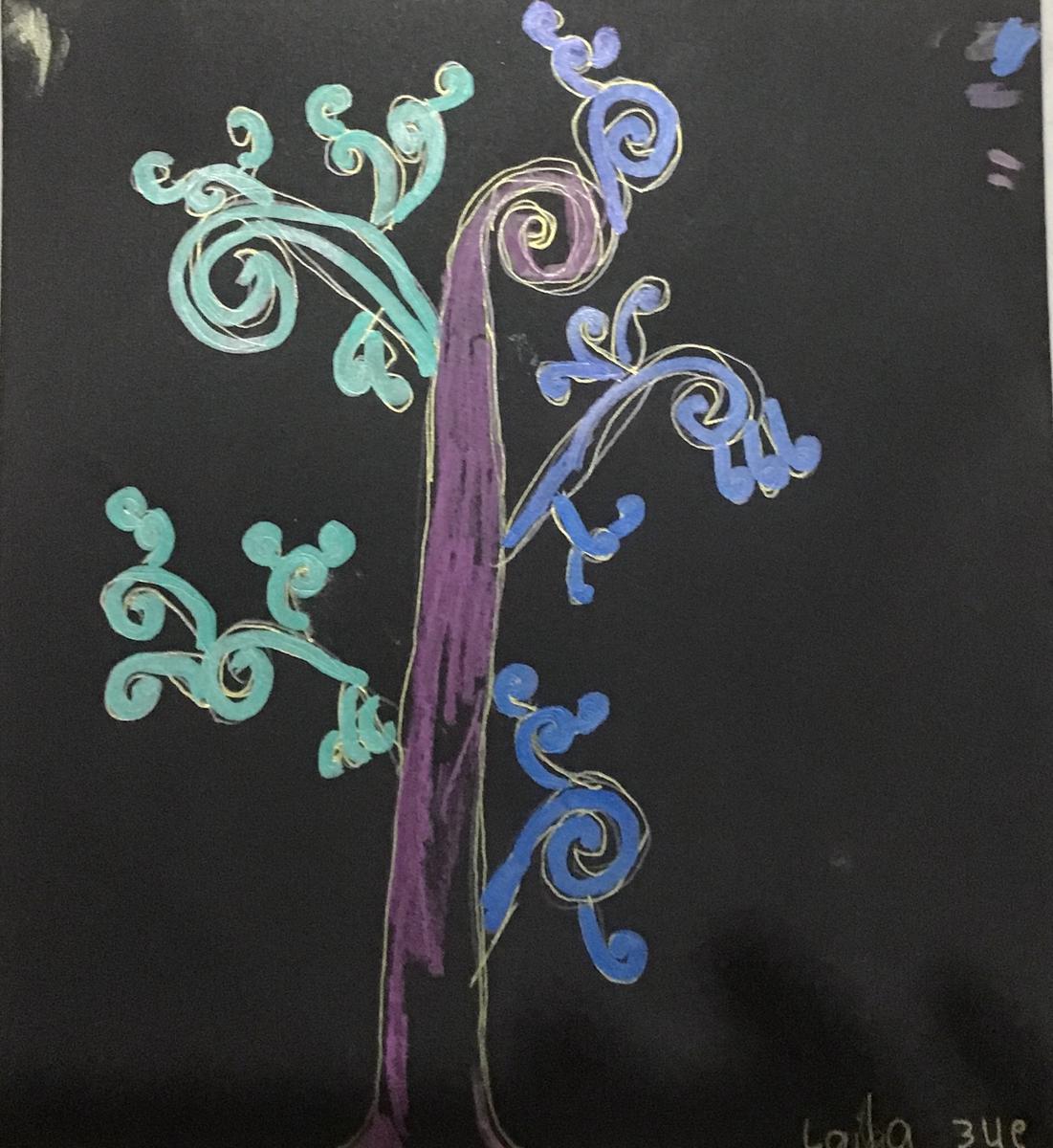
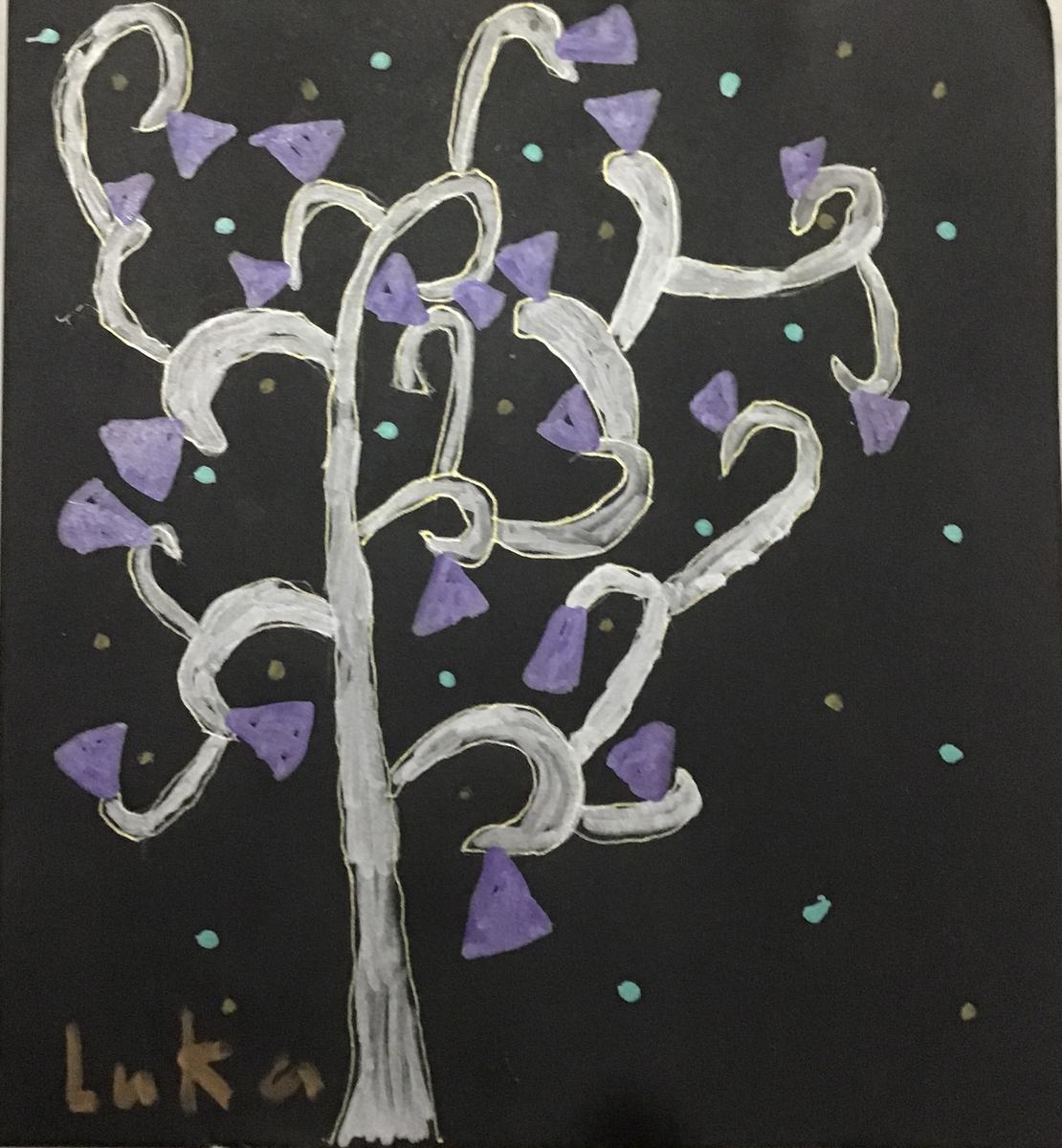
Tree of Life by 3/4s
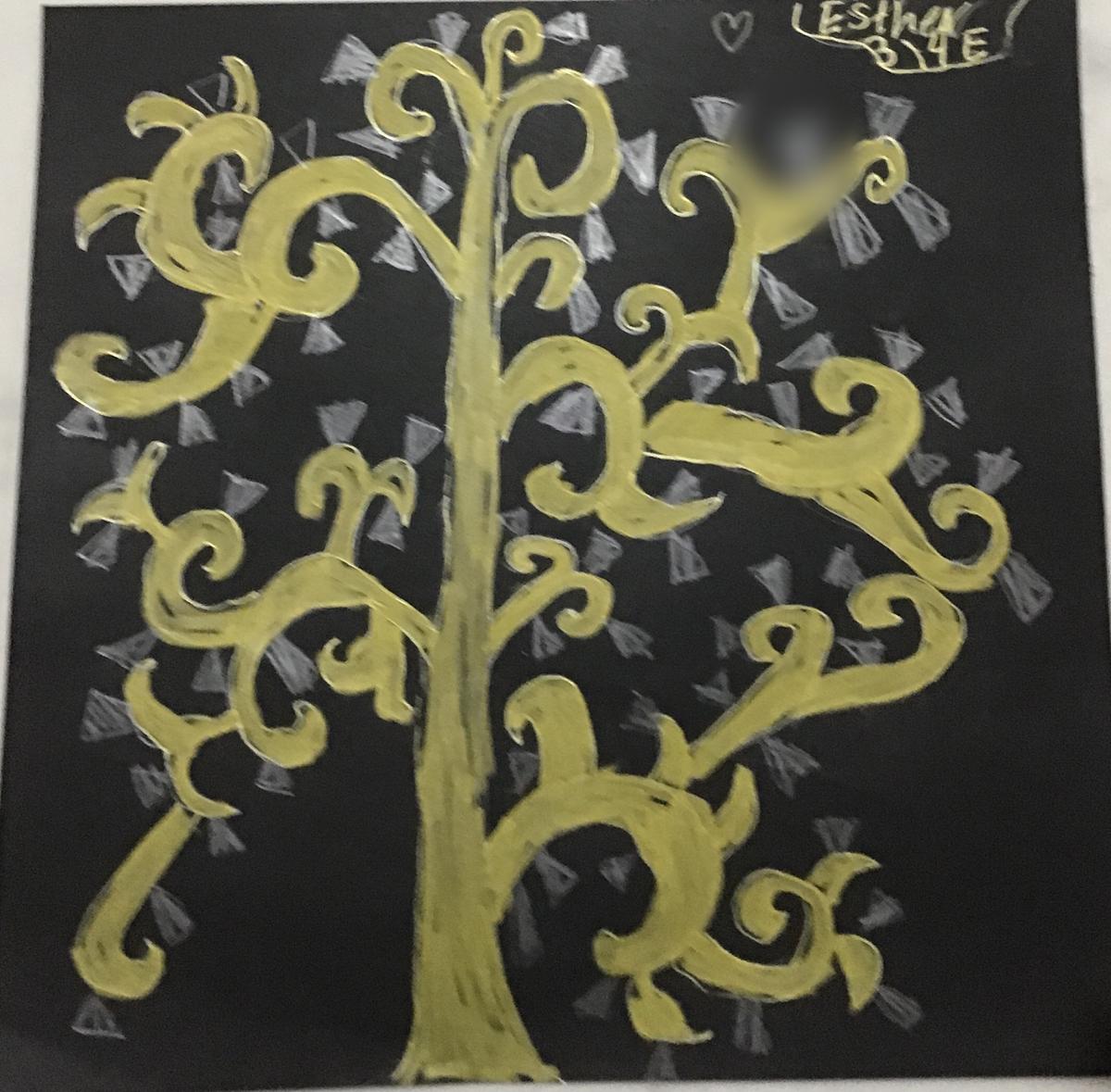
Inspired by Gustav Klimt’s ‘Tree of Life - Stoclet Frieze’
Artist Studied: Gustav Klimt
Art Skill: Drawing
Art Elements: Line, Form and Shape
Art Principles: Patterns, Scale and Unity
These are snippets of their 'Tree of Life' that they are currently working on.
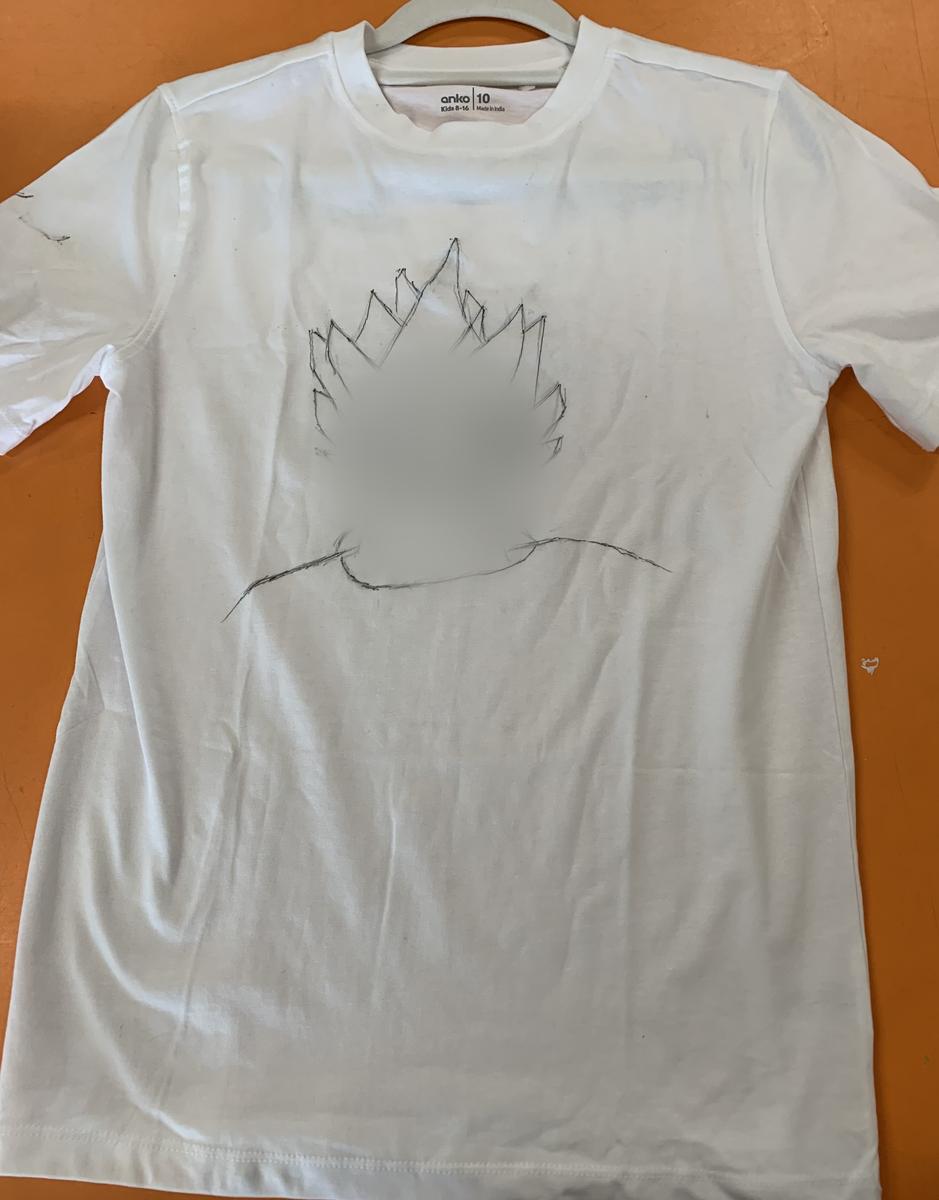
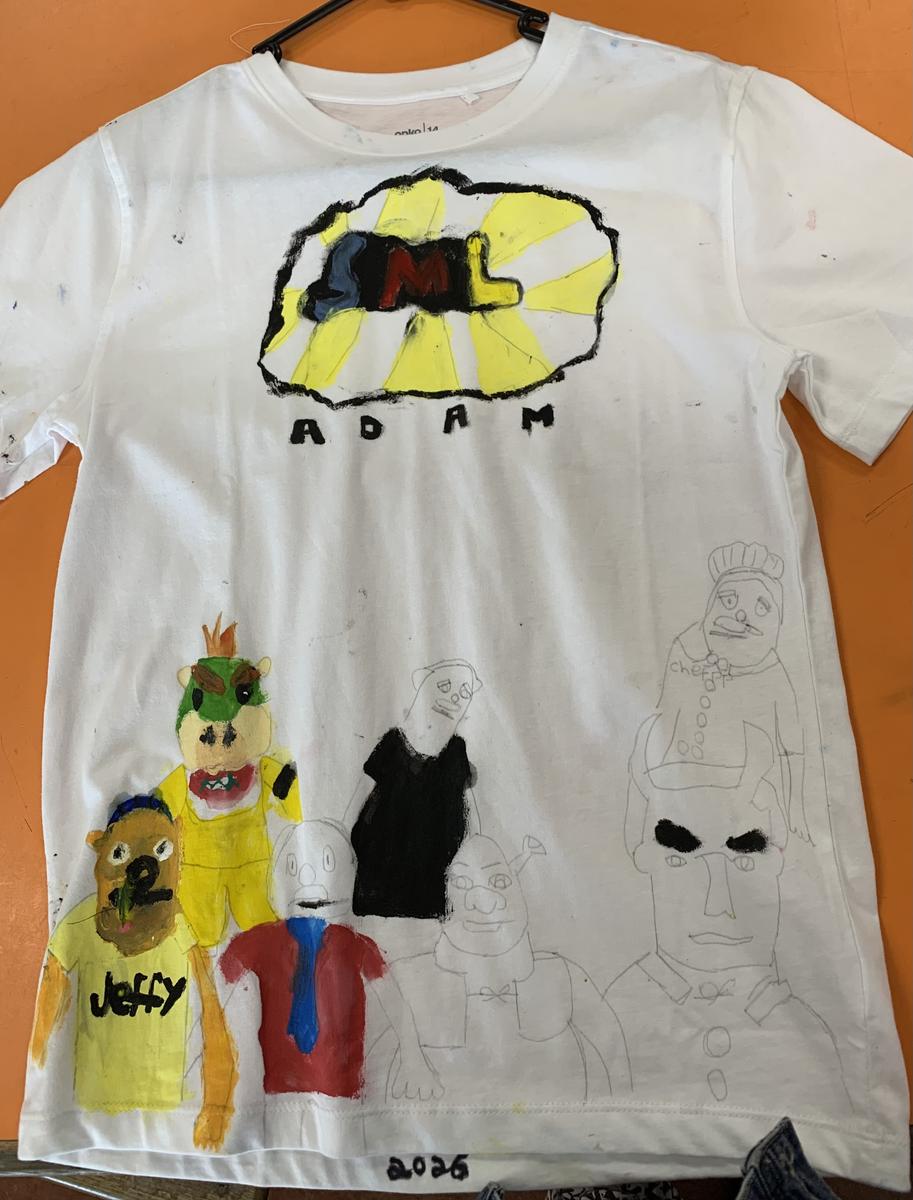
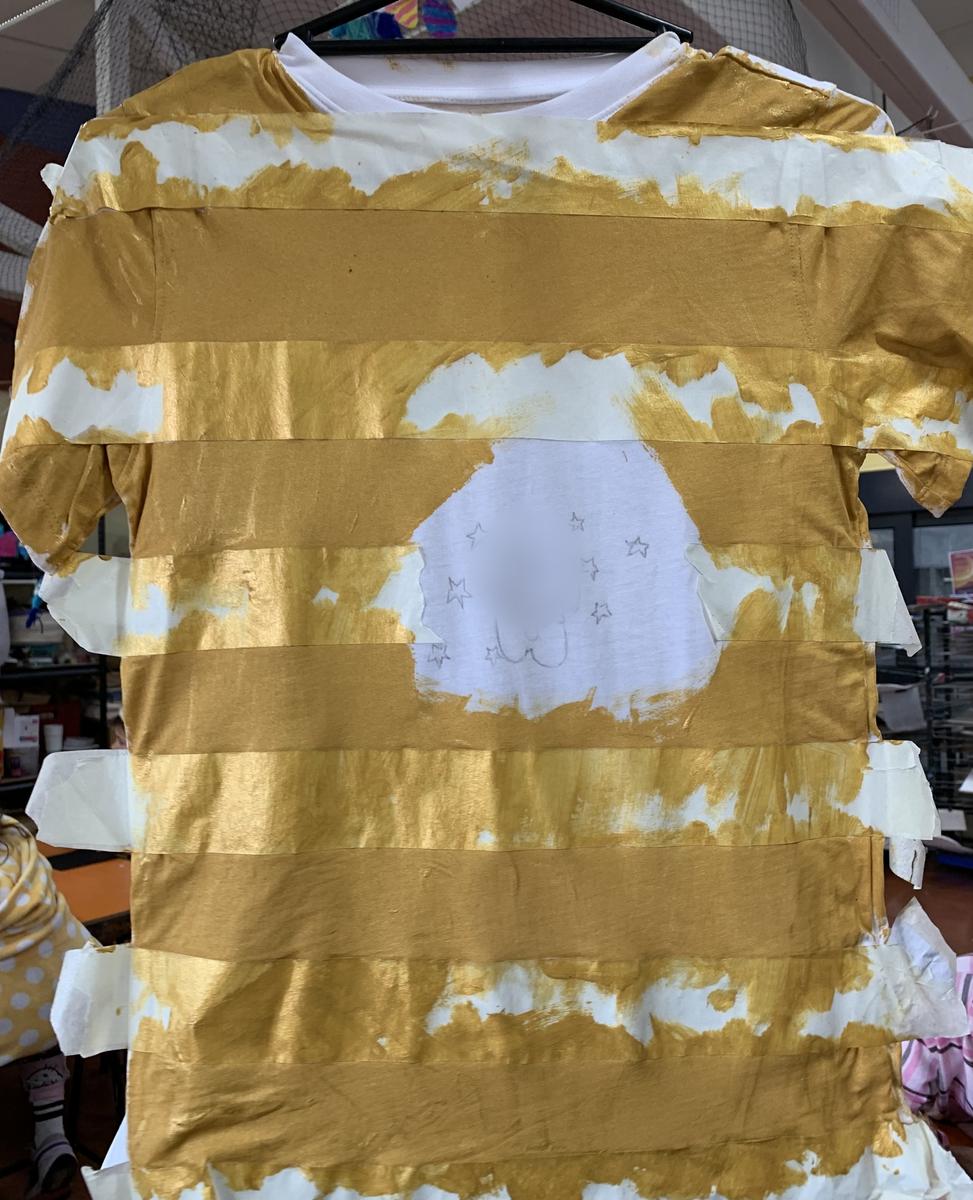
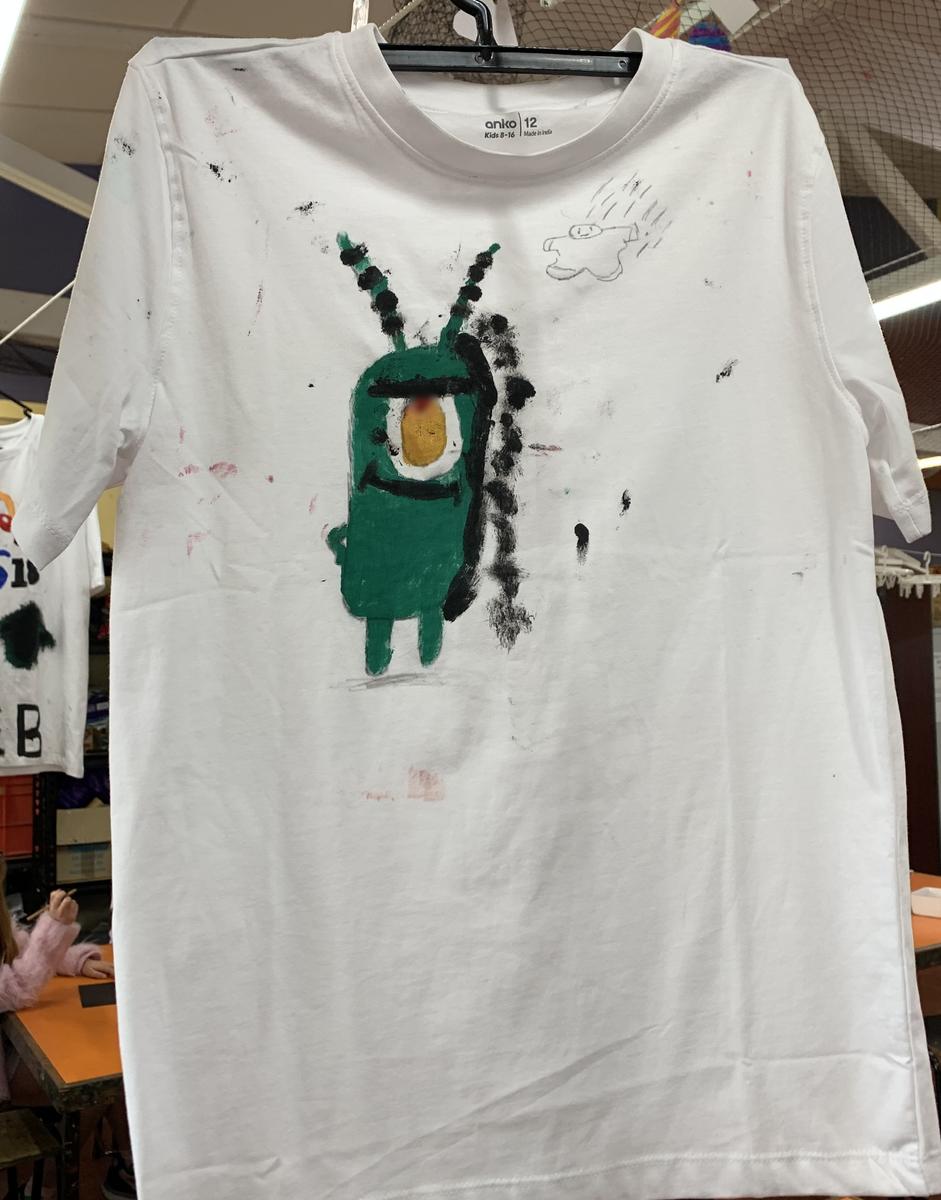
T-Shirt Designs by Grade 5s
Planning and Designing A T-Shirt that Best Describes Themselves
Art Elements: Line, Form and Space
Art Principles: Unity
Here are examples of t-shirt designs currently in progress.
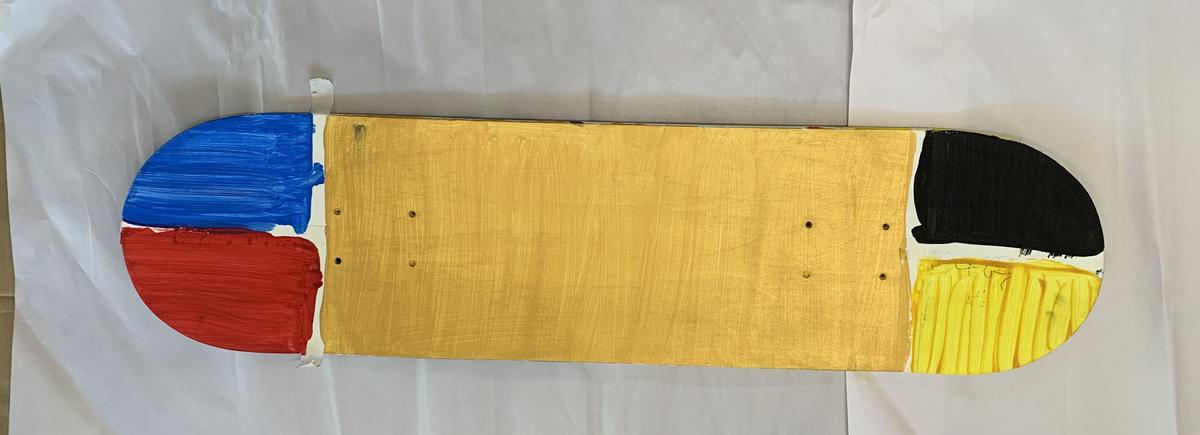
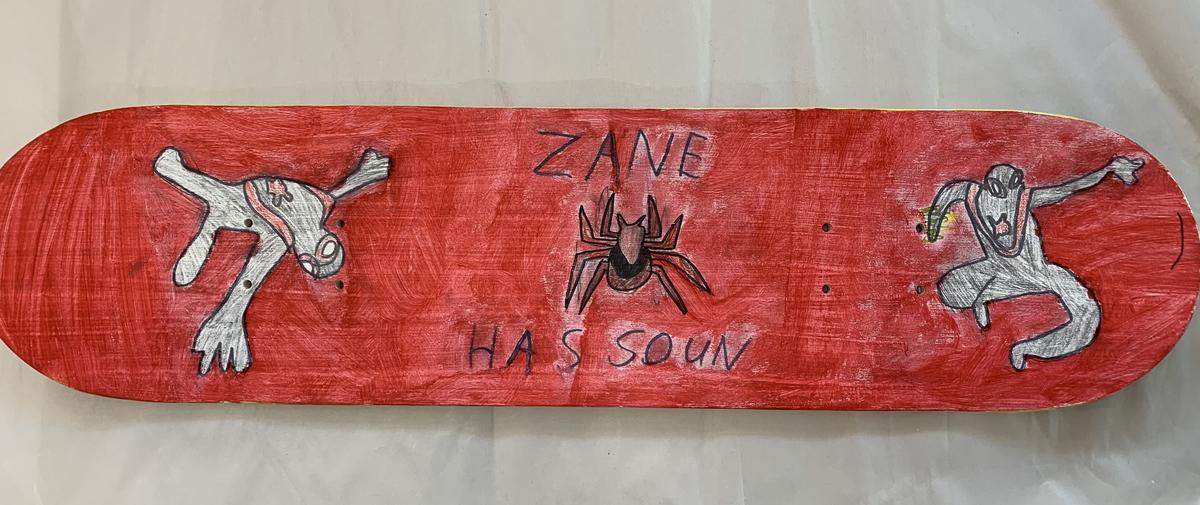
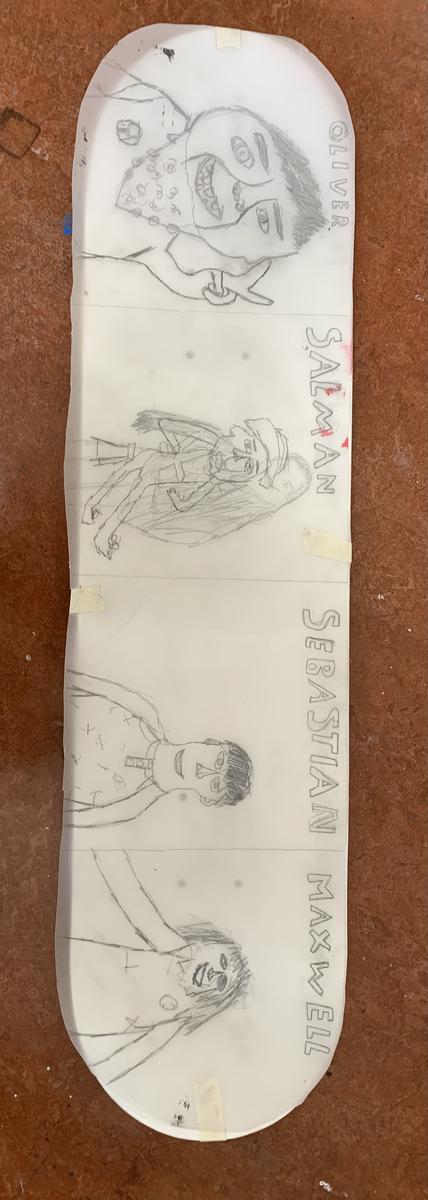
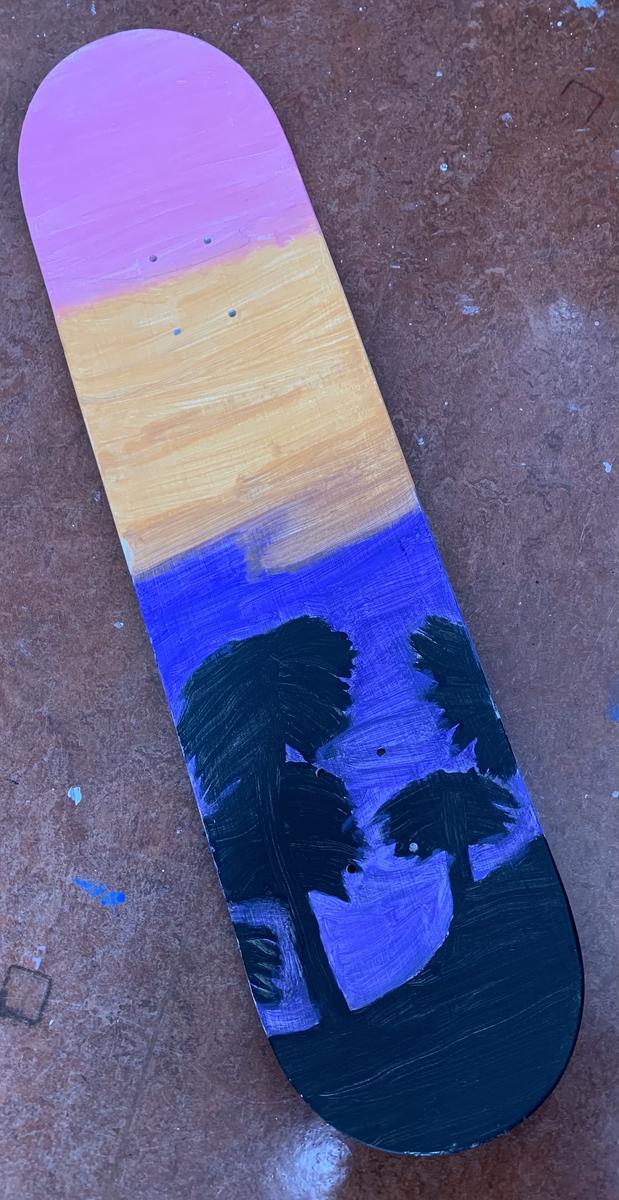
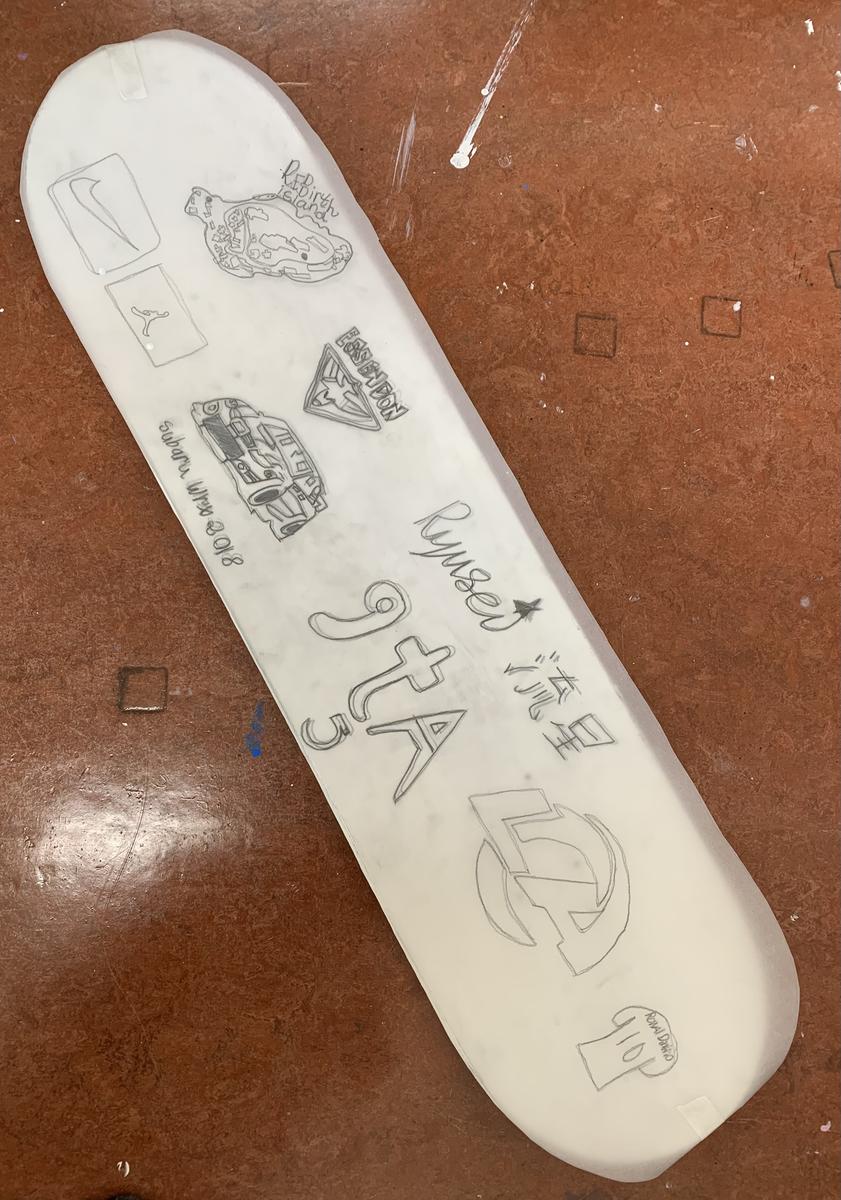
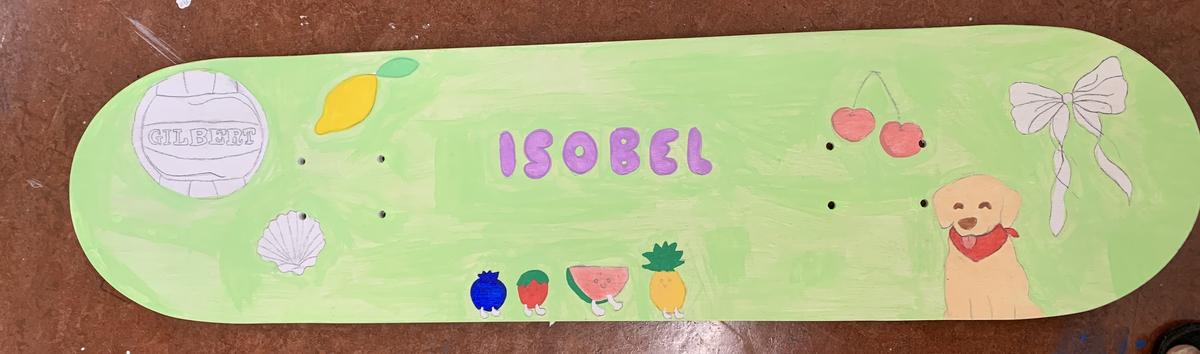
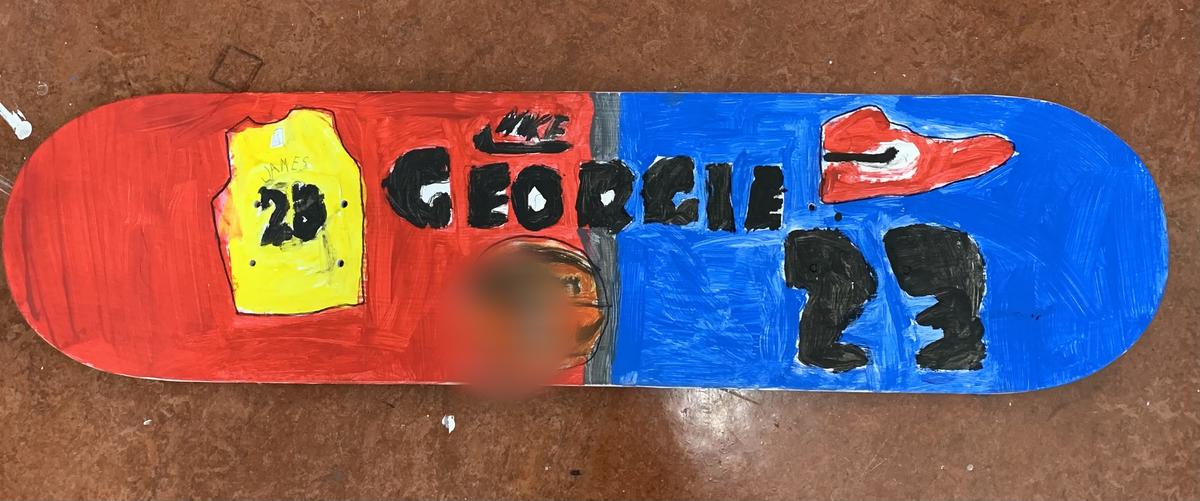
Skateboard Designs by Grade 6s
Planning and Designing A Skateboard Deck that Best Describes Themselves
All Art Elements
Art Principles: Scale and Unity
These are examples of skateboards currently in progress.
As always, If you ever have any questions or would like to contact me - the easiest way is to drop me an email at denise.diamantopoulos@education.vic.gov.au.
Denise Diamantopoulos, Visual Arts Specialist