OFFICE, CANTEEN AND UNIFORM INFORMATION










 Holy Trinity School, Inverell
From the Office
Office hours: 8.30 am - 4.00 pm
Phone: 6722 4066
Fax: 6722 2116
Email: invadmin@arm.catholic.edu.au
Postal Address: PO Box 618 INVERELL NSW 2360
COMPASS - Parent Portal

1. Search for “Compass School Manager”
iTunes Apps Store - Android App Store - Google Play.
2. Search for 'Holy Trinity School' - Note: Ours is 'Holy Trinity School' only *no town name.
3. You will be asked to put in your individual login details.
4. You will then be taken to the homepage of the APP .
5. If you haven't already logged into the parent portal on the internet, you will be prompted to update your email and mobile number.
6. Once you have completed all these steps school notifications will be sent straight to your phone.
* If you don't have your Compass Login Username and Password, please contact our office so we can supply you with your login details.
Newsletter - paper copy
If you would like to receive a paper copy of the Newsletter, please contact our office. Paper copies will only be supplied on request.
Medication
If your child needs to take medication during school hours eg. antibiotics or antihistamines a Medical Permission Form is required to be completed and handed into the front office along with the medication. A copy of the form is attached.
From the Uniform Shop

The shop phone number is 0448057416 and the address to order online is www.alintaapparel.com.au
Normal Opening times:
Monday 8:30 am to 10:30am
Wednesday 12:30 pm to 2:30 pm
Friday 2:30 pm to 4:30 pm
From the Canteen
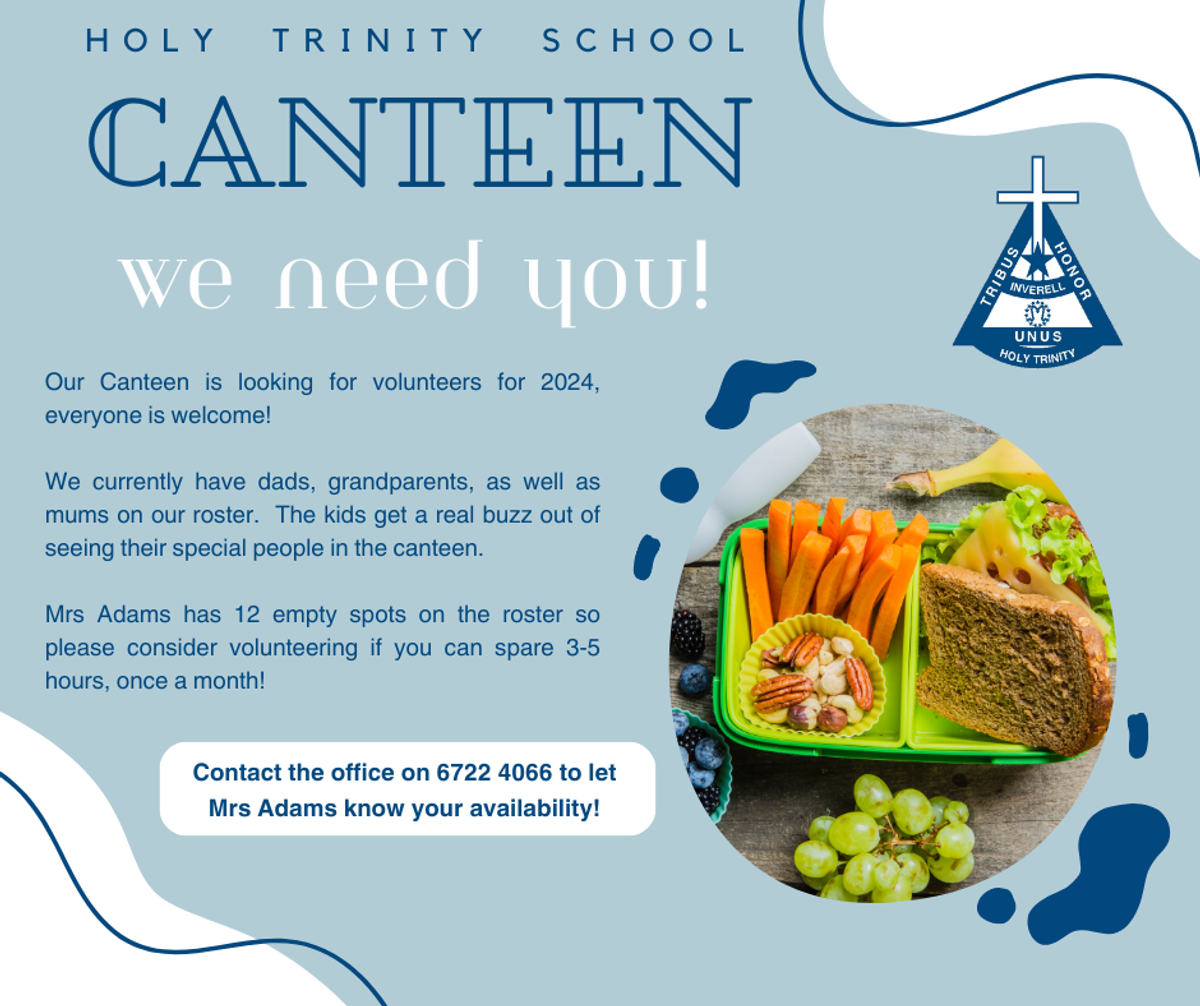
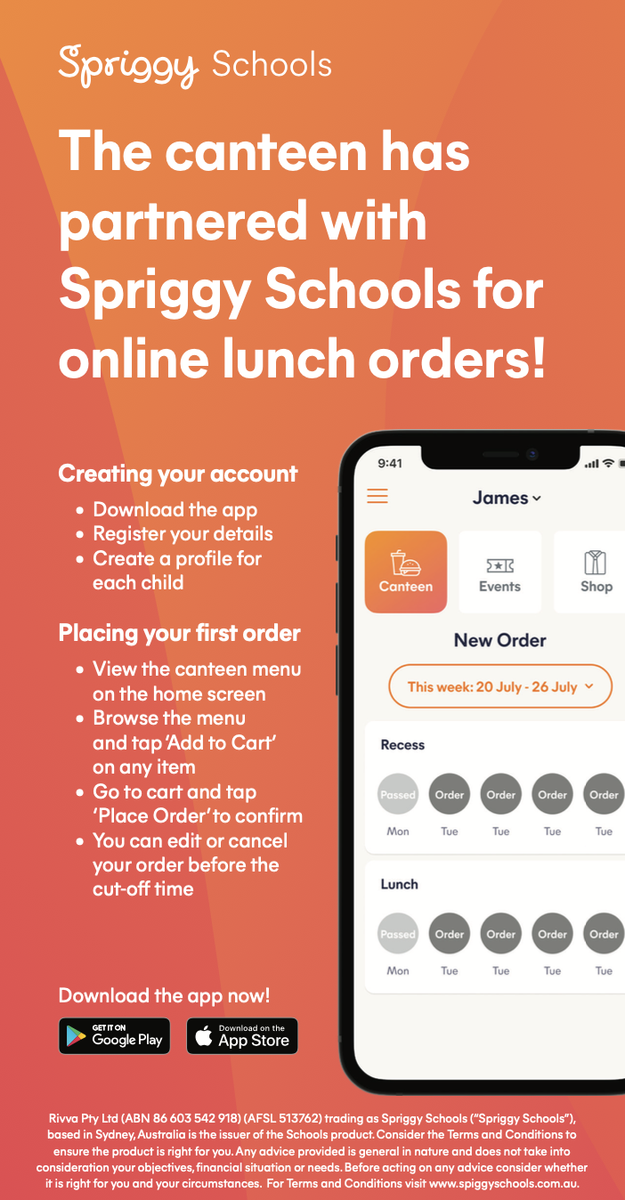
Here are the instructions for parents to authorize the canteen to place an order on their behalf after the 9.30 cutoff. It's a very useful feature when students come to the canteen looking for orders that may have been forgotten about.
- Open the Spriggy Schools app
- Open the Menu by clicking on the button at the top right
- Select Children
- Select the child they wish to change the setup for
- Scroll down below the name, school and class details
- In the box under the heading 'Canteen order', click on the Authorize check box
- Select a colour as their child's password.
- Click Save
HOW MUCH TUCKY MONEY?
We have been asked how much items cost for students in K-2 in regards to tucky money. The dearest drink is a Nippy's milk which is $4. The dearest icy-pole/frozen yogurt is $3.50 with most between $1-$2.50. Chips are between $2-$3.