FROM THE OFFICE














 Wyndham College

Email Addresses
To ensure you receive important school information quickly, Wyndham is using email as our main tool for correspondence. N-Awards and Letters of Concern will emailed. Please make sure your email address on record at the College is kept up to date.
Student Unwell or Not Attending on a Particular Day?
If your son or daughter is unwell or will not be attending school, the absence needs to be notified by the parents or carers detailed on the initial Enrolment Application. The preferred methods of making this notification is via –
- a telephone call to the school on 9208 7100 – the School Office is open from 7.30am each day
- an email to Wyndhamcol-h.school@det.nsw.edu.au
- response to the SMS message triggered by the student being marked as absent at Connect (Roll Call)
- a written explanation provided on the student’s return.
Leaving Early?
If your son or daughter needs to leave school before the end of their timetabled day, perhaps for a medical appointment, please provide them with a note to bring to school.
This note should include –
- your child’s full name
- the date
- the time they are allowed leave school
- the reason for leaving early
- your signature
Before their departure time shown in their note, students must ask one of the Deputy Principals to countersign the note. The note then allows the student to leave their class and come to the Office to be signed out of school.
Student Becomes Unwell While at School?
In the interests of student wellbeing, staff, usually from the Office, will need to speak to the parents or carers included in the initial Enrolment Application, to obtain permission for the student to go home and to determine how they will actually get home.
If you are not able to take our call, please call back as soon as possible so arrangements can be finalised for your son or daughter's return home.
If your son or daughter contacts you directly saying they are unwell and would like to go home, please ask them to report to the College Office and, in the meantime, a call from you to 9208 7100 will mean we are able to sign them out straight away. Otherwise their departure will be delayed whilst we attempt to contact you to obtain the necessary permissions.
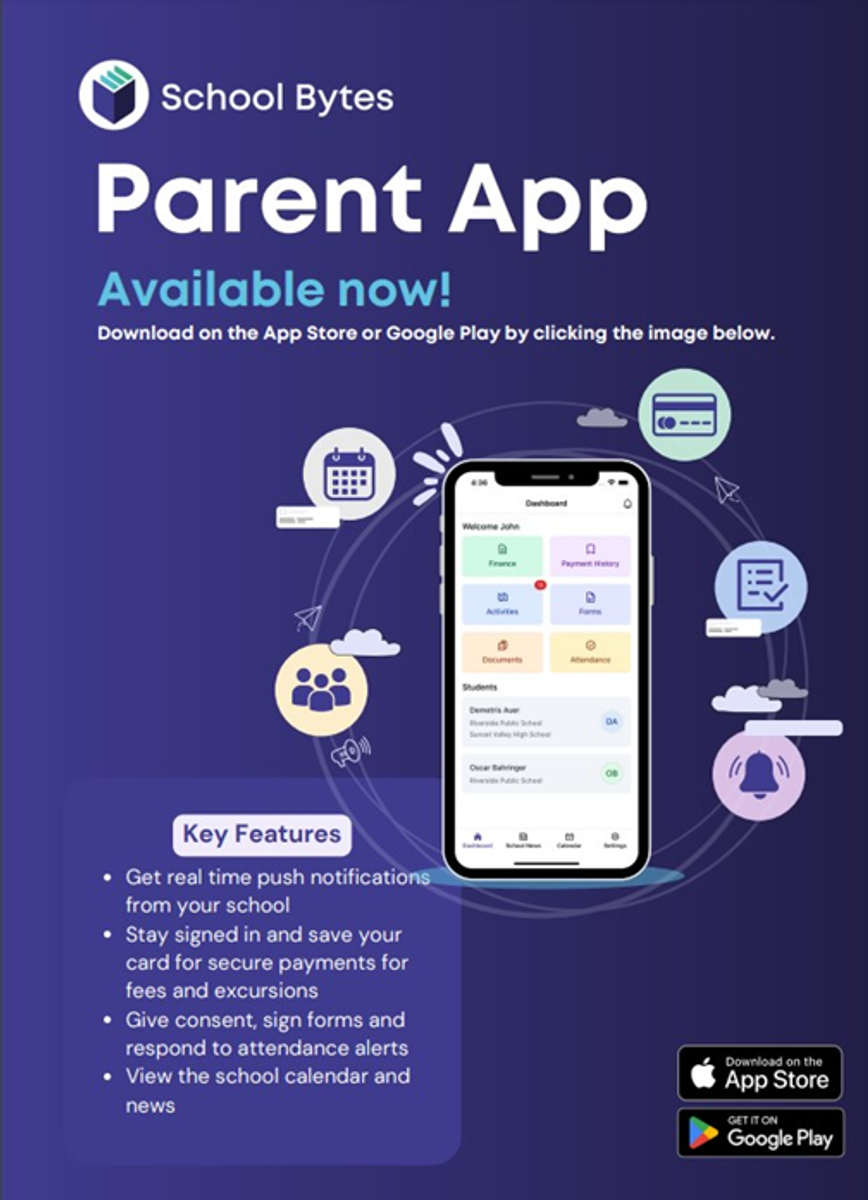
School Bytes
Our School uses School Bytes for all school payments and parental permission for excursions.
This means you can:
- Make School payments online (including paying for multiple siblings at once)
- Use a family credit to pay for an activity or school contribution
- Download a receipt for payments made
- View all historical payments
- Complete and submit digital permission notes
This can be done at your convenience – day or night.
If you create a portal, you will be able to download a receipt once a payment has been made and have access to view all historical payments when needed. Online payments are processed in real time and can be viewed by staff immediately.
If you receive an email requesting payment, just click on the link to make a payment. Please remember that if it’s an event, you cannot make a payment until permission is given to attend.
While our preference is for payments and permission to be made via SchoolBytes, we still accept payment via cash and EFTPOS before school, recess and lunch.