
Getting started in 2026

Signing in to PAM website - Mobile Devices
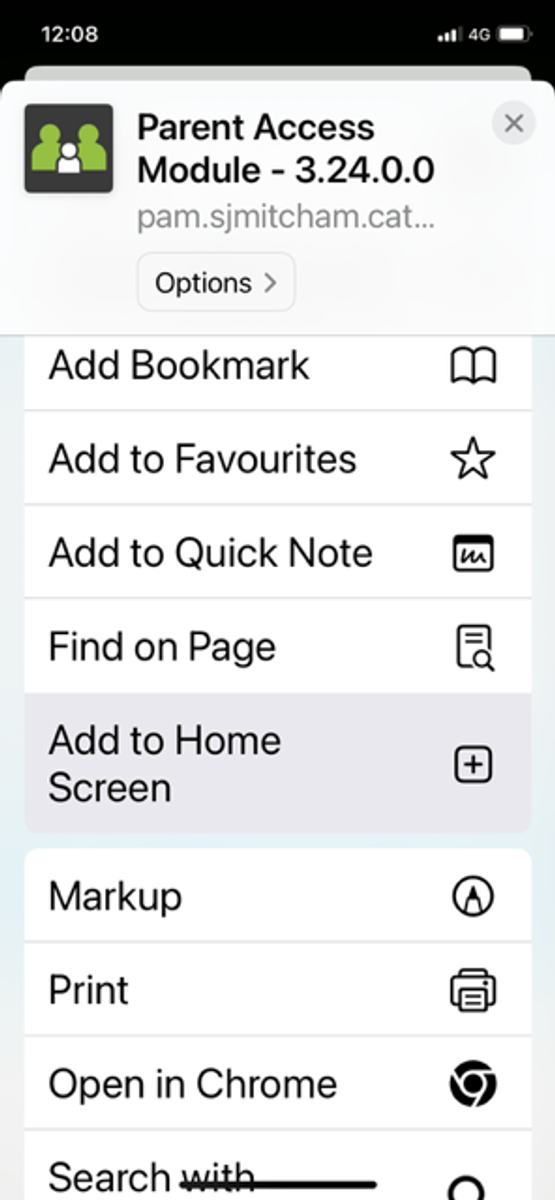
This is just a reminder that most of the correspondence from the school will now be through PAM. Please ensure that you have saved the PAM link to your phones home screen. This will create a PAM 'app'/tile link for you.
From your phone browser, navigate to the settings and click on Add to Home Screen.
PAM is where all excursion notices, student reports, attendance and other details will be kept.
If you need help to create the tile link, or you have not been sent login details, please drop into the office and we can guide you through it.
Student Medical and Personal Details
We ask all families to please log into PAM and confirm/update any medical details relating to their child, as well as checking all personal and family details (home address, email contacts etc), and accepting the online agreements (e.g. Code of Conduct)
Please also ensure that there is at least one non-parent emergency contact (grandparent, aunt, uncle etc) that can be called to collect your child in the event that parents are not contactable.
CDFpay App - Events and Lunch Orders
St John’s Mitcham uses CDFpay for online lunch orders, events and fundraising at our school. We ask all parents to download the app and sign-up to avoid missing any important event purchases throughout the year.
Lunch Orders will be available for Thursday 5 February, please note lunch order cut-off of 2pm Wednesday each week. This service is externally managed, and all orders must be processed through the CDFpay app.
How to register for a CDFpay account
- Download the CDFpay mobile app on the Apple or Google store, then click ‘Sign up now’. No app? Register here
- Enter and confirm your email address, then click ‘Sign up’.
- Check your email inbox and follow the prompts to complete your account registration (check junk/spam if lost).
Register your child, including their full name and class, and select St John's School Mitcham. Once registered, you will then be able to:
- Add siblings via the Profile icon in the app, and + Add New under "Students"
- Top up your parent wallet for future orders.
- To avoid card surcharges, top up $50 or more using a debit card or bank transfer any value.
Order and pay in seconds!
Have questions? View CDFpay powered by Flexischools Help & Support for detailed FAQs or chat to the Flexischools Digital Assistant. If you cannot find what you are looking for, please complete the online Contact Form and Flexischools will get back to you directly.
Classroom Support and Volunteering
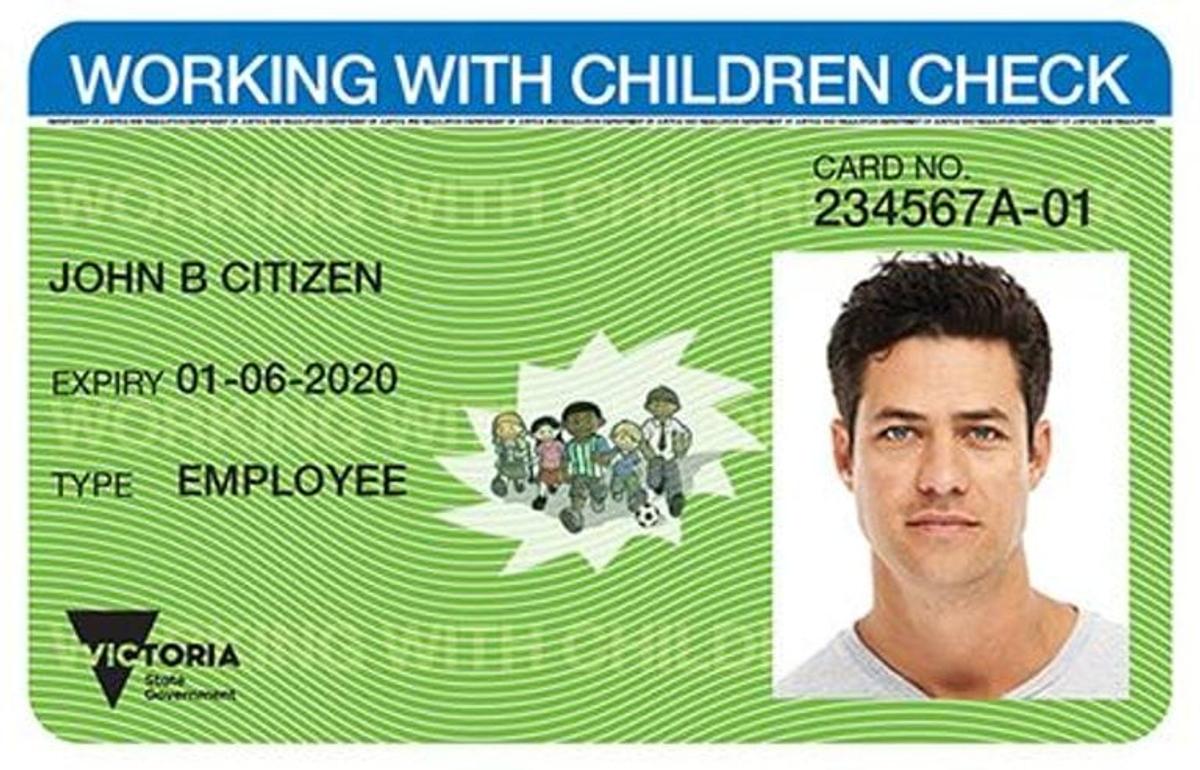
It is a requirement that all parents who are assisting in classrooms, volunteering with events, or attending class excursions/camps hold a current Working with Children Check. This could be an Employee card already used for work, or a free Volunteer Card. If you would like to participate in these opportunities, please provide a copy of your WWCC card to the office, or email a photo to office@sjmitcham.catholic.edu.au
To apply for a WWCC card, please use the the online form.