





















Page 0 Banner Photo
Cover Page
From the Principal Banner Photo
From the Principal
Faith and Mission Banner Photo
Faith and Mission Community Mass
Around The Primary Banner Photo
Around The Primary Dear Families , Dates to Remember, Taiko On, African Drumming, Library News, Primary Sport, Primary Music , Extend After School Care 
Secondary Banner Photo
Secondary Dear Families, Music and Drama Week  , Parent Sundowner  , WA Student Assistance Payment , Term 3 Key Dates, International Exchange with Osaka Kasugaoka, Year 12 ATAR Geography Excursion, Year 12 students: Connect, Network, Inspire, SPORT, NAS Athletics , Athletics Training, Years 9/10 Winter NAS, Volleyball Schools Cup , Interschool Surfing Competition, Year 10 ACC AFL Carnival, College Sporting Photos, Congratulations, Share your child’s achievements
Magis Report  Banner Photo
Magis Report  STEM Challenge, Debating Update, Shakespeare Incursion, Magis: Opportunities to do more!, Quest Tutorials Program for Gifted and Talented Students, Nature in Focus Photography Competition , The Global Voices Fellowship
Music News Banner Photo
Music News Year 4 Musical, Music Eisteddfod – Winners’ Concerts, Music Tour 2027 – Expressions of Interest, Catholic Performing Arts Festival, St George's Cathedral, Concerts at One , JTC students light up The Ellington , Chapel Choir
Drama Banner Photo
Drama Coming soon, Music and Drama calendar
Pathways and Transition Banner Photo
Pathways and Transition Pathways Picks, Gap Year Guide 2026 Out NOW - Year 12 Students , Gap Year Opportunities - The Cardoner Network - Year 12 Students, Curtin University - The 2027 John Curtin Scholarship Program is NOW OPEN for applications – Year 12 Students, 25 August Science and Mathematics Showcase Evening, 27 August Year 11 & 12 Aviation information Evening. , 13 September Girls’ Programming Network, Australian Government School Leaver Program – Year 12 Students, Apply to University Guide 2026- Out NOW, TISC Applications Open, Year 10 Students – TISC University Admission Guide 2029 OUT NOW, Year 12 Students – TISC 2027 Brochure , Notre Dame Early Offer Program Open - Year 12 Students, Law Start Program – Murdoch University, 1 September Monash Information Evening Webinar, New Parents’ Guide to University Study released, Year 10 Opportunities, 2027 Undergraduate Course Guides (WA Universities) , University Contacts for Future Students, Interstate Admission Centre Contacts , Year 12 Opportunities: Find the huge range of scholarships available , Find money to support your studies – Scholarship Database, UWA Engineering Scholarship Opportunities for Year 12 Students , ECU Engineering Scholarship Opportunities for Year 12 Students, Curtin 2027 Excellence Scholarship, Murdoch Scholarship Opportunity for Year 12 Students, NMTAFE and SMTAFE VETDSS 2027 Course Guides out NOW and Applications OPEN!, Construction Training Fund Scholarships – Years 10 & 11 students , Explore a career in trades- Women in Trades Evening, New Career Quiz at the Construction Futures Centre , Offsite Study Options for Year 11 and 12 Students , Electrical Trades Information, Start an Electrical Apprenticeship Early, Electrical Apprenticeship Maths Skills, New Training ➡️ Occupations Pathways, Apprenticeship and Traineeship Information, Jobs and Skills Centre for Apprenticeships and Traineeships , ATO School Leaver Program, Applications Open for Fogarty Futures Leadership Conference – Years 10 and 11 Students , The Future Doctors Australia Program – Year 9 to 12 Students , Leeuwin Youth Adventure Voyages , Year 12 Information Handbook – Part I OUT NOW!, 2026 Year 10 Information Handbook, ADF Careers Information Sessions, WA Police Recruitment Sessions , Gap Year Opportunities with AgCAREERSTART, Gap Year Opportunities with ADF Careers, The Career Clusters, The Morrisby Profile, MyFuture – your one-stop shop for career information, Your Career
John XXIII Rowing Club  Banner Photo
John XXIII Rowing Club Dear Rowing Families, Rowing Presentation Dinner, All Schools State Championships, House Regatta , Year 7 Learn to Row, Uniforms, Stack Team App, Buses, 2026 Rowing Club Registrations are open for Years 9 to 12 ,  Training Schedule  , Key Rowing Events 2026, Absent from training procedure , Asthma and Allergies
John XXIII Netball Club  Banner Photo
John XXIII Netball Club  Dear Netball Families, Round 11 , End of season celebrations, Just to clarify the Spring Competition process
Parents' Association and PAL organised events Banner Photo
Parents' Association and PAL organised events Parent Sundowner - 19 September, Girls: Trading Anxiety & Perfectionism for Authentic Growth, Parent Events organised by the PALS
Canteen Banner Photo
Canteen Registering a new Flexischools account
Uniform Shop Banner Photo
Uniform Shop Opening hours, Online purchasing launched, Netball hoodies, Secondhand Uniforms, Sustainable footwear choices at our Uniform Shop 
Buy and Sell Second Hand Items Banner Photo
Buy and Sell Second Hand Items
College Charter Bus  Banner Photo
College Charter Bus Cashless Bus Ticketing , SmartRider Information
Health Banner Photo
Health Gastroenteritis
Online Safety Hub Banner Photo
Online Safety Hub Online Safety Hub, Exploring the online experiences of boys and young men, Is CapCut safe for kids? An app safety guide for parents, What is CapCut?, Is there an age requirement for CapCut?, Is CapCut safe for kids? What to watch out for, CapCut: Qustodio’s safety recommendations
School TV Banner Photo
School TV A Resource Supporting Parenting
Traffic Management & Parking Guidelines  Banner Photo
Traffic Management & Parking Guidelines  Car parking and pick-up options at John XXIII College 

Alumni Banner Photo
Alumni Important dates – mark your calendars
Fremantle Traffic Bridge: ahead of schedule Banner Photo
Fremantle Traffic Bridge: ahead of schedule
View archive
Published by
John XXIII College
Mooro Drive, Mount Claremont, Western Australia, 6010, AUhttp://www.johnxxiii.edu.au/jtc@johnxxiii.edu.au(08) 9383 0400 Facebook Instagram X / Twitter YouTube
Banner Photo

Canteen

About Chartwells

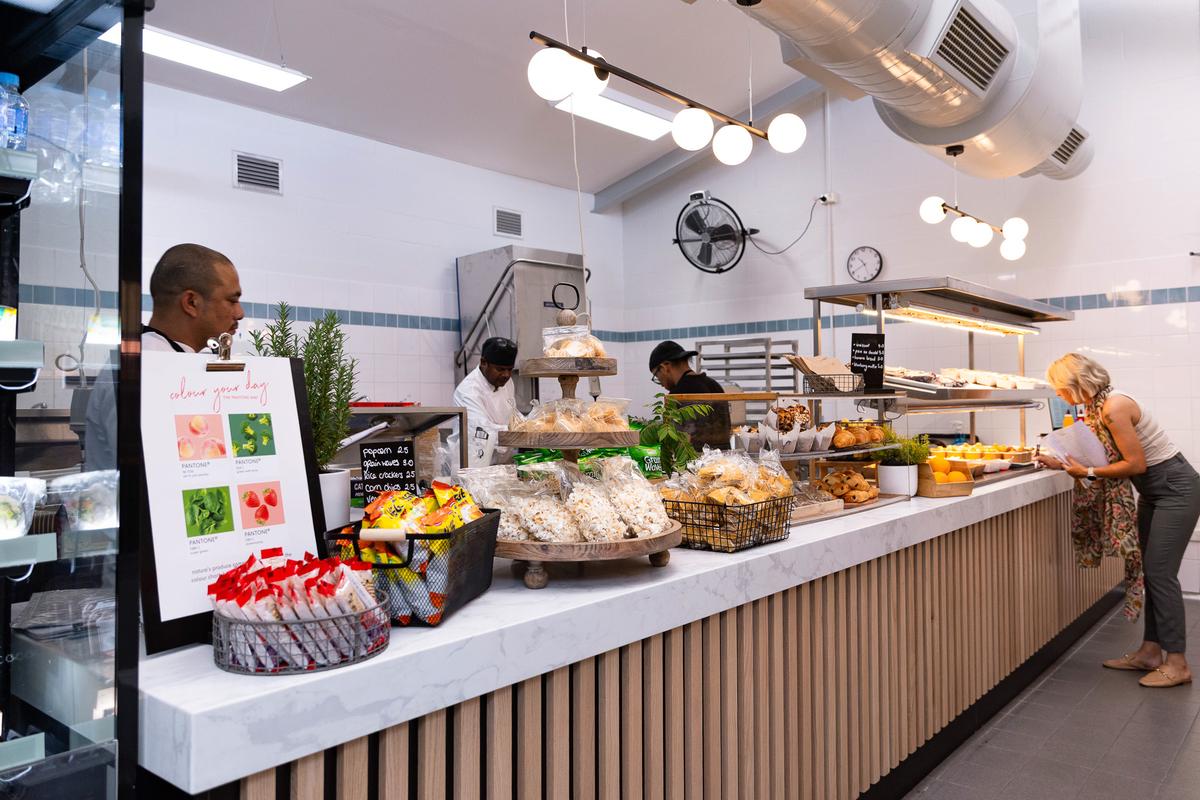
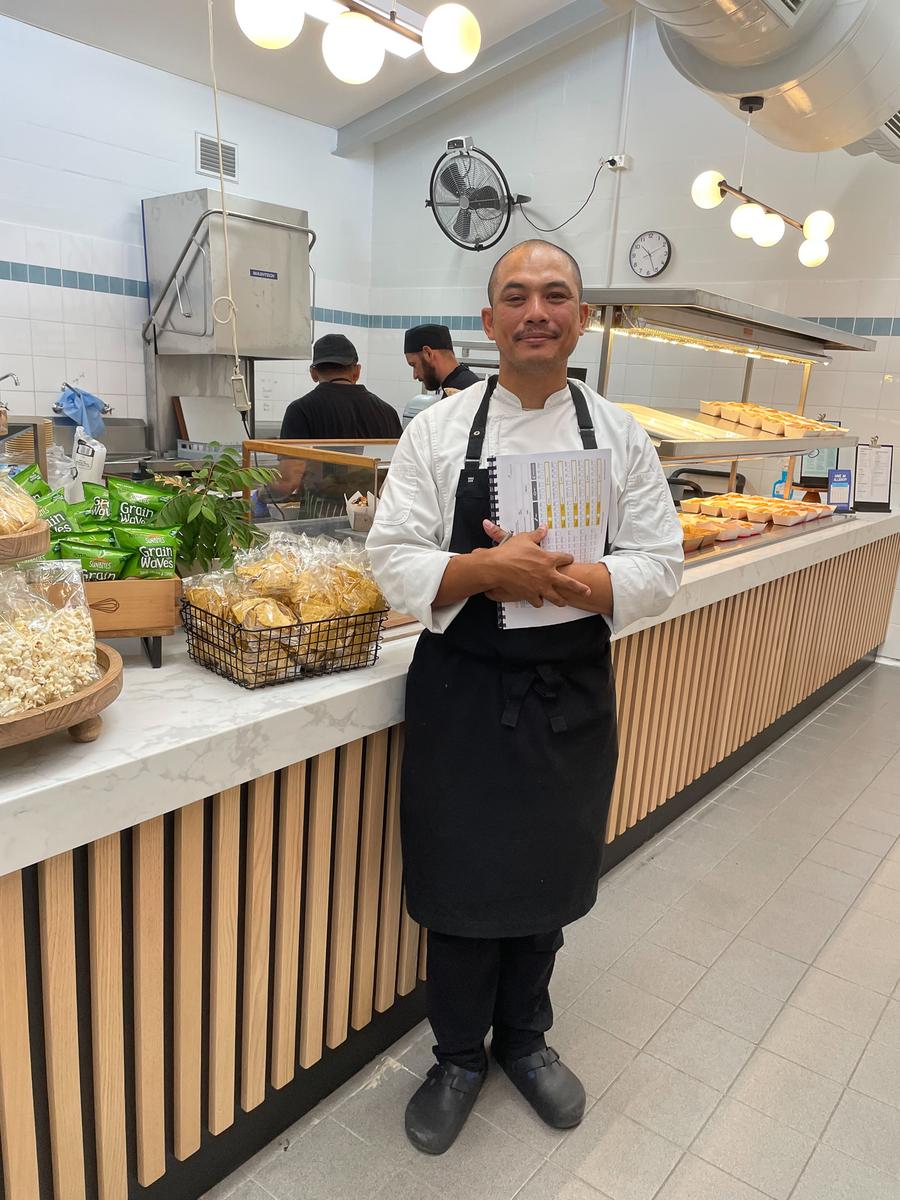
Chartwells is a leader in school food services, guided by Smart Food principles developed by Food and Nutrition Australia. Their approach emphasises balanced menus, whole ingredients, and seasonal produce, all prepared fresh onsite to ensure students enjoy meals that are both nutritious and full of flavour.


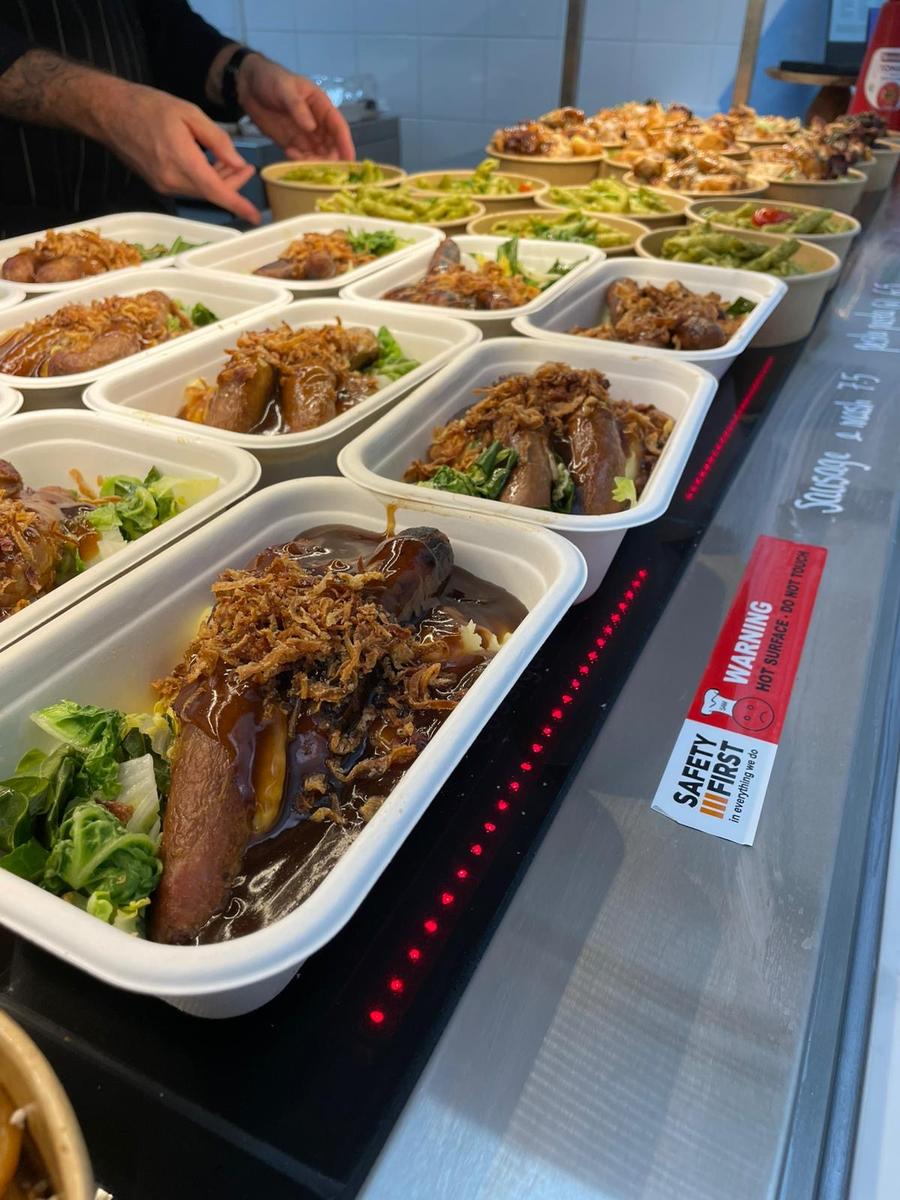
Students can enjoy a diverse menu including freshly made sandwiches, wraps, salads, hot meals, house-baked items, grab-and-go snacks, and seasonal specials. Chartwells also provides clear allergen information and support for dietary needs. To keep meal options varied, menus will change each month to reflect seasonal produce. 


What's on the menu

Gallery Image
Gallery Image
Gallery Image
Gallery Image
Gallery Image
Gallery Image
Gallery Image
Gallery Image
Gallery Image


The Chartwells Model – Primary, Secondary and Cashless Service


Online ordering for Primary students

Primary students are not able to purchase food directly from the canteen. All lunch orders must be placed online via Flexischools, which can be accessed conveniently through the Flexischools app or website.


Pre-ordering or purchasing for Secondary students

Due to the high demand for the new canteen offerings, Secondary students can now pre‑order meals online or purchase directly from the canteen during recess and lunch. While ordering ahead through Flexischools is convenient, a wide range of fresh food and snacks will also be available over the counter each day, giving students the flexibility to choose what they feel like on the day.


A completely cashless service

The canteen now operates on a cashless system. Secondary students can make purchases using their SmartRider (linked to their Flexischools account — see instructions below) or a debit card. Please note that mobile phones cannot be used for payment.


Registering a new Flexischools account

Registering a new Flexischools account

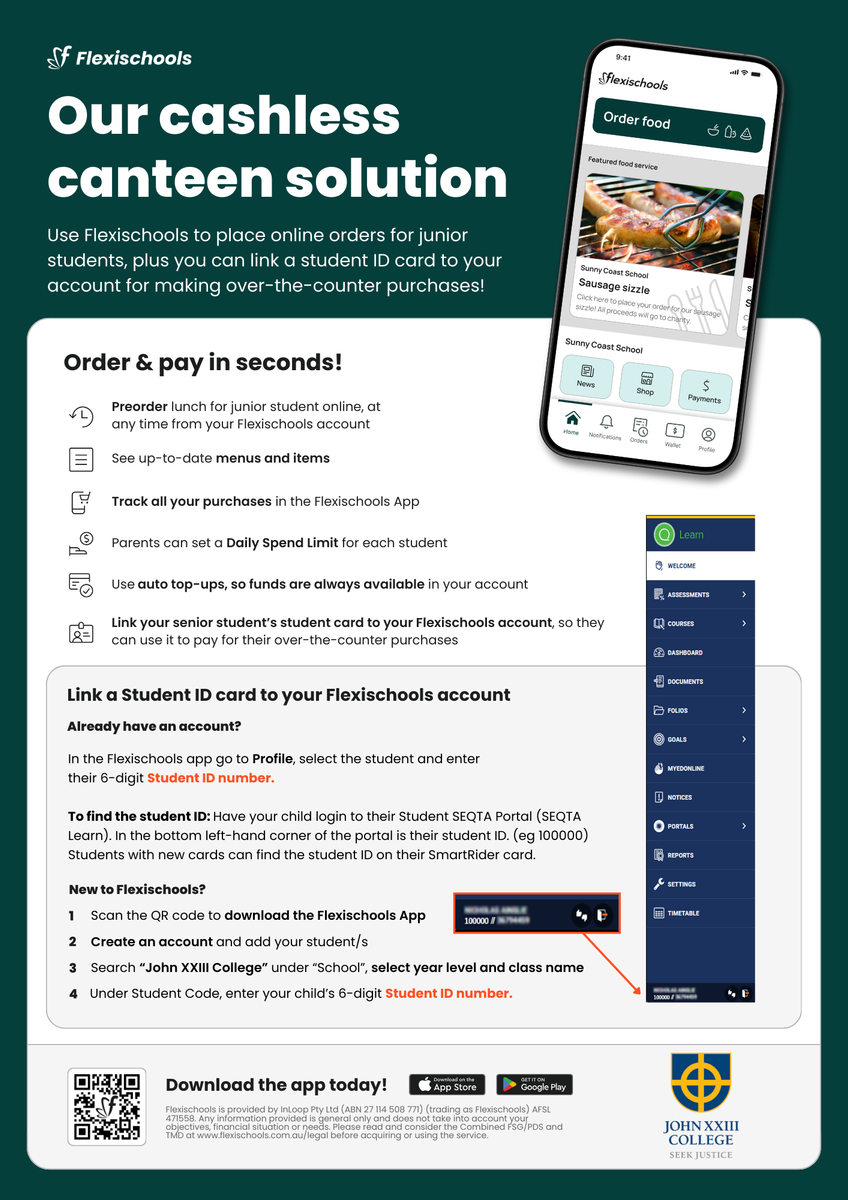
New parents simply download the Flexischools app from the Apple or Google store and follow the prompts to create an account. You can also find registration and online ordering instructions here.


Download and open your Flexischools app and click ‘Register'.

  1. Submit your email to create an account.
  2. In your inbox, open the registration email.
  3. Click the link within and follow registration prompts in app.


Once your account is set up, log into your Flexischools app and enter your child’s details.

  1. Select ‘Profile’ icon on the navigation bar. 
  2. Under ‘Students’, click ‘Add new’ and enter student’s name.
  3. Search for John XXIII College in the school name field
  4. Select Year Level and Class
  5. To link a student card, enter your child’s 6-digit Student ID Number. 
  6. Click ‘Submit’.


Adding a new student to an existing Flexischools account

  1. Select ‘Profile’ icon on the navigation bar. 
  2. Under ‘Students’, click ‘Add new’ and enter student’s name.
  3. Search for John XXIII College in the school name field
  4. Select Year Level and Class
  5. To link a student card, enter your child’s 6-digit Student ID Number.
  6. Click ‘Submit’.


Adding a student card to an existing student

  1. Select ‘Profile’ icon on the navigation bar. 
  2. Under ‘Students’, select the student you wish to add a student card to. 
  3. Enter your child’s 6-digit Student ID Number.
  4. Click ‘Submit’.


To find the student ID for Secondary: Have your child login to their Student SEQTA Portal (SEQTA Learn).  In the bottom left-hand corner of the portal is their student ID. (eg 100000)  Students with new cards can find the student ID on their SmartRider card.


Give your student their own login

If you would like your student to place their own orders through Flexischools, you can give them their own login.

  1. Select ‘Profile’ icon on the navigation bar. 
  2. Under ‘Students’, select the student you wish to give a login to.
  3. Click the toggle next to 'Give student their own Flexischools Online Ordering Login.’
  4. Enter your student's email address and, if you like, add a daily spend limit and click 'Save.'


Your student cannot access your saved payment method, add funds to your Parent Wallet, or access your saved payment method


Don’t forget to top up your Flexischools wallet with funds

To do this, click “Wallet” in the App and add some funds. You can also set auto top-ups, so you always have funds available. How to Set Up Automatic Top Ups

Your student is now ready to order online or scan their card at the canteen to pay!


Order and pay at the Canteen with Flexischools

SmartRiders can be very easily added to your child’s Flexischools profile allowing you to:

  • Pay from your Flexischools balance
  • See all purchases in the Flexischools App
  • Ensure lunch money is used at the school canteen
  • Set a daily canteen spend limit
  • Easier and more secure than giving cash or debit card


Want to know more about managing your account? 

Head to our Flexischools FAQs

Parent resources and help are available here.
 

Gallery Image


Need assistance?

Flexischools can be contacted on 1300 361 769 or you can log a ticket on the Flexischools website: https://flexischools.com.au/contact-us