Layouts that look after themselves.
Choose one, two or three columns. Content balances automatically, with consistent formatting when you paste from other sources.
Create together, protect what matters and reach every family. All from your browser.
Copy and paste or write from scratch, and let the layout take care of itself. Build a clean, consistent multi-page newsletter without design skills.
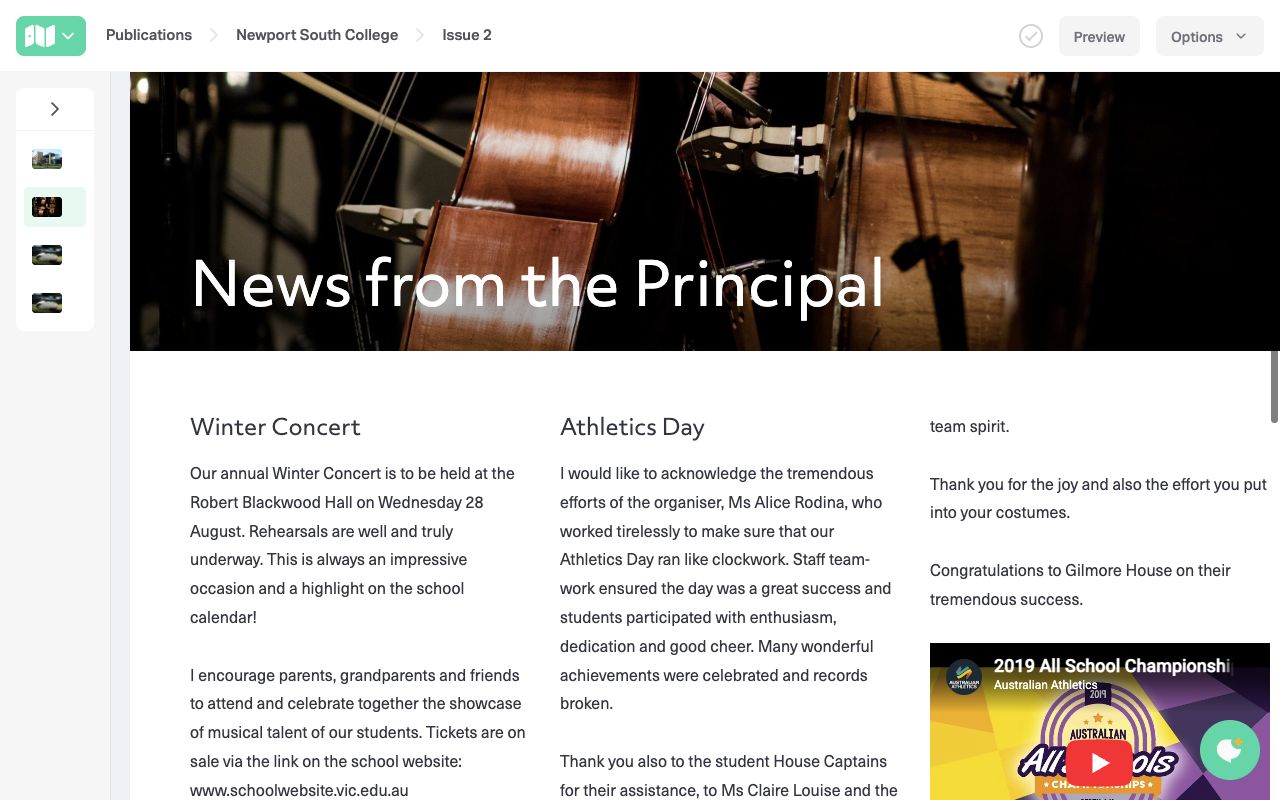
Choose one, two or three columns. Content balances automatically, with consistent formatting when you paste from other sources.
Invite staff and teachers to contribute to the same publication. Keep separate publications for your school community, staff or alumni.
Embed videos and add downloadable forms or attachments beside your stories. Bring tables, buttons and useful links into the same issue.
Clone previous newsletters or individual pages. Use automatic issue numbering, or give each issue a name of your own.
From the school production to a classroom discovery, let families see the whole story. Add your photos, arrange a gallery and let readers explore it in full screen.

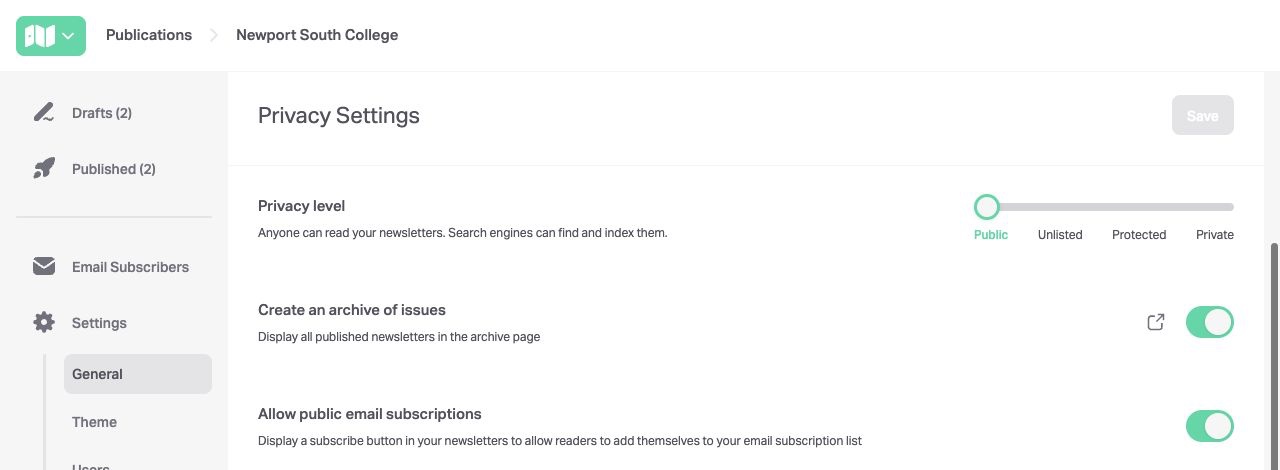
Choose Public, Unlisted, Protected or Private. Share your school’s stories openly, protect student photos, or restrict access to your community. Choose the right level of access for each publication and audience.
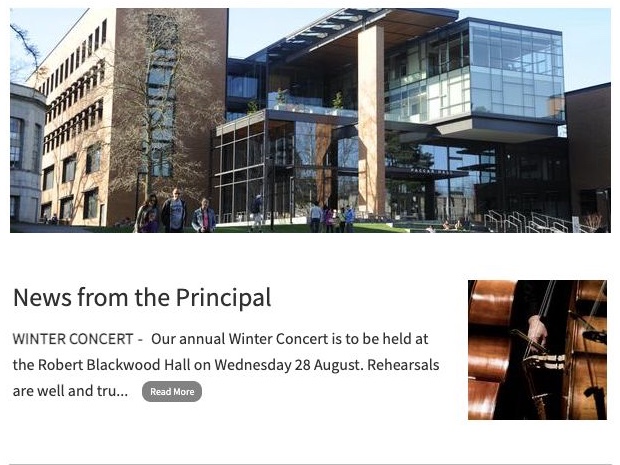
Publish once and send a photo-rich email summary that brings families into the full newsletter. Share the same issue through your website, school app, parent portal and social channels.
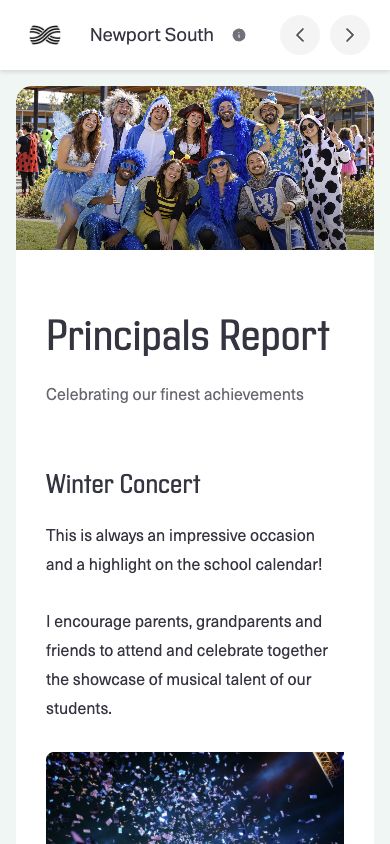
One newsletter, automatically adapted for phones, tablets and desktops. No extra versions to build.
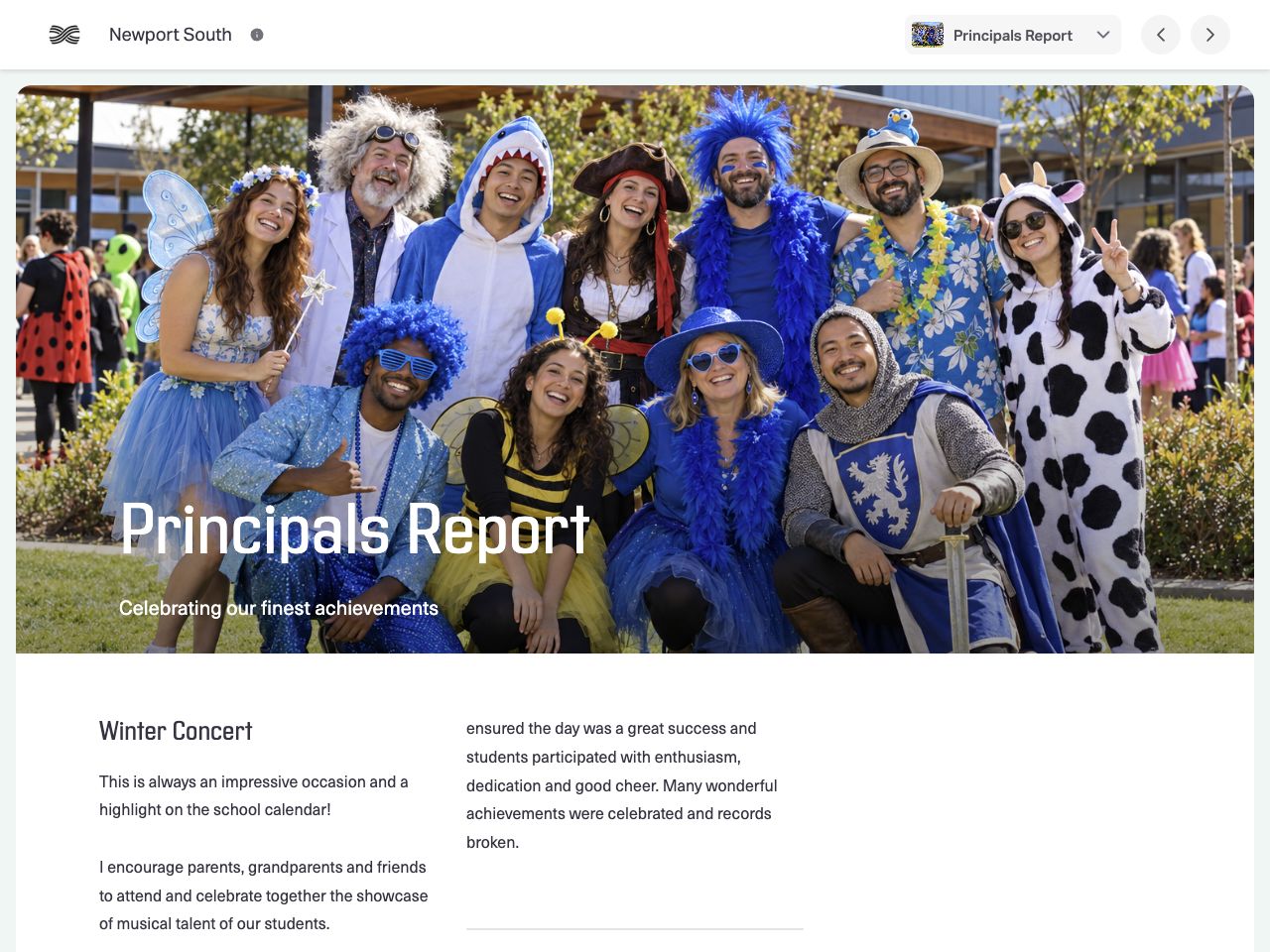
Readers can instantly translate the newsletter text into more than 70 languages, without your team producing separate editions.
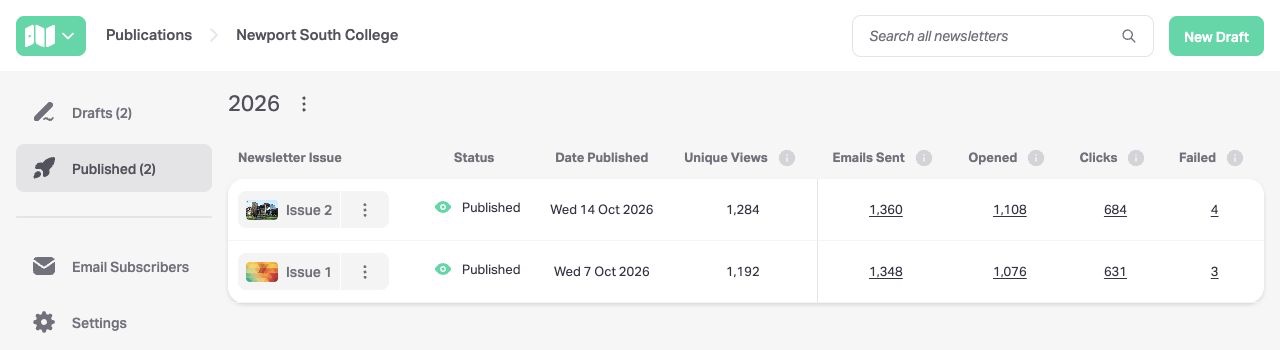
Find readership and email reporting beside each published issue. See email sends, opens, clicks and failed deliveries, so your next newsletter is informed by more than guesswork.
No. Start with a newsletter shell and add your stories and photos. Choose your branding and one, two or three columns; iNewsletter handles consistent spacing and formatting. You can reuse a previous issue or page rather than starting again.
Read the guideAdd a single photo or select several to create a gallery. Readers can open the photos in a full-screen viewer. You can reorder images, add captions and change gallery height in the editor. Photos are automatically resized and compressed for delivery.
Read the guideYes. Choose public, unlisted or private access to suit your audience. Public newsletters can be discovered by search engines; unlisted newsletters stay out of search but remain accessible by link. Private newsletters require authorised access, such as a password or subscriber verification. You can also move old issues into a private archive.
Read the guideYes. Share a direct issue link anywhere that accepts a web address. You can also add a permanent latest-newsletter link and an archive link to your website, school app or parent portal. Those links update when you publish, so you do not need to replace them for each issue.
Read the guideiNewsletter generates an email summary with photos, story snippets and links to the full newsletter. Import your existing subscribers, let new readers subscribe, and manage unsubscribes and delivery reporting in the app.
Read the guideReaders can choose from more than 70 languages using the newsletter’s language selector. The newsletter text is translated for the reader, without your team having to create a separate issue for every language.
Yes. Invite collaborators to a publication so staff and teachers can log in and edit its newsletters. You can have different collaborators for different publications. Collaborators have access to modify the newsletters in the publication they are invited to.
Read the guideYour published-issue list shows readership and email figures alongside each newsletter. Email reporting includes sends, opens, clicks through to the full newsletter and failed deliveries. Some older issues may have incomplete readership figures; a dash does not mean nobody read the issue.
Read the guideYes. Preview the newsletter on desktop, tablet and mobile, inspect the email summary, and send a proof copy before publishing. You can also schedule an issue to publish at a chosen time.
Read the guideYes. Use the print preview to print the newsletter or save a PDF for offline reading and archiving. The online newsletter remains the full experience: video, interactive galleries and other web content are not interactive in a printed copy.
Read the guideEducation plans include unlimited newsletter pages and photo storage. Schools can send as many emails as they need within fair use. Business and not-for-profit plans can have different email limits; check the plan that applies to your organisation.
Yes. Try all features and build for as long as you like, with no payment or time limit. You can preview your work and send proofs to your team. You only start paying when you are ready to publish.
Pay monthly by credit card, or use school purchase-order and bank-transfer billing options for bi-annual or annual payment. There is no lock-in contract. Australian invoices include GST, and pricing is available in AUD and USD.
Explore the Help Centre, use live chat in the app, or send our team a message. You can also book a discovery session to talk through getting started with your school.
Read the guide