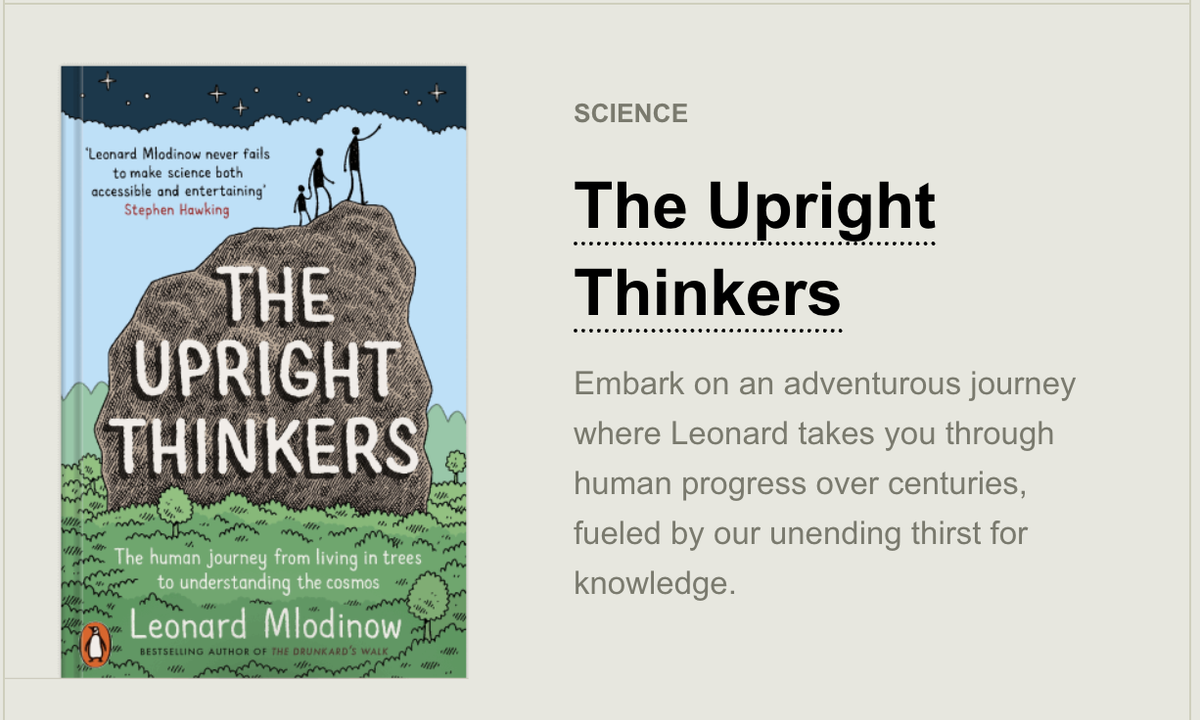
Teaching & Learning Page:












 Western Heights School
Web Pages:
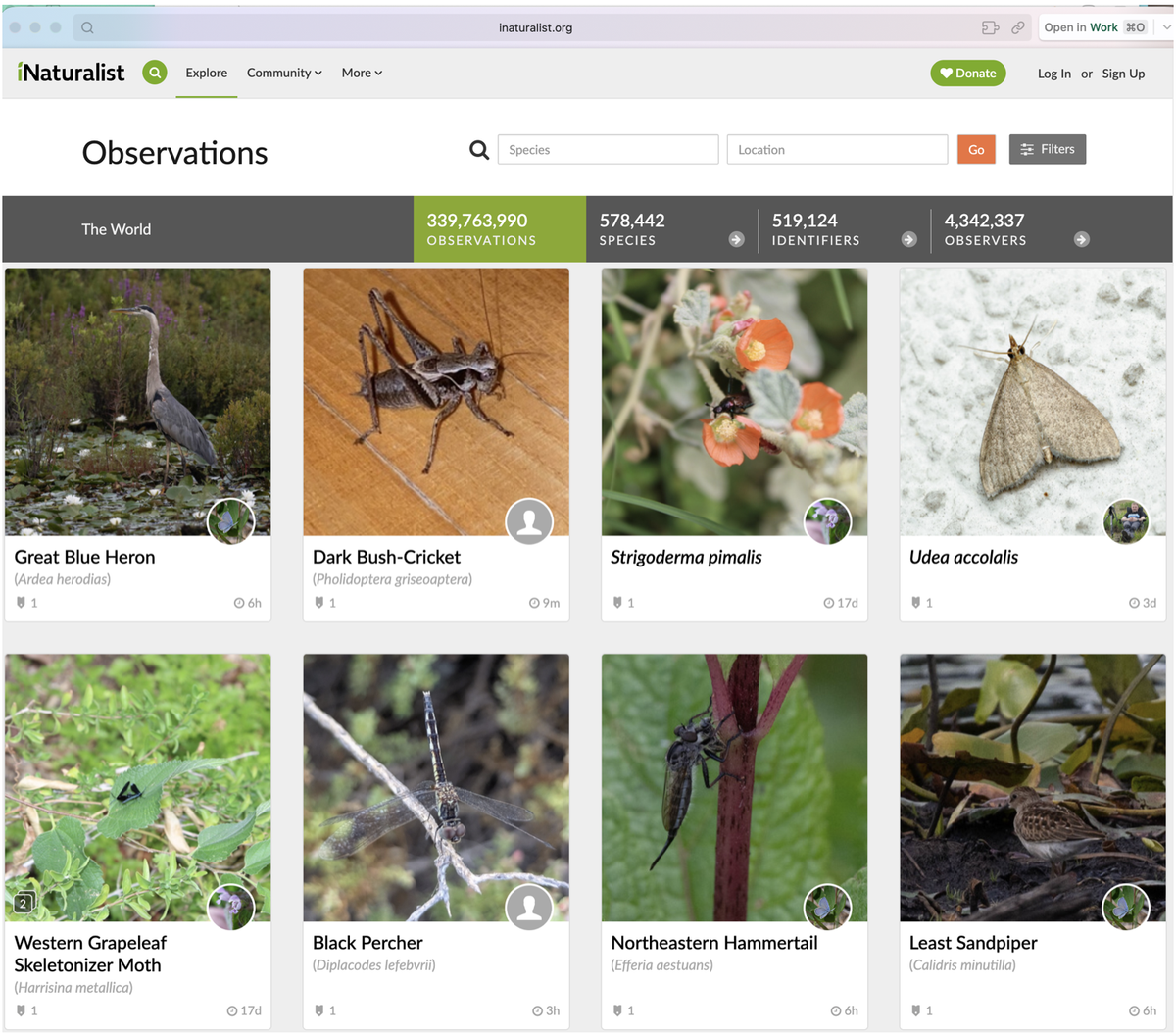
https://www.inaturalist.org/observations
The iNaturalist website shows a live stream of sightings from the full iNaturalist community, not just your own Seek scans. You can filter the stream by species, location, and date, and it feels like a photo feed curated by the living world instead of an algorithm.
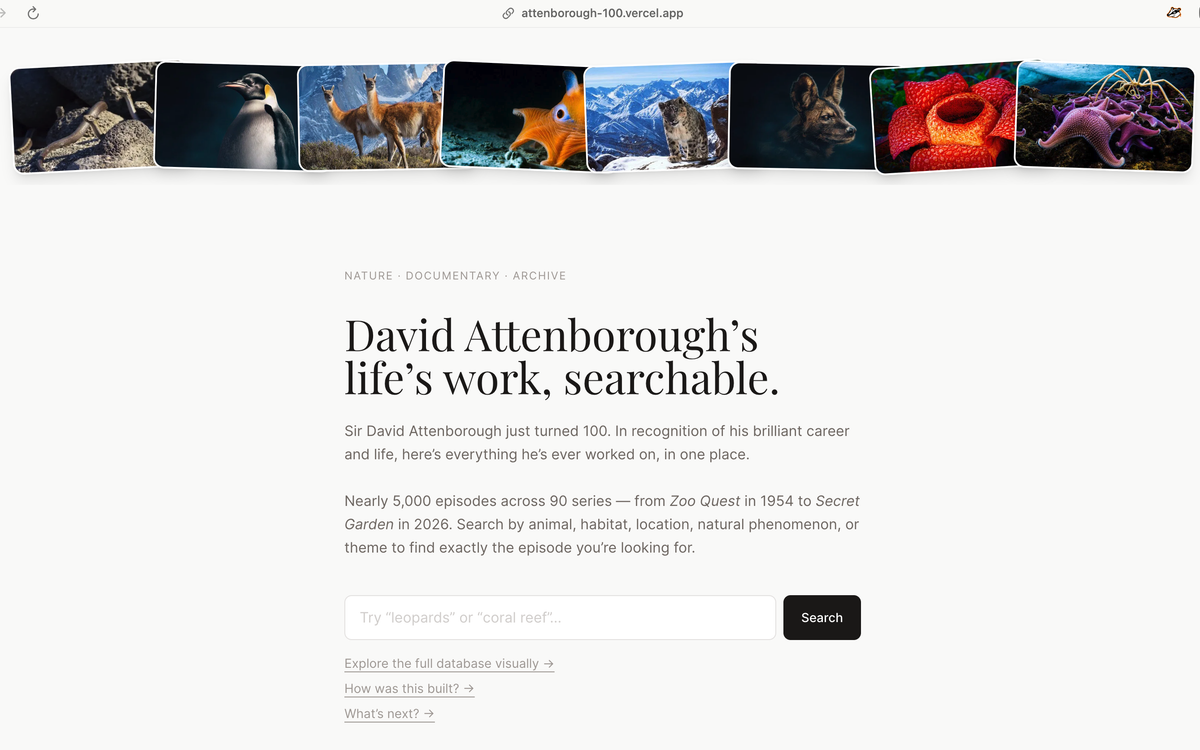
https://attenborough-100.vercel.app
Sketchplanations:
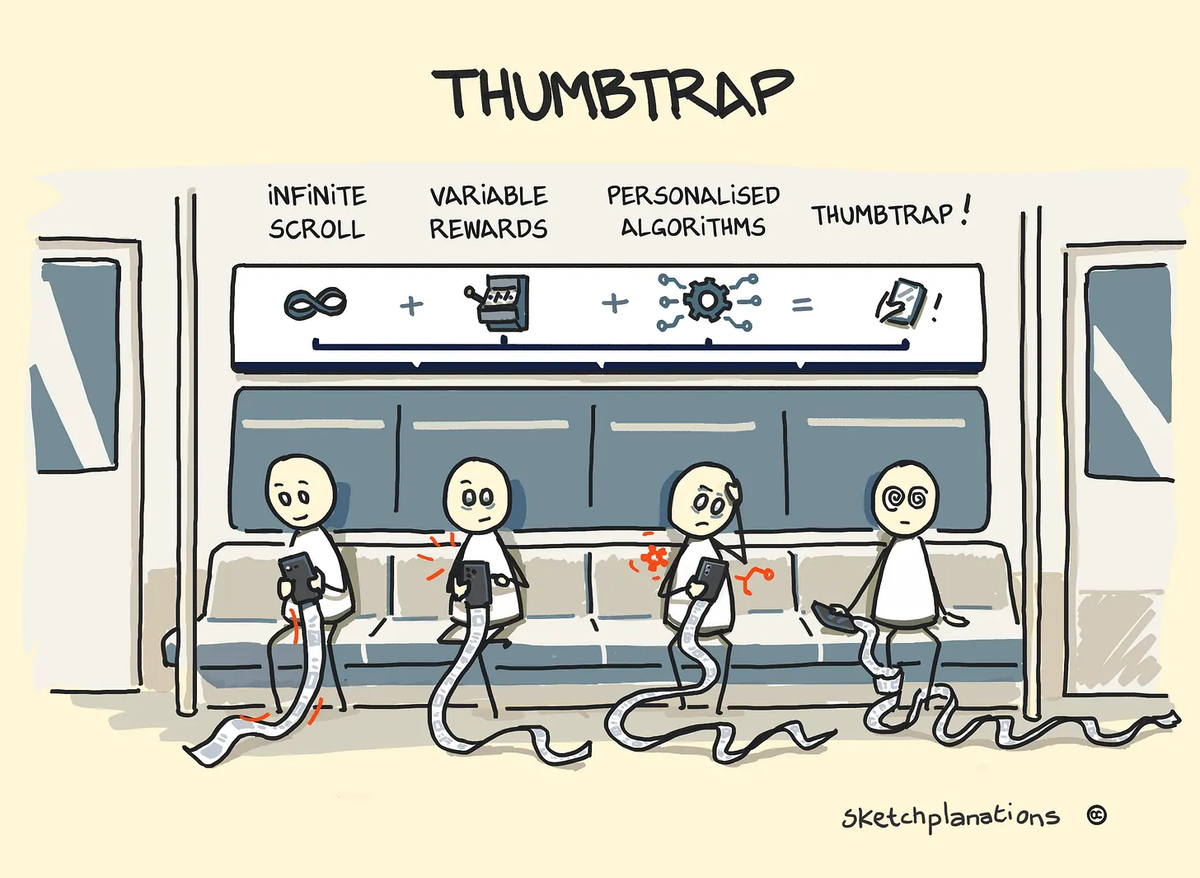
Thumbtrap:
When your thumb keeps scrolling even when you've decided to stop.
Perhaps you know the experience:
Something triggers you to pick up your phone, perhaps a message you think of sending, the weather to check, or just a gap with nothing happening.
But something else catches your eye, then a post below, something interesting, something boring you skip by, a video starts playing, something fun—the algorithm kicking in. Before you know it, minutes have passed.
You become aware that you’re scrolling; you know you should stop, but something peeks up at the bottom that might just be worth checking out. You see your thumb keep scrolling.
You’ve been thumbtrapped.
Design that Produces Thumbtrap
Garry Jones introduced me to the idea of thumbtrap and asked if I would create a sketch of it. He highlighted three key design mechanisms that create it:
Infinite Scroll
Infinite scroll, combined with infinite content, provides an infinite canvas for your thumb to keep scrolling. Originally designed to help users avoid constantly refreshing or clicking ‘next page’, it now helps keep us hooked to our devices. Thumbtrap is not doomscrolling—compulsively scrolling negative media or news—but you can be thumbtrapped while doomscrolling.
Variable Rewards
Variable rewards hold a mysterious and irresistible power over us. Remarkably, getting occasional highs is more habit-producing than consistent rewards. Variability of content—what’s in my inbox, today?—keeps us hooked for the next high.
Personalised Algorithms
Old-style mass media doesn’t have the same grip on us as the apps and content on our phones. That’s because what appears on our phones under our thumbs is often tuned, optimised, and curated, just for you.
Like a kind of reverse Flow, after time spent scrolling, you can’t really remember the details—you feel empty.
The scene in the sketch drew inspiration from my own experiences with the time-sucking and thumbtrapping power of a phone on a train commute.
If you find yourself thinking about kids and screen time, you could do much worse than pick up The Amazing Generation by Jonathan Haidt and Catherine Price.
Techie Tips:
Hold the Option key before you commit to anything.
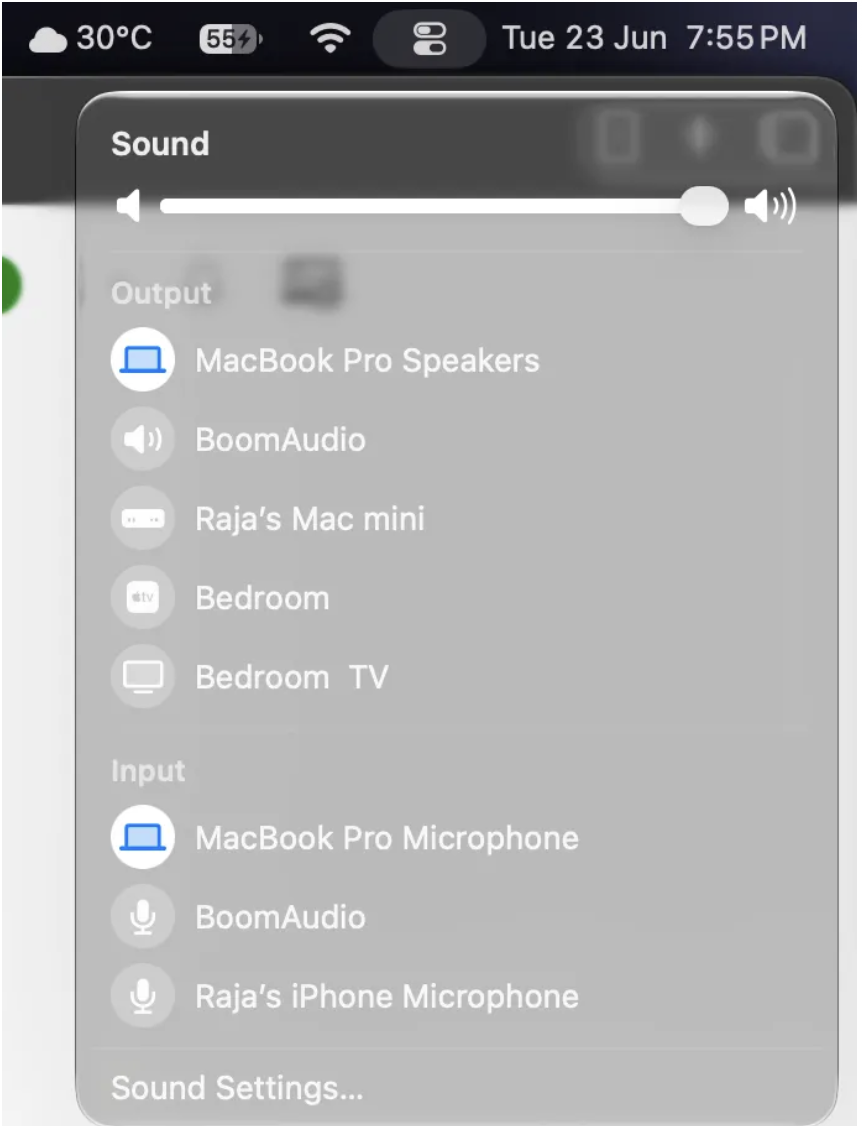
The Option key is basically a second layer of macOS sitting underneath the first one, and most people go their whole Mac life without lifting the lid. Just try holding the Option key and clicking the Wi-Fi icon in the menu bar, and instead of a list of networks, you get the actual technical details of your connection. When you hold it and click the volume icon, you can switch your input device, not just the output, and when you hold it and right-click an app in the Dock, “Quit” becomes “Force Quit.”
Stop opening apps to do small things
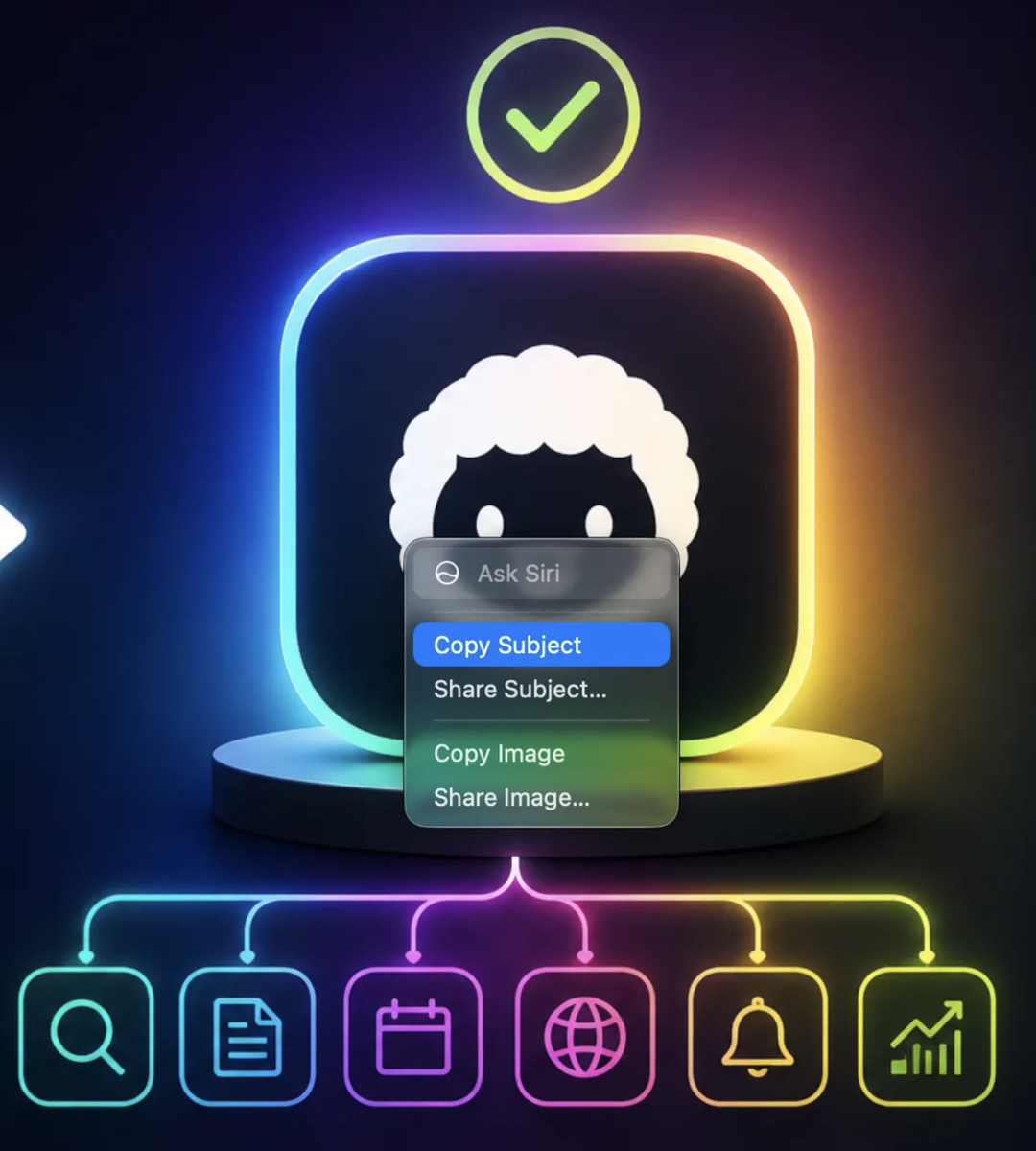
Most people know Quick Look as the spacebar preview: tap a file, peek at it, then tap again to close. But what almost nobody knows is that Quick Look is also a small editor. You can select a video, hit space, and trim it right there; there's no need to open iMovie or QuickTime.You can also select an image and rotate, crop, and mark it up with the full set of Preview tools without ever opening Preview. The same works with PDF files as well, where you can sign them from the same window. You can even select and copy text straight out of a document in Quick Look without opening the document at all. The newest one, and my current favourite, is hidden in a right-click. You can open a screenshot or a photo in Quick Look, control-click it, and choose “Copy Subject.” Your Mac will then lift the subject off its background, and you can paste it anywhere you want. I used to open an image editor for that, but now it’s two clicks from the desktop.
Article:
Why Some Games Are So Hard to Put Down
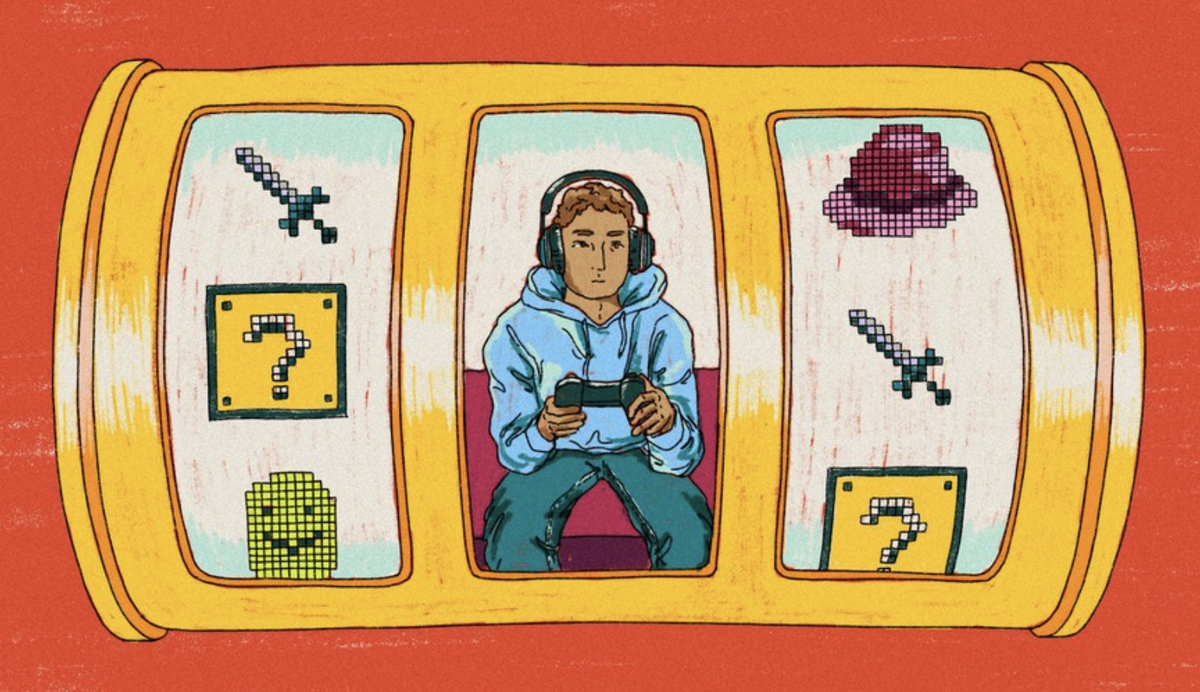
Many children enjoy playing online games, and for most, gaming is simply a fun way to relax, create and connect with friends. However, researchers are becoming increasingly interested in how some games are designed to keep players engaged for long periods of time.
A recent article in The Atlantic explains that many popular games on platforms such as Roblox use reward systems that closely resemble those found in slot machines and sports betting apps. Players repeatedly open virtual “loot boxes” or hatch eggs, hoping to receive a rare item. Most attempts are unsuccessful, but every now and then a valuable reward appears. This unpredictable pattern encourages players to keep trying because they never know when the next reward will come.
Psychologists refer to this as a variable reward system, one of the most powerful ways to motivate repeated behaviour. Human brains are naturally drawn to unpredictable rewards, and children can be especially susceptible because the parts of the brain responsible for self-control and decision-making are still developing. While researchers are continuing to study the long-term effects, many experts believe repeated exposure to gambling-like game mechanics deserves careful attention.
Importantly, this does not mean that all video games are harmful. Many games encourage creativity, problem solving, teamwork and perseverance. The key is recognising that not every game is designed with the same goals. Some are created primarily to entertain, while others are designed to maximise the amount of time players spend online and, in some cases, the amount of money they spend.
What can families do?
Parents don’t need to become gaming experts, but a few simple strategies can make a real difference:
* Know which games your child is playing, not just how long they are playing.
* Watch your child play occasionally and ask them to explain what they enjoy.
* Be cautious of games that rely heavily on random rewards, constant purchases or “limited-time” offers.
* Encourage a healthy balance of gaming with outdoor play, reading, sport, hobbies and family time.
* Pay attention to how gaming affects your child’s emotions. If a game regularly leads to frustration, secrecy, arguments or an inability to stop, it may be worth reconsidering whether that particular game is a good fit.
The goal isn’t to avoid technology altogether. Digital games are an important part of many children’s lives and can provide valuable learning and social opportunities. By understanding how some games are designed, families can make informed choices and help children develop healthy digital habits that will serve them well into the future.
Source:
Connie Chang, “Why Kids Can’t Quit Roblox,” The Atlantic (29 July 2026). Why Kids Can't Quit Roblox.pdf
Book Recommendation: