Teaching & Learning Page:









 Western Heights School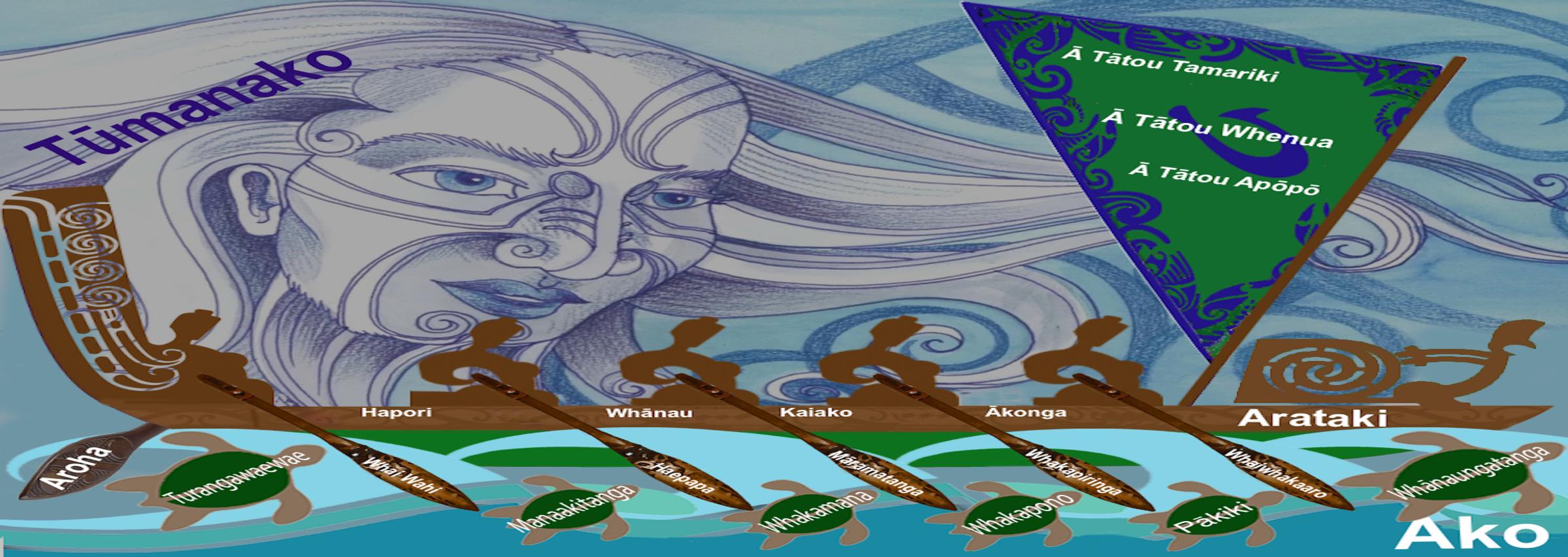
Web Pages:
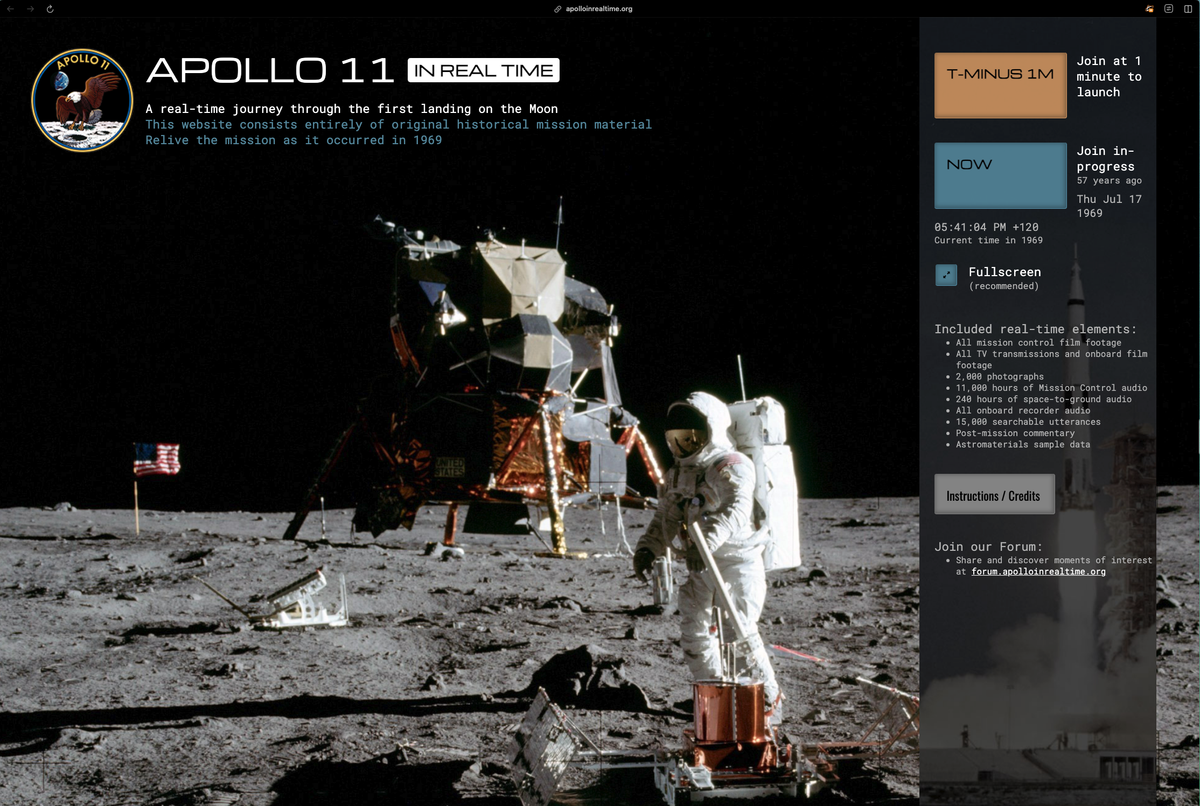
https://apolloinrealtime.org/11/
A real-time journey through the first landing on the Moon. This website consists entirely of original historical mission material. Relive the mission as it occurred in 1969
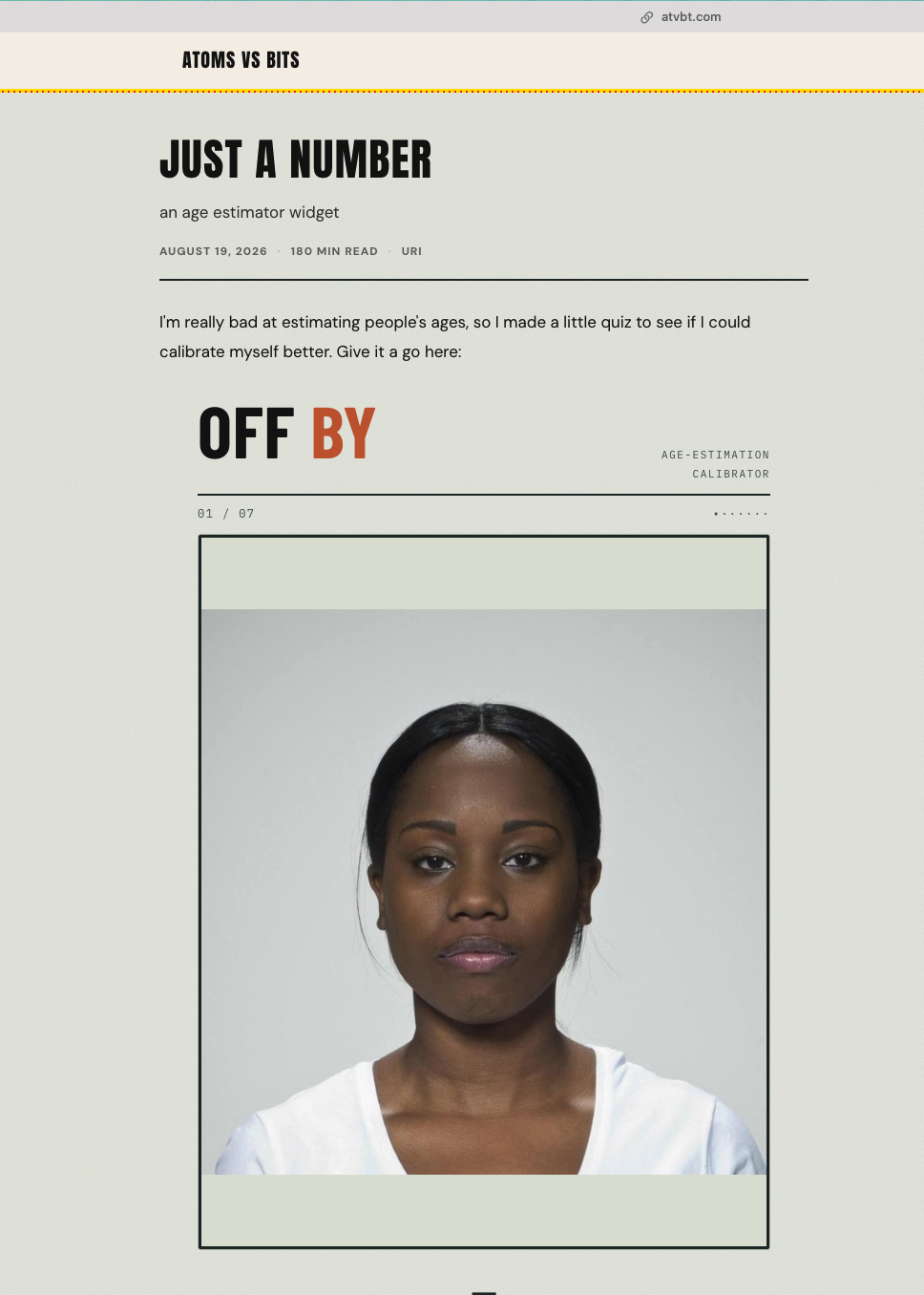
https://www.atvbt.com/just-a-number
On average, I was within a year either way on all of them - how well can you do?
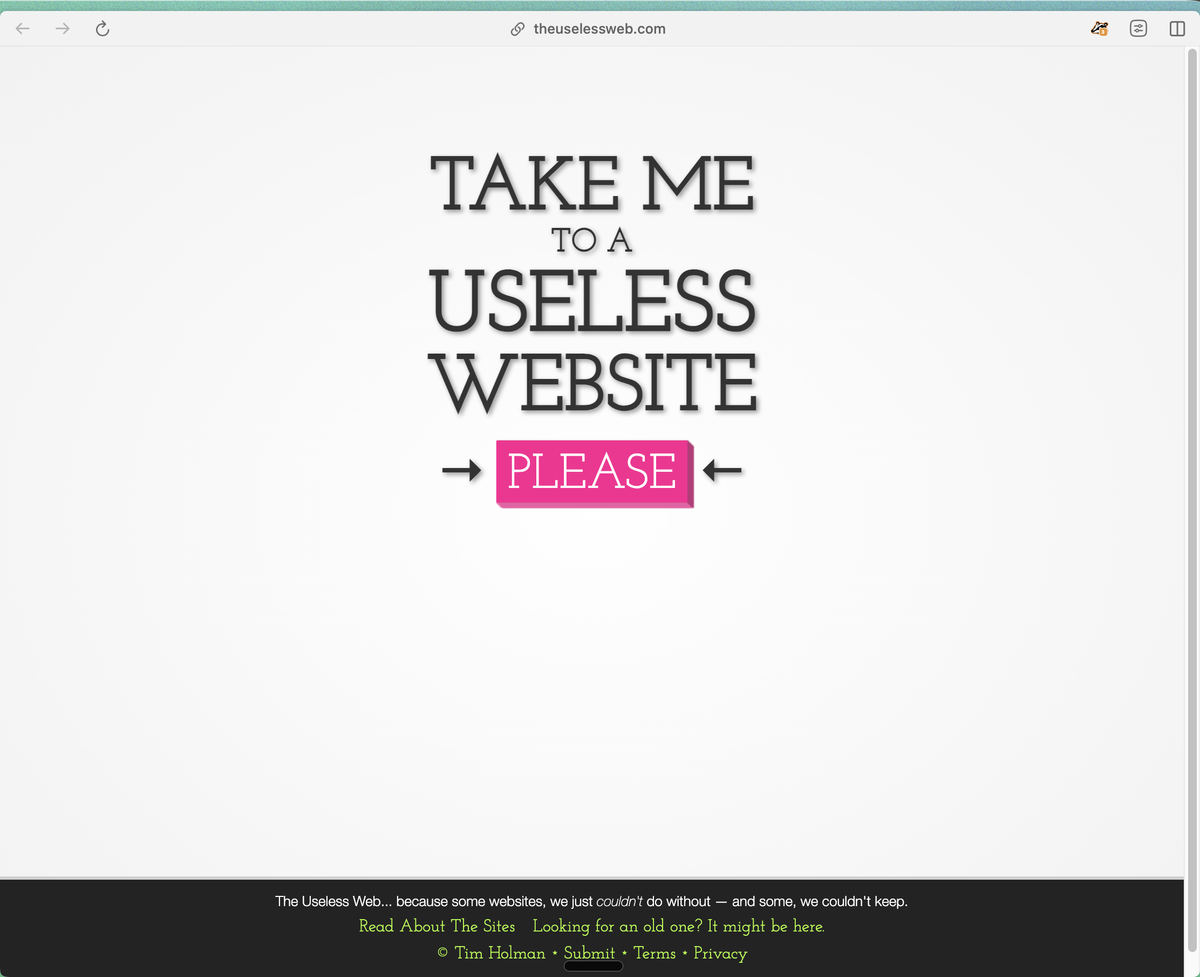
The Useless Web
One button. One click. A completely random website.
Ok, so… the entire idea behind The Useless Web is that you just click one button and you get a completely random website!
Some sites are ridiculous. Some are surprisingly clever. Some make absolutely no sense whatsoever. And honestly?
That’s part of the fun.
It reminds me that the internet used to be full of people building strange little things simply because they could.
Maybe we need a bit more of that.
Techie Tips:
Landscape Mode Just Came Back From the Dead
This one genuinely surprised me.
Turns out iOS 27 enables landscape mode in a ton of Apple’s built-in apps that never had it before. Apple Music, Podcasts, Fitness, Health, Reminders, Home, Shortcuts, Apple Watch app, Find My, Weather, Voice Memos, and the Apple TV Remote all of it now rotates properly when you turn your phone sideways.
In Music and Podcasts, landscape only works in the audio player for now, not the whole app. A lot of these apps get a left-aligned sidebar when you rotate into landscape, which is a nice touch. And Messages, which already had landscape support, now lets you collapse that sidebar down to just show names and profile pictures, giving you more room for the actual conversation.
Quick note: if you want to try it, Portrait Orientation Lock has to be off in Control Centre, or none of this will work.
FaceTime Can Now Show Both Cameras at Once
If you have an iPhone 17, iPhone 17 Pro, iPhone 17 Pro Max, or iPhone Air, there’s a feature called Dual Capture that lets you record yourself and whatever’s in front of you at the same time using both cameras. It existed before, but only for regular video recording. iOS 27 brings this specifically to FaceTime. So now, during a video call, you can show your face and what you’re looking at simultaneously to the other person. Honestly, this is genuinely useful: showing someone a view while still being visible yourself, instead of having to choose between them. If you’ve got an older iPhone, though, this one’s not available to you. Hardware-specific.
Sketches:
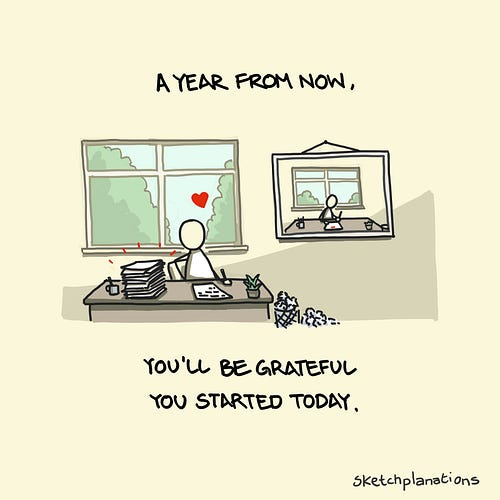
I know of few simpler thoughts that encourage me to stop dawdling, procrastinating, and otherwise putting things off than this wonderful quote from author and journalist Karen Lamb:
“A year from now you will wish you had started today.”— Karen Lamb
There’s something so undeniable about the logic that I find I can’t argue with it and am forced to get started: “She’s right. I’m sure I will wish I’d started today. I'd better get on it.”
For me, it captures a little of the frustration I would feel if I hadn’t started a year ago. This is a useful kick in the backside.
But it also brings the aspirational vision of how I will feel a year from now, looking back, having started today and seeing all my progress. That’s a nice feeling to help me get started.
It’s both a carrot and a stick.
So when I thought about drawing it, I realised I really think about how grateful I will feel to my past self for choosing to get going that day a year ago. So that’s what I drew.
“A year from now, you’ll be grateful you started today.”
The quote has a lot in common with classic wisdom (for another sketch): "The best time to plant a tree was 20 years ago." The next best time is today.
Is there something that in a year you’ll wish you had started today? What’s a small step you could take now?
Article:
The Easiest Way to Stop AI Plagiarizing
A.J. Juliani
This is the EASIEST way to see if a student used AI to do the entire assignment and didn’t think or create for themselves. Only thing easier is knowing your students’ work and comparing (that’s the best “AI detector”).
The Five-Question Fix:
A Better Way to Check if Students Actually Did the Work
We all know AI plagiarism detectors don't work. Universities are moving away from them. Schools across the country are dropping them. The false positive problem alone (flagging real student writing as AI-generated) has made the whole thing more trouble than it's worth.
So what do we do instead?
I've been doing something this year that a lot of teachers are picking up, and it's so simple it almost feels too obvious. Shout out to Mrs. G, a teacher in New York who's been running a version of this too.
Here's what you can do. When students turn in a writing assignment, I take their paper (long, short, doesn't matter) and I send it to Claude or ChatGPT with a simple prompt: Take this paper and create a five-question knowledge comprehension quiz based on the information in it.
Next day, every student gets a quiz. On their own paper. The one they supposedly wrote.
That's it.
Here's why this works. If you actually did the work, which means you researched the topic, brainstormed, outlined, drafted, revised etc, then you're going to crush that quiz. You lived in that content. You made choices about what to include and what to leave out. Five comprehension questions on material you genuinely wrote? Easy 5 out of 5.
But if you just copied and pasted something from ChatGPT, slapped your name on it, and hit submit? Good luck getting a 1 out of 5 on that thing. You don't know what's in the paper (or any assignment) because you were never part of the process.
This works no matter what your AI policy is. Whether students can use AI for part of the assignment, all of it, or none of it, the short/formative quiz still tells you what you need to know. The quiz rewards being part of the process, not avoiding tools.
Two more options if quizzes aren't your thing.
Have them teach it. Pull a student aside (or do it in front of the whole class if you want) and say, "Teach me the main argument of your paper in two minutes." If they wrote it, they can do this without blinking. They'll riff on it, go off script, answer your follow-ups. If they didn't? You'll see it immediately. The stammering, the vague hand-waving, the "I mean, it's basically about..." without ever getting specific. Teaching requires ownership of the material in a way that copy-pasting never gives you.
Have them defend it. This one's my favorite for older students. Sit down with them one-on-one or in a small group and ask them to defend a claim they made in the paper. Push back a little. Ask why they chose that evidence over something else. Ask what the strongest counterargument would be. A student who was part of the process has opinions about their paper. They'll push back on your pushback. A student who outsourced the whole thing to AI will fold in about 30 seconds because they don't actually have a position…they have a document.
All three of these require you to also know your students. The quiz, the teach, and the defend are doing the same thing. They're creating a moment where understanding is either visible or it isn't. No detector needed. Just a conversation.
Some students will defer to one of the three options, and you’ll know which is best for each kid.
The real shift in my practice. The old question was: Did the student write this?
The better question is: Does the student know this?
It means I’m not playing detective anymore, trying to run papers through some sketchy detector and hoping it gets the call right. It also means I’m not trying to play “I gotcha” games. I’ll let the students know this is going to happen. Better be prepared.
We're just asking did the learning happen? That's what we actually care about.
And there's something kind of perfect about using AI on the teacher's side to make this work. You're not fighting the technology. You're using it to quickly generate targeted comprehension questions so you can spend your time on the stuff that matters, like figuring out what your students actually understand and where they need help.
What do you think? Stop chasing whether AI wrote the paper. Start finding out whether the student can talk about, teach, or defend their thinking and understanding. Five questions. At the start of one class period. No detector required.
The best assessment strategies right now aren't about catching cheaters. They're about designing situations where you can't fake understanding.
Book Recommendation: