STEM
Be Kind
Be Responsible
Be an Active Learner

STEM
Be Kind
Be Responsible
Be an Active Learner
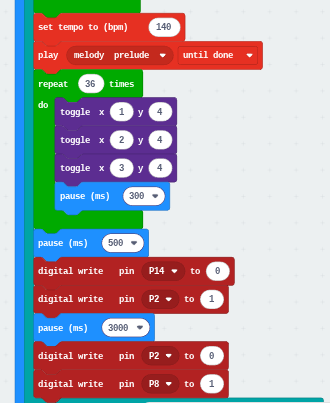
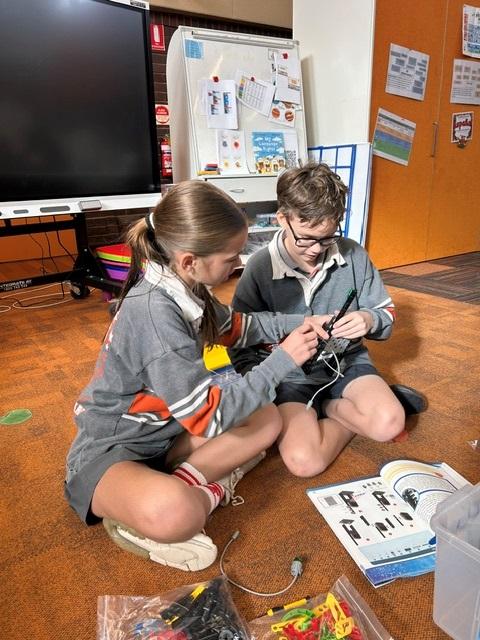
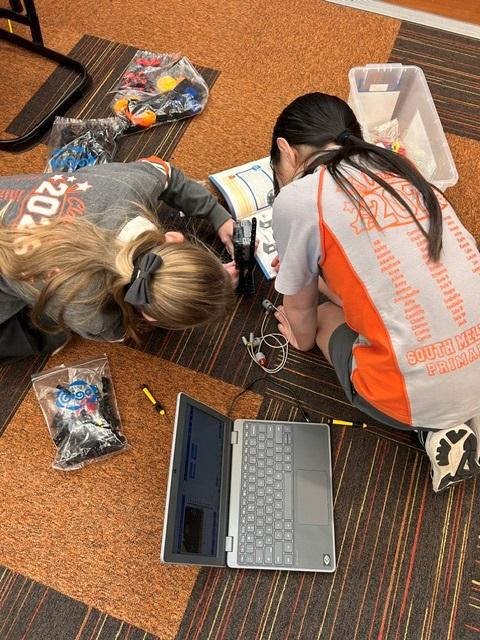
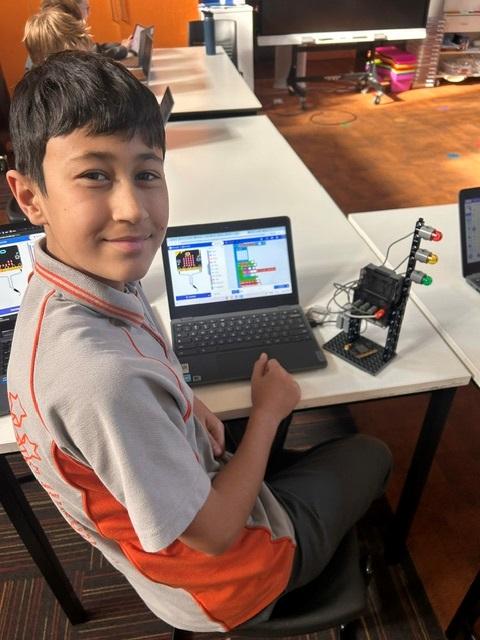
Students have been using micro:bit and GIGO construction pieces to build their own working traffic light systems. They programmed the micro:bit to control the lights in sequence, just like a real traffic light, while experimenting with if and else statements and pins.
In STEM, some people have been coding traffic lights with micro-bits. The traffic light starts with a red light and a countdown. Once the countdown is done, it plays music and the light goes green. While the light is green it shows a walking person, so that the people can walk, and the cars can’t drive. There were a lot of different codes, like ‘show leds.’
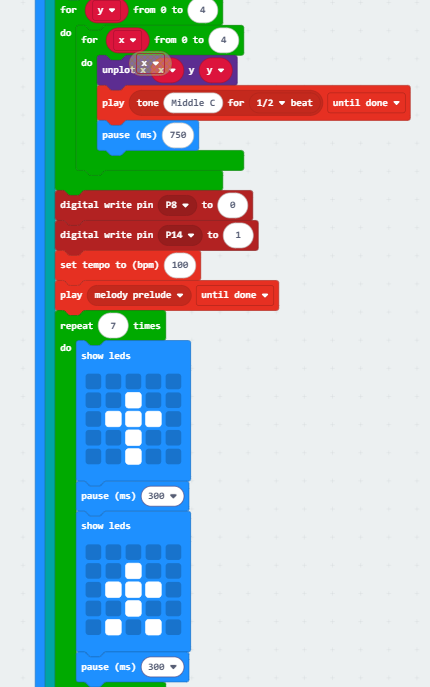
You can press the squares to show a pattern on the traffic lights like a walking person or a countdown.
We used GPIO pins (General Purpose Input/Output). They are the bridge between your code and the traffic lights, allowing you to connect with things in real life.
If you want to take your coding projects to the next level, you need to use pins.
Pins 0, 1, and 2: These are "Control Centers." It talks directly to these pins, telling them exactly when to send power to your lights.
3V Pin: This is the "Power Battery." It delivers a steady 3.3 volts of electricity to keep your components running.
We use pins to extended ways to use microbit to make the lights work