Featured News
END OF TERM 2
Friday 26th June at 1.30pm.
Lost Property Bin
We currently have a significant number of uniforms in our lost property blue bin. Our goal is to clear the lost property by the end of this week. Any unclaimed items without names will be donated to charity or added to the second-hand uniform shop.
We encourage both students and parents to check the lost property for any missing named items.
Building Works Updates
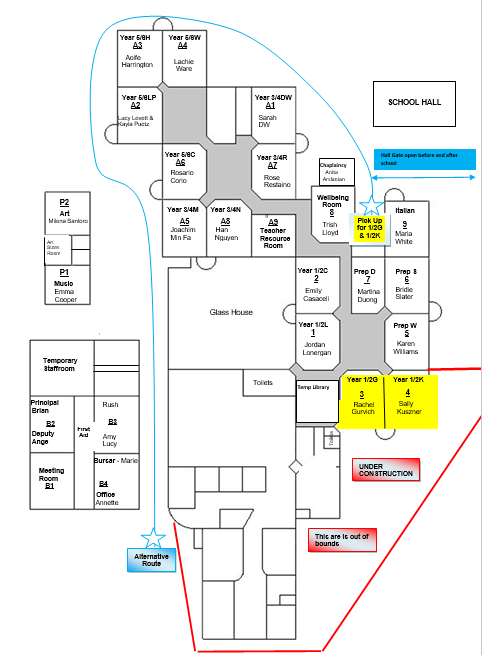
Important School Gate Access Changes
Site establishment has officially begun for the new building works. Please note the following updates to school ground entry points:
- Bunney Road Pedestrian Gate: Closed completely during construction.
- Springs Road Gate (Soccer Pitch): Open before and after school.
- Bunney Road Church Gate: Open before and after school.
- Bunney Road Hall Gate: Open before and after school.
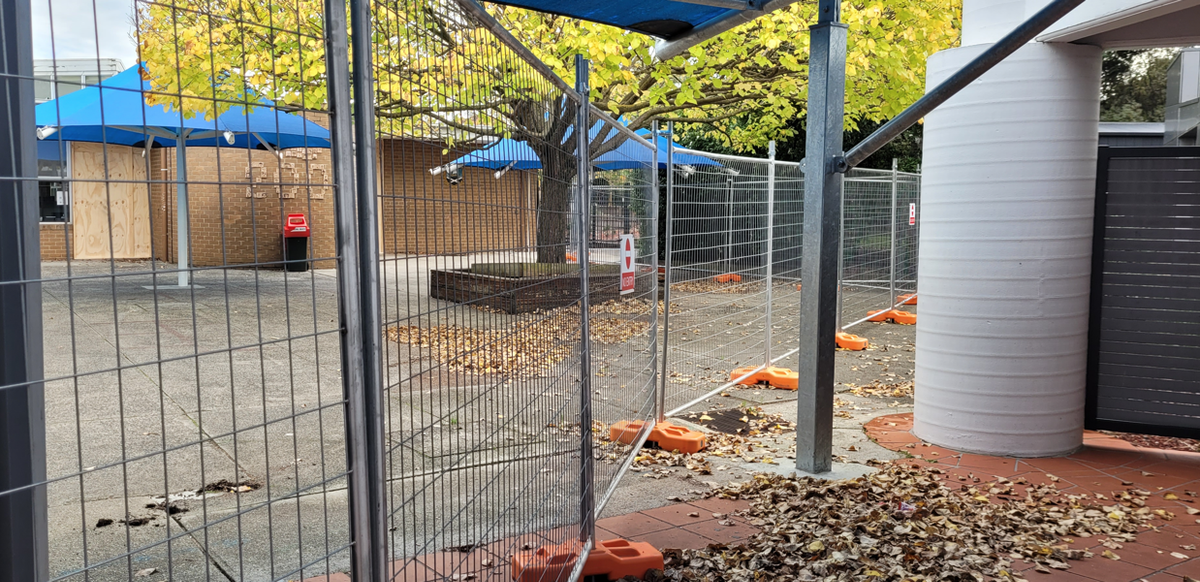
The map below shows you an alternative route to the junior classrooms.
Accessing Your Child's Report via the nForma Parent Portal
Semester 1 Reports will be ready for viewing at 4.00pm on Friday 19th June. Your child's report will be available through the nForma Parent Portal, a secure online platform for accessing student information.
Please note that parents must use their email address registered with the school to access their account.
It is recommended that the report is read in full prior to the parent, child, teacher meeting.
How to Access the nForma Parent Portal:
1. Using the nForma App:
Download the nForma Parent Portal app from the Apple App Store or Google Play Store.
2. Using the Web Portal:
Visit the nForma Parent Portal at https://portal.nforma.com.au/login.
Logging In: Use the email address registered with the school to log in.
If you have forgotten your password, click on the "Forgot Password?" link on the login page.
A password reset email will be sent to you from no-reply@nforma.com.au
Please check your junk or spam folder if you do not see it in your inbox.
Viewing Your Child's Report:
After logging in, select your child from the list.
Click on "View Reports" or scroll to the bottom of the page to find the report.
Click on the "Download" link to download the PDF of your child’s report.
Please see the attached nForma guides to help you with either of these processes.
Need Assistance?
If you encounter any issues or have questions about accessing the portal, please contact Emma Cooper at ecooper@saclaytonsth.catholic.edu.au
Thank you for your continued support.
The reporting team!
Grade 1/2K and 5/6L Interviews
Due to Sally Kuszner's and Lucy Levett's absence, their parent/teacher/child interviews will take place early in Term 3. A new link to these bookings will be sent out soon, for you to make a time.
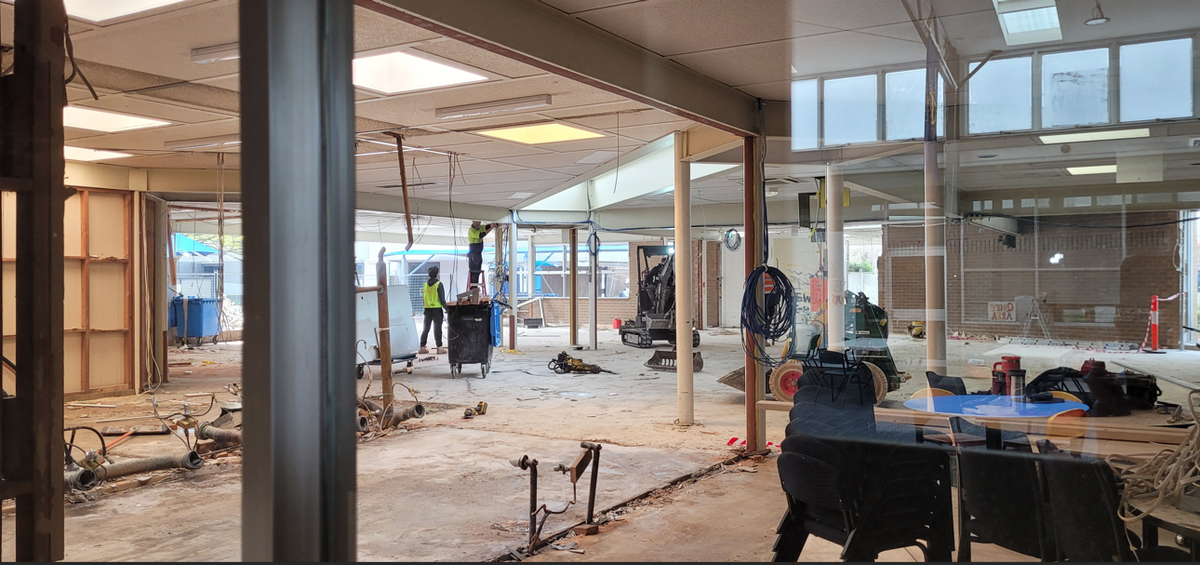
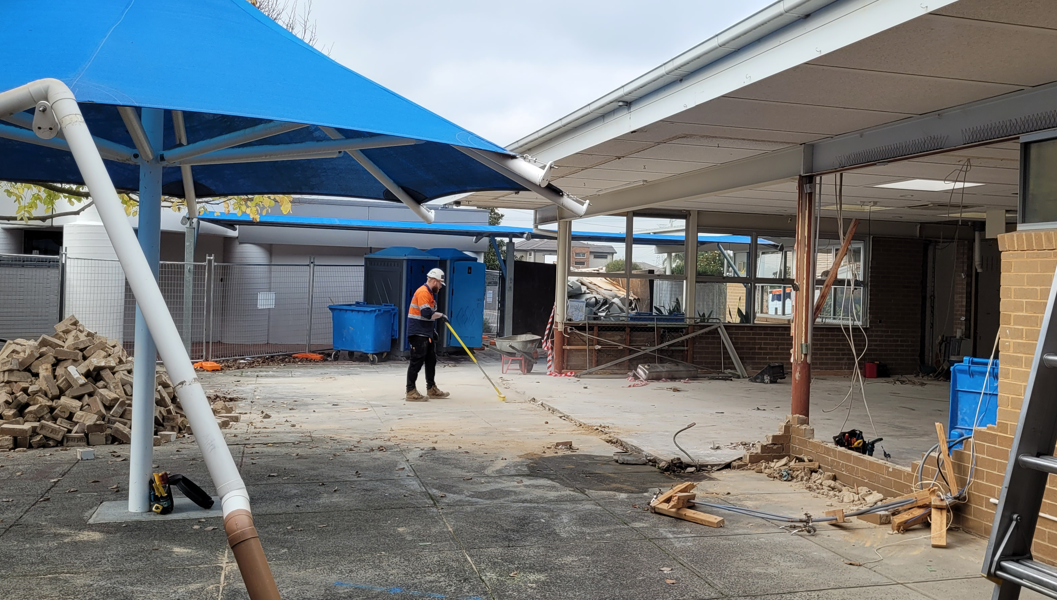
Building Pics
Below are the latest photos of the interior work which has happening this week.