
Teaching and Learning
Semester 1 Student Reports
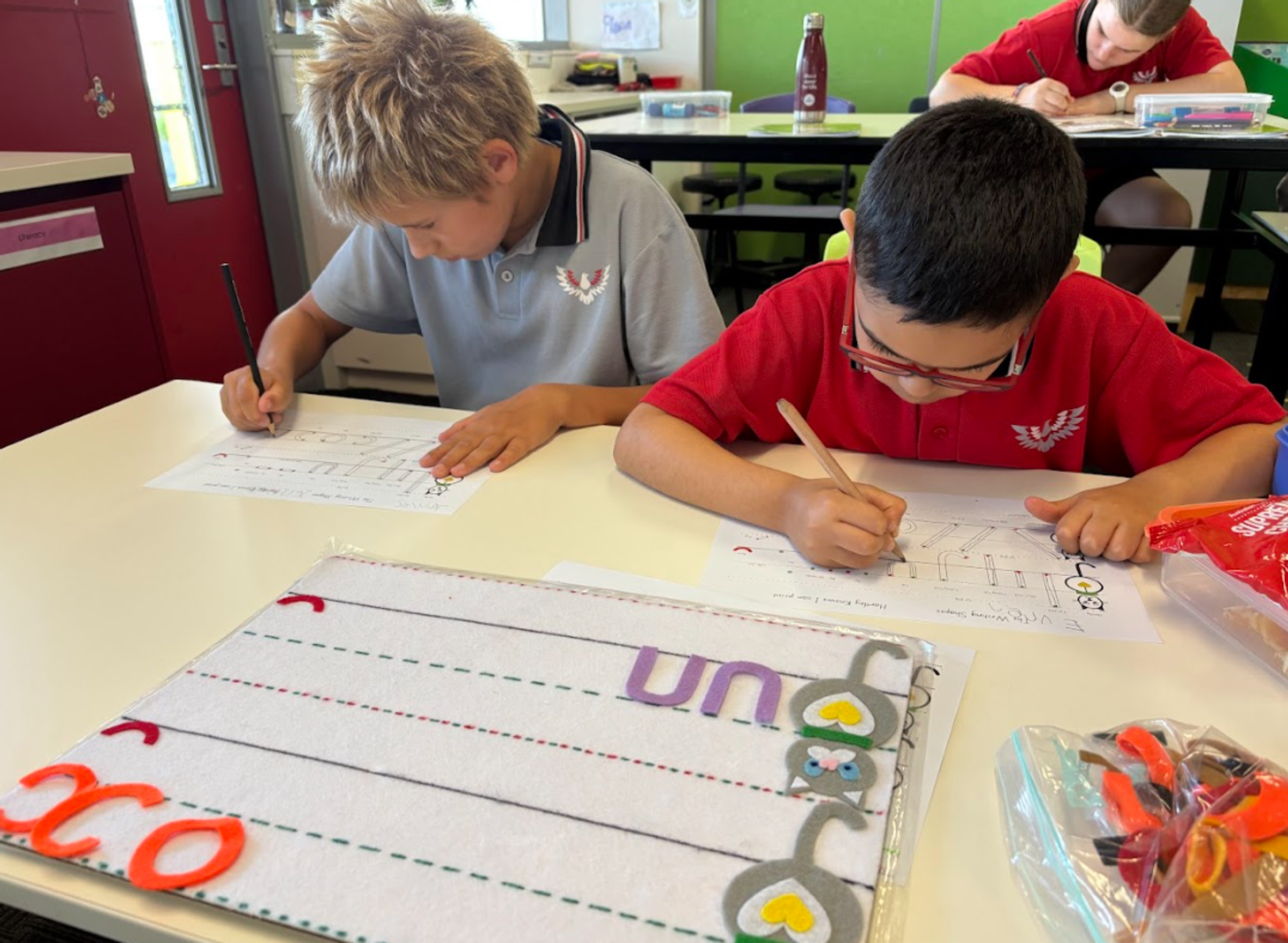
On Tuesday 23rd June, you will receive your child’s Semester 1 Report via Compass. You may notice that reports will look slightly different this semester. This is due to an agreement made between the Department and the AEU, where full descriptive comments will not be included by union members as part of industrial action occurring this term. We will still provide student achievement reports, these reports will include progress against your child’s Individual Learning Plan goals, along with work habits ratings.
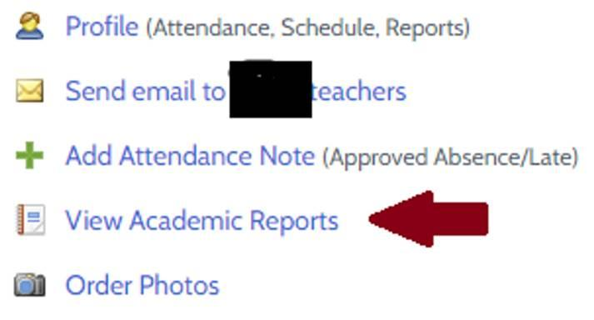
You can locate your report and IEPs under their profile picture:
Term 2 Student Support Group Meetings
On Wednesday 24th June we will have our Student Support Group Meetings for Term 2. This day will be a ‘Variation to School Day’ running from 10am - 6pm. The purpose of this SSG meeting is to share your child’s progress from their Semester 1 reports and to discuss areas for learning looking into Semester 2. These meetings will run for 30 minutes and can be face to face, or via Webex. If you prefer Webex, please let your classroom teacher know.
As this is not a traditional school day, students will only attend school for their scheduled SSG meeting. This arrangement allows teachers sufficient time to meet with families and students and provides opportunities for more in-depth discussion. Where available and relevant, external therapists are encouraged to attend. If you would like an external therapist to participate in your child’s meeting, please liaise with them directly and inform your classroom teacher. For some students, attendance at their SSG meeting may not be appropriate; if you are unsure, please discuss this with your child’s classroom teacher.
Booking Information
SSG bookings will be available through Compass from:
- Opening: Tuesday 16 June 2026
- Closing: Tuesday 23 June 2026
Parents and carers can book appointments with their child’s classroom teacher and Semester 1 specialist teachers. Please note that specialist teacher meetings are 15 minutes in duration.
How to Book your SSG through Compass
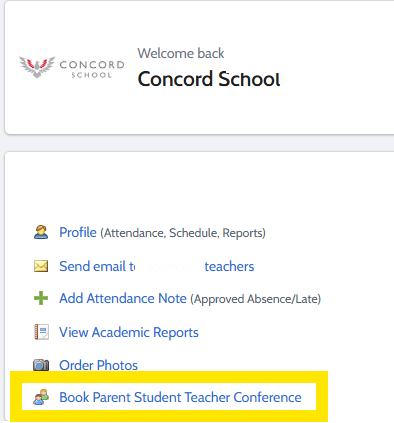
- Select ‘Book Parent Student Teacher Conference’ in your profile or at the top of your newsfeed ‘Parent Student Teacher Conference’ in green.
2. Select My Bookings

3. Start Booking Now
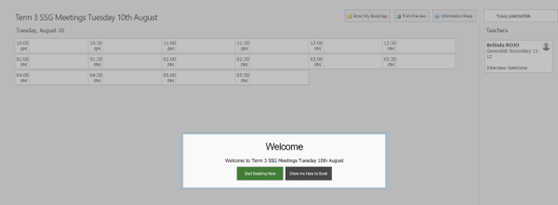
4. Click on available time

If you’ve booked a time and require a Webex booking please email your classroom teacher.
Flora Nixon
Assistant Principal
Teaching and Learning