Sentral Parent
App & Portal
Sentral Parent
App & Portal
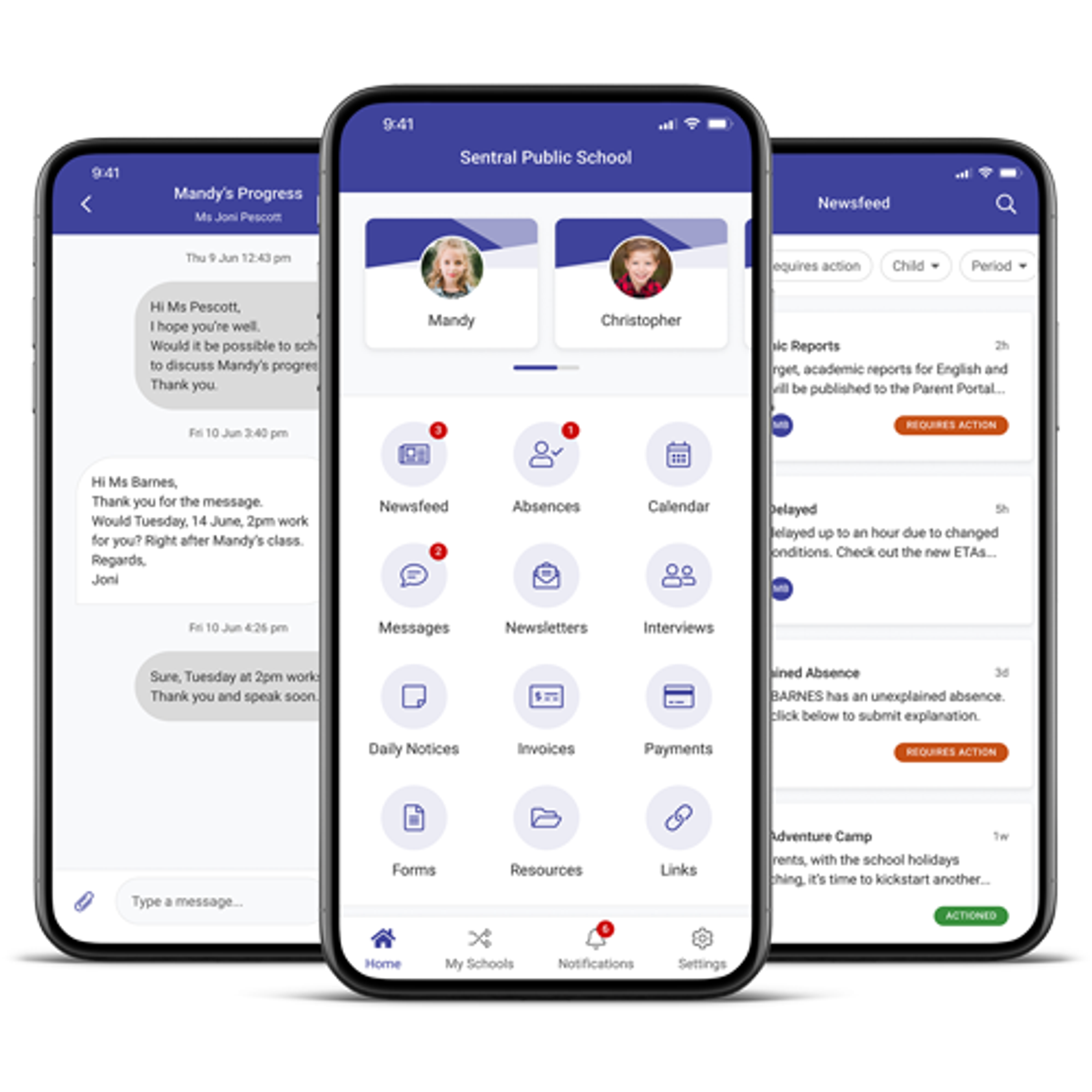
The Sentral Parent App and Portal allows parents to view important information/documents, view academic reports, view attendance data, give reasons for absences and notify of future absences, view newsletters and other important notices, and communicate with their child's teachers.
There are 3 main steps in getting fully set up on the portal and app. These are:
Download the app and enter the same username and password that you used for the portal
The Access Key
You'll need an access key to see information specific to your child. Once you've registered, you'll need to wait a short time for the school to enter the access key on your behalf. In some cases, it may be necessary for you to enter the key yourself. If so, we'll send the key to your email. Either way, please wait at least 24 hours before contacting the school for assistance if your child(ren) haven't been linked to your portal or you haven't received a key. It will avoid confusion and potentially speed things up if you use the same email address to register for the portal as the one you have provided to the school upon enrolment.
If you have any problems, feel free to contact Mrs Arnol or Mrs Tonkin at the front desk. They'll be able to point you in the right direction and/or sort out any access key problems. - reception@milduracc.vic.edu.au or 5024 5310.
You can get some help on the Sentral website, but note that not all the features they mention are enabled for our school.

Newsfeed and Daily Notices
Receive newsfeed and daily notices about important events that relate to your child.

2-way messaging
Communicate directly with your child’s teacher in the app via 2-way messaging. View, download and upload documents.

Absence notifications
Send absence notifications to the school quickly and easily from within the app.

Calendar
View calendar items to stay up to date with school events.