
Important Notices
Information you need to know

Important Notices
Information you need to know
Have old football boots at home? We’d love to repurpose them.With the Secondary Zone Soccer Gala Day approaching, a few students need appropriate boots to participate safely.Donations can be dropped to Miss Bignell in the PDHPE Department.Thank you for supporting our players.
Some parents have been asking how they can access the Parent Portal easily. A Parent App is coming soon and this will make it easier but in the meantime here are some helpful tips for accessing the portal.
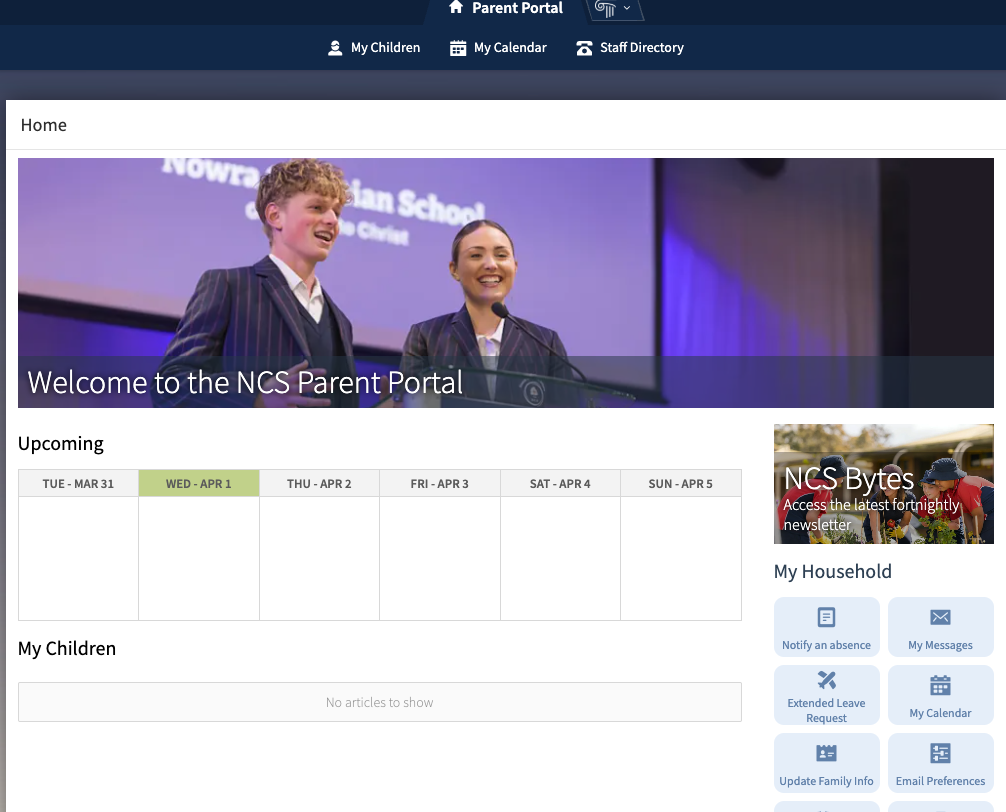
From a desktop computer
Click on this link https://portals.veracross.au/nowra/parent
OR
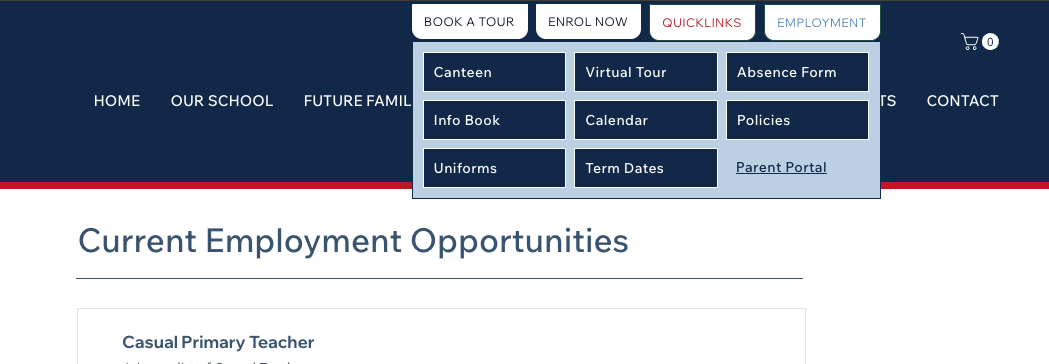
From a mobile device
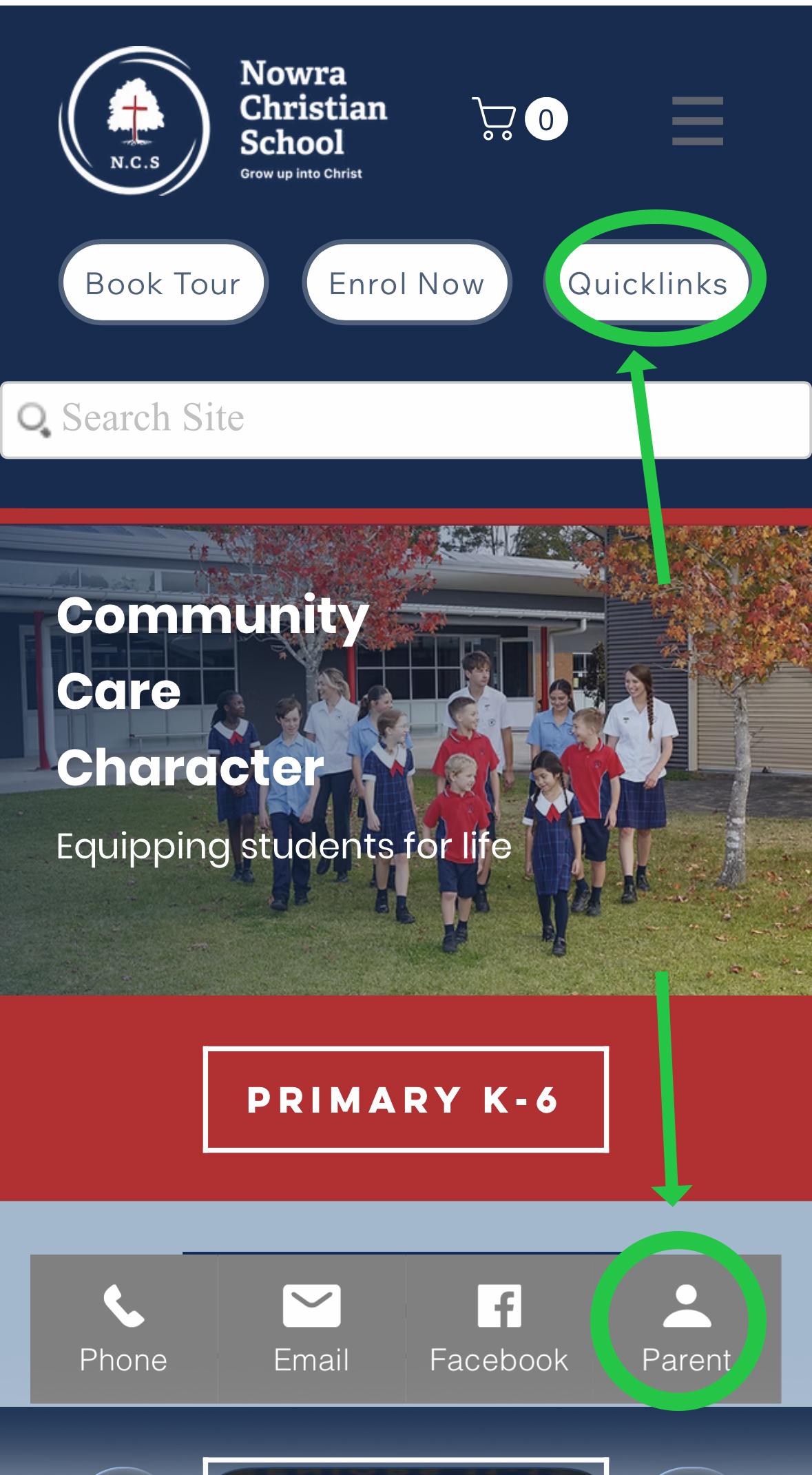
2. iPhone users can add an icon for the portal to their home screen. Go to the Safari app on your iPhone. Go to the website you want to add to your Home Screen, then tap Share. Scroll down the list of options, then tap Add to Home Screen.
If your child will be absent for school, it would be appreciated if you could complete and submit the form below (this is on the Parent Portal, so you will need to log in with your Veracross Login). If no notification is received, an SMS will be sent out to you which will require you complete the same absence form.
This form can be completed in advance if you know your child will be away from school for any reason. However it cannot be completed retrospectively, please contact the office if you need to explain a past absence.