NAPLAN - 2026


Year 3 and 5 NAPLAN 2026
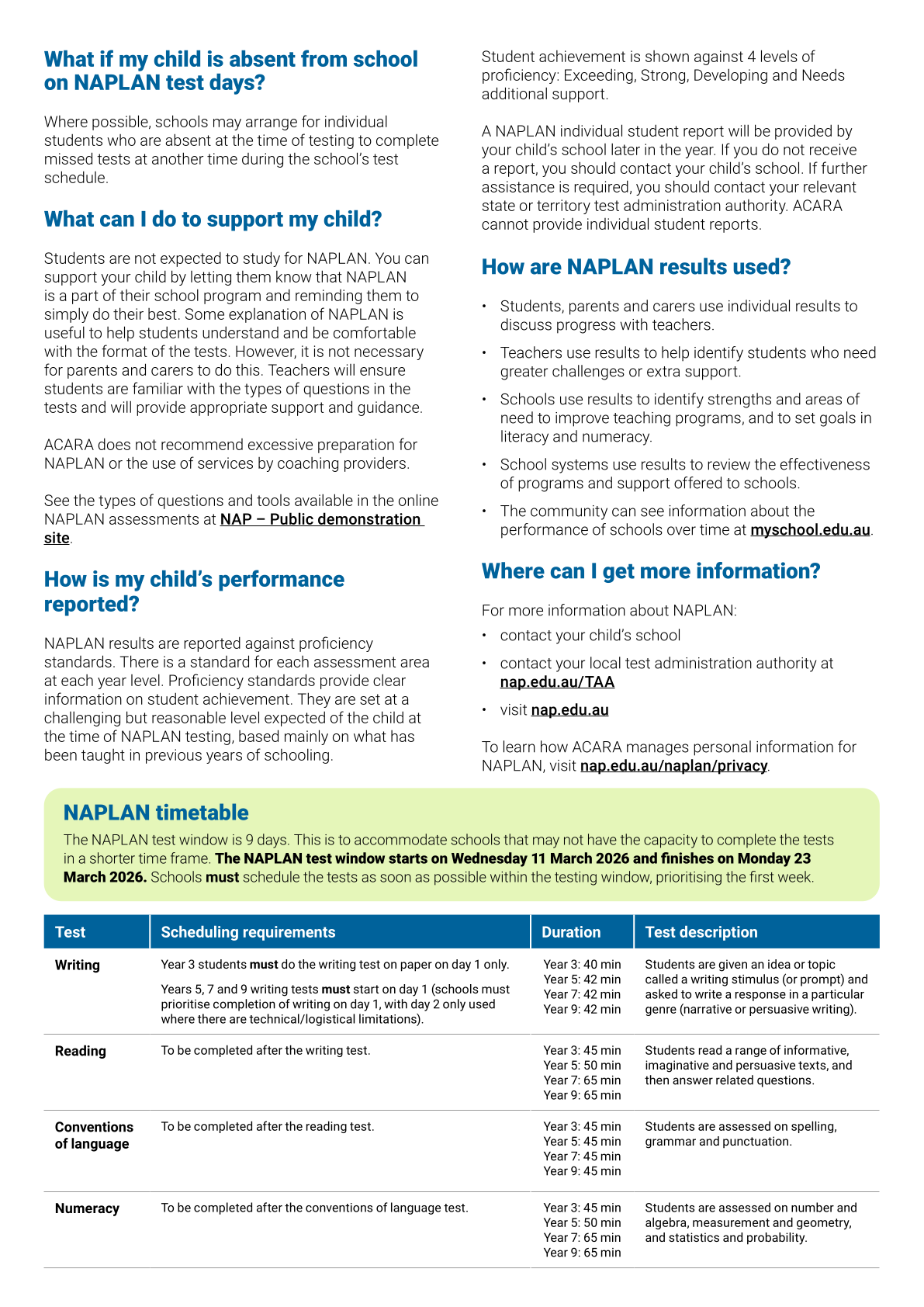
The upcoming NAPLAN window begins next Wednesday 11th March.
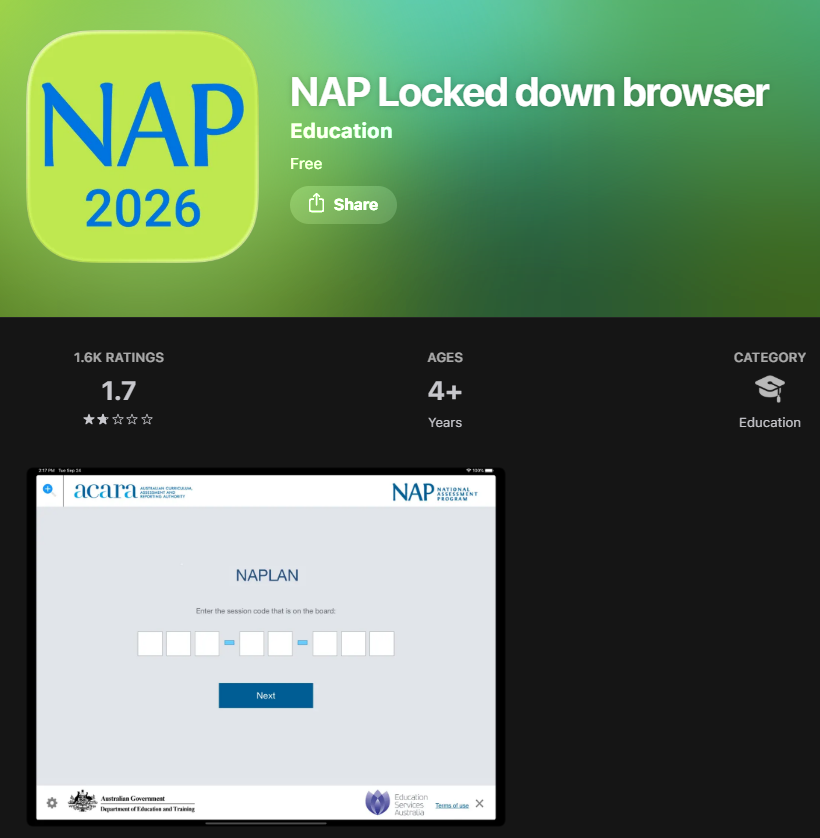
Year 3 and 5 students have been familiarising themselves with the online platform (NAPLAN Locked Down Browser) used for the assessments, experiencing the writing process under timed conditions, and discussing good routines and habits to maintain throughout this time.
Proposed timetable for NAPLAN 2026:
Wednesday 11th March 9:30am | Thursday 12th March 9:30am | Monday 16th March 9:30am | Tuesday 17th March 9:30am | Wednesday 18th - Monday 23rd March |
Writing | Reading
| Conventions of Language | Numeracy | Catch-up sessions (as required) |
Please note: Mount View have no flexibility in the timeframe of the NAPLAN Assessments. The window has a strict closing date. If your child/ren are absent we can endeavour to undertake make-up sessions where appropriate, but cannot extend the timeframe beyond Monday 23rd of March. The window is set by the National and State Education bodies.
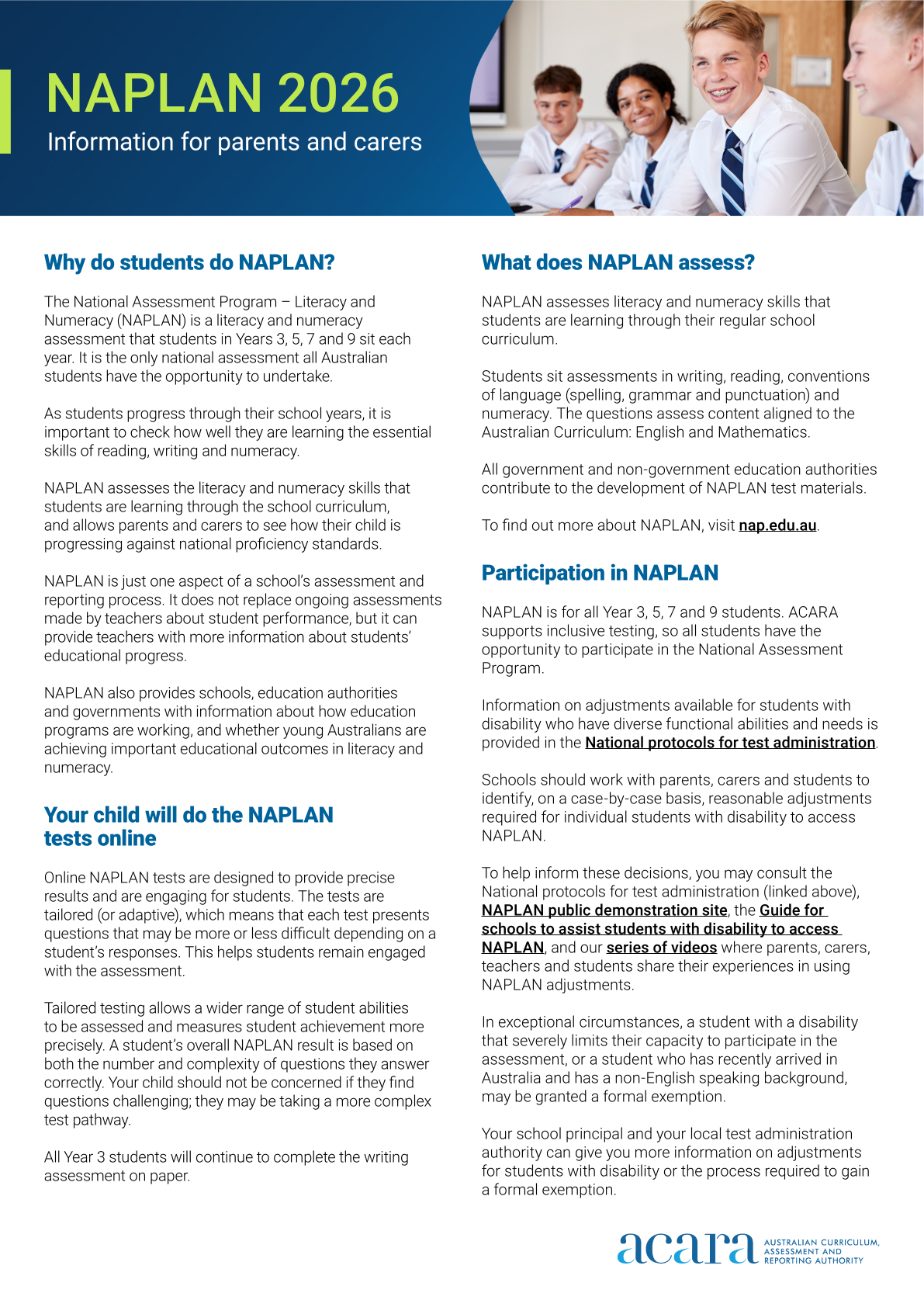
Parents and Carers are encouraged to view the NAPLAN on https://www.nap.edu.au/naplan/for-parents-carers. Translated Parent and Carer Information brochures are available on this website also.
Device requirements for students
All students:
- Working and accessible Headphones (Named / Labelled)
- Facility Students - Access to their FM transmitter / Personal Roger Device over this period.
Year 3 students will be provided with a school owned iPad for use during the NAPLAN window. This has been set up for the children by our school technician.
Year 5 students [only]:
- Fully charged iPad / BYOD [Year 5 only]
Students in Year 5 will be using their BYOD (personal iPad) and will need to bring this fully charged to school each day.
- Functional and pre-connected Keyboard [Year 5 only] - Please make sure they connect to your child’s iPad, have working keys, have batteries and/or are fully charged prior to bringing them to school. We have a limited number of spare keyboards available.
Download NAP Lockdown browser 2026 on your child/ren’s device [Year 5 only]
This is needed to complete NAPLAN. Please ensure it is downloaded before Wednesday morning. It's important that you have the new app installed. Older versions of the app will not connect. Please download the app here → https://apps.apple.com/au/app/nap-locked-down-browser/id1086807255