
General News & Reminders
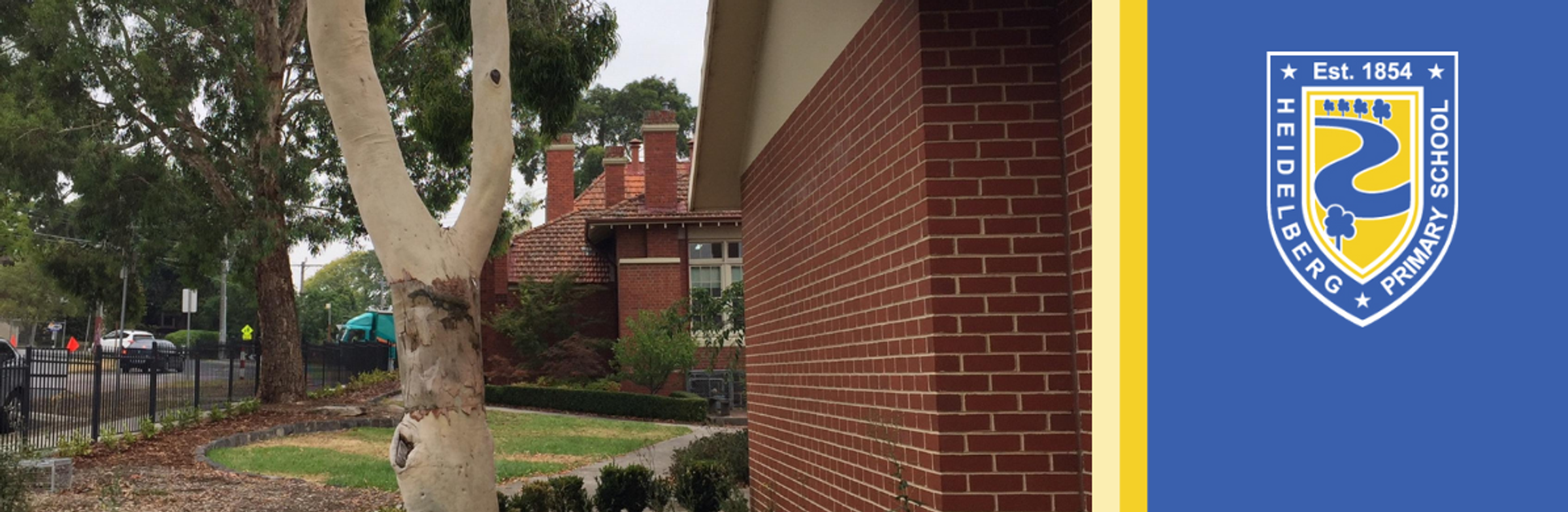
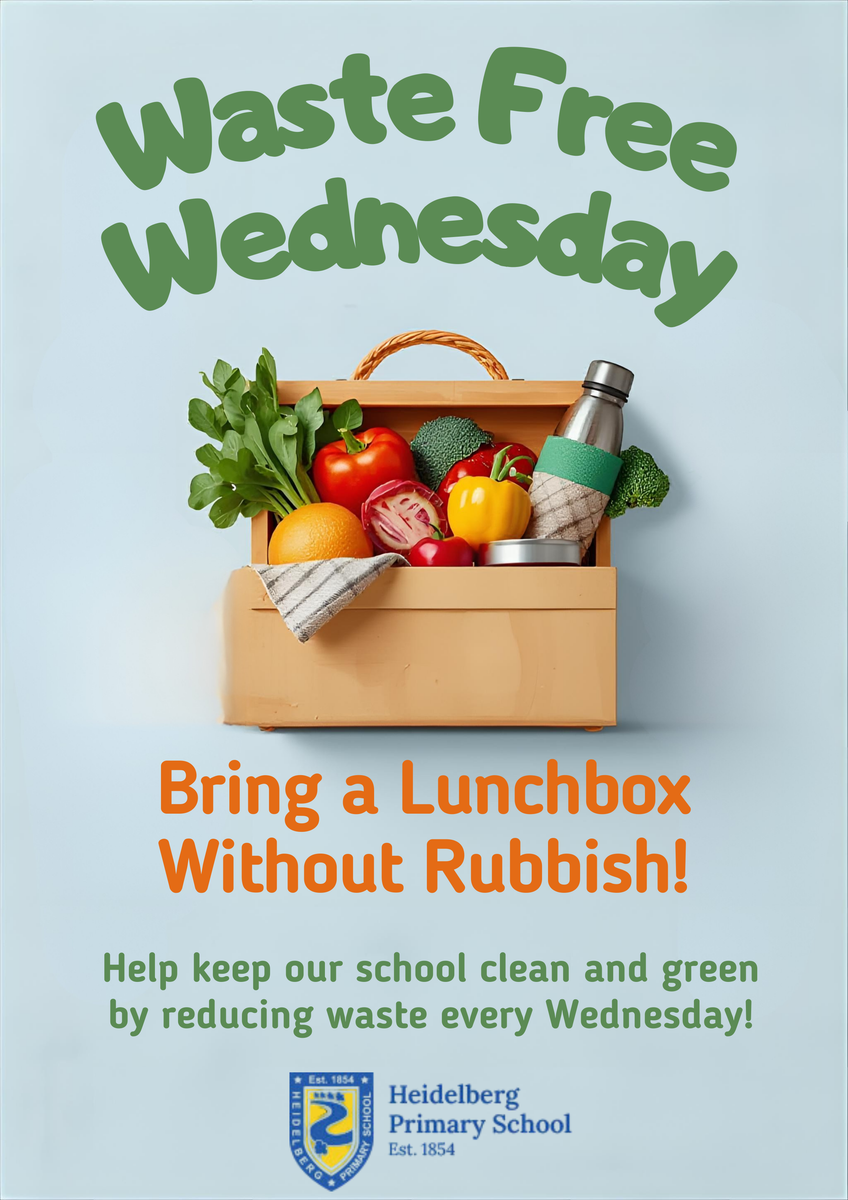
Waste Free Wednesday
HPS Recorder News
HPS Recorder students have made some great progress in their lessons, as well as in Senior and Autumn Tones ensemble rehearsals, in term 1.
Ensembles to perform at assembly
At around the time of Harmony Day in March each year, we like to share some musical harmony with the wider school community by performing at HPS Assembly.
When? Monday 30 March
Who? Senior Recorder Ensemble and Recorder Ensemble Autumn Tones players
What time? Ensemble members, please arrive at school to set up and warm up at 8.45 am. We will perform soon after the Assembly starts at 9.10 am
Looking forward to seeing you Monday 30 March!
Fiona Walters, Recorder Tutor
HPS School Breakfast Clubs Program has expanded!
HPS has accepted a very generous invitation by Foodbank Victoria to participate in Cooking Classes, as part of the expanding School Breakfast Clubs Program, and we are currently recruiting families to join in!
This free program is funded by the Victorian Government Department of Education and Training, and will support families to learn new skills in the kitchen and beyond.
The Cooking Classes are focused on bringing families together in the school environment to learn healthy eating habits.
The program aims to provide a hands-on experience, where families will cook and enjoy a meal together, and be provided with a hamper, stocked with fresh and staple ingredients to take home.
Sessions will run one afternoon per week, for four weeks during a school term, and be delivered by a trained Foodbank Victoria Facilitator. The program will be offered for up to 10 HPS families.
Date: Thursdays – 30 April and 7, 14 & 21 May 2026
Duration: 4 consecutive weeks (1 day per week)
Time: After school – 3.30-5.00pm
Cost: FREE
Please contact our School Key Contact, Sue Zerna Suzanne.Zerna@education.vic.gov.au, by 9am Monday 30 March to find out how to register for this fantastic program!
Language Translation on Compass
We wish to advise you that our Compass platform has now been enabled with a Google Translate function. This will allow families to access Compass in their preferred language.
On laptop or desktop computers this appears as a ‘Select Language’ button in the bottom right of your screen.
If using the Compass app on your phone and wishing to access the translate function you will need to follow the following steps:
- From home page tap the ‘More’ menu in the bottom right hand corner
- Tap ‘Open in Browser’ in bottom left hand corner
- Scroll to the bottom of the page
- Click ‘Select Language’ button in bottom right hand corner
Lost Property Locations
Lost Property can be found around the school at the following locations:
- SAC Building
- Library (BER)
- Year 1 Building
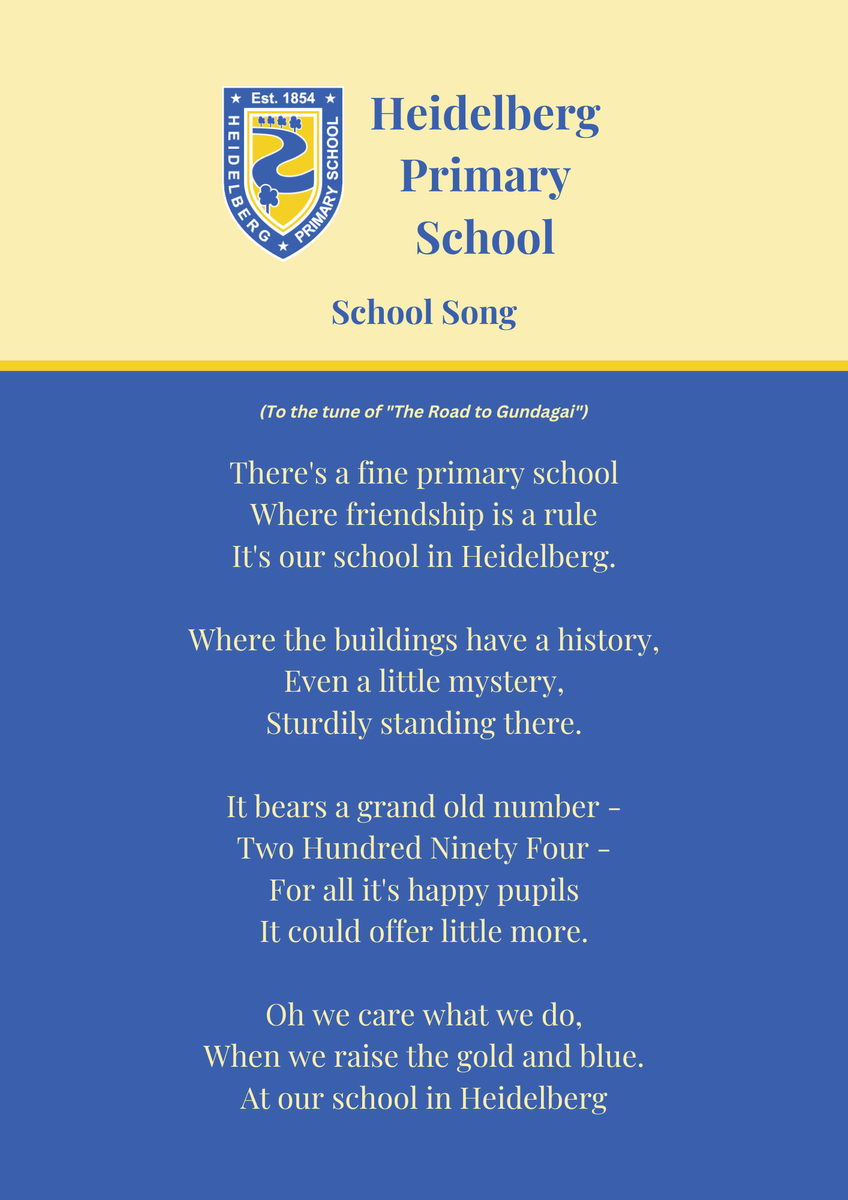
School Song
Find us on Facebook!