News from the Office & School Events
Special Events Information & Administration Updates
Contact Details: office@shnewport.catholic.edu.au












 Sacred Heart Primary School
News from the Office & School Events
Special Events Information & Administration Updates
Contact Details: office@shnewport.catholic.edu.au

All online orders are to be submitted by Sunday 6th September
Issue 5 orders will also remain open.
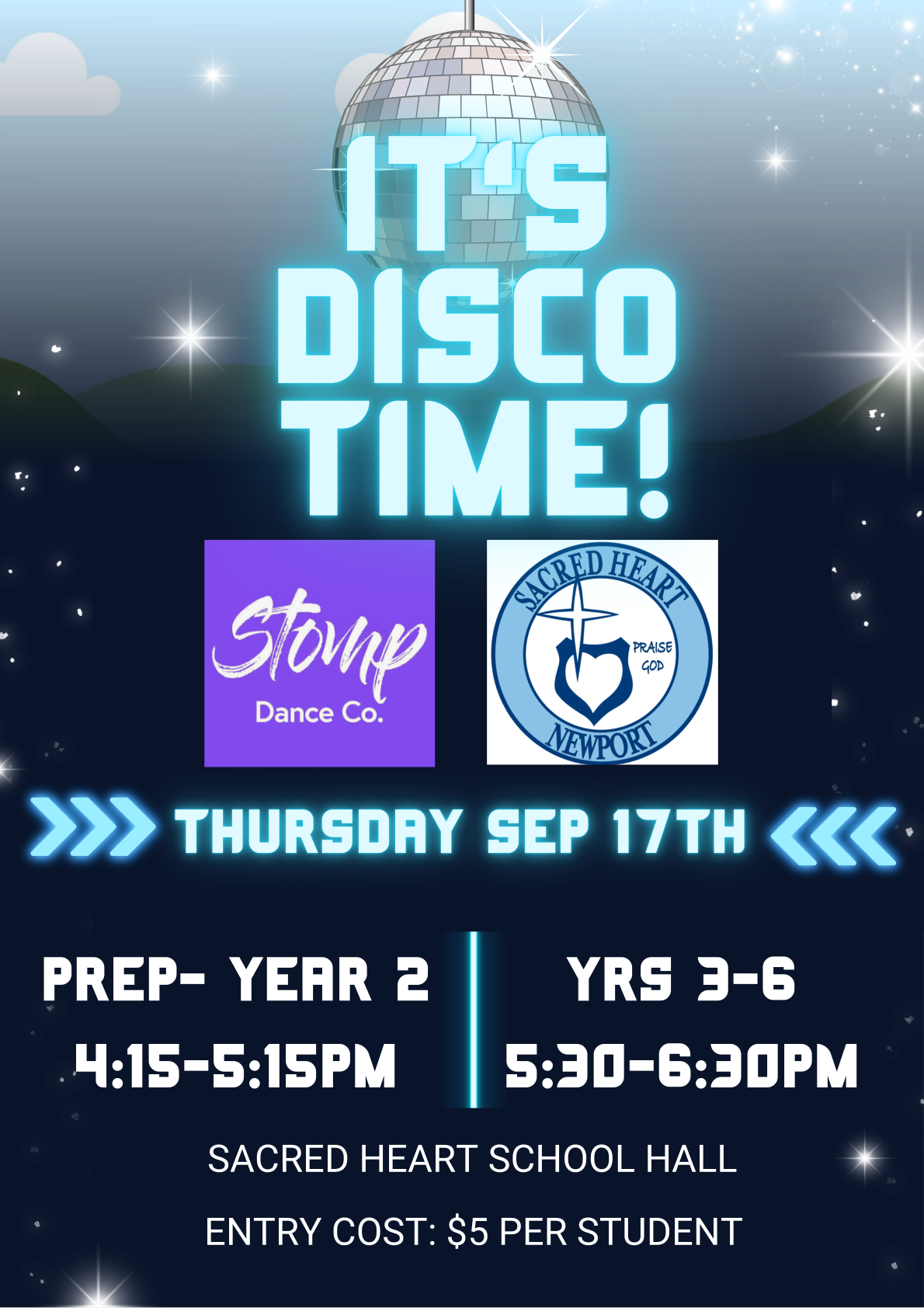
Friday, 11th September
One of our Year 6 students, Allura Presti, has been selected to represent Australia at the 2026 Junior and Youth Acrobatic Gymnastics World Championships. This is a significant achievement. Unfortunately, representing Australia in acrobatic gymnastics comes at a significant personal cost. The sport receives very limited funding, meaning this opportunity is almost entirely self-funded.
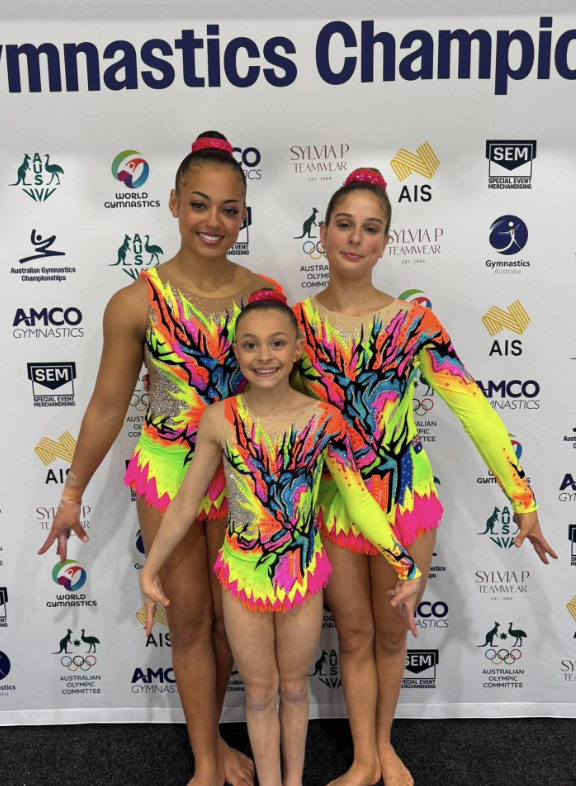
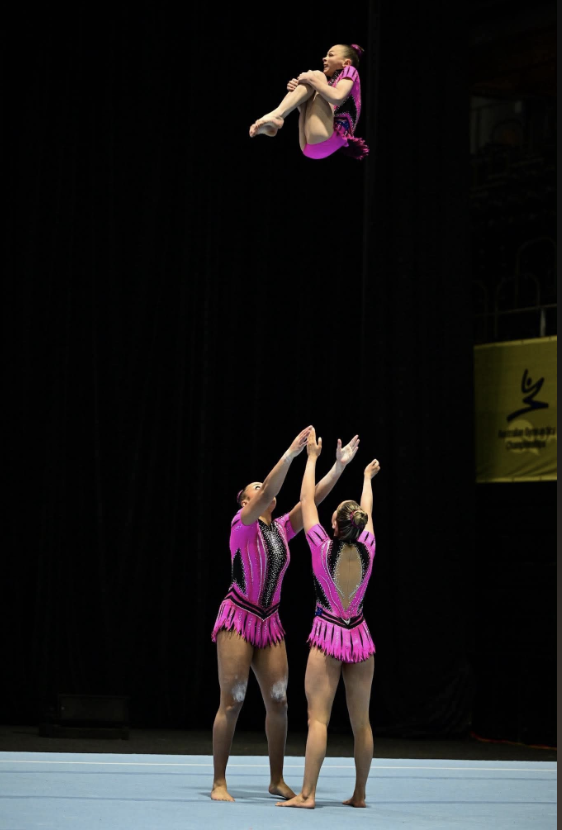
We would like to show our support for Allura and her team by holding a Crazy Sock Day on Friday 11th September.

All students are invited to wear Crazy Socks as a show of support, regardless of whether or not a financial donation is made. This is simply to say we are behind you Allura!
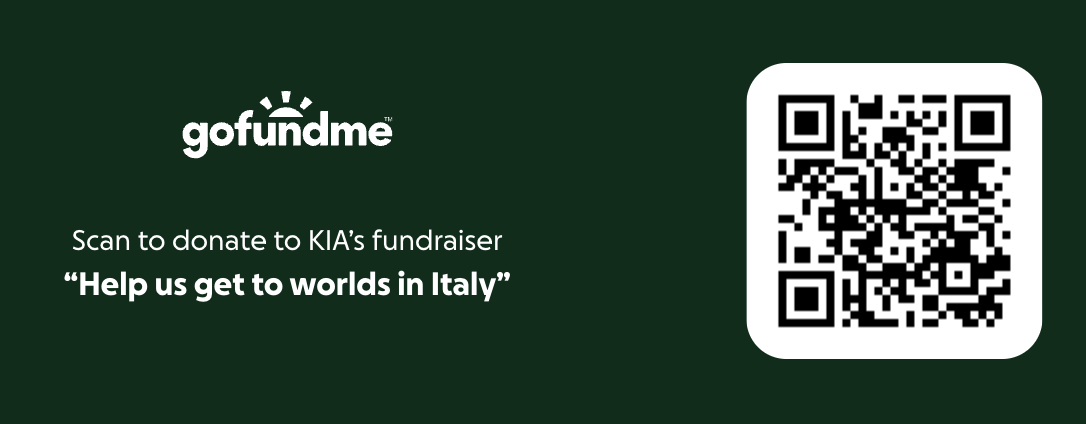
However, if parents/families would like to make a donation, big or small, to support the team, you can visit the following Go Fund Me site by scanning the QR code below.
In addition, a fundraiser is being held on Saturday 5th September as per the details below.
To book please click on the link ---> Team Adrenalin Fundraiser

Teeth On Wheels will be returning to our School on October 15th 2026.
Teeth On Wheels makes dental care easy, fun and completely stress-free for children—right here at school. No time off work, no after-school appointments, just quality care in a familiar environment.
They specialise in working with children and offer services including check-ups, cleans and more. Their team is also specially trained to support neurodiverse patients, ensuring every child feels comfortable, safe and cared for.
If your child has already participated this year, there’s no need to complete the form again unless your contact details or your child’s medical history has changed.
If eligible under the Child Dental Benefits Schedule (CDBS), your child may receive FREE dental care, making this a valuable and accessible service for families.
To secure your child’s place, simply complete the E-form by the cut-off date October 8th 2026.
CLICK HERE TO COMPLETE YOUR FORM!
Spots are limited and fill quickly—don’t miss this convenient opportunity for your child to continue receiving high-quality dental care at school.
Submit your form today, and the Teeth On Wheels team will be in touch to schedule your child’s appointment!


A friendly reminder to families that dogs are not permitted on school grounds before, during or after school hours. While we know that many families walk their dog for school drop off or pick up, this requirement helps ensure the health, safety and wellbeing of all students, staff and visitors.
We appreciate your support in helping us maintain a safe and welcoming environment for everyone.
We ask for your support in ensuring that students are attending school in the correct Sacred Heart school uniform each day. PE uniform and runners should only be worn on days that students have PE.
All shoulder length hair needs to be tied up/back with hair ties or scruchies. There have been quite a few cases of headlice in recent weeks.
The correct uniform can be viewed on the PSW website.
Please note the attached letter from the Uniform Group PSW regarding price adjustments for school uniforms as of the 1st October.
The preferred option for payment of school fees is via the CDFpay App by setting up payments either via credit card (fees apply) or direct debit (no fees). Please see below for information and instructions on how to set up the CDFpay App.
Alternatively, payments can be made using the following options:
Electronic Bank Transfer/Direct Debit (families will need to keep track of their own payments): School Bank details are shown on the bottom of your school fee statement. Please quote your FAMILY NAME as reference
Thank you to the families who have already set up their school fee payments. If you have any questions regarding school fees or require further assistance, please contact Mary at the school office.
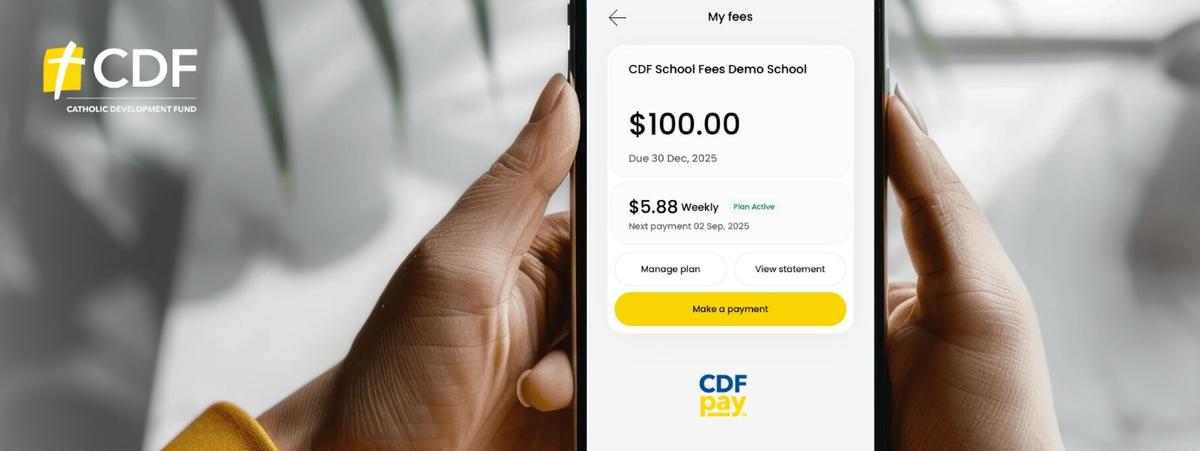
What you need to do
Please follow these instructions to register for a CDFpay account for payment of school fees:
Note: Only one parent or guardian per account code will be able to link and manage school fees in CDFpay.
CDFpay support
Further information and FAQs are available at https://support.flexischools.com.au/cdfpay-school-fees#main-content
nForma is the school’s platform for managing the following functions:
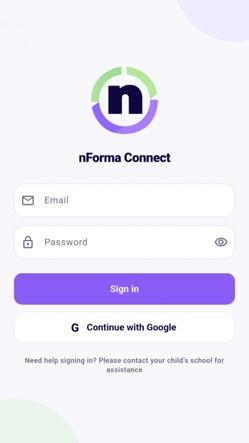
Please ensure that you download the nForma Connect App, so that you can use the above functions.
We will continue to use Seesaw in 2026 for the purposes it is now used for.
If you require assistance, please contact the school office on 93916262.