OSHC AT ST ROCH'S











 St Roch's Parish Primary School
MACSEYE Update -
MACSEYE Enrolment Information
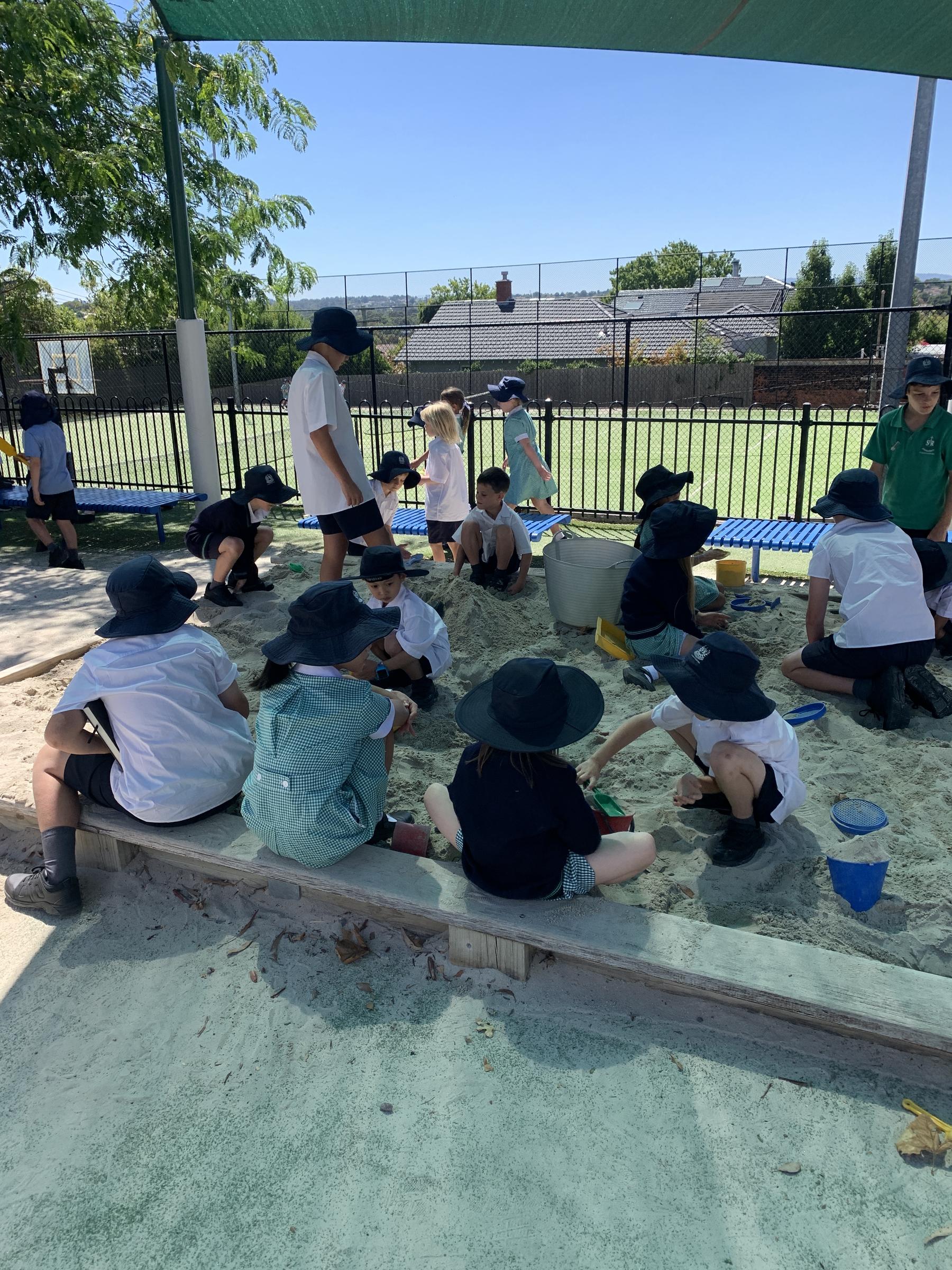
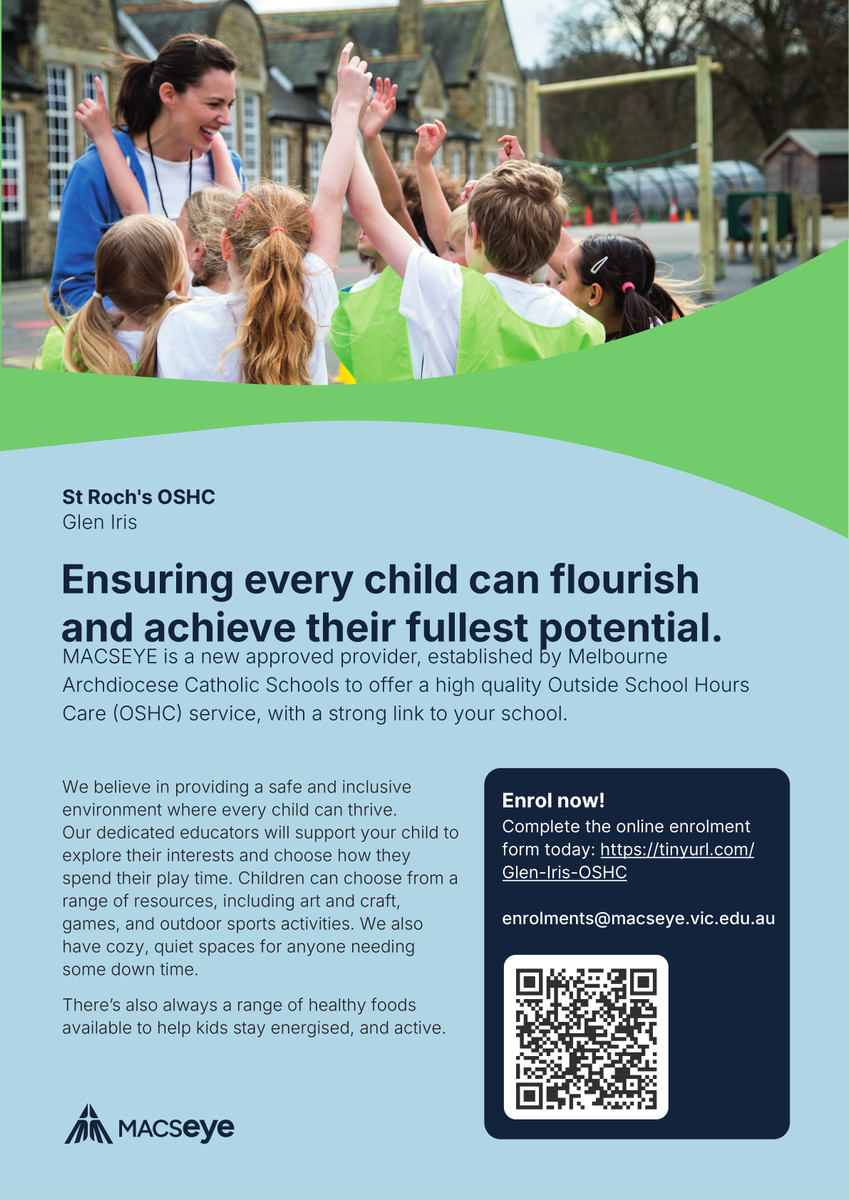
MACSEYE is the new Outside School Hours Care (OSHC) provider at St Roch's.
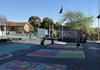
Please note that the OSHC room is now located in what was the STEM room that overlooks the deck and tennis courts.
Parents may find it easier to park on Valency Road to drop their children to Before Care and to pick them up from After Care.
You are most welcome to introduce yourselves to Jhoti and Stephanie our educators and look around to see what an amazing job they have done to set up this space with new resources and equipment.
Enrolment Forms
Please complete an enrolment form for each child you wish to enrol.
Please read the following information and easy steps to help you enrol and start booking your OSHC sessions.
Before You Enrol
You will need some key information and documents:
☐ Centrelink Customer Reference Number
If you wish to claim Child Care Subsidy (CCS), you will need to provide the individual Centrelink Customer Reference Numbers (CRNs) for both the Primary Carer and each child.
Please note, the Primary Carer listed on the enrolment form must be the Primary Carer linked to Centrelink.
☐ Bank account, debit or credit card details
You will need to provide your bank account or card details for direct debit. You are only charged for sessions already attended.
☐ Emergency contact information
At least one additional emergency contact in addition to a child’s guardian(s), over 18 years of age. Please note, the emergency contacts will also have permission to collect your child from OSHC.
☐ Medical and other support documentation*:
If your child has medical or other support needs, please provide the relevant documents such as:
- Medical Management Plan (MMP)/ Action Plan for health conditions such as Anaphylaxis, Asthma, Epilepsy, or Diabetes – must be signed by a medical practitioner and dated within the last 12 months.
- Details of any parenting or court orders in place o A photo of your child to accompany any of the documents above.
These documents are mandatory to ensure we can support your child safely.
How to enrol:
1. Complete the unique enrolment form through the QR code or link on your service brochure available through your school
2. Attach all supporting documents* to the enrolment form. See the list above.
3. If you are enrolling more than one child, please use the same email address for all enrolments.
4. If you need permanent/ recurring bookings, you can select the days you would like to book and our team will create those bookings for you.
5. You can manage casual bookings after enrolment.
6. Once we receive your enrolment form, our Child Care Admin Team will finalise the process within 1 business day, provided there are no outstanding documents.
Enrolment Link – St Roch’s Glen Iris
Bookings & Communication – Xplor Home App
MACSEYE uses Xplor for bookings and communication with families.
Once your enrolment is confirmed, you will receive a link to download the Xplor Home app.
You can use this app to manage casual bookings, keep your personal information up to date, and check your statements.
Please ensure you use the download link in the email to access your child’s profile.
Contact the Customer Service Team for:
• All permanent/recurring bookings
• Urgent bookings within 24 hours of service
Child Care Subsidy & Payments
We have applied for Child Care Subsidy for this service. When approval is received, you will be notified and we will turn on direct debits.
In the meantime, full fees apply and you can make ad hoc payments towards your account.
Once CCS approval is received, your subsidy will be applied and backdated up to 28 days.
For more information, visit the Child Care Subsidy page on our website.
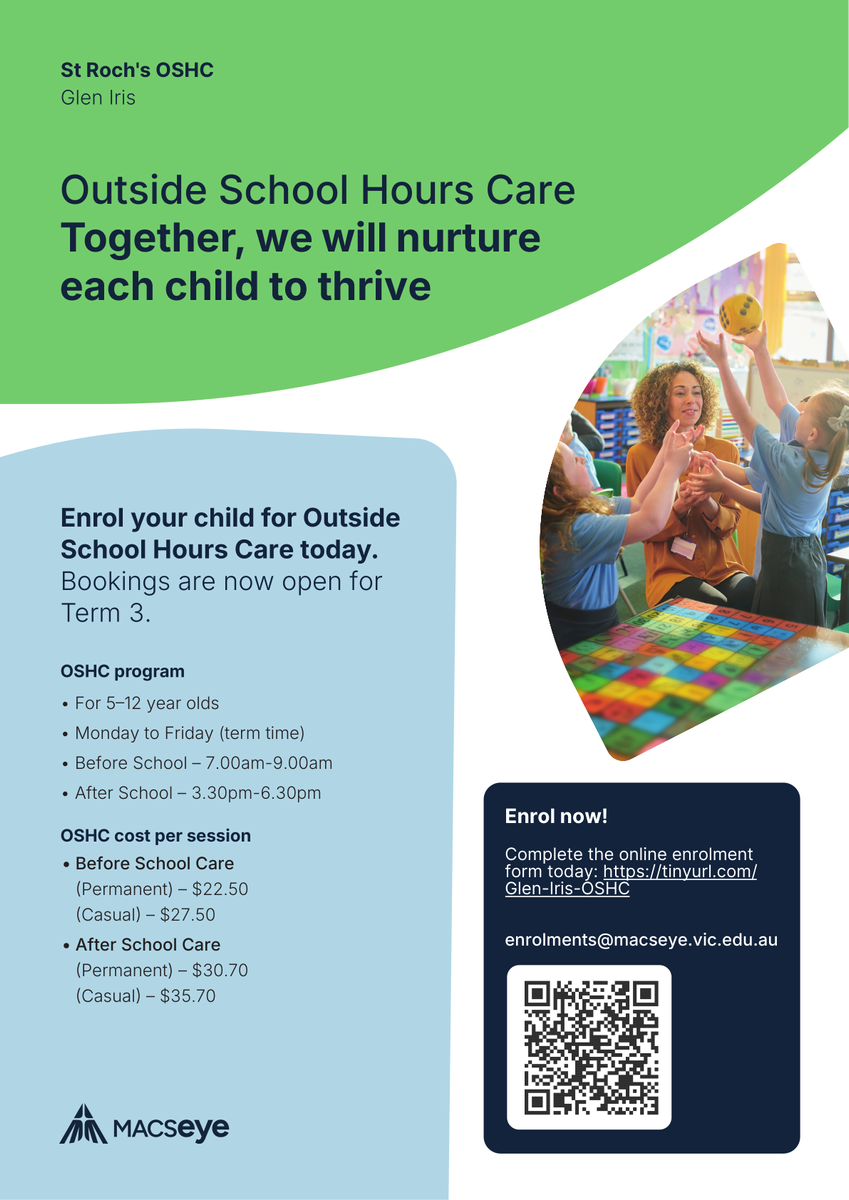
Operating Hours & Fees
You can find the service operating hours and fees on your service brochure.
This flyer is available on this page or you can email us via contact@macseye.vic.edu.au
FAQs and Support
For more information, please visit our website and read our FAQs.
You can also contact our Customer Service Team on weekdays between 9.00am – 5.00 pm (AEST):
1300 501 029
contact@macseye.vic.edu.au
We are here to support you!