
















Page 0 Banner Photo
Cover Page
Prayer and Acknowledgement Banner Photo
Prayer and Acknowledgement Prayer, Acknowledgment of Country
A message from our Principal Banner Photo
A message from our Principal Dear St. Brendan's School Community,, 2026 School House Captains Announced , SchoolCare Clinics – Term 3 
Catholic Identity Banner Photo
Catholic Identity Installation Mass of Bishop Rene Ramirez  , Staff Spirituality Day- A time for Discernment , Keeping Our Sacramental Candidates in Our Prayers 
Parish News Banner Photo
Parish News Parish Newsletter 
Making Jesus Real Banner Photo
Making Jesus Real Congratulations to the following Children, , who have been Awarded an MJR Award. 
Learning Area News Banner Photo
Learning Area News Foundation News, Year 1 News, Year 2 News, Year 3 News, Year 4 News, Year 5 News, Year 6 News
Class Cup Banner Photo
Class Cup Congratulations to Year 6 Lindon and Secchi and Year 3 Andronaco students who have won this fortnight's Class Cup.
St Brendan's Auskick Centre Banner Photo
St Brendan's Auskick Centre
Library News Banner Photo
Library News Do you have Library Books at home?
Parents and Friends Banner Photo
Parents and Friends Calendar of events, Current events and fundraisers, St Brendan’s School Community Recipe Book, Review of events and fundraisers, Canteen Friday – Cinnamon Donuts, Ongoing Fundraisers, My Name Label, Committee Information, Contact details for P&F, P&F Involvement, Register to be a volunteer, Business interest
Important School Information for 2026 Banner Photo
Important School Information for 2026 2026 Parent Information Booklet, 2026 Parent Handbook , Direct Debit School Fees, School fee Schedule 2026, Health Care Card Information, CSEF 2026
SIMON Everywhere - PAM Banner Photo
SIMON Everywhere - PAM PAM - Parent Access Module, Getting Started , Enter our School Code: 143875, You will be prompted to enter this when first setting up the app. , This guide includes instructions on: 
Outside School Hours CareHC Banner Photo
Outside School Hours CareHC Uniting OSHC - After school care
Parent Information Banner Photo
Parent Information Office Hours, BELL TIMES, See Bell times bellow:, If you coming Late to School..., Late arrival / Early collection / Student Absences, Student Absence Notification, PAM (PARENT ACCESS MODULE) , Sports Days - Sports Uniforms, Medications at School, School Fees , 2nd Hand Uniform Shop, Facebook
Calendar of Events  Banner Photo
Calendar of Events 2026 Dates, Term 3 - Key Dates, Term 4 - Key Dates
How to be a Volunteer Banner Photo
How to be a Volunteer How can I Volunteer?, Engagement of Volunteers, Volunteer Registration Form, QR Code:
CDF Pay Banner Photo
CDF Pay CDF PAY is used for..., Online Subway Lunch orders, School events and fundraising at our school, How to register for a new CDFpay account, Need Help?
Sporting Club News Banner Photo
Sporting Club News Sporting Teams Contacts
Community News Banner Photo
Community News
View archive
Banner Photo

CDF Pay

CDF PAY is used for...

Online Subway Lunch orders, School events and fundraising at our school

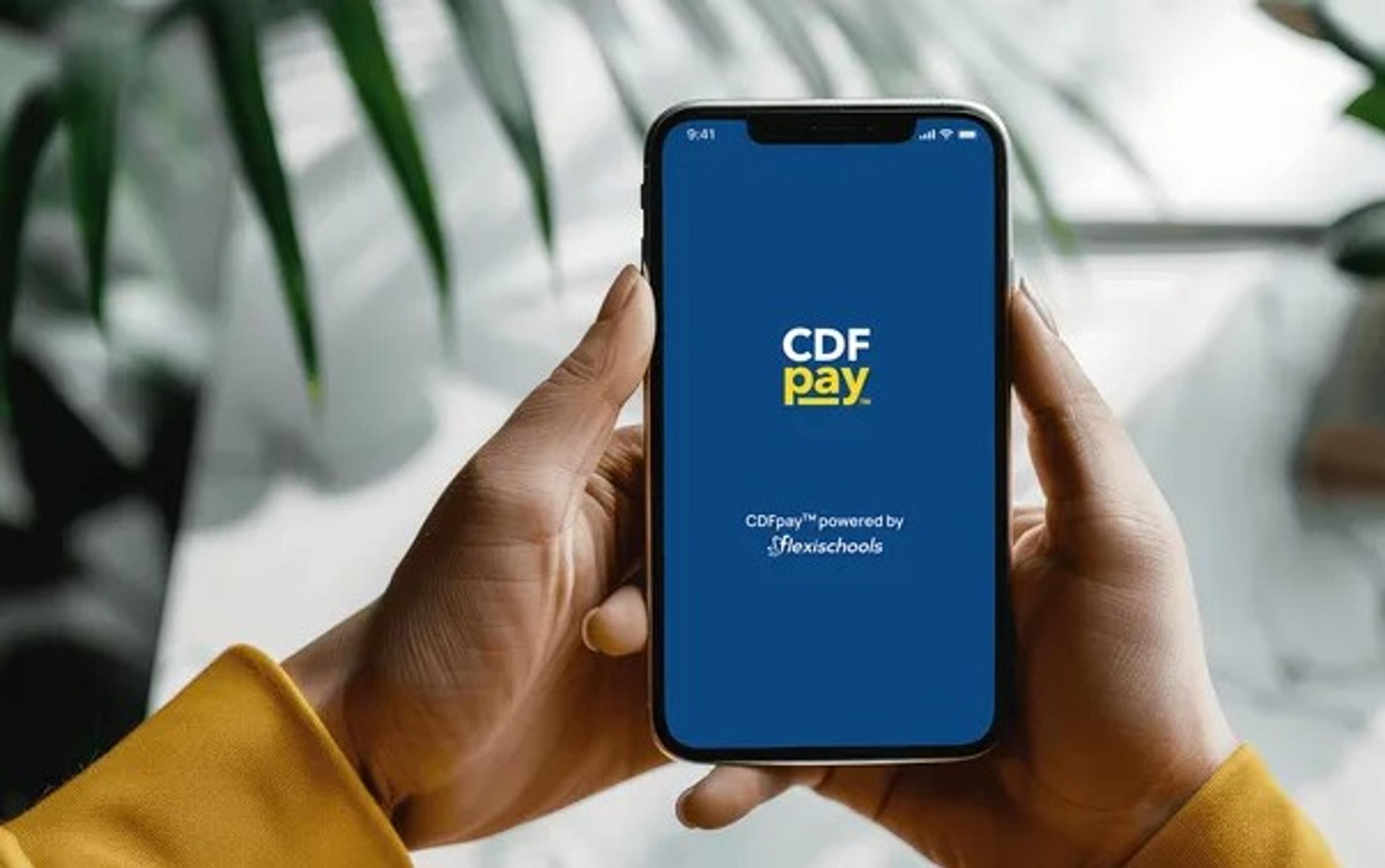
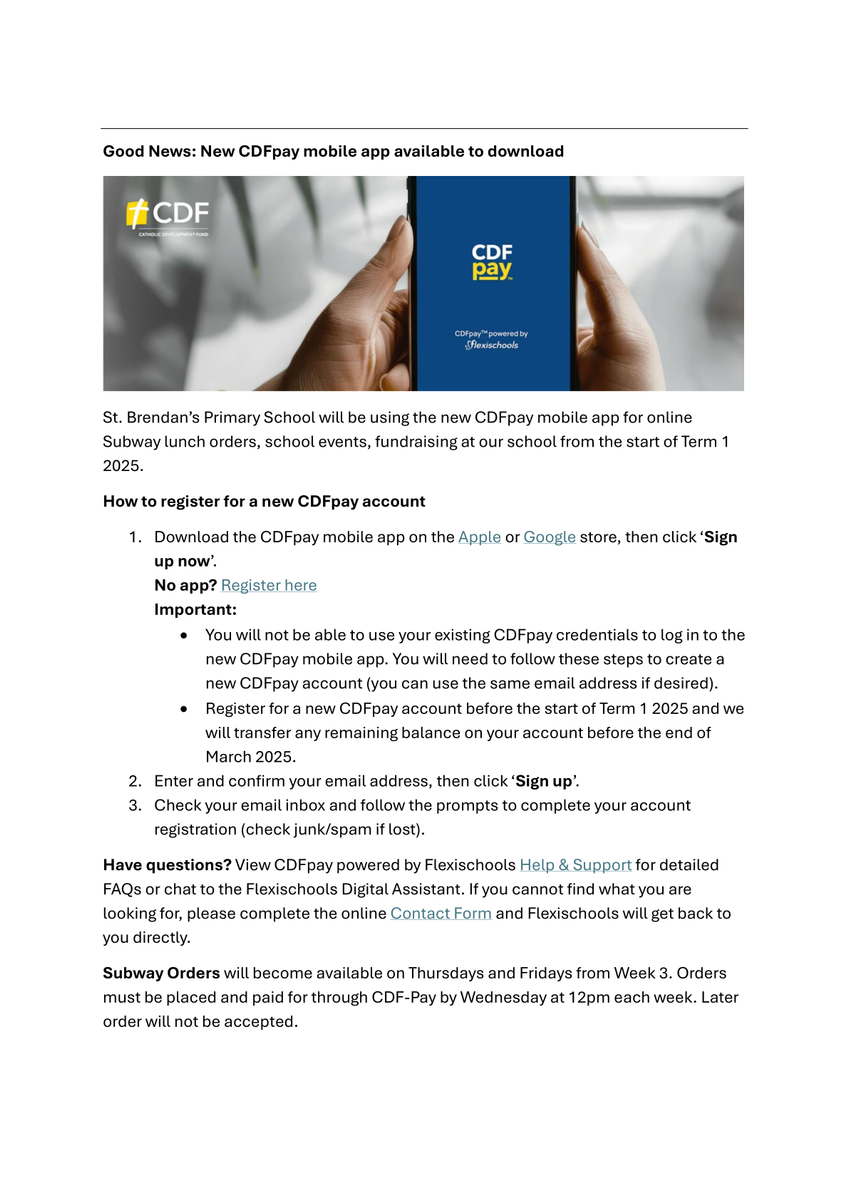
St. Brendan’s Primary School is now using the new CDFpay mobile app for online Subway lunch orders, school events, fundraising at our school.

How to register for a new CDFpay account


1. Download the CDFpay mobile app on the Apple or Google store, then click ‘Sign up now’. 


No app? Register here


Important:

  • You will not be able to use your existing CDFpay credentials to log in to the new CDFpay mobile app. You will need to follow these steps to create a new CDFpay account (you can use the same email address if desired).
  • Register for a new CDFpay account before the start of Term 1 2025 and we will transfer any remaining balance on your account before the end of March 2025.

2. Enter and confirm your email address, then click ‘Sign up’.


3. Check your email inbox and follow the prompts to complete your account registration (check junk/spam if lost). 


Have questions? 


View CDFpay powered by Flexischools Help & Support for detailed FAQs or chat to the Flexischools Digital Assistant. 


If you cannot find what you are looking for, please complete the online Contact Form and Flexischools will get back to you directly. 


Subway Orders are available on Thursdays and Fridays.  Orders must be placed and paid for through CDF-Pay by Wednesday at 12pm each week.  Late orders will not be accepted.


Orders must be placed and paid for through CDF-Pay by Wednesday at 12pm each week. Late orders will not be accepted.


Need Help?

Download instruction options below:
 

Gallery Image