From the Classrooom


🎉 Important Information
🎉 Important Information: Sentral App at Echuca Twin Rivers PS 🎉📱 Part 1: Please ensure you have downloaded Sentral and set up your profile- All camps, excursions and school events will now be managed through the Sentral app — nice and easy, all in one place!- This means we’ll be saying goodbye to paper permission slips and will no longer be sending hard copies home.- To get started, please check out the attached letter which shows you how to download and set up the Sentral app. Need a hand? No worries at all! 😊Sue in the school office is more than happy to help with installing or setting up Sentral — just pop in or give us a call.
✍️ Part 2: Signing Permission Slips- Once you’re set up, permission slips can be viewed and signed directly in the Sentral app.- The attached screenshots will walk you through how to sign a permission slip step by step.- If you get stuck, please don’t hesitate to call or come into the office — we’re here to help!
💳 Coming Soon – Payments via Sentral! We’re excited to let families know that payments will soon be able to be made directly through the Sentral app, making things even more convenient. We will communicate with you all once this is set up.
📌 Please Note:- Families who do not wish to use the Sentral app will need to visit the school office to sign permission slips at the front desk. Thanks so much for your understanding and support as we make this positive change at Echuca Twin Rivers Primary School
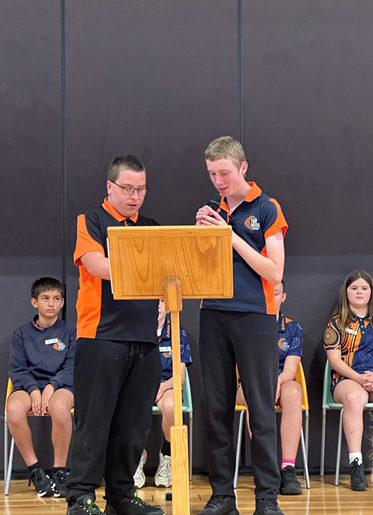
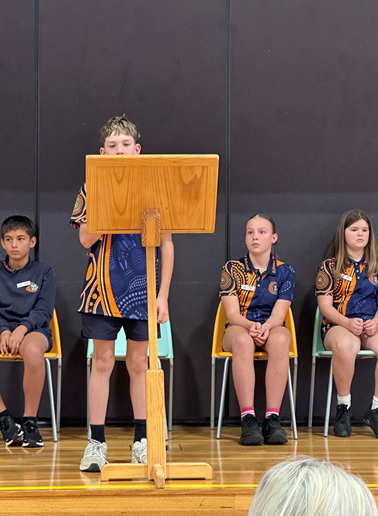
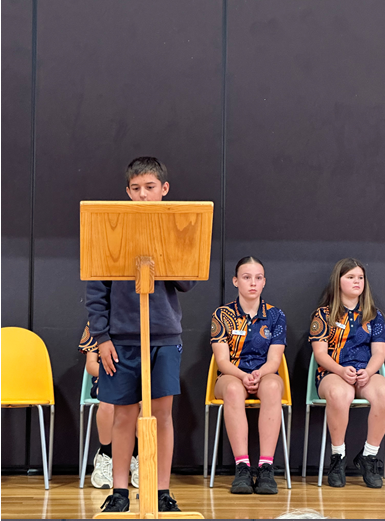
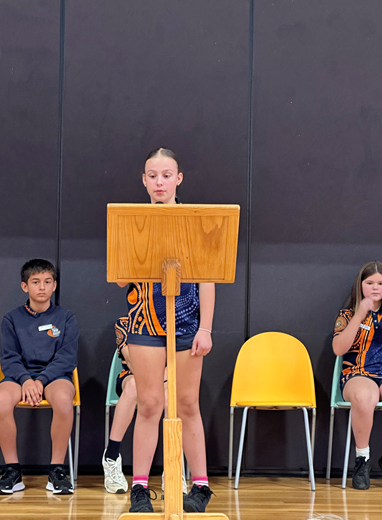
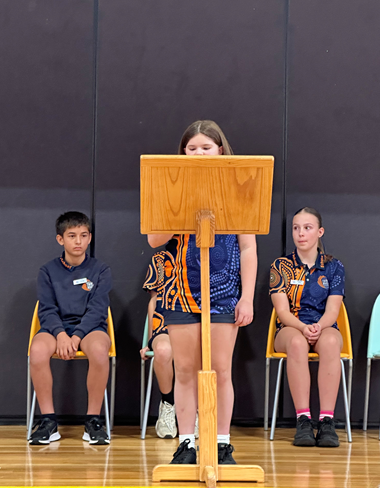
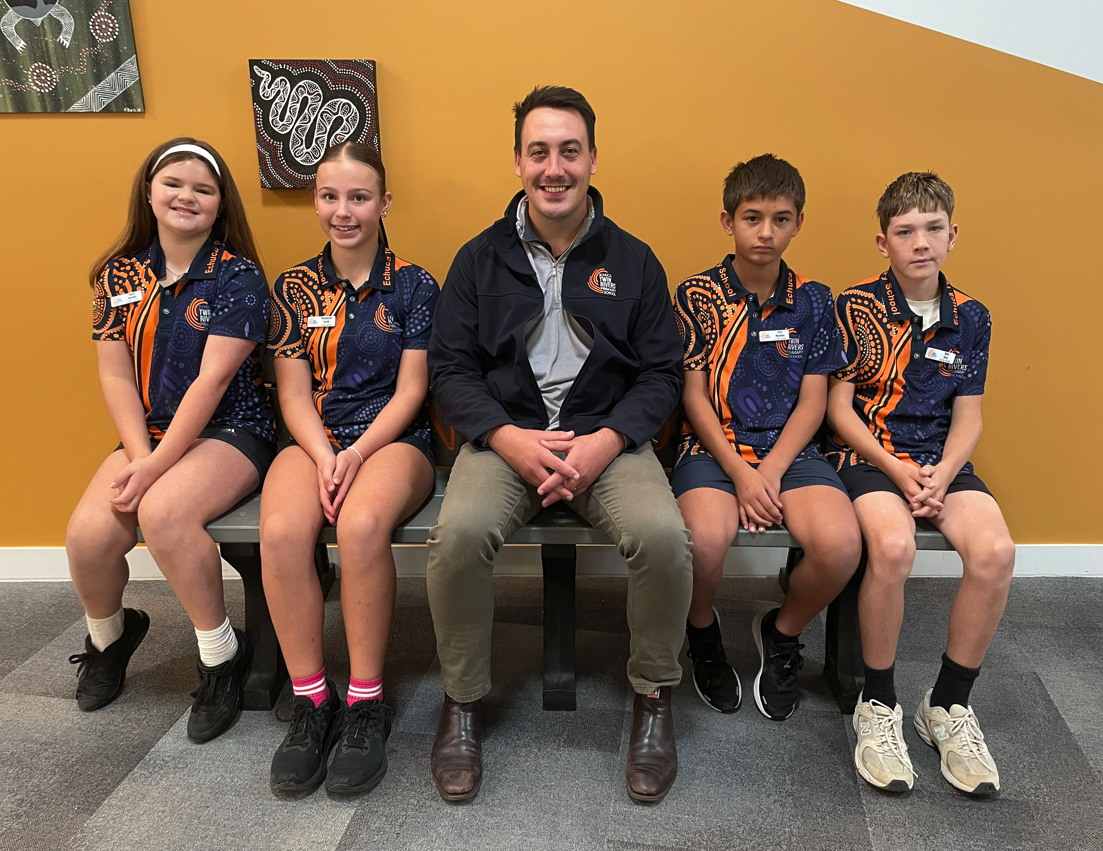
Grade 6 School Leaders
Jacob presented our four school leaders with their badges.
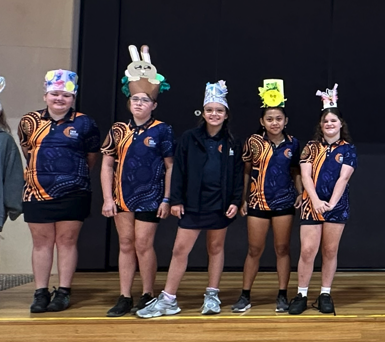
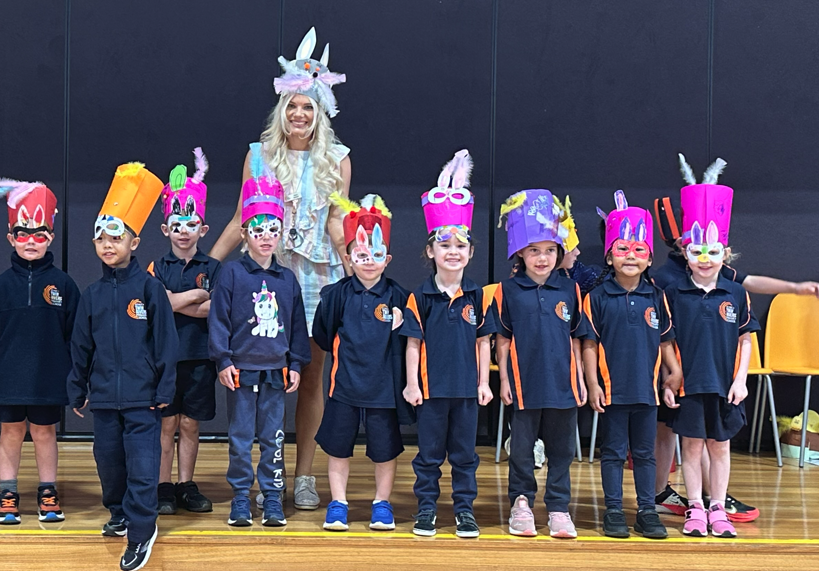
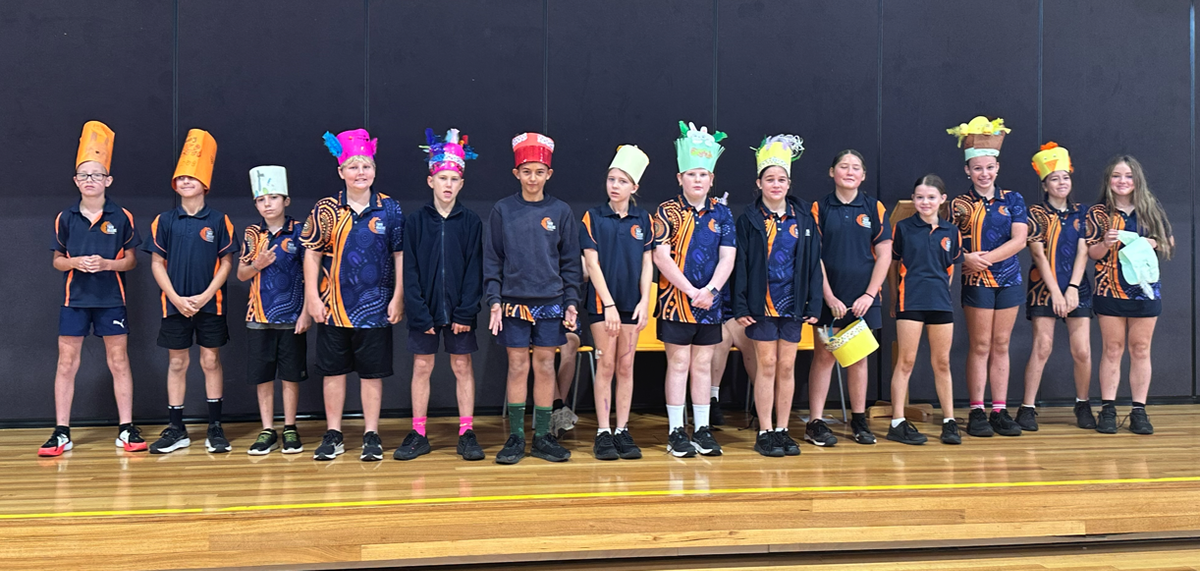
Easter Hat Parade
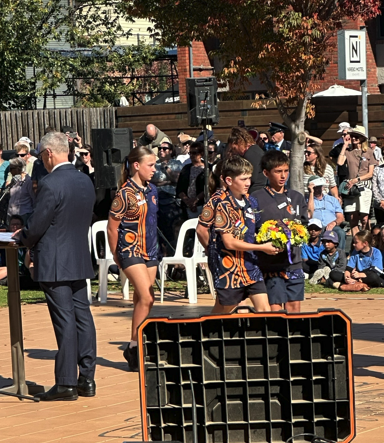
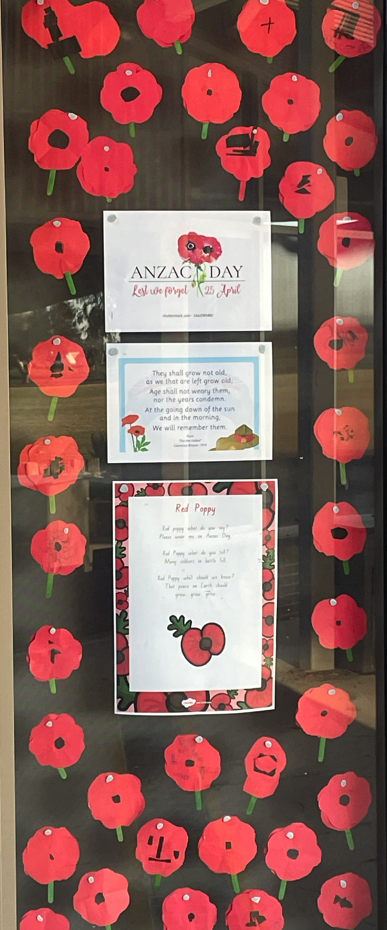
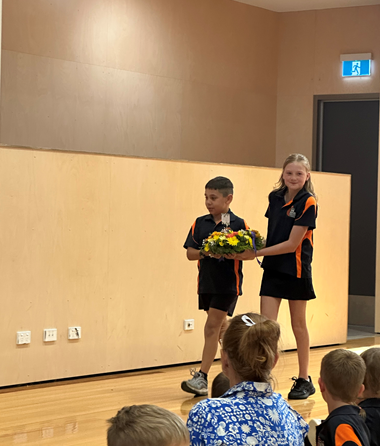
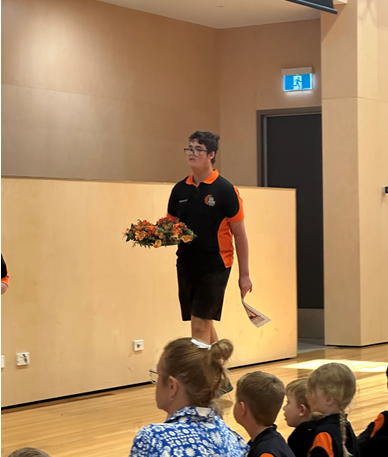
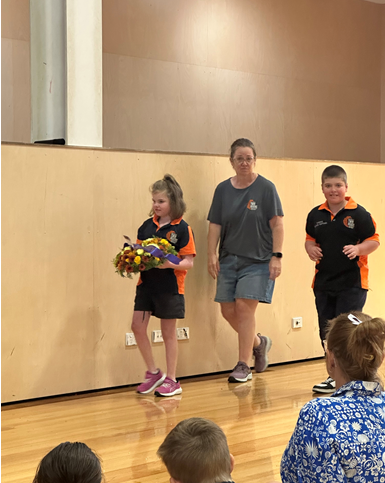
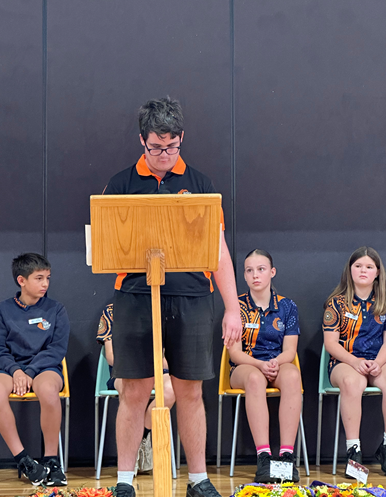
Anzac Day Service