Library News
Carrie Fittler
Library News
Carrie Fittler
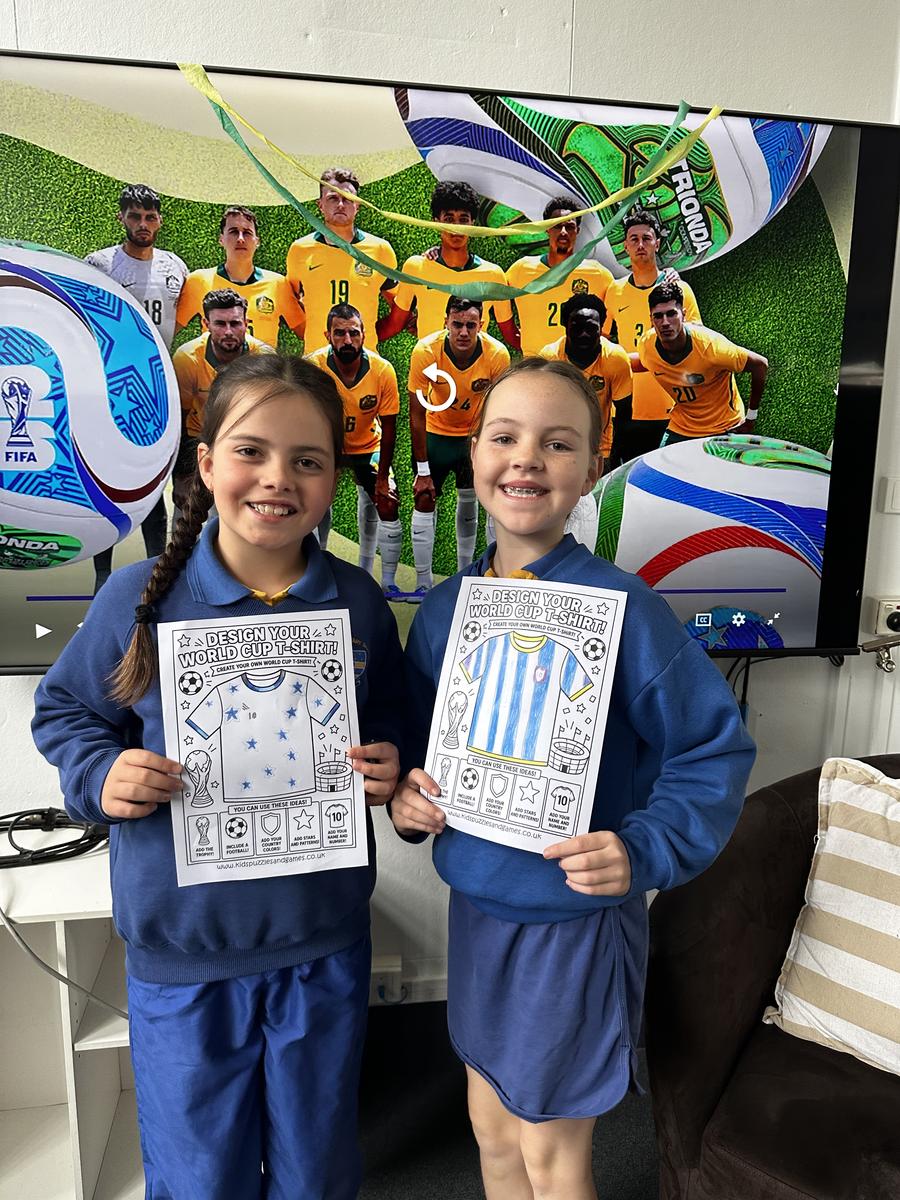
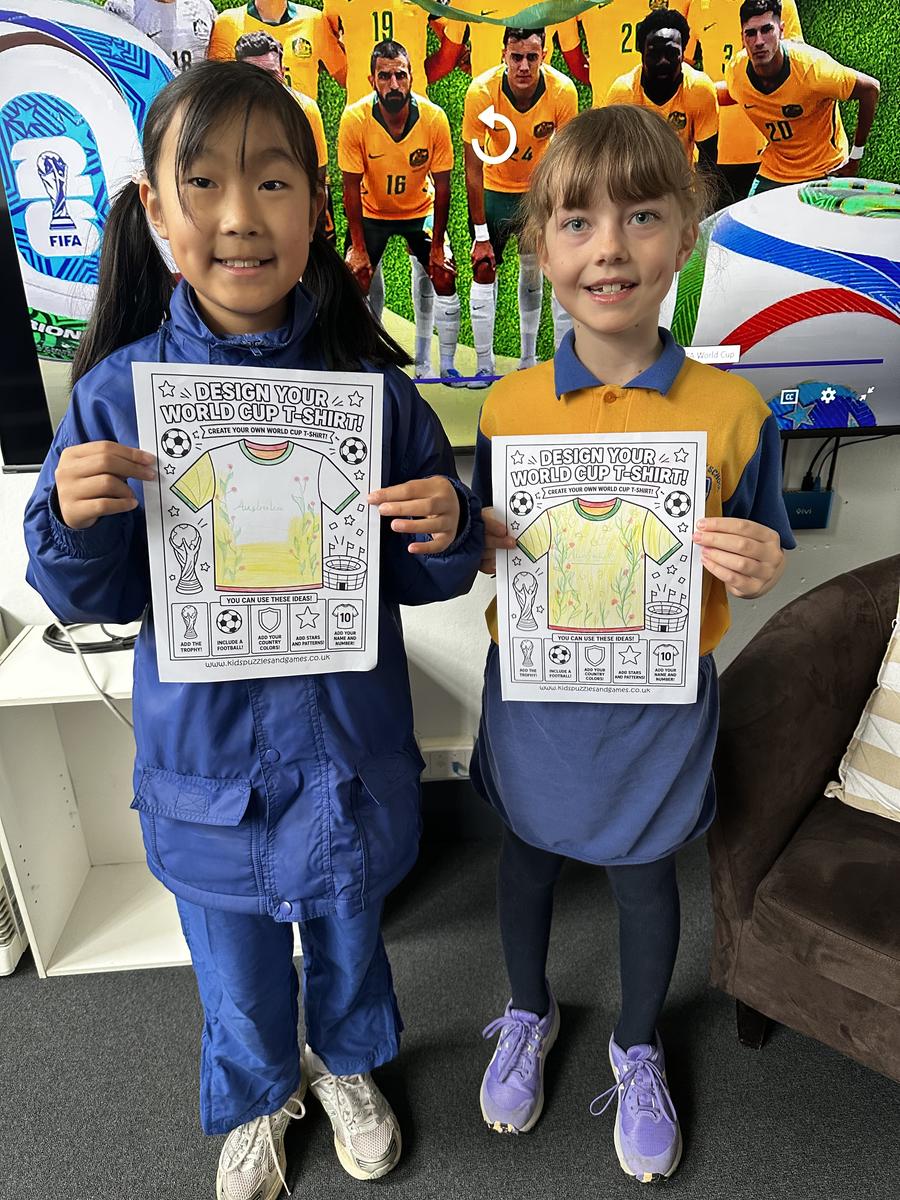
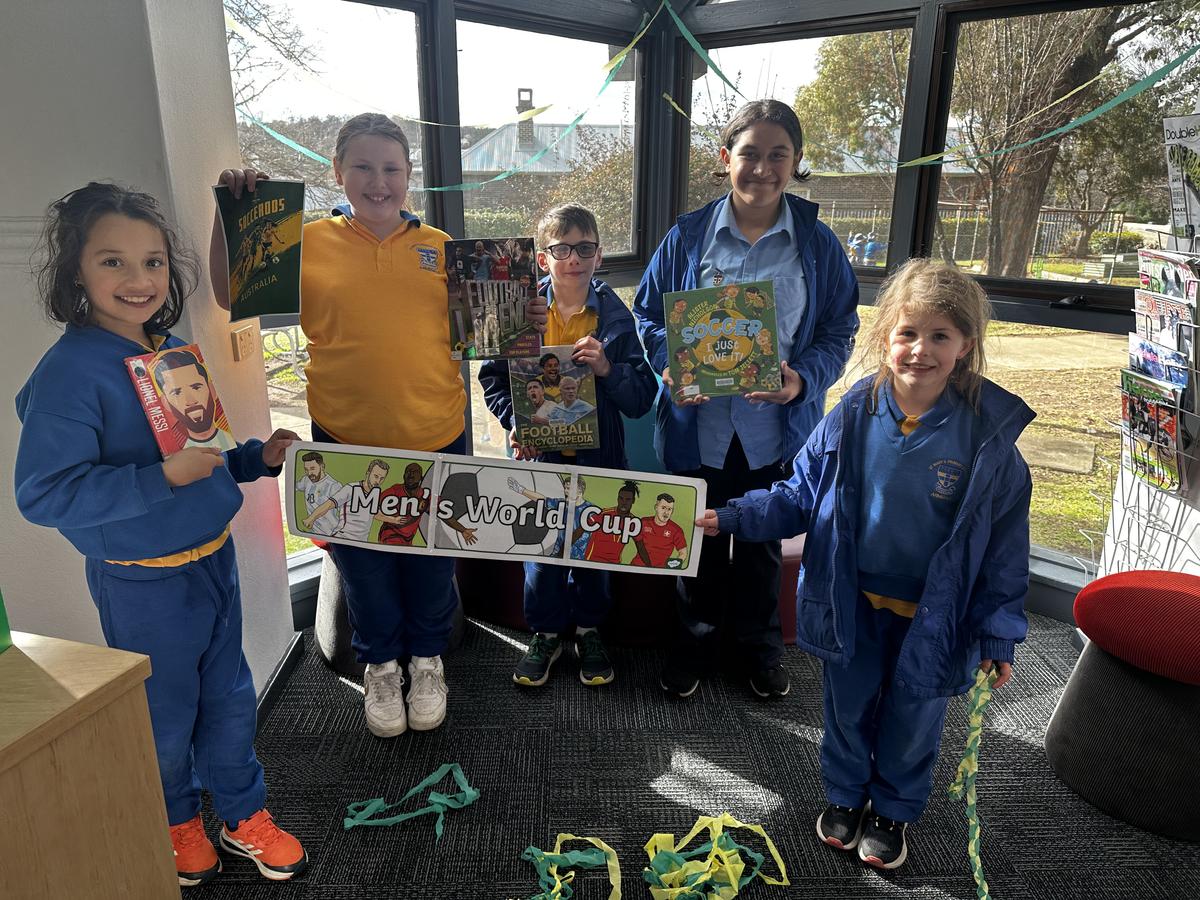
During library lessons, World Cup fever took over as students designed and created their own football jerseys inspired by countries competing in the Soccer World Cup. Their colourful and imaginative designs celebrated the spirit of the tournament while encouraging creativity, cultural appreciation and a love of reading and learning through a global sporting event.
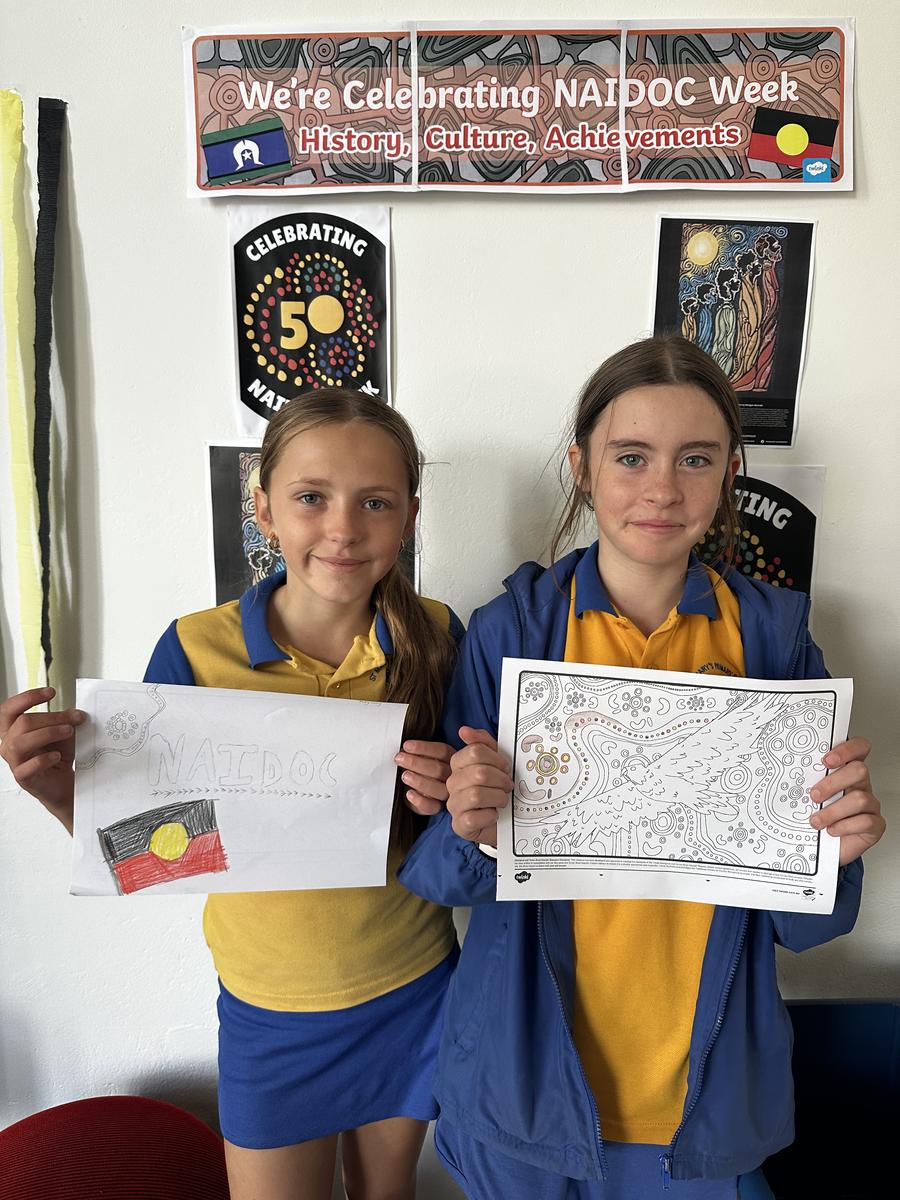
Students enthusiastically participated in activities celebrating NAIDOC Week 2026, exploring this year's theme through stories, discussions and creative learning experiences. These activities encouraged students to deepen their understanding on the importance of respect, connection and community.

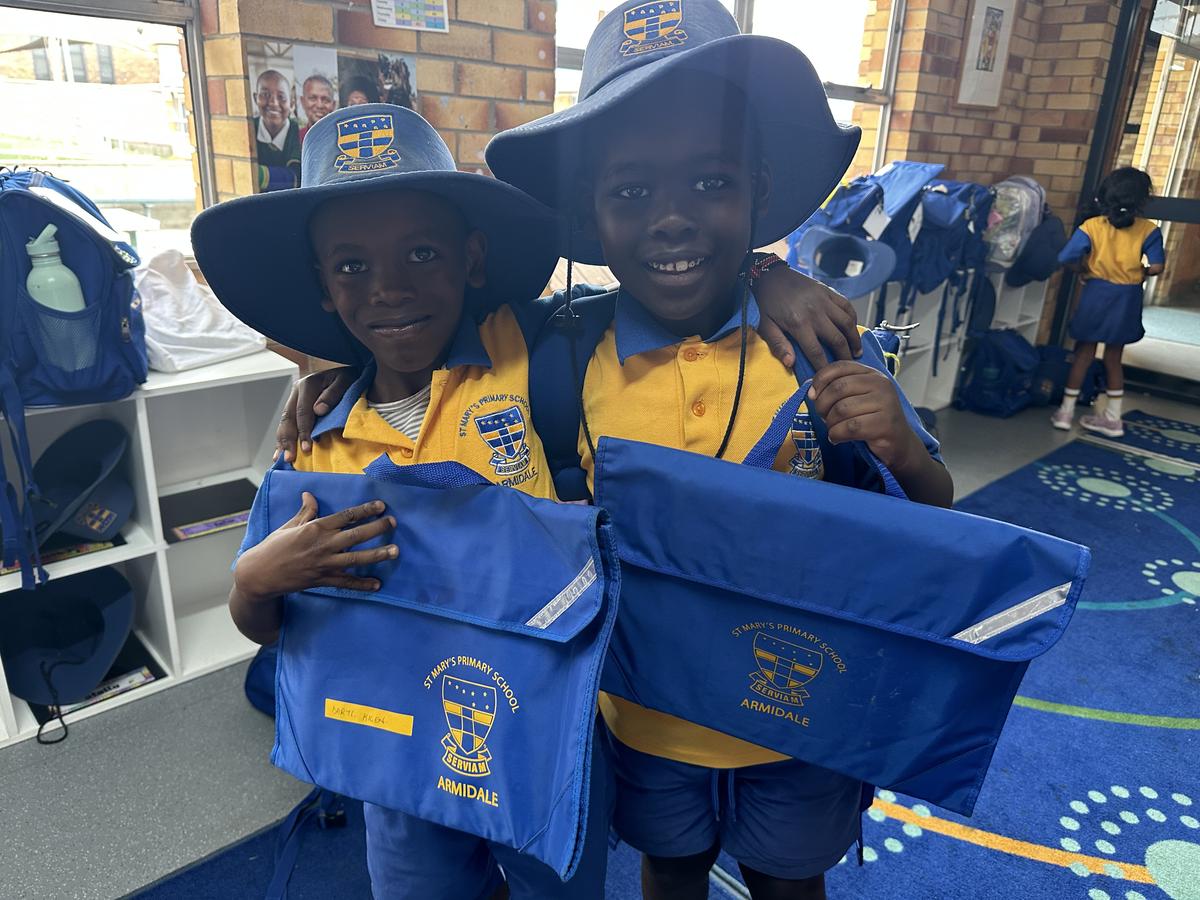
Students are encouraged to bring their library bags in on Wednesday or Thursday (depending on their borrowing day) to have a chance at winning the funky fruit/vegetable reward for the week.
Congratulations to the Week 10 winner of "The Egg Family" consisting of Shellock Holmes, Eggatha, Eggbert, Benedict, Sunny and Eggward - Sreya (Year Six)
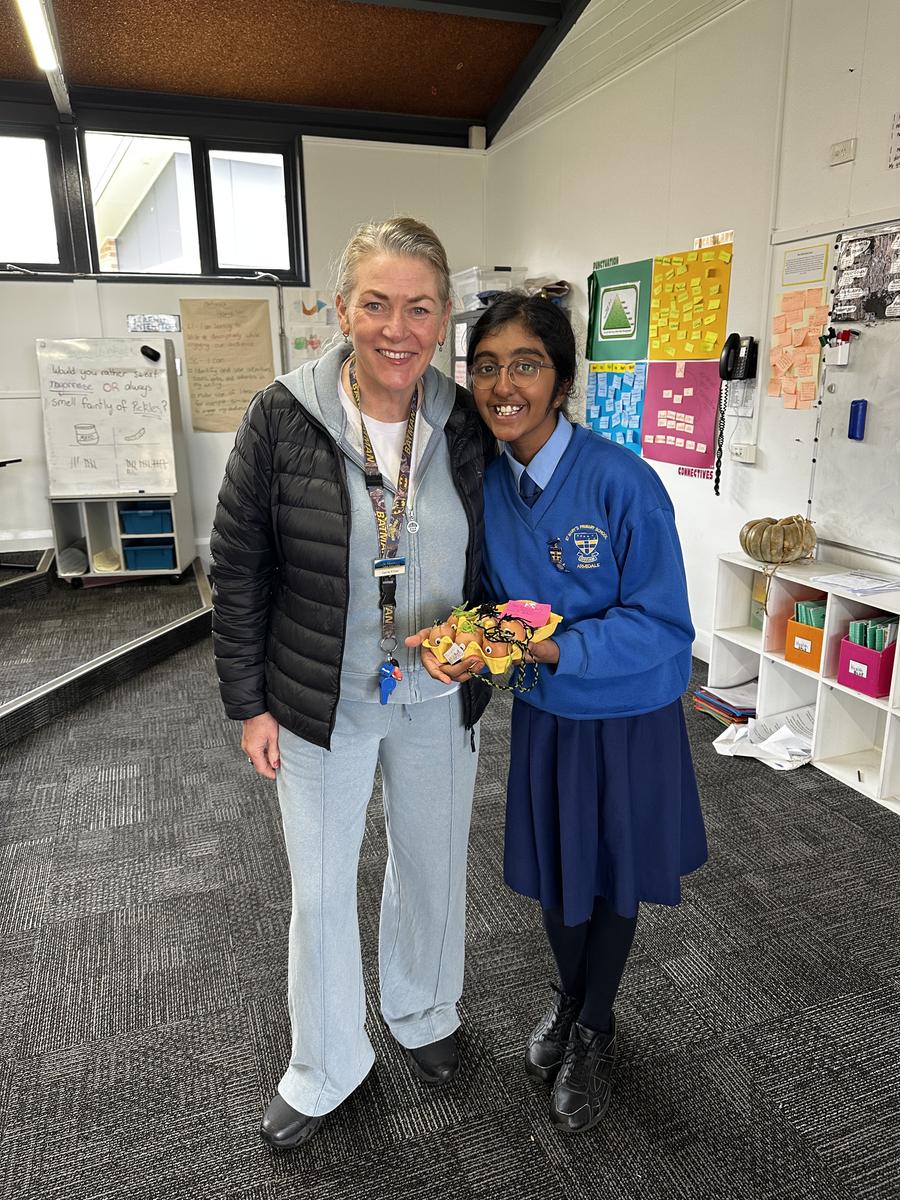
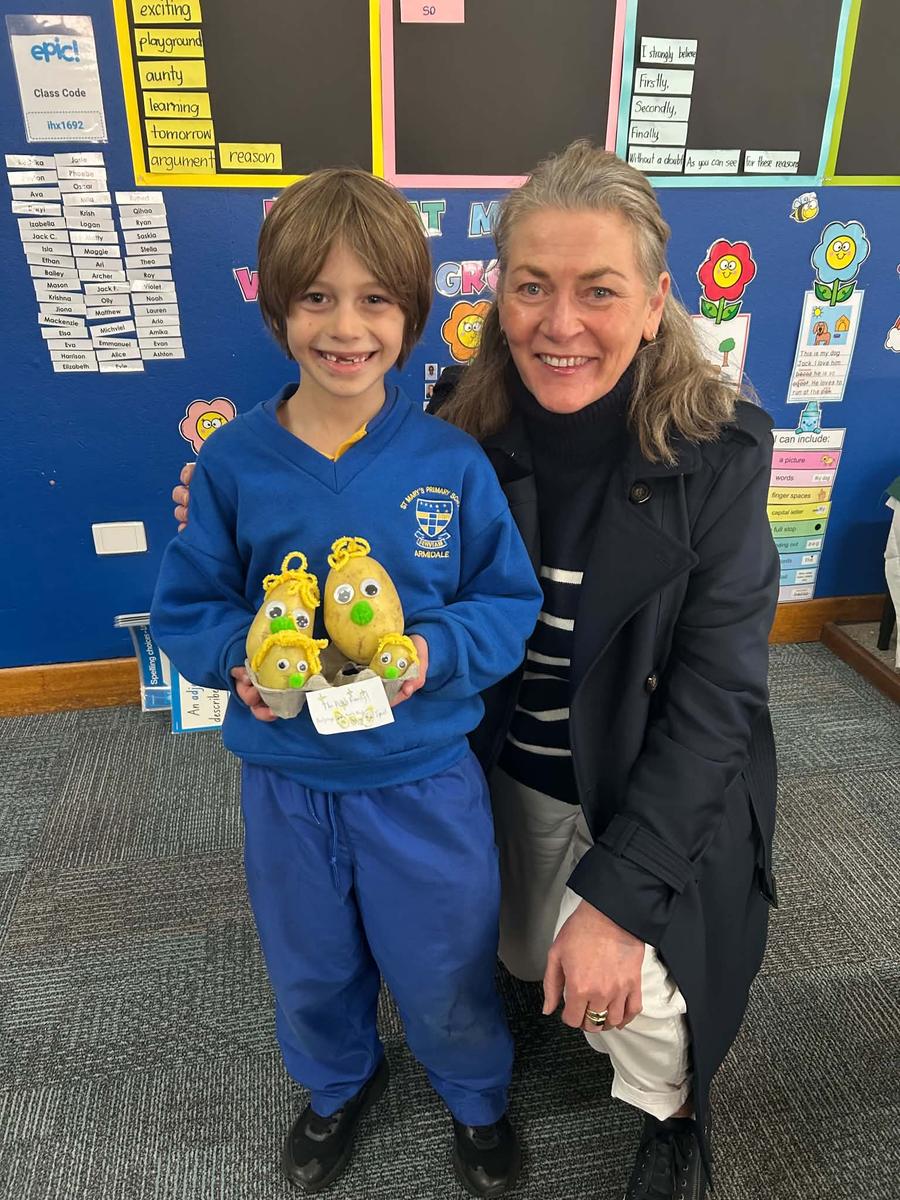
Congratulations to the Week 11 winner of "The Potato Family" consisting of Peelelope, Curly, Pringle and Spud - Ashton (Year One)
The reading challenge deadline is Friday 18 September 2026. There are detailed instructions below about how to log books your children have read. If you are unable to access an appropriate device or internet connection at home for recording your child's reading, please just record the titles and authors on paper and they can bring them to me to record them. For more information about the Student Experience Site you can watch the video available here.
Adding Books
Step 1: Follow this link to the Student Experience Site
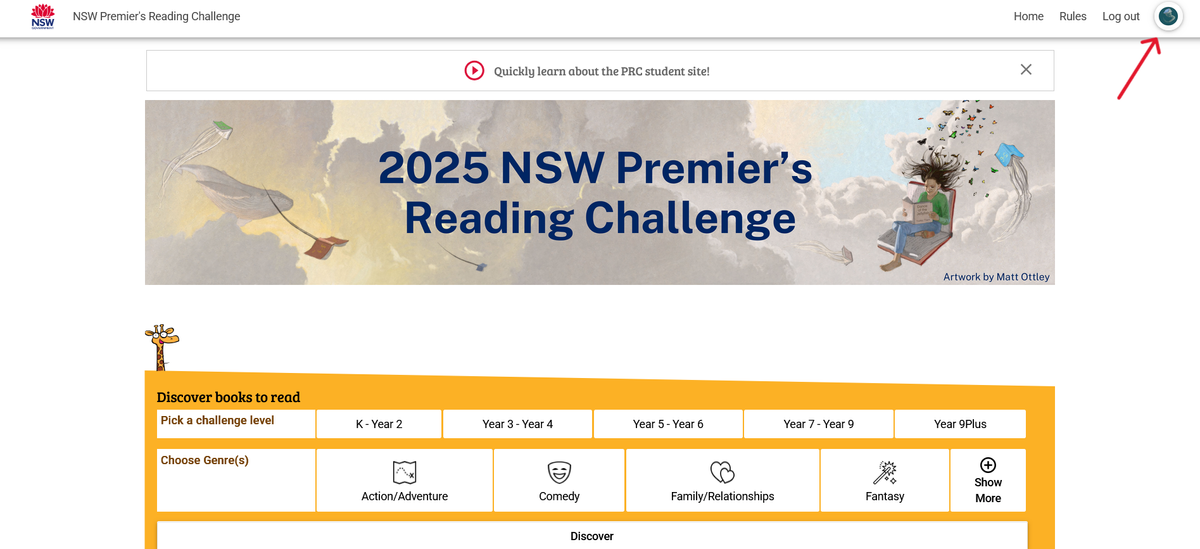
Step 2: Log in using the button in the top right corner with the details on your child's PRC login card.
Step 3: To record books already read (you can include books that have been read earlier this year), click on the avatar in the top right corner, then click on "My Reading Log". NB: Books should only be added when they have been read from cover to cover!
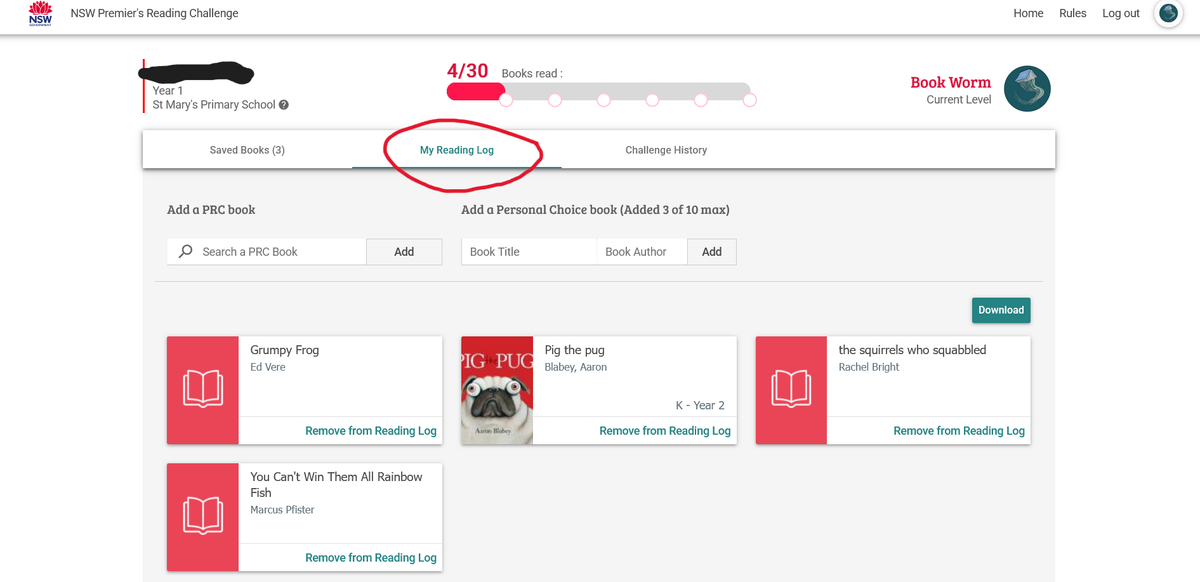
Step 4: Start typing the name of the book read into the "Add a PRC Book" search, select the title from the drop-down menu and click "Add".
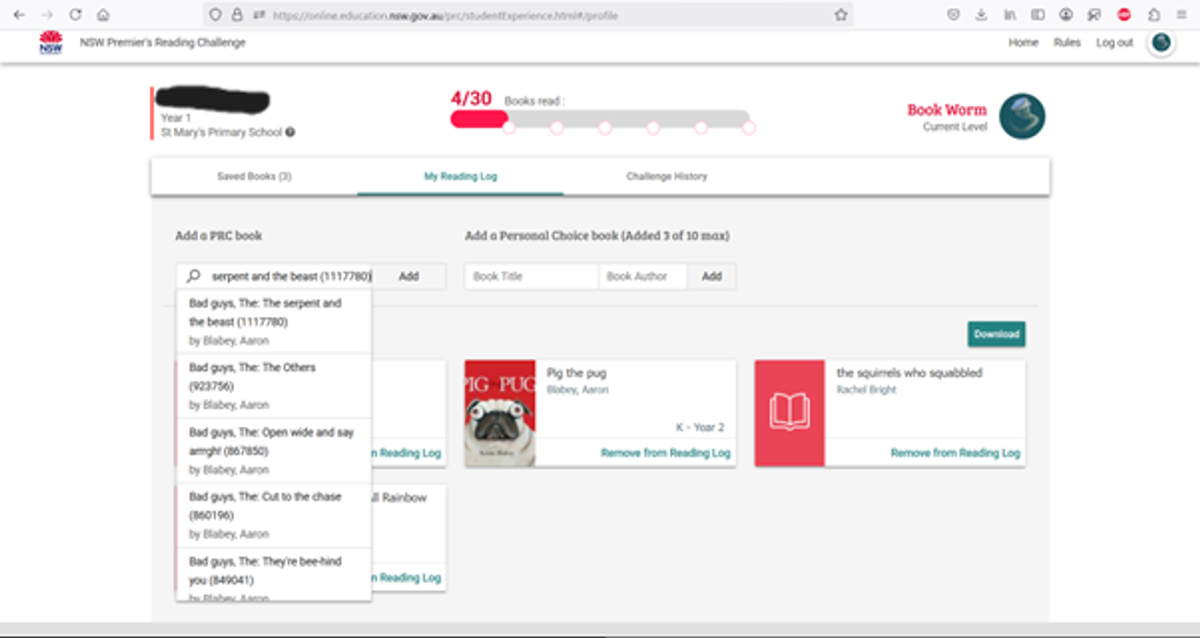
Step 5: If the book does not come-up in this search, it is not a PRC list book for 2026 and needs to be added as a personal choice book. Type the title and author into the fields and click "Add".

Borrowing will occur during library lessons to give the students more focused time to engage with library borrowing. Students must have a library bag with them on borrowing days.
Please refer to the list below to see which day your child/ren will need to bring their library bags and return any books that are due in order to borrow new books.
ES1 - Wednesday
S1 - Thursday
S2 - Thursday
S3 - Wednesday