TECHNOLOGY





 ST JOSEPH’S COLLEGE MILDURA

PRODUCT DESIGN & TECHNOLOGY AND SYSTEMS ENGINEERING
It has been a hands-on and creative term in the Technology Learning Area!
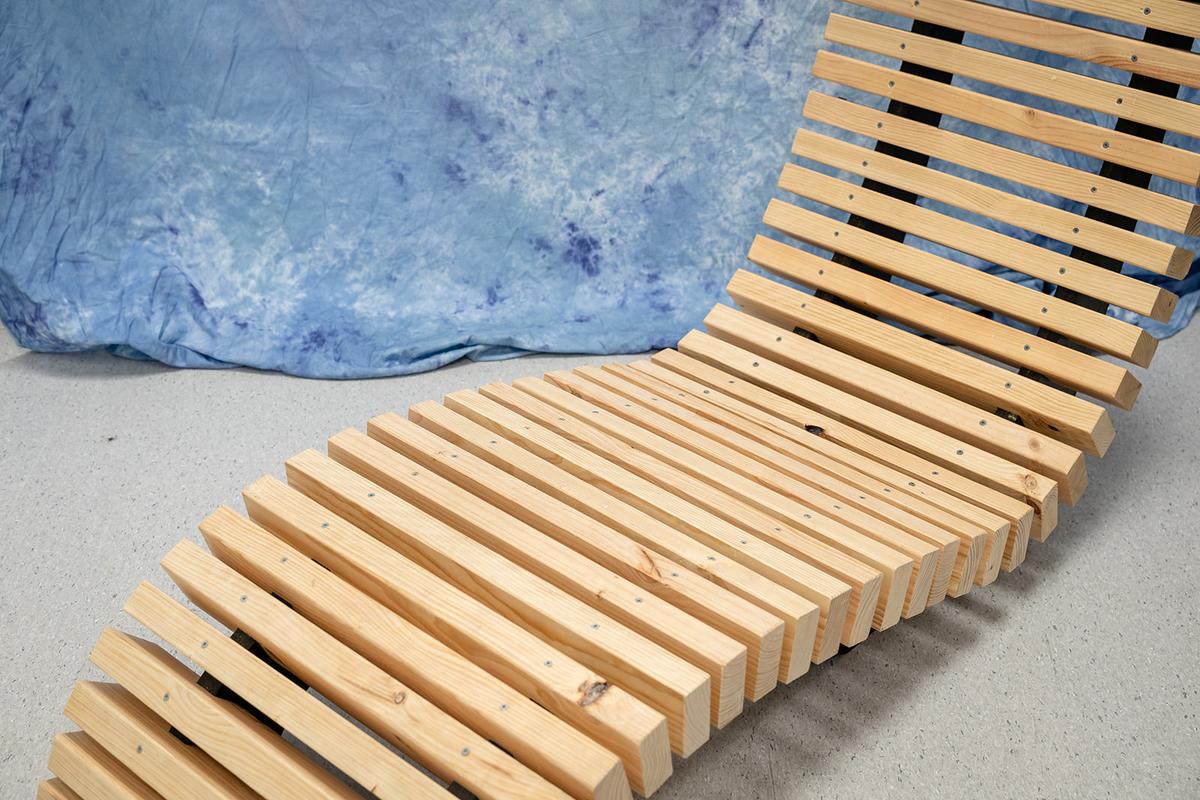
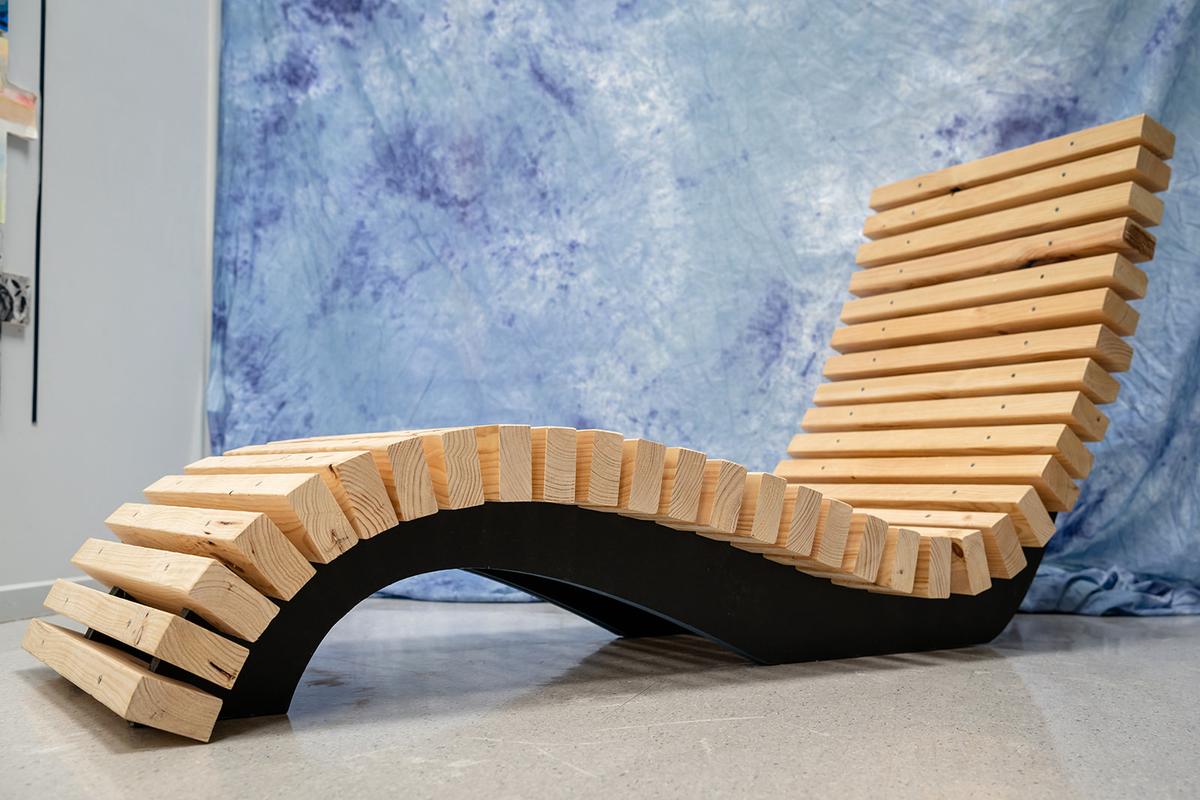
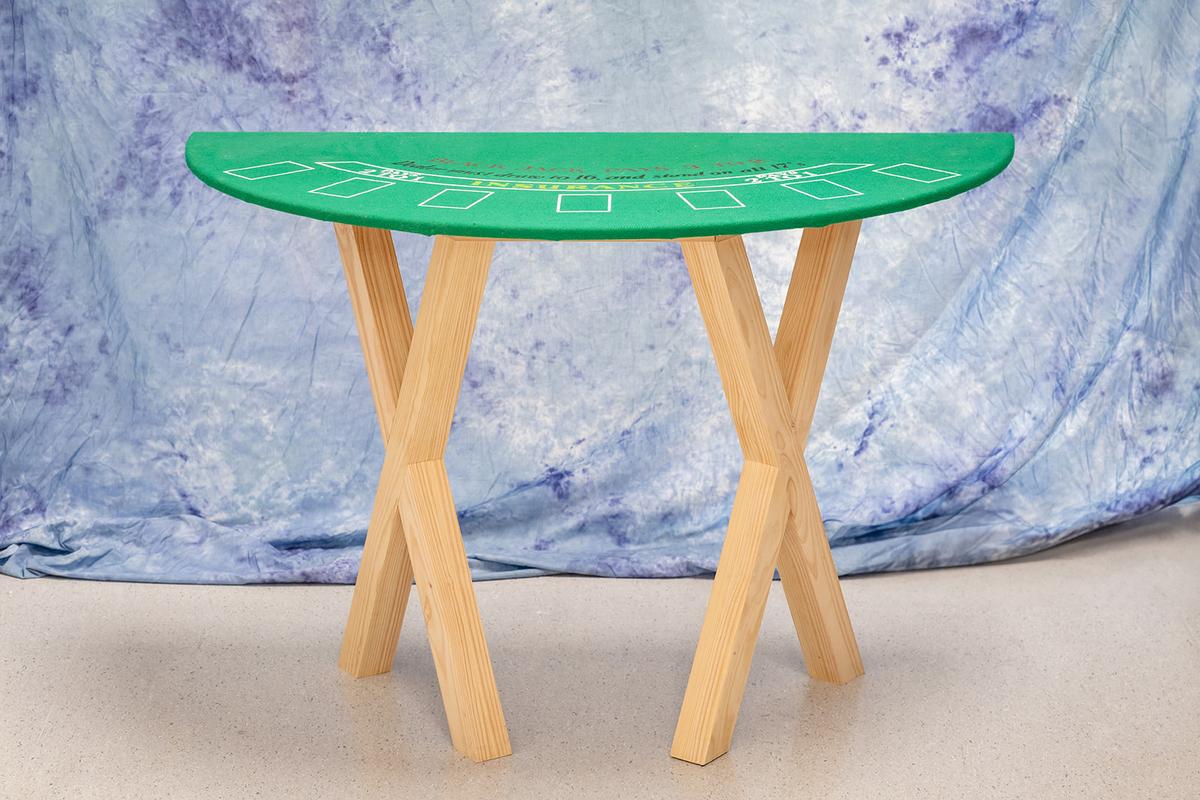
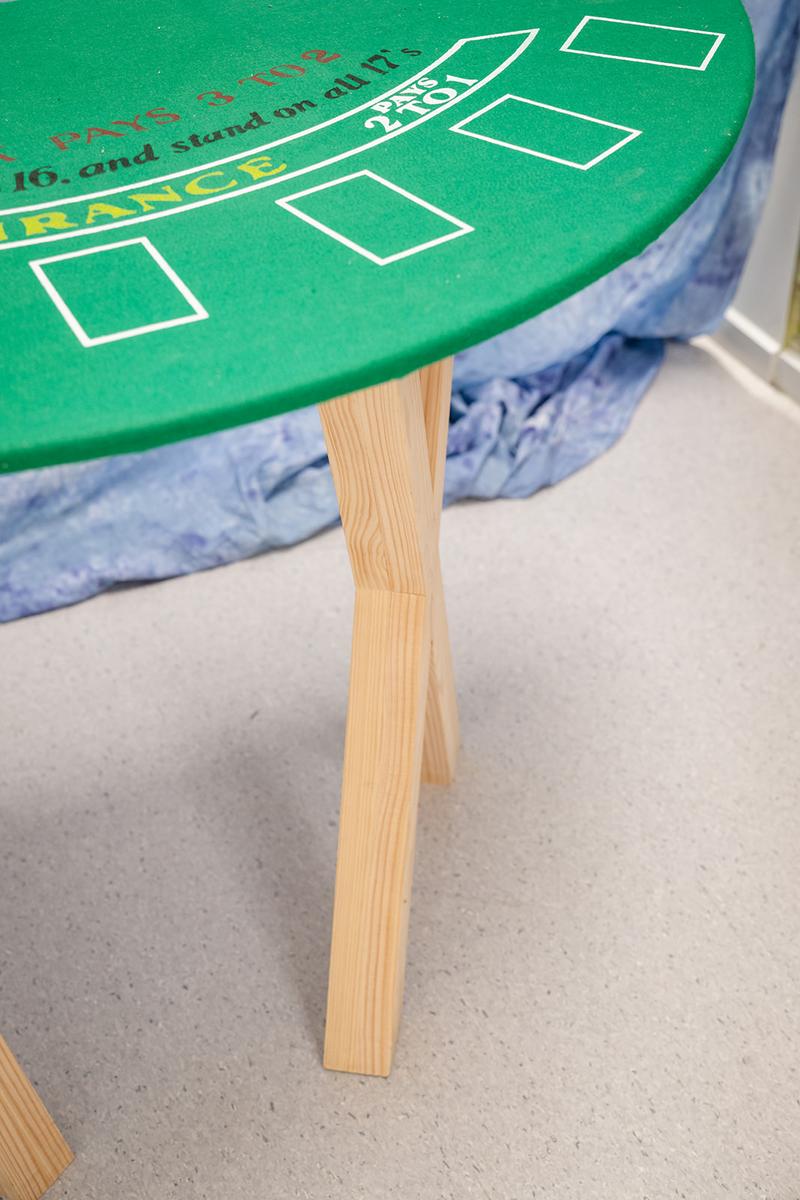
Our Product Design and Technology students have been busy designing and crafting a range of impressive projects, from intricate timber shelves to sturdy pieces of furniture. Through these projects, students have learned the importance of precision, patience, and pride in their workmanship. They have created some very impressive products pictured below.
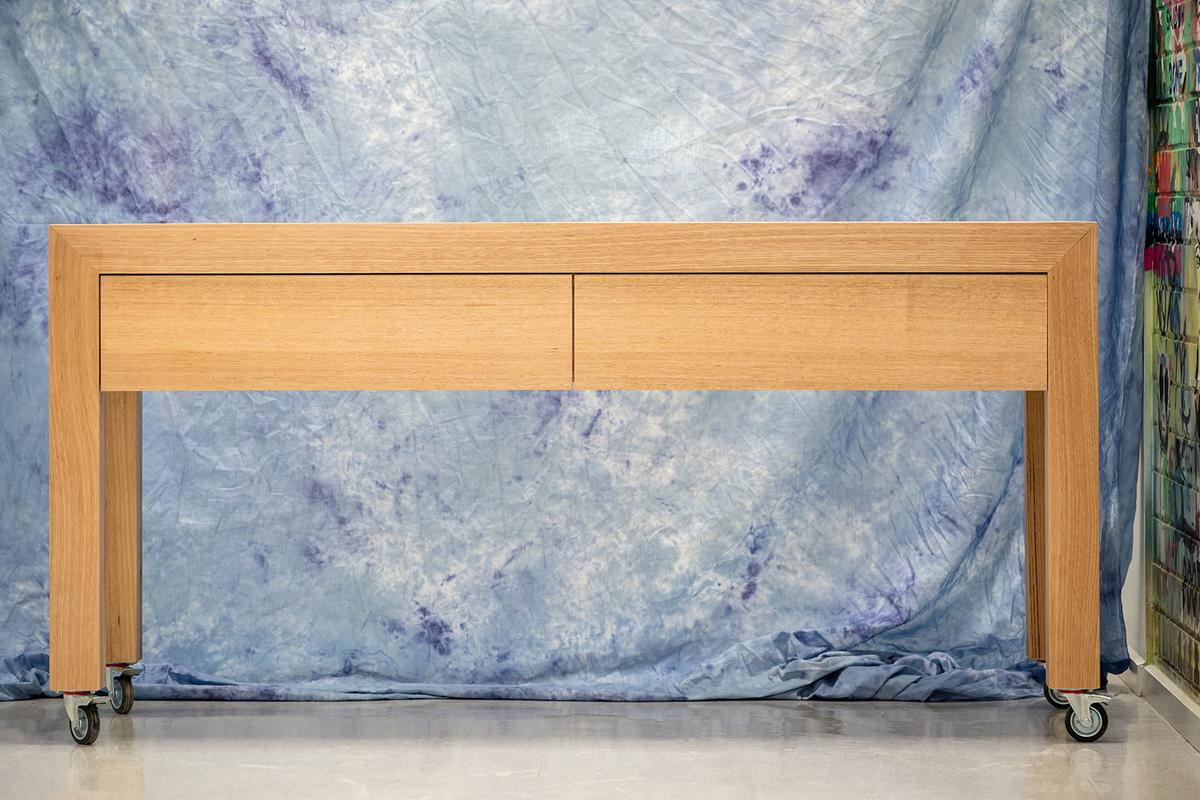
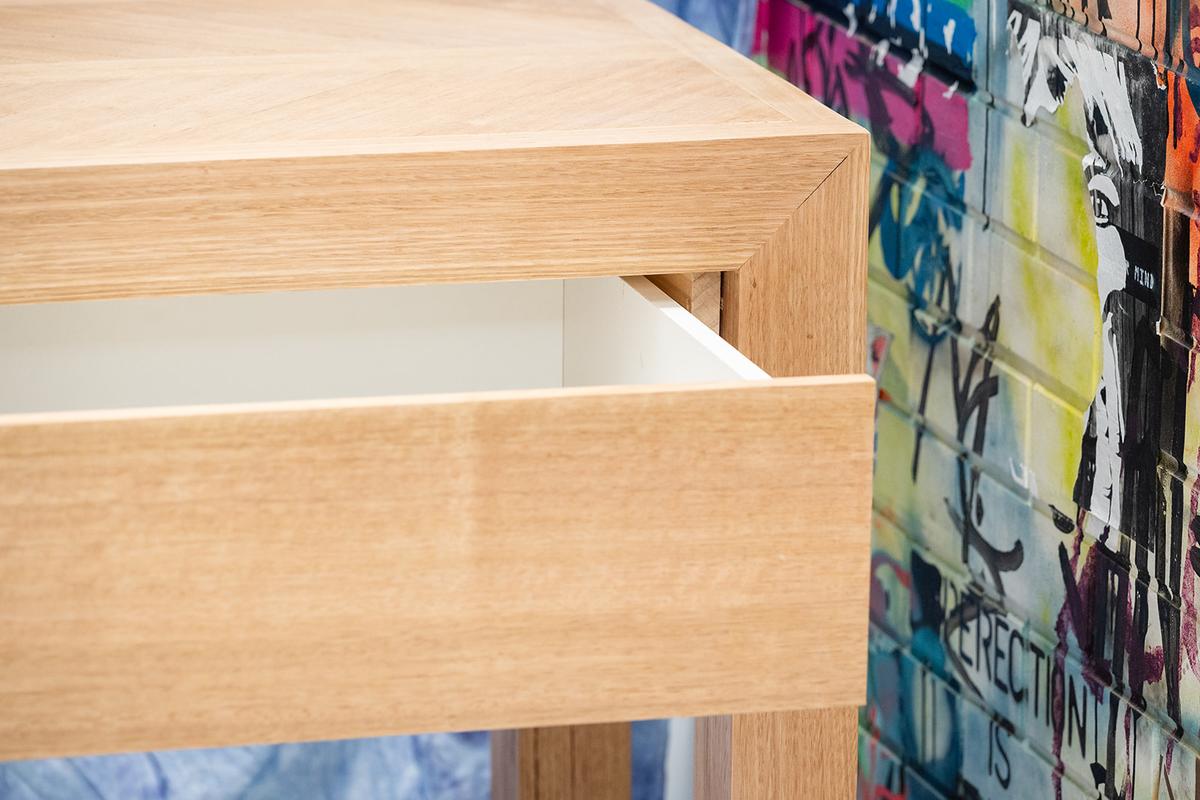
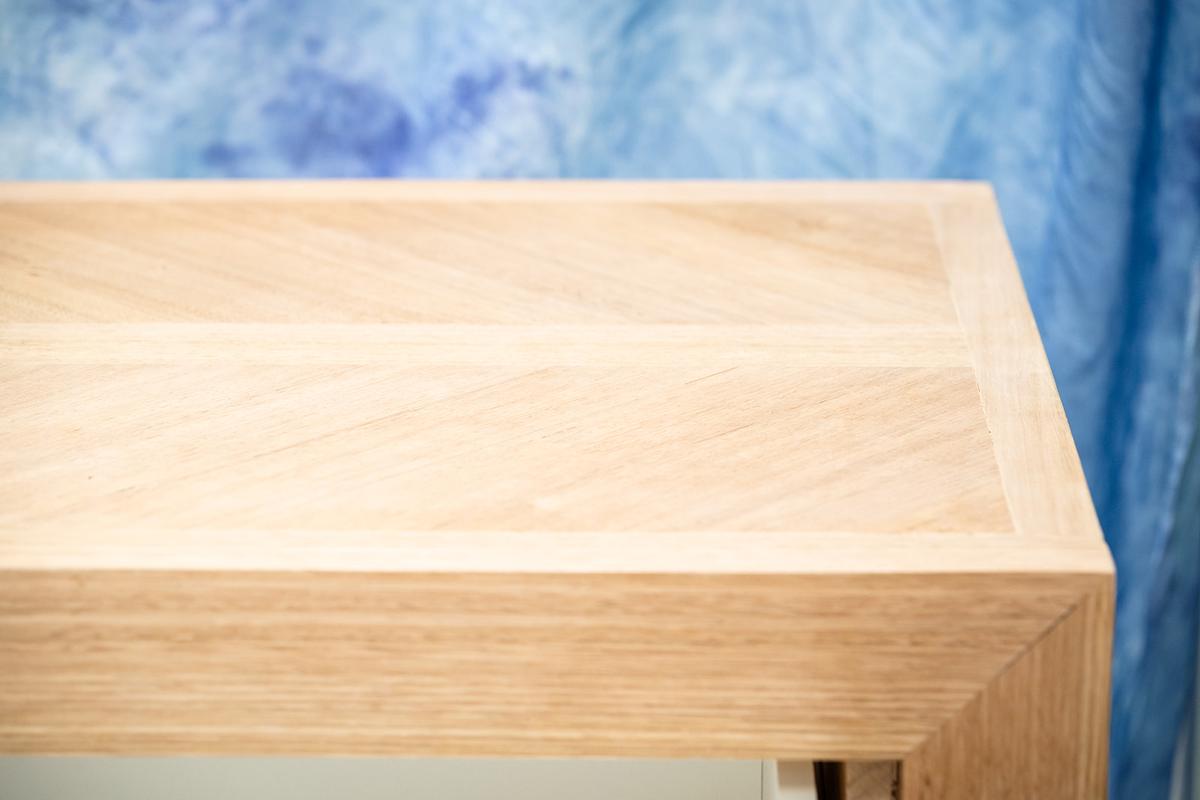
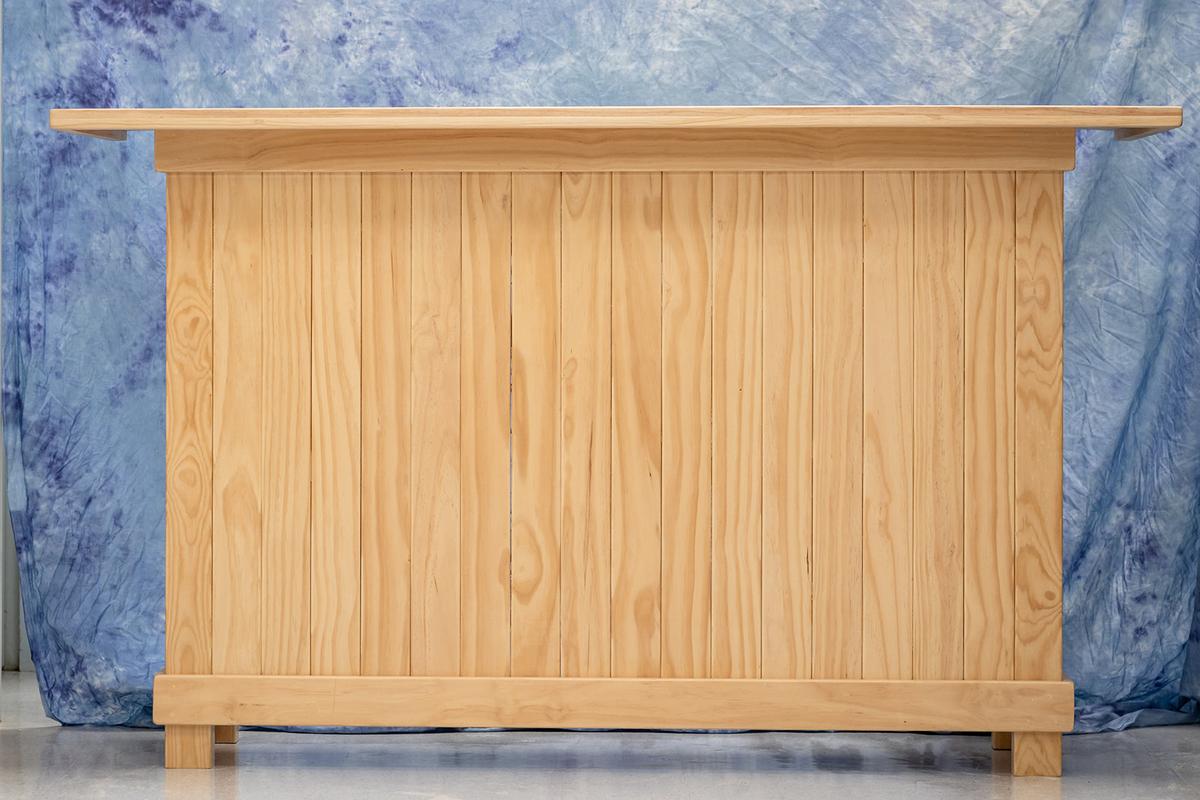
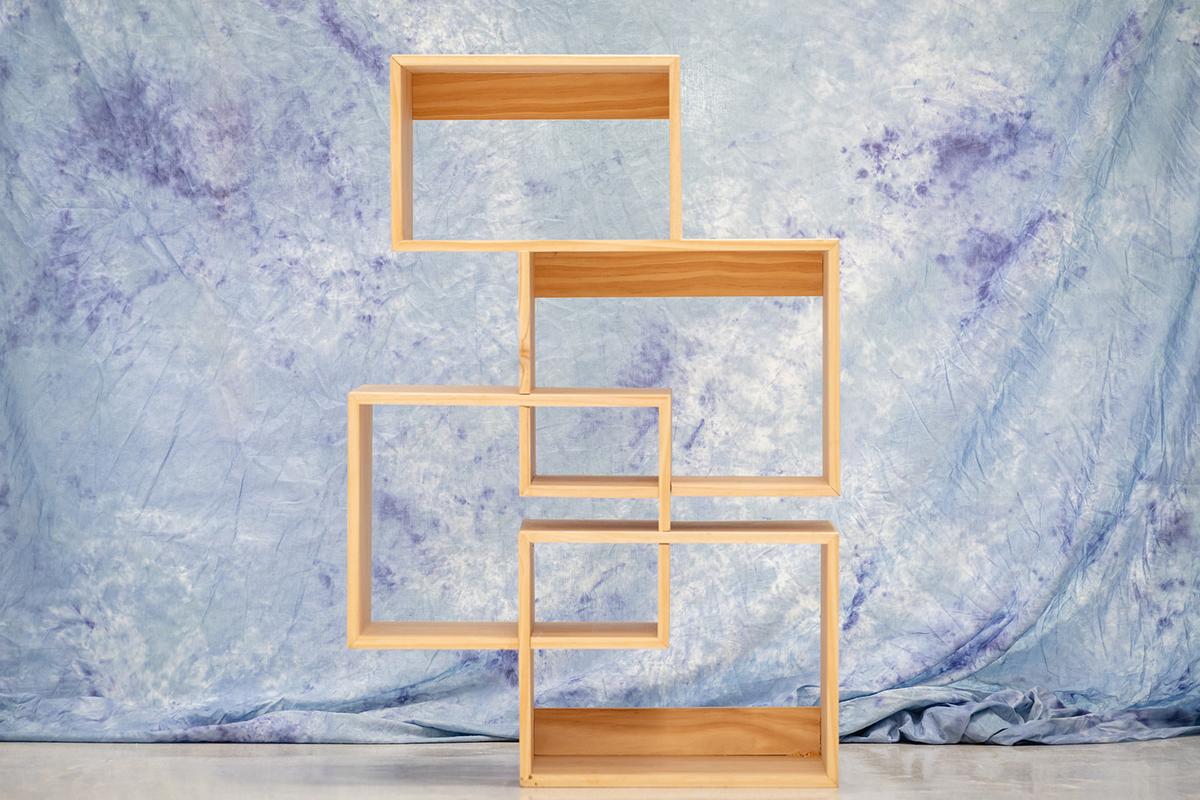
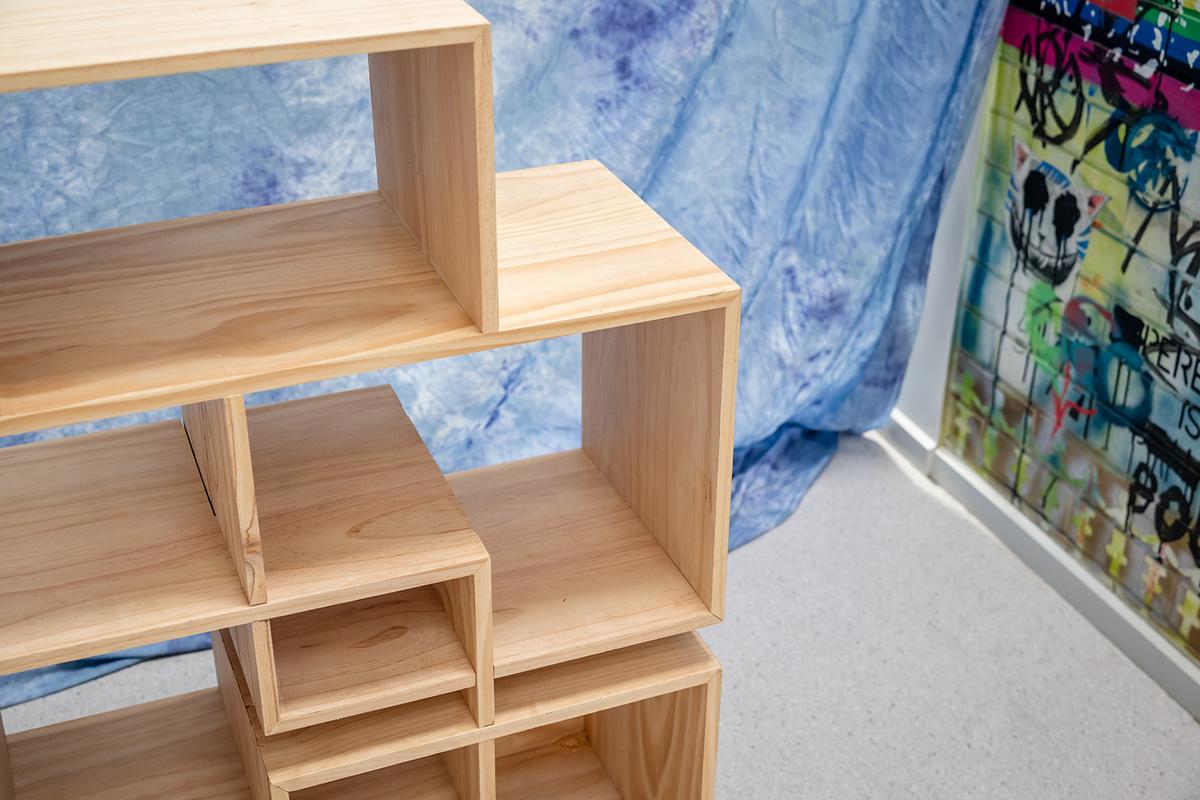
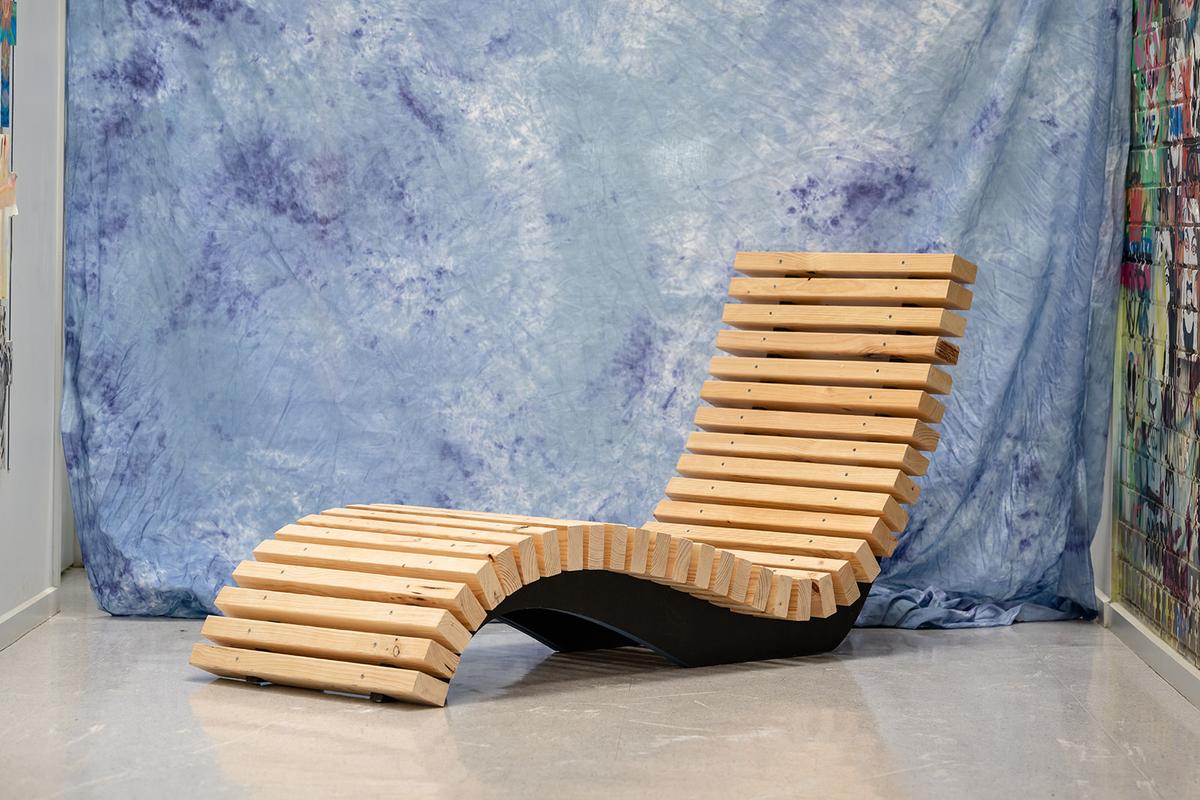
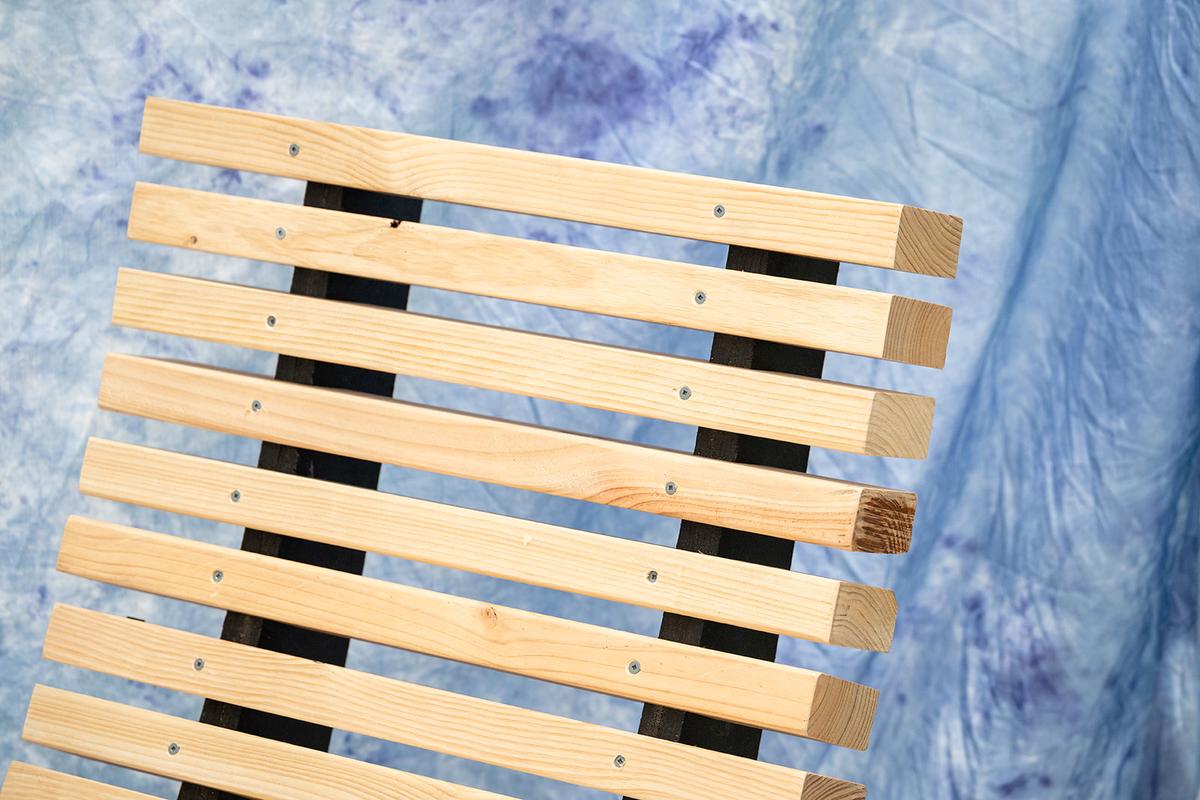
In Systems Engineering, students dived into the world of automation and electronics to build machines that move, lift, and respond to control systems. They not only developed technical skills but also problem-solving and teamwork abilities that will serve them well in future studies and careers.
We are proud of the innovation and persistence our students have shown this term. The future of design and engineering is certainly in good hands!
Mr Anthony Forrest
Technology Learning Area Facilitator
YEAR 9 ICT DIGITAL TECHNOLOGY
PROGRAMMING FOR GAMES
by Henry Avery and Nate Bresnehan
In Semester Two our class was tasked with making different varieties of games.
The most useful tool we used was the Platformer Toolkit, which taught us how to build and control the game environment to create our own platformer levels. It helped us understand how different objects interact, such as players, platforms, and enemies, as well as how to use physics and collisions to make the game feel better and fun to play.
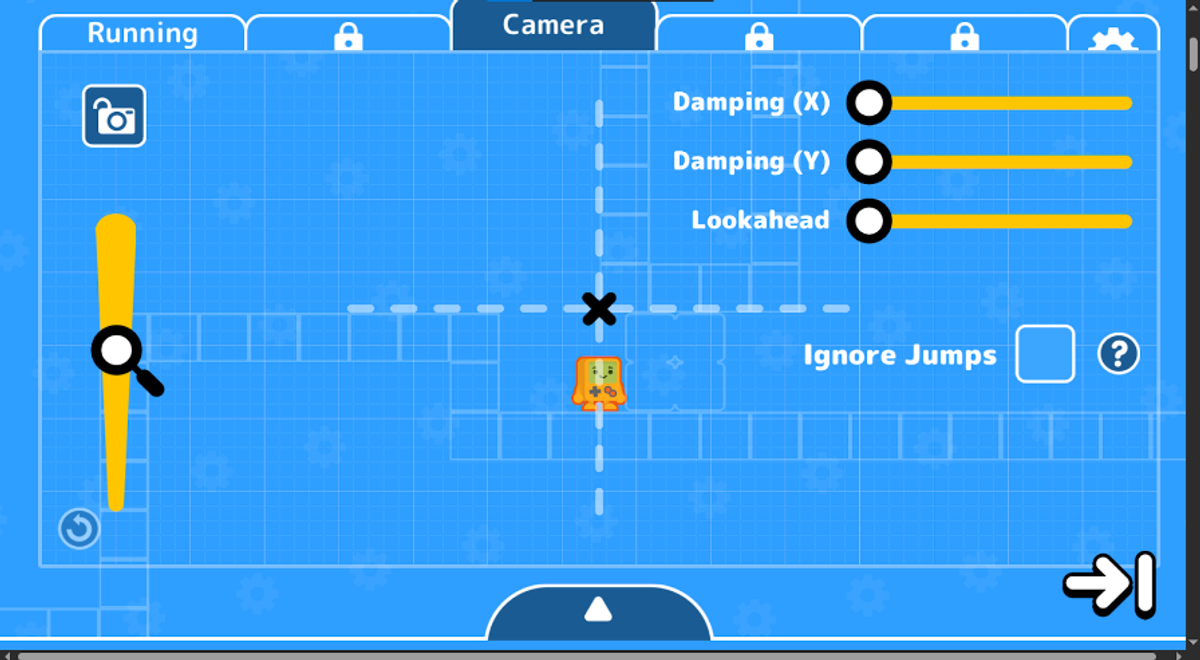
Platformer Toolkit
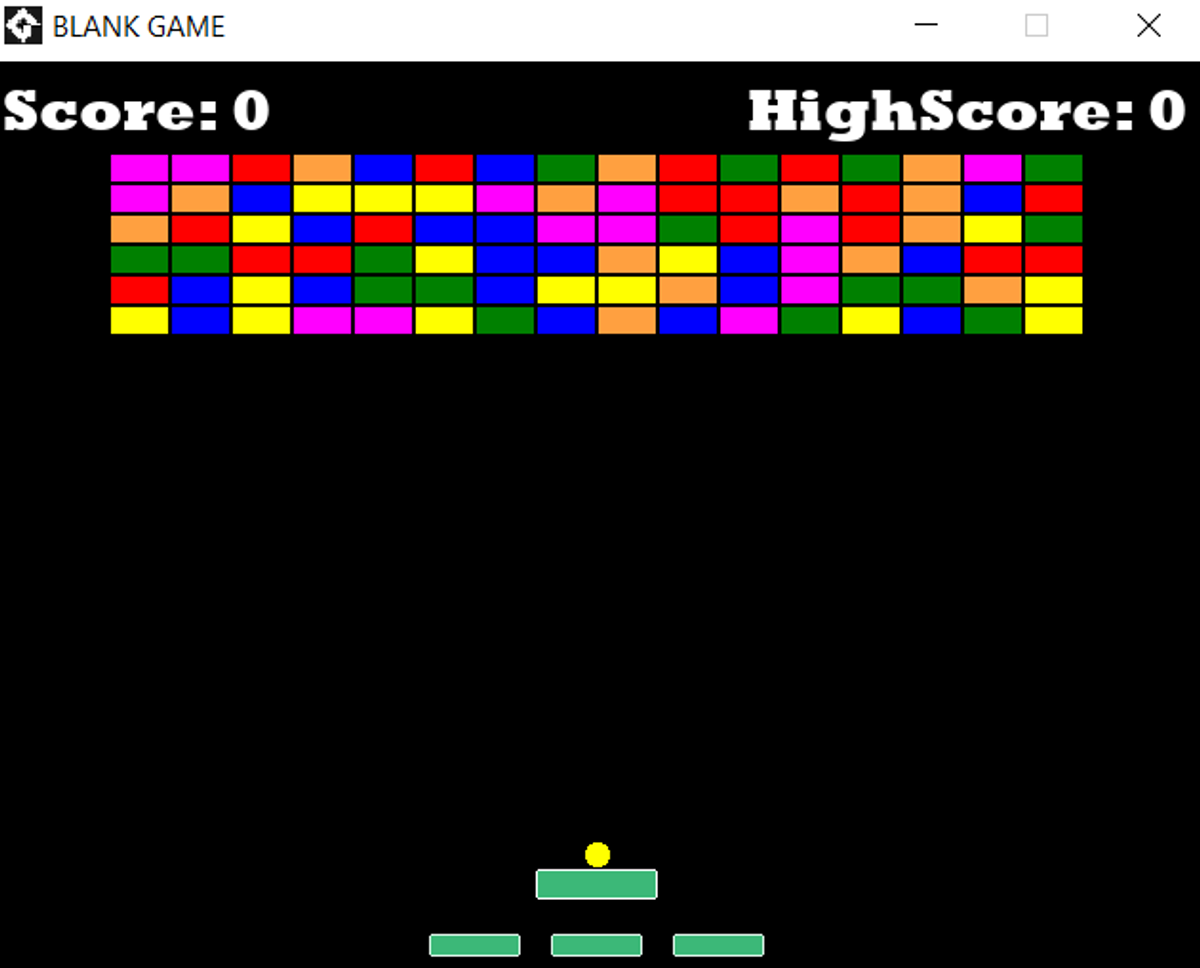
Breakout game test run
Platformer Toolkit
Breakout game test run
The main game engine that we learnt to use was GameMaker. It was challenging at first to learn the way around it but it was soon relatively easy to use. Some of the games that the students made were 'Catch the Clown', 'Break Out', and 'Lazarus'.
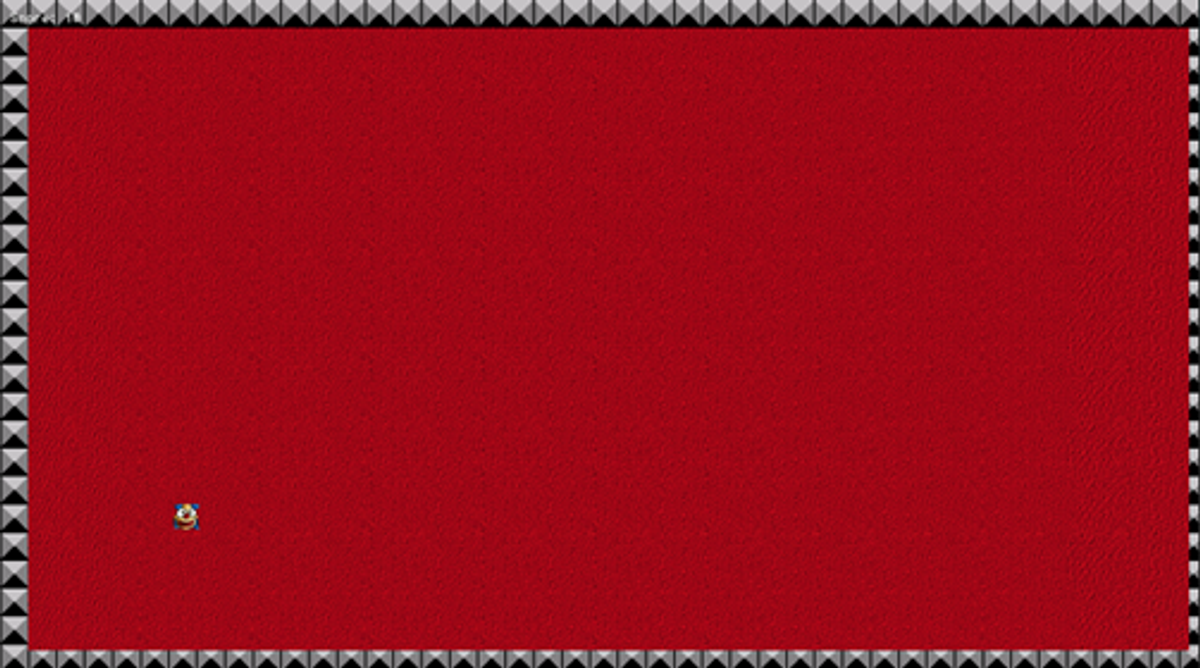
Catch the Clown test run screenshot
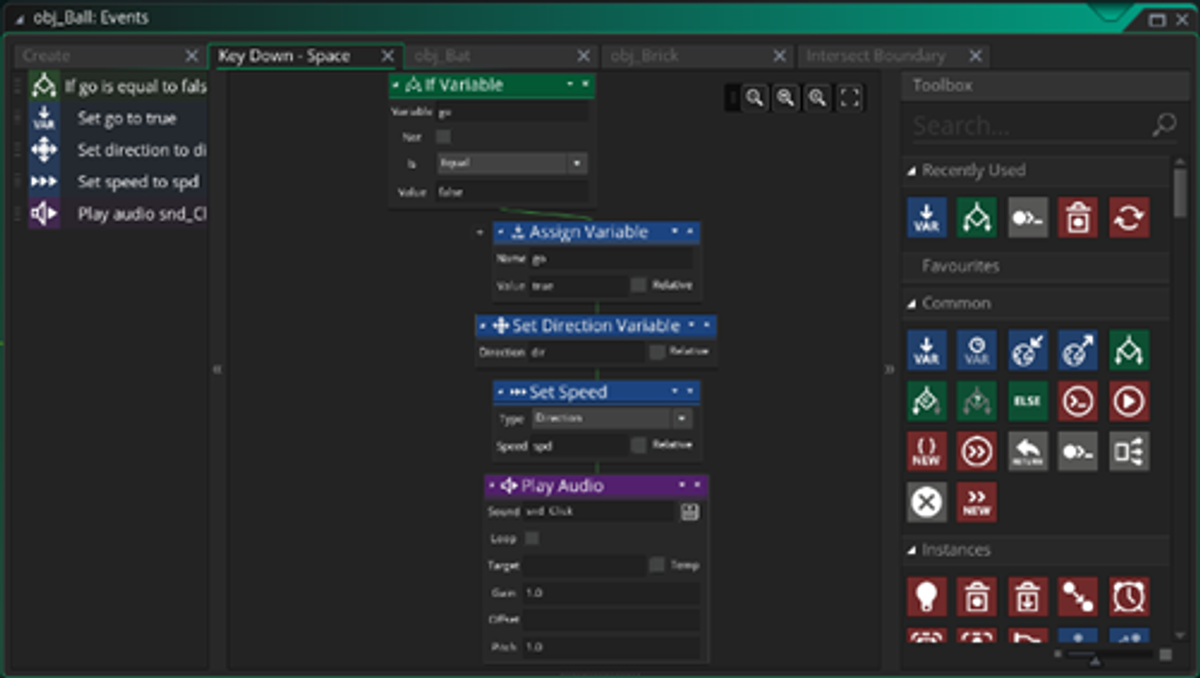
GML Block Code
Catch the Clown test run screenshot
GML Block Code
WHAT PROGRAMMING LANGUAGE DO WE USE?
The programming languages available to us were GML (GameMaker Language) Block and GML Code. GML Block uses drag-and-drop blocks that fit together like puzzle pieces, making it easier to understand how the code works without needing to type everything.
GML Code, on the other hand, is a text-based version which allows for more control and flexibility and lets you deeply customise your games by writing specific instructions line by line. Throughout the semester, we used both styles to design and build our own games, and learned how to create characters, set up levels, and add features like movement, scoring, and sound effects.
WHAT SKILLS DO STUDENTS LEARN IN THIS SUBJECT?
In Programming for Games, students learn a mix of technical and creative skills. We develop problem-solving abilities by figuring out how to make game mechanics work, like movement or scoring systems. We also learn how to use logic and coding through GameMaker Language (GML), both in block and code form. Alongside programming, we practise creativity by designing levels, characters, and storylines. Teamwork, planning, and debugging are also key skills we build as we test and improve our games.
DIGITAL DESIGN
In Digital Design in Semester One we started by making our own website using Google Sites. We also made a 'choose your own adventure story' on our website. We learnt how to connect different pages through buttons to create an interactive story. Students in the course said, 'The easiest aspect was connecting the websites through buttons.' and 'The most useful aspect of this course was the tips and tricks used to get the most out of my website.'
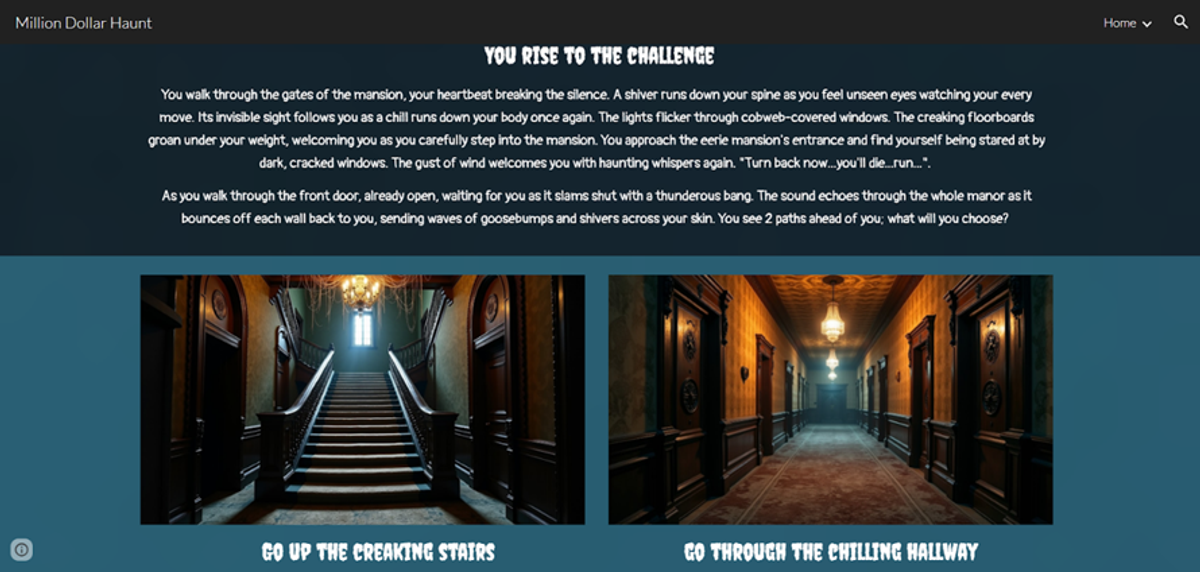
Choose Your Own Adventure Website screen shot
Choose Your Own Adventure Website screen shot
Then we used Adobe Photoshop to create Pixel Art. We all designed an object, an item, and a background. The most useful aspect of the Pixel Art topic was instructions on how to use photoshop and the tutorials.
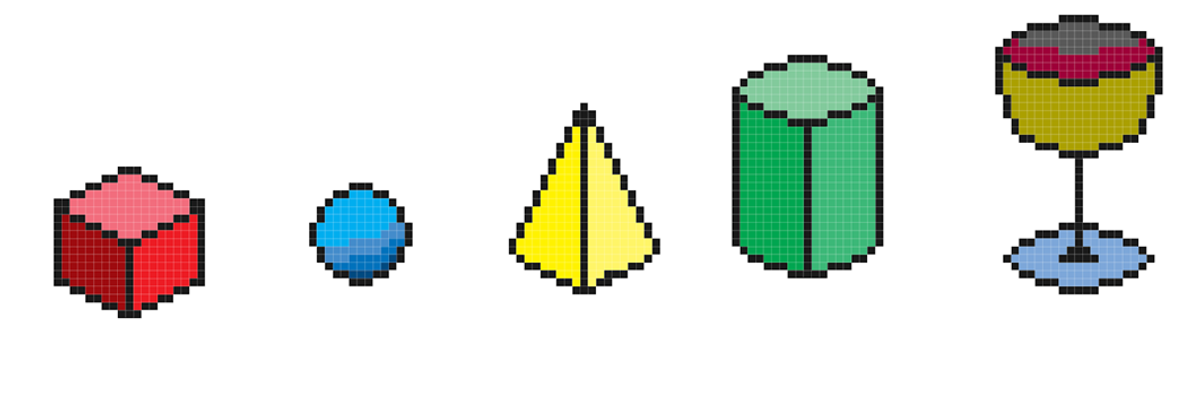
Photoshop examples of pixel art forms which were used to develop a variety of designs.
Photoshop examples of pixel art forms which were used to develop a variety of designs.
After that, we made 3D models of the characters from the stories on our websites. We used a program called Tinkercad, which is a free, web-based 3D modelling tool that lets users design and build objects using simple shapes. It’s a great starting point for learning 3D design because it’s easy to use and runs entirely in your browser. We created our own character models by combining shapes, resizing parts, and adding small details to match our story designs. All students even exported their models for 3D printing to bring their characters to life.
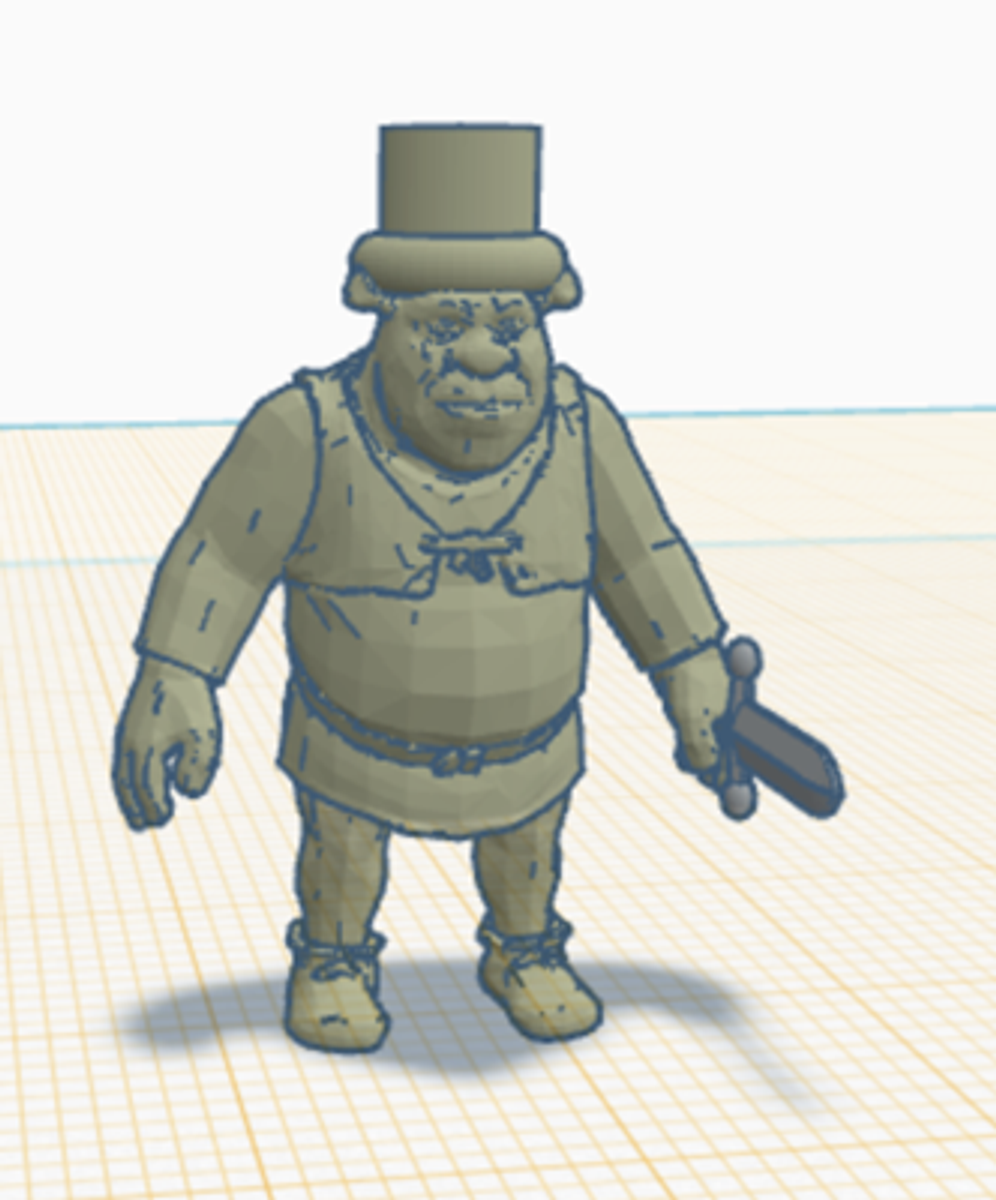
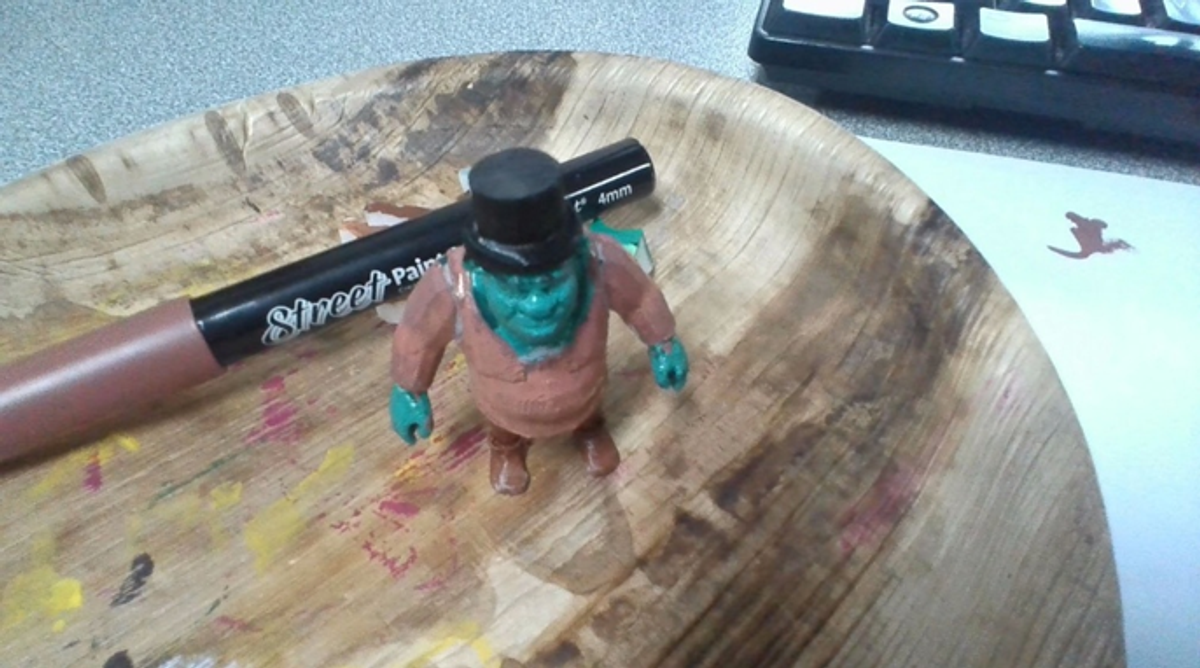
Tinkercad screenshot and completed 3D printed object
Tinkercad screenshot and completed 3D printed object