News from the Office & School Events
Special Events Information & Administration Updates
Contact Details: office@shnewport.catholic.edu.au














 Sacred Heart Primary School

News from the Office & School Events
Special Events Information & Administration Updates
Contact Details: office@shnewport.catholic.edu.au
Our OHSC provider, MACSEYE, have advised that the program will not be running on the 16th - 18th December due to traditionally low attendance. The school has advised MACSEYE that we are supportive of the program operating should the situation change.


ALL ONLINE ORDERS FOR ISSUE 8 TO BE PLACED BY SUNDAY 29TH NOVEMBER

The Archdiocesan Enrolment Committee (AEC) has approved the key enrolment dates for students starting Year 7 in 2029 (Year 4 2026)
Key Information

A friendly reminder to families that dogs are not permitted on school grounds before, during or after school hours. While we know that many families walk their dog for school drop off or pick up, this requirement helps ensure the health, safety and wellbeing of all students, staff and visitors.
We appreciate your support in helping us maintain a safe and welcoming environment for everyone.
We ask for your support in ensuring that students are attending school in the correct Sacred Heart school uniform each day. PE uniform and runners should only be worn on days that students have PE.
All shoulder length hair needs to be tied up/back with hair ties or scrunchies. There have been quite a few cases of headlice in recent weeks.
The correct uniform can be viewed on the PSW website.
Please note the attached letter from the Uniform Group PSW regarding price adjustments for school uniforms as of the 1st October.
The preferred option for payment of school fees is via the CDFpay App by setting up payments either via credit card (fees apply) or direct debit (no fees). Please see below for information and instructions on how to set up the CDFpay App.
Alternatively, payments can be made using the following options:
Thank you to the families who have already set up their school fee payments. If you have any questions regarding school fees or require further assistance, please contact Mary at the school office.
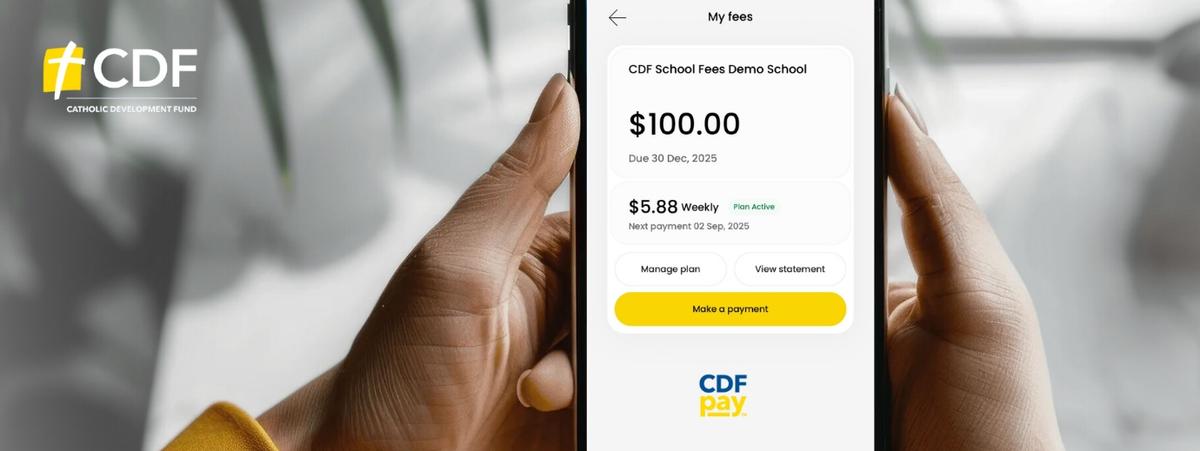
What you need to do
Please follow these instructions to register for a CDFpay account for payment of school fees:
Note: Only one parent or guardian per account code will be able to link and manage school fees in CDFpay.
CDFpay support
Further information and FAQs are available at https://support.flexischools.com.au/cdfpay-school-fees#main-content
nForma is the school’s platform for managing the following functions:
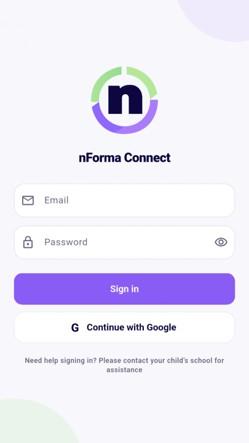
Please ensure that you download the nForma Connect App, so that you can use the above functions.
**Please be advised that the nForma for Parents App is no longer used.
We will continue to use Seesaw in 2026 for the purposes it is now used for.
If you require assistance, please contact the school office on 93916262.