Page 0 Banner Photo
Cover Page
Principal's Message Banner Photo
Principal's Message Prep Enrolments 2024, 20 Year and 10 Year Celebration, NEW SCHOOL VALUES, END OF TERM DISMISSAL, SAVE THE DATES - TERM 3
Upcoming Events  Banner Photo
Upcoming Events  Hillsmeade Primary School calendar:
PLEASE READ: PRODUCTION NEWS! Banner Photo
PLEASE READ: PRODUCTION NEWS! PRODUCTION NEWS!, Rehearsal day- Years 4/5/6.WEDNESDAY 21st JUNE, Rehearsal day - YEAR 3. WEDNESDAY 21st JUNE, Production night- Years 4/5/6. WEDNESDAY 21st JUNE, Main cast:
TOMORROW!National Pyjama Day Banner Photo
TOMORROW!National Pyjama Day
NOTICE BOARD  Banner Photo
NOTICE BOARD Last day-Term 2, First day-Term3 , NEXT ASSEMBLY , BREAKFAST CLUB , ACE Foundation Free Glasses Program, Parenting Resources, ENGLISH FOR PARENTS at Hillsmeade ELC , Annual privacy reminder for our school community
Backpacks4VicKids! Banner Photo
Backpacks4VicKids! Backpacks4VicKids!
Little Learners Love Literacy Banner Photo
Little Learners Love Literacy                             Prep Year 1&2, Survey Responses
Early Learning Centre Banner Photo
Early Learning Centre What is happening in the ELC, Our Learning, News and Reminders, Apply now to enrol your child in Foundation (Prep) for 2024, Celebration of Learning
Prep Update Banner Photo
Prep Update Upcoming learning , News and reminders , Celebration of learning
ACE Foundation Banner Photo
ACE Foundation ACE Foundation – Aiding Casey Education
Year 1 Update Banner Photo
Year 1 Update Upcoming Learning
Year 2 Update Banner Photo
Year 2 Update
Year 3 Update Banner Photo
Year 3 Update Upcoming Learning:, News and Reminders:, Celebration of Learning:
Year 4 Update Banner Photo
Year 4 Update Upcoming Learning:, News and Reminders:, Celebration of Learning: 
Year 5 Update Banner Photo
Year 5 Update Upcoming Learning:, Grade 5 Heroes:, Special Mentions, Homework
Year 6 Update Banner Photo
Year 6 Update News and Reminders:
Student Leaders 2023 Banner Photo
Student Leaders 2023 Message from our Sport Leaders - Jordan & Jayden, What we have covered this term:
Sustainable snapshot Banner Photo
Sustainable snapshot World Oceans Day - Thursday 8th of June , Wonder bread bag recycling program - One month to go! Please keep collecting. 
Term 2-Specialist classes Banner Photo
Term 2-Specialist classes Music – Mrs Lisa Scott, Performing Arts - Mrs Carmen Collins, Physical Education – Mr Ahmad Chazbek & Mr Jeff Mcgann, Visual Arts - Mrs Andrea Garwood & Mrs Lainie Owen, Digi Tech/Media Arts– Mr Hardev Singh & Mrs Janelle Struth, STEM – Mrs Carolyn Okamura, Mandarin – Miss Wei Wang
Digital Learning Banner Photo
Digital Learning Managing Devices at home
From Our Community Banner Photo
From Our Community
First Aid Update Banner Photo
First Aid Update
Useful information Banner Photo
Useful information Keep Up to Date, Arriving Late - Late Pass Essential, Student Collection, Attendance, Uniform, Canteen, Staff Carpark, Reports , Parent-Teacher Conferences, Email, Excursions, Incursions & Camps, Scholastic Book Club
View archive
Published by
Hillsmeade Primary School
82 The Promenade, Narre Warren South, Victoria, 3805, AUhttps://www.hillsmeade.vic.edu.au/hillsmeade.ps@education.vic.gov.au03 9704 6313 Facebook X / Twitter Vimeo
Banner Photo

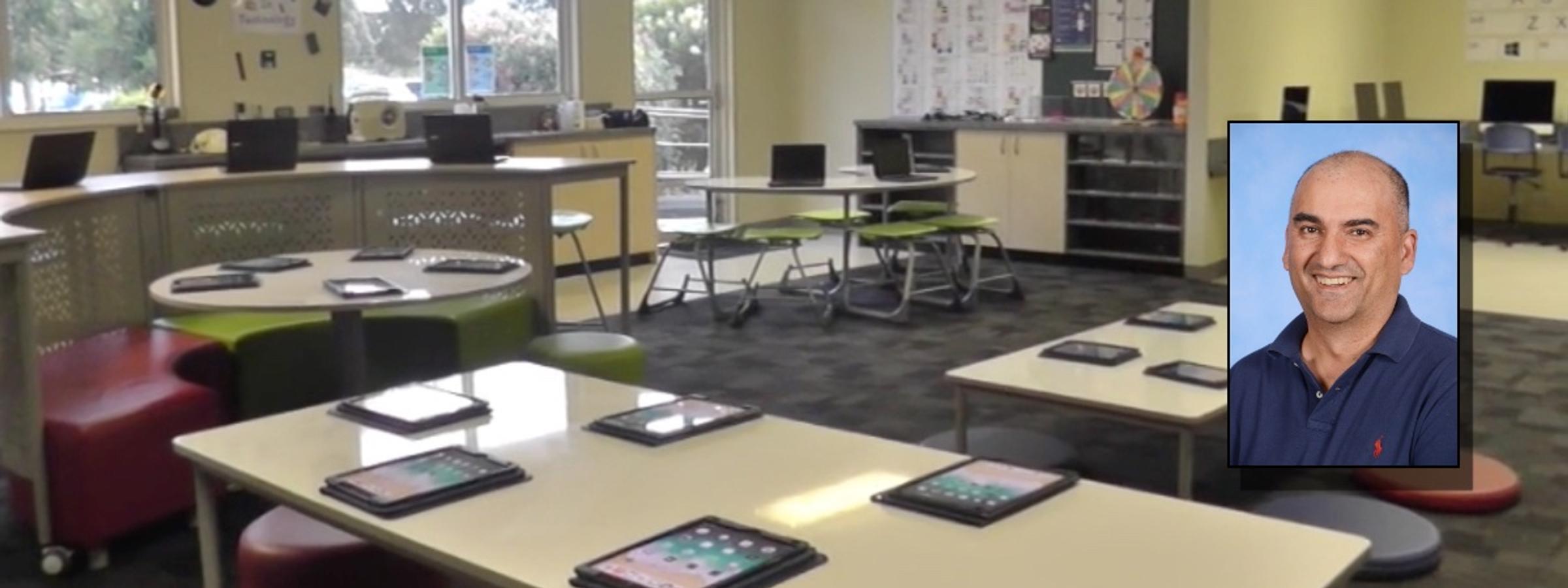
Digital Learning

Hardev Singh: Learning Specialist ICT

Managing Devices at home


Children and adults are using devices for more significant periods each day.  With the recent experience of remote learning and lockdowns, this trend has exacerbated this even further.  Studies have shown that this dependence on devices can harm an individual's physical and mental health, not to mention relationships within families.  However, technology has many positive, lifelong benefits for students.  These include:

  • Digital literacy is crucial in many professional careers.
  • A good grasp of digital technologies will likely relate to improved academic performance.
  • Some aspects of interactive, digital programs can enable greater learning, particularly in children with learning difficulties.

Like everything in life, the secret to managing digital devices is balance, moderation and showing by example. 

A few tips include:

  • Set rules for 'no screen time situations' – such as at mealtime, in bed, before school or in the car.  These times should be utilised to speak with your children, discuss their day, prepare for their day, and rest — not swiping, watching, and tapping.
  • Try to set daily limits — it's okay to go over these limits now and then, but treat this extra time as a privilege and not a given.  Controls can be set using Apple Screen Time for Apple devices or through filtering options through your internet service providers (Telstra, Optus, iiNet) 
  • Combine learning with screen time. Limit the use of simple games or videos and replace them with apps or programs on an educational basis.  Learning to code, playing online Sukodu, crossword puzzles, or instructions for drawing are all family-friendly activities that add to the learning. 
  • Ensure that screen time does not take precedence over or replace other essential activities, such as exercise, outdoor activities, or reading.
  • Create 'no screen time zones' — particularly bedrooms for young children.  If the digital screen will consume their attention, at least allow them to do it in the living room or a family setting instead of in isolation in their room.
  • Participate in screen time together! Research shows that using apps or playing digital games together can be beneficial, as it encourages dialogue and conversation — a vital element in developing verbal skills.

If families require any more resources, they can be found at the E-Safety website - https://www.esafety.gov.au/parents/resources. If parents/carers have successful strategies in your families, please send them to me so that I can share them with other families through The Link. 

If you have any other questions or queries, email me at Hardev.singh@education.vic.gov.au. Stay safe!

Resources: 

Melbourne Child Psychology https://www.melbournechildpsychology.com.au/blog/how-much-screen-time-is-too-much/ 

E-Safety Commissioner  https://www.esafety.gov.au/

Valley Healthwise  https://blog.valleywisehealth.org/negative-effect-of-screen-time-adults-children/ 

The Sydney Morning Herald – "iPad screen time can be good for kids if parents get involved too, experts say."