1:1 Student Device Program






















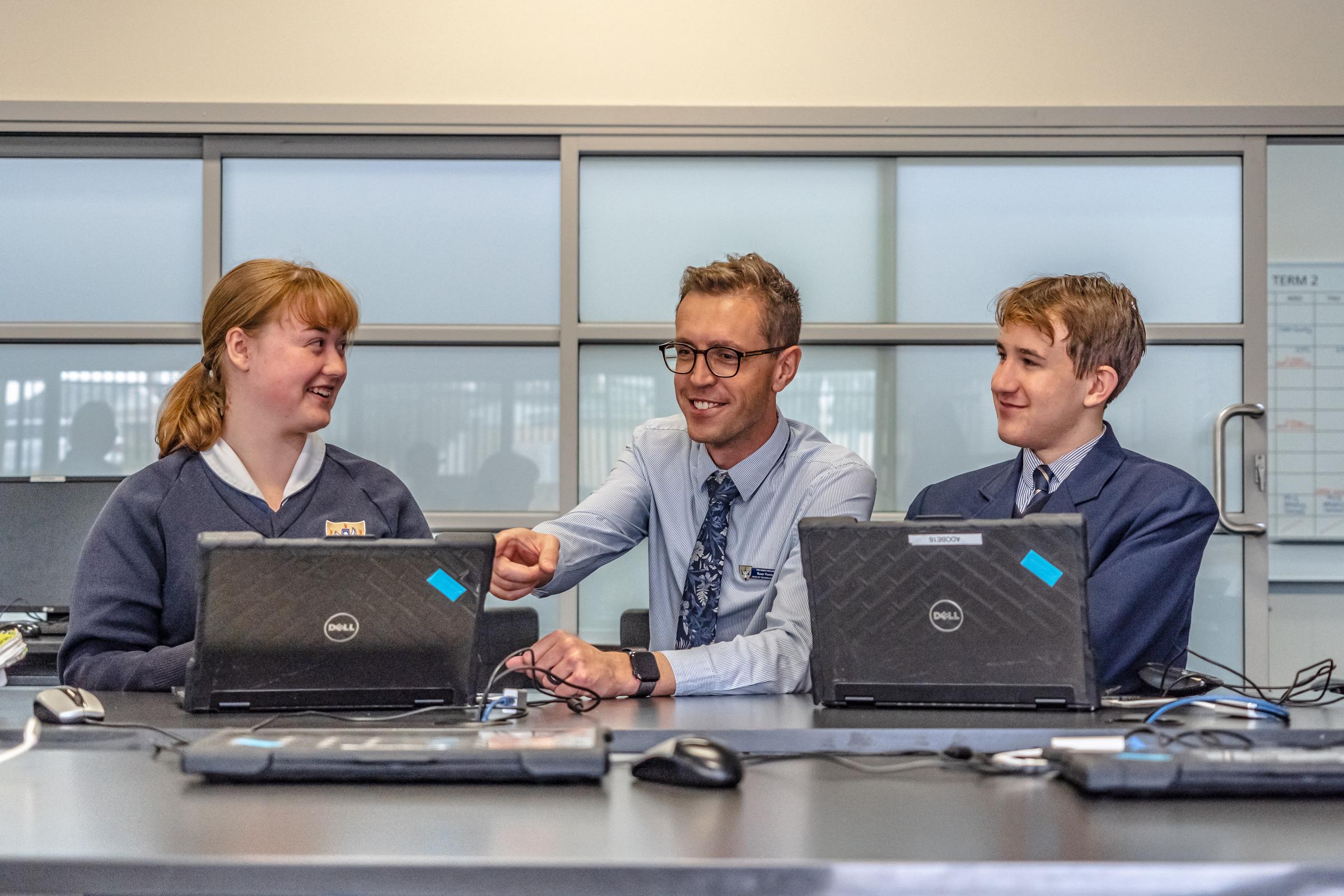
The King’s College 1:1 Student Device Program provides students with a personal computer device to enhance their learning experience. Parents are required to enter into a 3-Year lease agreement with the College prior to commencement. (Pro-rata for new students).
The 2026 1:1 Student Device Program runs for:
| Years 4-11 | Year 12s |
|---|---|
| iPad | MacBook |
Included in the packages are:
- Accidental Damage, theft and loss insurance (device only, not accessories)
- Onsite Technical Support.
- Software specific to the school in addition to that supplied with the laptop.
- Monitoring of student activities on devices during school hours.
Lease fees are charged annually to your school fees account.
A link to the online 2026 Lease Agreement Form, needs to be read and signed by both the parent/carer and the student prior to receiving the device, will be emailed to all relevant parents/guardians in January 2026.
If you have any questions about the program, please contact the school on 9411 4100 by email: info@tkc.wa.edu.au
Cyber Safety
Access to the College internet and online communication services are provided for the exclusive purpose of research, learning and communication between students and staff.
In order to ensure that all students can be provided with safe, secure and quality access to the internet, the College expects all parents and students to understand and abide by the ITC and Internet Acceptable Use Agreement and associated policies and guidelines. The College uses virus protection, web filtering and other safeguards for security, monitoring and safety.
Parents can access support and tips to keep their child safe via the eSafety Commissioner website and The eSafety Guide.
Device Care
The student is responsible for taking care of and securing the Device and accessories in accordance with school policy and guidelines. The Device should be fully charged for the start of each school day. Graffiti to the device and accessories is prohibited. It is the responsibility of the parent/carer to ensure that reasonable care is taken in the storage and use of the Device.
Accidental Damage
In the case of accidental damage to the device, the student will need to take the device to the IT Department, who will investigate. All repairs must be undertaken by the College. If repairs are required a parent/carer will need to lodge an insurance claim form and hand it into Reception or IT Support together with a maximum excess payment of $150.00 (One Hundred and Fifty Dollars). Accessories such as the Apple Pen are not covered under insurance.
Intentional Device Damage
The King’s College does not cover the Device for any intentional damage, careless damage, or negligence. When a Device is deemed damaged as a result of wilful damage, careless damage or negligence, parents may be required to pay the full replacement cost of the Device.
Theft and Loss
In the case of loss or suspected theft, a parent/carer will need to lodge a report with the nearest police station within 10 working days. Note devices are not covered for theft and loss outside Australia. It is important that the following be recorded and provided to the school IT Department:
- The crime report number
- The name of the police officer who took the report.
- In both cases, an insurance claim form must be provided to the school.