
Principal News

On Tuesday morning we waved off our year six students as they departed for their camp at Phillp Island Adventure Resort. They’ve had a fabulous time kayaking, surfing, getting down at the disco and enjoying some great meals. If you have a year six student, I’m sure that you’ll hear lots more about it tonight!
Year 2 Excursion
On Wednesday our year 2 students went on their first excursion for the year to the historical Village at Bundoora Park. They participated in the old school and played old school games. They were also lucky enough to see and old printing press, visit the old house and learn more about aboriginal history. The excursion was to support this term’s history focused inquiry unit and to enjoy old style games as a group.
Grandparents Day
On Wednesday we hosted grandparents day in the foundation area. Students worked with their special people to create memories as well as creating a class map tracing family origin. It was lovely to see the beaming smiles and lots of hand clapping as students saw their special person entering the rooms.
Swimming Champ
Next Thursday our school will be proudly represented by Zach W at the regional swimming competition. Zac will be competing in the backstroke event. We wish him all the best!
Online safety basics- three key strategies
We can help our children safely navigate the online world by taking some basic steps to reduce the risks. Our support and guidance can give our children the knowledge to make sound decisions online and the confidence to ask for help when they need it.
- Be engaged, open and supportive
- Get involved with your child’s online activities as a family. Play games together. Talk about favourite apps, games or websites.
- Keep lines of communication open. Ask about their online experiences, who they are talking to and whether they are having any issues.
- Reassure your child they can always come to you, no matter what. Your child may not communicate openly about things that worry them online if they fear being in trouble if they tell you. Let them know you will not cut off internet or device access if they tell you they’re feeling uncomfortable or unsafe online.
- If you notice a change in your child’s behaviour or mood, talk with them about it. If you are concerned, consider seeking professional help – from your GP, a psychologist or school counsellor.
- Set some rules
- Set rules for devices and online access, with consequences for breaking them. As they grow in online skills and maturity you can review your rules together.
- Get your child’s input – this will help them understand risks.
- Model behaviour that you would like to see. Children will be more likely to follow rules if they see you doing the same.
- Consider creating a family tech agreement (sometimes called a family media plan or family online safety agreement). This is a set of rules about how devices are used in your home as well as what acceptable online behaviour looks like. eSafety has created downloadable templates for families with children under 5 or those with kids aged 5 to 8 years. For families with older children, The Family Online Safety Contract from ThinkUKnow AustraliaExternal link is a good starting point.
- Use safety features and settings
- Get to know the devices you and your children use and set them up for privacy and online safety. Take advantage of parental controls to monitor and control screen time and access to content, based on your child’s age and experience. See our guide to parental controls.
- Choose apps and games carefully and visit the App Store or Google Play for age ratings and consumer advice.
- The eSafety Guide provides valuable information about the latest games, apps and social media, including how to protect your personal information and report harmful content.
- You can visit the Australian Classification Board’s online databaseExternal link, Children and Media AustraliaExternal link and Common Sense Media (US)External link for information about movies, apps, games and websites, searchable by age.
- Refer to advice about screen time and online gaming if these are of concern.
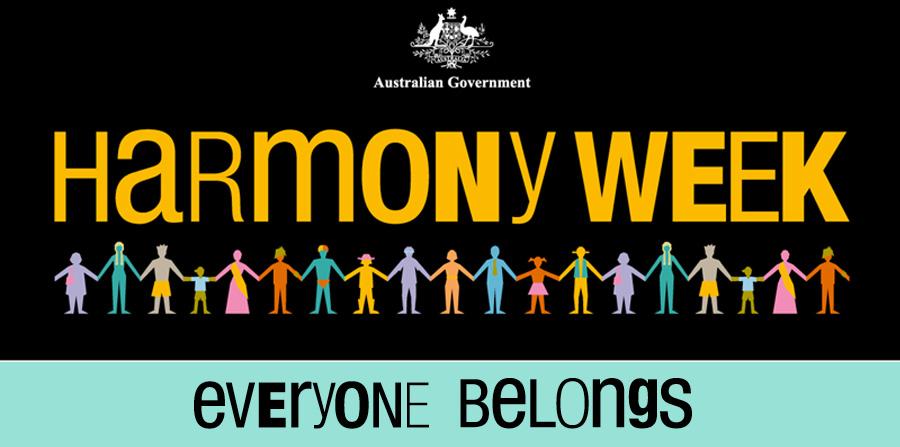
Harmony Week: Harmony Week is Monday, 16 March to Sunday 22 March.
We will be celebrating the week on Wednesday 18that school by inviting students to wear some Orange which is the colour for Harmony Day. They may choose to be dressed in all orange or wear a touch of orange. Our Wellbeing Leaders will help to run some activities during this week at lunchtime and students will learn about the importance of this celebration.
Wishing you a lovely weekend with your family!
Tandy Johnson