Tech at Aberfeldie












The use of ICT/digital technologies is a mandated component of the Victorian Curriculum F-10 and must be substantially addressed by every school in their curriculum program. The use of ICT/digital technologies are found in the Digital Technologies learning area as well as the ICT capability, which is woven across all learning areas from F-12. At Aberfeldie, our dedicated team of educators are continually updating our cyber safety protocols and educating students on responsible online behaviour. We believe that fostering a culture of digital citizenship is crucial in helping our students navigate the digital world with confidence and security.
At Aberfeldie Primary School, we:
- Have an Acceptable Use Agreement that all Year 3-6 parents/carers must sign on Compass prior to their child using technology at school.
- Have an Acceptable Use Agreement that all students in Years 3-6 are taught and must sign at the start of each year. This occurs in the first week of school as part of lessons on digital safety, digital expectations and responsible tech use.
- Have clear expectations for digital use in place in every classroom, in line with SWPBS.
- Have a consistent Breach of Agreement process, outlining the steps teachers and staff will take if student inappropriately uses technology at school.
- Have a Student Engagement Policy that outlines our School’s values and expected student behavior and a Bullying Prevention Policy. These Policies include online behaviours.
- Have programs in place to educate our students to be safe and responsible users of digital technologies such as: eSafety Curriculum, Resilience, Rights and Respectful Relationships resources, Bullying No Way and Bully Stoppers. These programs are scoped across the year and take place in all year levels (see bottom of page for examples).
- Engage external providers to compliment our online safety curriculum. Last year, the local police ran sessions and this year we are on a wait list for a number of services for both student and parent sessions.
- Acknowledge Safer Internet Day on 11 February each year where students study internet safety and a range of resources are shared online to parents.
- Educate our students about digital issues such as online privacy, intellectual property and copyright.
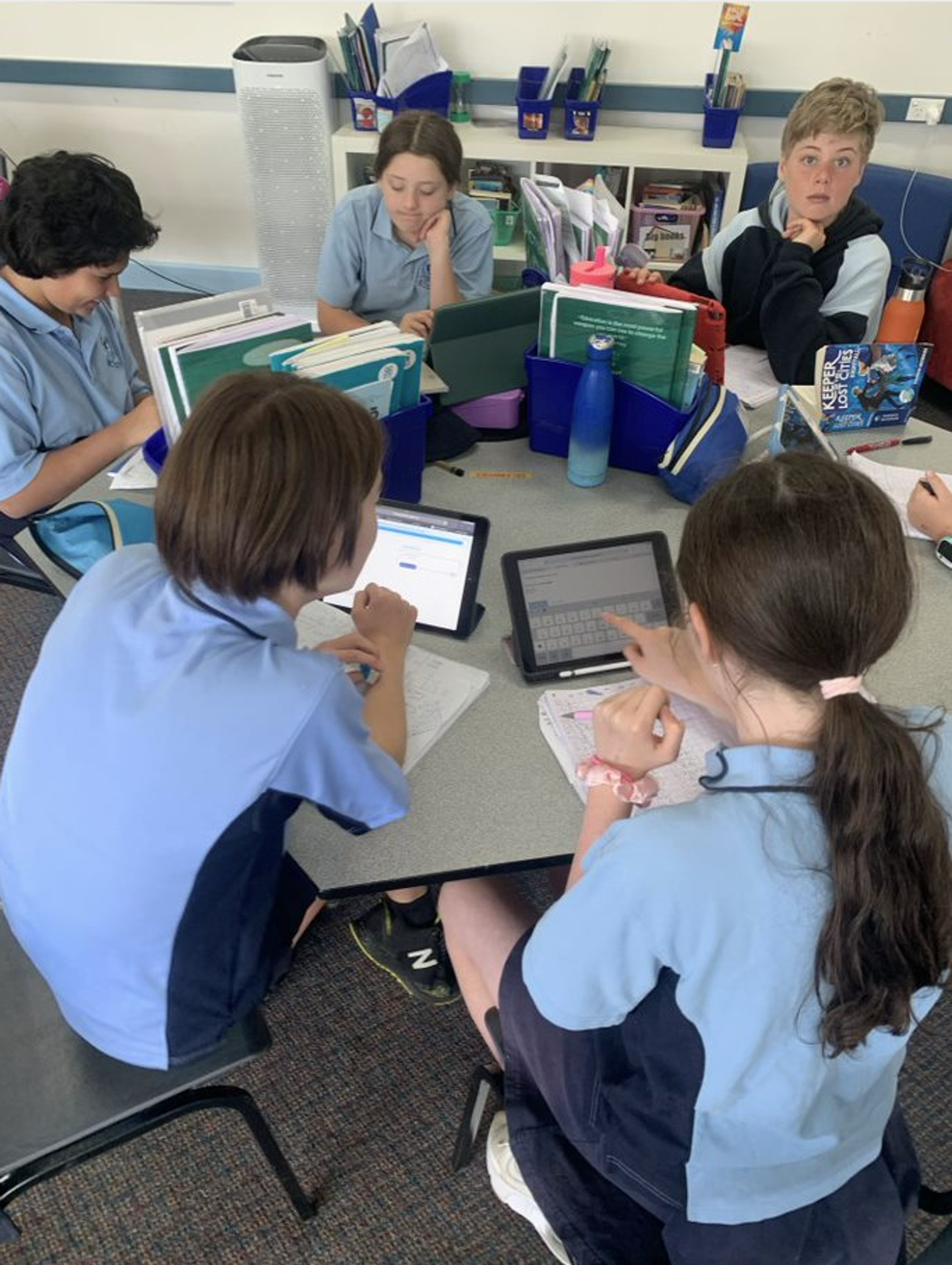
- Supervise and support students using digital technologies in the classroom;
- Use clear protocols and procedures to protect students working in online spaces. This includes reviewing the safety and appropriateness of online tools and communities, removing offensive content at earliest opportunity, and other measures;
- Provide a filtered internet service to block inappropriate content. We acknowledge, however, that full protection from inappropriate content cannot be guaranteed
- Use online sites and digital tools that support students’ learning;
- Address issues or incidents that have the potential to impact on the wellbeing of our students;
- Refer suspected illegal online acts to the relevant Law Enforcement authority for investigation;
- Endeavour to support parents and care-givers to understand safe responsible use of digital technologies and the strategies that can be implemented at home through our parent handbook (send to Year 3-6 families), digital policies, and ongoing newsletter articles tackling important and current topics.
Below are our policies provided to parents/ carers at the start of each year:
To read more about the Department of Educations policy, please click here.
Lesson Examples:
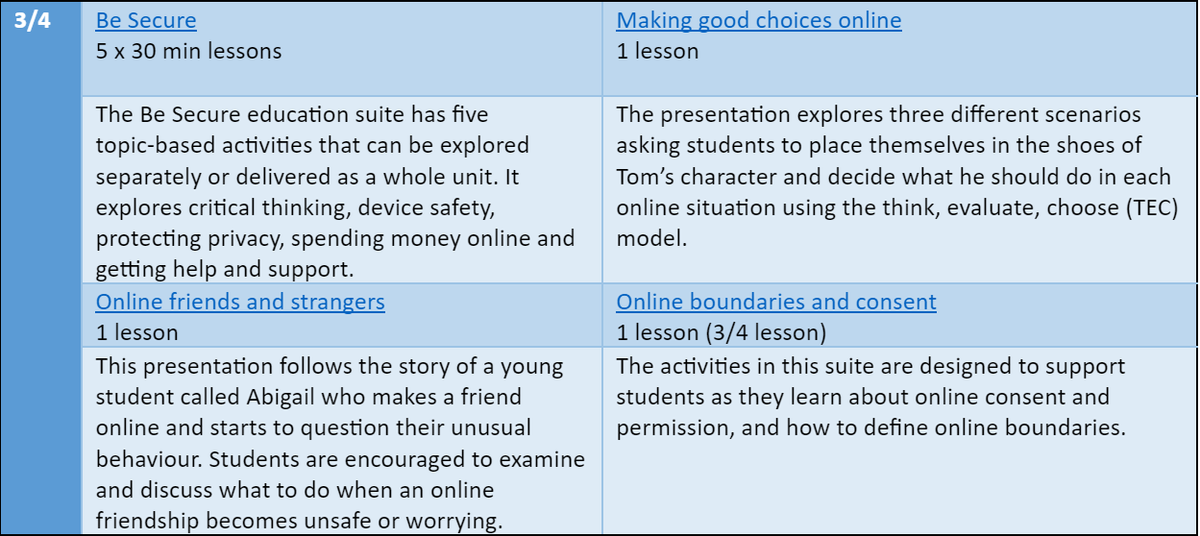
Below is some example lessons for Year 3/4.