
Reminders

Social Media Age Restrictions
With Australia’s new social media restrictions coming into effect on December 10, we know many schools and families will be looking for guidance. To support our school community, please read the attached letter.
Prep Orientation
Our 2026 preps had their last Orientation Day last week and received a surprise treat from the ice cream van.






Thank you
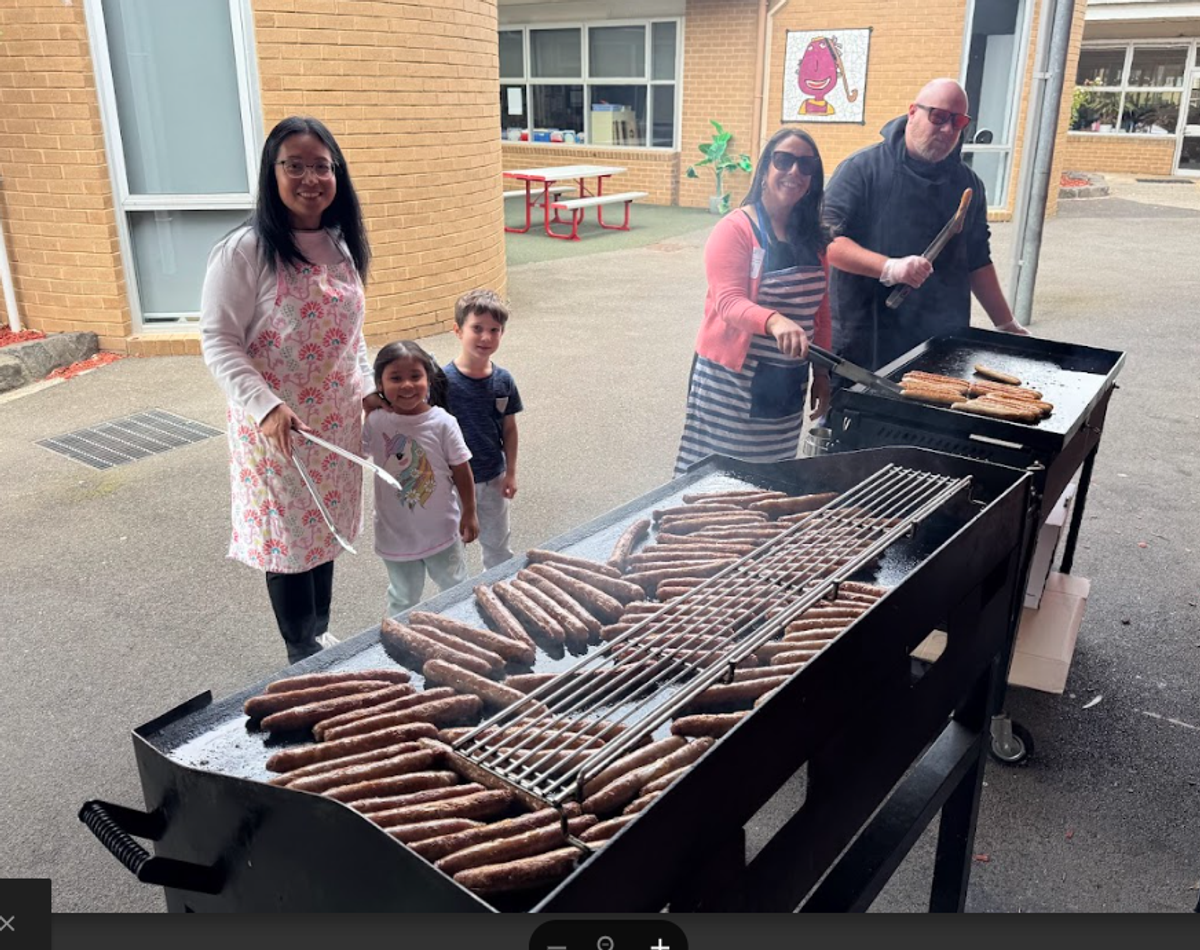
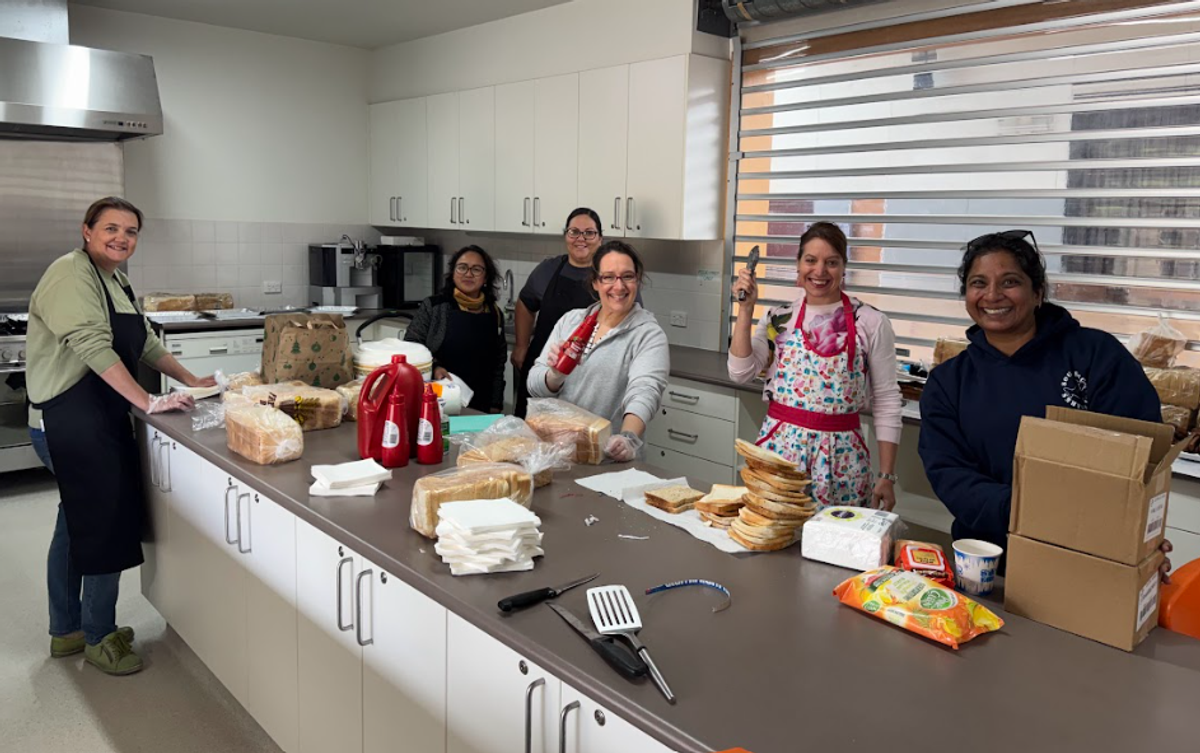
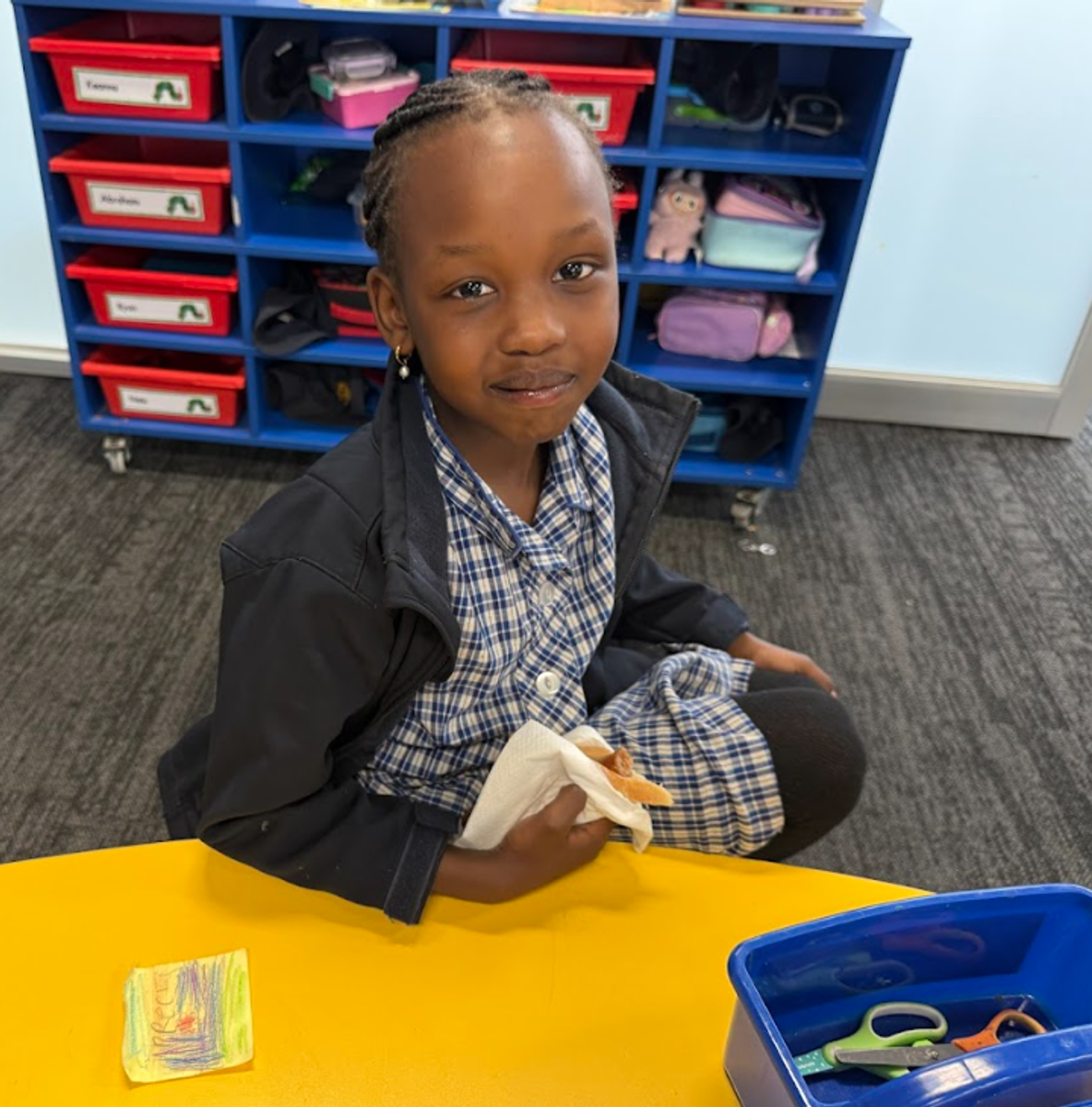
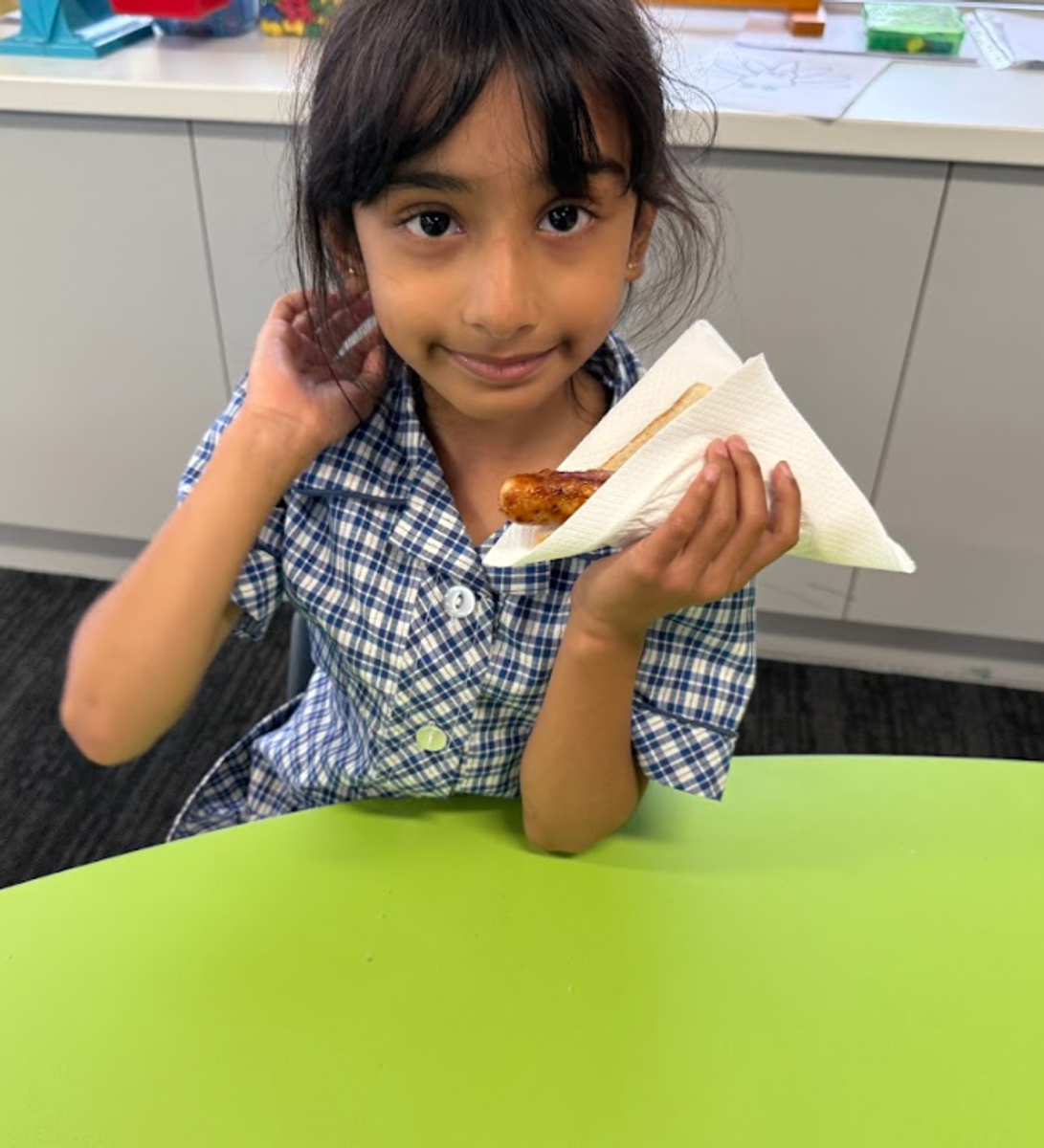
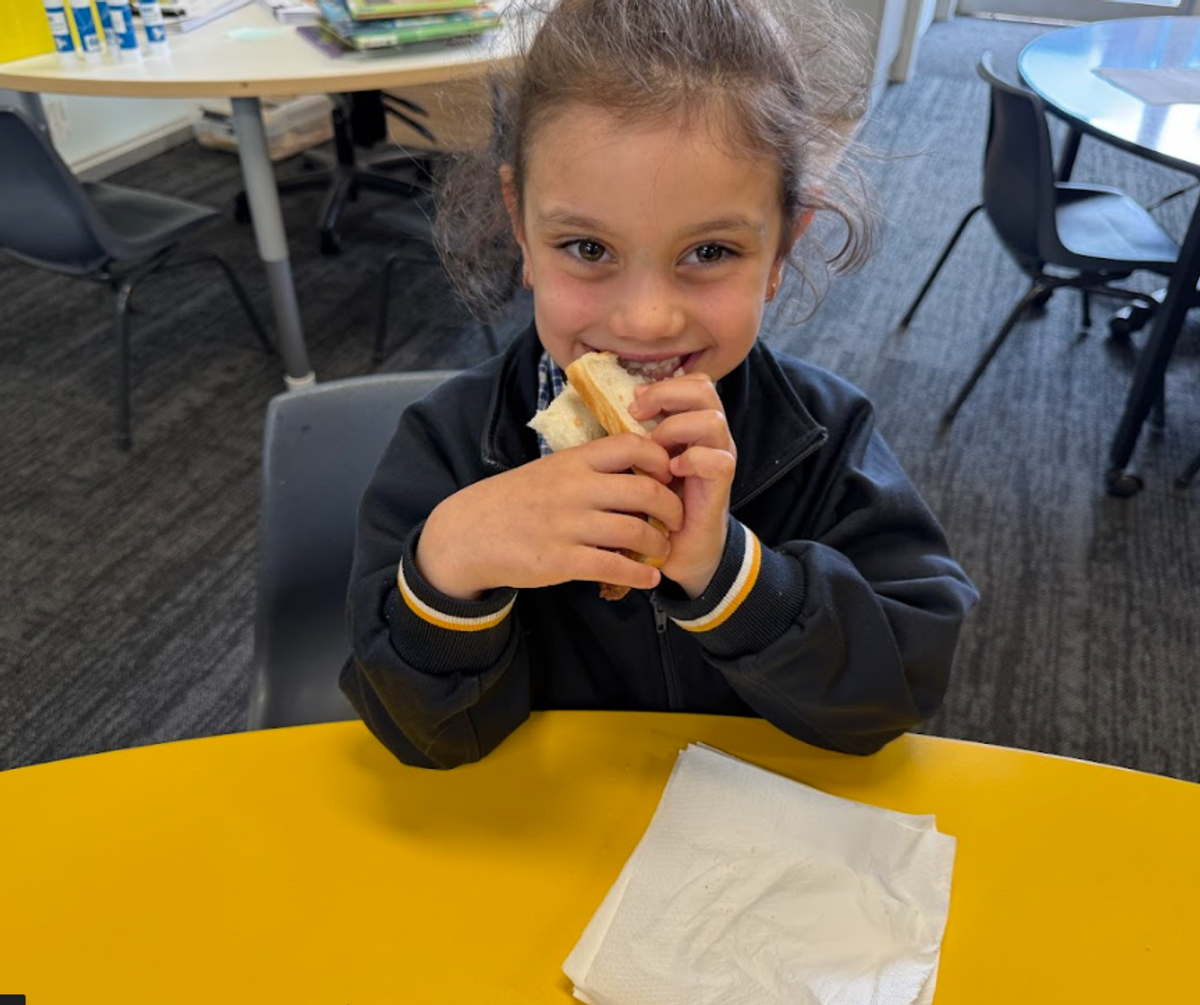
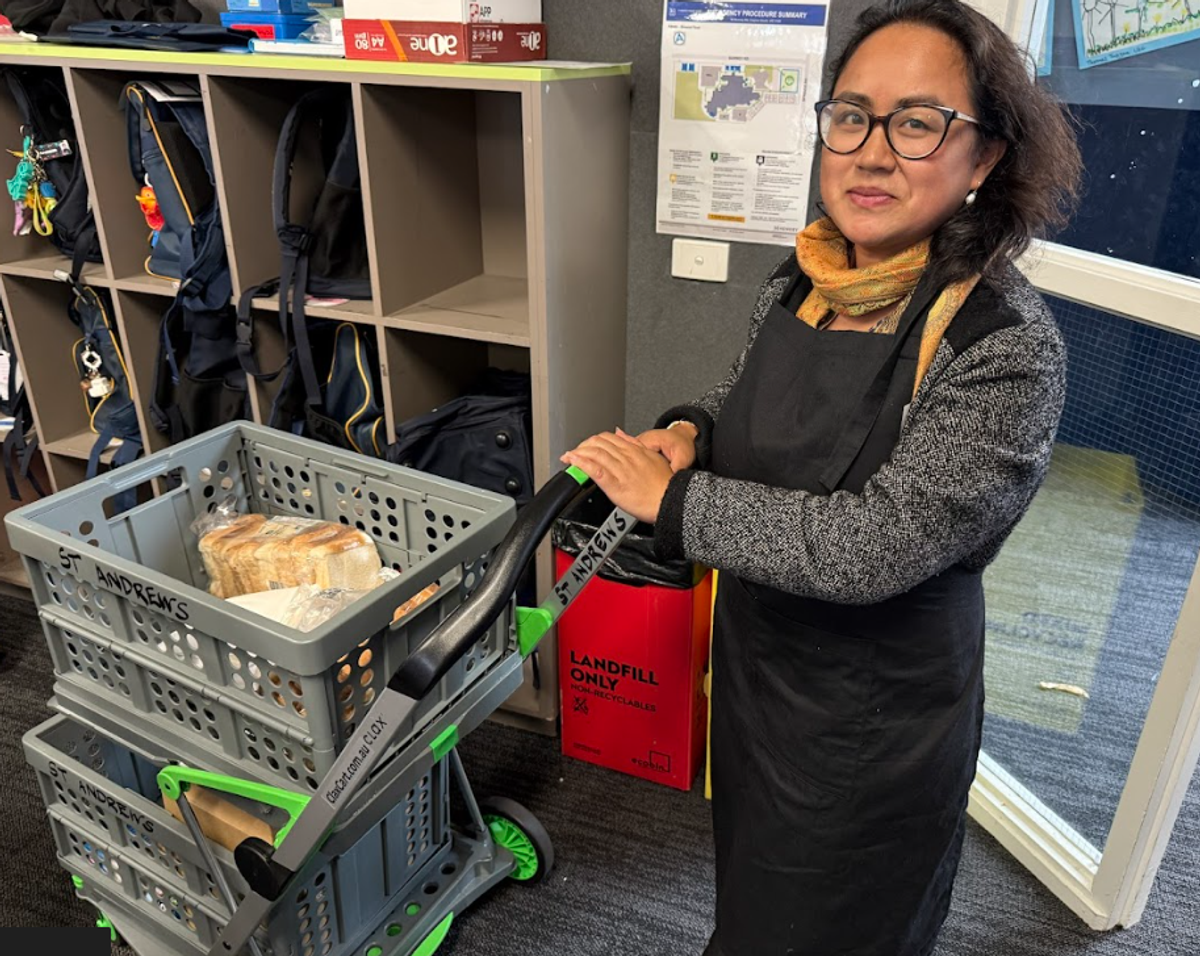
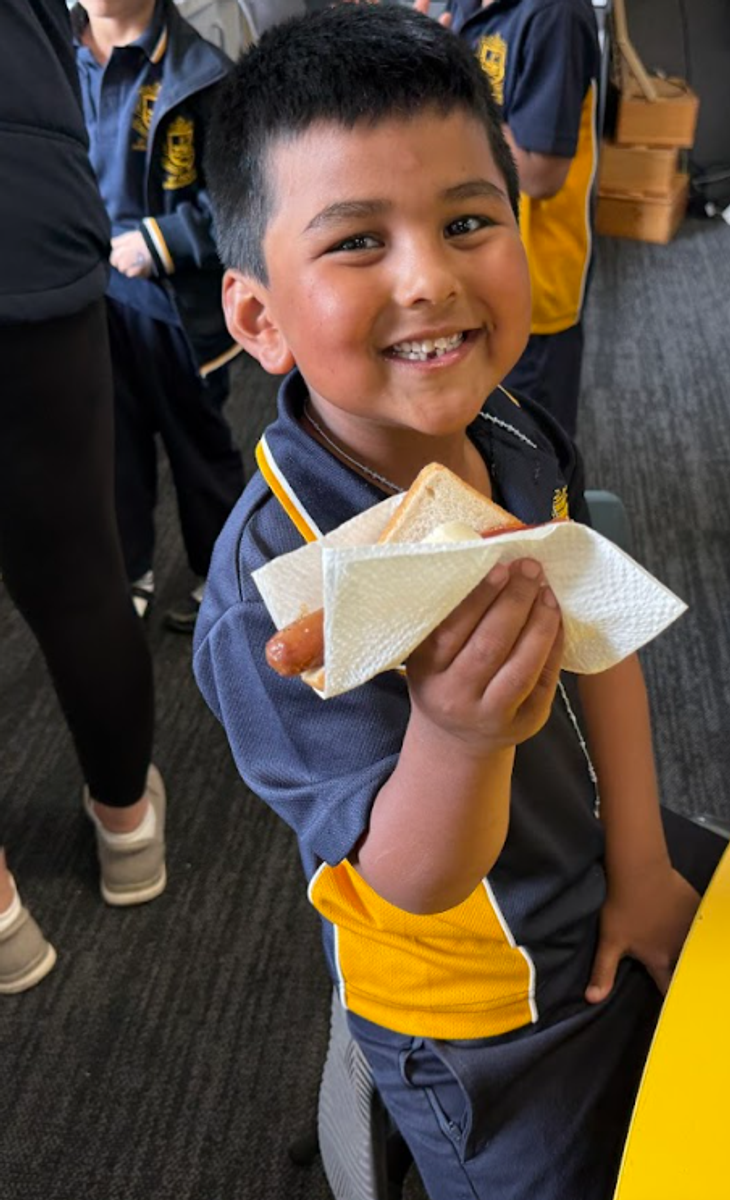
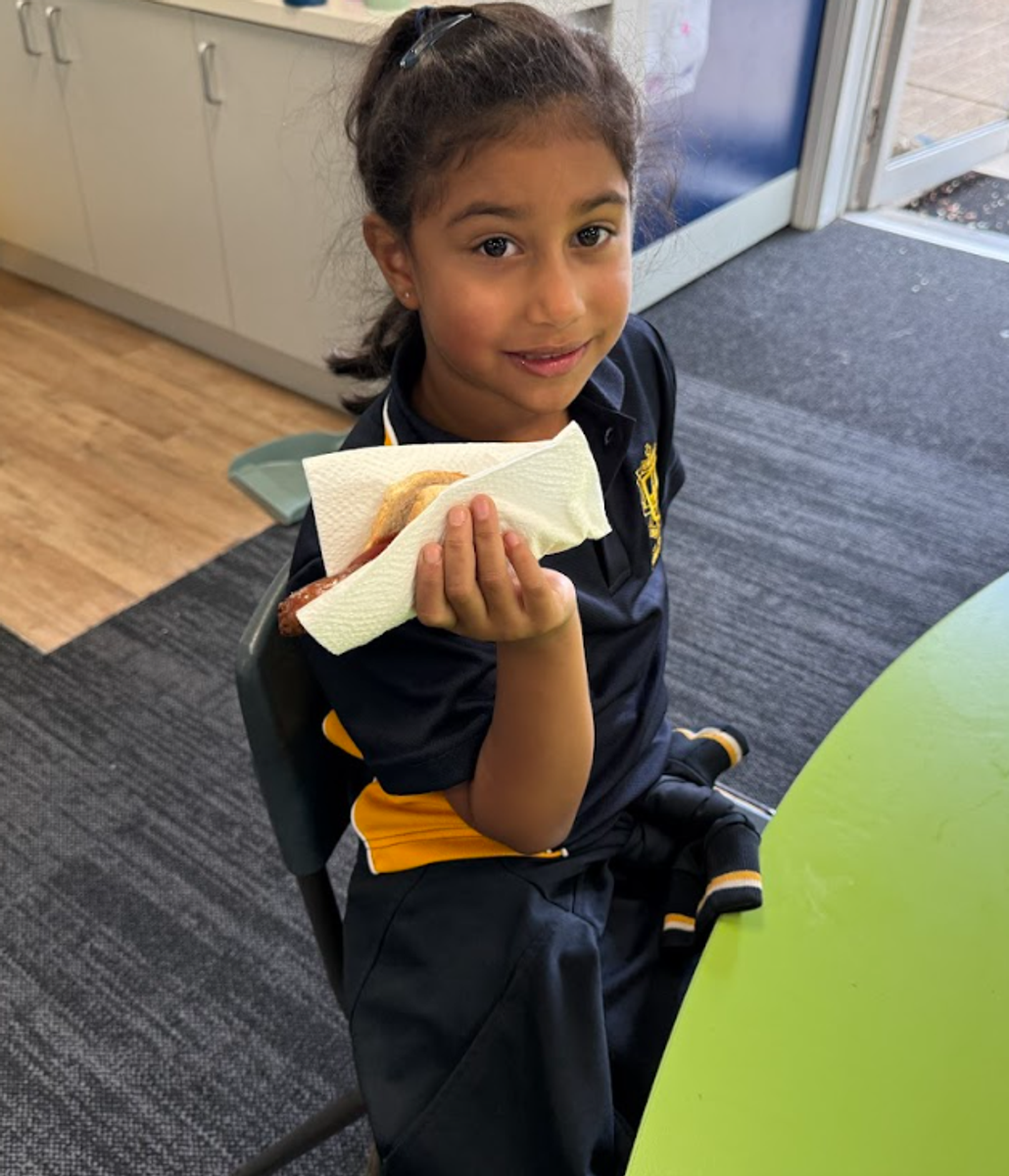
Thank you to our wonderful P&F team for cooking a sausage sizzle for the school today in celebration of St. Andrew's Day.


Families not returning in 2026
If your family wont be returning to St. Andrew's next year, I ask that you contact the school office immediately and notify your intentions
office@saclaytonsth.catholic.edu.au
This information assists the school leadership immensely with the planning and resourcing for the 2026 school year.
Late Arrivals Sign in
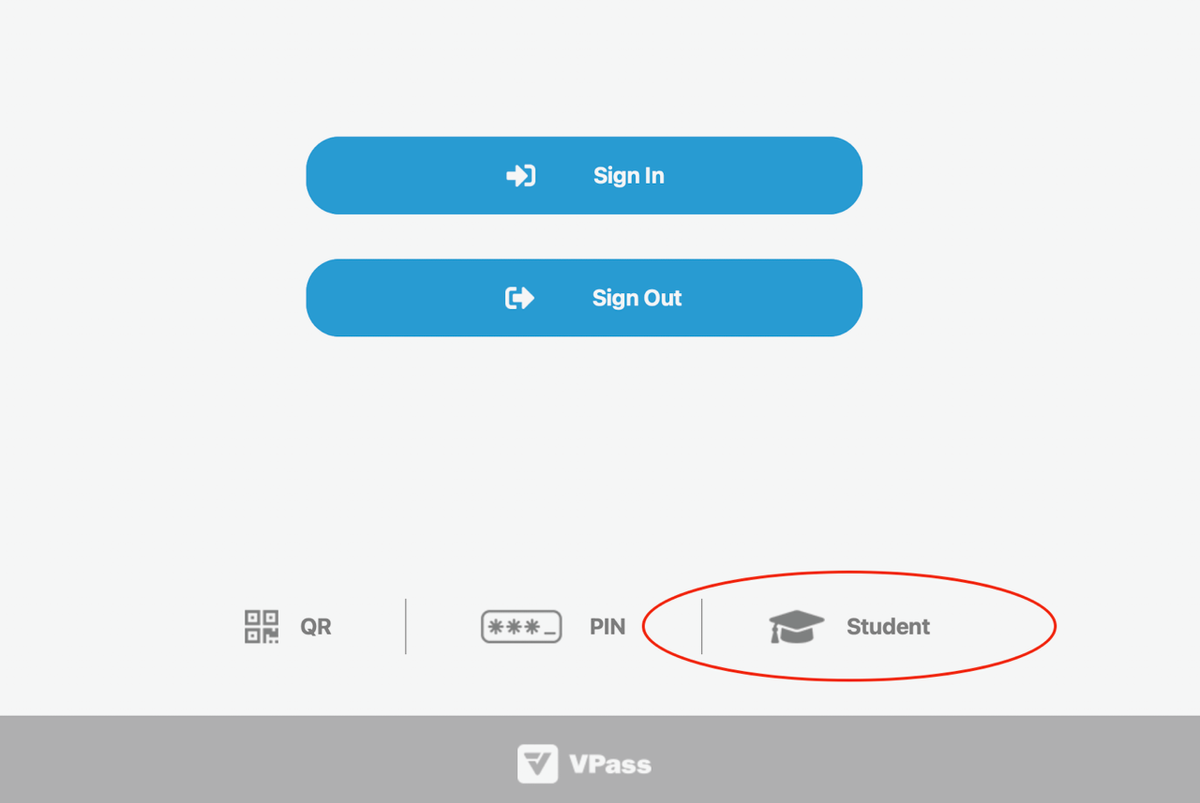
We are excited to announce an important update to our student attendance procedures! To improve the efficiency and accuracy of recording late arrivals and early leavers, we are launching a new procedure on the VPass Kiosk iPad for “Student" sign-in/out that will record directly back to our nForma system.
This streamlined process ensures we always know who is on school grounds, which is vital for student safety and emergency response.
When your child arrives late or needs to be collected early, the sign-in/out process will be quick and easy. Please follow these steps at the School Office Kiosk
| Action | Late Arrival (Arriving after the bell) | Early Leaver (Leaving before the bell) |
|---|---|---|
| Step 1: Locate the Kiosk | Find the VPass Kiosk at the front office. | Find the VPass Kiosk at the front office. |
| Step 2: Start Sign-In | Select the new “Student" button at the bottom of the home page. | Select the new “Student" button at the bottom of the home page. |
| Step 3: Find Your Child | Search for your child's name. | Search for your child's name. |
| Step 4: Complete the Form | Select “Late Arrival” option and then follow the remaining steps. | Select the 'Early Leave’ option and the follow the remaining steps |
| Step 5: Finalise | Once submitted the system will record the time and reason, and your child can make their way to class. | Once submitted the system will record the time and reason, and your child will the be free to leave. |
To start you will click on Student (see diagram below)
Zooper Dooper Friday

With Term 4 warming up we welcome back our Friday Zooper Dooper sales!
Children are invited to bring $1.00 to school to purchase a Zooper Dooper at recess on a Friday.
We thank our Year 6 children for volunteering their time to support the sales of the Zooper Doopers.
PSW
Please find attached the new pricelist for Primary School Wear
Lost School Jumpers
Lost property is growing by the day with jackets and non school items.
Unfortunately, there are a large number of clothing items that do not have any names on them!
Please clearly mark ALL your children's clothing and property with both first and last name and CURRENT class – this will greatly assist in the item finding its way back to the correct classroom.