Wellbeing & Partnerships

Final Lunch Clubs of the Year
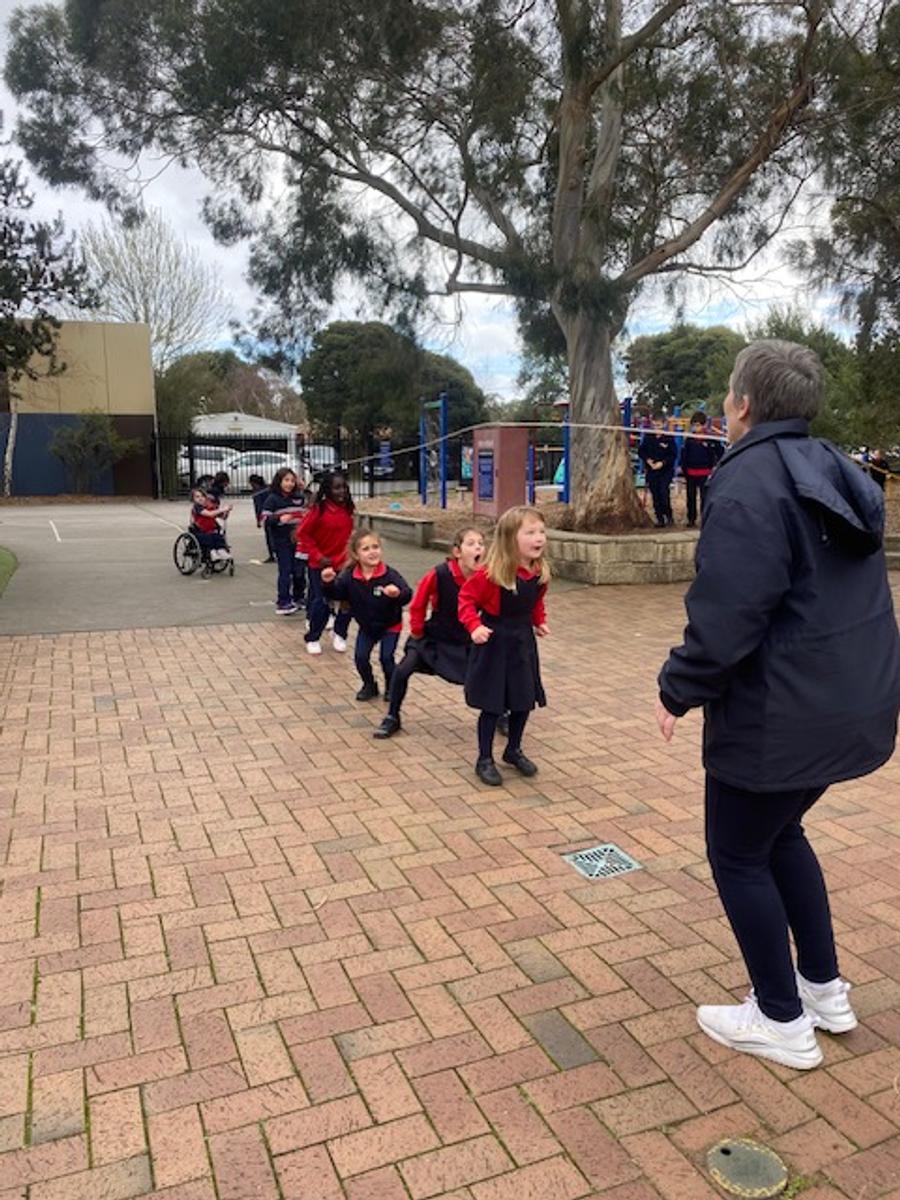
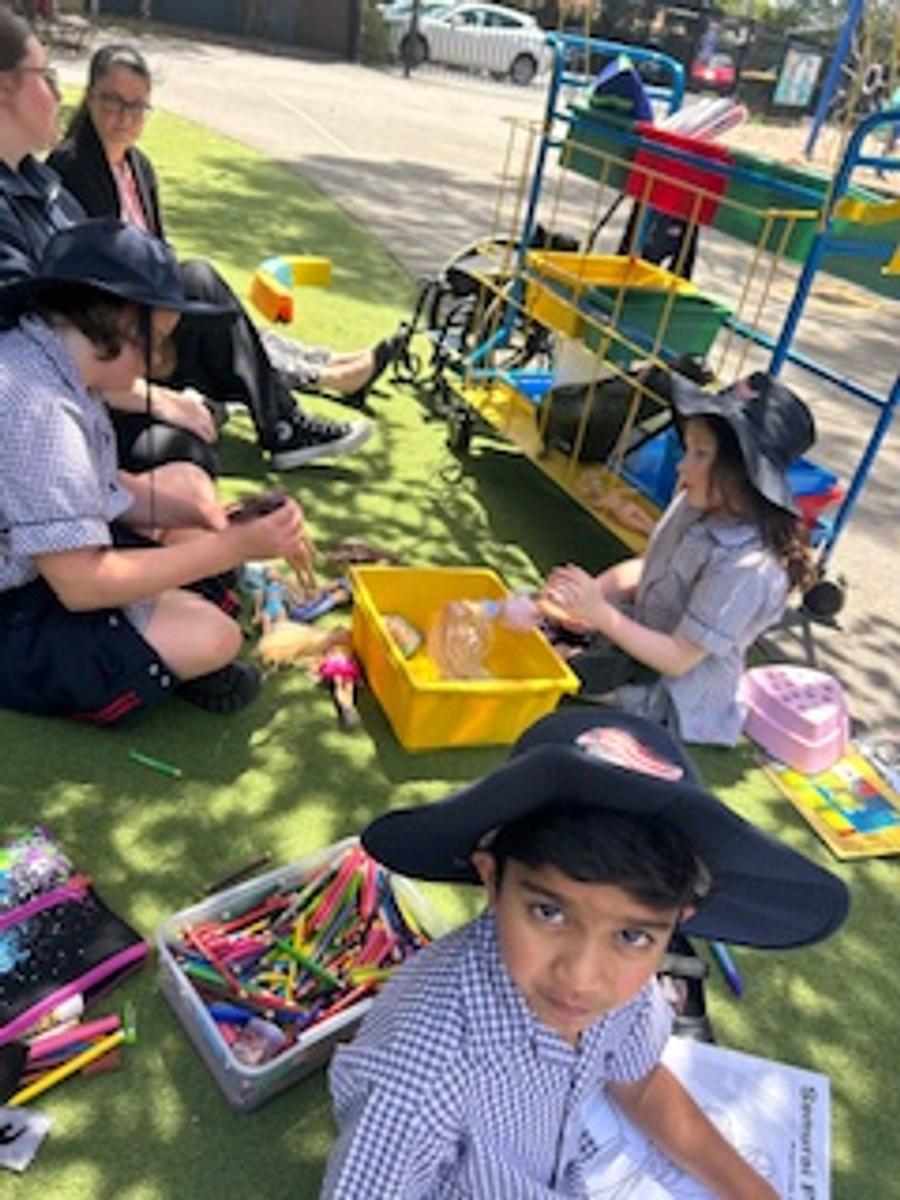
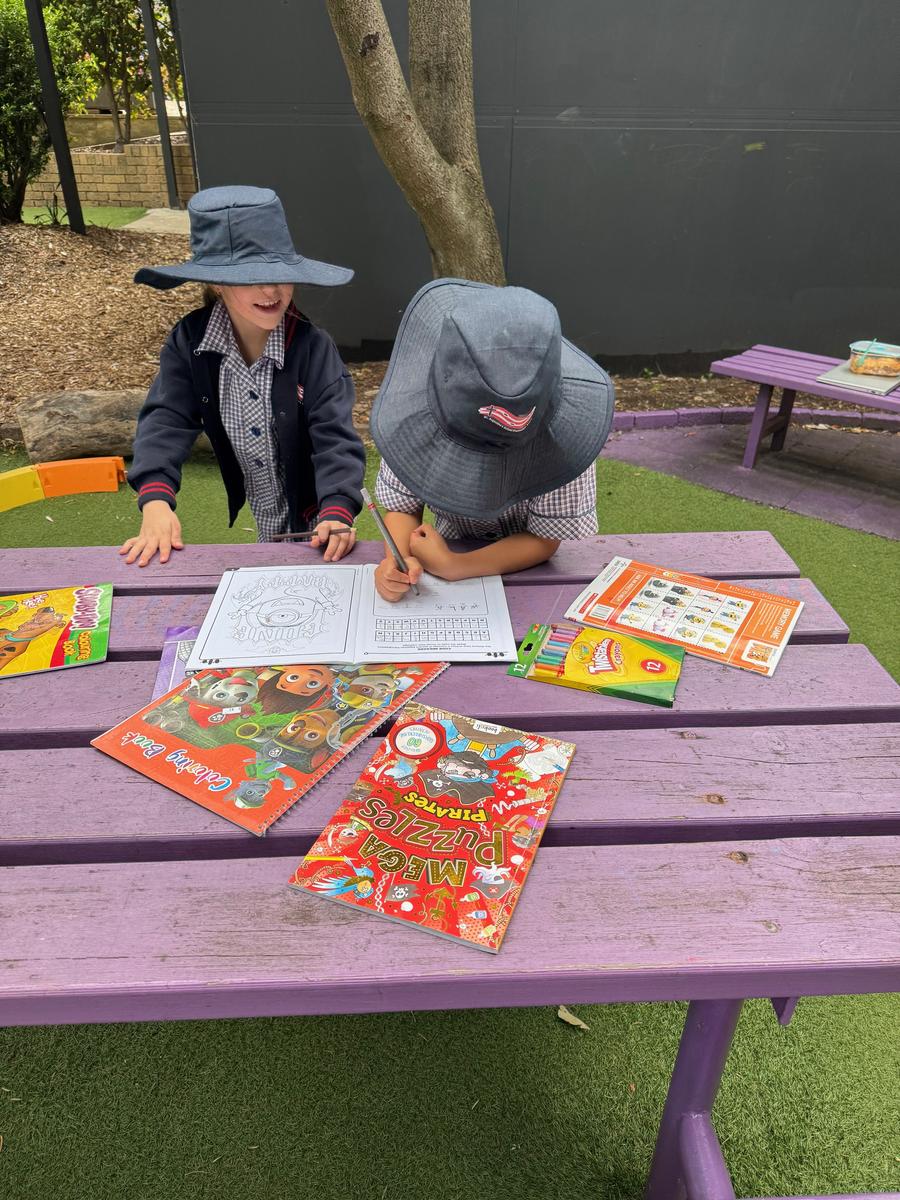
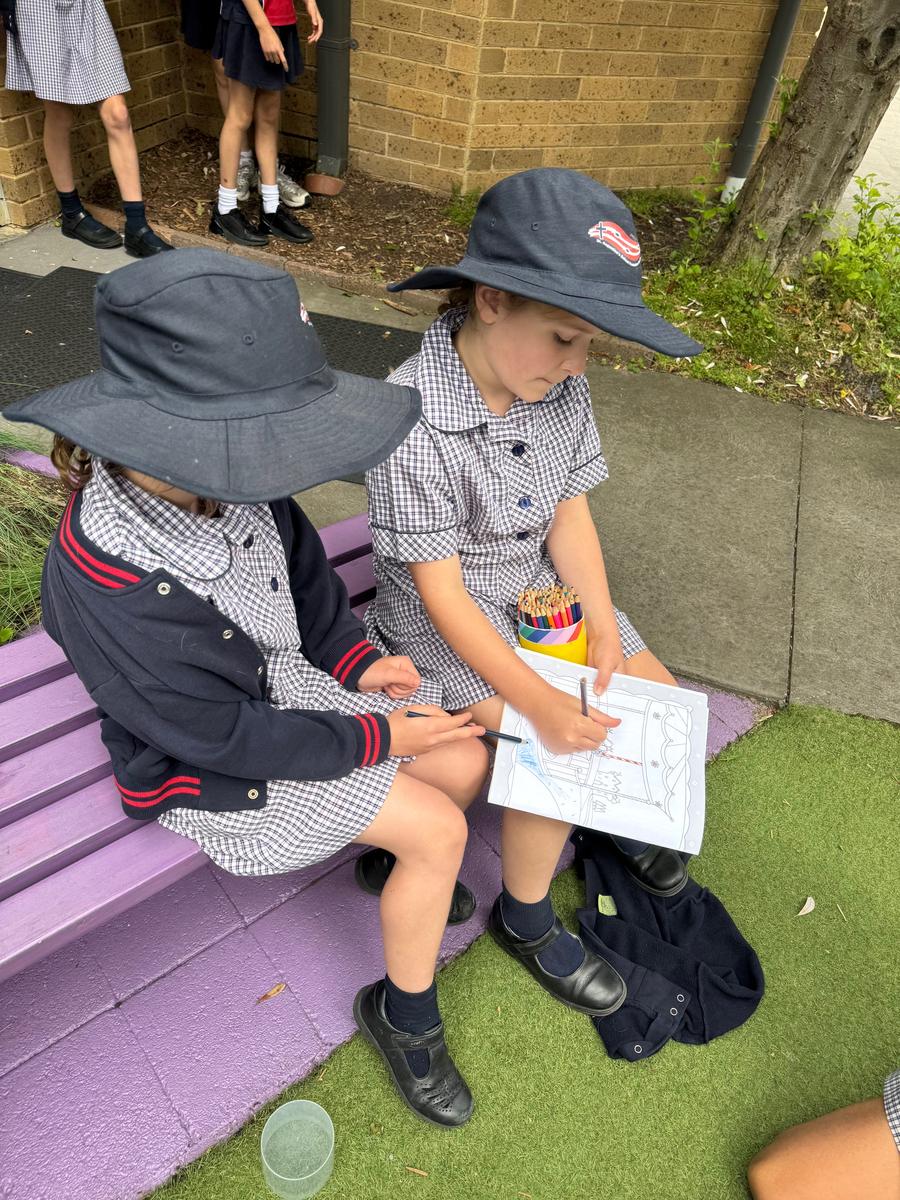
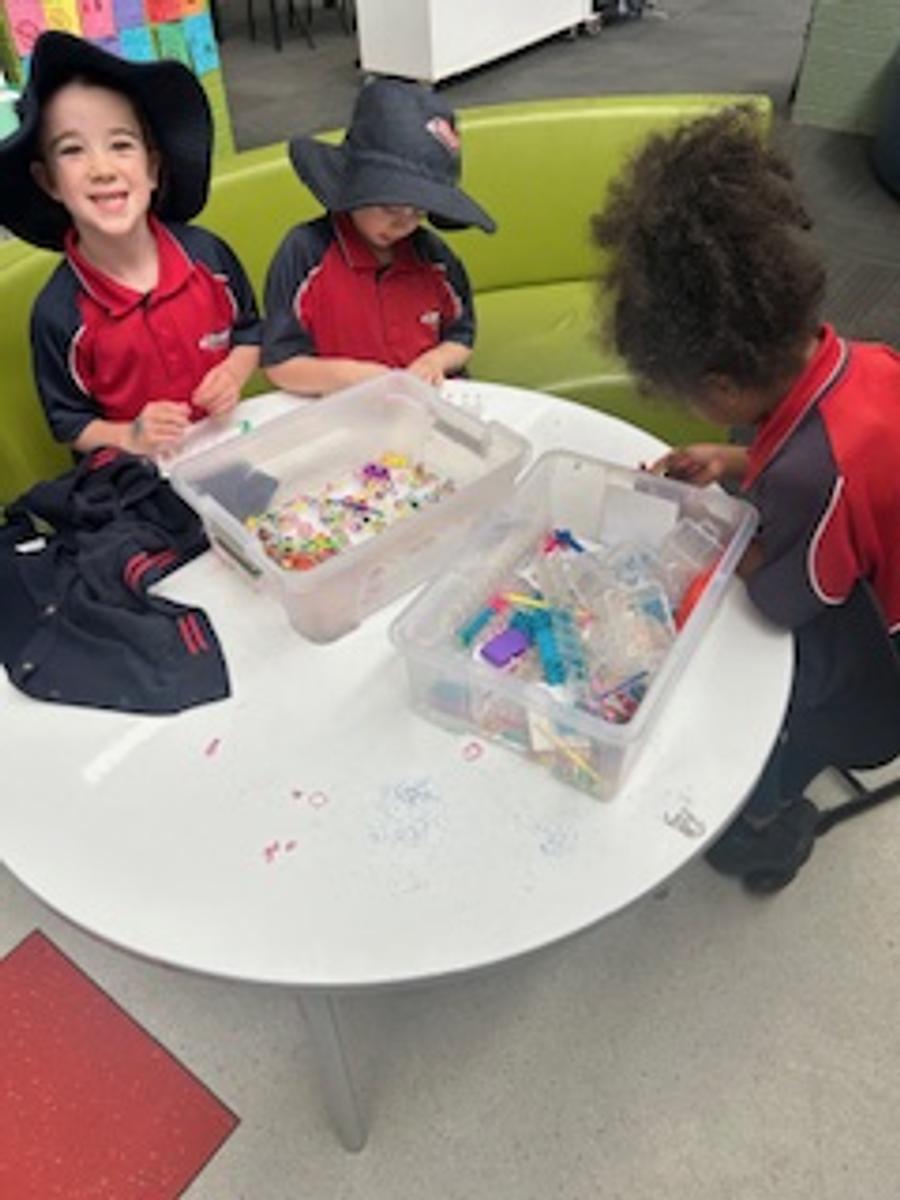
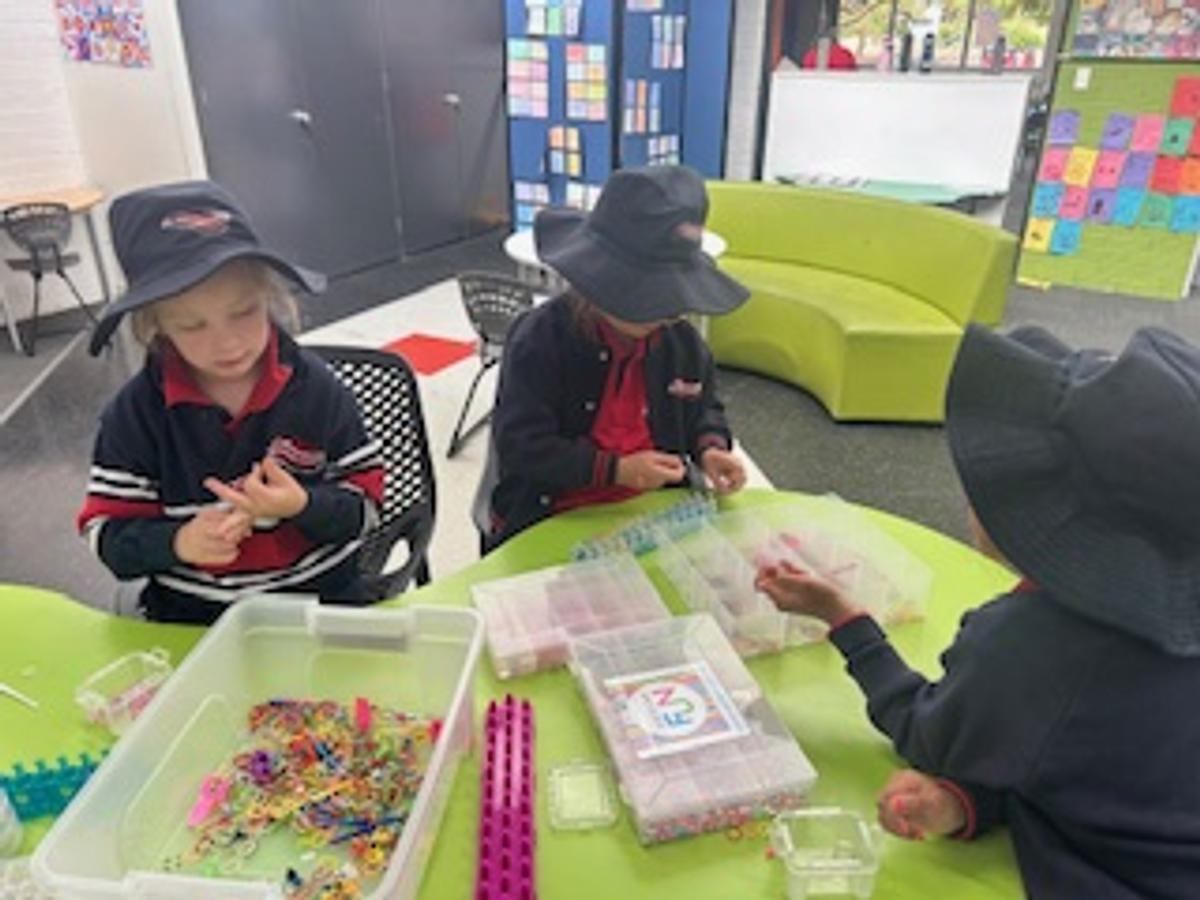
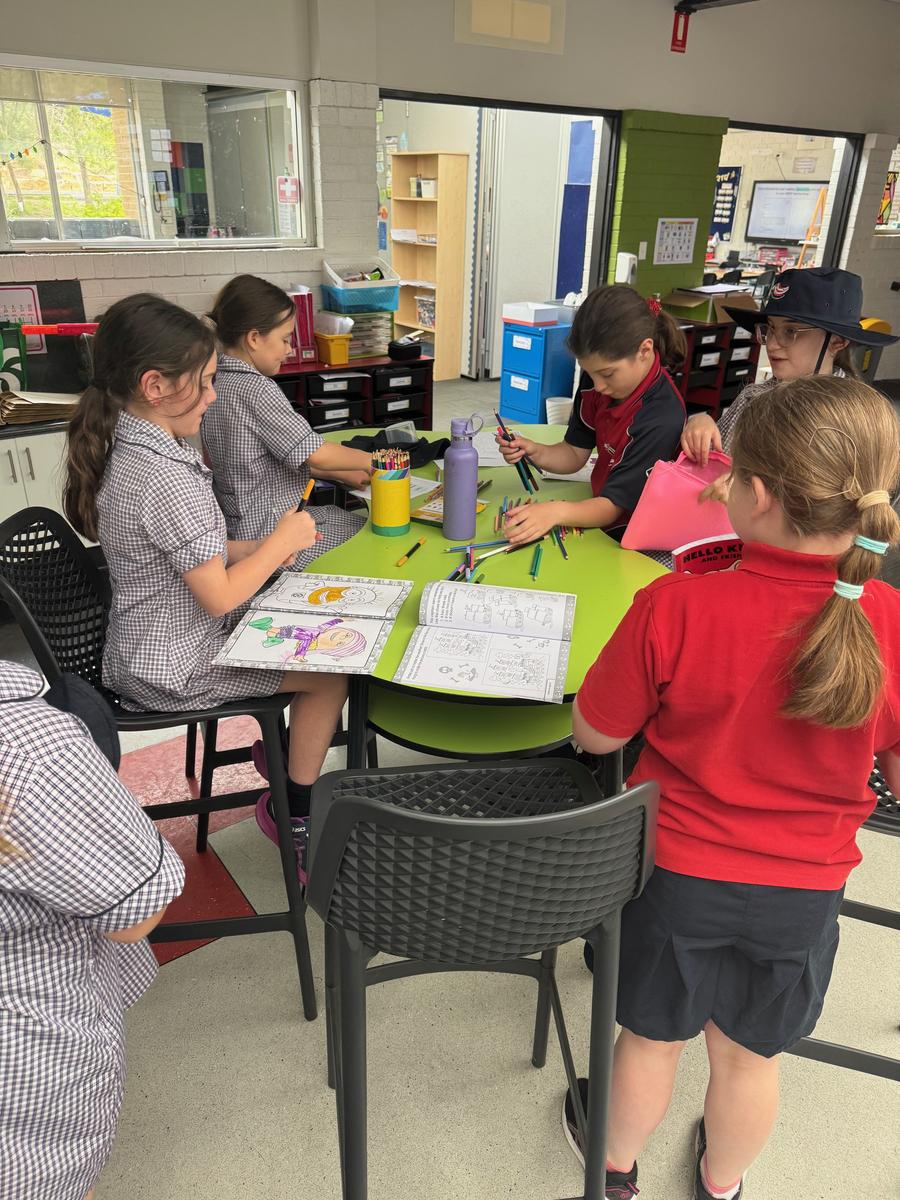
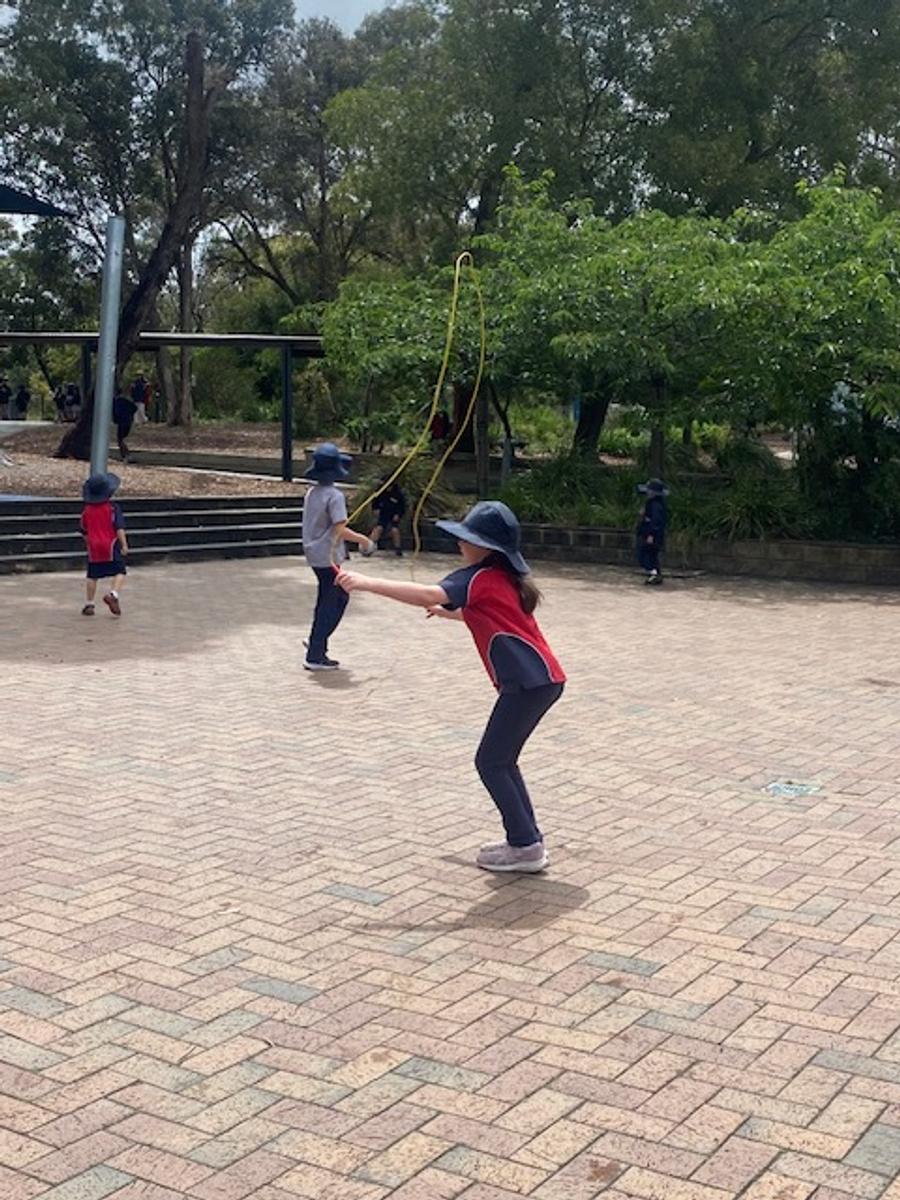
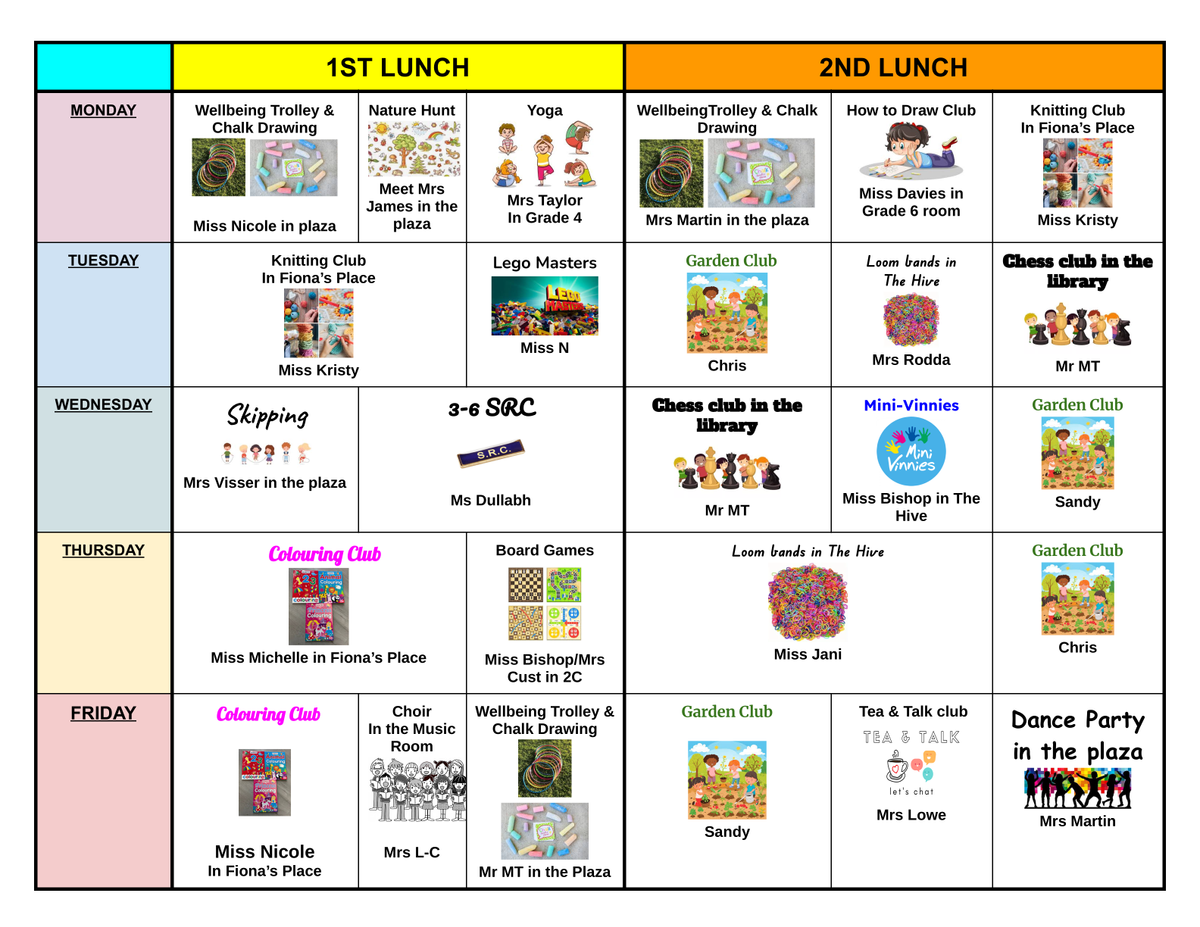
As we wrap up our final lunch clubs for the year, we are delighted to reflect on just how successful they have been. The children have thoroughly enjoyed taking part in the many opportunities offered across our wide range of clubs.
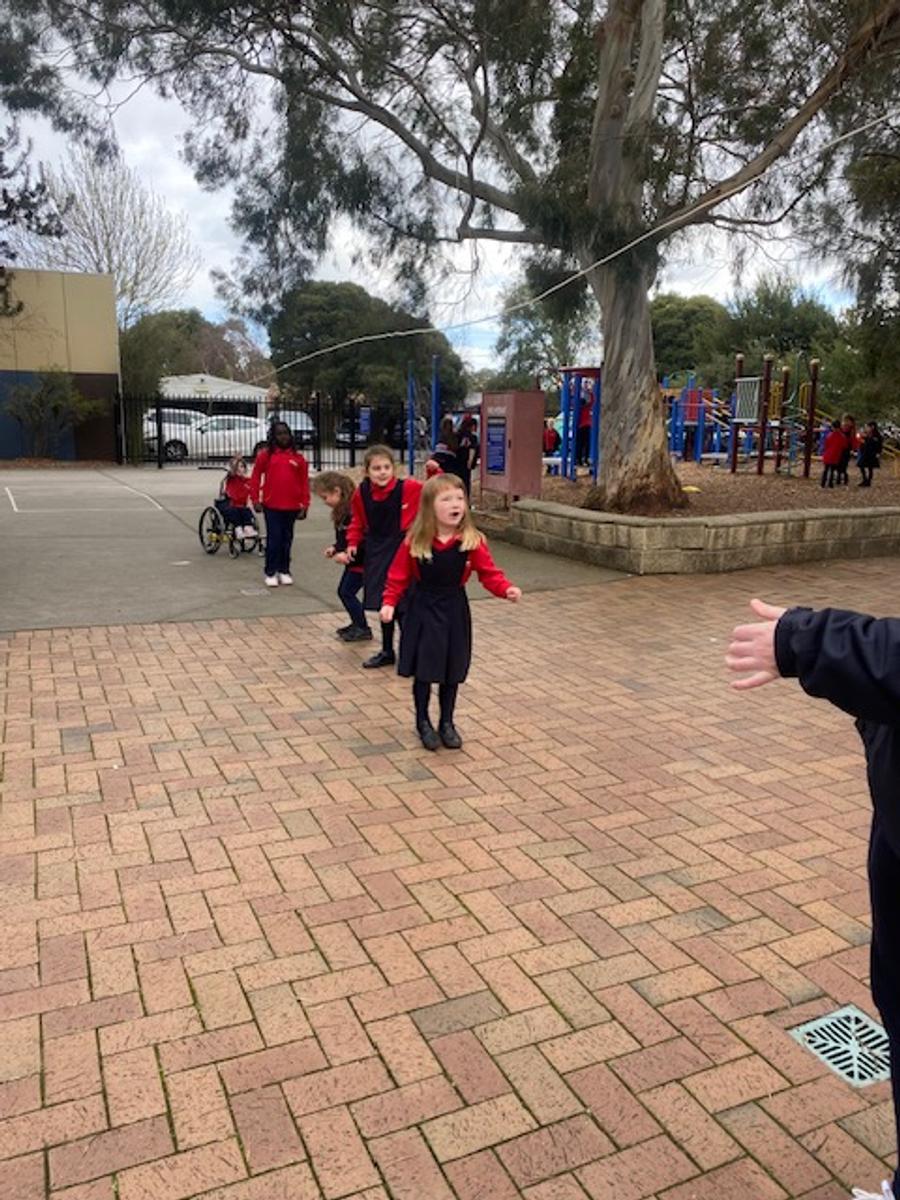
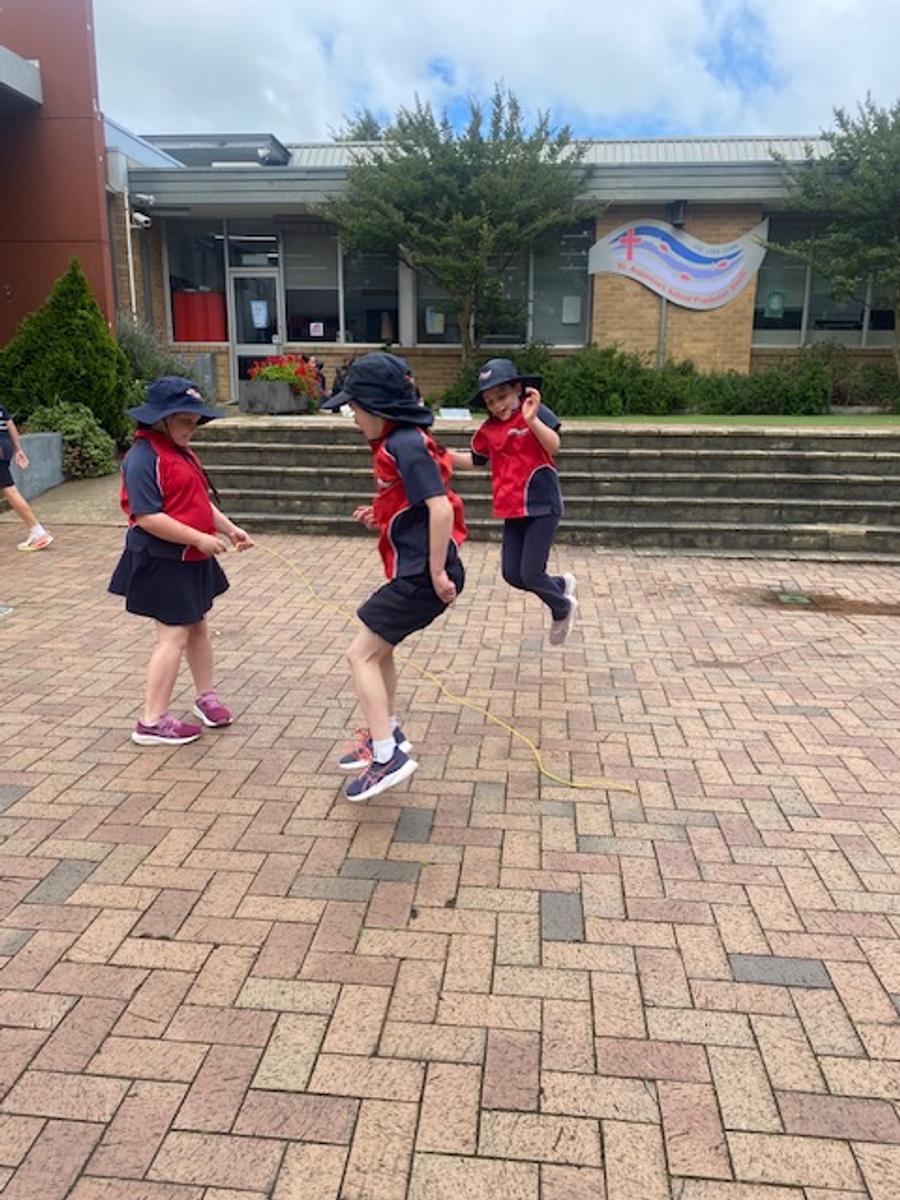
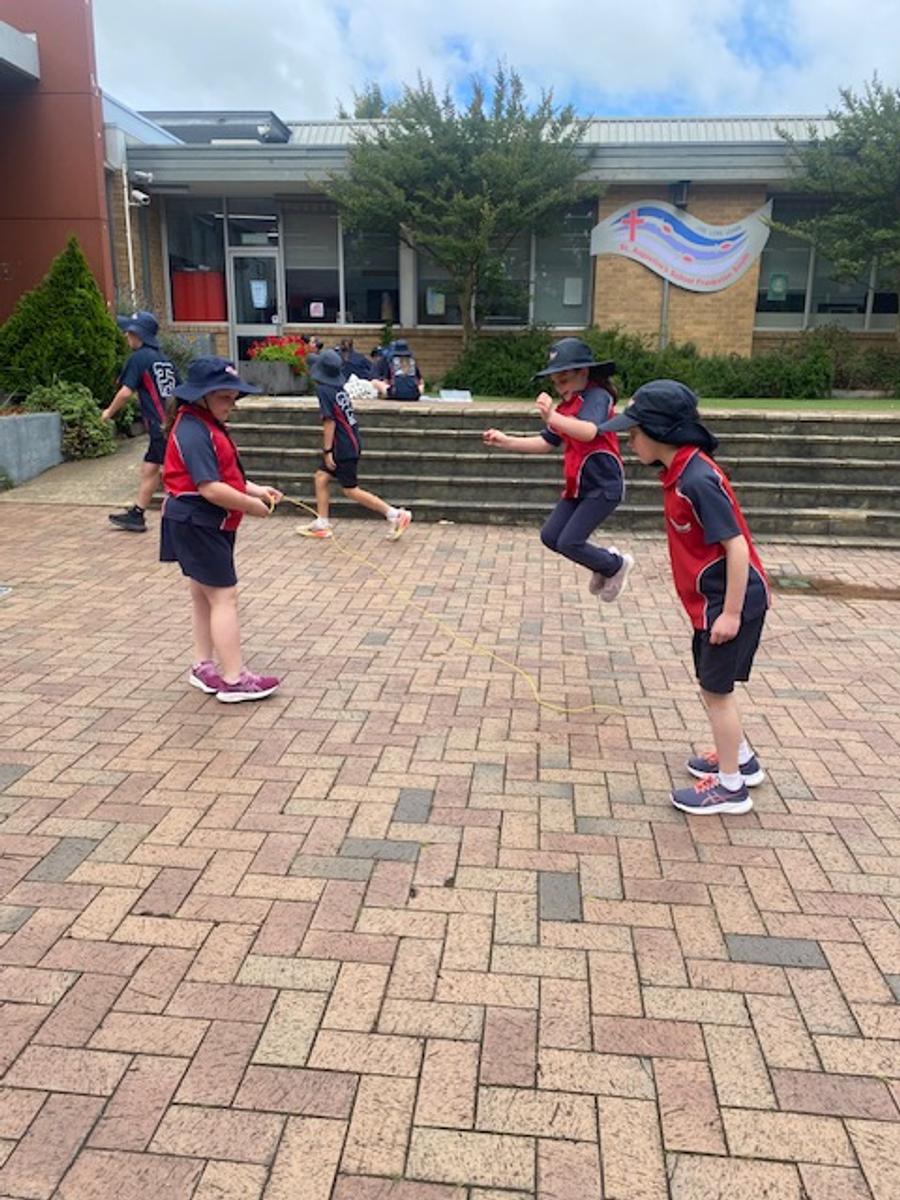
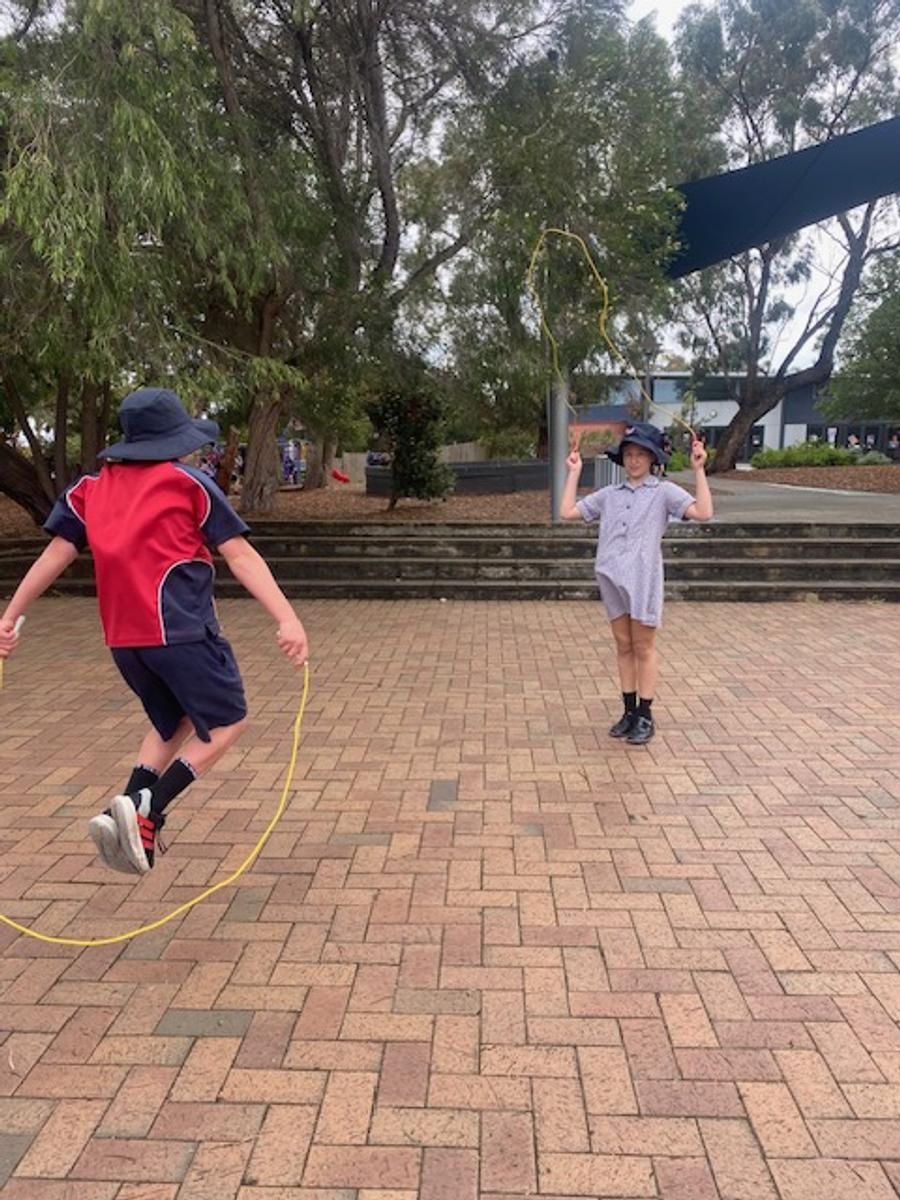
Our amazing support staff and teachers approached each club with incredible enthusiasm, creating engaging, fun, and social experiences for all involved. Over the past four terms, we have run an exciting variety of clubs, including chess, Lego, knitting, loom bands, colouring, board games, skipping, chalk drawing, gardening, yoga, yo-yos, scavenger hunts, and so much more!
We are already looking forward to planning and preparing for the year ahead—and to bringing even more fantastic clubs to our students in 2026!















Happy Families – final articles for Term 4
Our final two articles from the team at Happy Families for this year are truly thought-provoking reads.
The first, “The Parenting Advice I’m Ignoring,” explores the overwhelming amount of guidance shared by countless so-called “experts” on the best way to parent. While advice can be helpful, too much of it can feel confusing, unrealistic, or simply irrelevant. This article reminds us to focus on our child, their individual needs, and our own family circumstances—and, most importantly, to be kind to ourselves.
The second article, “Should You Force Your Child to Say Sorry?”, is a powerful reflection on apologies. It challenges the idea of encouraging children to say sorry simply as a quick fix, prompting us to consider whether this really addresses the root cause of the behaviour. Often, it doesn’t—and this article encourages deeper understanding and meaningful conversations instead.
We hope you have enjoyed the insightful articles provided by the Happy Families team throughout the year. We look forward to sharing more of their valuable content again next year. As always, your feedback on these articles is very welcome.
Support for Families
Monkey Minds is an organisation that supports families of children with all abilities in many different ways. Below is a flyer with additional information and a QR code to enroll in the 2026 School Readiness program.
We have been given a wonderful opportunity to access psychological support through assessments at a discounted rate! Iain Davis at 'Let's Be Honest' is a respected psychologist who has previously worked with families at our school and comes highly recommended. We thank Iain for providing this opportunity to members of our community.
An End-of-Year Message from the Wellbeing Team
As the year comes to a close, the Wellbeing team at St Augustine’s Primary School would like to wish all our families a safe, happy, and relaxing Christmas, New Year, and summer holiday.
We hope you are able to take time to enjoy the company of your loved ones, recharge, and create many long-lasting memories together. Thank you for your continued support throughout the year.

Community Involvement at St Augustine’s
We love having all members of our community actively involved in school life, and we are grateful for the wonderful support offered throughout the year. Our many school events—whether cooking and gardening sessions, excursions, or sporting activities—simply wouldn’t be the same without our fantastic helpers.
A reminder that all volunteers aged 18 and over must hold a current Working With Children Check (WWCC) to assist at school. If you’re keen to be more hands-on and support our community in 2026, please send a copy of your WWCC to the office.
Thank you for helping make St Augustine’s a vibrant, supportive place for all our students. Working With Children Check.
Savers Plus
About Saver Plus:
Saver Plus is a free community program where participants can get up to $500 in matched funding for education costs.
There are three parts to the program:
- SAVING – ANZ bank will match what participants save up to $50 a month to a total of $500 over 10 months
- WORKSHOPS - fun workshops where participants build on their money management skills and we share practical resources. These are held on Zoom and have never been more flexible to attend.
- CLAIMING - In the 11th month of the program participants claim their matched funding.
Eligibility:
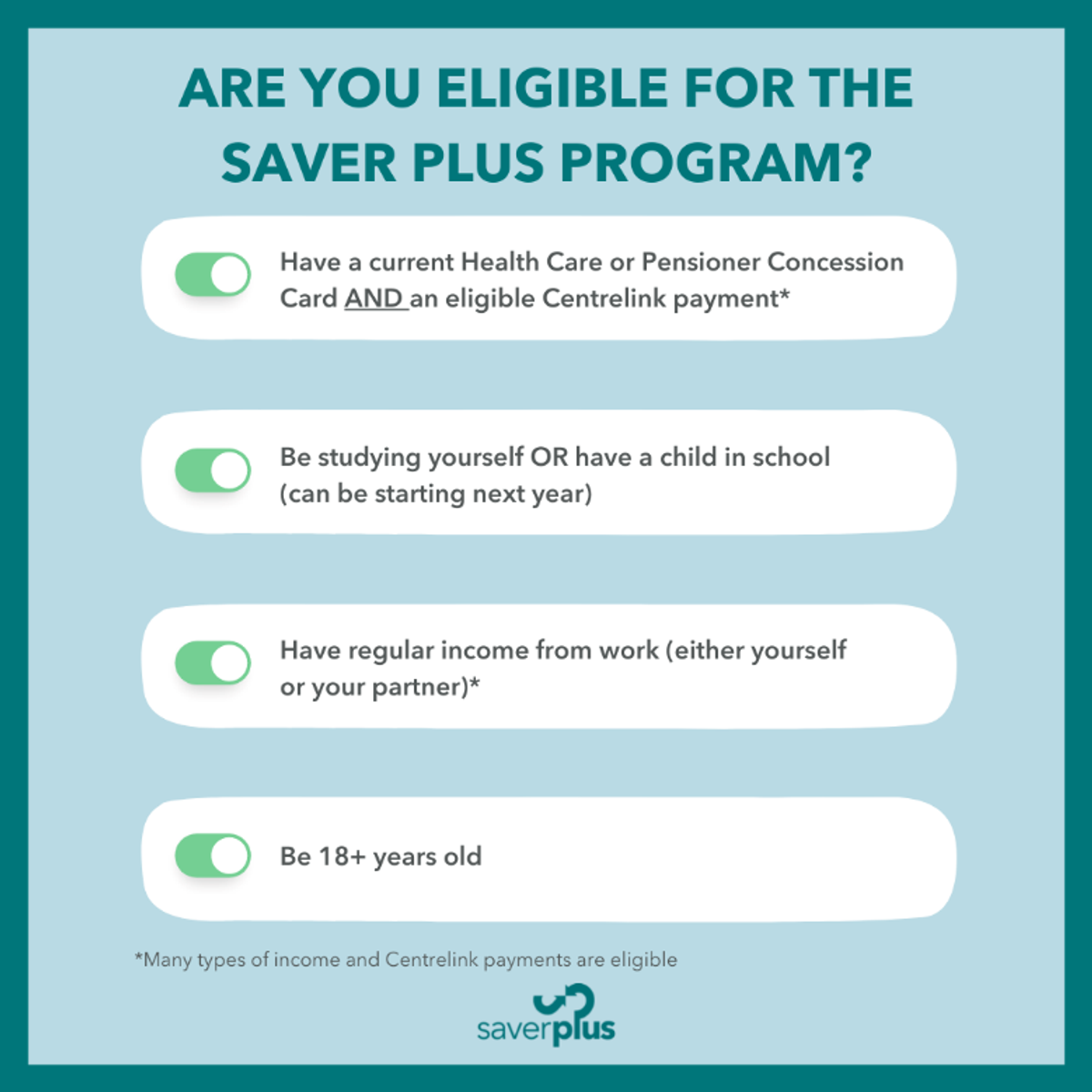
Participants MUST:
1. Be 18+ years old and doing the program for the first time
2. Have Health Care Card or Pensioner Concession Card
3. Have a Centrelink payment
4. Be studying themselves or have a child that is studying
5. Have some money from work – includes cash in hand work, child support payments, partner’s work and carer payments.
Online Safety Hacks (for Apple devices)
Over the next few newsletters, we will be sharing some practical hacks to keep children safe while using Apple Devices
Before getting started
Before diving into these hacks, you’ll need to set up a separate Apple Account for your child. This prevents them from accessing your personal data while giving them their own safe space to explore.
Then you can easily set age-based parental controls, and they can use Family Sharing.
- On your iPhone or iPad
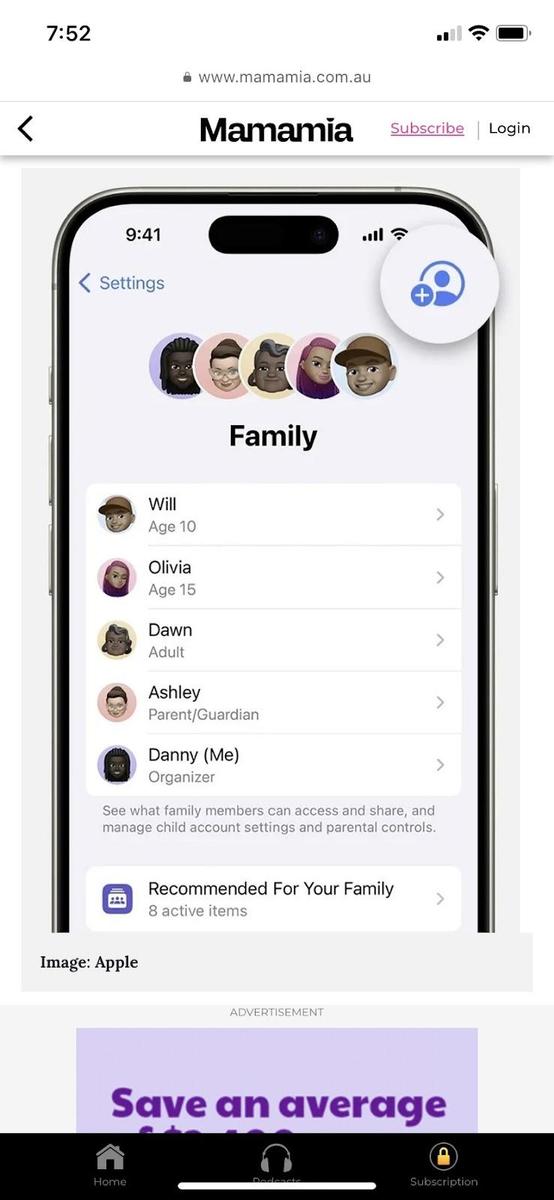
- Go to Settings > Family
- Tap the Add Member button
- Tap Create Child Account, then tap Continue.
EXPERT TIP: Never share the ‘Screen Time’ password with your child; this will null and void the safety features as they will be able to override them. This is a parent or carer, ‘family circle only’ level of trust.
TIP 2: Ask to Buy: Your digital wallet guardian
This setting is to ensure that you are never caught off guard by app or in-app purchases. Plus, it helps to ensure all app purchases (even free ones) or anything else that can be purchased through the Apple Store are appropriate for your child.
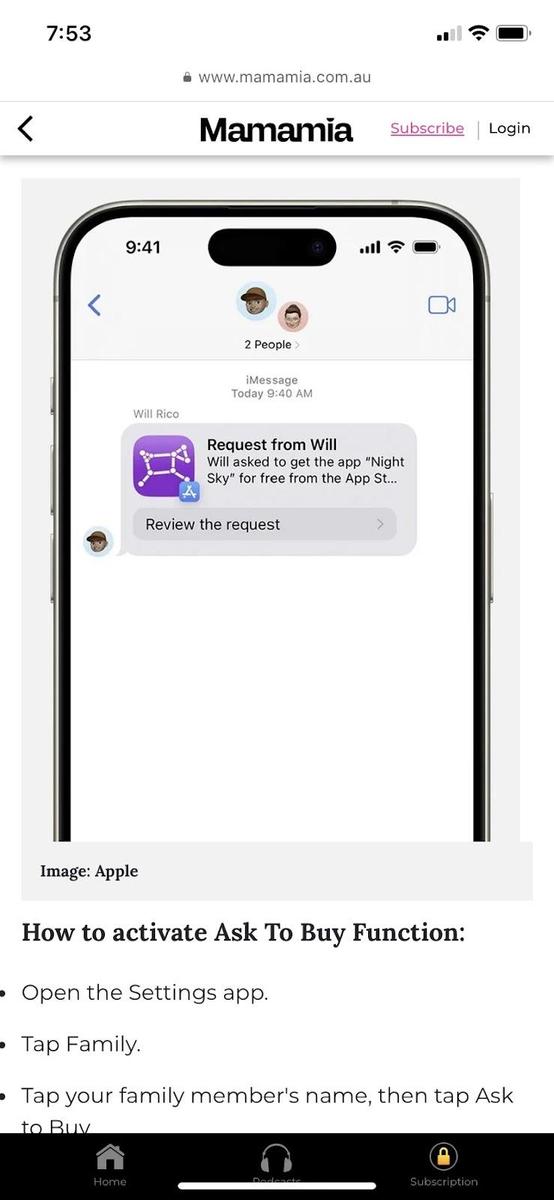
The ‘Ask to Buy’ feature will send you a request that requires your approval every time your child tries to make a purchase. This means no more unexpected bills, and you can ensure the purchases are age-appropriate.
How to activate the Ask To Buy function:
- Open the Settings app
- Tap Family in iOS 16 or above
- In iOS 16 or above, tap your family member’s name, then tap Ask to Buy
- In iOS 15 or earlier, tap Ask to Buy, then tap your family member’s name
Article sourced from Mama Mia and originally published on 14/4/25
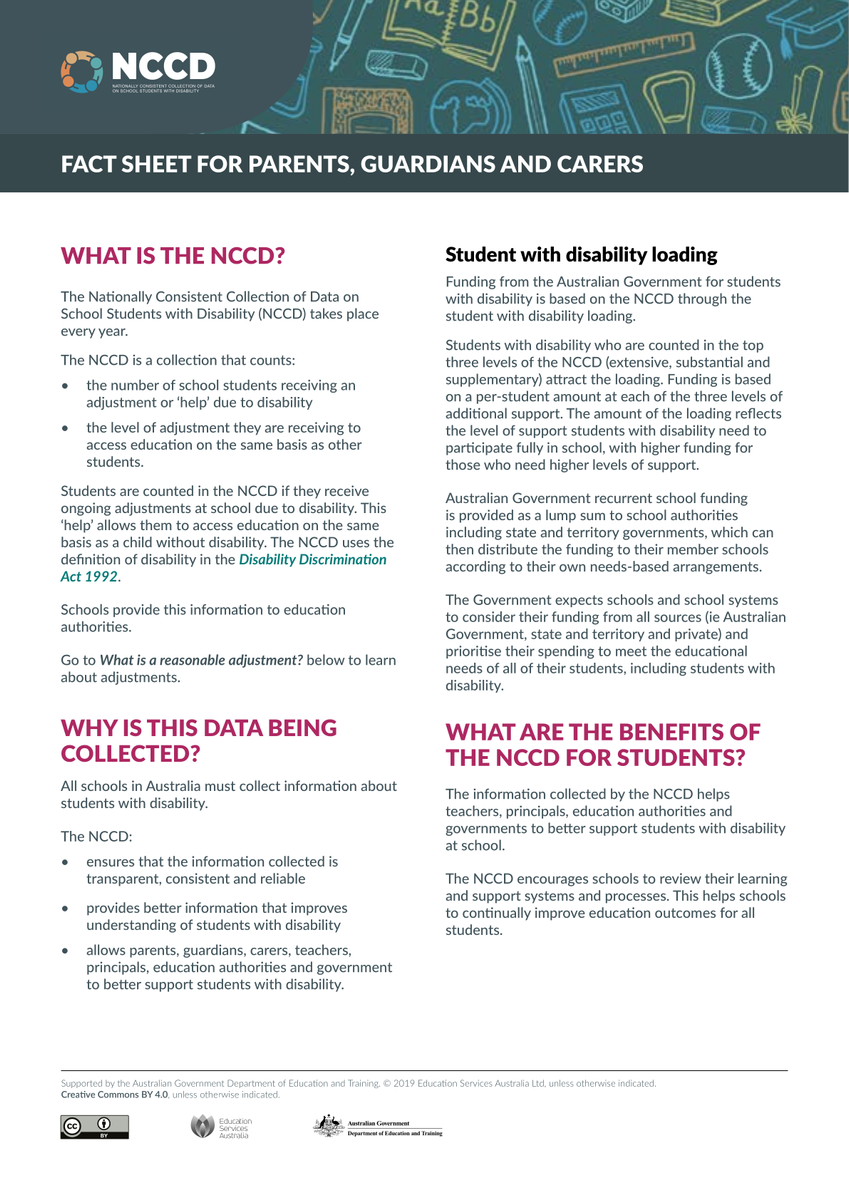
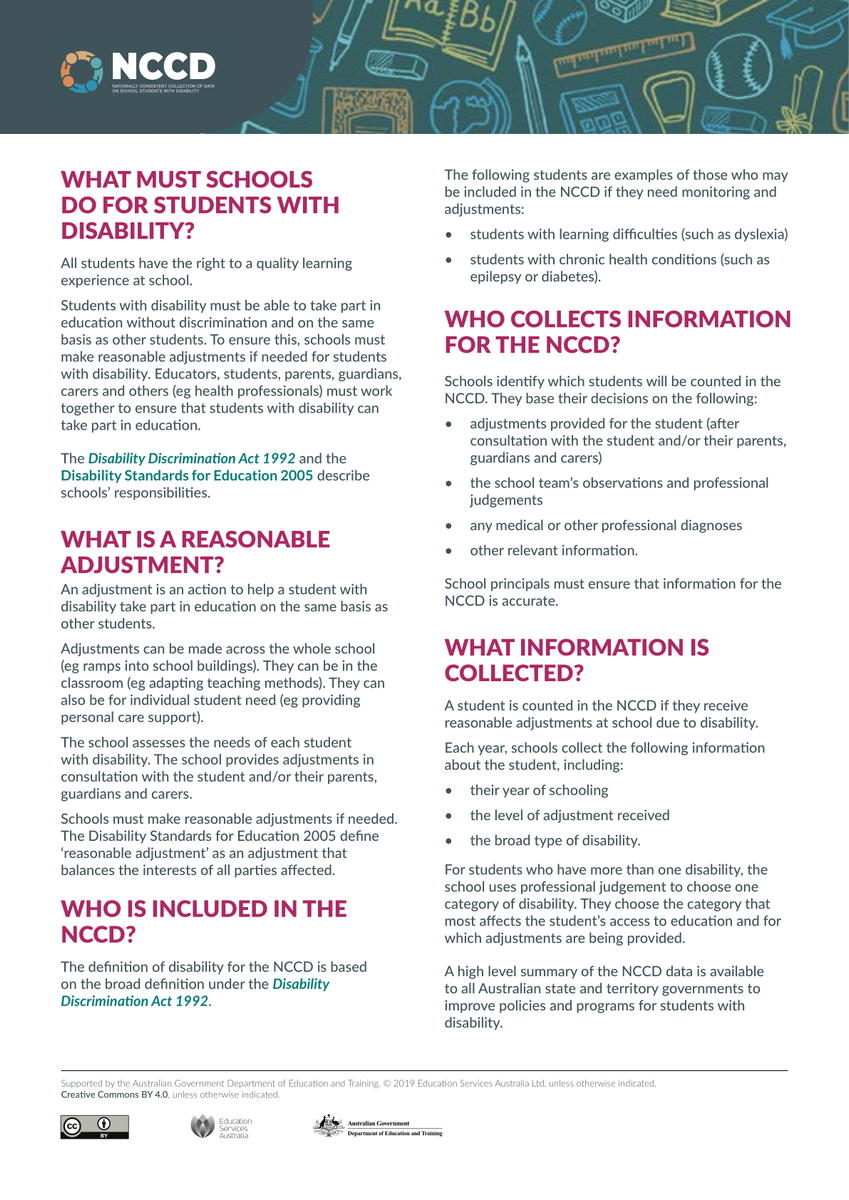
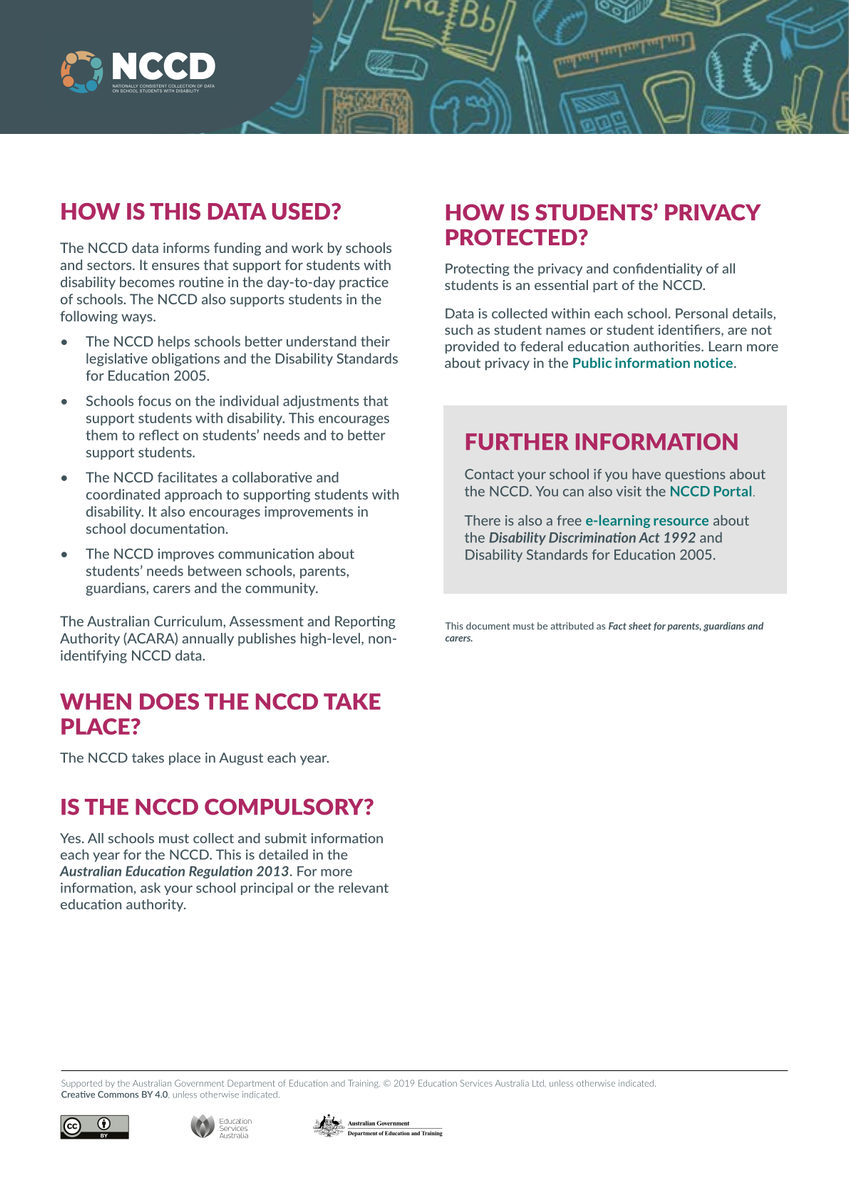
NCCD Information & Application