Teaching and Learning

What an incredible first term of Learning and fun in Term 1, 2026 at Rangeview Primary School!
Foundation
- Grandparents Visit
- Pirate Penguin Party
- Whole School Cross Country
- Schultuten Presentations
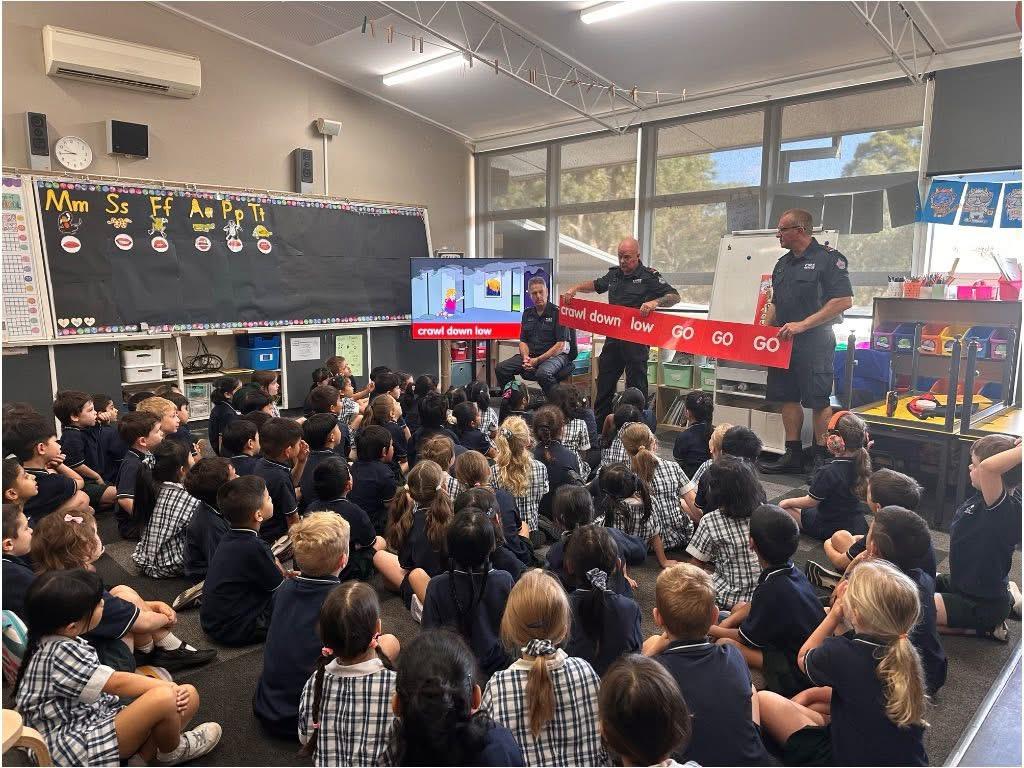
- Fire Education with Firemen Visit
- Police Visit
- Harmony Day
Level 1
- Safer Internet Day
- Sound Sensations Mad About Science Incursion
- Whole School Cross Country
- Little Learners Beach Camp Day
- Harmony Day

Level 2
- Safer Internet Day
- Sound Sensations Mad About Science Incursion
- Whole School Cross Country\Harmony Day
Level 3
- Safer Internet Day
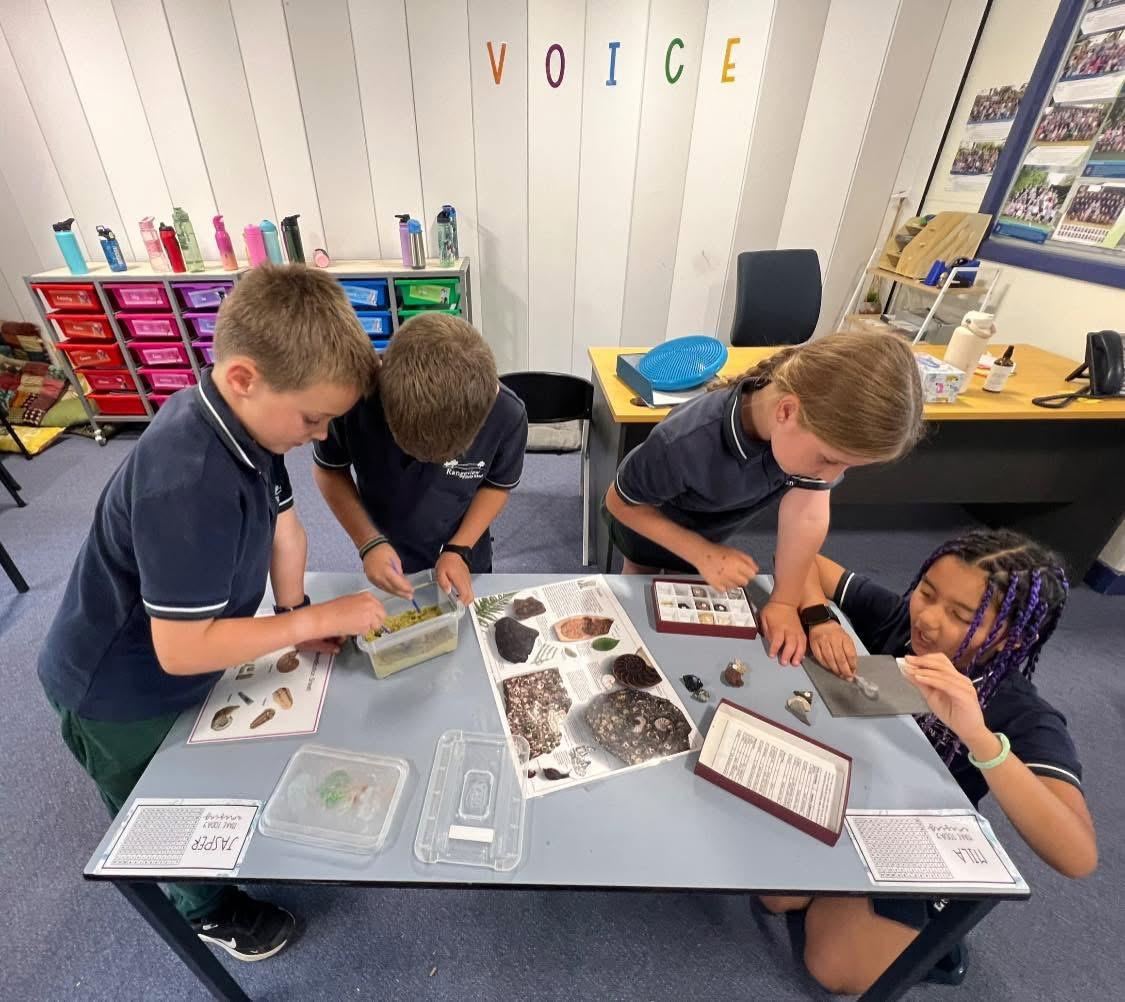
- Changing Our Earth Hands on Science Incursion
- Whole School Cross Country
- Flora & Fauna
Level 4
- House Swimming Carnival
- Safer Internet Day
- Changing Our Earth Hands on Science Incursion
- Whole School Cross Country
- Harmony Day
Level 5
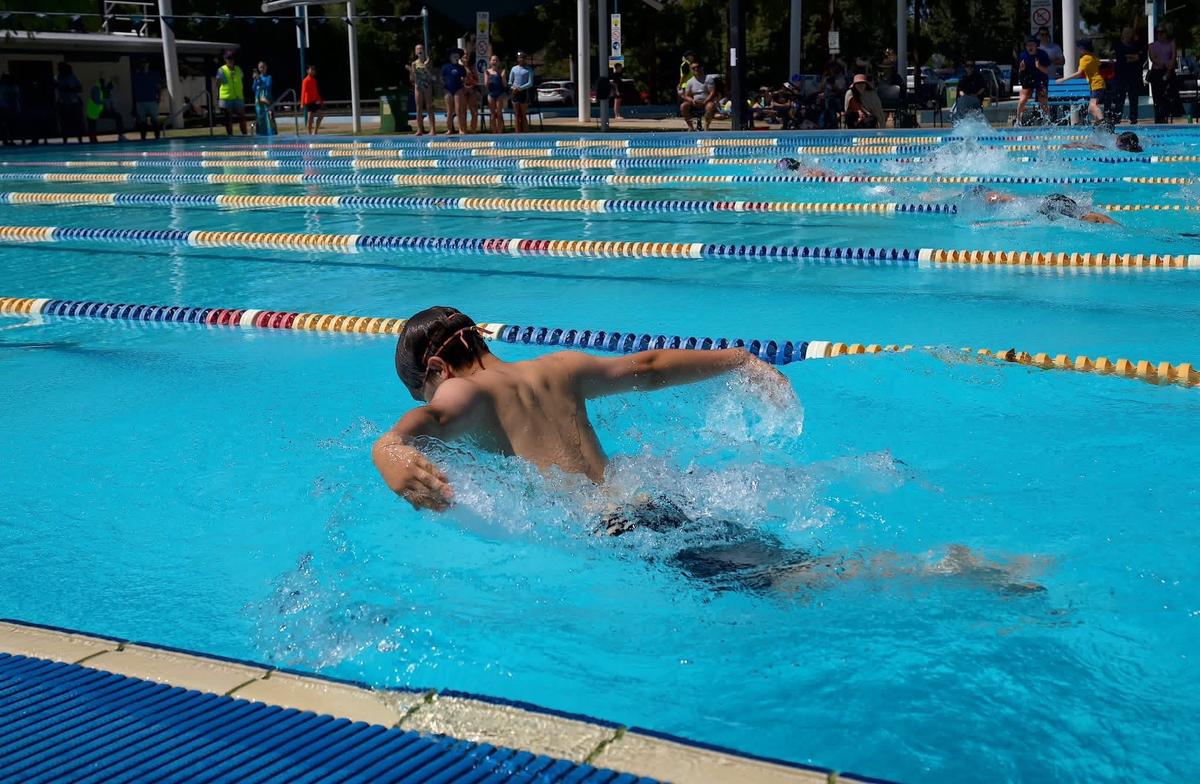
- House Swimming Carnival
- Safer Internet Day
- Light Hands on Science Incursion
- Whole School Cross Country
- Level 5 Camp - Waratah Bay
- Harmony Day
Level 6
- House Swimming Carnival
- Safer Internet Day
- Light Hands on Science Incursion
- Whole School Cross Country
- Harmony Day

Clubs and extra activities that students could elect to participate in, included:
- Chess Club
- Coding Club
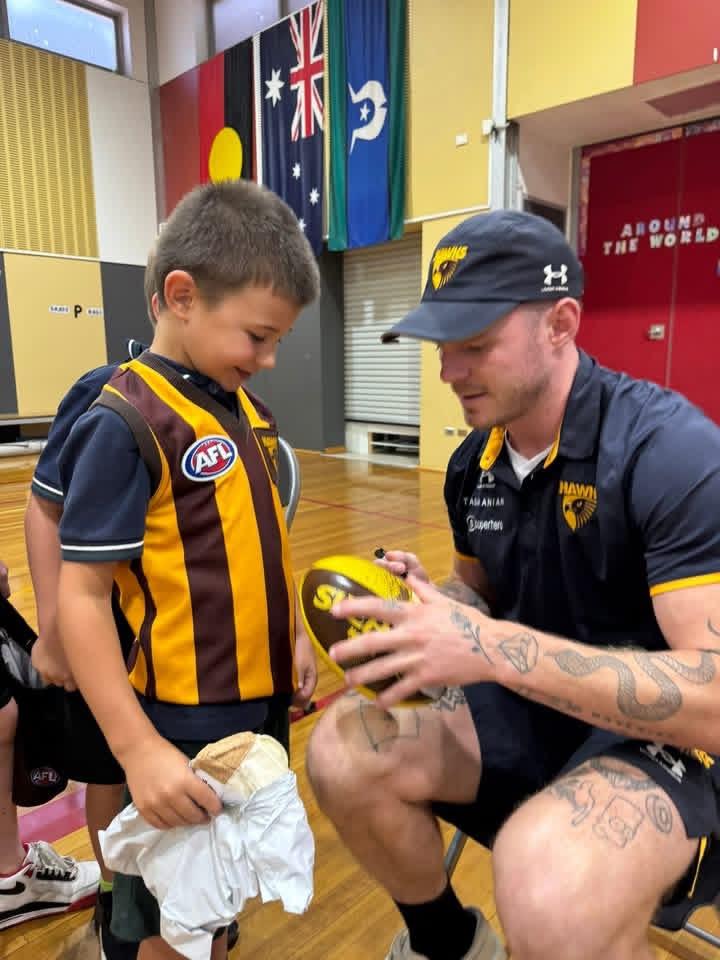
- Hawthorn Football Club Player Visit
- Book Club
- Lego Club
- Hockey Clinics
- Junior Choir
- Senior Choir
- Vermont Football Club Clinic
- Board Games Club
- Rock Band
- Band
- RAFT Annual Camp Out
NAPLAN - Level 3 and Level 5

In Week 7 and Week 8 of Term 1, our students in Level 3 and Level 5 participated in NAPLAN the National Assessment Program - Literacy and Numeracy. NAPLAN assesses the literacy and numeracy skills that students are learning through the school curriculum and allows parents and carers to see how their child is progressing against national proficiency standards.
NAPLAN is just one aspect of a school’s assessment and reporting process. It does not replace ongoing assessments made by teachers about student performance, but it can provide teachers with additional information about students’ educational progress.
NAPLAN also provides schools, education authorities and governments with information about how education programs are working and whether young Australians are achieving important educational outcomes in literacy and numeracy
Students participated in 4 tests over the 9 day test window:
- Writing
- Reading
- Conventions of Language
- Numeracy
NAPLAN Results
NAPLAN results are reported against proficiency standards. There is a standard for each assessment area at each year level. Proficiency standards provide clear information on student achievement. They are set at a challenging but reasonable level expected for the student at the time of NAPLAN testing, based mainly on what has been taught in previous years of schooling. Student achievement is shown against 4 levels of proficiency: Exceeding, Strong, Developing and Needs additional support.
A NAPLAN individual student report will be provided by your child’s school later in the year.
For further information, please go to https://www.nap.edu.au/naplan/for-parents-carers
Smart Watches cannot be worn with WIFI
Smart watches of any brand with WIFI ability cannot be worn to school, as per Department policy. Smart watches can be left at the school office daily for safe storage and can be picked up again at 3.30pm.
The only time a Smart Watch can be worn during school hours is if the Smart Watch has had ‘Schooltime Mode’ activated between the hours of 9.00am and 3.30pm.
Schooltime blocks notifications and disables the use of all apps on your child's watch. When Schooltime is activated, the watch face has a yellow circle indicating access to apps is restricted and 'Do Not Disturb' is turned on.
For further information please see our Mobile Phone Policy.
The below instructions advise how to set up Schooltime on an Apple watch. Please check manufacturer instructions for similar modes on alternative brand smart watches.
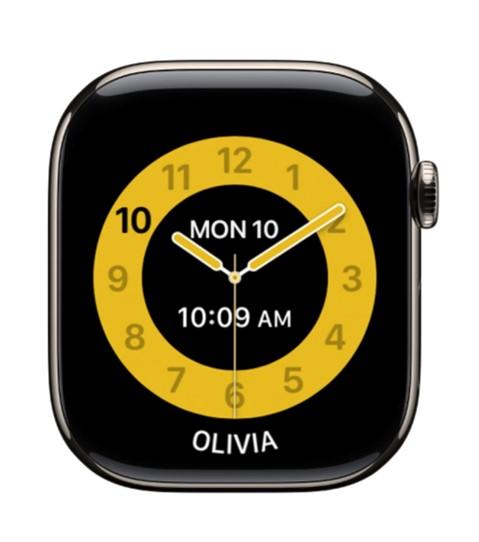
Setting up Schooltime on an Apple Watch
- Open the Apple Watch app on the iPhone use to manage to watch.
- Tap 'My Watch', then tap a watch below Family Watches.
- Tap 'Done', the tap 'Schooltime'.
- Turn on Schooltime, then tap 'Edit Schedule'.
- Choose the days and times you want Schooltime to be activated.
Safe Pick Up and Drop Off Vehicle Parking
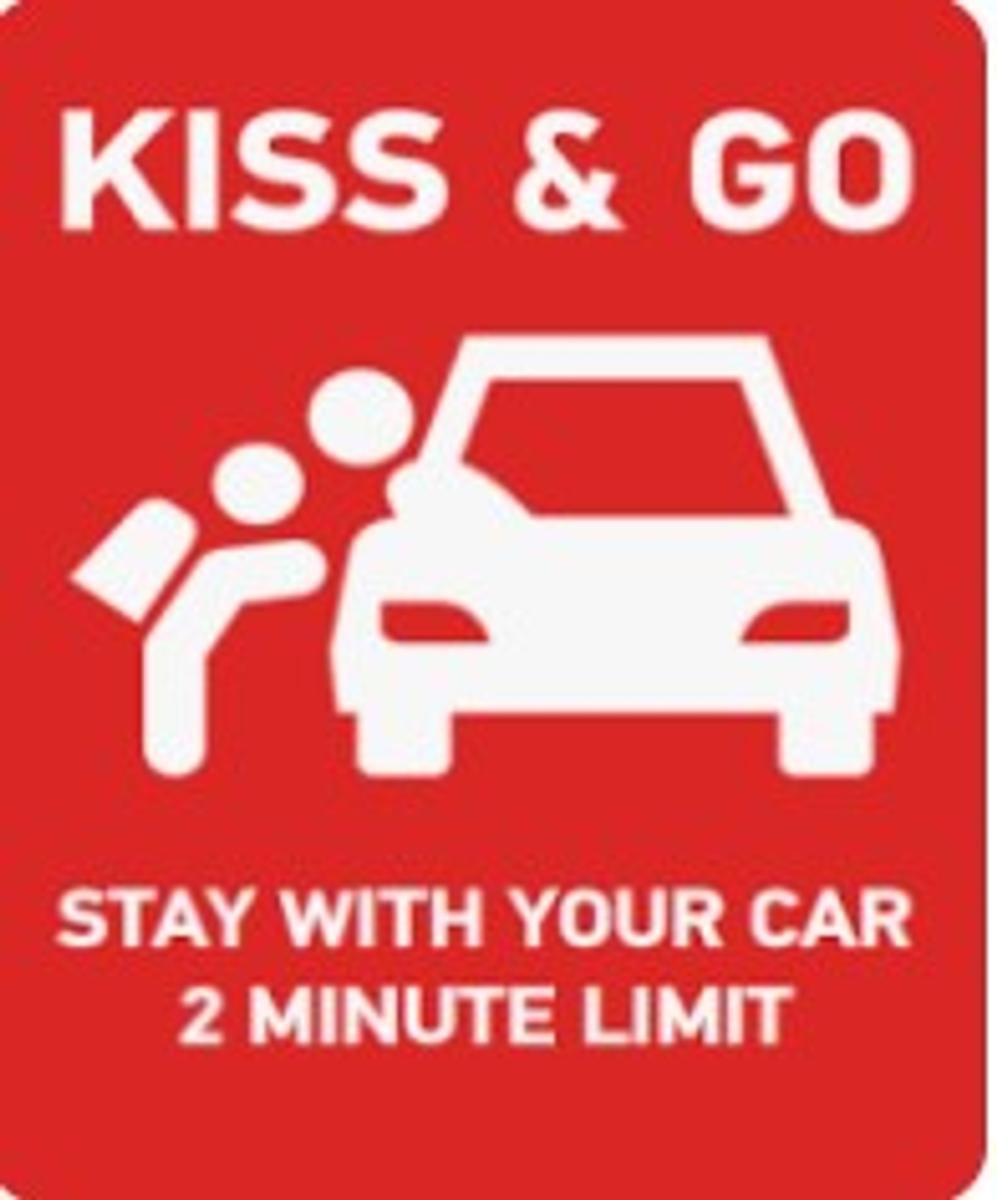
We do recognise that with our school surrounded by houses, drop off and pick up parking is limited, however student safety is paramount and it is important to follow all signage.
Please adhere to the parking signs.
Please do not use the school driveway as a pick up or drop off park. We have a number of vehicles that need to enter the car park for disabled access, and we cannot have the driveway blocked at any time.
Please be respectful of our neighbours and do not do stop vehicles across driveways.
The 'Kiss & Go' park is for drop off only. Please do not use this as a car park, the driver must stay with the car, allow the student to get out of the car, and then move on.
Please do not double park, this blocks the road and is very dangerous for students getting out of cars.
We thank everyone for their support with drop off and pick up time.
Using the Carpark Safely
Safety around cars is always paramount, a reminder to not walk through the middle of the carpark with your children. Kindly please use the paths provided.
Kate McLeod
Assistant Principal
Teaching and Learning