
Digital Learning & High Abilities
Mr Hardev Singh: Learning Specialist in Digital Learning & High Abilities Students
Digital Learning & High Abilities
Mr Hardev Singh: Learning Specialist in Digital Learning & High Abilities Students
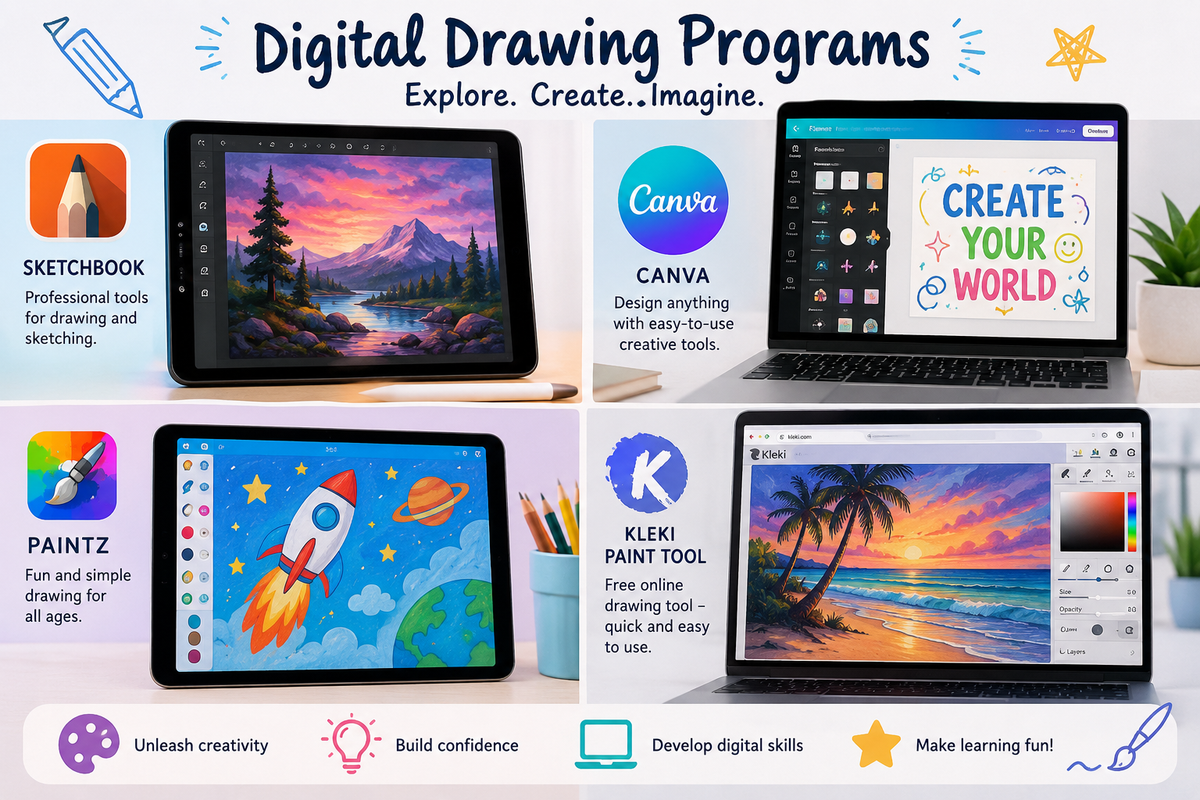
At Hillsmeade Primary School, students are using digital drawing apps to explore their creativity, share ideas, and build important learning skills in fun and engaging ways.
Drawing apps on iPads and laptops give students opportunities to create artwork, design characters, plan projects, and express their thinking visually. These tools are easy to use and allow students to experiment confidently using different colours, brushes, shapes, and effects. Features such as the “undo” button also encourage students to take risks and try new ideas without worrying about making mistakes.
Using drawing apps can support learning across many subjects. Students may use them to:
Digital drawing can also help students who sometimes find writing difficult by giving them another way to communicate their understanding and ideas.
Many students enjoy the creative freedom these apps provide, and they often feel proud sharing their finished work with classmates, teachers, and families. Activities like these also help students develop confidence using technology safely and responsibly.
Families and students looking to continue developing their digital art skills at home may enjoy these beginner-friendly tutorials and resources:
Families who would like to explore drawing apps at home may enjoy:
Encouraging children to draw digitally at home can be a wonderful way to support creativity, imagination, and confidence while also helping them build important digital skills for the future. Parents and carers are encouraged to supervise online activity and help students select age-appropriate tutorials and content when exploring platforms such as YouTube.