Wellbeing & Partnerships

Day for Daniel
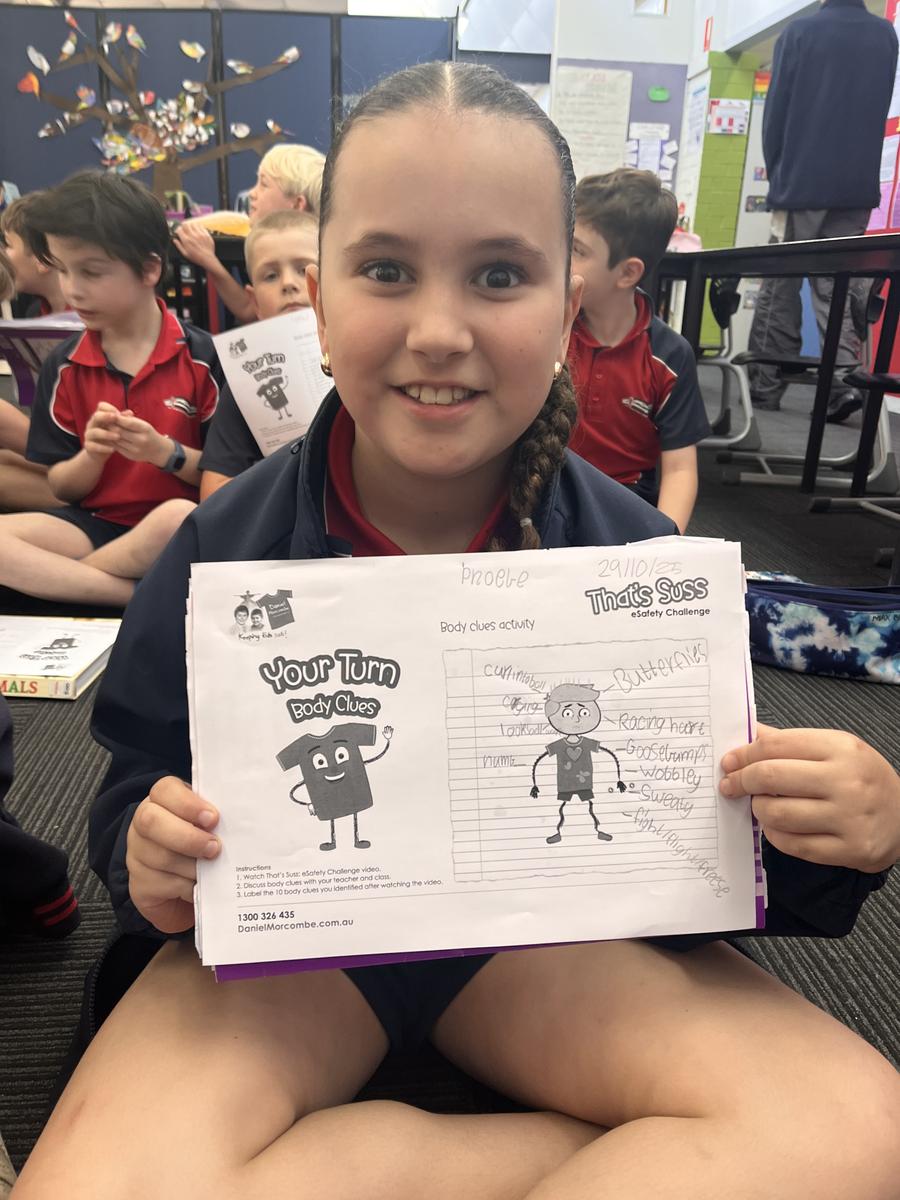
On Wednesday, 29th October, our school proudly participated in Day for Daniel, a national day of action dedicated to child safety, protection, and awareness. Students and staff came together wearing red, symbolising our commitment to keeping children safe and supporting the Daniel Morcombe Foundation’s important message: Recognise, React, and Report.
Throughout the day, each class took part in a range of age-appropriate activities designed to help students understand personal safety and how to seek help if they ever feel unsafe. Younger students enjoyed story-based discussions and colouring activities that reinforced the importance of talking to trusted adults. Older students engaged in guided conversations, role-plays, and digital safety lessons, learning how to stay safe both in person and online.
Even Ziggy thought it was important to mark this important day by wearing a touch of red.
Thank you to all our families for supporting this meaningful day by encouraging conversations at home about safety and respect. Together, we can help ensure every child feels safe, valued, and empowered.






Lunch Clubs
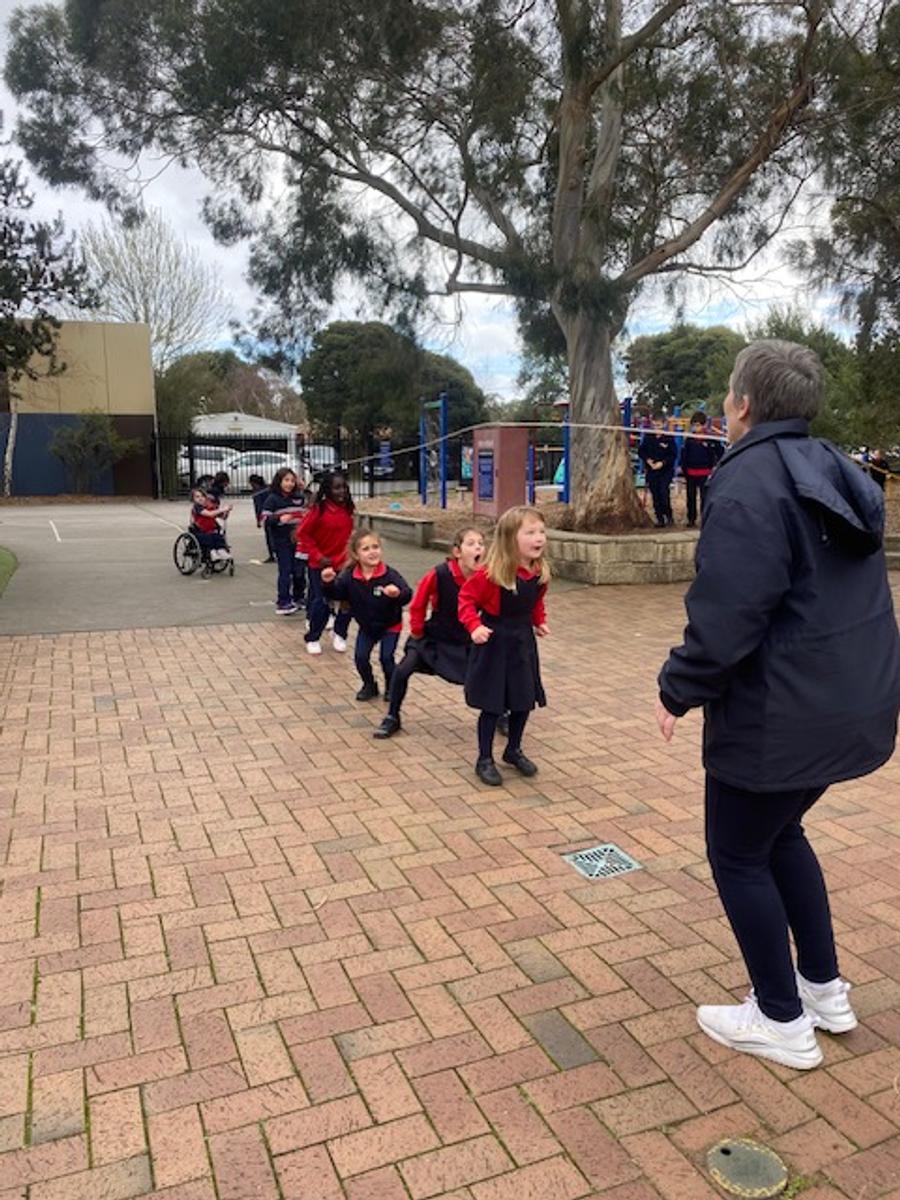
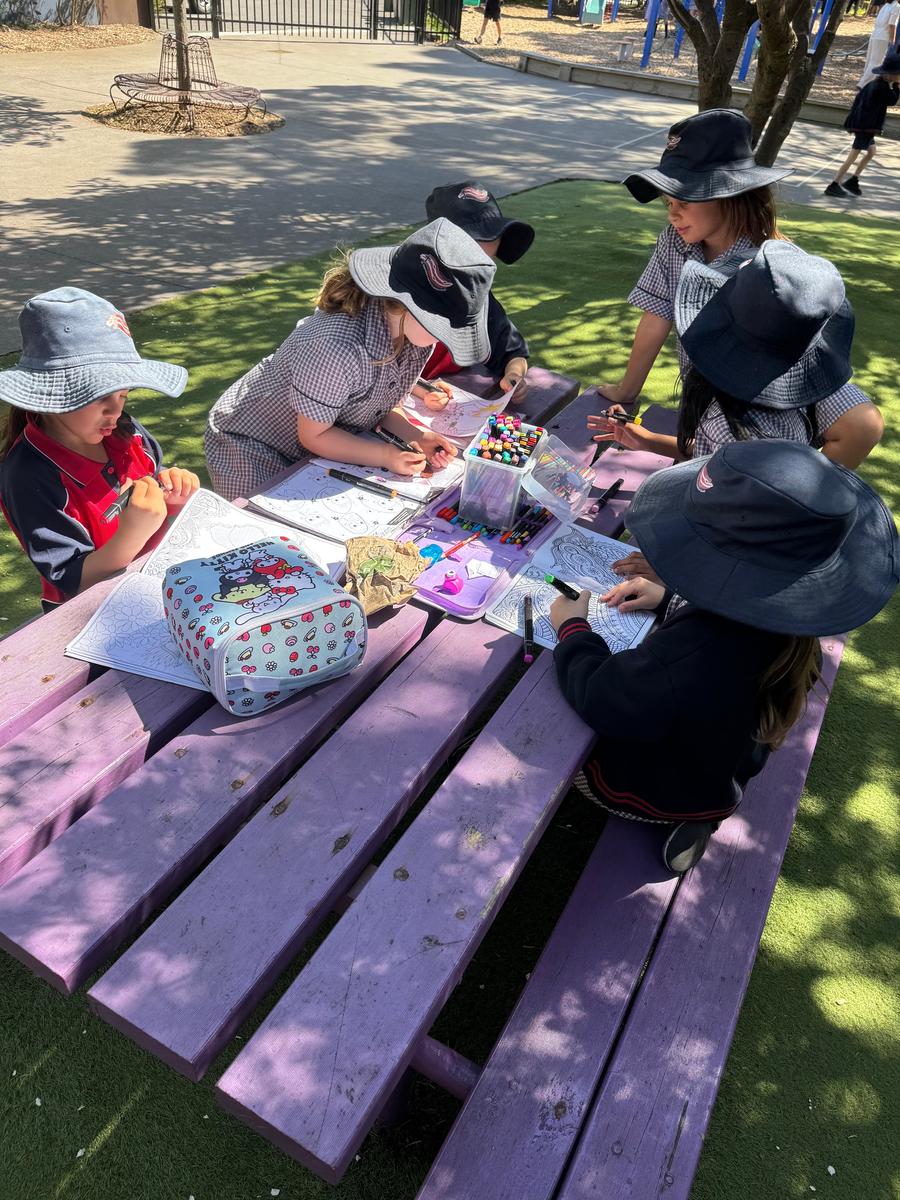
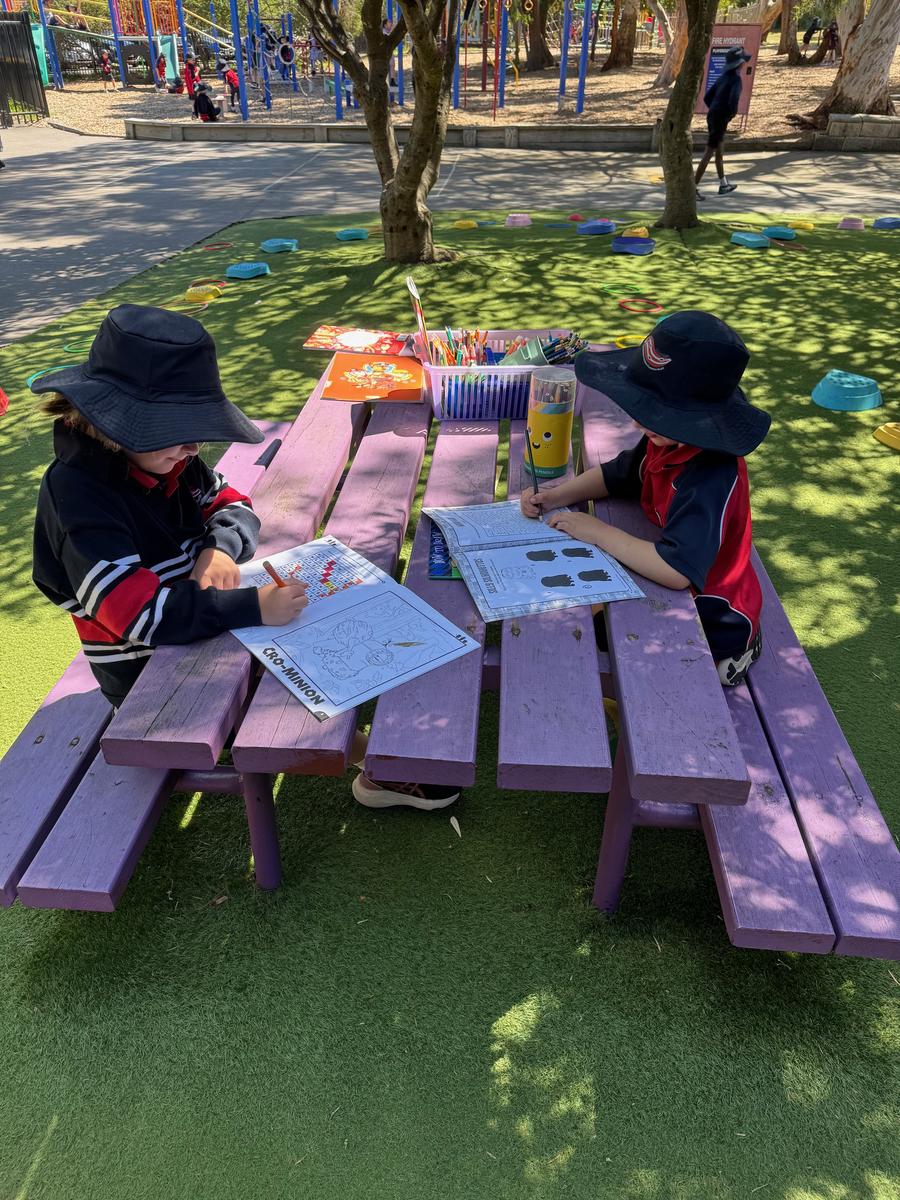
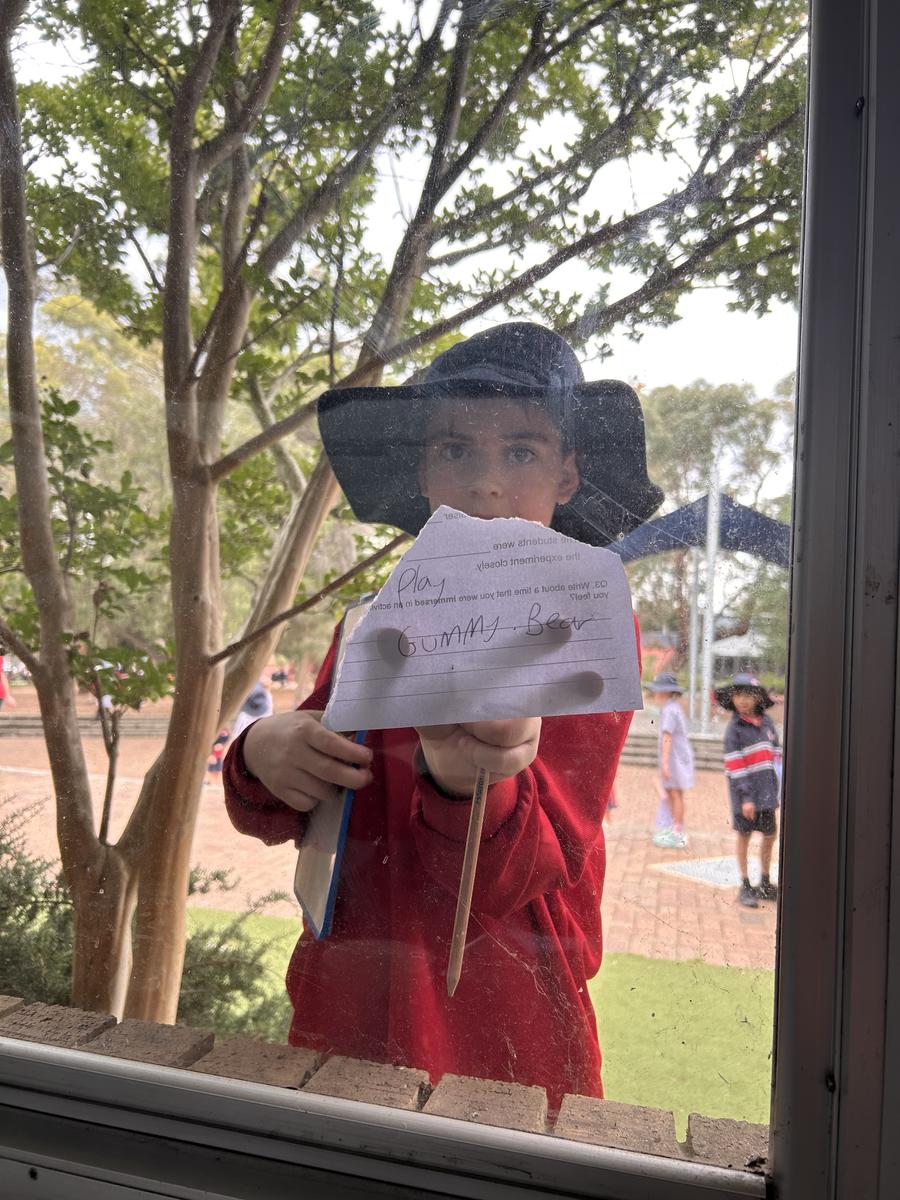
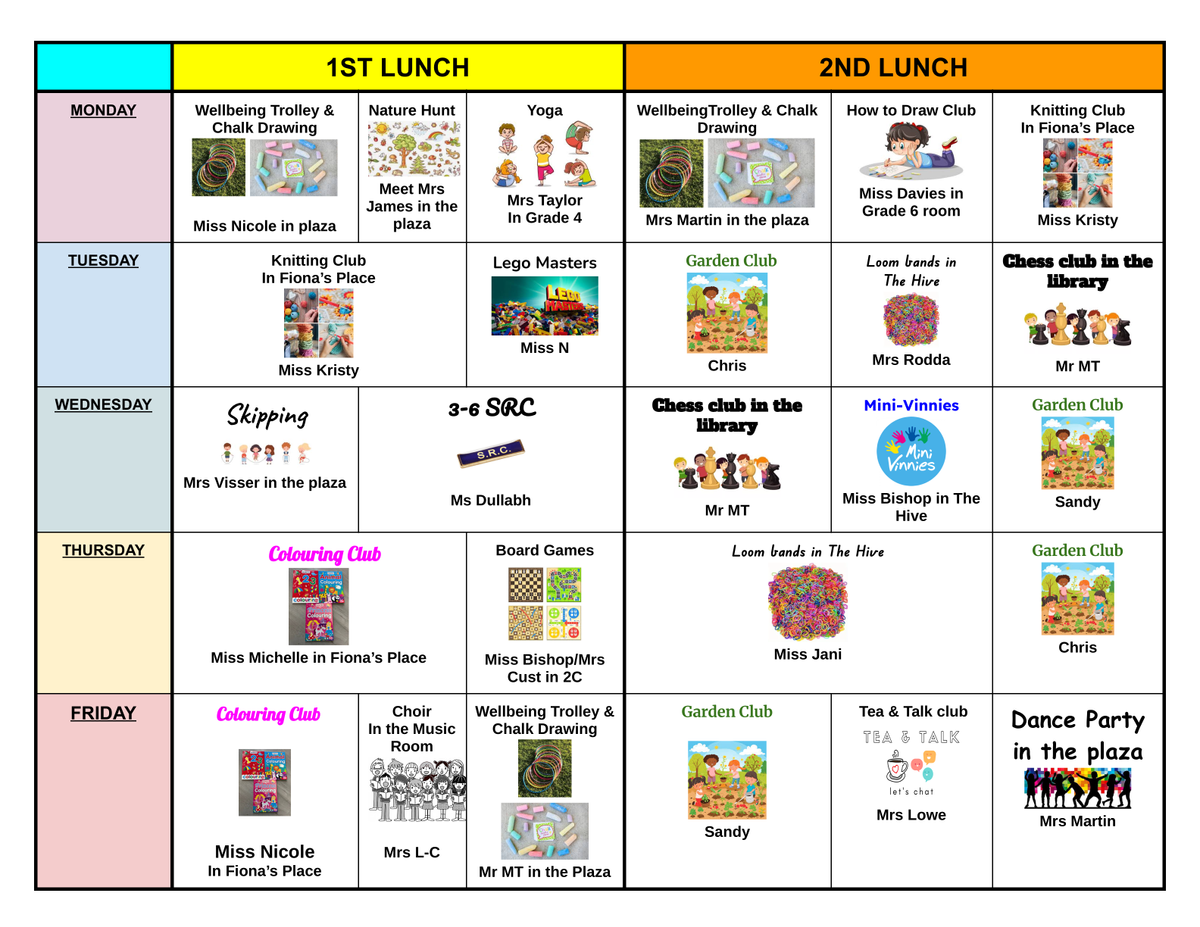
Despite only a few school days over the past fortnight — and some rather temperamental weather — our lunchtime clubs have continued to run with enthusiasm and creativity! The Colouring Club took full advantage of the sunshine when it appeared, enjoying the chance to get creative outdoors. There’s nothing like fresh air and a splash of colour to brighten up the day. Meanwhile, our resident DJ has been busy keeping the playground tunes flowing. This week they tried a new strategy to manage the endless stream of song requests — but as we all know, where there’s a will, there’s a way!
It’s been wonderful to see students making the most of their lunchtimes, joining in, having fun, and supporting one another in these relaxed and social spaces. We look forward to seeing what our clubs get up to next fortnight!

Happy Families – Articles for Term 4
This fortnight, Happy Families has shared two insightful new articles for parents and carers.
The first explores the idea that structure (and not rigidity) is the key to success. The article offers practical tips for creating calm, consistent routines at home without the stress of strict rules.
The second piece this fortnight looks at the new social media age laws, breaking down what the changes mean for families and how parents can help children navigate the online world safely.
Both are interesting and highly relevant reads — perfect for sparking conversation and reflection at home!
Support for Families
Monkey Minds is an organisation that supports families of children with all abilities in many different ways. Below is a flyer with additional information and a QR code to enroll in the 2026 School Readiness program.
Playgroup in Term 4
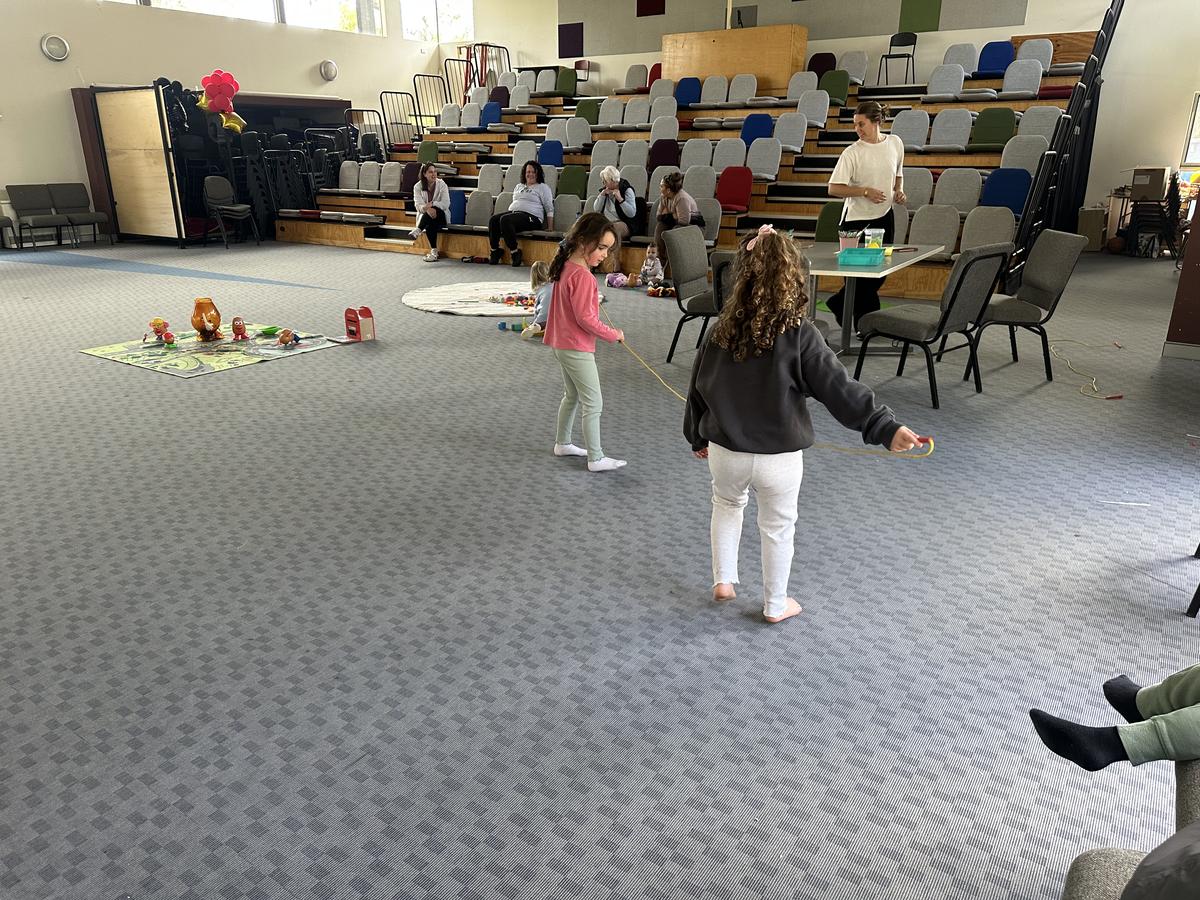
We’re excited to welcome all families with children to join us each Thursday from 2:00–3:00 pm in the hall.It’s a wonderful opportunity to meet new people, connect with other families, and enjoy a friendly, engaging environment where the little ones can play and interact.
Come along and be part of the fun — everyone is welcome!




We would love to have you join us at St A's - would you like to help out?
As the school year begins, it's a great time to find out how you can become an active member of our vibrant community at St Augustine's. We always appreciate an extra pair of hands to help across the school for a variety of reasons. This term we will have Cooking & Gardening sessions, a number of sporting events and excursions planned. It would be great if you are able to get involved and take part. If you are keen to join in, please make sure you have a current Working With Children Check.
Savers Plus
About Saver Plus:
Saver Plus is a free community program where participants can get up to $500 in matched funding for education costs.
There are three parts to the program:
- SAVING – ANZ bank will match what participants save up to $50 a month to a total of $500 over 10 months
- WORKSHOPS - fun workshops where participants build on their money management skills and we share practical resources. These are held on Zoom and have never been more flexible to attend.
- CLAIMING - In the 11th month of the program participants claim their matched funding.
Eligibility:
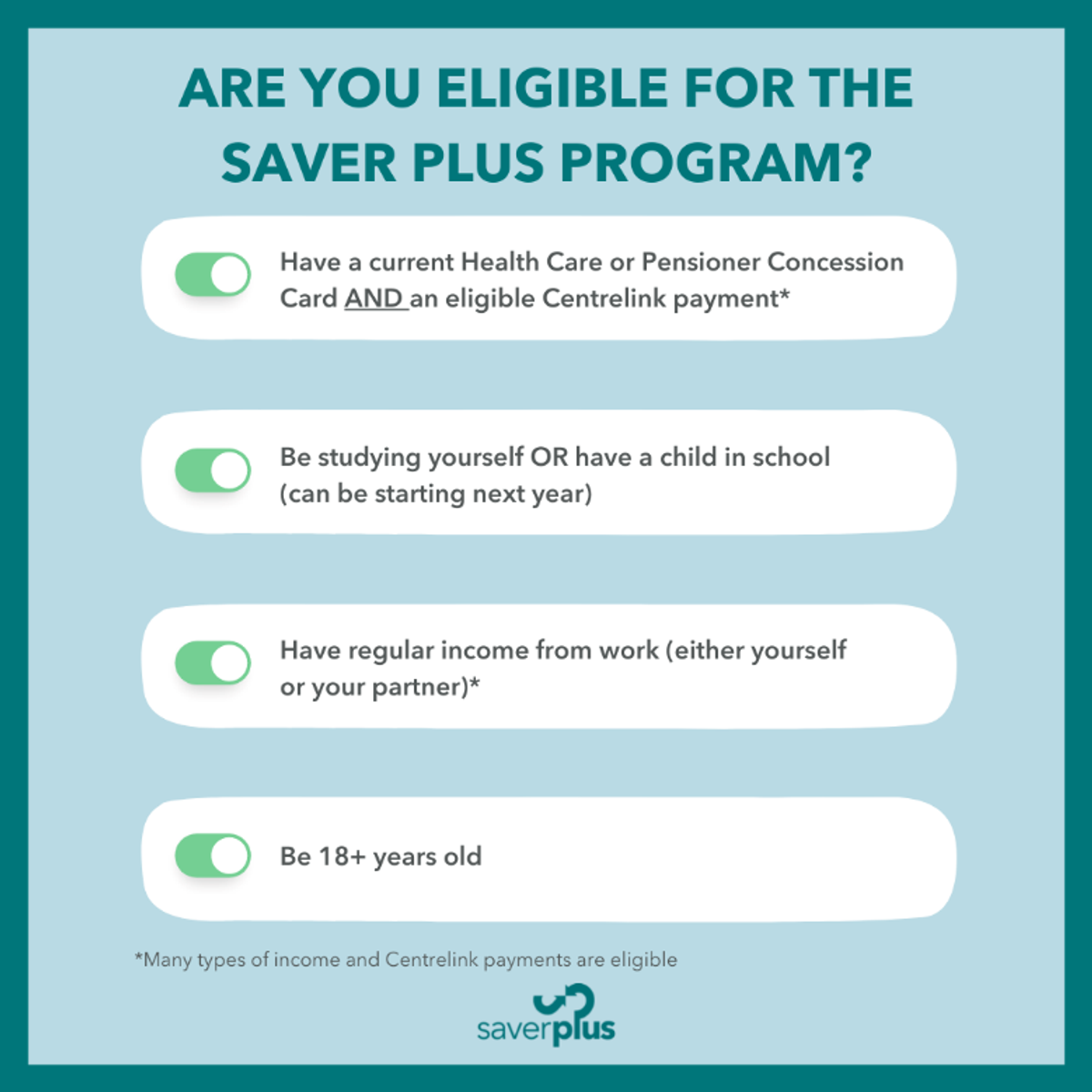
Participants MUST:
1. Be 18+ years old and doing the program for the first time
2. Have Health Care Card or Pensioner Concession Card
3. Have a Centrelink payment
4. Be studying themselves or have a child that is studying
5. Have some money from work – includes cash in hand work, child support payments, partner’s work and carer payments.
Online Safety Hacks (for Apple devices)
Over the next few newsletters, we will be sharing some practical hacks to keep children safe while using Apple Devices
Before getting started
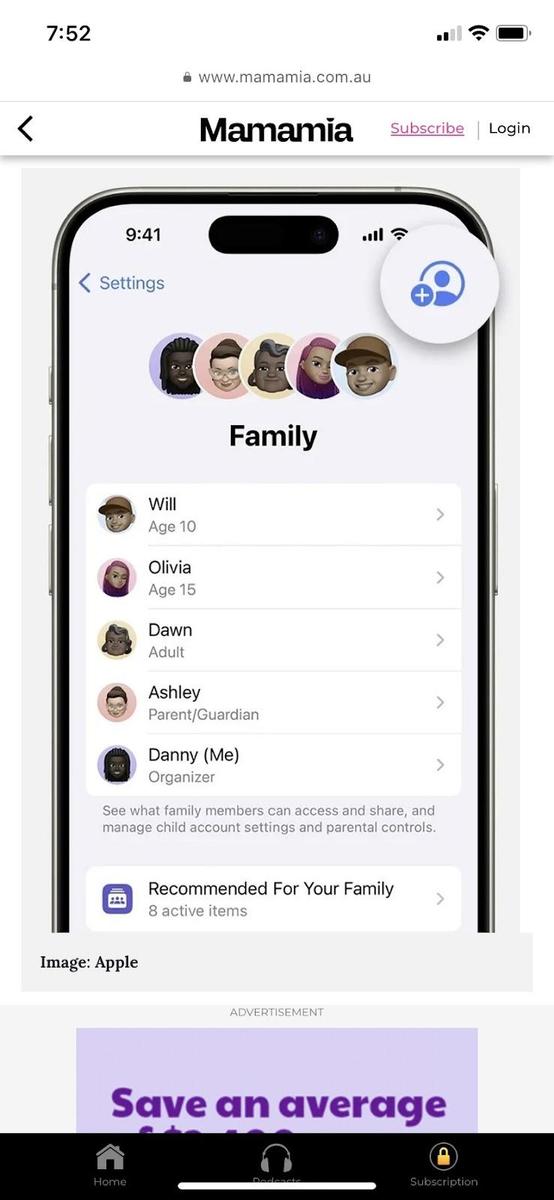
Before diving into these hacks, you’ll need to set up a separate Apple Account for your child. This prevents them from accessing your personal data while giving them their own safe space to explore.
Then you can easily set age-based parental controls, and they can use Family Sharing.
- On your iPhone or iPad
- Go to Settings > Family
- Tap the Add Member button
- Tap Create Child Account, then tap Continue.
EXPERT TIP: Never share the ‘Screen Time’ password with your child; this will null and void the safety features as they will be able to override them. This is a parent or carer, ‘family circle only’ level of trust.
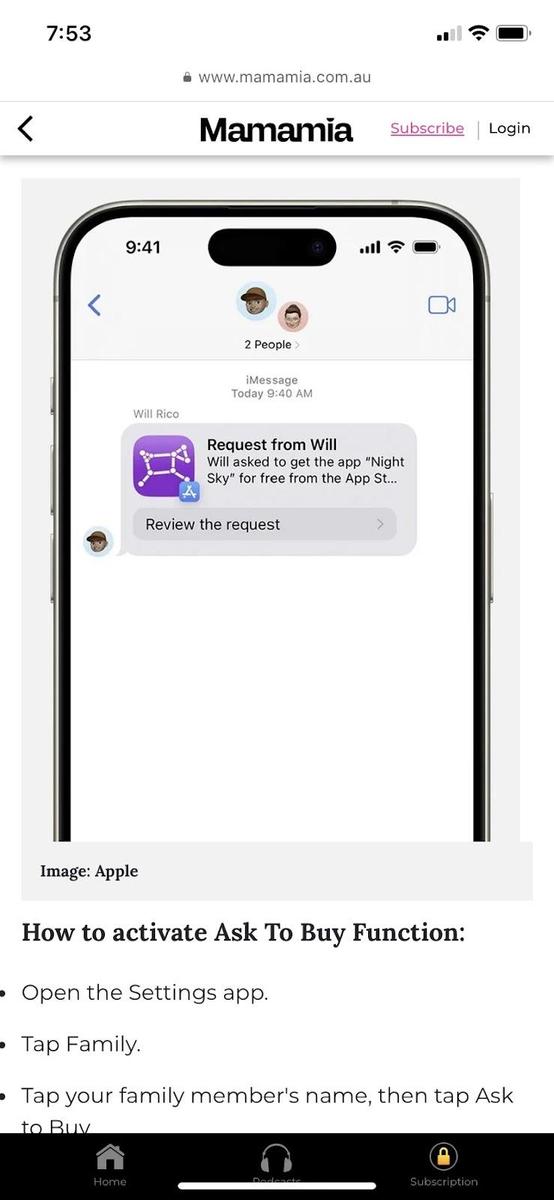
TIP 2: Ask to Buy: Your digital wallet guardian
This setting is to ensure that you are never caught off guard by app or in-app purchases. Plus, it helps to ensure all app purchases (even free ones) or anything else that can be purchased through the Apple Store are appropriate for your child.
The ‘Ask to Buy’ feature will send you a request that requires your approval every time your child tries to make a purchase. This means no more unexpected bills, and you can ensure the purchases are age-appropriate.
How to activate the Ask To Buy function:
- Open the Settings app
- Tap Family in iOS 16 or above
- In iOS 16 or above, tap your family member’s name, then tap Ask to Buy
- In iOS 15 or earlier, tap Ask to Buy, then tap your family member’s name
Article sourced from Mama Mia and originally published on 14/4/25
NCCD Information & Application