Updates from the Office
A Friendly Reminder About Morning Drop-Off Times
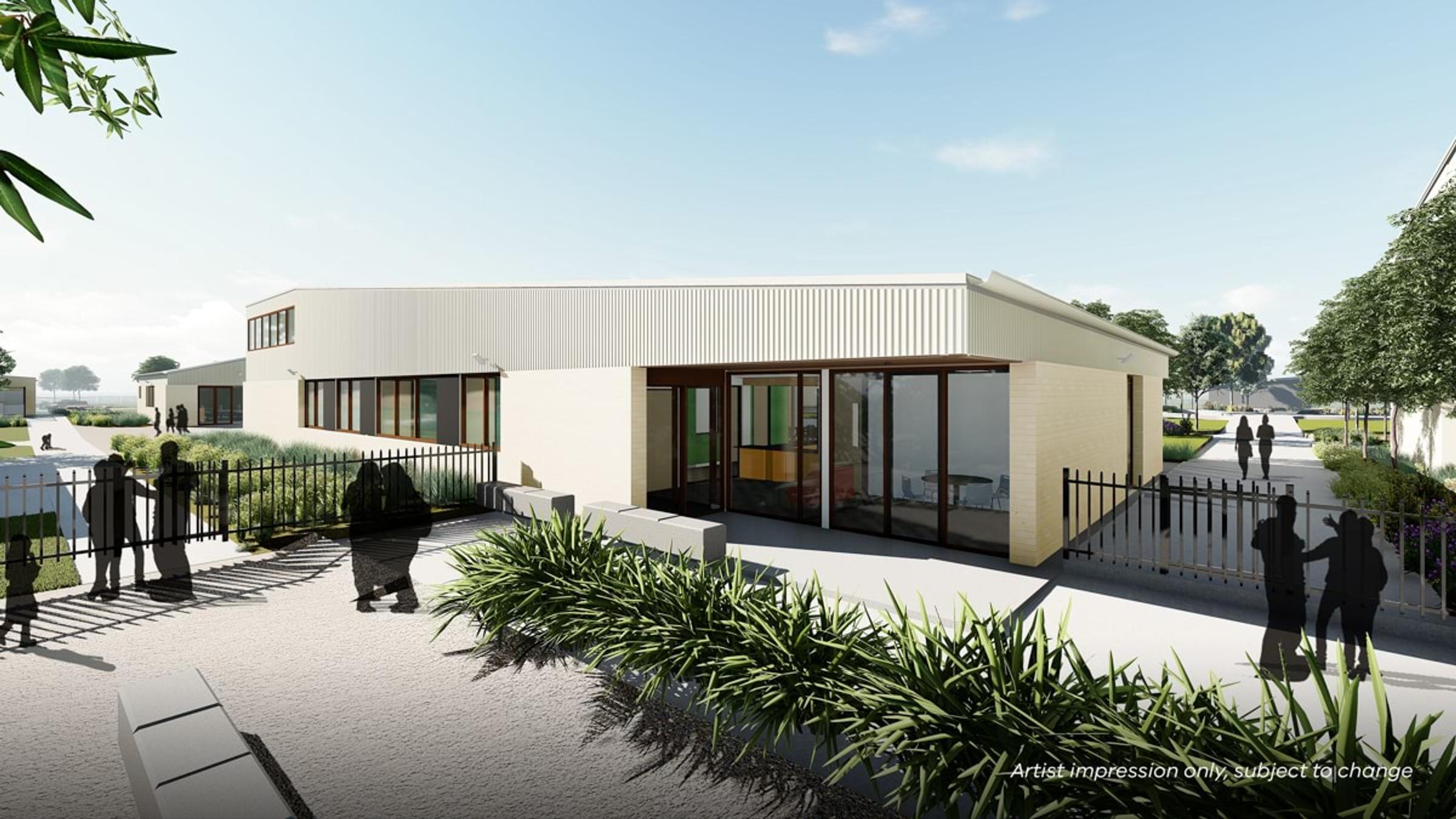
We wanted to take a moment to remind our wonderful school community about our morning drop-off procedures. This morning, we noticed a concerning number of students arriving between 8:00 and 8:15 AM—both outside the front office and at the gate on Odyssey Blvd—without a parent or guardian present.
For the safety and well-being of all our students, please remember that there is no staff supervision before 8:30 AM. We kindly ask that students not be dropped off or arrive unaccompanied before this time, as we want to ensure they are safe and supervised before starting their school day.
Thank you for your cooperation and support in keeping our school a safe and welcoming place for all students. If you have any questions or need assistance with before-school care options, please don’t hesitate to reach out to the school office.
$400 School Saving Bonus – What You Need to Know
Good news! The Victorian Government is giving families a one-time $400 School Saving Bonus to help with school costs. This bonus is here to make things a little easier by covering things like uniforms, textbooks, and school activities (such as camps, excursions, and sports).
This is extra support on top of existing programs like the Camps, Sports and Excursions Fund (CSEF) and the Affordable School Uniforms Program.
Watch this video to find out more
How to Get Your $400 Bonus
You don’t need to apply! The Department of Education sent you an email in November 2024 with instructions on how to access your $400 bonus online.
You can decide how to use the money based on your child’s needs, including:
✅ Camps, excursions & trips
✅ Swimming & sports programs
✅ Outdoor education
✅ Graduation costs
✅ School uniforms
✅ Textbooks
What to do at Wimba for an Excursions/Camps and Swimming
If your family has available School Saving Bonus (SSB) funds for this event, please email the school office at wimba.ps@education.vic.gov.au with your child's name and the event details.
Before contacting the office, ensure you have allocated the necessary funds in your SSB portal. To do this, log in to the portal and navigate to the 'School Activities' section, where you can select the amount you would like transferred to your school account.
Once this step is completed, the school office will manually process the payment in Compass. You will then need to provide consent, as the system does not automatically apply SSB credits to excursions or activities.