STEAM News

Meet our 2026 STEAM Leaders
We are proud to introduce our 2026 STEAM Leaders – Max Rosetti, Liam Mancka, Ashleigh Baker and Xander Woo Show Wing. These students will play an important role in supporting STEAM learning across the school this year.
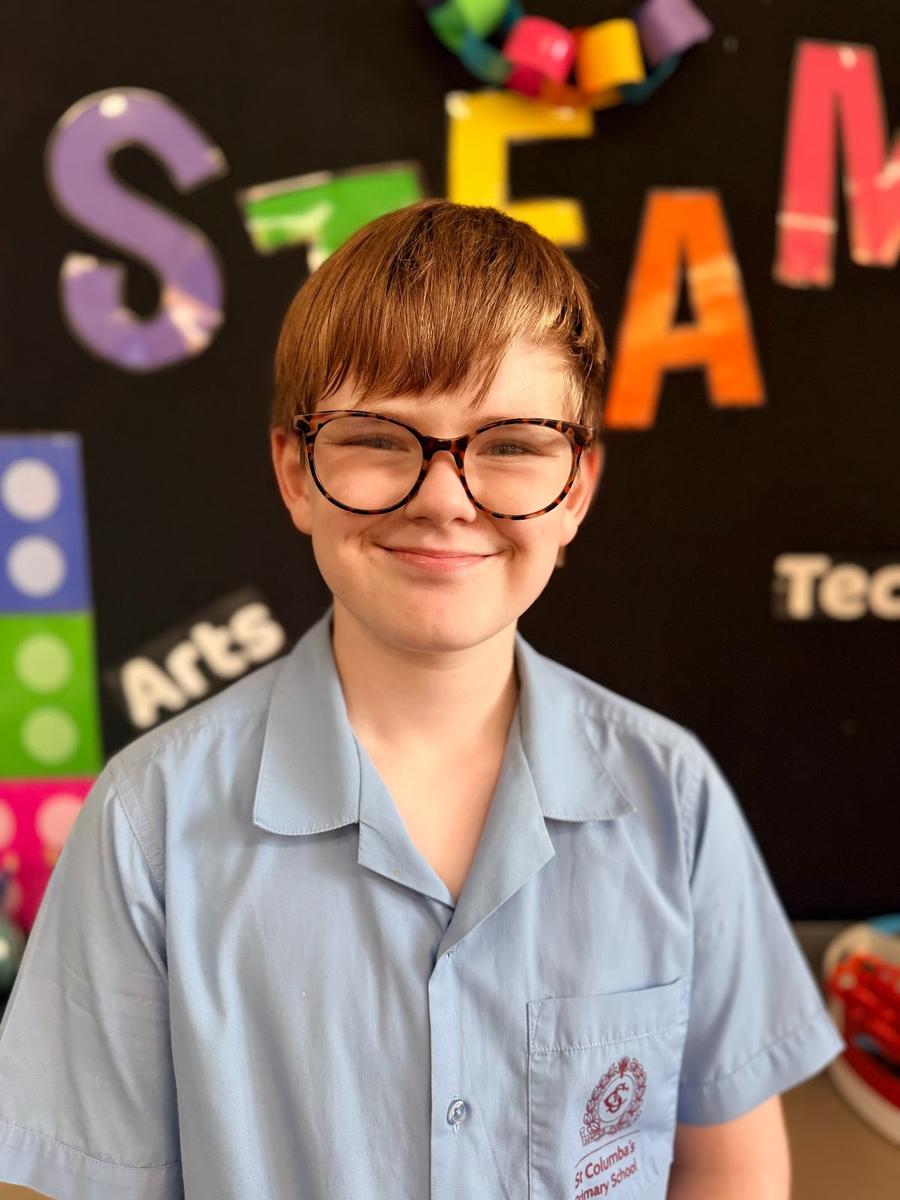
Name: Max
What you love most about STEAM: LEGO and Spheros
What job you want to do when you're older: I don’t know yet
What are you looking forward to in your role this year? Running STEAM Day for the whole school
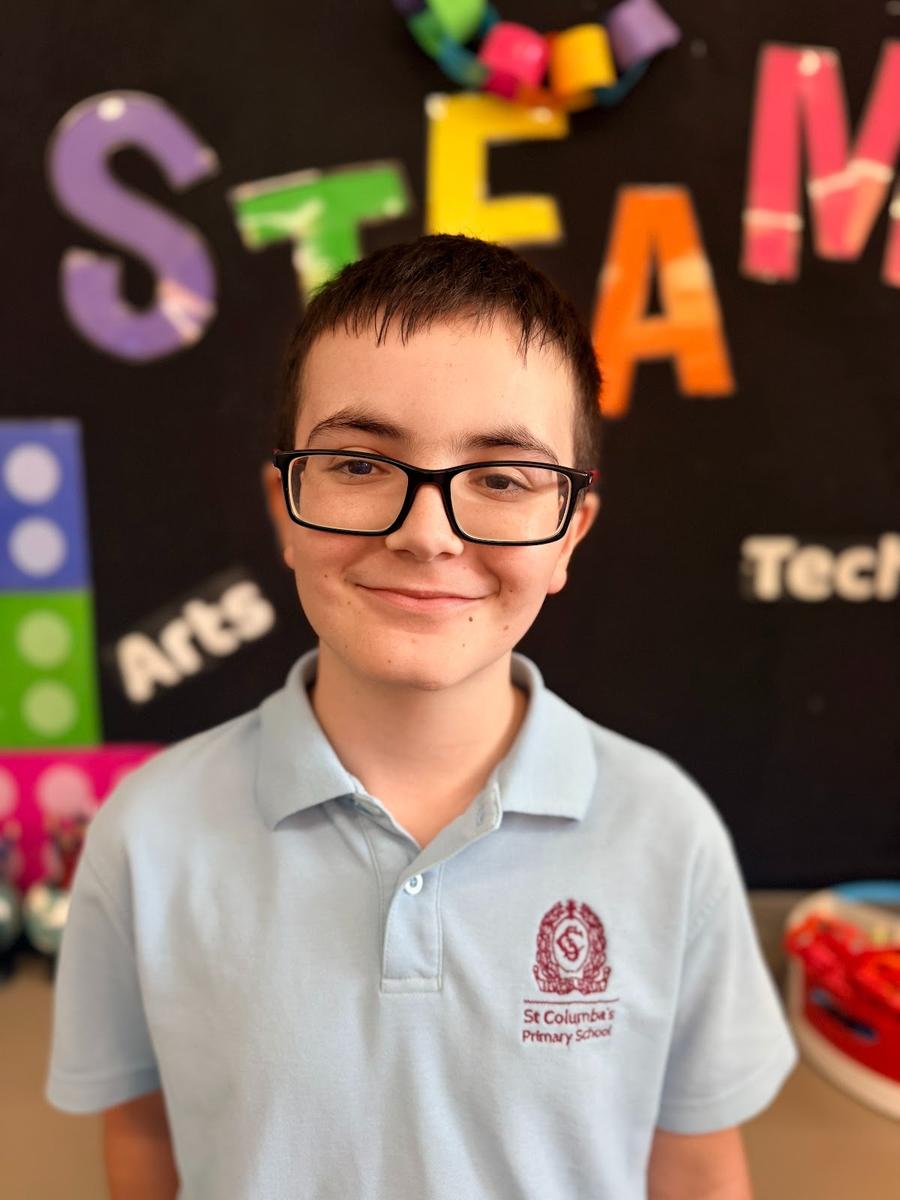
Name: Liam
What you love most about STEAM: Finding out cool things, learning interesting facts and having fun
What job you want to do when you're older: I don’t know yet
What are you looking forward to in your role this year? Helping kids with electronics, supporting STEAM Day, Lego Masters and STEAM in general.
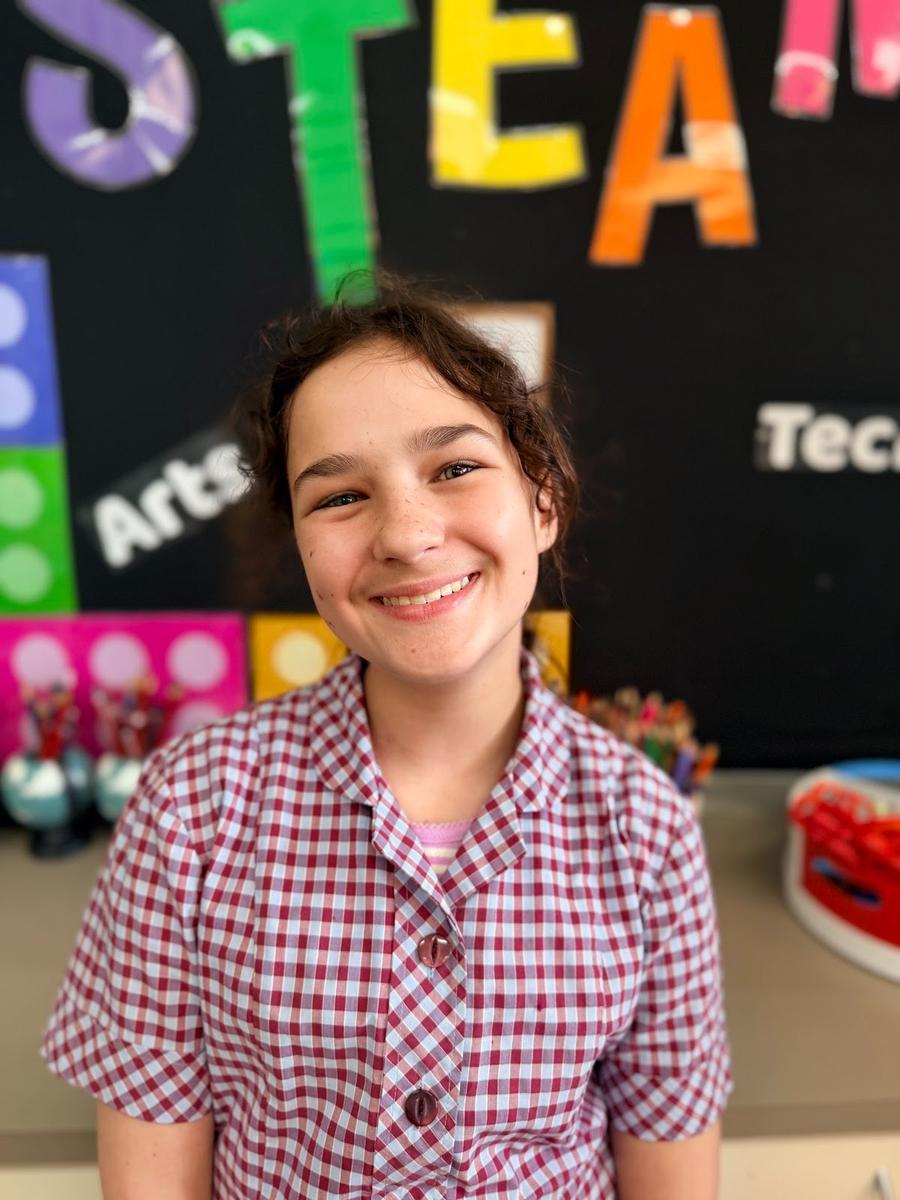
Name: Ash B
What you love most about STEAM: Maker’s Empire and Spheros
What job you want to do when you're older: I want to be a teacher, an actor, a musician and an author
What are you looking forward to in your role this year? Leading STEAM Day and working with Mrs Rachael
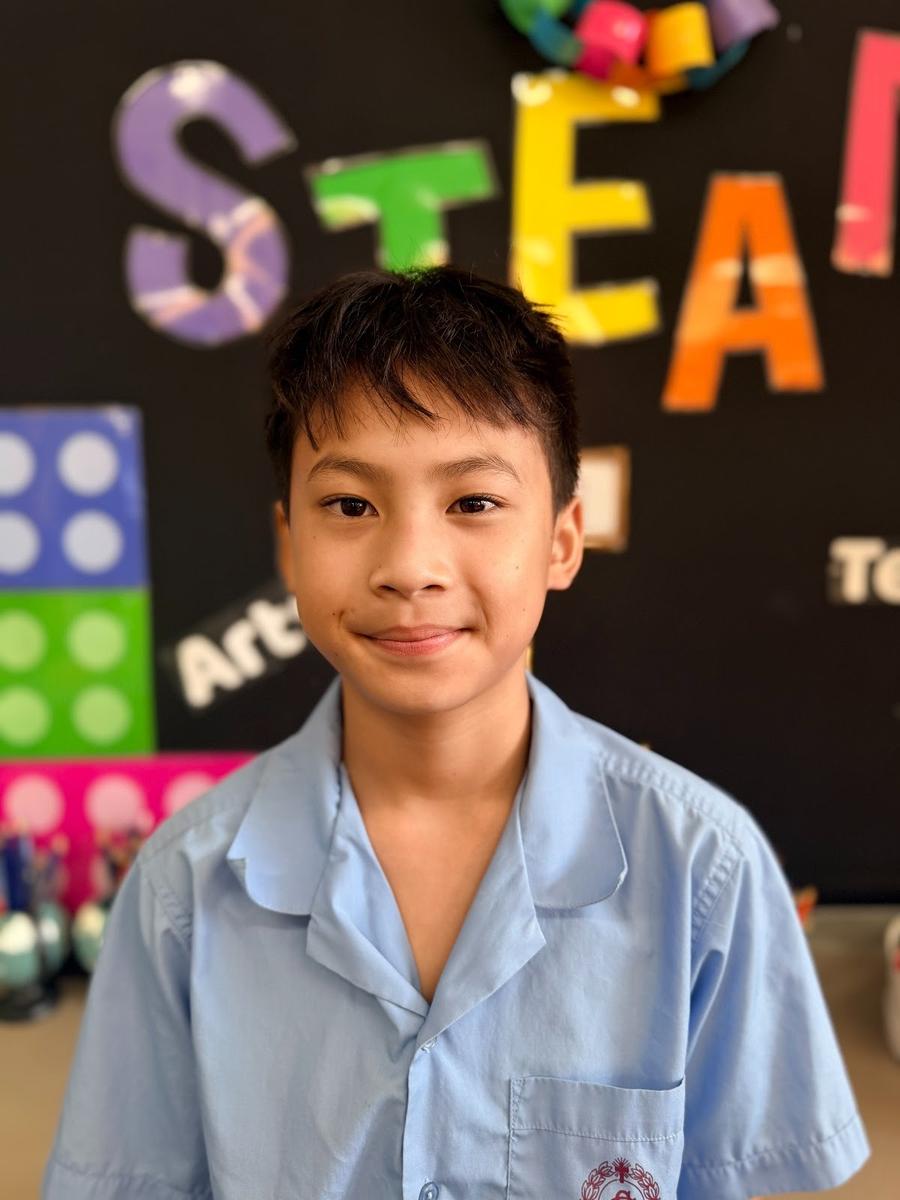
Name: Xander
What you love most about STEAM: Building and playing with LEGO and Spheros
What job you want to do when you're older: An engineer
What are you looking forward to in your role this year? Helping others in STEAM and supporting Lego Masters
The leaders have started the year off strong, helping to set up, run and pack away STEAM Club each Wednesday lunchtime with Miss Rachael. They are already bursting with ideas for the year ahead, including creating a student suggestion box, planning themes for our Term 2 Lego Masters series, and designing weekly STEAM Club certificates.
Safer Internet Day
Earlier this term, students explored some big questions about the online world:
- What is the internet?
- How does it work?
What devices connect to a network?
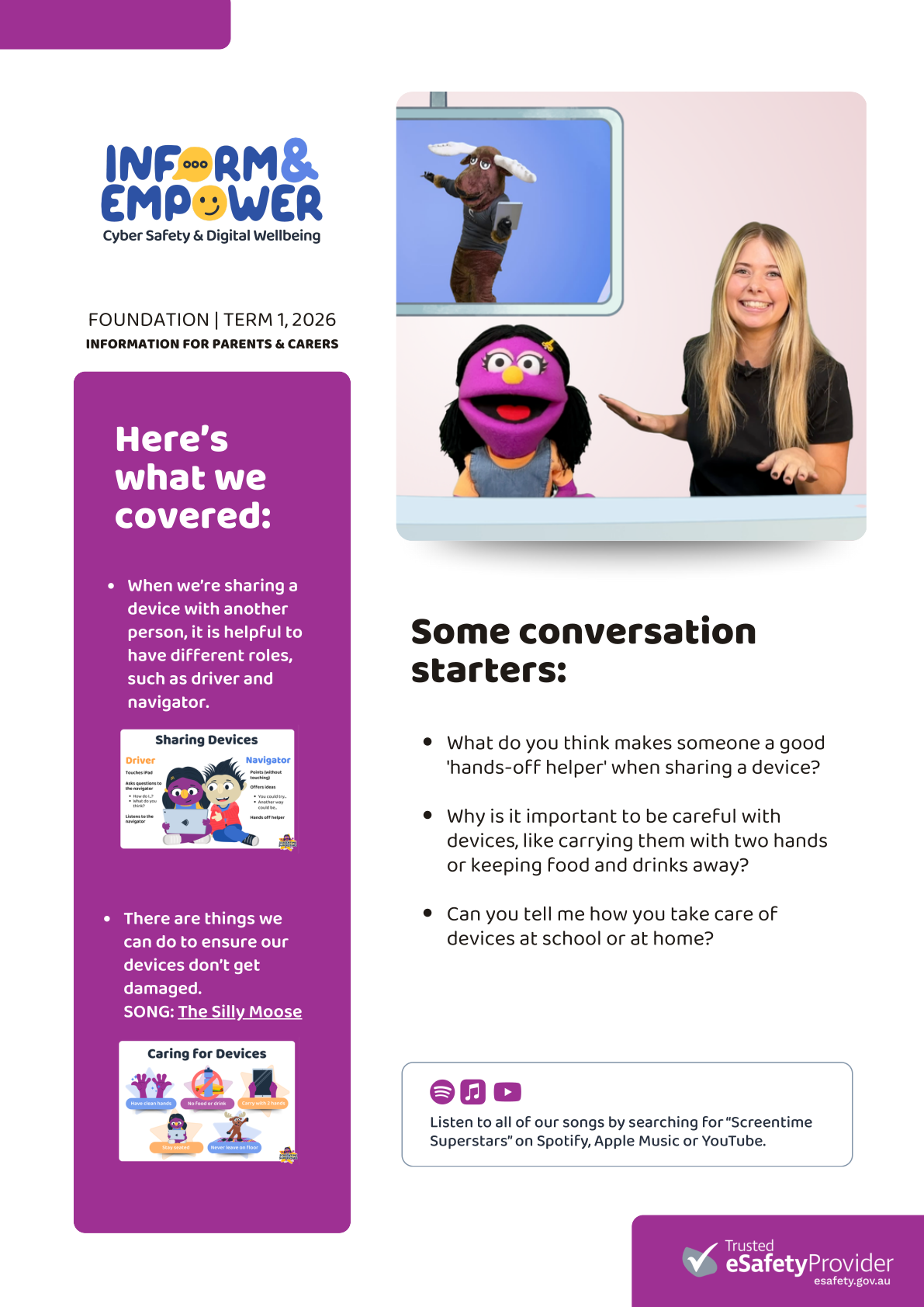
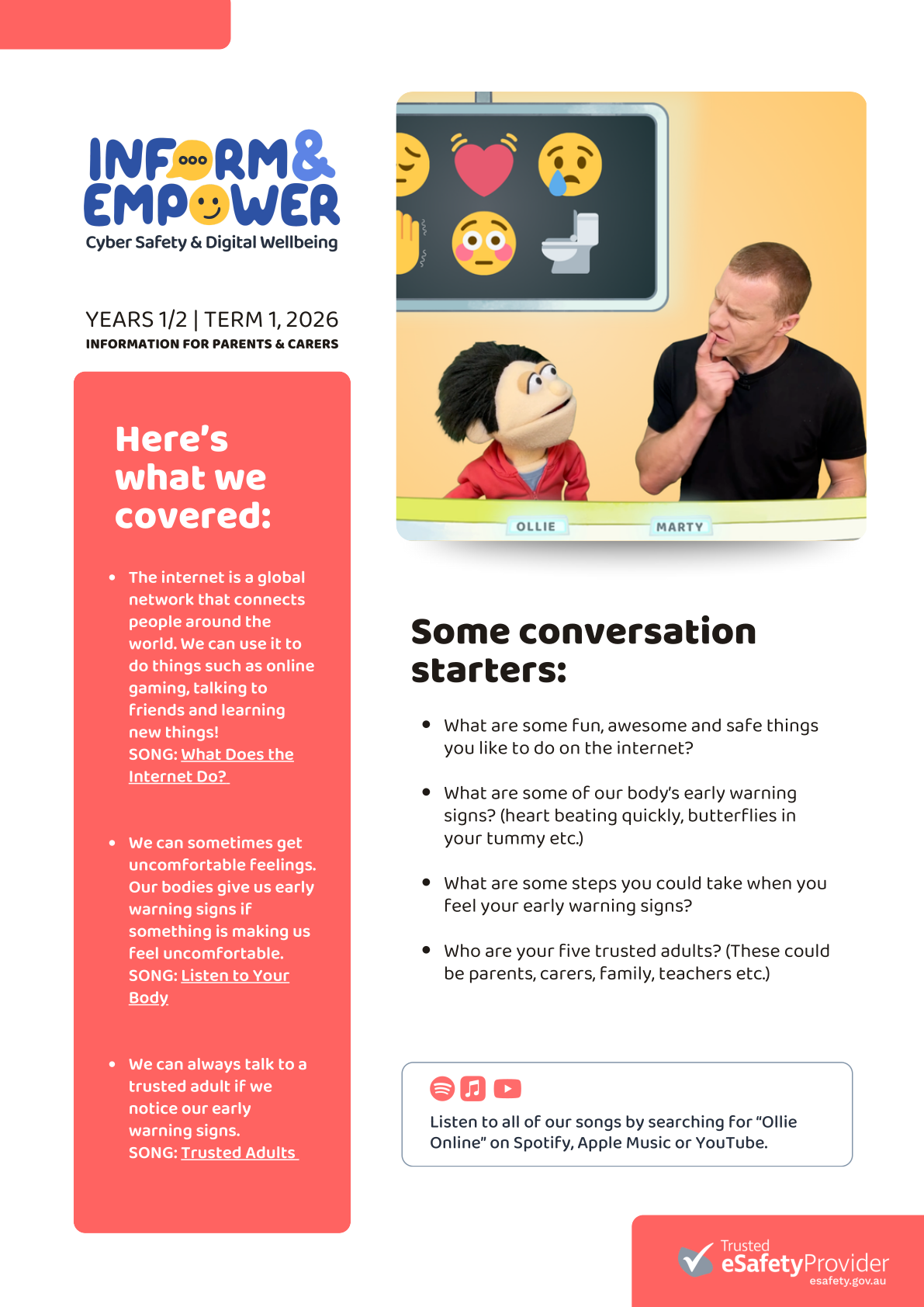
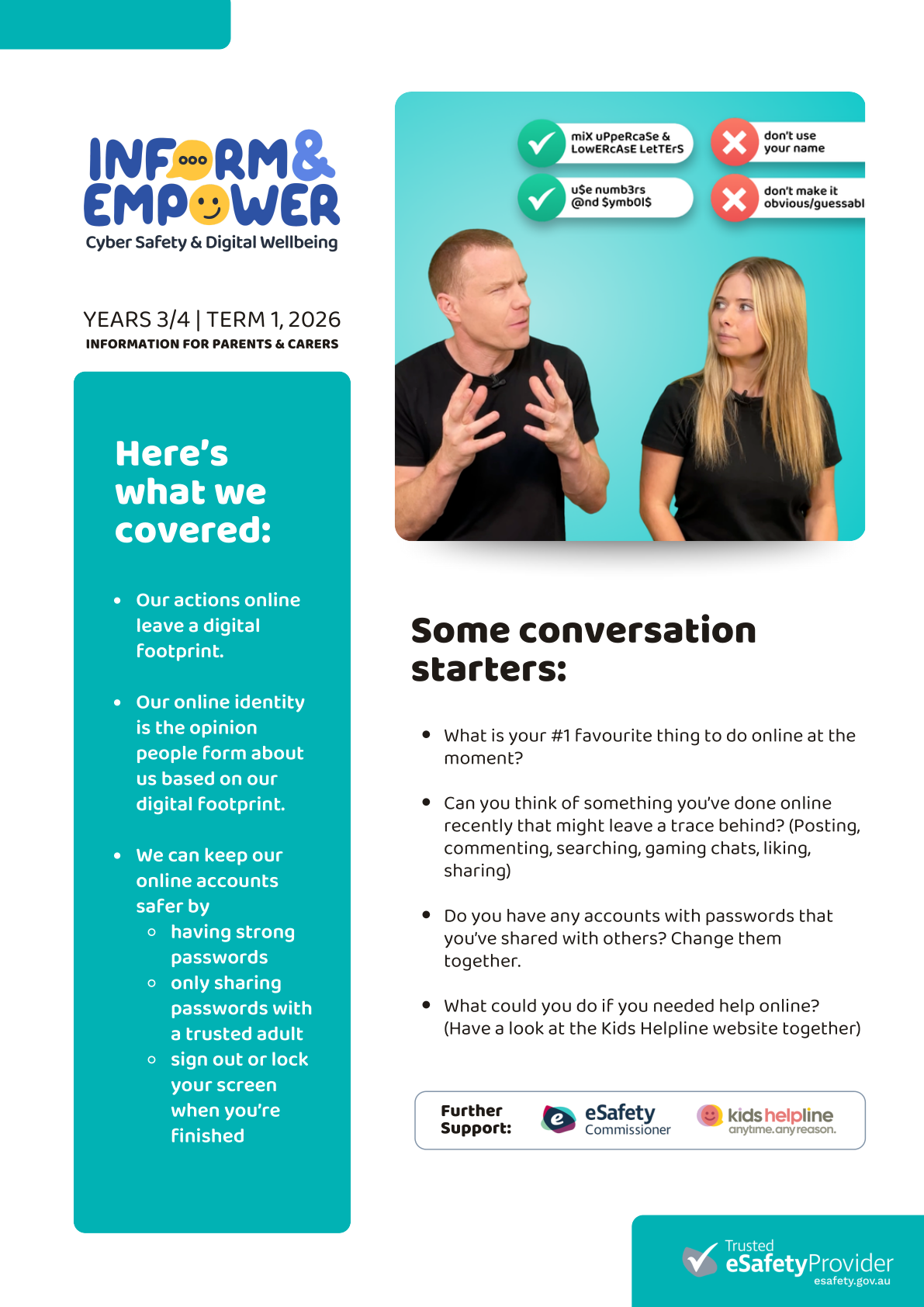
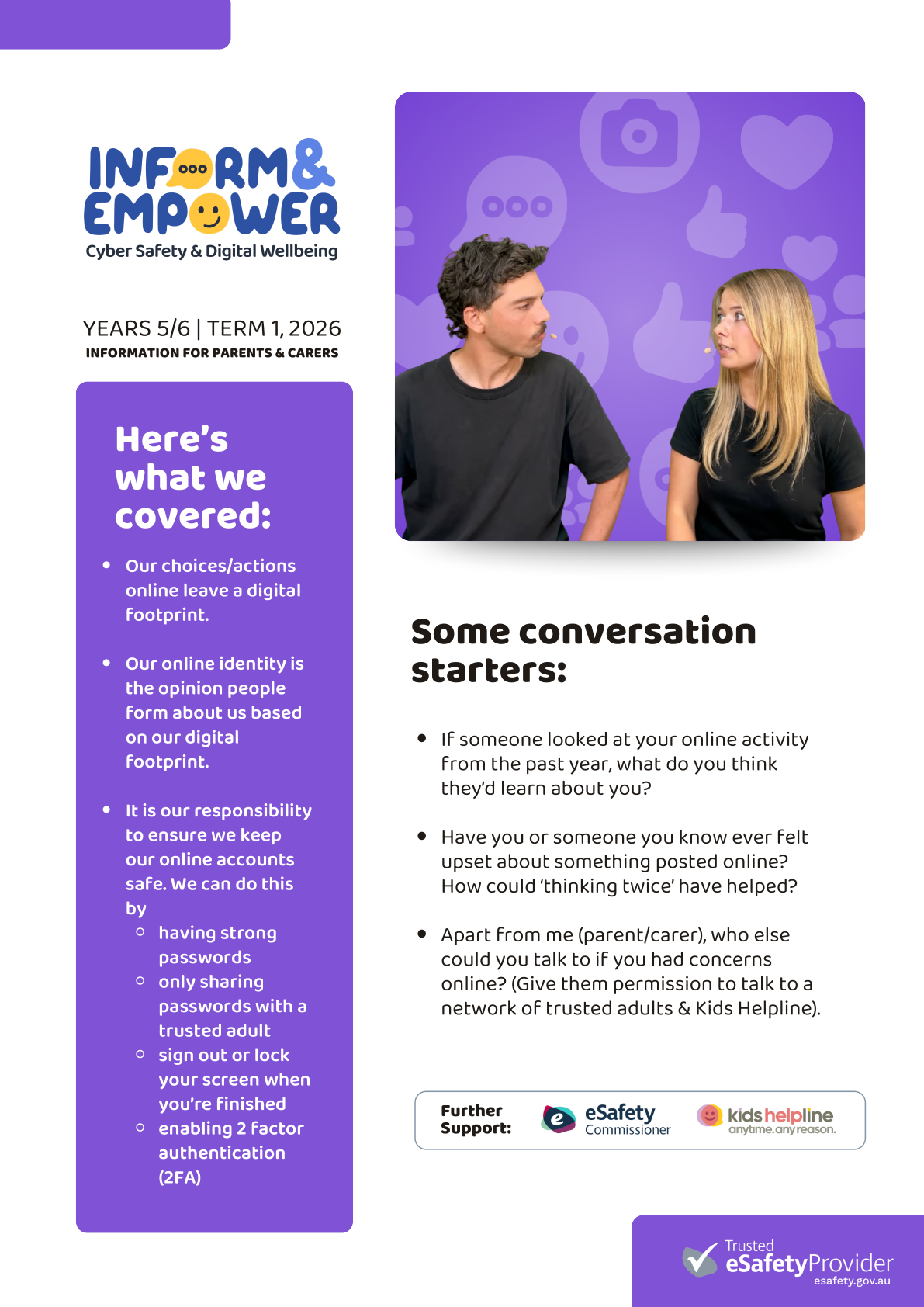
Students across the school also experienced their first Inform & Empower cyber safety and digital wellbeing incursion in their classrooms. Each year level will take part in one session each term, with age-appropriate learning designed to help students navigate the online world safely and responsibly. Please see the Term 1 parent information letters for more details.
Cyber safety remains a strong focus in the STEAM learning environment, and many lessons begin with a short cyber safety story to spark discussion.
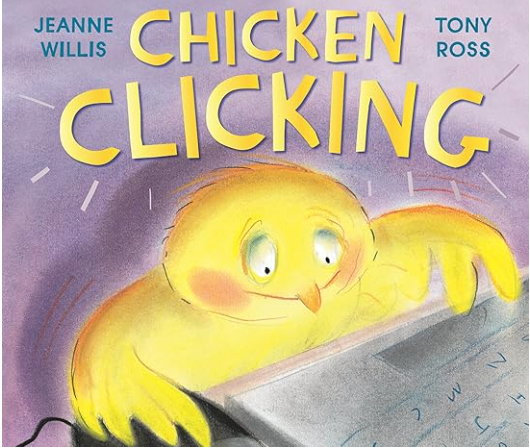
This week’s spotlight story is Chicken Clicking by Jeanne Willis. In this humorous but powerful story, a curious chick secretly uses the family computer to shop online and share personal information. As the situation spirals out of control, the story highlights the importance of protecting personal information, making safe choices online and thinking carefully before clicking.
STEAM Learning This Term
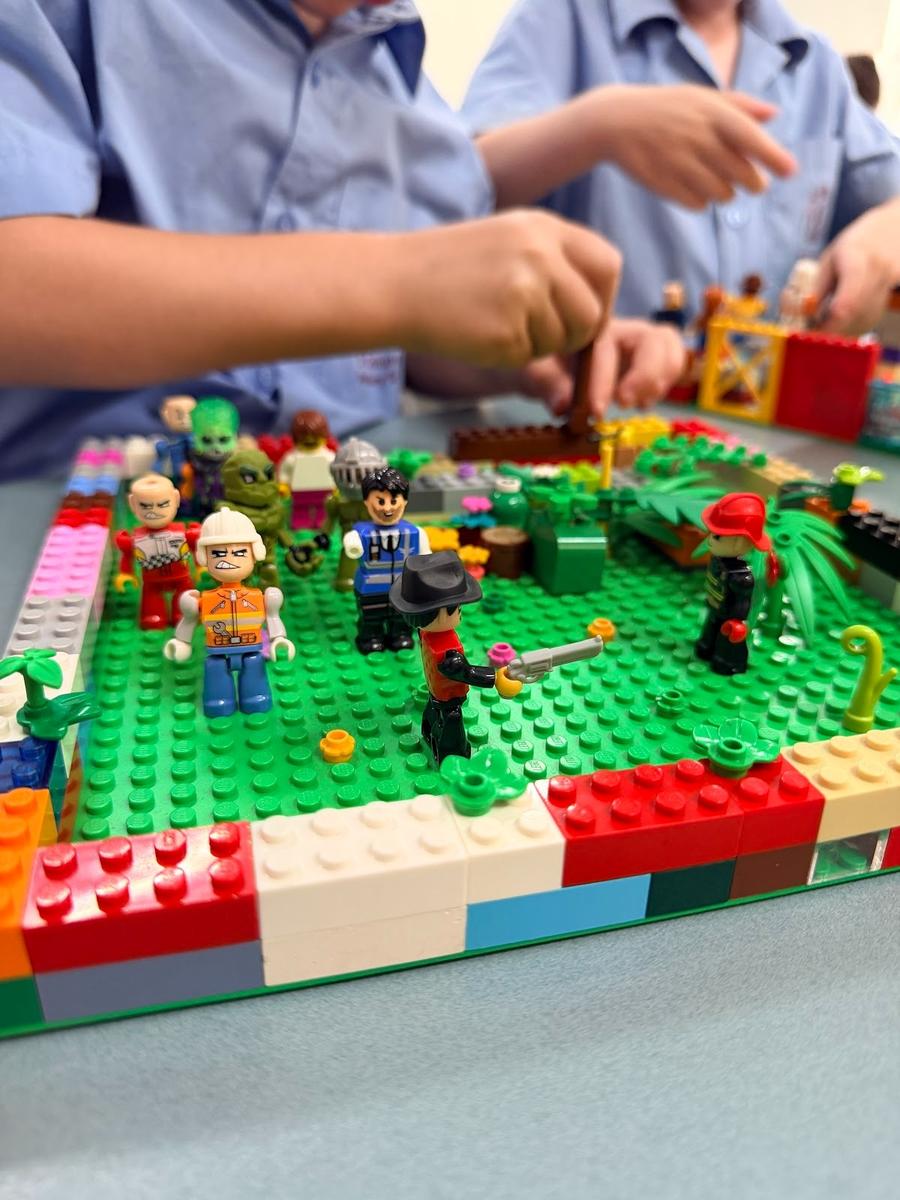
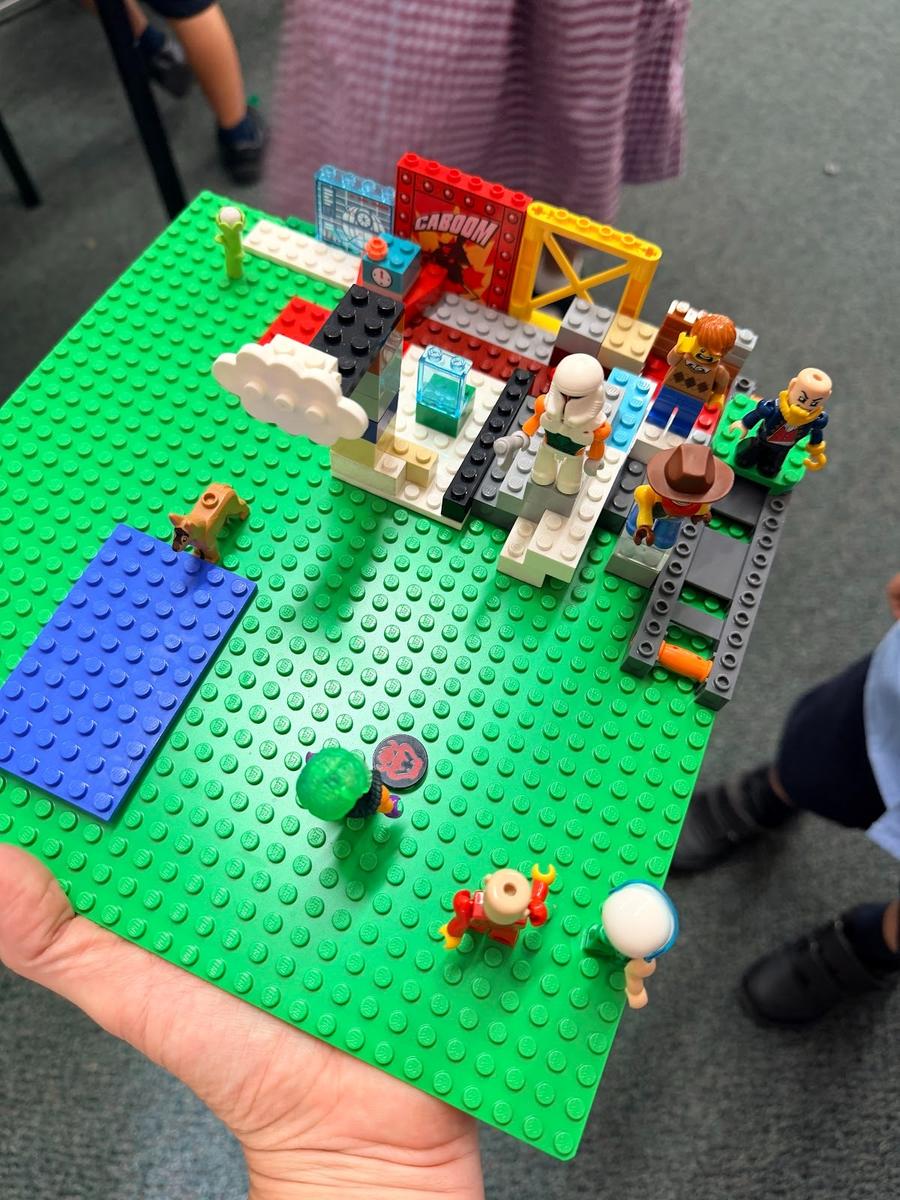
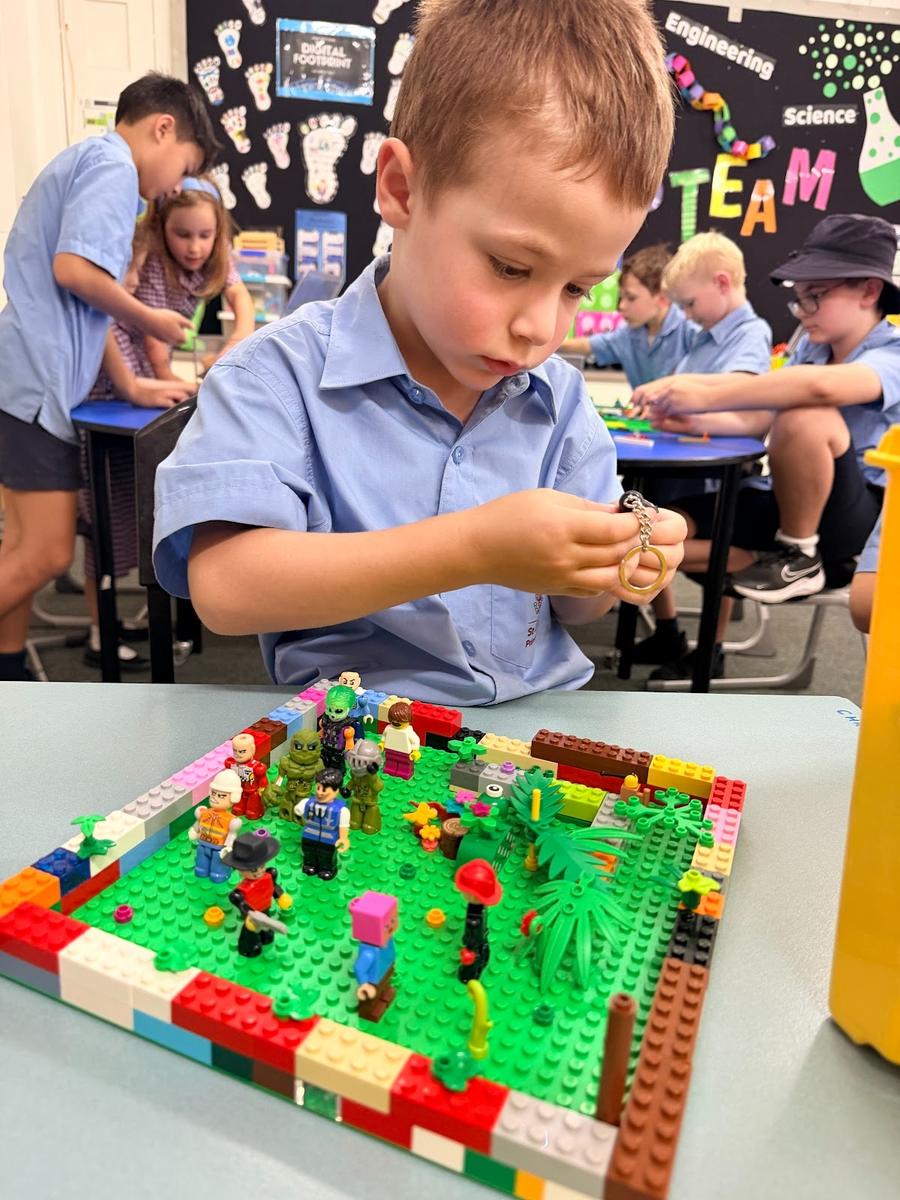
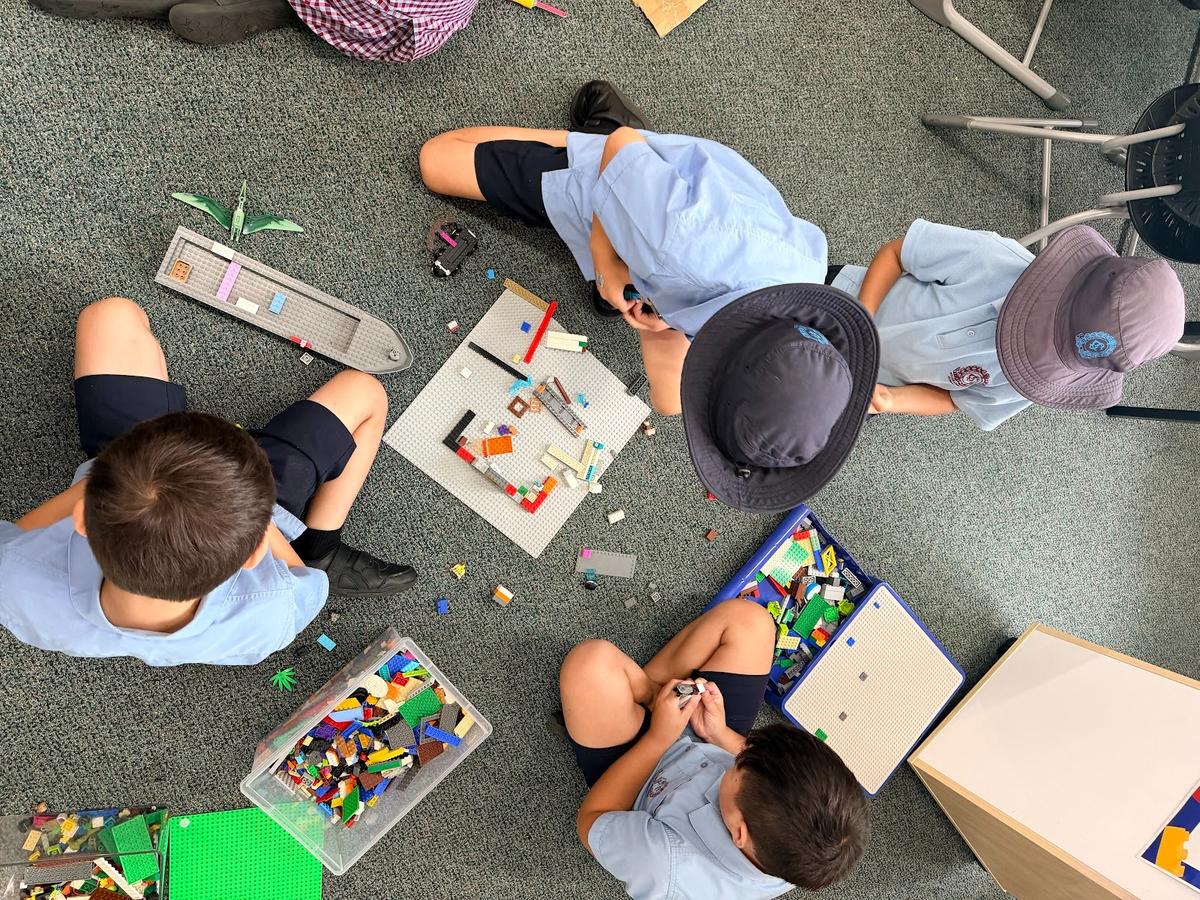
Prep students have been exploring LEGO photography, using LEGO to design backgrounds and characters to tell imaginative stories. This connects to their “How We Express Ourselves” Unit of Inquiry.
Year 1 & 2
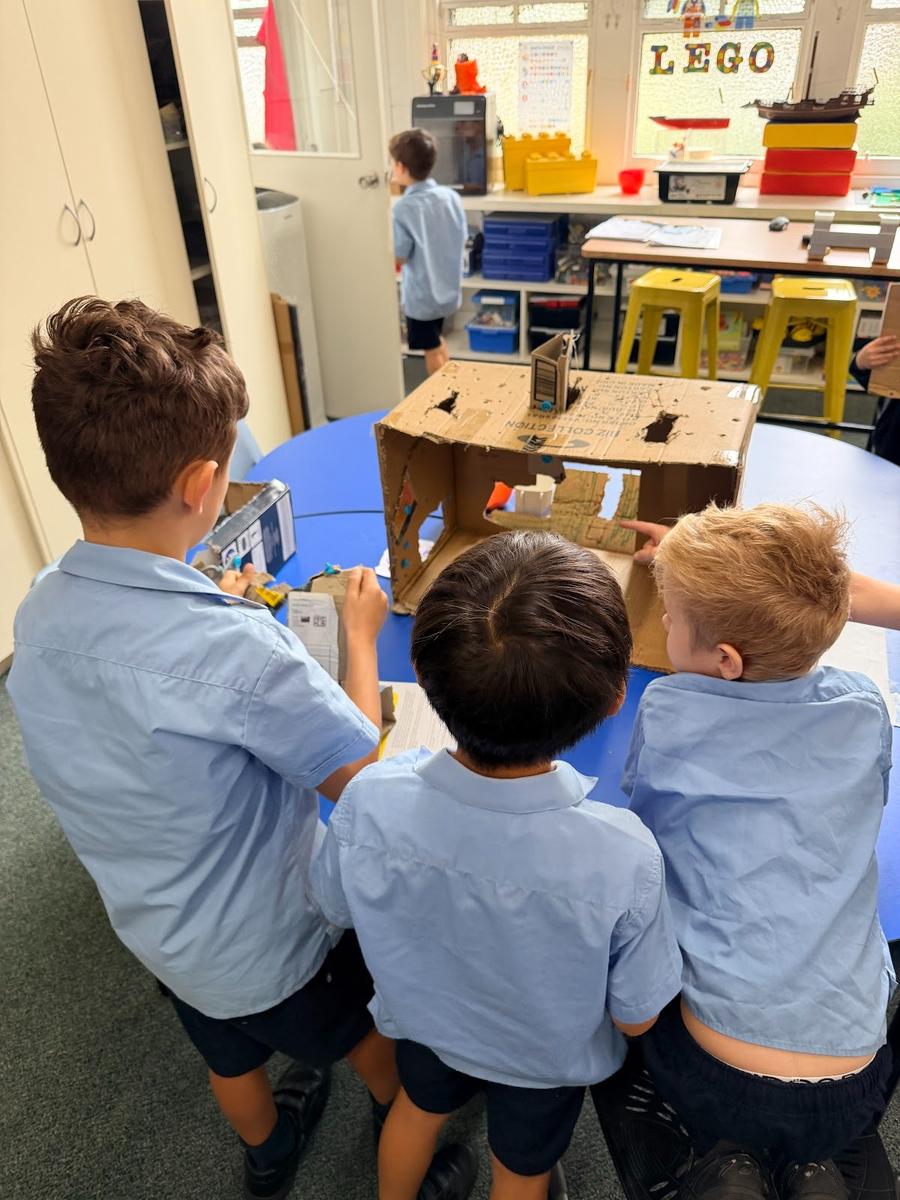
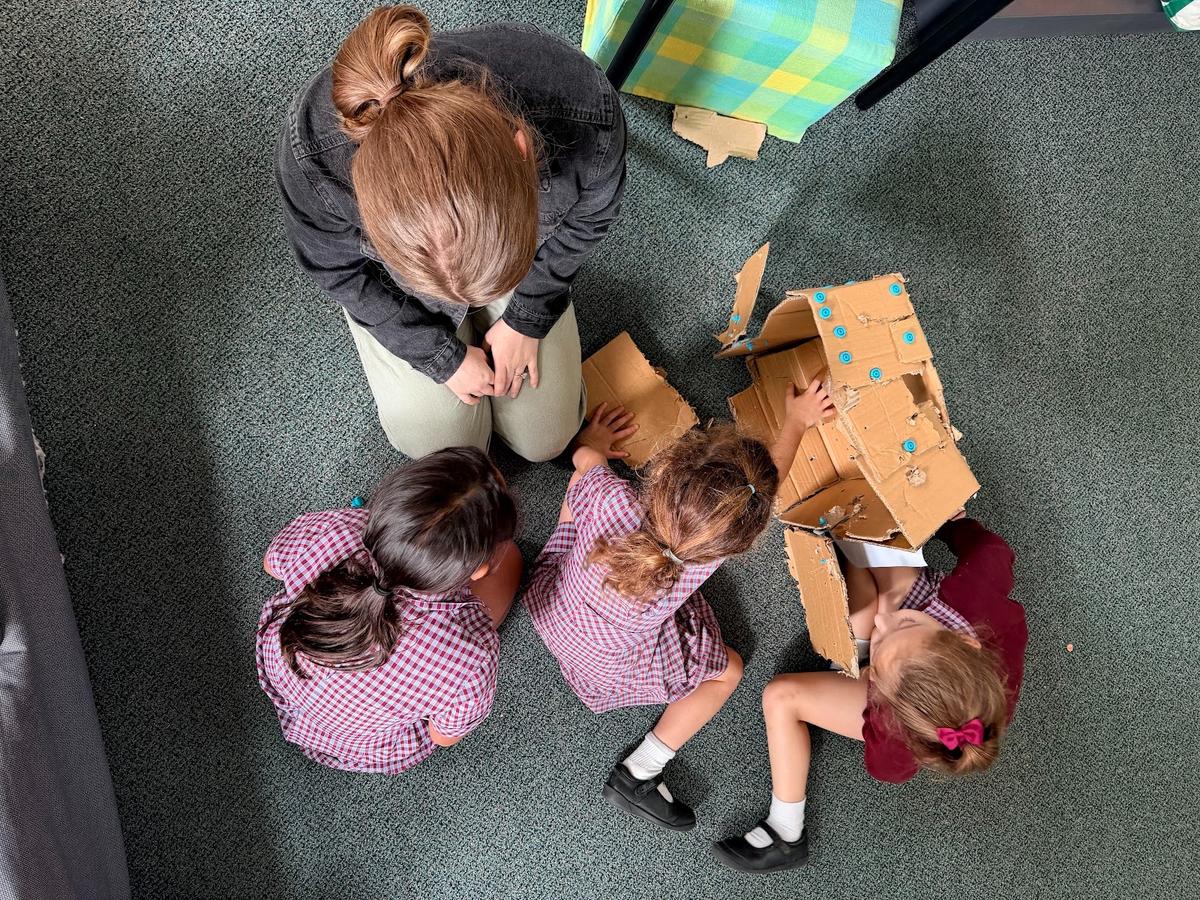
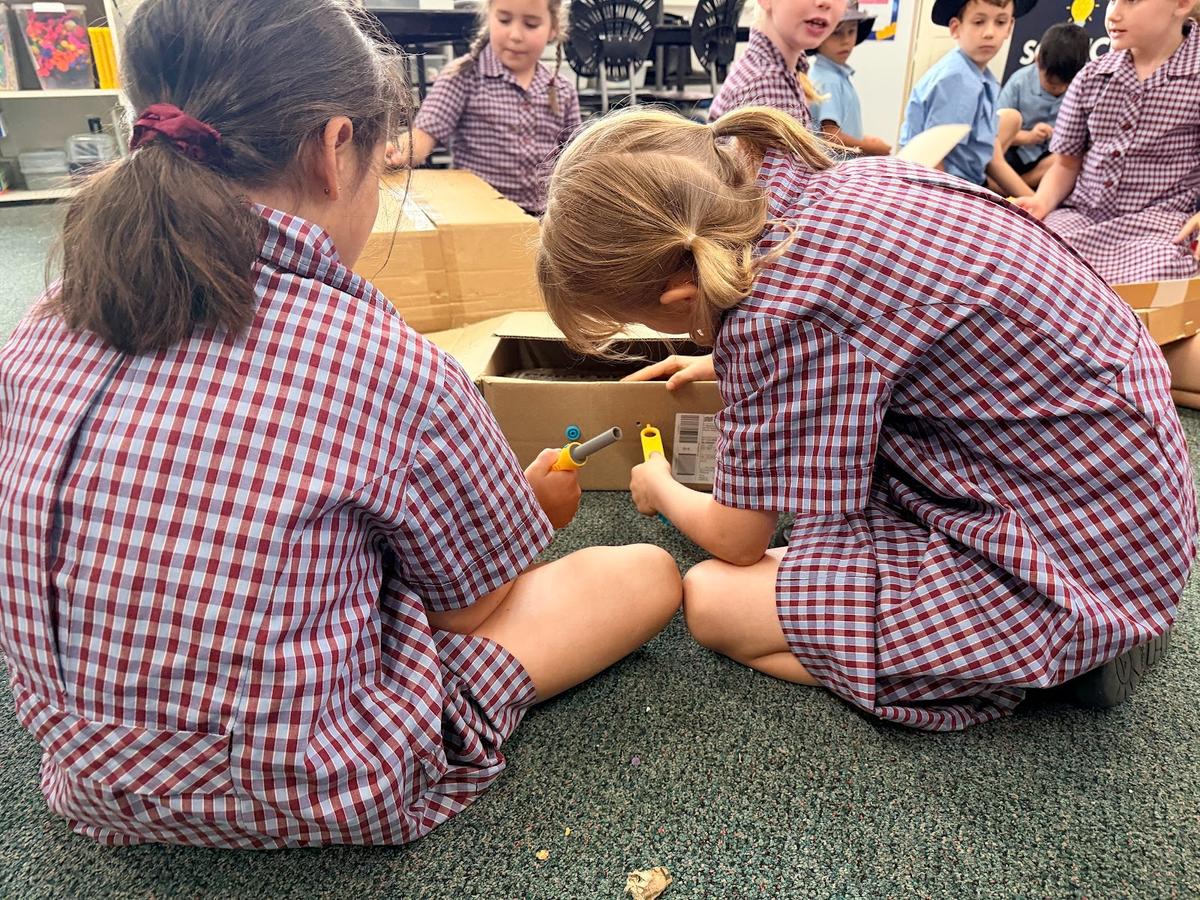
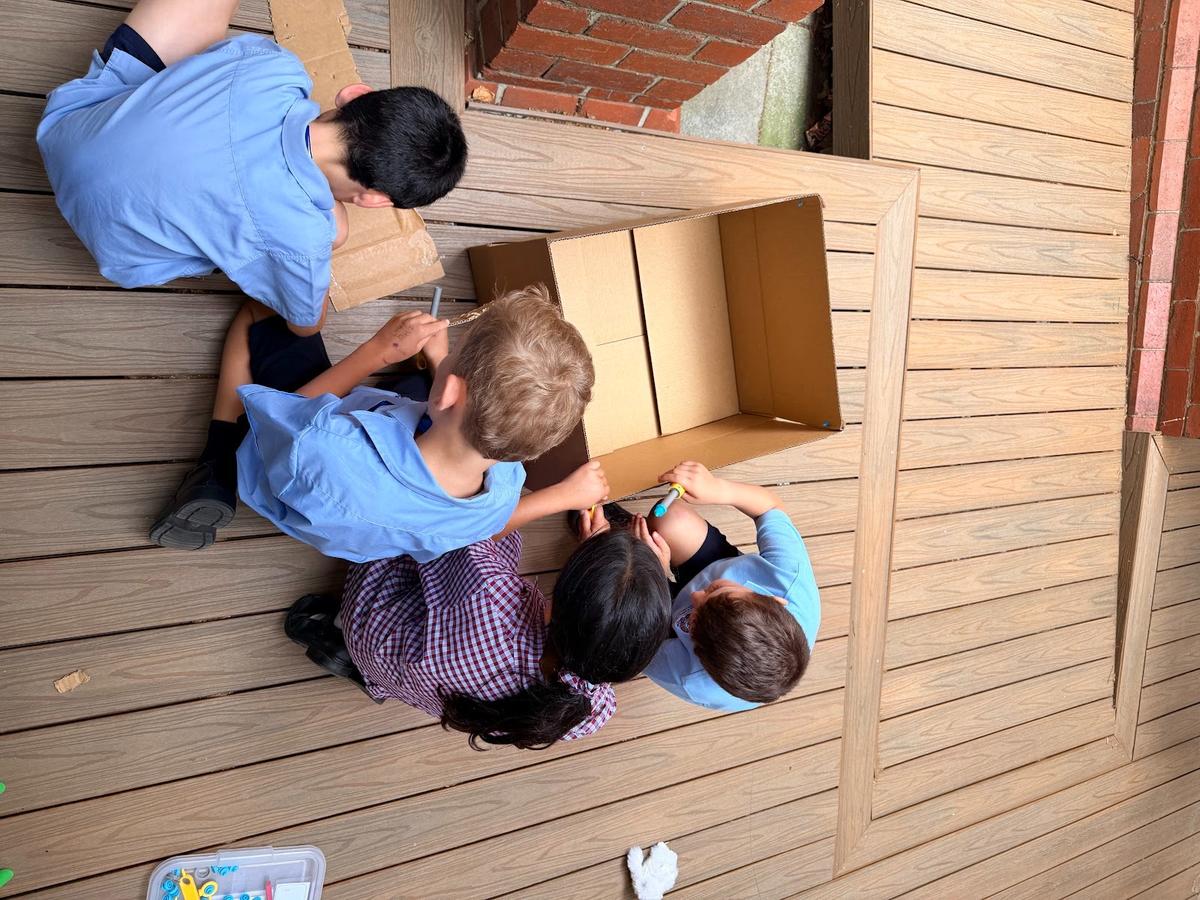
Using Makedo cardboard tools, students have been working on a collaborative engineering project that requires teamwork, communication and problem-solving. They are designing and building a St Columba’s dollhouse, which we hope to have on display for the community in the coming weeks.
Year 3 & 4
Students have been developing their digital literacy skills, learning how to create and edit Google Slides presentations, organise files in Google Drive, and share their work appropriately. Their presentations communicate messages connected to their Little Bits and Eco Warriors sustainability programs. This learning also helps students become confident navigating Chromebooks in preparation for NAPLAN, and links to the “How We Organise Ourselves” Unit of Inquiry.
Year 5 & 6
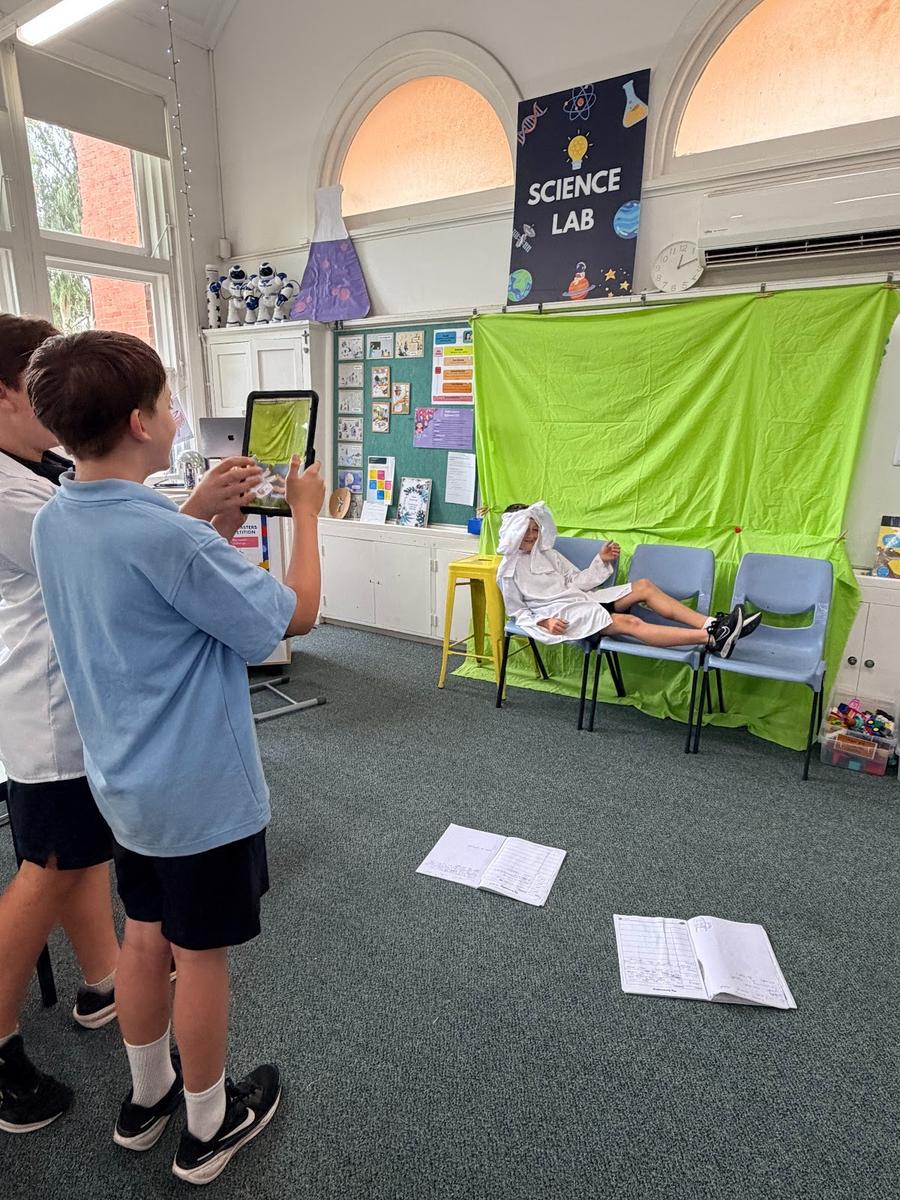
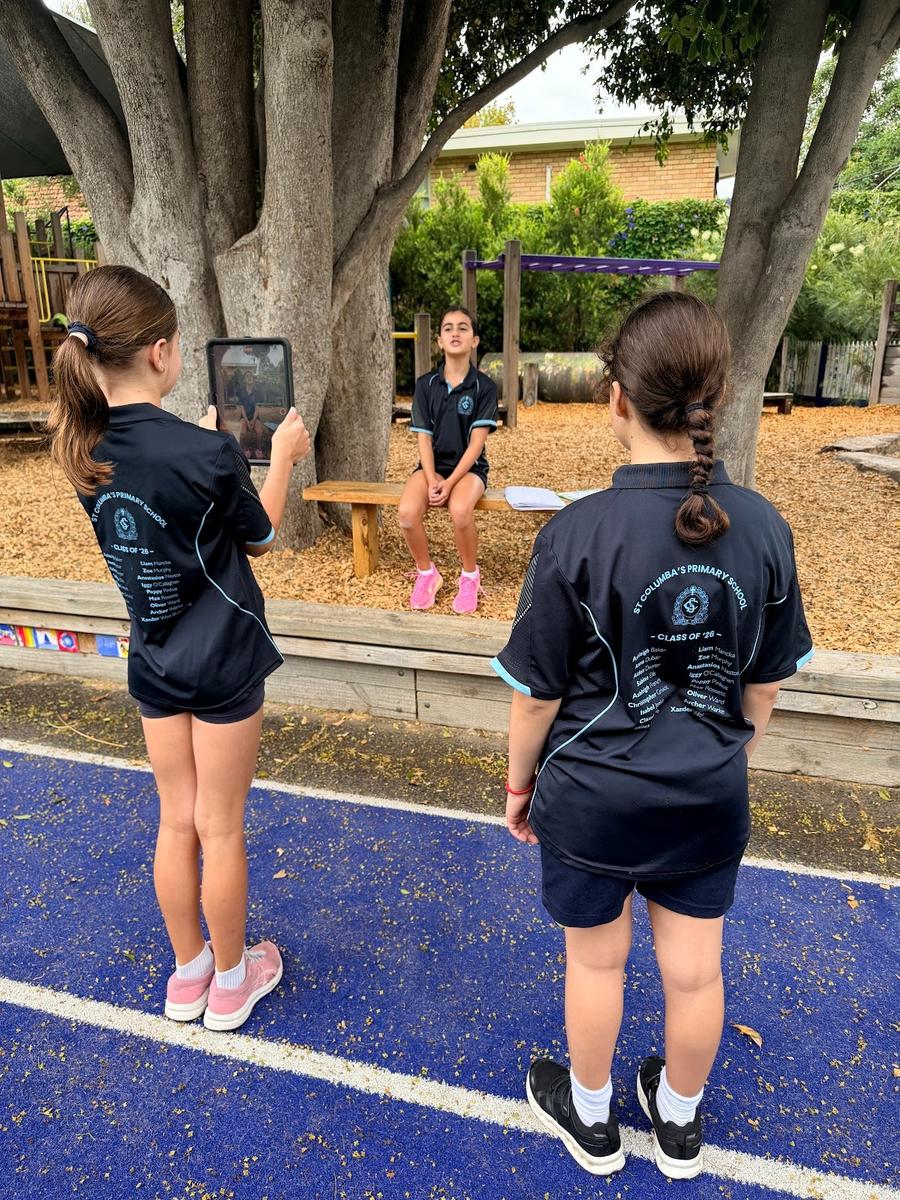
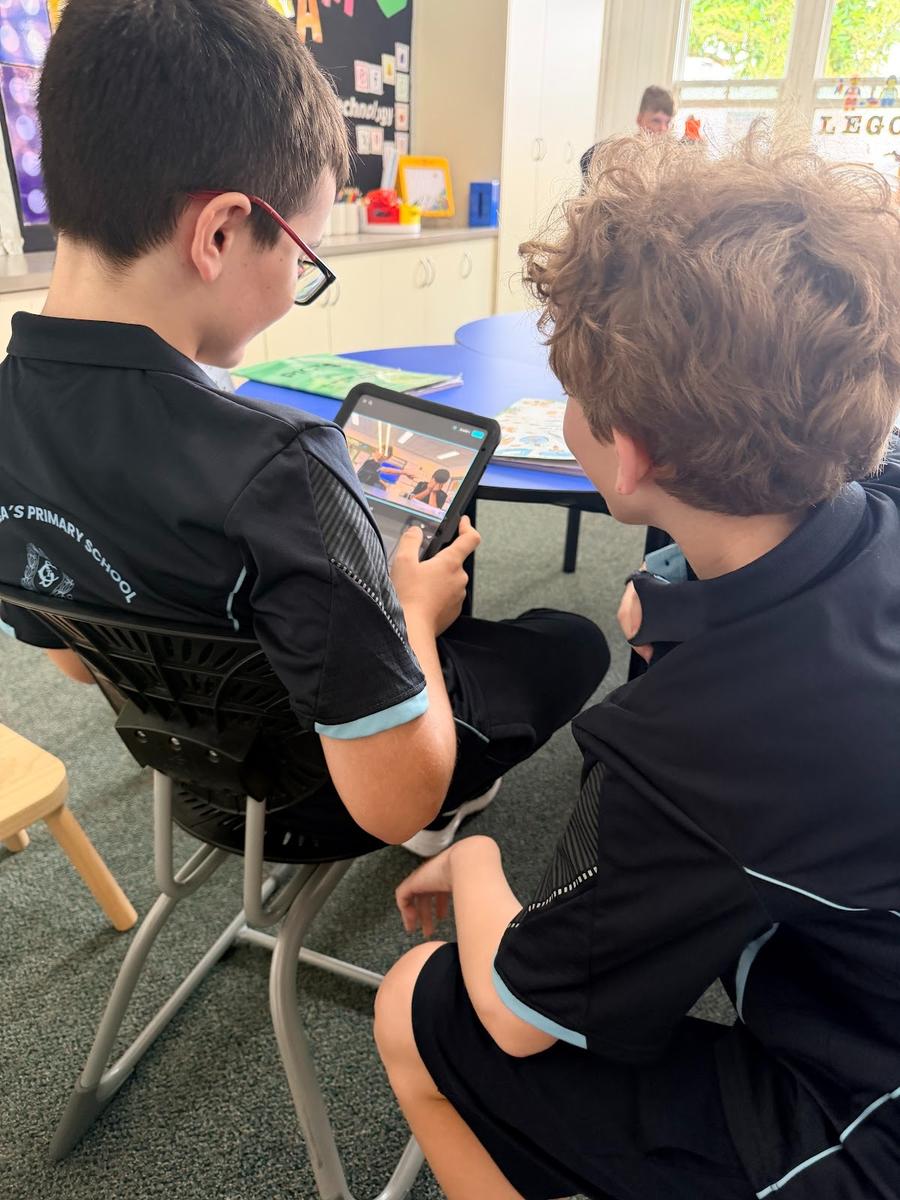
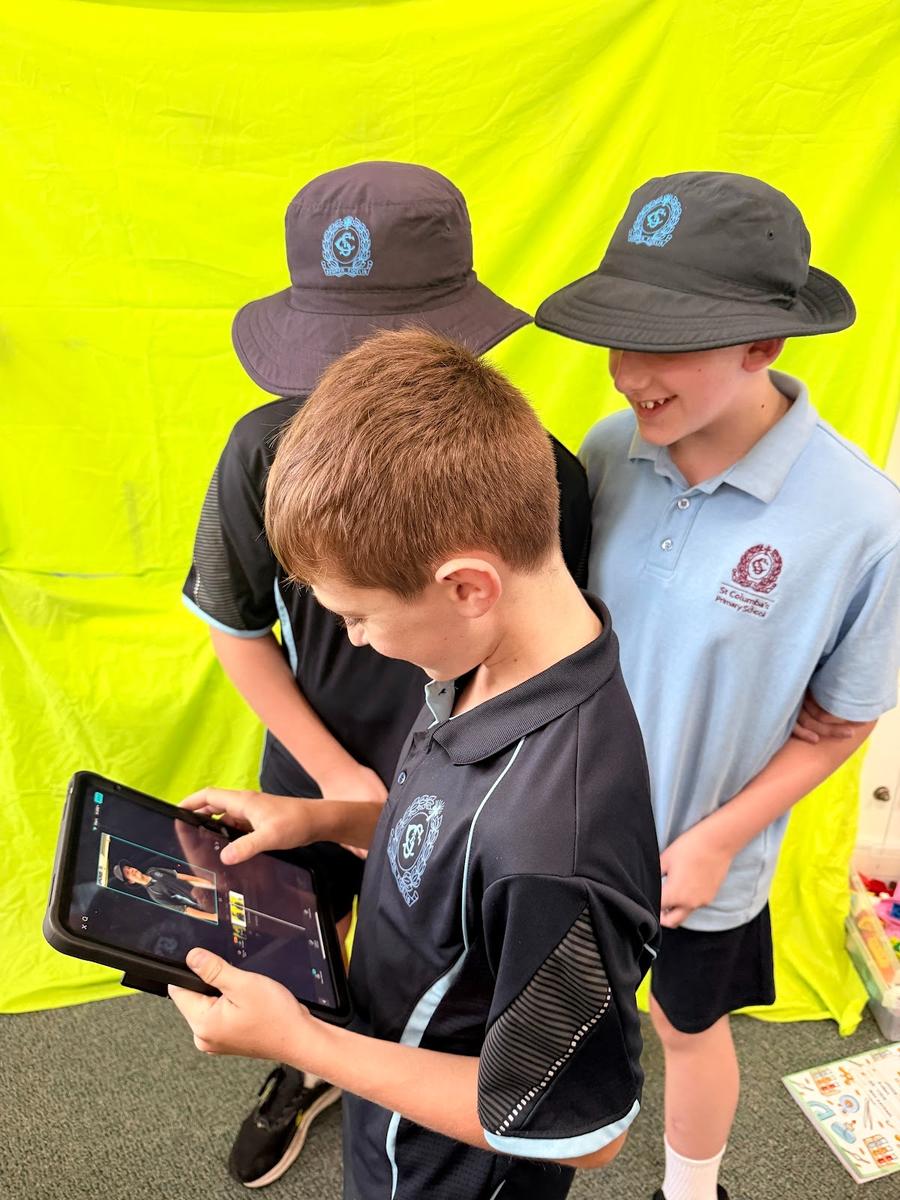
Students have been exploring movie editing using CapCut, learning how to trim clips, adjust speed, add filters, effects, text and music, and experiment with AI features such as auto-captions. This creative work connects to their “How We Express Ourselves” Unit of Inquiry.