Science Technology Engineering and Maths

Foundation
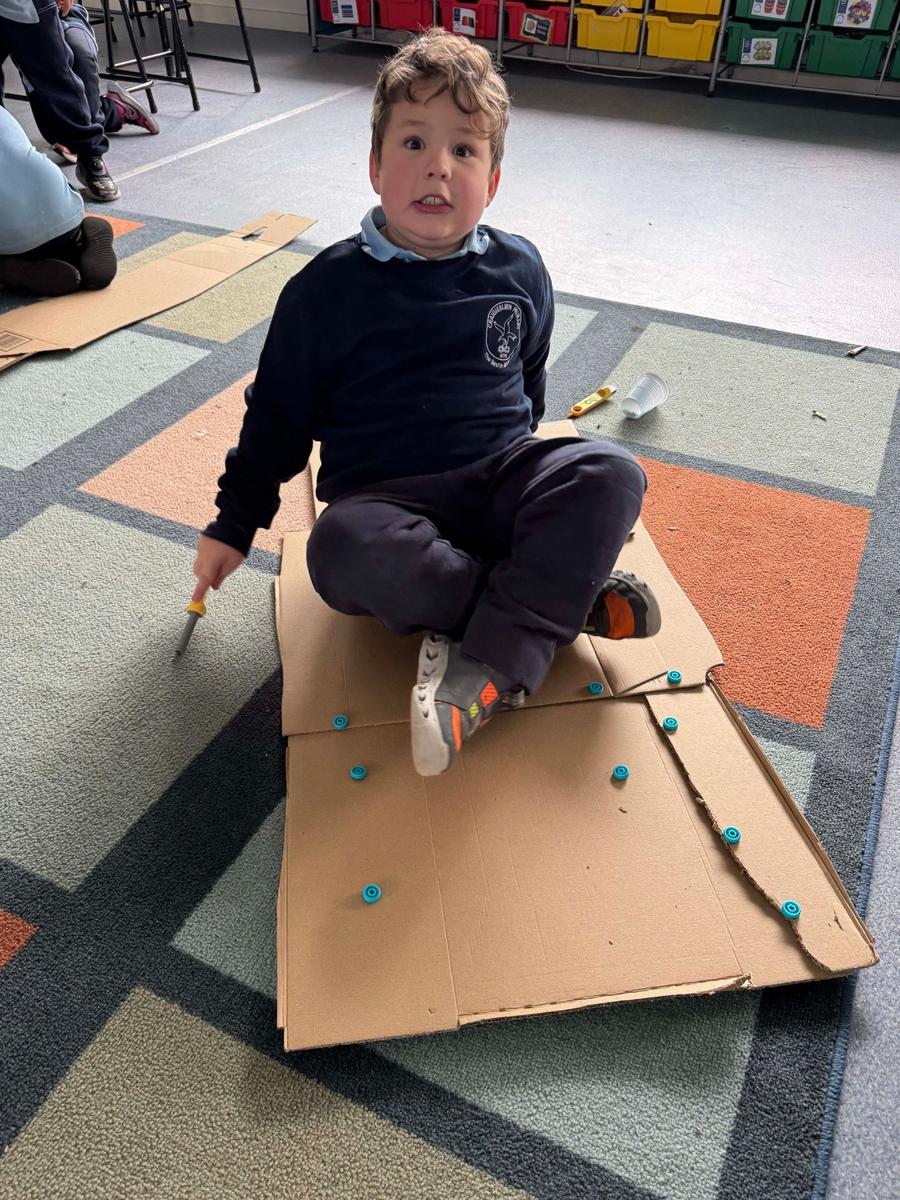
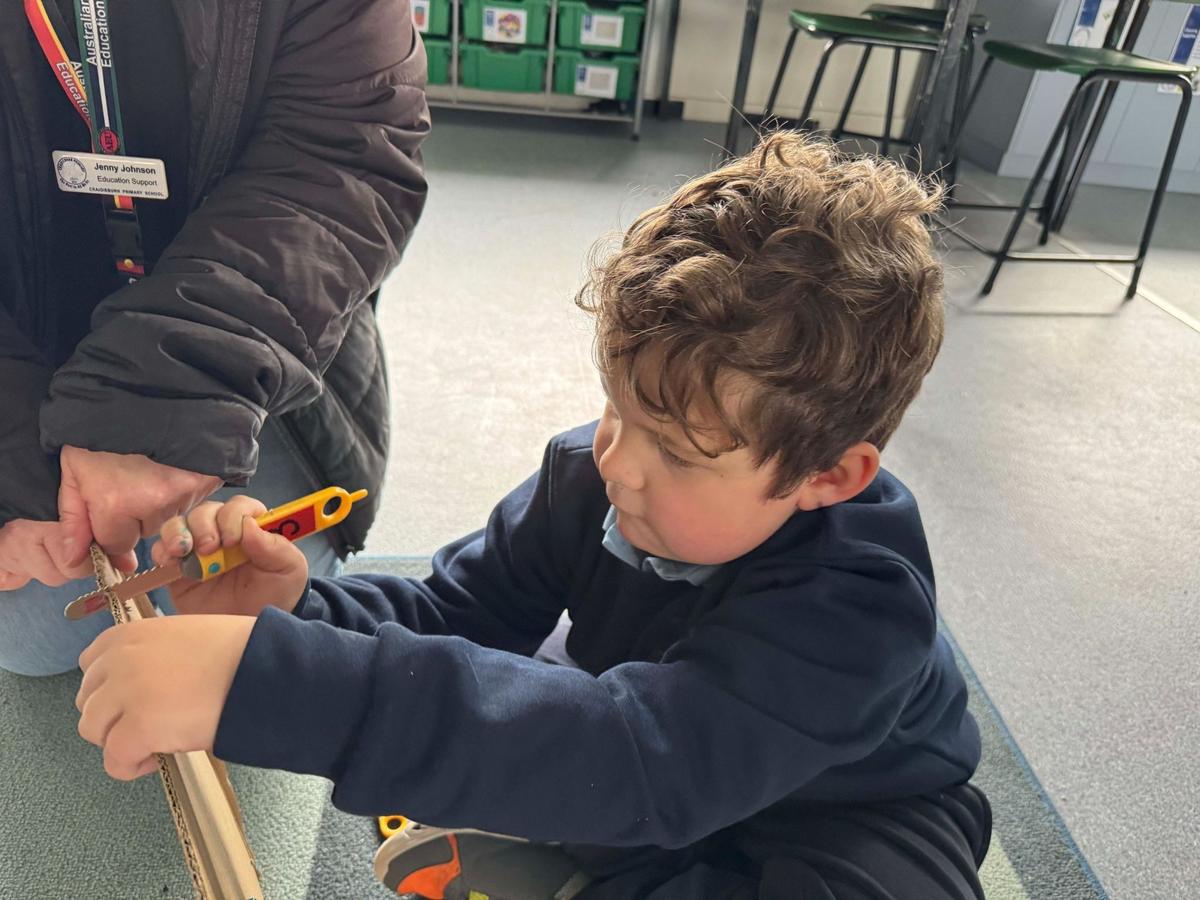
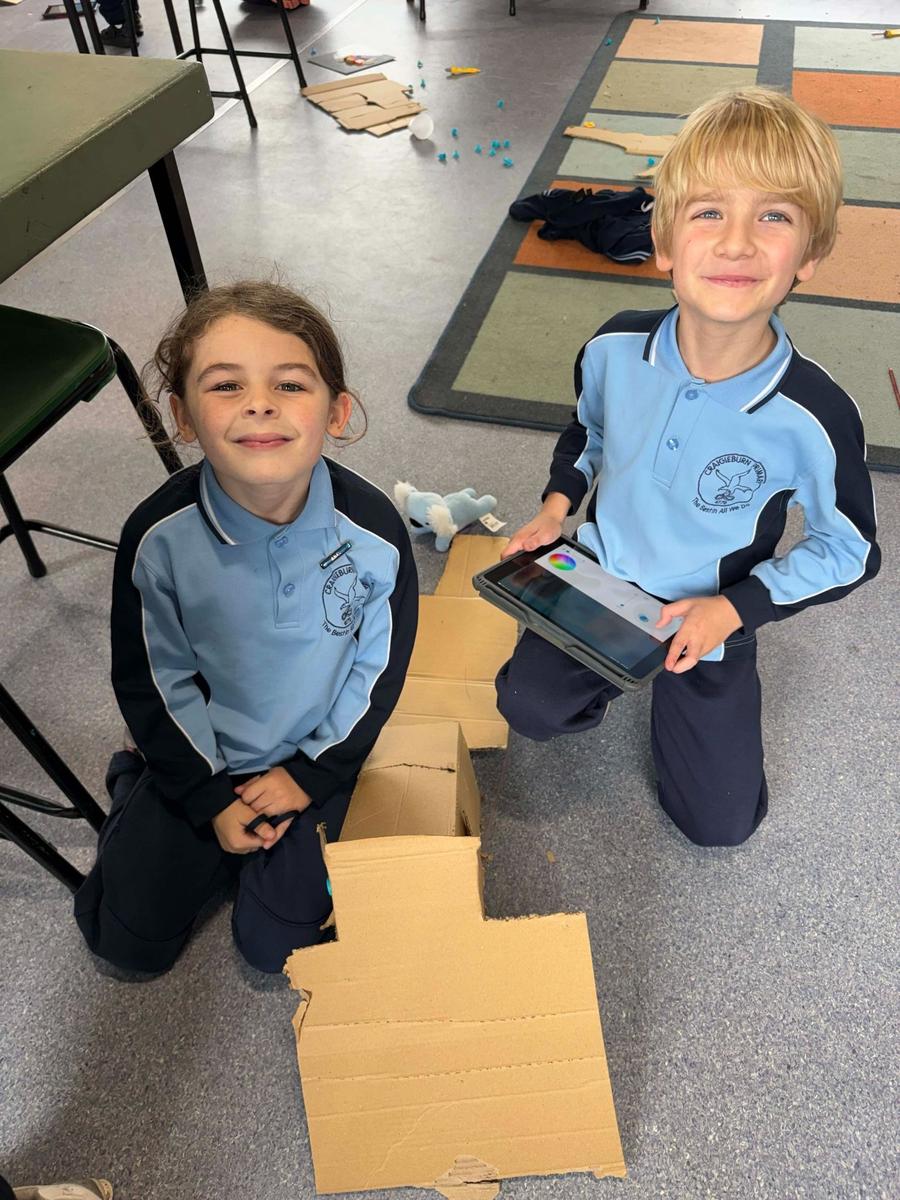
Foundation students have been learning how to cooperatively share ideas, communicate their thinking and work collaboratively with peers while designing and building structures out of cardboard. Using the MakeDo construction kits, students have explored how different tools such as cardboard saws, screws and folding tools can be used safely to join and strengthen materials. These activities have helped students develop fine motor skills, problem-solving abilities, creativity and resilience as they test and improve their designs. Students have also been introduced to important STEM concepts such as planning, designing, building and evaluating solutions while learning that there are often many ways to solve the same problem.
Year 1
Year 1 students have been learning the foundations of block coding using ScratchJr. Students have explored how different Sprites (characters) can move, interact and respond to commands within their own created programs. They have been creating simple mazes and coding their Sprites to travel through them by sequencing instructions and experimenting with movement blocks. Through these activities, students are developing computational thinking skills, learning how digital systems follow instructions and beginning to understand how programmers use coding to solve problems and create interactive projects.
Year 2
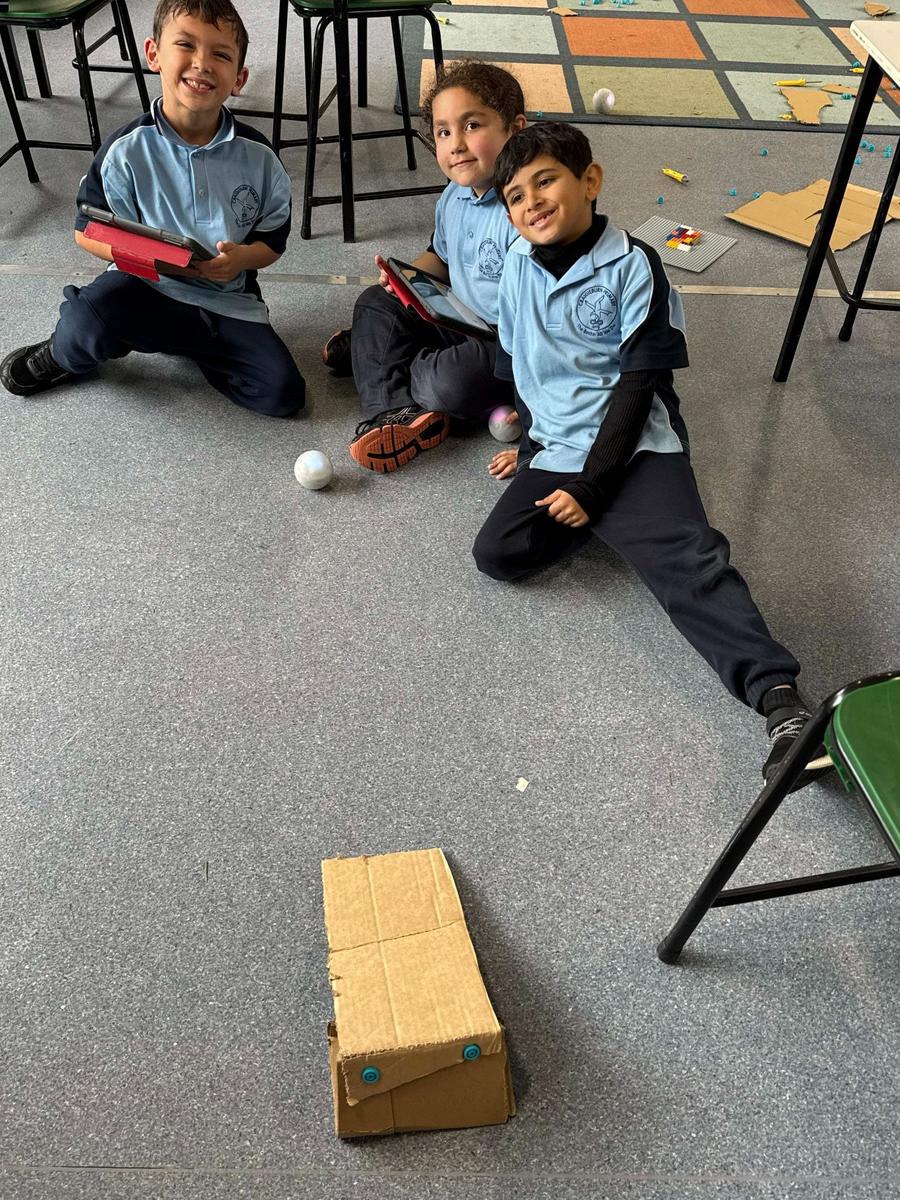
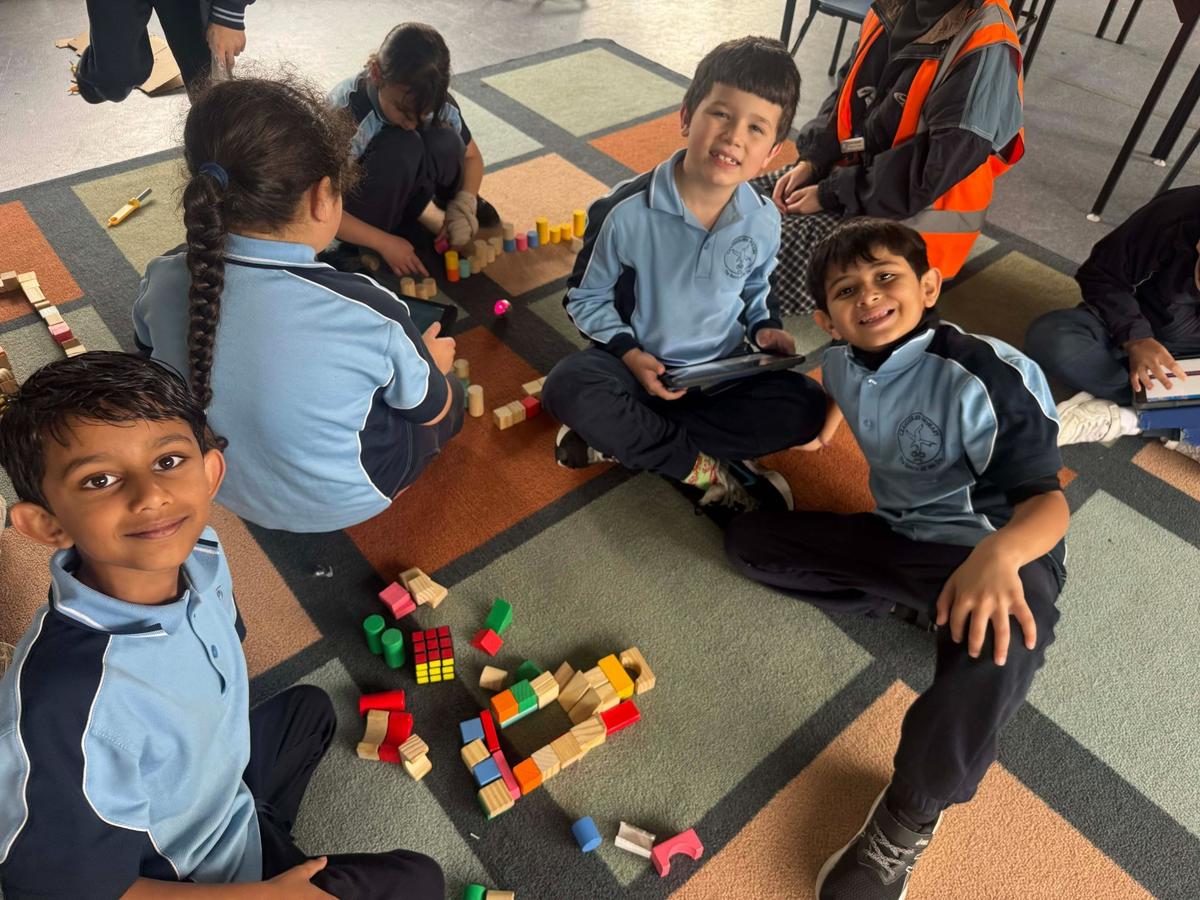
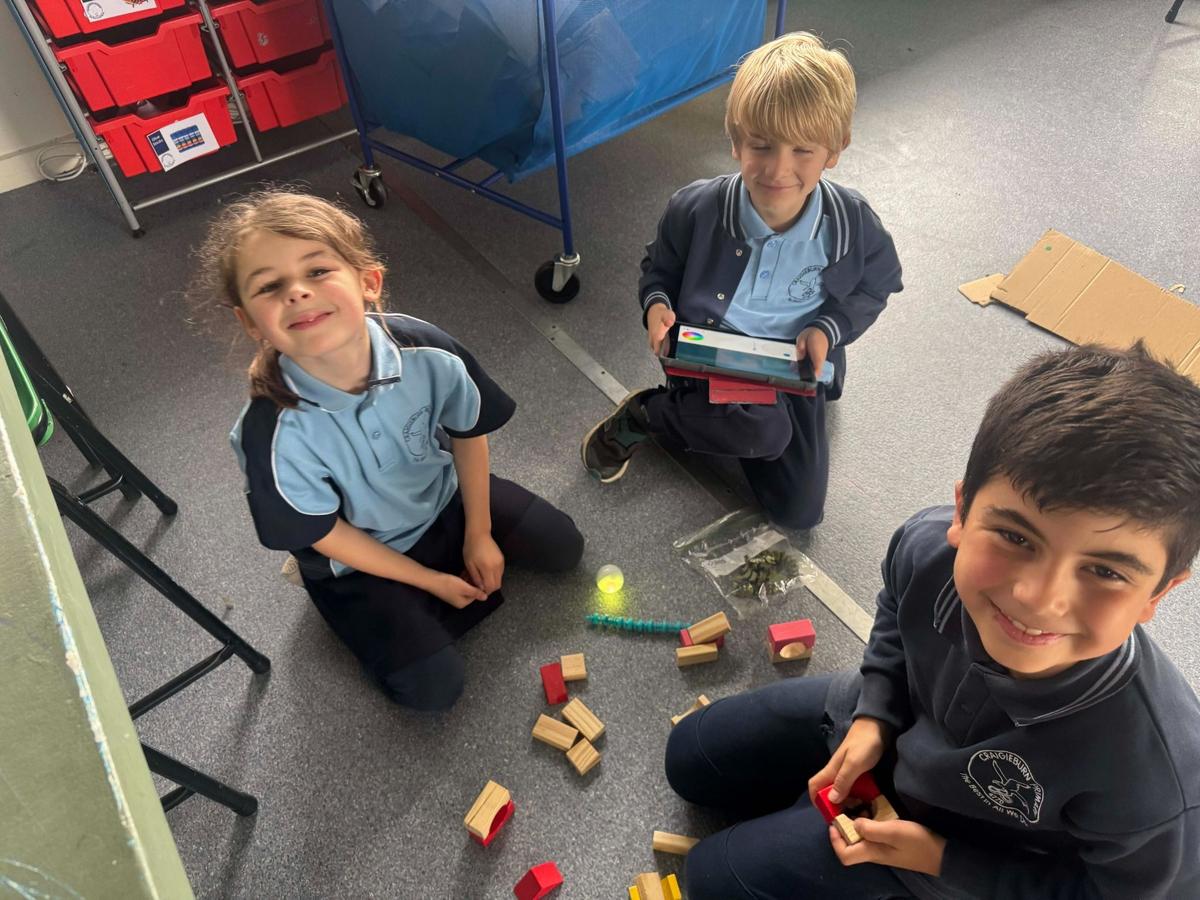
Year 2 students have been combining their learning about forces with coding and robotics. Students have been designing and building “Physics Carts” to investigate how inclines, surfaces and terrain affect movement and speed. They have also been introduced to coding Sphero robots, using their observations to pose questions, test ideas and record findings. Students explored scientific thinking by asking questions such as whether the Sphero protective cover would allow the robot to climb steeper ramps. Through these investigations, students have been developing their understanding of forces, fair testing, prediction making and problem-solving while strengthening their coding skills.
Year 3
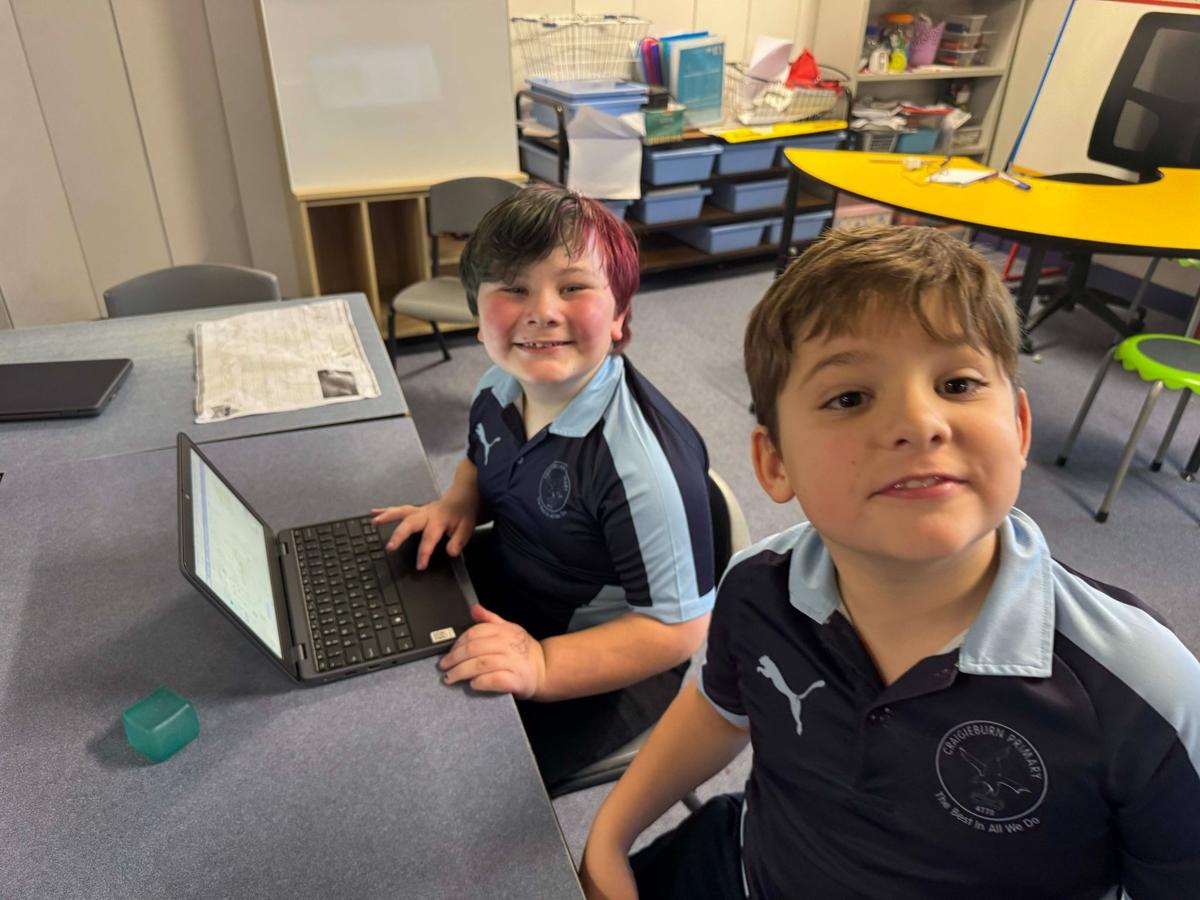
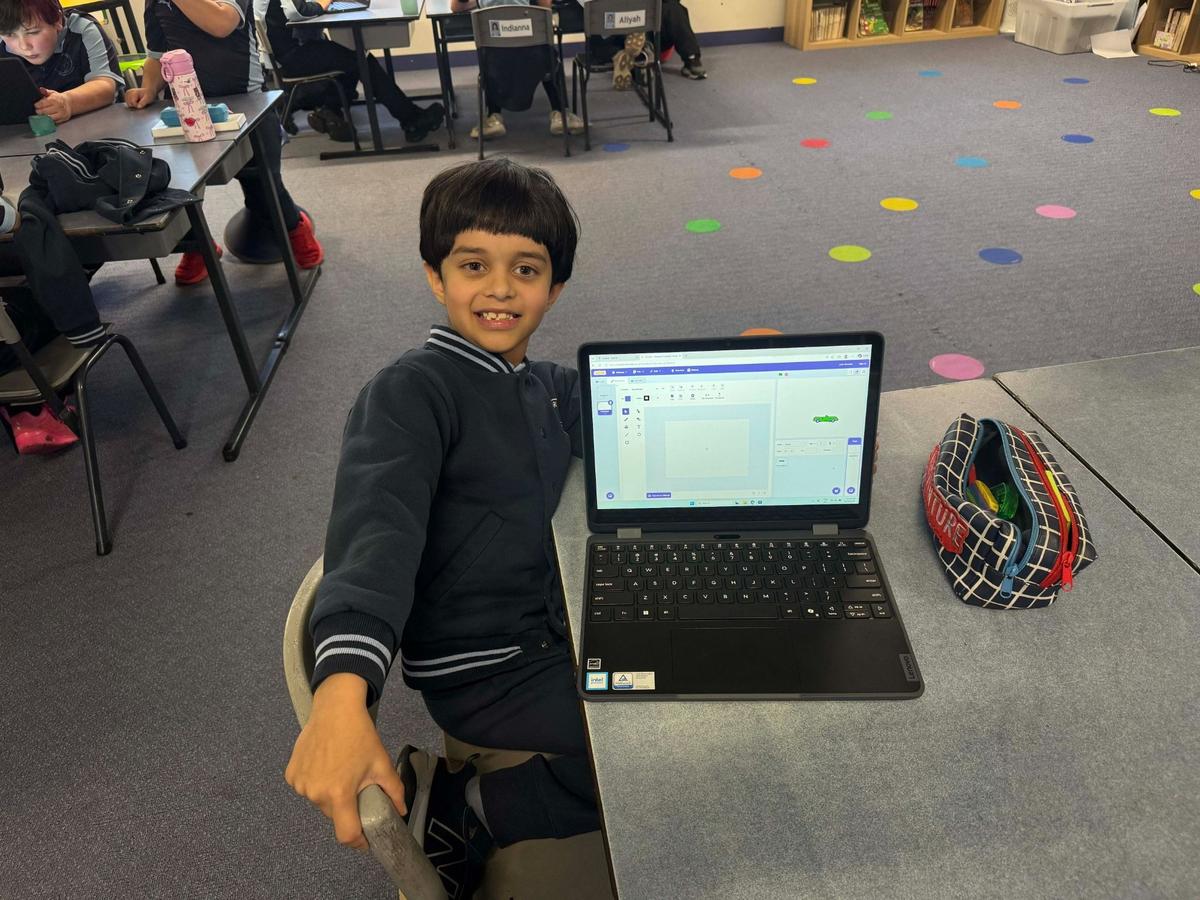
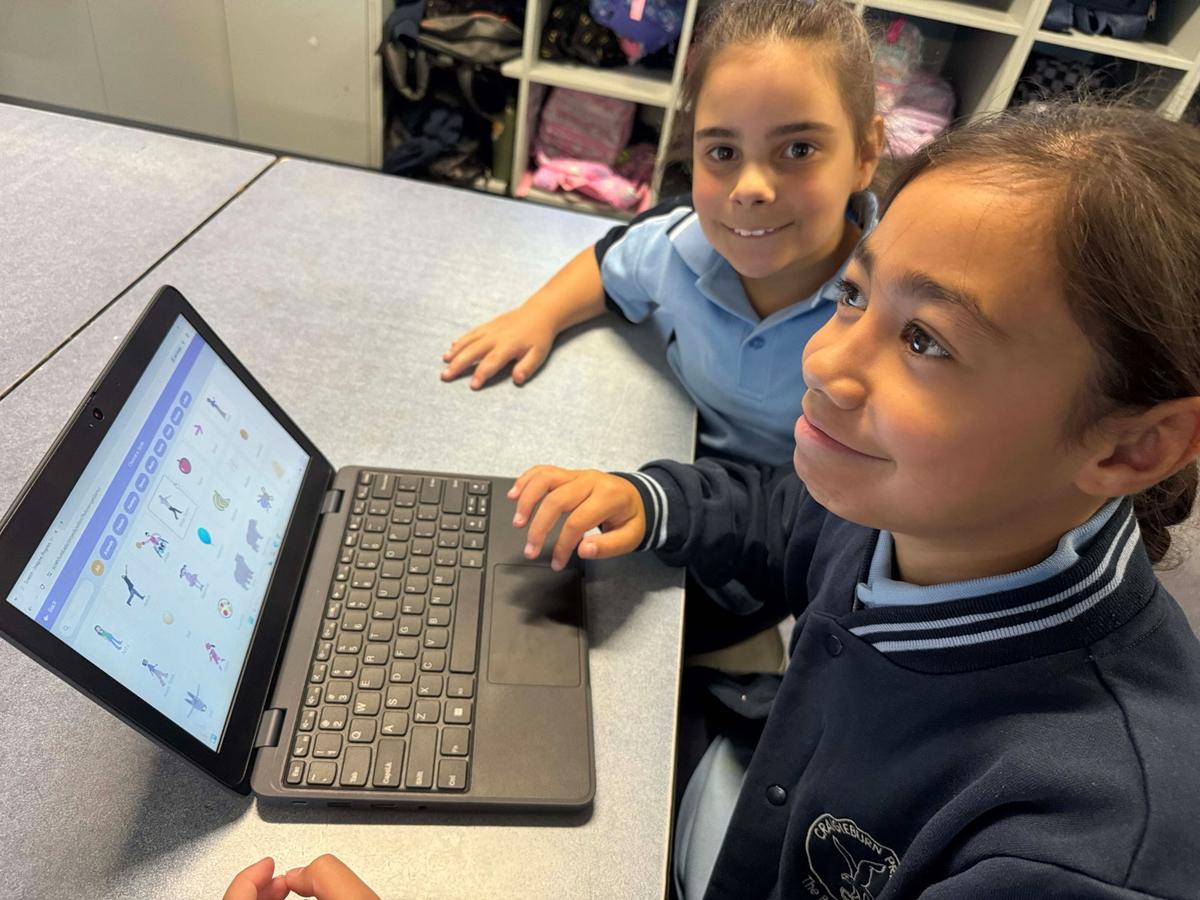
Year 3 students have been transitioning their coding skills from ScratchJr to Scratch, learning how to create more advanced interactive programs. Students have explored how Sprites can respond to computer inputs such as mouse clicks and keyboard presses to create movement and actions within their projects. They have been learning how coding sequences, events and commands work together to control digital systems. This transition to Scratch is helping students build confidence with more complex coding concepts while encouraging creativity, logical thinking and digital problem-solving skills.
Year 4
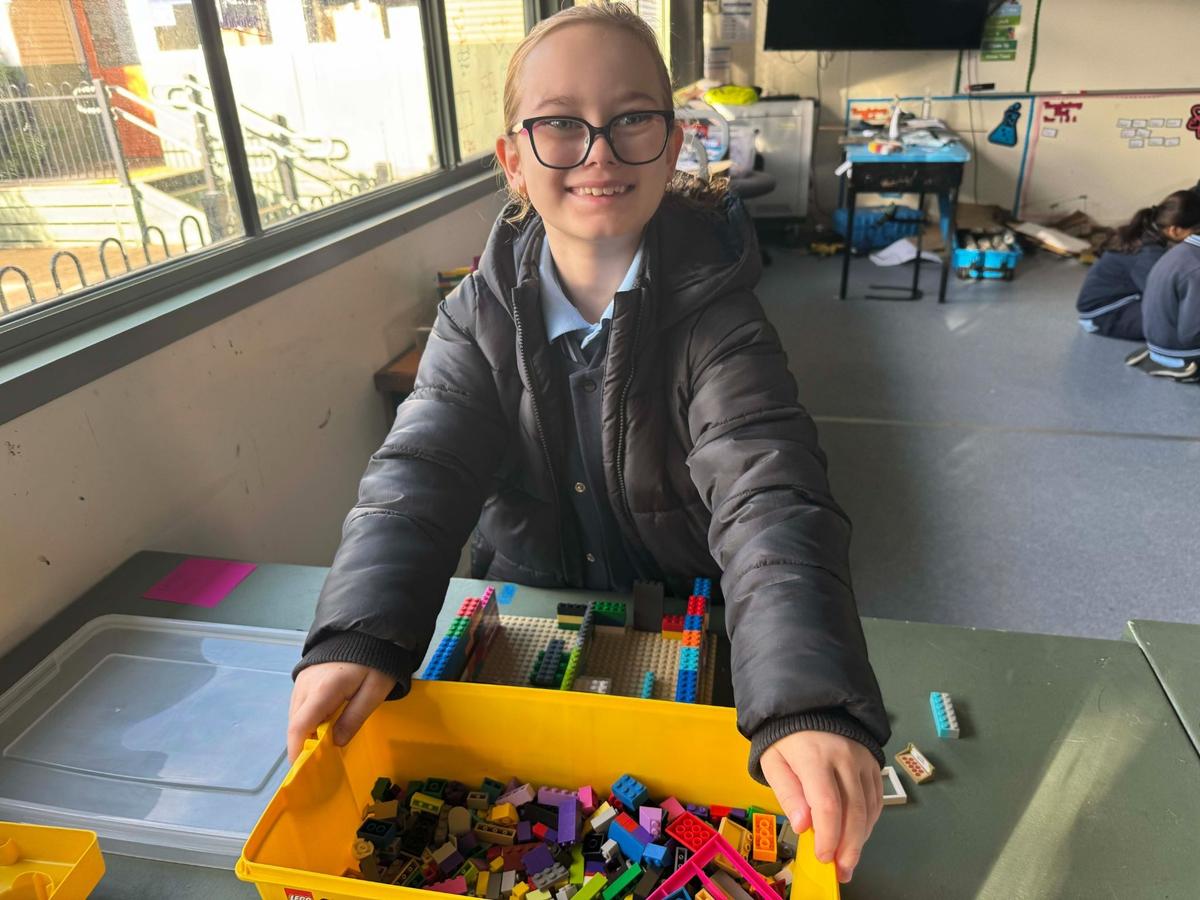
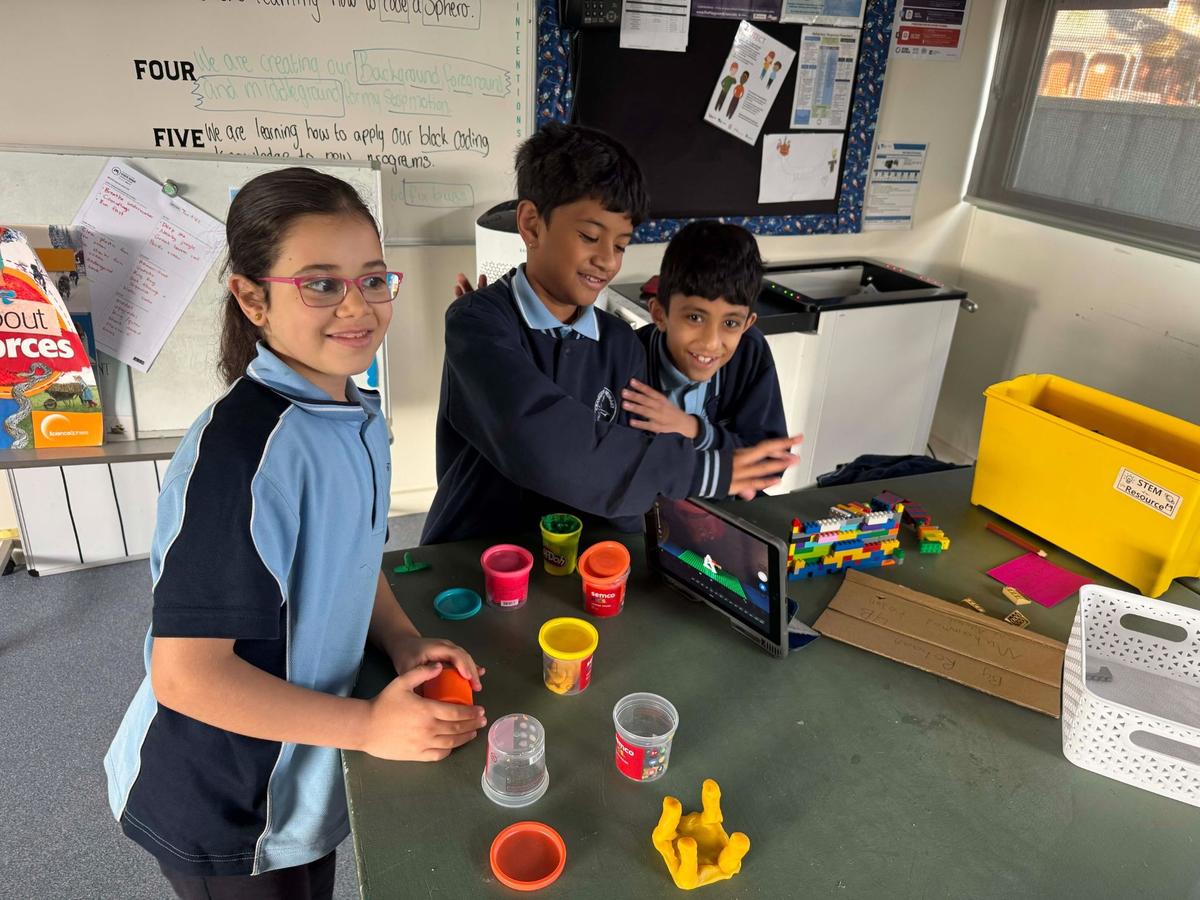
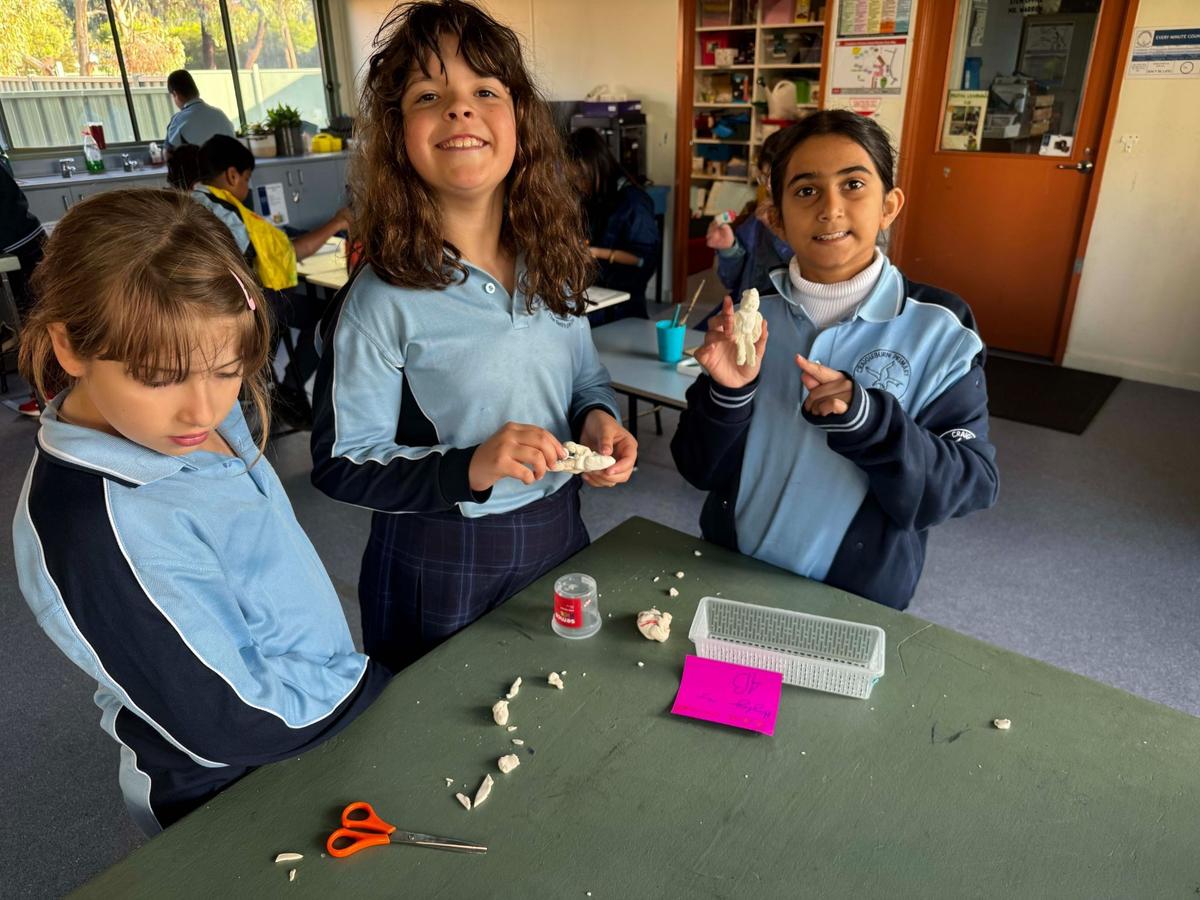
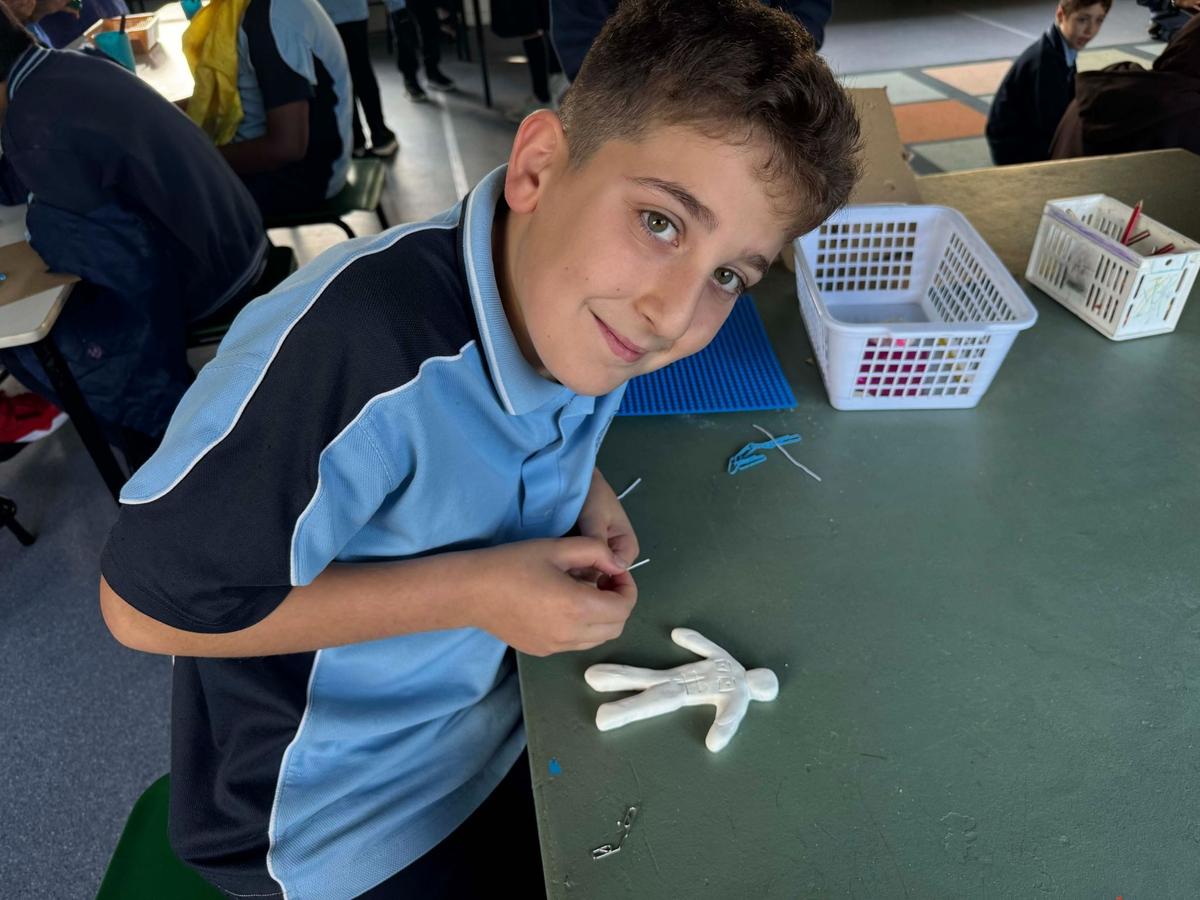
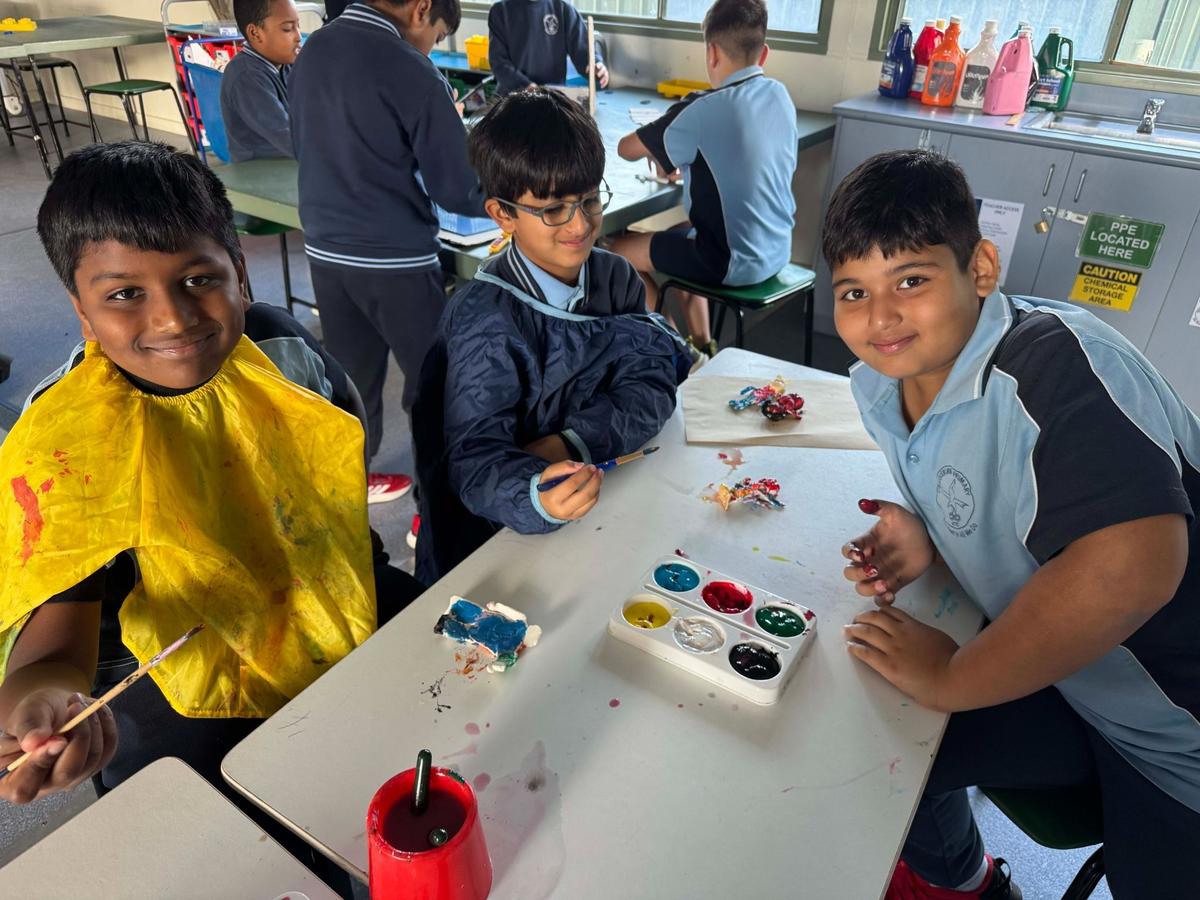
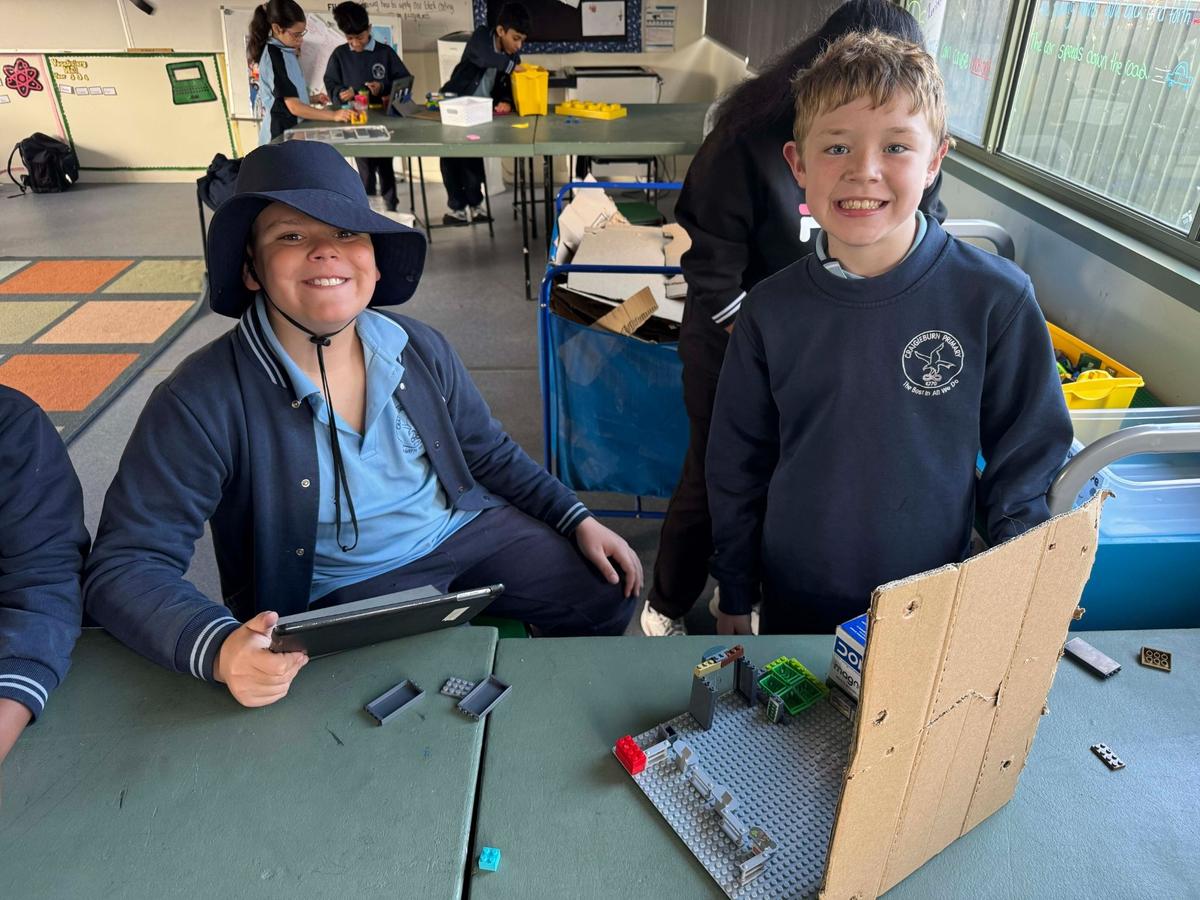
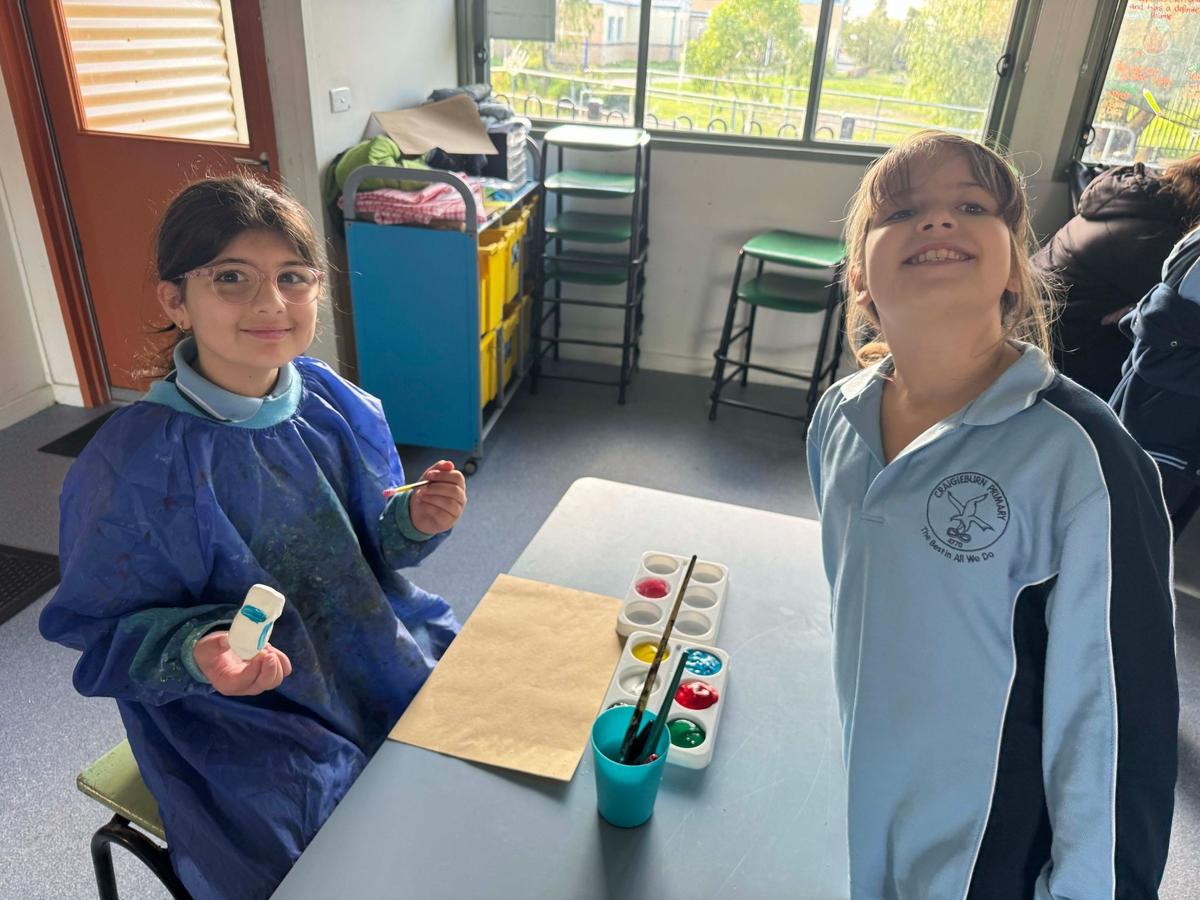
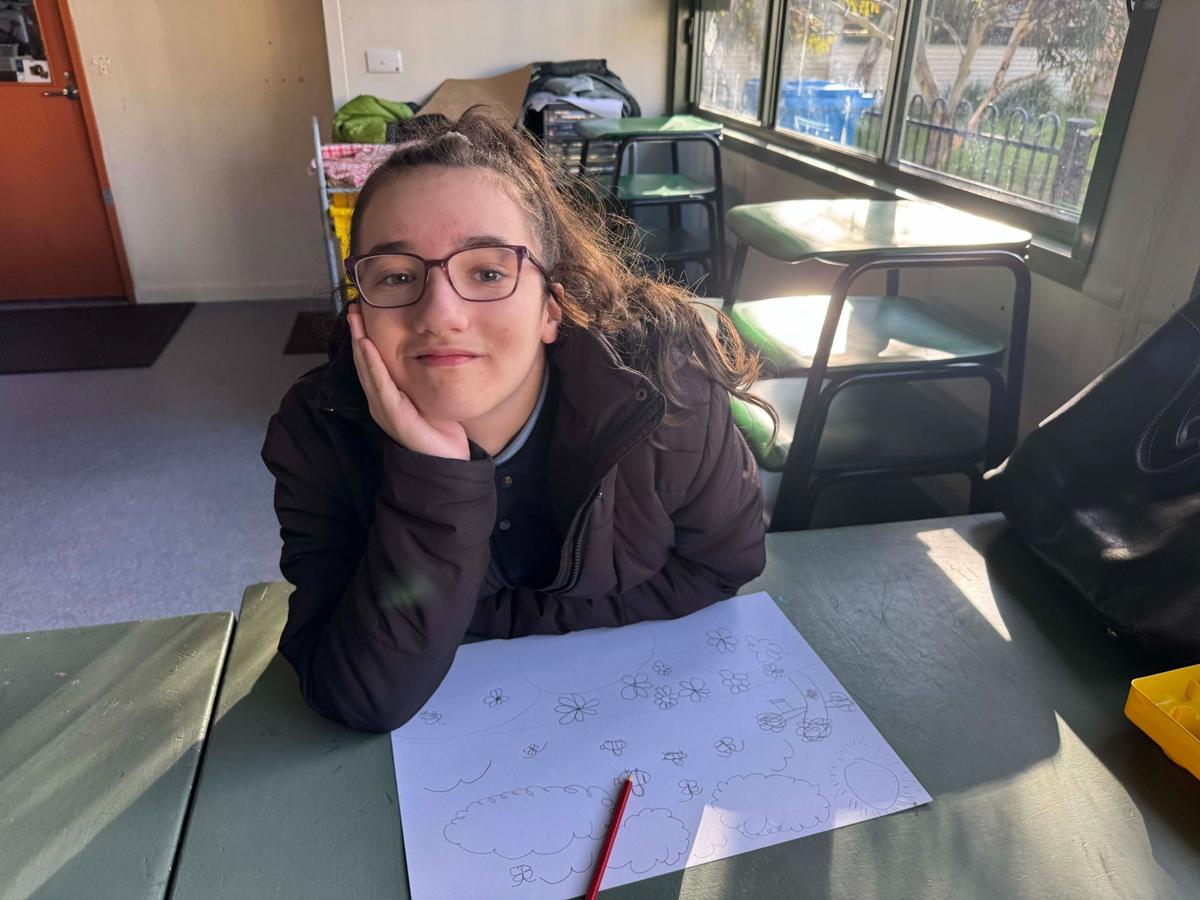
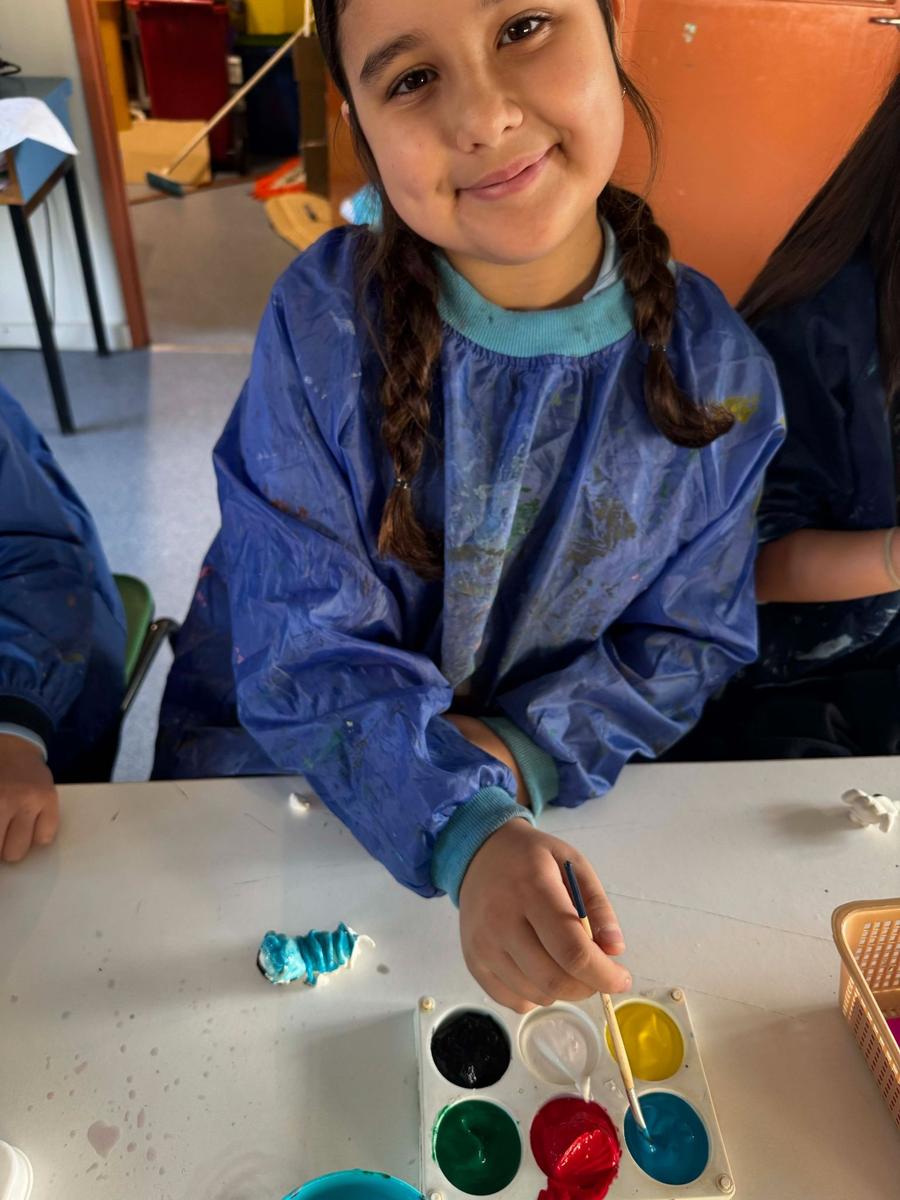
Year 4 students have been working incredibly hard on their Stop Motion Animation projects. Students have been designing and creating characters, backgrounds, middle grounds and foreground items using clay, LEGO and a variety of construction materials. Throughout the unit, students have explored important filmmaking techniques including camera angles, smooth movement, scene transitions and storytelling. They have also reviewed and analysed examples of stop motion animations, identifying successful features as well as areas for improvement to help strengthen their own productions. This project has encouraged students to combine creativity, planning, teamwork and digital technology skills while developing an understanding of how animations are created.
Year 5
Year 5 students have been learning how to design and code their own video games using Scratch. Students have explored how to create and use variables within their games to track scores, movement and gameplay interactions. They have also been designing their own backgrounds and Sprites, with some student artwork being enhanced and computer-generated through the use of different AI platforms. Students investigated different coding techniques to ensure their Sprites move within desired constraints and respond appropriately during gameplay. Through this unit, students are developing computational thinking, creativity, game design skills and an understanding of emerging digital technologies.
Year 6
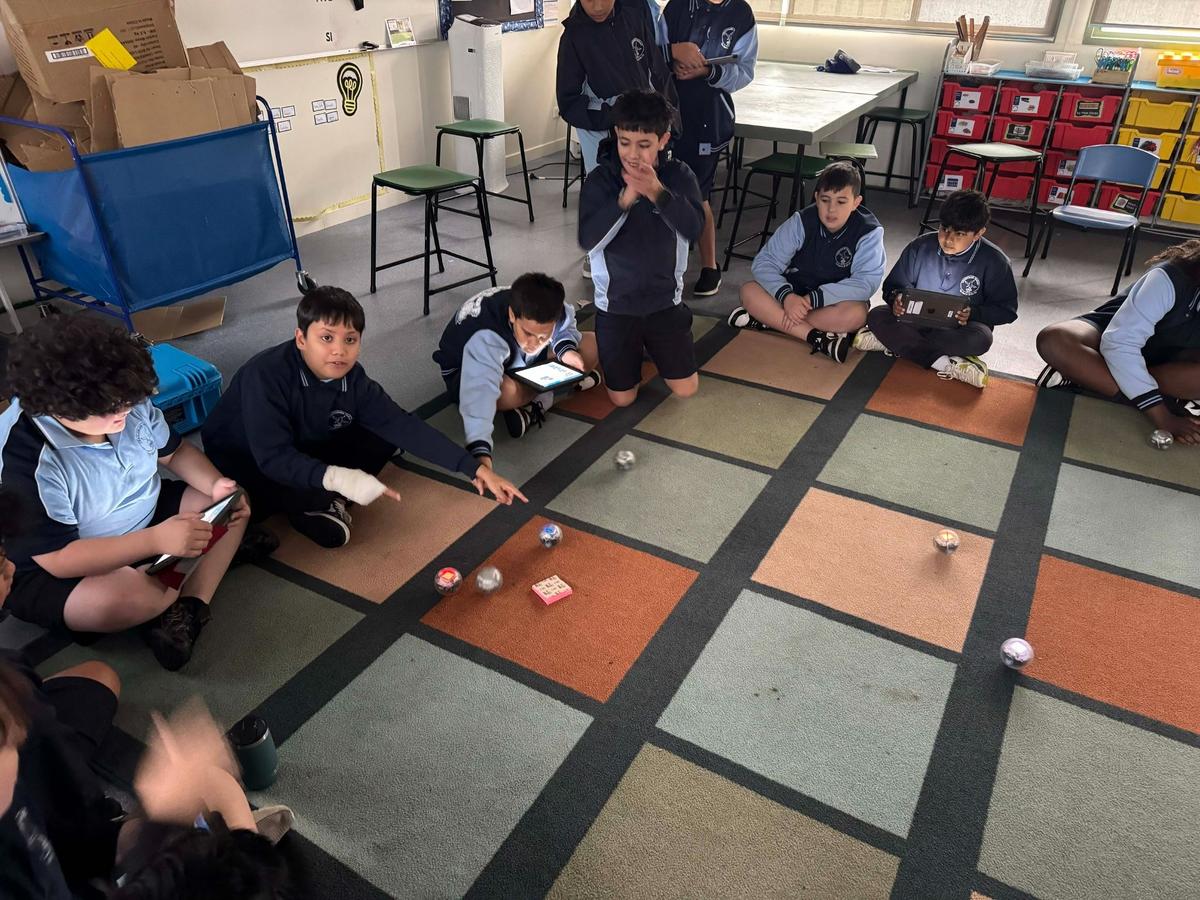
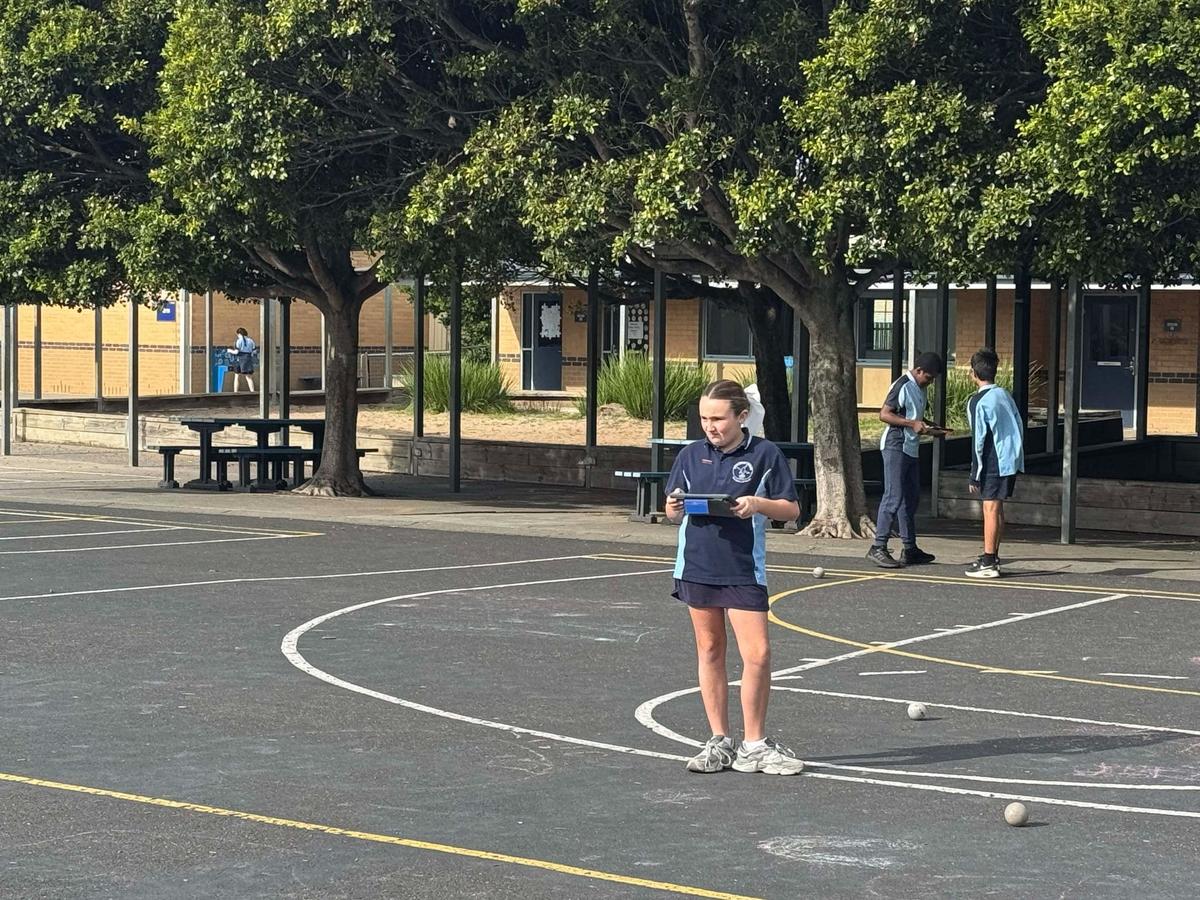
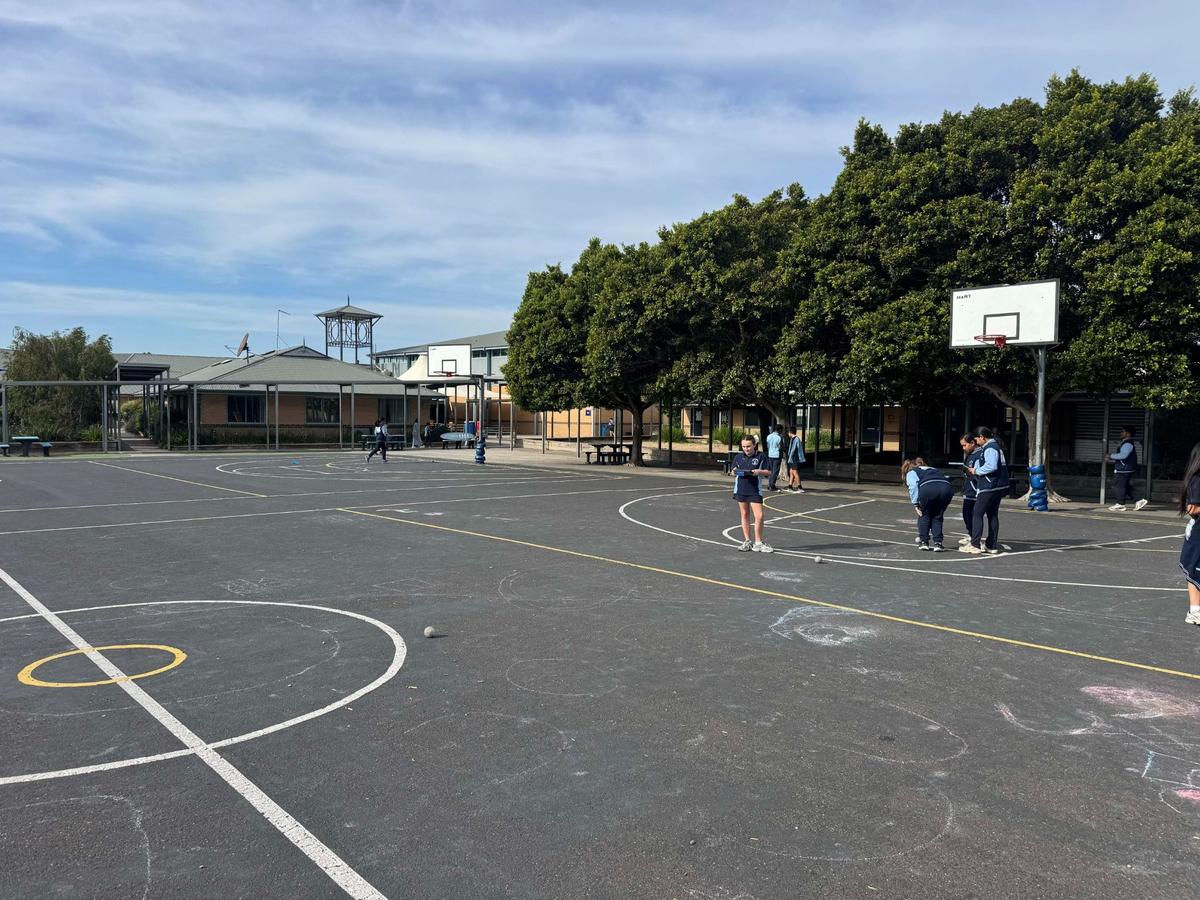
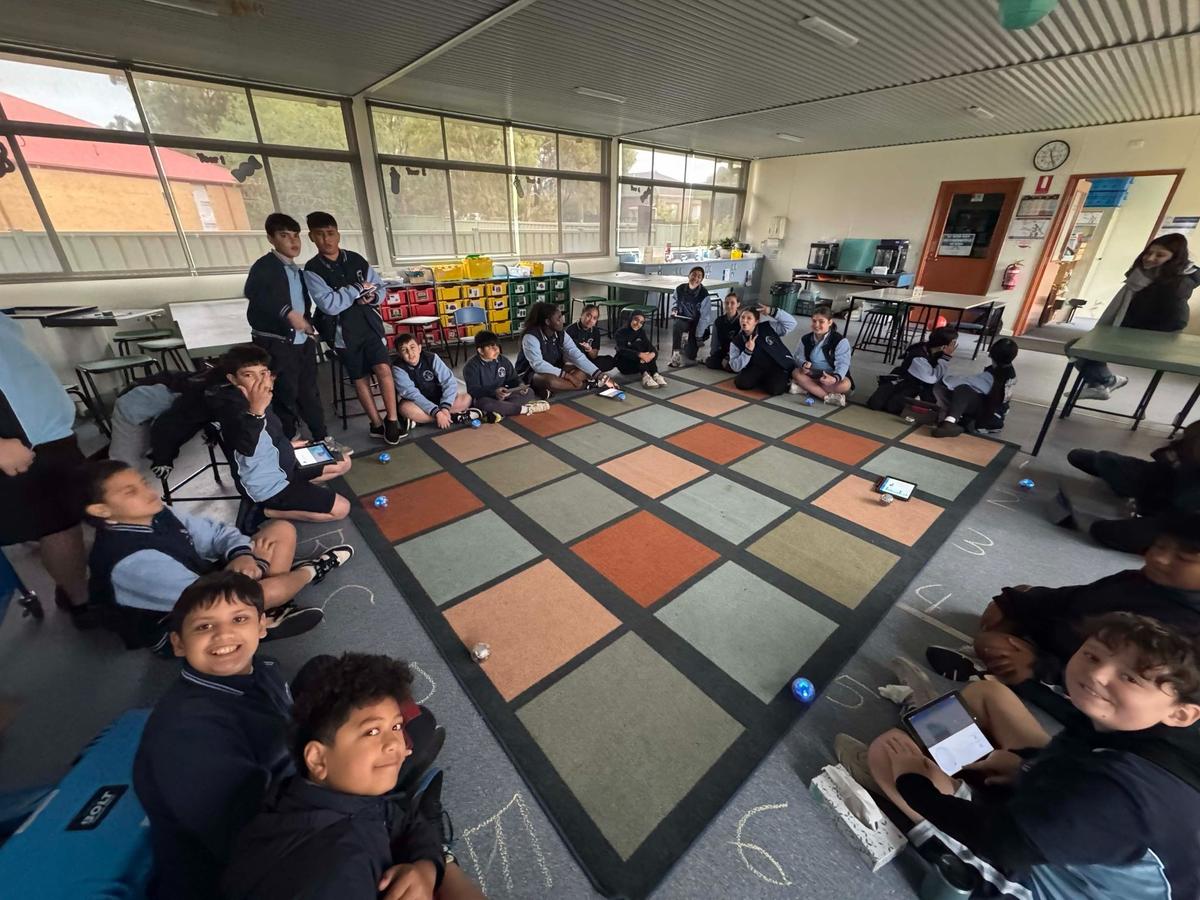
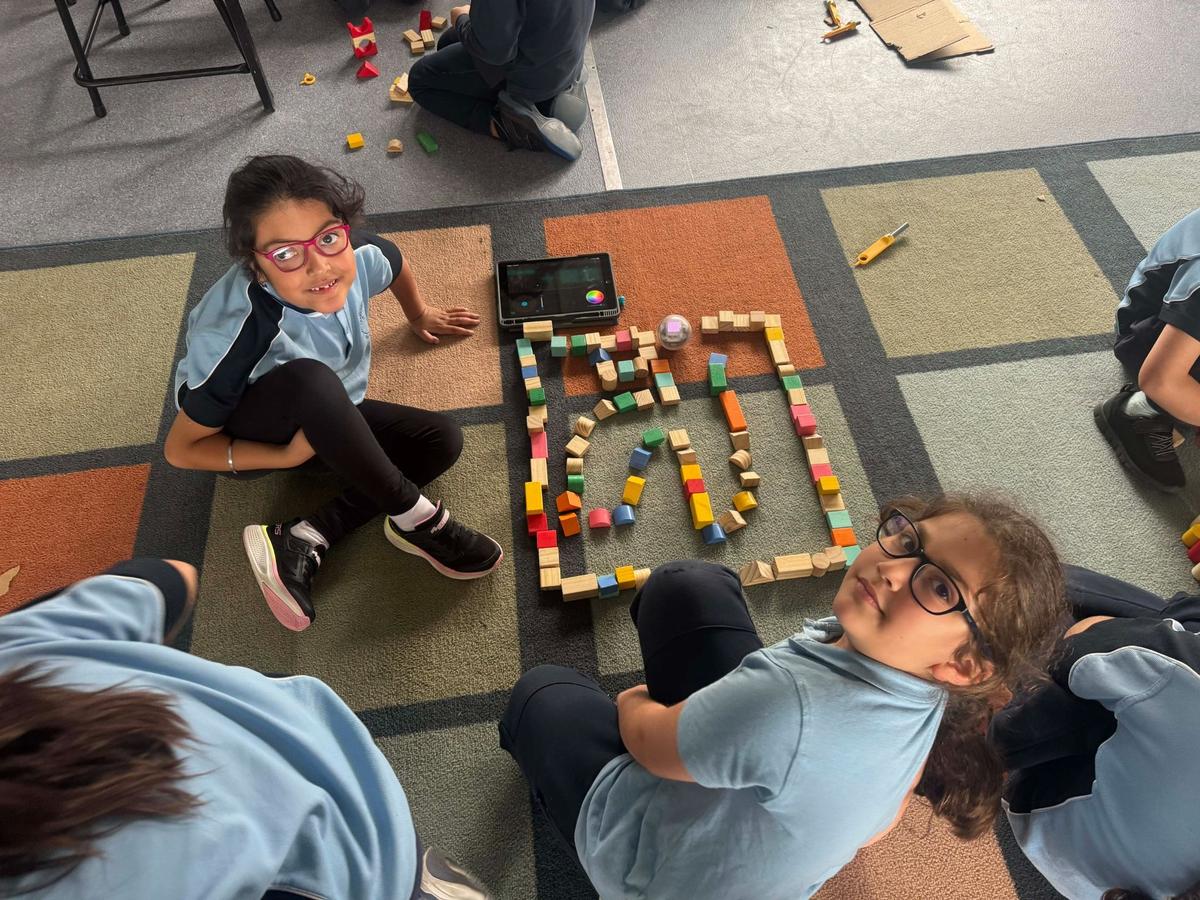
Year 6 students have been exploring how to transfer their block coding skills into coding Sphero robots. Students participated in a range of mini coding challenges and games designed to strengthen their understanding of movement, speed, timing and accuracy within Sphero programming. They are now applying these skills to design and build their own mazes, with the challenge of coding their Sphero to successfully navigate through the course with both speed and precision. This unit has encouraged students to apply problem-solving strategies, debugging skills and computational thinking while working collaboratively to improve their designs and coding solutions.