Sentral
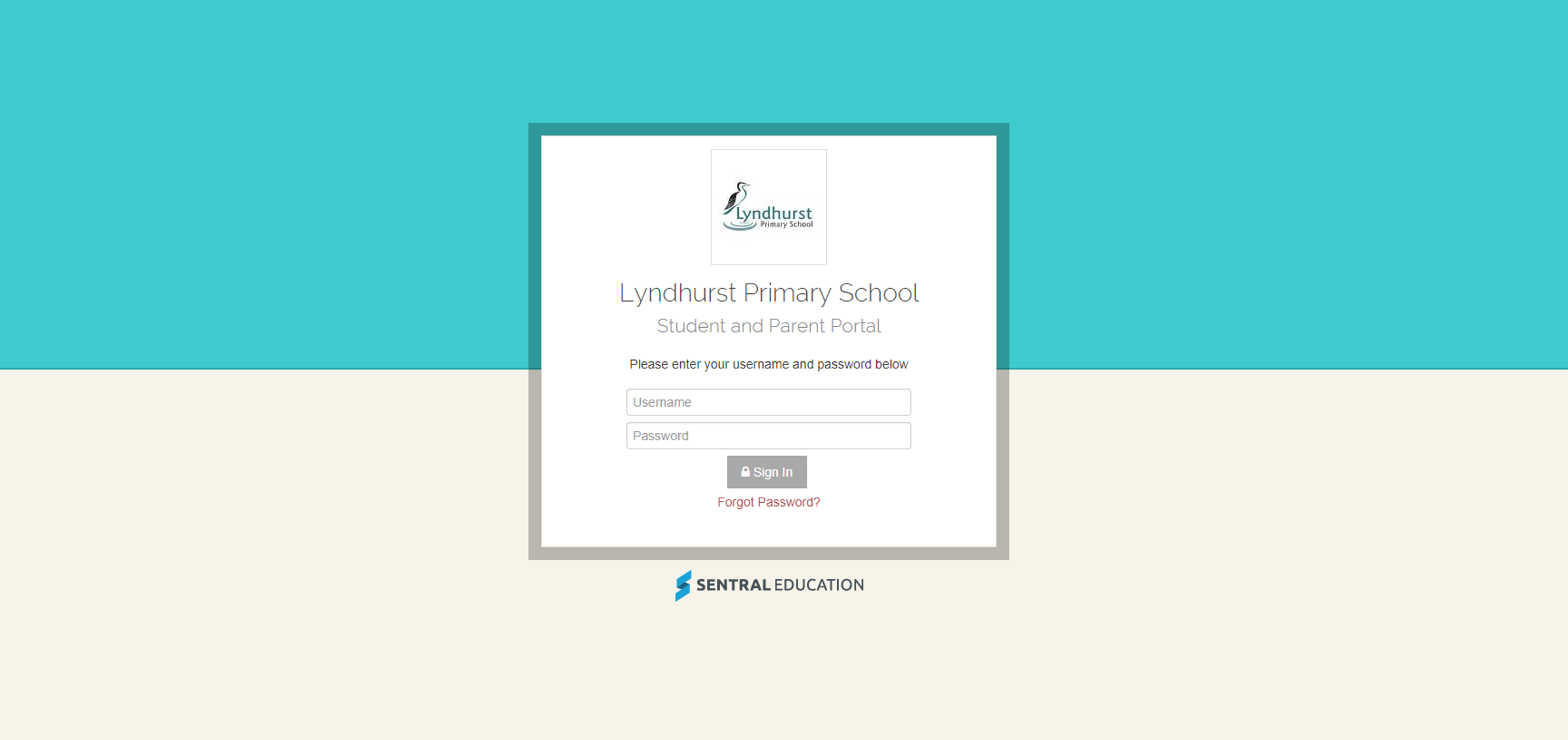
Sentral Portal Registration
How to Register For the Parent Portal
To gain access to the Lyndhurst PS Parent Portal you will need to go to the following site:
https://sentral.lyndhurstps.vic.edu.au/portal/register
(Passwords should have upper case letters, lower case letters, numbers, and symbols for optimum security)
Sentral Portal Login
To log in to the Lyndhurst PS Parent Portal you will need to go to the following site:
https://sentral.lyndhurstps.vic.edu.au/portal/login
Student Reports on Sentral
Reports accessed through the Sentral Parent Portal (Version 1 ONLY)
The Semester 1 and 2 2018 Student Reports will be able to be viewed for your child through the Sentral Parent Portal (Version 1 ONLY). Previously, information was sent home with instructions for you to access the Parent Portal and set up your password.
Please note, Student Reports are not being printed and sent home. If you need any assistance accessing the Parent Portal, please contact the school office. I advise you to have already accessed the Parent Portal and set your password before reports are made available.
To view the report through the Sentral Parent Portal (Version 1 ONLY):
- Click your child’s photo.
- Click the ‘Reporting’ tab on the left hand side.
- Click ‘Published Report.’
- Click on ‘Semester 1 2018,’ to view the report.