STEM News
Dear fellow scientists,
Prep students are safely and responsibly playing an educational game on the iPad. Alongside practising their digital skills, they are also developing important habits for sharing, taking turns, and staying focused. Have a go at home playing these two games, wood carving arts: https://pbskids.org/games/play/carving/900136 and ramp racers: https://pbskids.org/games/play/ramp-racers/140182
Grade 1 students are learning to share their ideas about why we should protect our Earth. Working in small groups, they created simple presentations that highlight ways we can care for the planet. Students discussed their ideas, practised speaking and listening, and enjoyed working together to share messages about protecting Earth. Listen and watch this video on Earth by Save the Planet song for kids | Environment song for children | Earth Day song: https://www.youtube.com/watch?v=lJToF8D9bdU
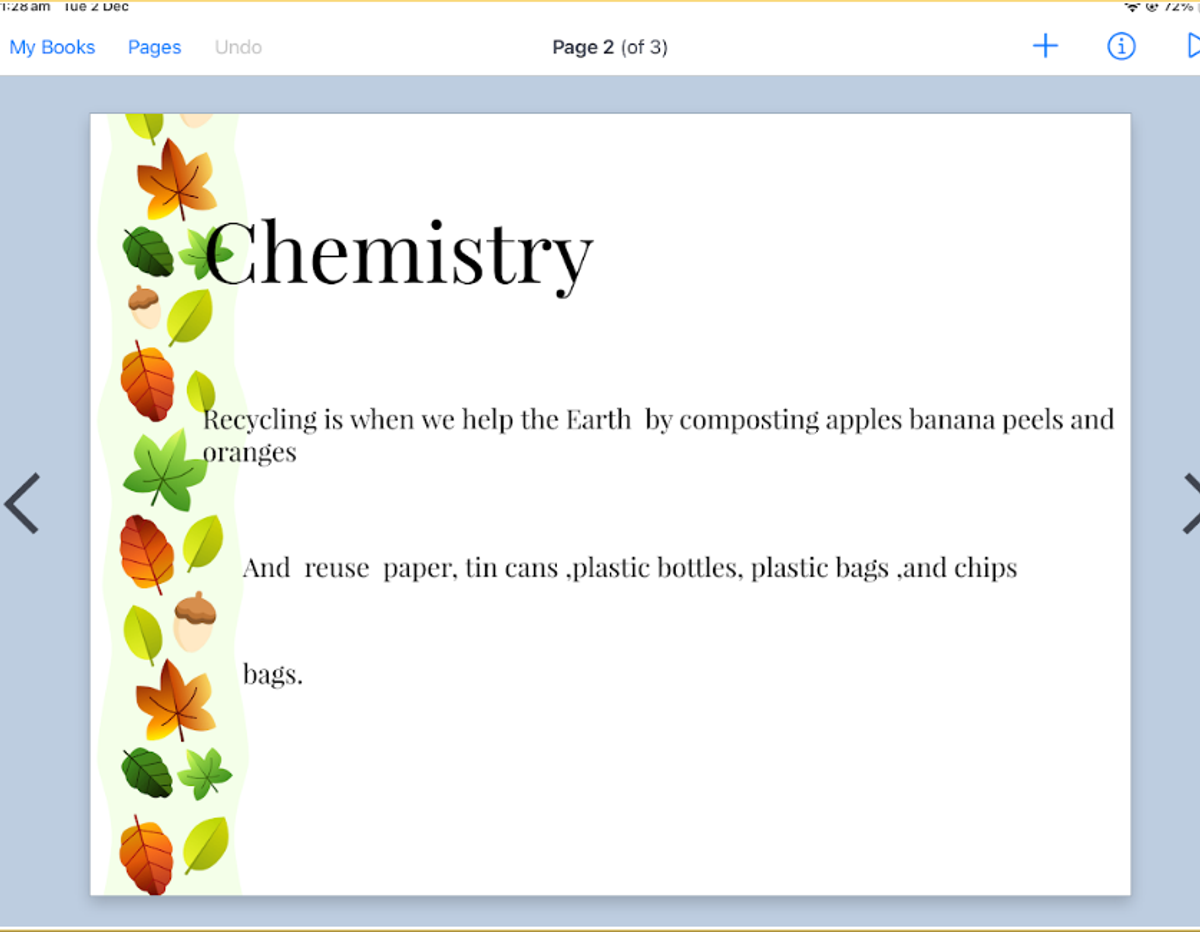
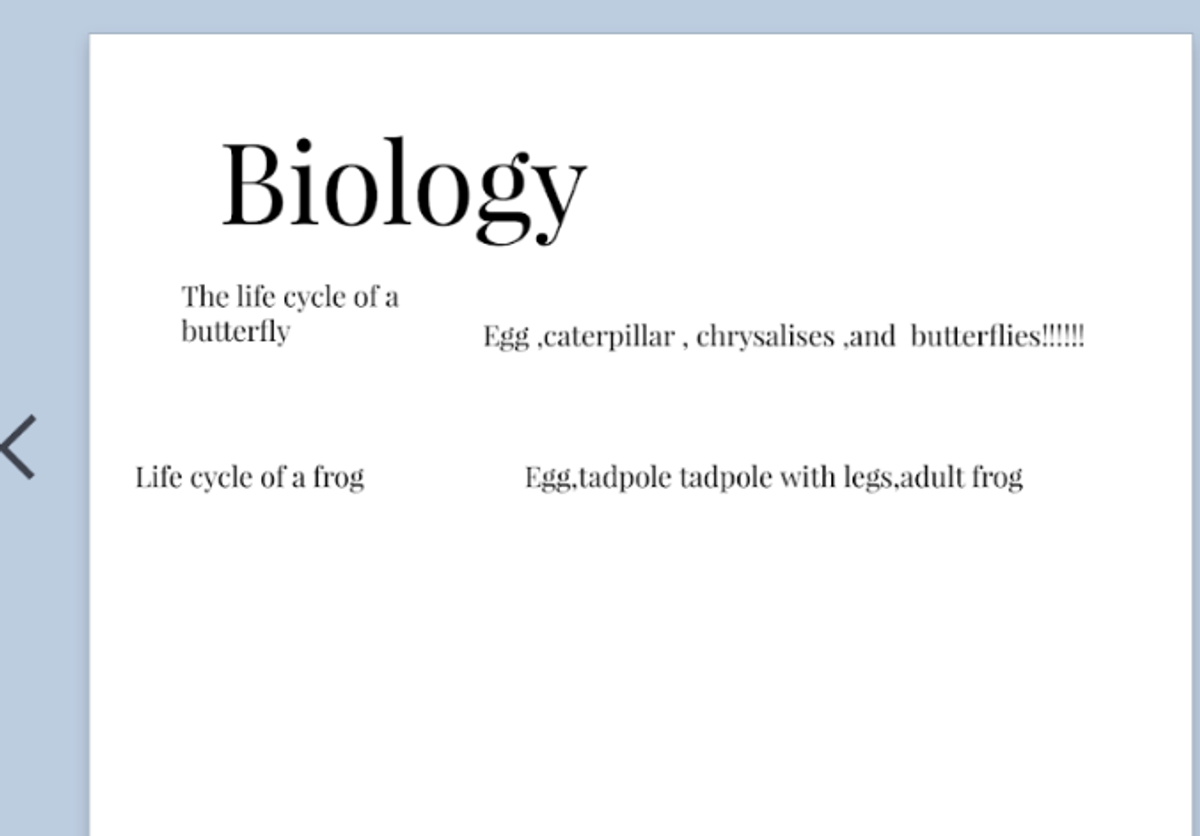
Grade 2 students are learning to use Book Creator to share what they have learnt this year. They are practising how to use the iPad responsibly for the purpose given by their teacher and are adding typed text to communicate their learning. Students have enjoyed reflecting on their achievements and creating their own digital pages to showcase their work.
Students in Grade 3 are learning how to create a clicker game about night and day. They worked on adding characters that represent daytime and nighttime, and used block coding to make these characters move and disappear when clicked. Students also learned how to use the green flag to start their game. They were excited to experiment with the different coding blocks and see their ideas come to life on the screen! Watch this video from the Scratch Team: How to Make a Clicker Game in Scratch | Tutorial: https://www.youtube.com/watch?v=4v1CIKehF6E
Grade 4 students are learning to define and compare contact and non-contact forces. They followed step-by-step instructions to create their own mini booklet, where they defined key forces such as friction, gravity, air resistance, water resistance, and buoyancy. Students then shared their booklets with a partner, explaining their understanding and discussing examples from everyday life. They enjoyed building their knowledge of forces in a hands-on and creative way! Watch this video on how to make a quick and easy 8-page mini book from one piece of paper: https://www.youtube.com/watch?v=21qi9ZcQVto
Grade 5 students have been learning how to create their own quiz using Scratch Jr. They explored how to use block coding to design interactive questions and give feedback based on whether the correct answer was selected. The students enjoyed experimenting with different code blocks and testing their quizzes to make sure they worked as intended.
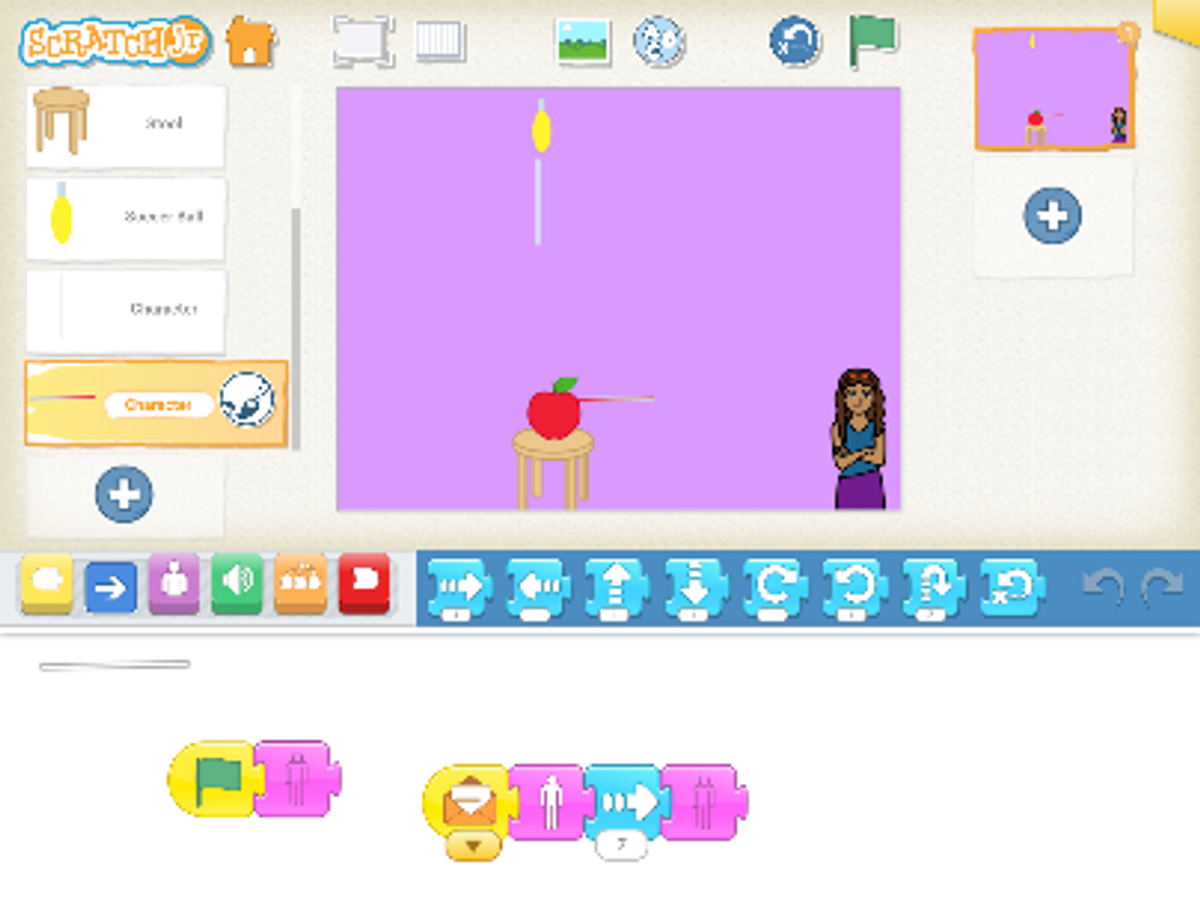
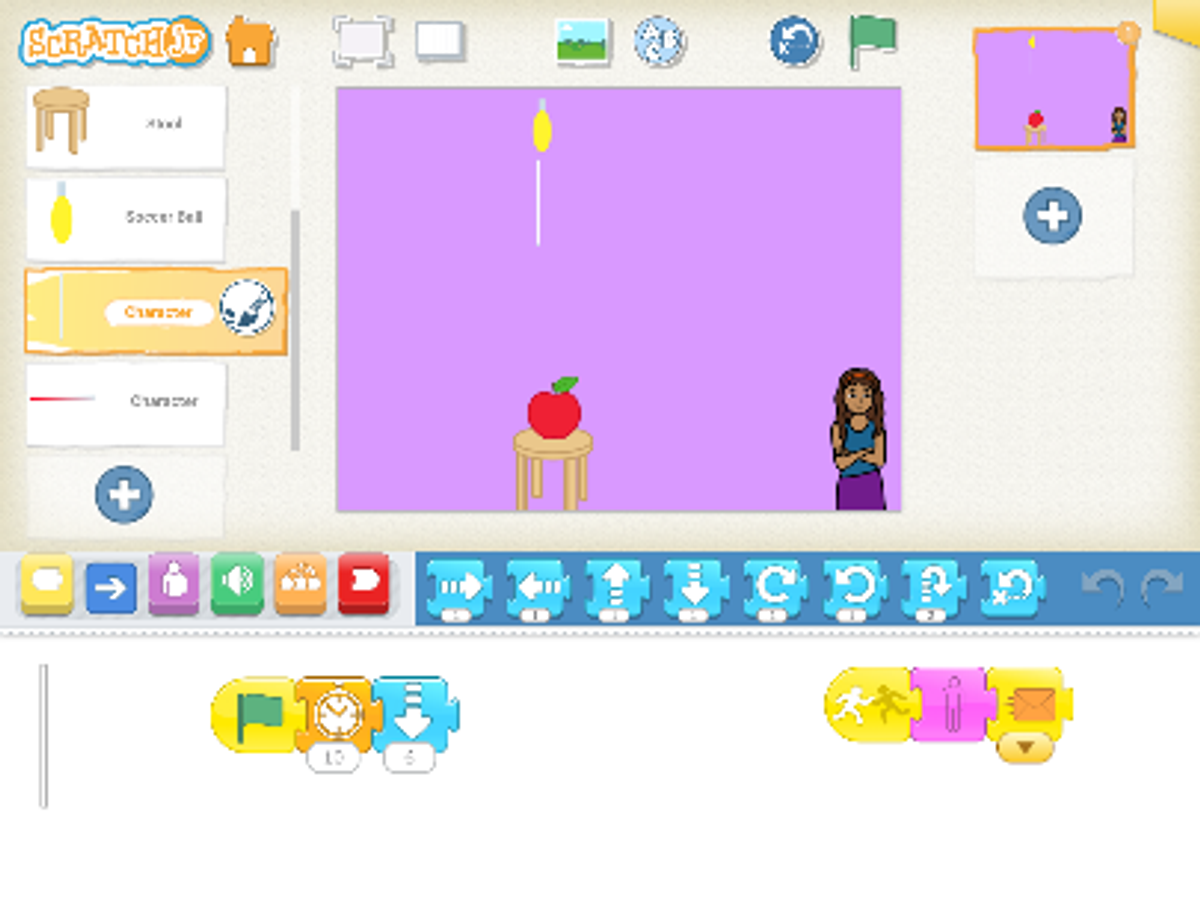
Grade 6 students are learning to create a simple biology-themed game for Prep and Grade 1 students using Scratch or Scratch Jr. Their goal is to design an easy-to-play game that teaches a basic biology idea while using loop blocks to make their instructions as efficient and minimal as possible. They have been focusing on creating clear, child-friendly interactions and refining their code to use the least number of blocks needed. Students are enjoying the challenge of designing for a younger audience and improving their coding skills at the same time.
We look forward to seeing new faces next year and are excited for all the learning and fun experiments ahead. Enjoy your break, have a Merry Christmas, and a Happy New Year!
STEM team