
General Information
School Council Nominations
Notice of Election and Call for Nominations – 2026
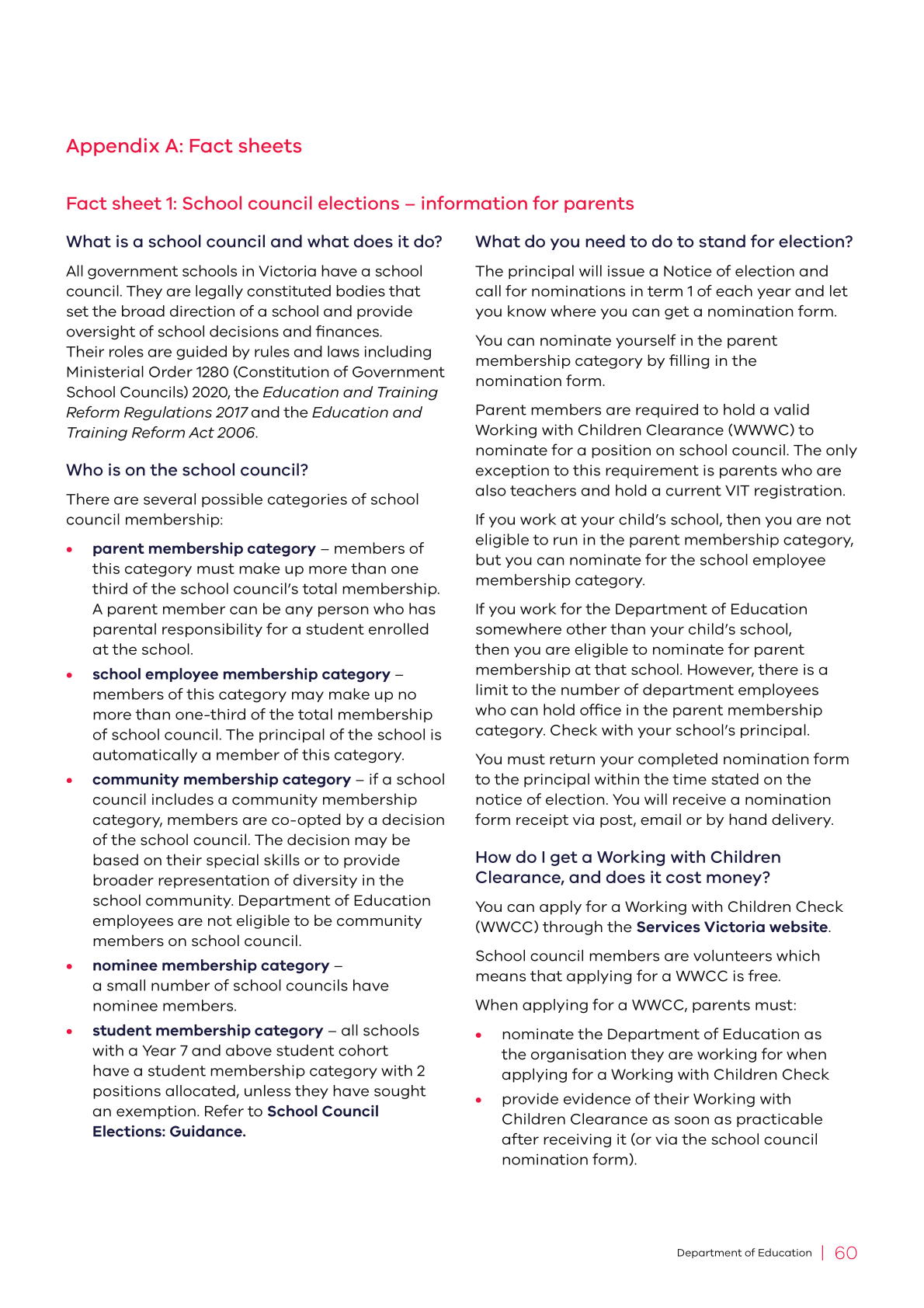
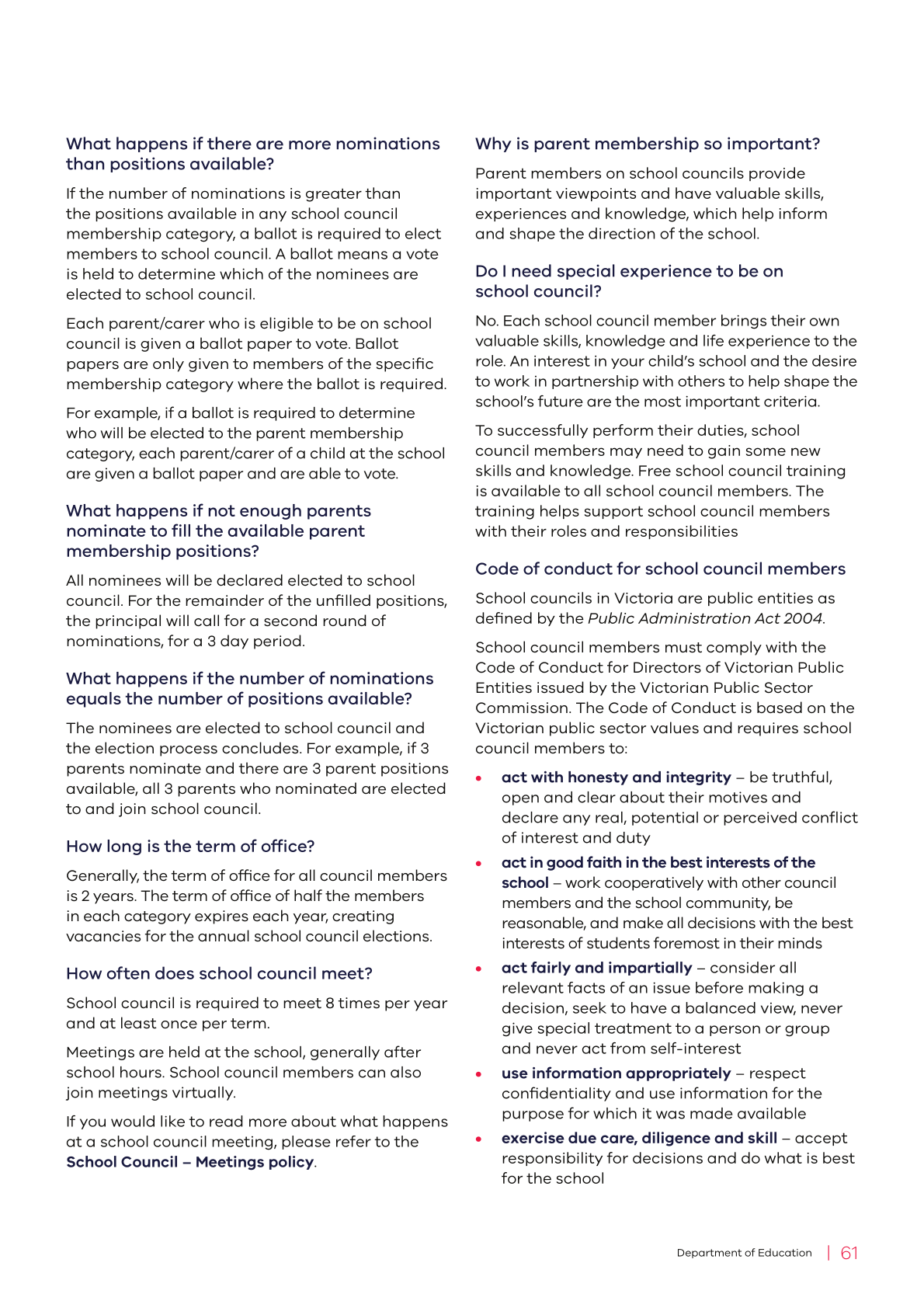
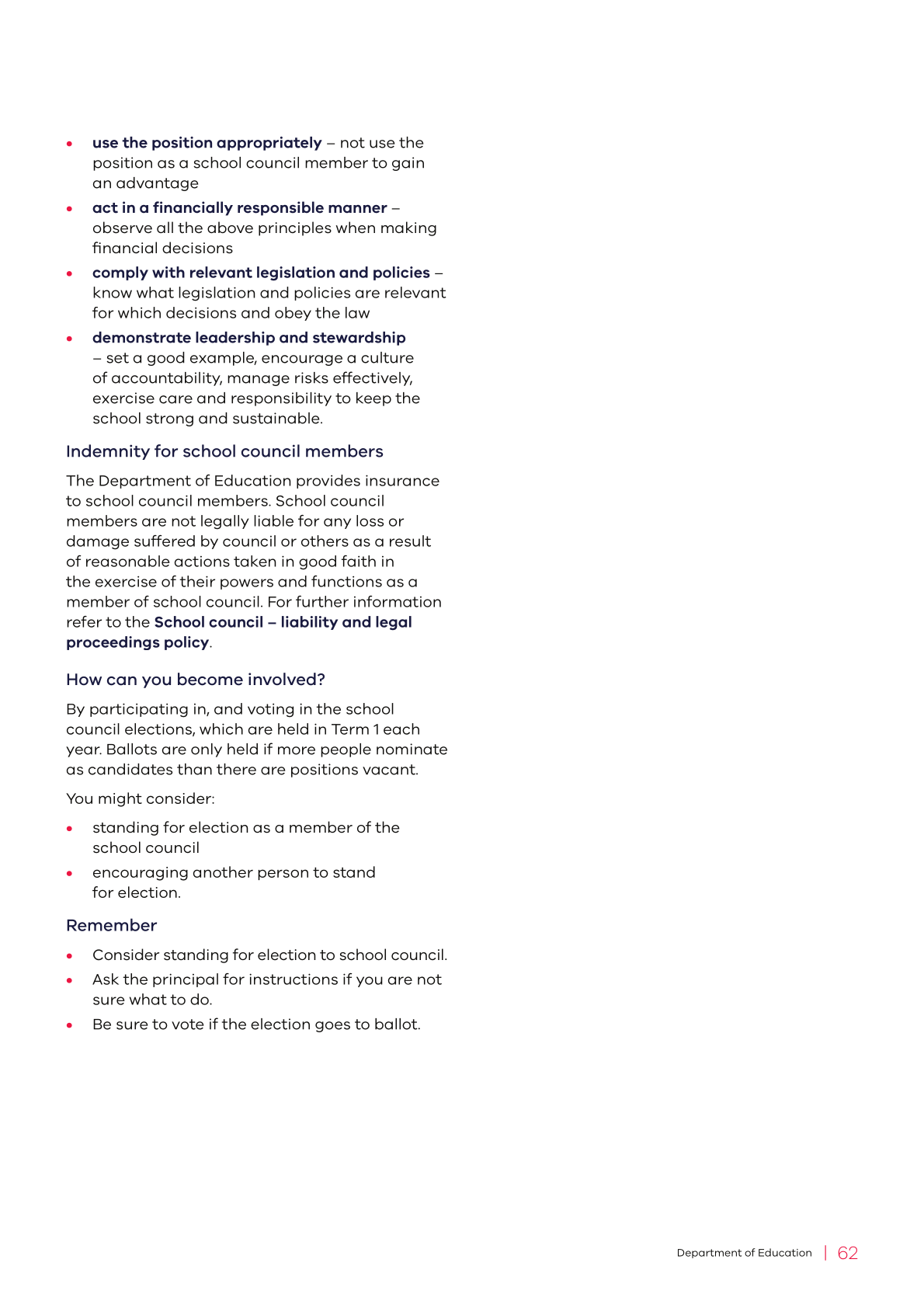
Kurnai College invites staff, parents and students to consider nominating for positions on our College Council.
The College Council plays a vital role in shaping our school's strategic direction. Working in partnership with the Principal, Council members help guide school priorities, support policy development, oversee financial planning and contribute to decisions that enhance student learning and wellbeing across all campuses.
Nominations will open on Tuesday, 18 February and close on Tuesday, 25 February.
The following two year positions are available:
- 2 Staff representatives
- 3 Parent representatives
- 2 Student representatives
Becoming a member of the College Council is a valuable opportunity to contribute to Kurnai College's ongoing growth and success. We strongly encourage members of our school community to consider how they can use their skills, perspectives and experiences to support our students and the broader college community.
Nomination forms are available from your campus General Office. If you would like further information about the role of the College Council, please contact your Campus Principal.
We would also like to sincerely thank our departing Council members for their time, commitment and valued contributions to Kurnai College. Their dedication and service to our school community have been greatly appreciated.
ELECTION PROCESS AND TIMETABLE
Name of the School: Kurnai College
| a) | Notice of election and call for nominations | Wednesday, 18 February, 2026 |
| b) | Closing date for nominations | Wednesday, 25 February, 2026 |
| c) | Date by which the list of candidates and nominators will be posted | Friday, 27 February, 2026 |
| d) | Date by which ballot papers will be prepared and distributed | On or before Tuesday, 5 March, 2026 |
| e) | Close of ballot | Thursday, 12 March, 2026 |
| f) | Vote count | Friday, 13 March, 2026 |
| g) | Declaration of poll | Monday, 16 March, 2026 |
| h) | Special council meeting to co-opt Community members (the principal will preside) | Tuesday, 17 March, 2026 |
| i) | First council meeting to elect office bearers (the principal will preside) | Tuesday, 17 March, 2026 |
We look forward to welcoming new members to our College Council.

Anthony Rodaughan
College Principal

Compass
Parent & Guardian Guides
We encourage all parents and guardians to make the most of Compass, our online school management system. To support both new and existing families, a range of helpful guides and FAQs are available below to help you stay informed, connected and engaged throughout the school year.
What is Compass?
Compass is a school management solution that allows parents and carers to access up-to-date and meaningful information about your school and your child’s progress. Compass includes many different features, including the ability to:
- Monitor your child’s attendance and enter an explanation for absence or lateness
- View your child’s timetable and the school calendar for excursions/events
- Monitor your child’s homework and assessment tasks
- Download and view your child’s academic reports
- Book parent-teacher conferences
- Pay and provide consent for events
How do I access Compass?
Compass is accessible on any modern web browser (Internet Explorer, Firefox, Chrome, Safari) or by using the Compass iOS or Android apps.
To access the parent portal, you can go to the school’s website and click the Compass link on the homepage. Alternatively, you can go to schools.compass.education where you can search for our school’s direct URL.
To log in, you will need your unique family username and password, which our school would have provided during enrolment. Upon first login, you will need to change your password and confirm your email address and mobile phone number. Our school may use these details for SMS, password recovery, and email communication throughout the year.
Compass Apps
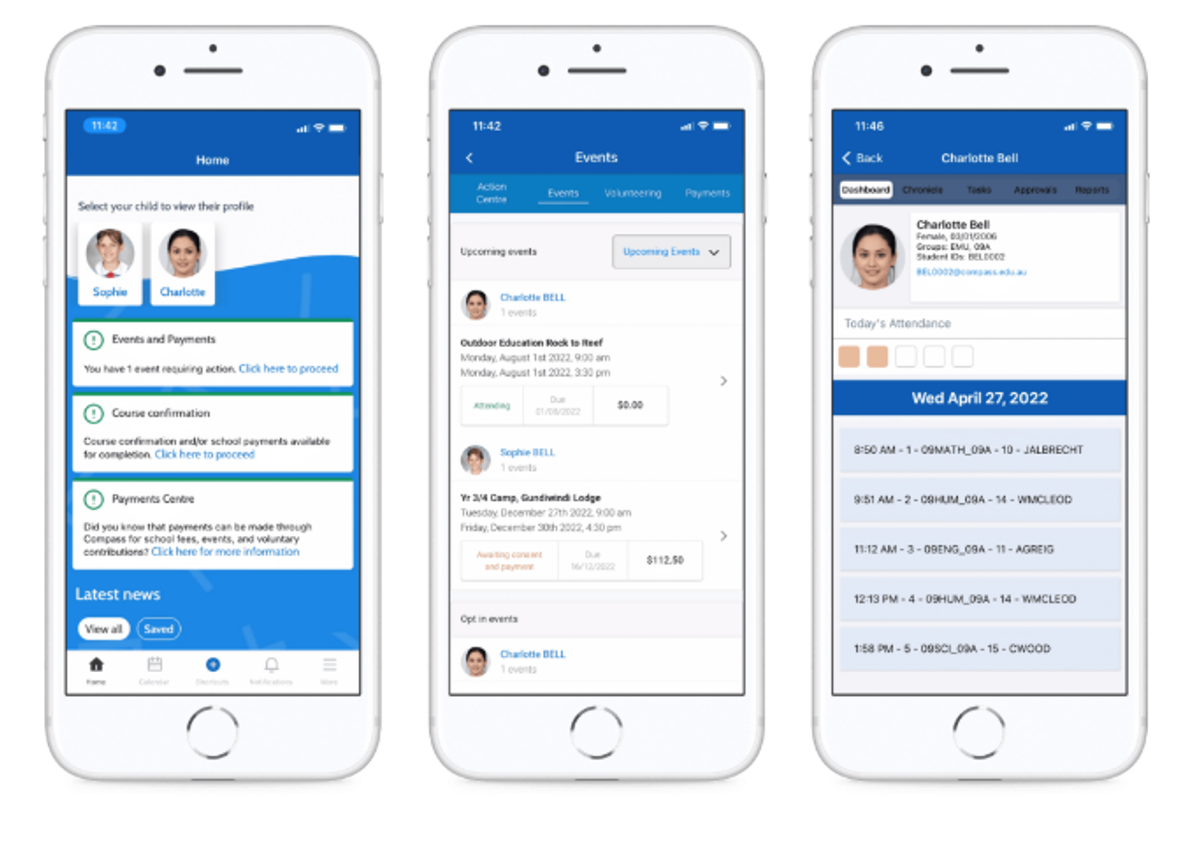
You can download the Compass App on iOS and Android devices, simply search for Compass School Manager in the store.
Using the app, you can:
- View the school news feed
- Receive messages from the school
- View your child’s timetable and the school calendar
- View Learning Tasks
- Book parent-teacher conferences
- Add Attendance Notes
- View academic reports
The Compass Home Screen
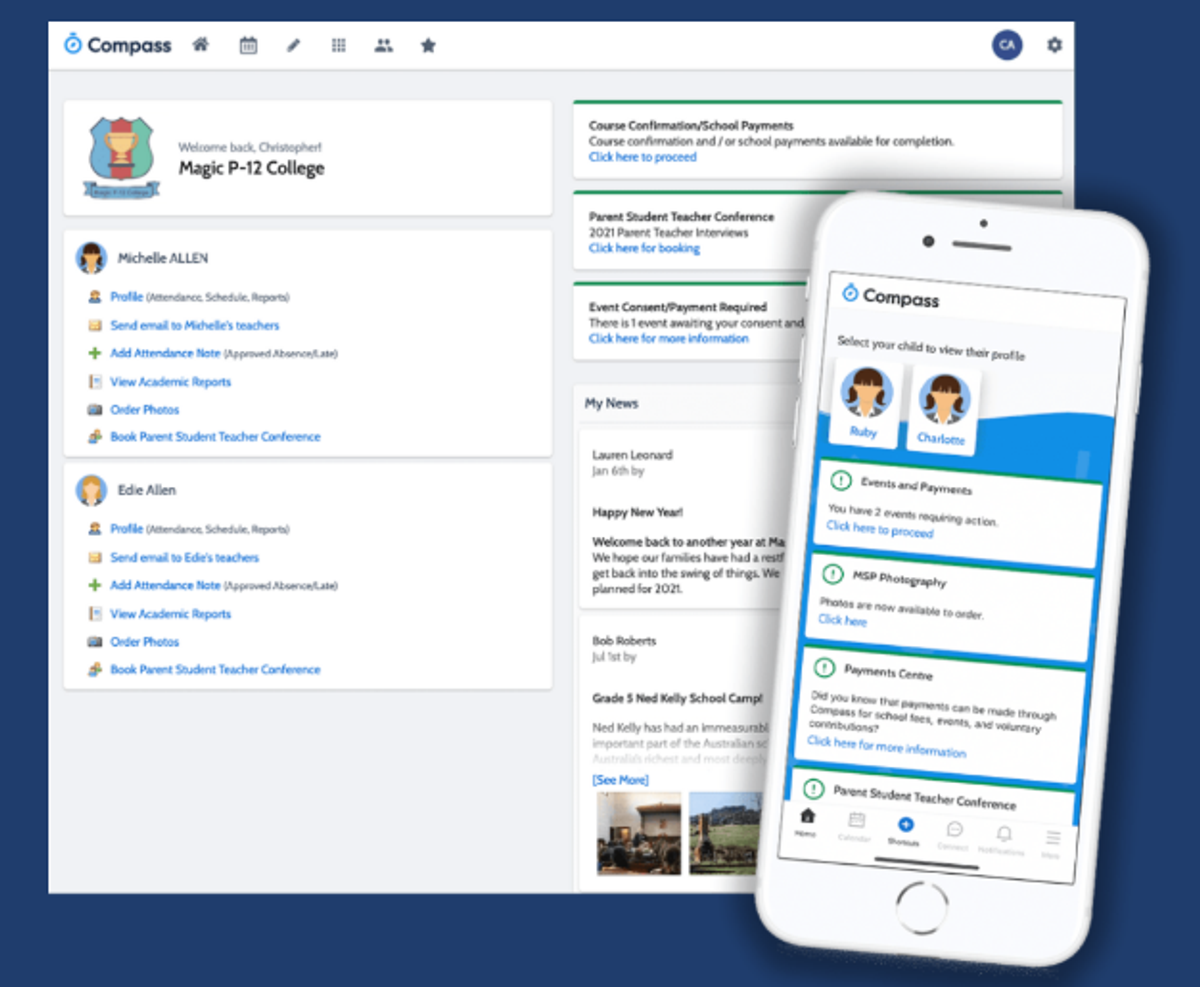
The home screen provides you with relevant alerts and news, as well as quick access to your child’s profile.
School Calendar
The tools you need to keep track of your students journey through the school gate each day – excursions and activities.
Your Children
Provides you with a quick summary of available options and highlights a summary of upcoming and overdue tasks.
To access more information, click on the relevant quick link or select Profile to access detailed information about your child.
Main Menu
Allows you to access other Compass and school resources. The Tools icon allows you to update your contact details and change your password.
News
Recent school news items and information relevant to you. This may include newsletters or details of upcoming events.
Alerts
Custom notifications for items that require your action or attention. These may include excursion notifications, absence notifications, surveys or student report availability.
Compass - A guide for parents and families can be found at https://www.compass.education/guide/#The-Compass-home-screen
CSEF

The Camps, Sports and Excursions Fund (CSEF) helps eligible families to cover the costs of school trips, camps and sporting activities.
If you have a valid means-tested concession card, or are a temporary foster parent, you may be eligible. A special consideration category also exists for asylum seeker and refugee families. Means-tested concession cards must be valid on the first day of Term 1 (Wednesday 28 January 2026) or Term 2 (Monday 20 April 2026).
A student aged 16 years and over who is considered a mature minor and holds a valid concession card is also eligible to apply.
Eligible families will receive a payment of $400 per year for secondary school students. The funds will be paid directly to the school to be used towards camps, sports and excursion costs for the benefit of your child.
If you applied for CSEF through our school last year, you do not need to complete an application form this year, unless there has been a change in your family circumstances.
If you would like to apply for the first time, OR there has been a change in your family situation since your last claim, please contact the school office on (03) 5165 0600 and ask for an application form or download the form from the PDF link attached below. Please return completed application forms to the school office as soon as possible. Applications close at the end of Term 2, Friday 26th June.
Stymie
Have you seen Kurnai College's Facebook posts in regards to Stymie and been wondering what it is all about?




In March 2021 Kurnai College proudly announced the launch of Stymie across the College. Stymie in an online reporting tool that empowers students to ask for help when they need support, or if they are seeing or experiencing harm.
Encrypted, anonymous notifications are delivered within seconds to authorised recipients at Kurnai College, who respond according to their wellbeing framework. The notification provides the option to include screenshots or images that validate the notification.
Suicide ideation, discrimination, anxiety, depression, bullying, self-harm, physical fights, sexual assault, family violence and illegal activity are reported using Stymie.
Stymie's purpose is to support psychological safety by empowering young people with the self-belief that they can #saysomething on behalf of themselves or as a bystander for someone else.
Mobile Phones in Schools
A reminder that the Department of Education has in place a mobile phone ban that requires students who bring mobile phones to school to have them switched off and securely put away during school hours.
The department is requiring all schools to ensure this ban is in place and enforced from the start of the 2024 school year.
The ban applies equally to all government schools right across the state.
This helps ensure that school is a learning environment free from unnecessary distractions and disruptions.
By keeping mobile phones away during recess and lunchtime, students can interact face-to-face without the distractions and social pressures that mobile phones can cause.
We ask for the support of all our families, staff and students in continuing to support the implementation of this policy in our school.
Further information
Exceptions: For a small number of students with particular health needs, an exception to the policy may be granted. Please contact your Campus Principal if you would like to discuss this.
Emergencies: In the event of an emergency or if you need to immediately contact your child, I ask that families contact the school office who will pass on a message as required.
School mobile phone policy: A copy of our school’s local mobile phone policy, which implements the government’s mobile policy in line with our local context, is available here.
Parent support: The Mobile phones in schools webpage provides links to resources for families to help them balance their children’s time using mobile phones.
If you have further questions, please contact the administration office.
Free Public Transport

From 1 January 2026, all people aged 18 and under can travel free on all Victorian public transport services using a new Youth myki card. This includes trams, trains, buses and coach services.
To access free travel, students must tap their Youth myki on and off each time they travel. In areas that do not use myki, students must show their Youth myki card to travel free.
The Morwell 1, 2, 3 and 4 buses are public transport services, meaning students can use these buses free of charge with a Youth myki card.
VET students will also be able to travel free on trains and buses to reach their VET locations from 1 January.
Information about stops and pick-up/drop-off times for the Morwell 1–4 buses can be found on Compass. This information is also available from your campus office. Please contact your campus office if you require further details.
More information about the Youth myki card is available on the myki types page on the Transport Victoria website.
The school bus services that operate in Boolarra, Yinnar, Jeeralang, Whitelaws Track, Hazelwood North and Hazelwood South will not change. Students using these services will continue to complete a bus form and must have a bus pass to travel.
Annual Privacy Reminder
Our school collects and uses student and parent personal information for standard school functions or where permitted by law, as stated in the school’s privacy policy and the school’s privacy collection notice.
Our Photographing, Filming and Recording Students policy describes how we collect and use photographs, video and recordings of students. The policy also explains when parental consent is required and how it can be provided and withdrawn.
We also ask parents to review the guidance on how we use [Microsoft 365/Google Workspace for Education] safely at the school and how they can further protect their child’s information. If, after reviewing the guidance, you have any questions or concerns about your child's use of [Microsoft 365/Google Workspace for Education], please contact the school.
For more information on privacy, refer to the school's privacy policy: information for parents. This information is also available in eleven community languages:
- Amharic
- Arabic
- Chinese
- Dari
- Gujarati
- Mandarin
- Somali
- Sudanese
- Turkish
- Urdu
- Vietnamese
Sustainable School Shop
Buy and Sell Second-hand Textbooks

As the school year winds down, you might be wondering what to do with old textbooks or how to get ready for next year’s classes.
Looking to buy or sell second-hand textbooks or other school supplies? Check out our easy guide below. It’s free to access — simply register at 👉 https://www.sustainableschoolshop.com.au
School Procedures for the Bushfire Season
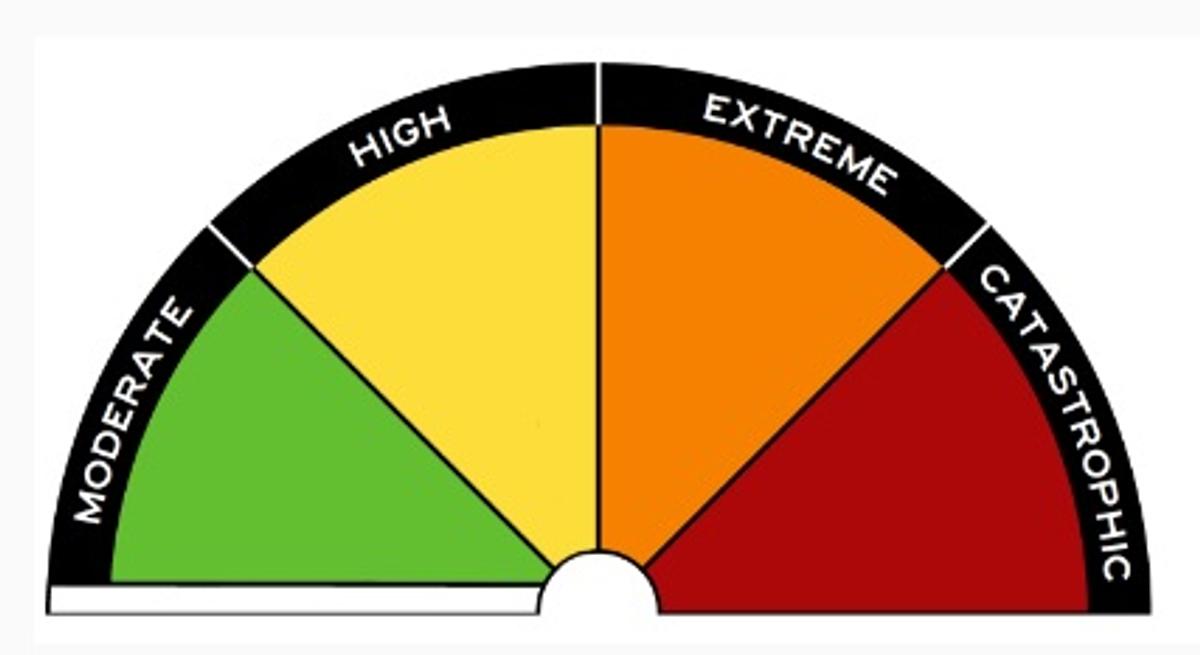
Schools on the Bushfire At-Risk Register and Schools at Risk of Grassfire (Category 4)
Fire danger ratings and warnings are used in Victoria to provide clear direction on the safest options for preserving life.
Schools and children’s services listed on the DET Bushfire At-Risk Register (BARR) and those at risk of grassfire (Category 4) will be closed when a Code Red fire danger rating day (Catastrophic) is determined in their Bureau of Meteorology district. Our school has been identified as being one of those at high bushfire or grassfire risk.
Where possible, we will provide parents with up to four days notice of a potential Code Red day closure by Compass or SMS. A Code Red day will be determined by the Emergency Management Commissioner no later than 1.00 pm the day before the potential closure. Once we are advised of the confirmation of the Code Red day (Catastrophic) we will provide you with advice before the end of the school day.
Once confirmed, the decision to close will not change, regardless of improvements in the weather forecast. This is to avoid confusion and help your family plan alternative care arrangements for your child. It is also important to note that:
No staff will be on site on days where the school is closed due to a forecast Code Red day (Catastrophic).
School camps will be cancelled if a Code Red fire danger rating day is determined for the Bureau of Meteorology district in which the camp is located.
All bus routes that travel through the Code Red area will be cancelled.
Depending on which Bureau of Meteorology district is impacted bus route cancellations may affect our school.
On these Code Red days families are encouraged to enact their Bushfire Survival Plan – on such days children should never be left at home alone or in the care of older children.
For those of us living in a bushfire prone area, the Country Fire Authority (CFA) advises that when Code Red days are forecast, the safest option is to leave the night before or early on the morning of the Code Red day .
As part of preparing our school for potential hazards such as fire, we have updated and completed our Emergency Management Plan, re-prioritised any maintenance works that may assist in preparing for the threat of fire and cleared our facility’s grounds and gutters.
What can parents do?
Make sure your family’s bushfire survival plan is up-to-date and includes alternative care arrangements in the event that our school is closed.
- Ensure we have your current contact details, including your mobile phone numbers. Keep in touch with us by reading our newsletters, by checking our website kurnai.co and by talking to your child’s teacher or any other member of the teaching staff about our emergency management plan.
- Most importantly at this time of year, if you’re planning a holiday or short stay in the bush or in a coastal area, you should check warnings in advance of travel and remain vigilant during your stay.
- If your child is old enough, talk to them about bushfires and your family’s bushfire survival plan.
- You can access more information about children’s services closures on the Department of Education and Training website – see http://www.education.vic.gov.au/about/programs/health/pages/closures.aspx
Multiple sources that offer information on emergencies are listed below:
- VicEmergency app – that can be downloaded on your androidand iOS mobile devices
- VicEmergency Hotline(1800 226 226)
- Website https://emergency.vic.gov.au
- Facebook (https://www.facebook.com/vicemergency)
- Twitter (https://twitter.com/vicemergency)
- ABC local radio,Sky News and other emergency broadcasters