Specialist News
Visual Arts - Physical Education - Music & Performing Arts & S.T.E.M.
Mrs Denise, Mr Rees, Mr Lytton and Mr Brokate
Specialist News
Visual Arts - Physical Education - Music & Performing Arts & S.T.E.M.
Mrs Denise, Mr Rees, Mr Lytton and Mr Brokate
STEM News Term 2
Can you believe that already 4 weeks of Term 2 has passed so quickly? I'm already nearly halfway through the STEM lessons for Term 2 and there is so much more to come.
First of all, I would like to say that sometime very early next week - I will be opening up the tickets for the FAMILY SCIENCE NIGHT FOR 2026. This year it will be held earlier - on Thursday June 11th (from 5:30 pm to approx 6:45 pm). Tickets will unfortunately be limited to 120 'bodies' as we just don't physically have the room and it will be a first in situation. Tickets are free and will be available through the Compass App. I will send a compass message next week letting you know the link for the tickets.
In Foundation (Prep) we have and will be learning about the features of the 4 traditional seasons and the differences between day and night. We have investigated different types of weather that we see in Australia, and discuss the 'traditional' seasonal weather that we are NOT seeing this Autumn. In the second part of the term, we will begin our journey into Outer Space, taking in the sights of the planet Earth, the Sun and our moon. Our final lesson will involve a celebration of the Winter Solstice.
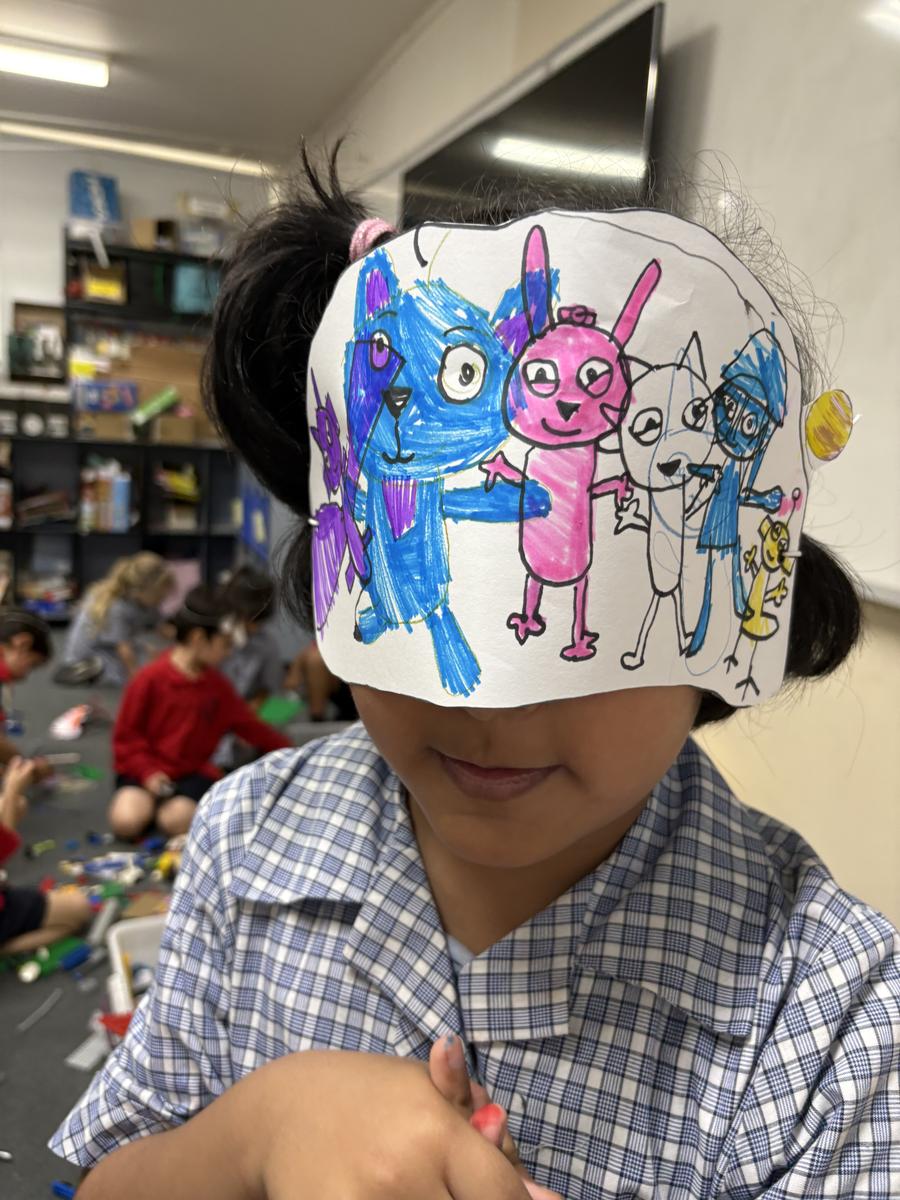
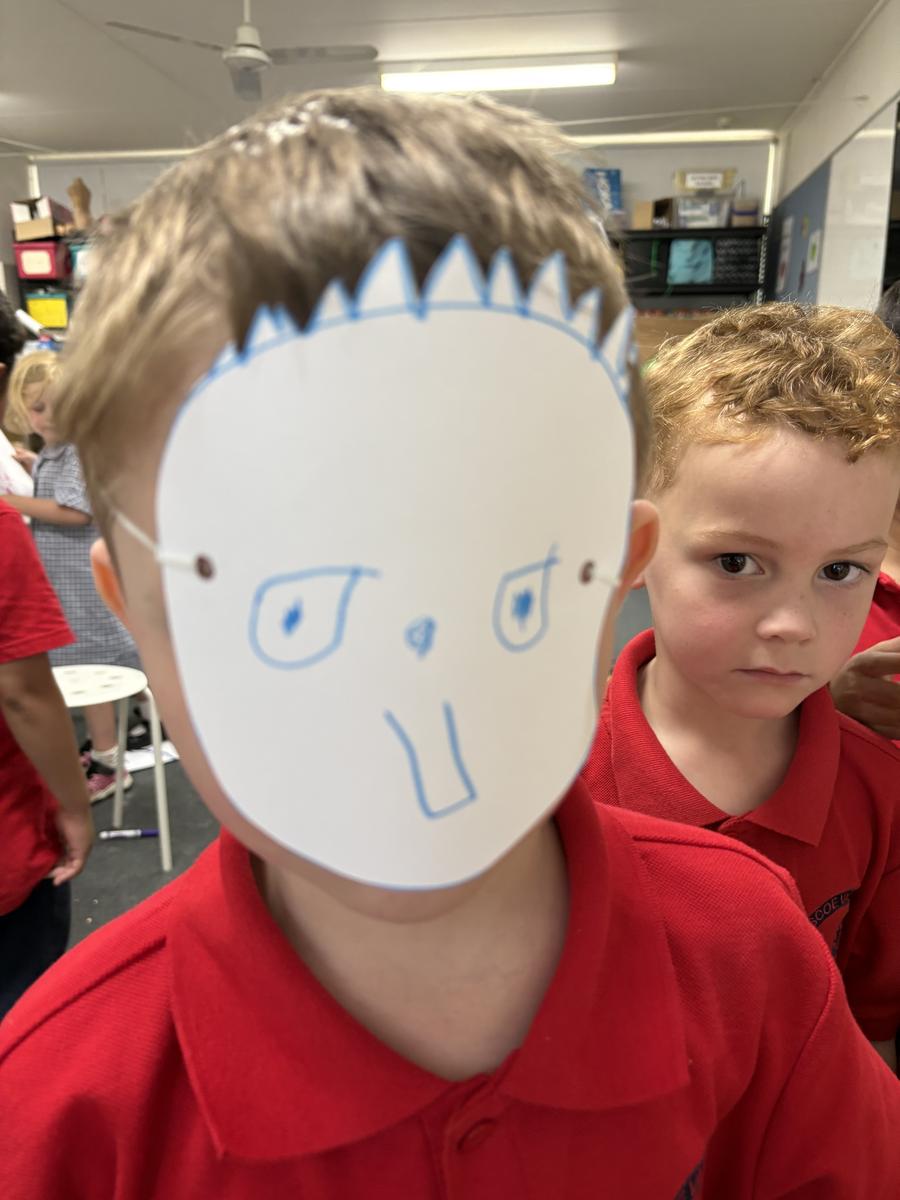
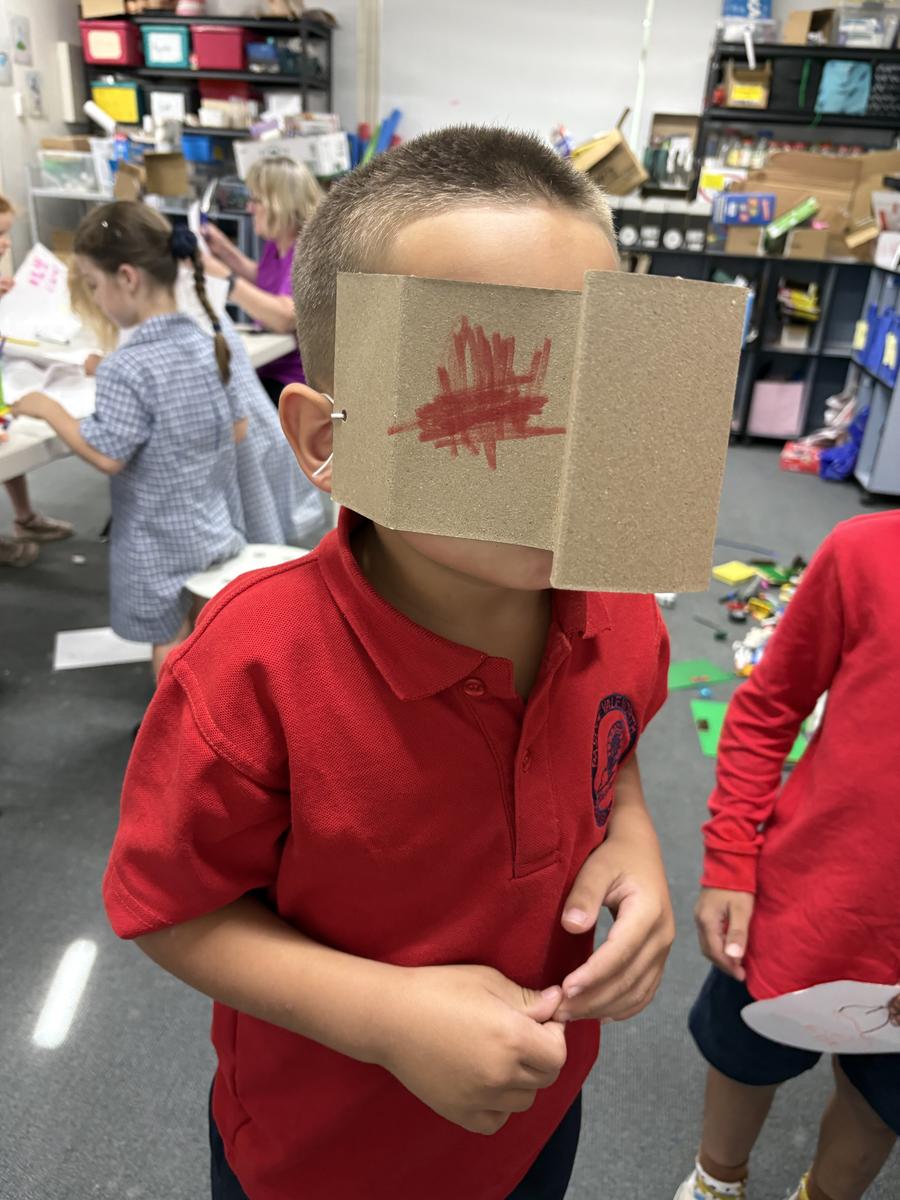
The Preps got to make 'sleep' masks during our study of day and night.
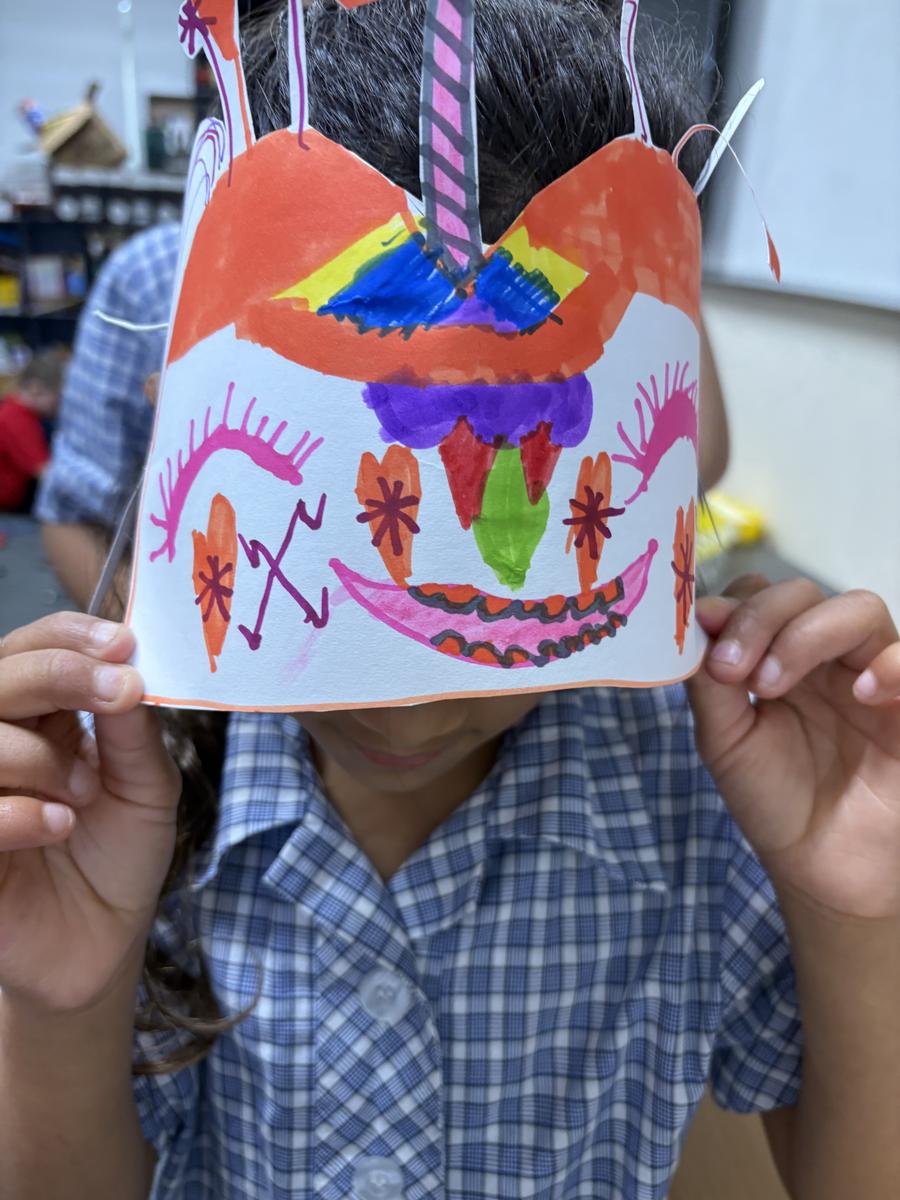
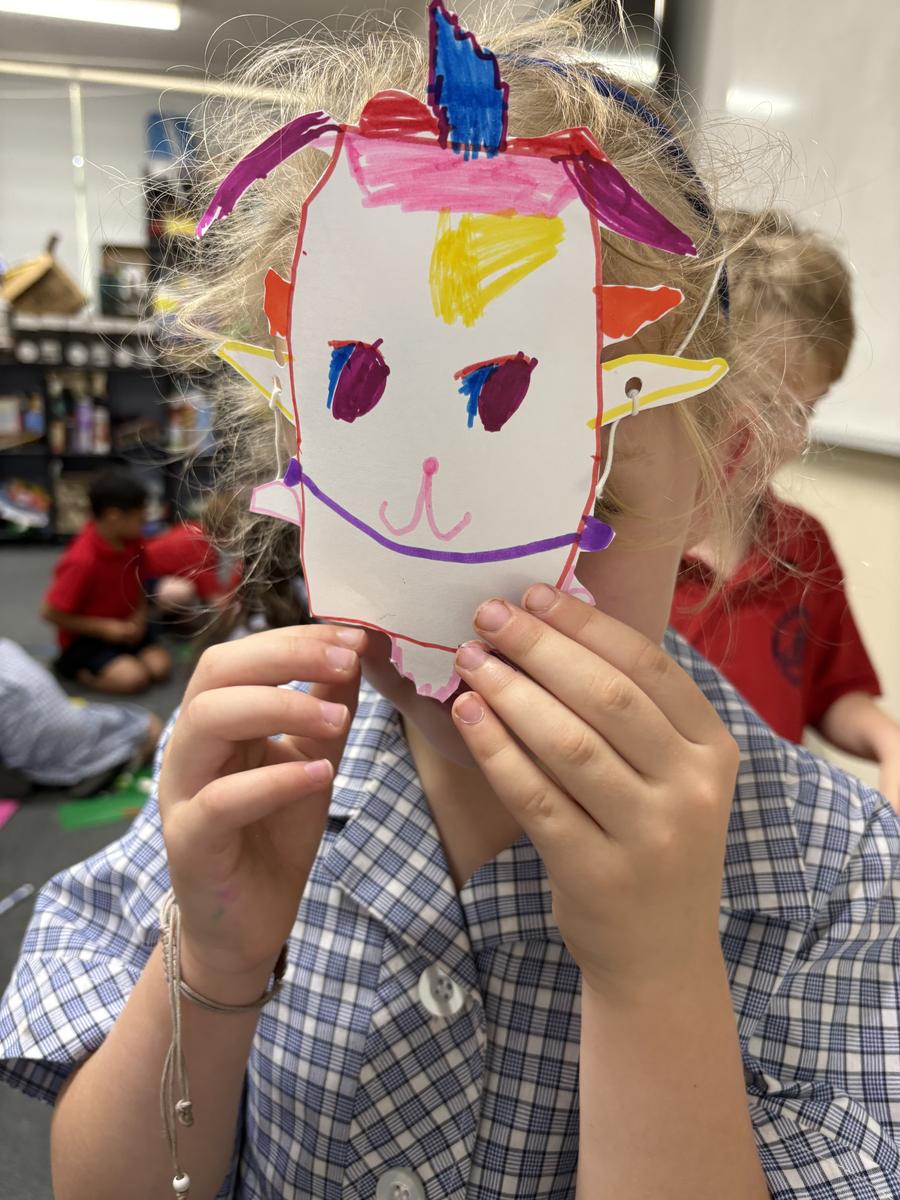
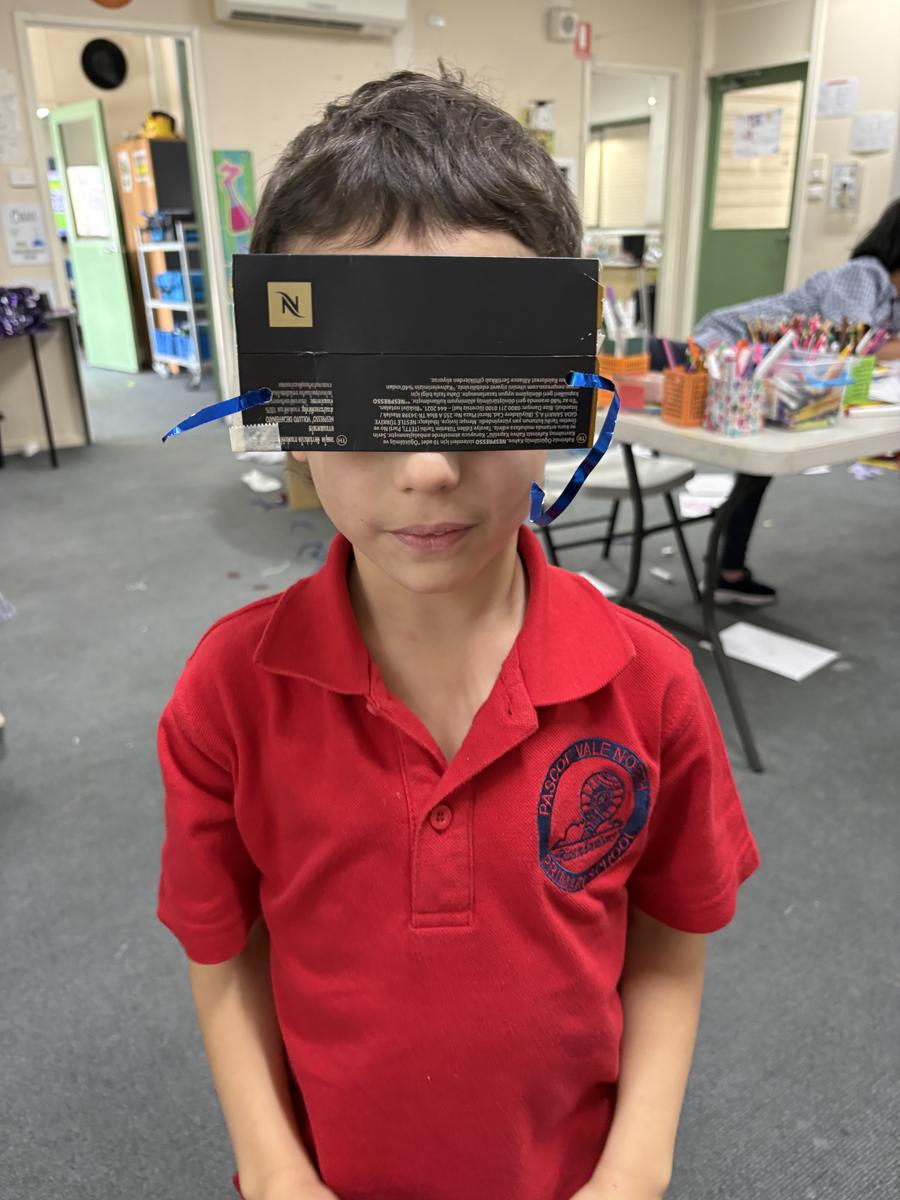
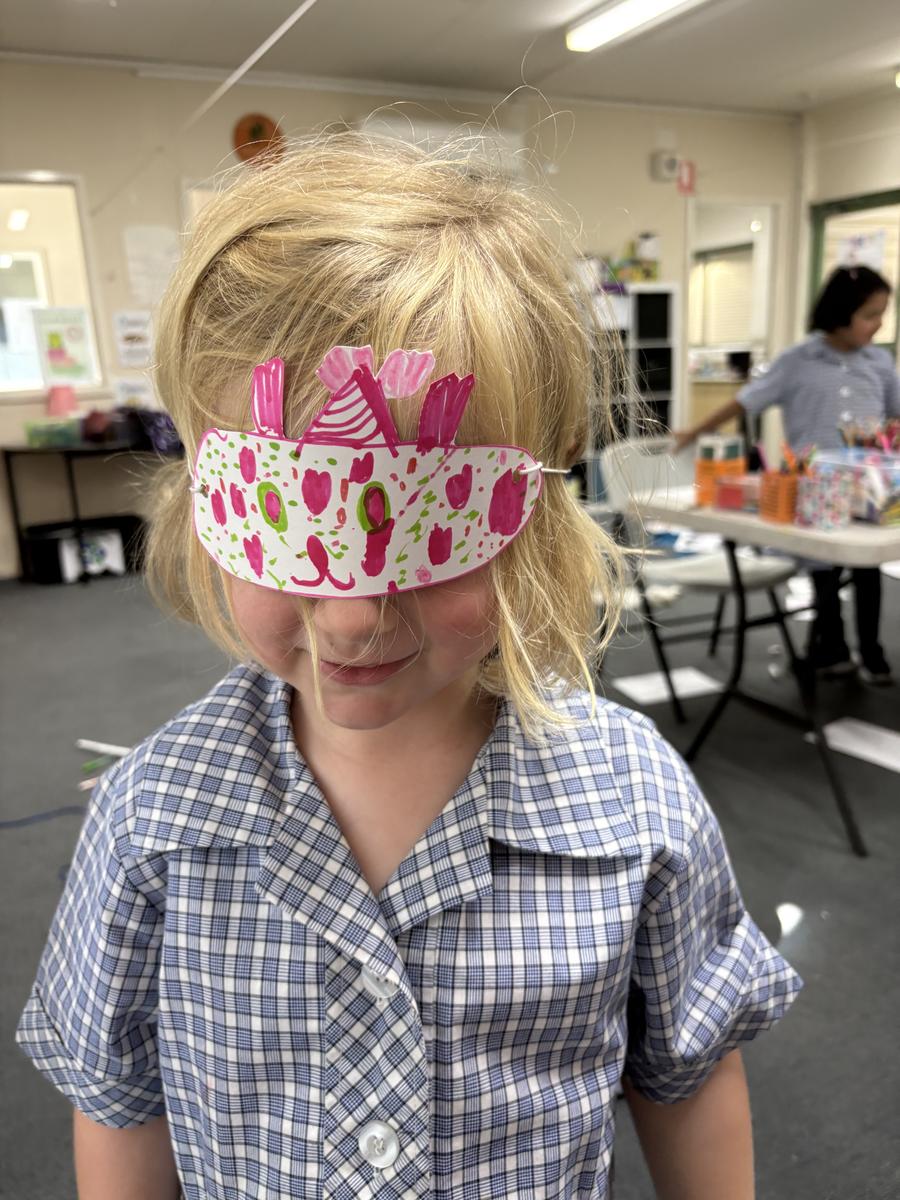
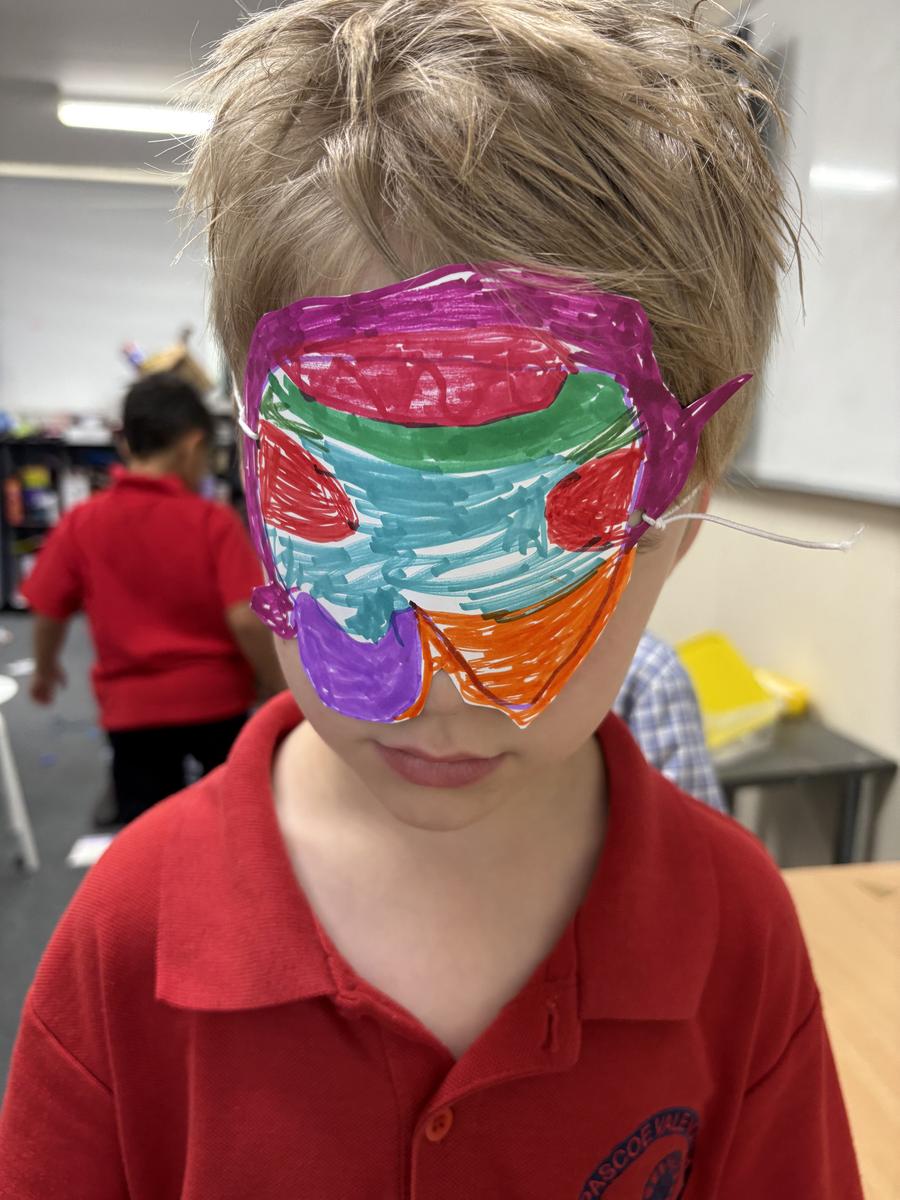
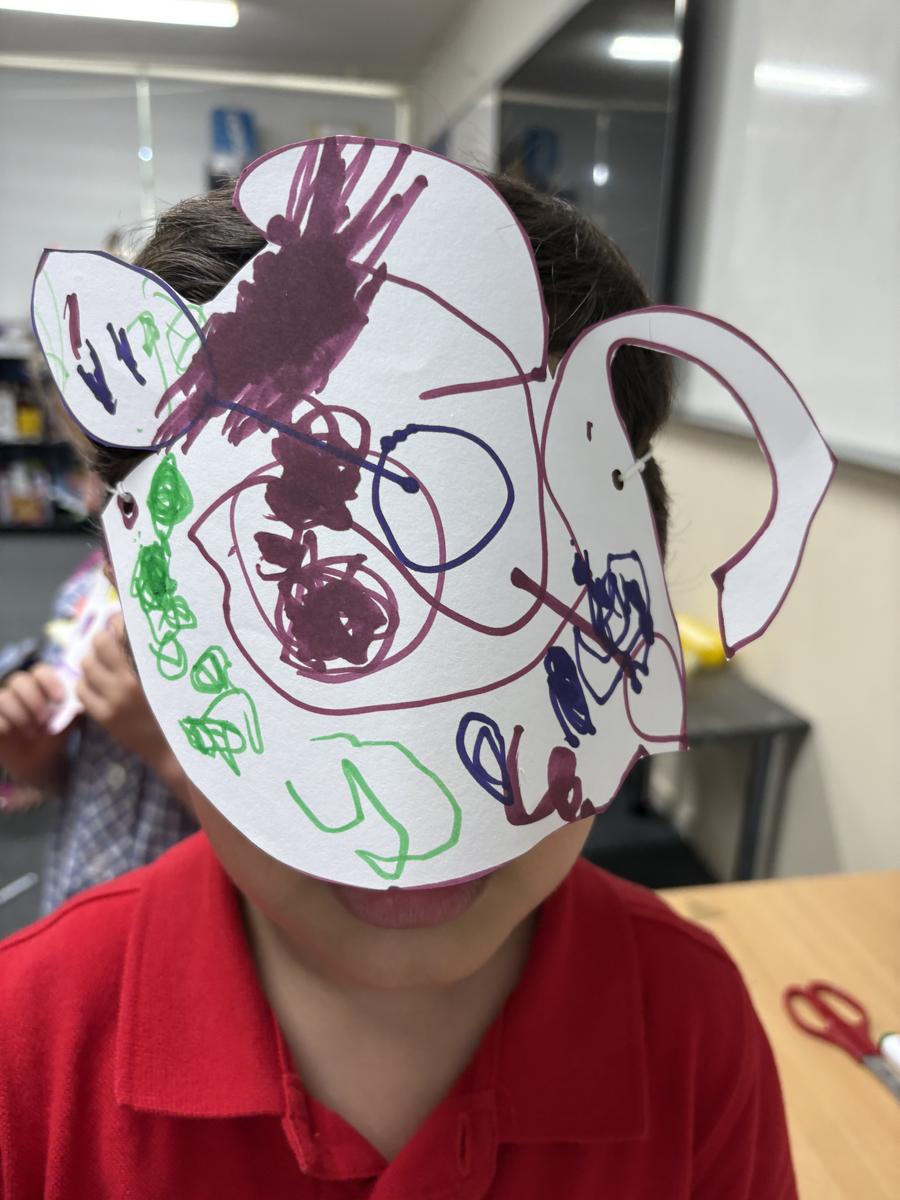
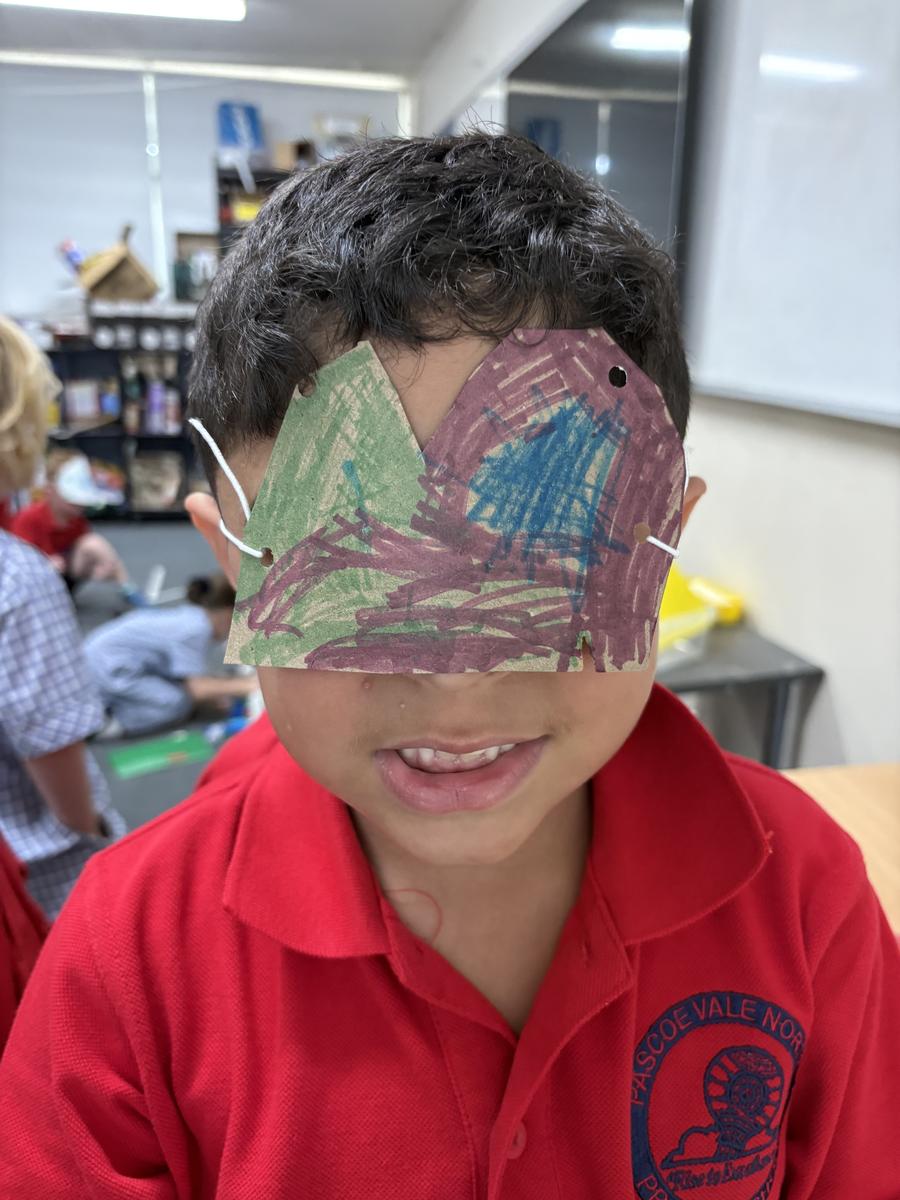
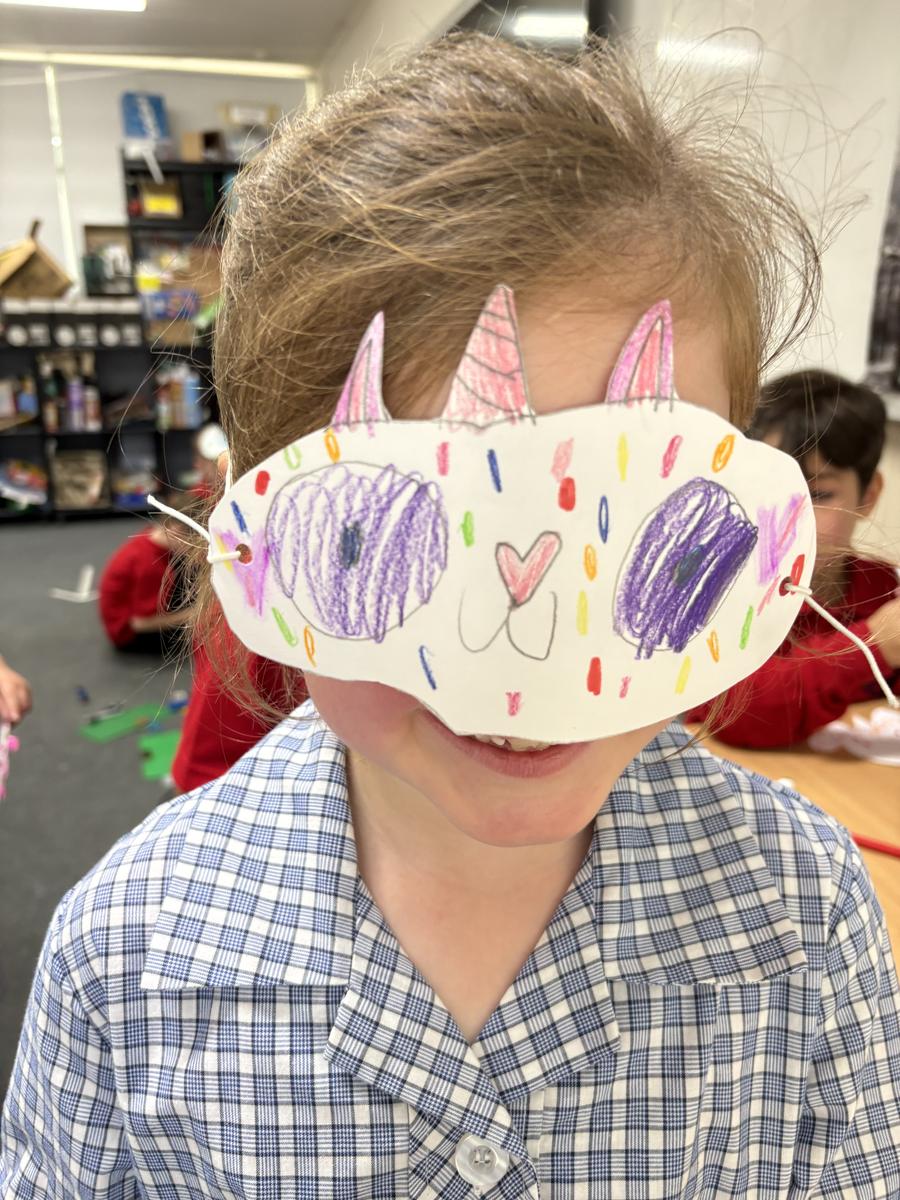
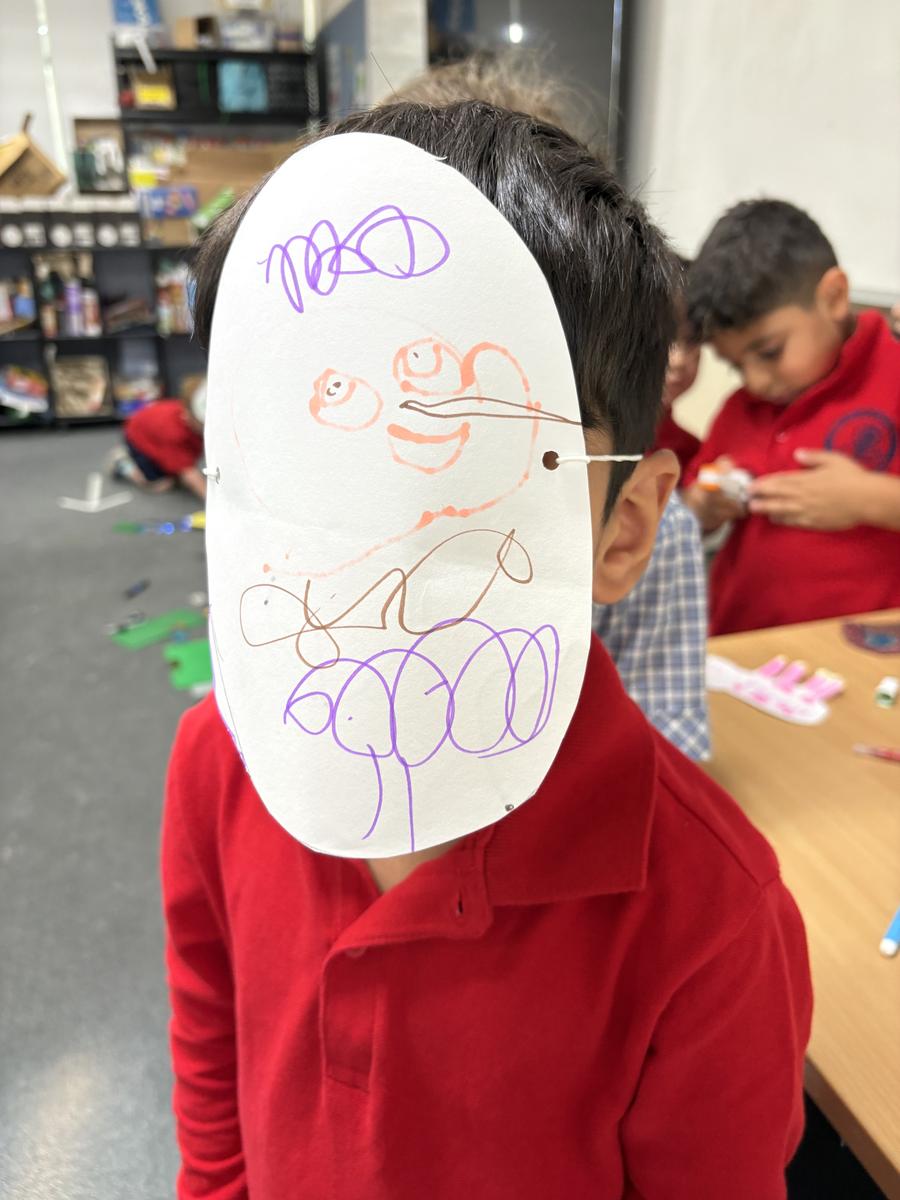
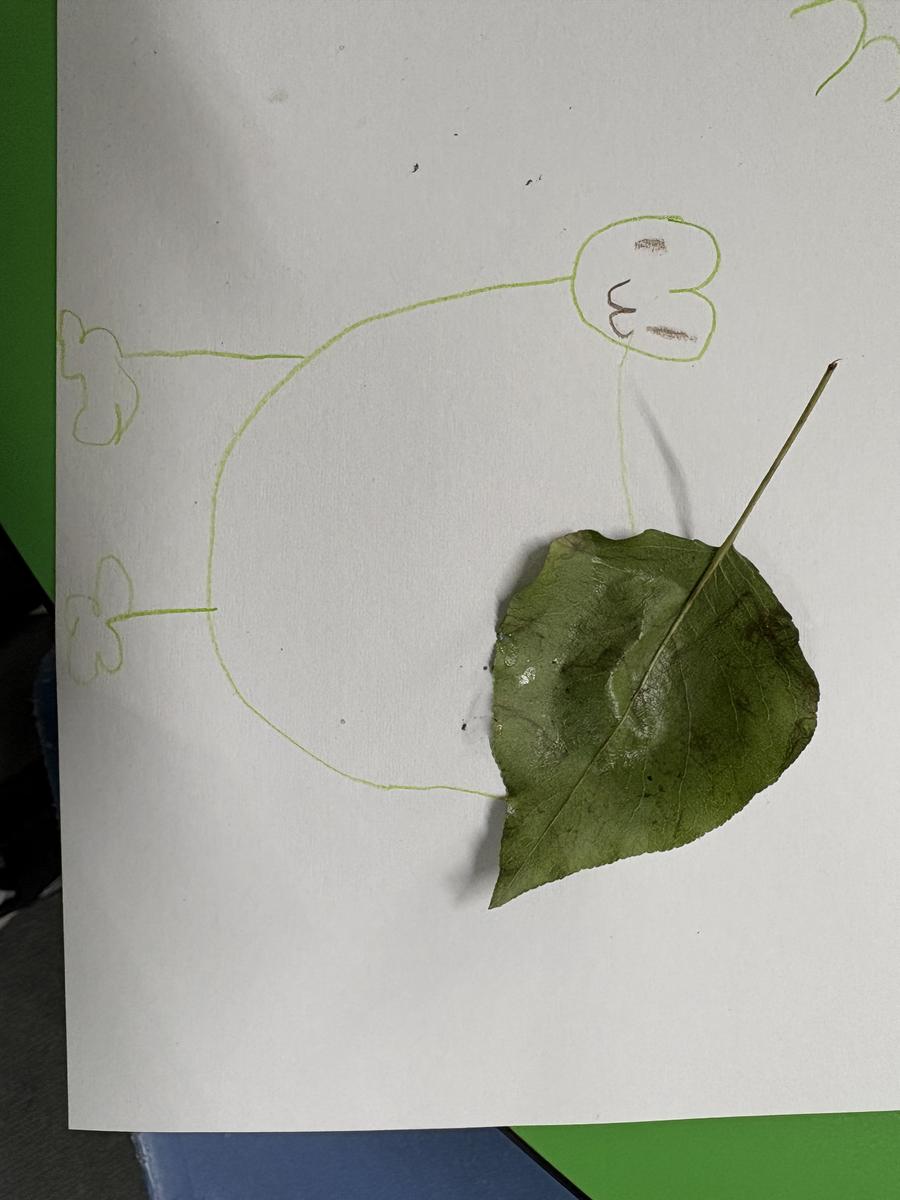
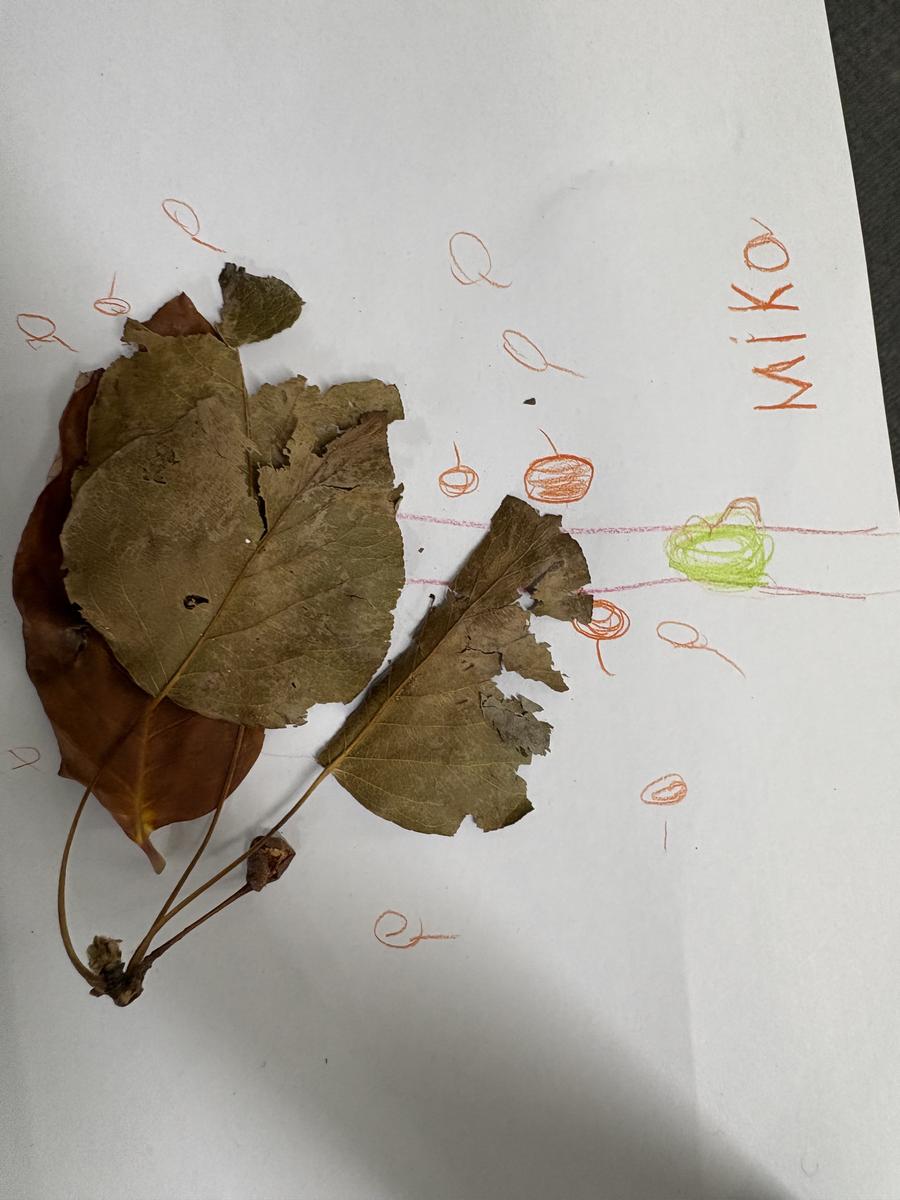
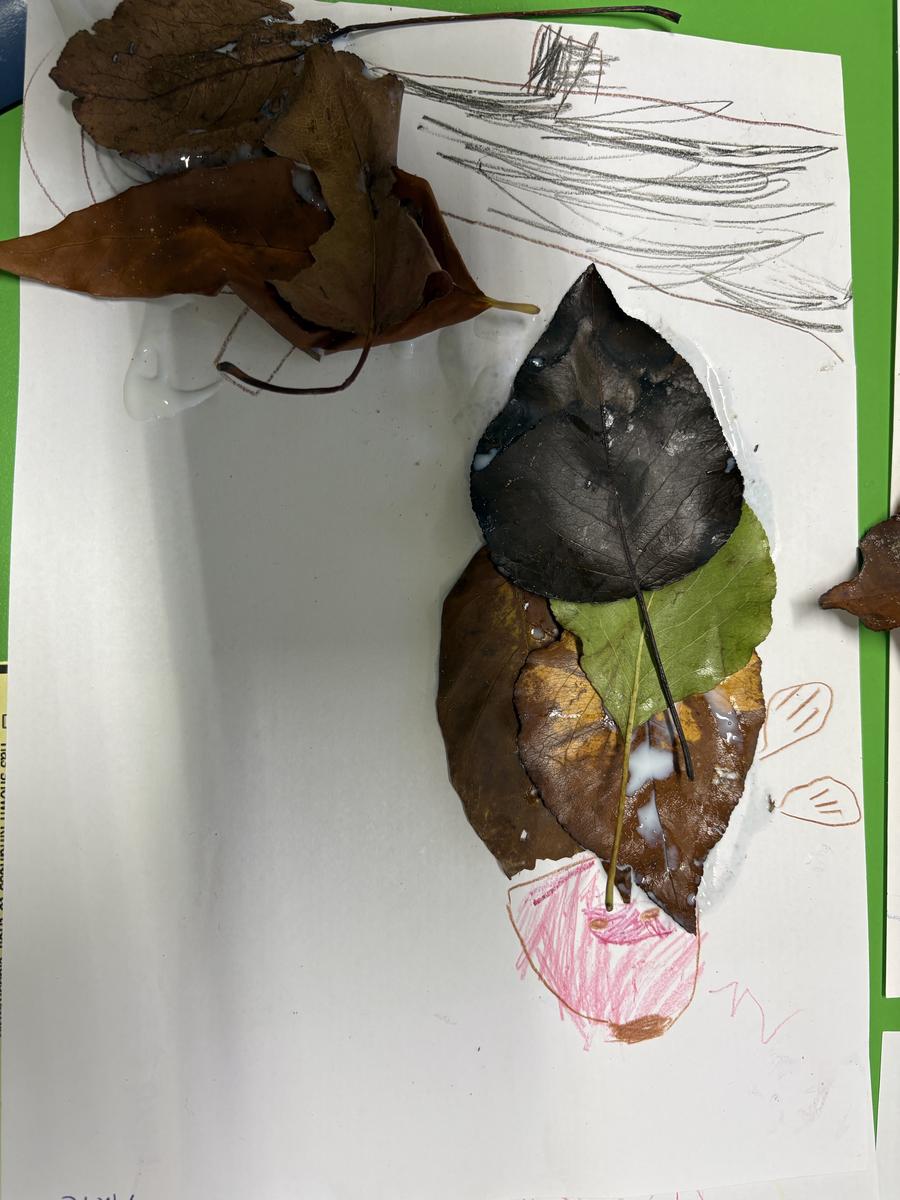
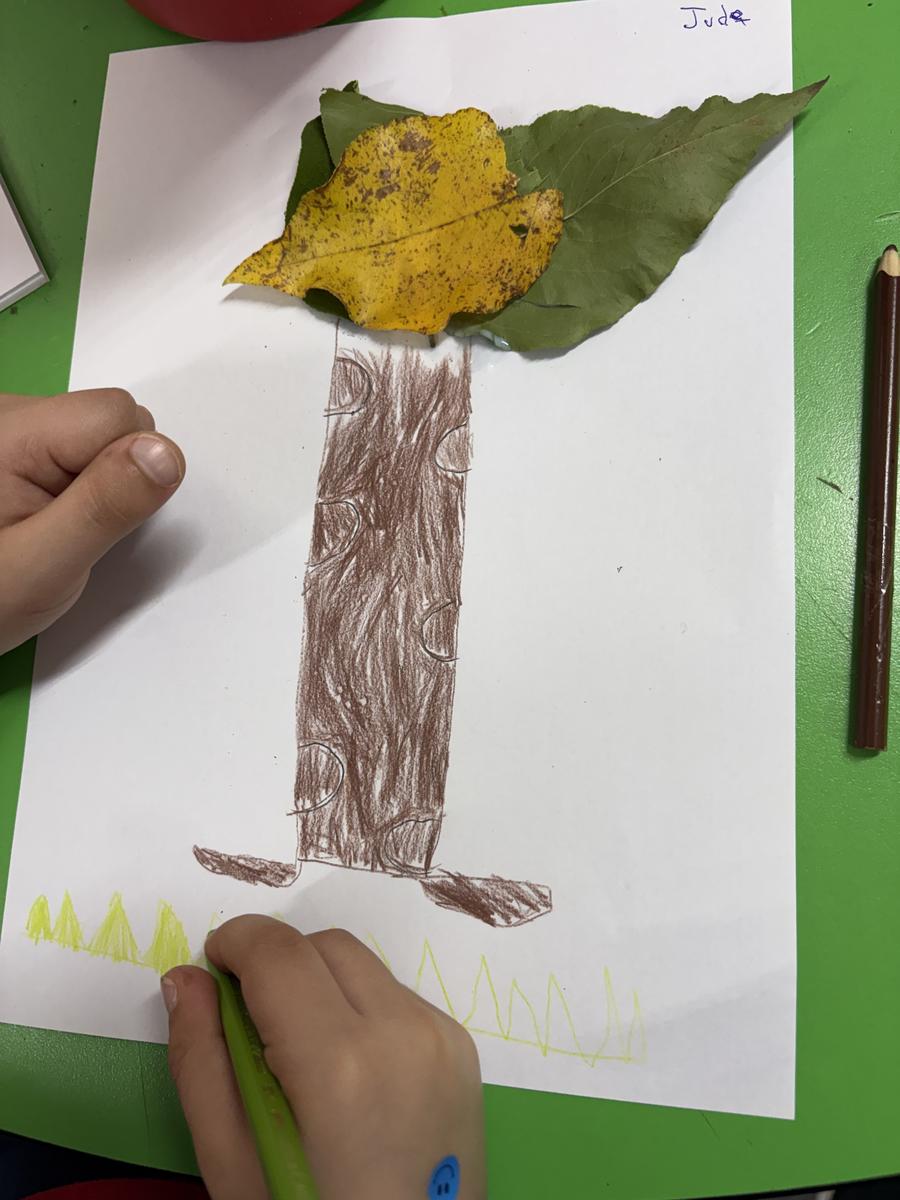
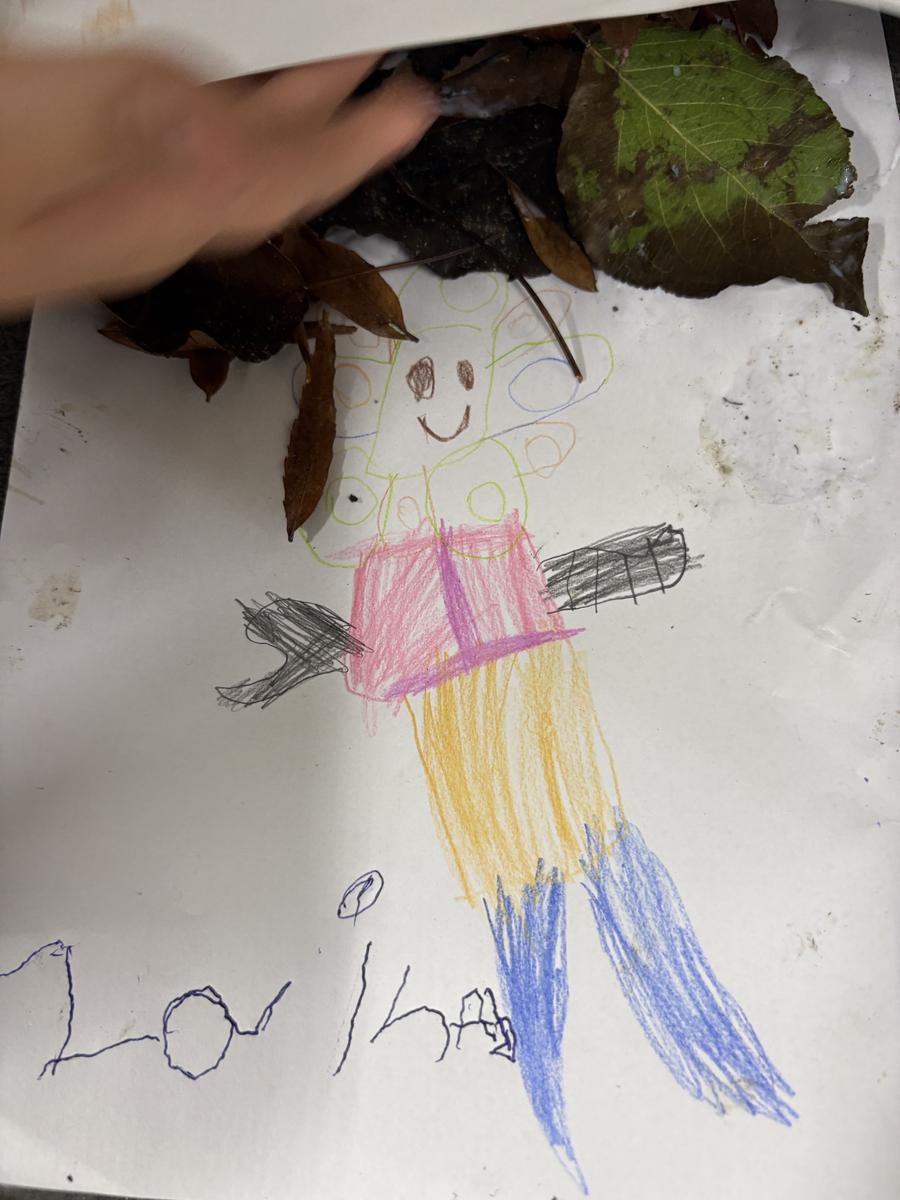
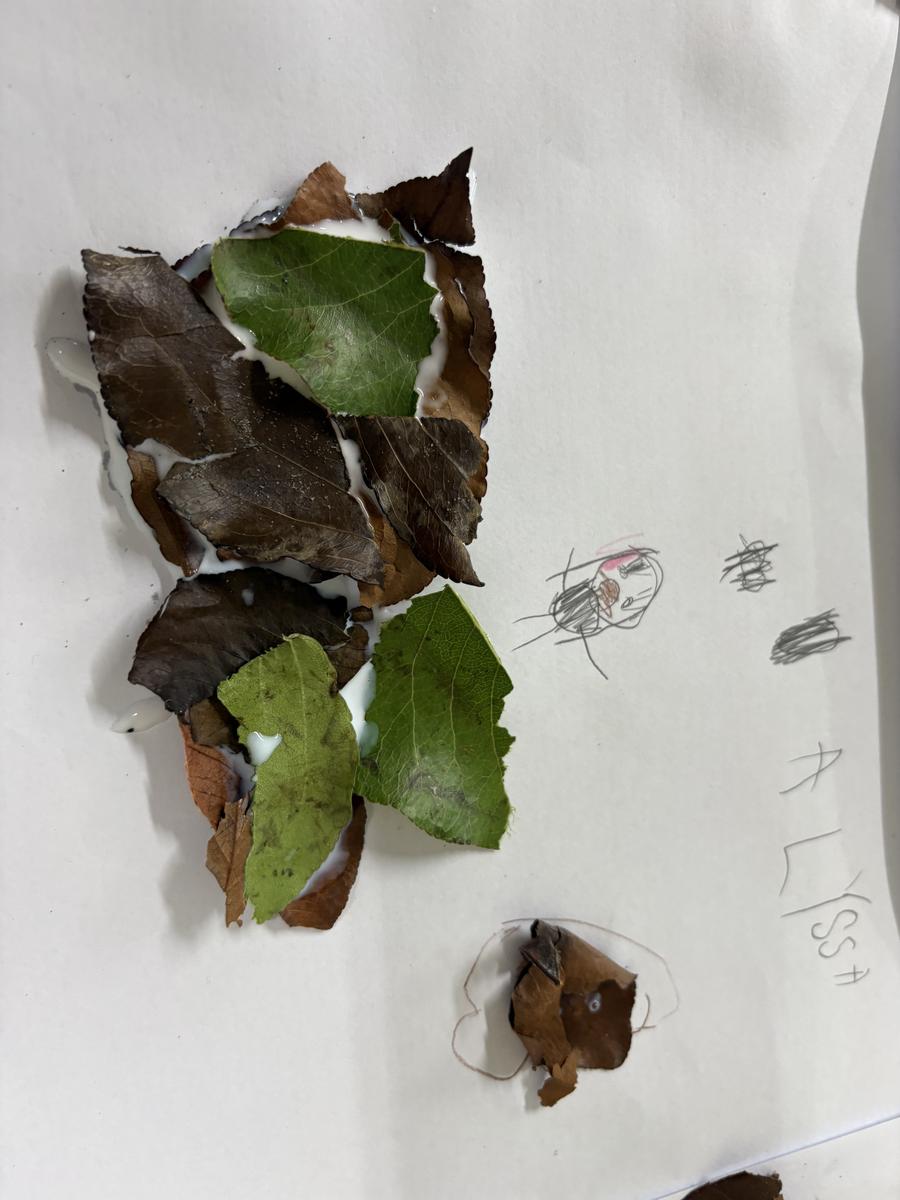
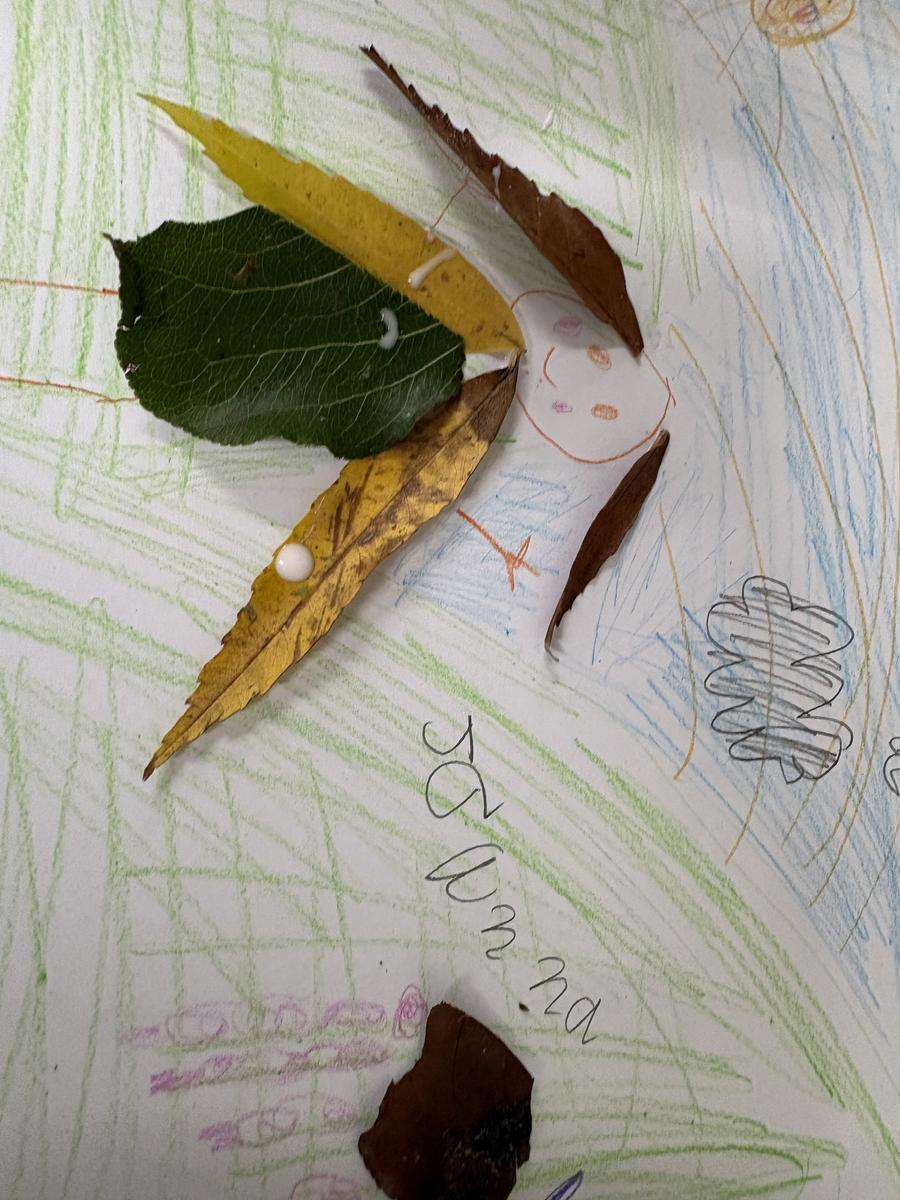
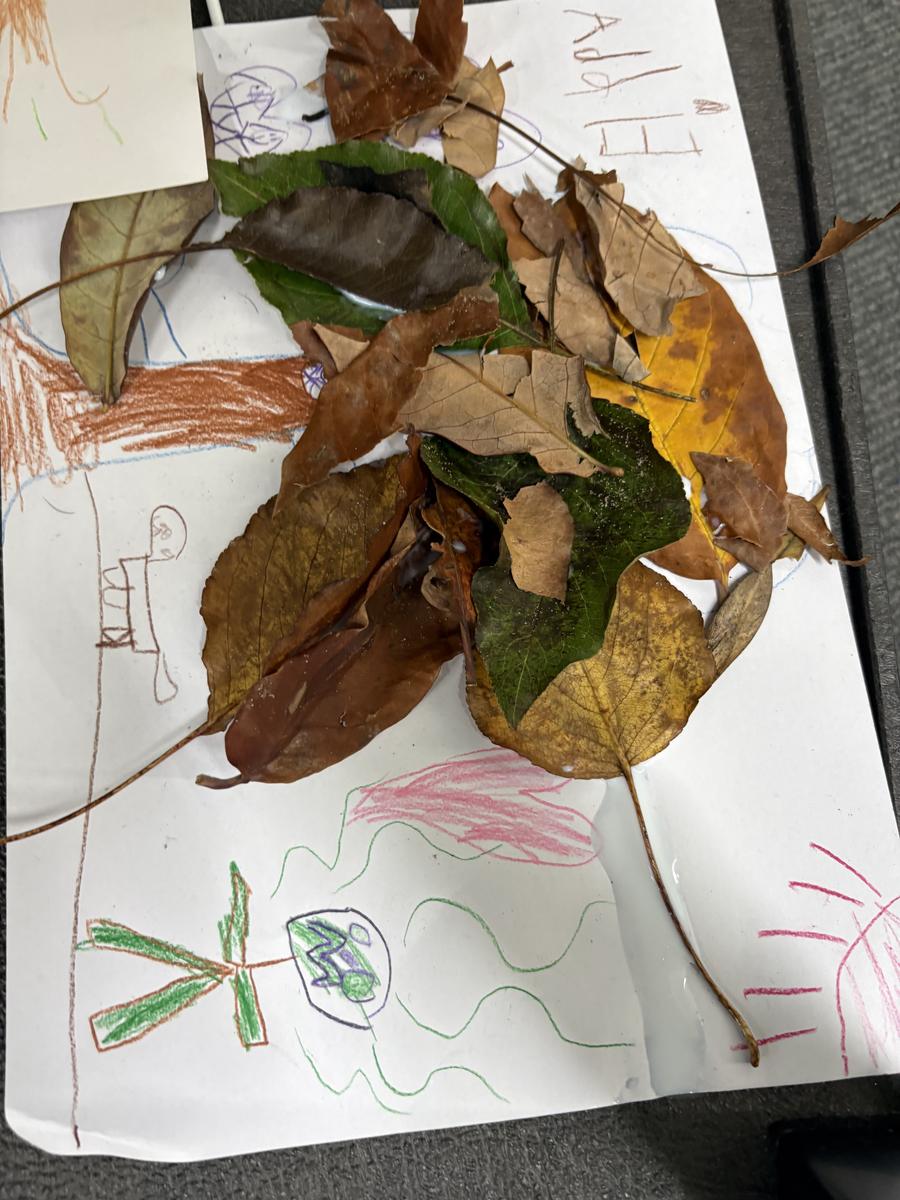
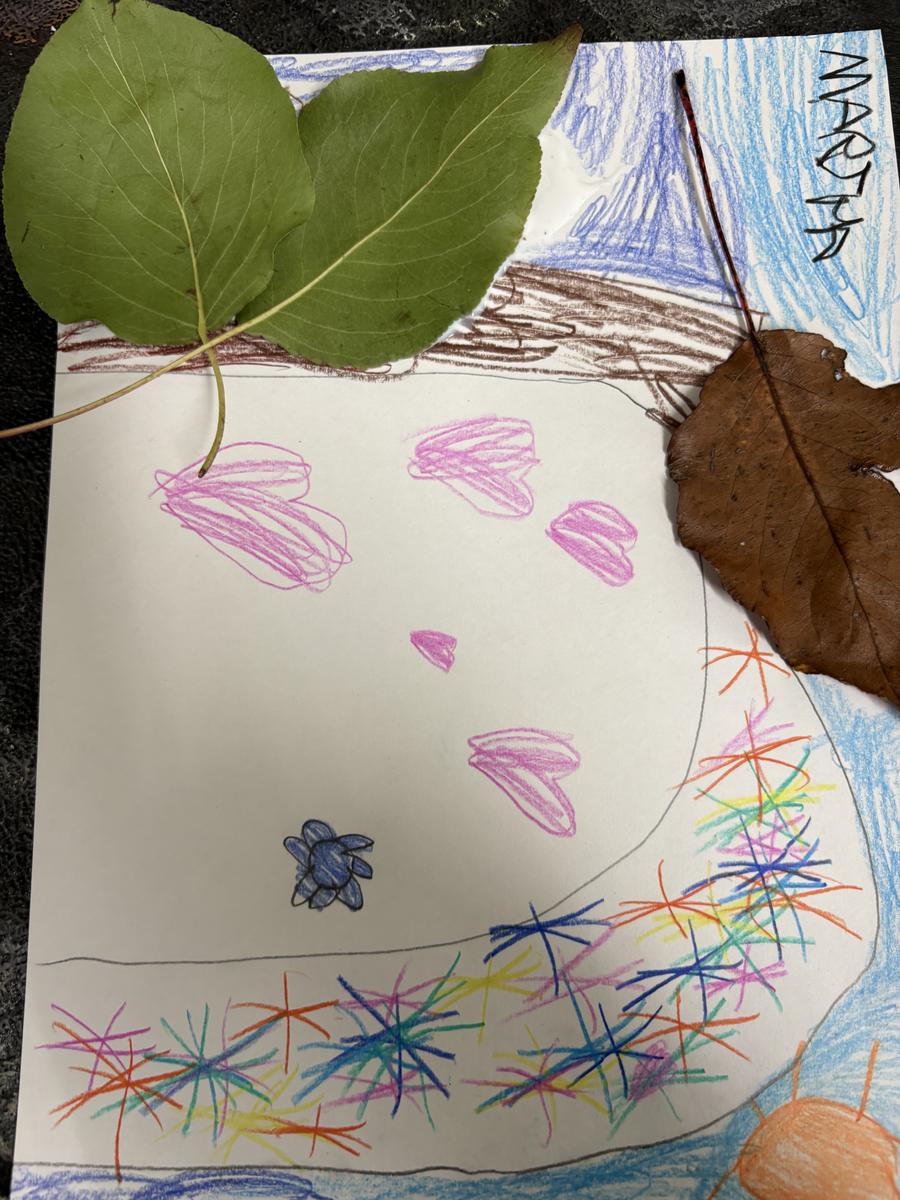
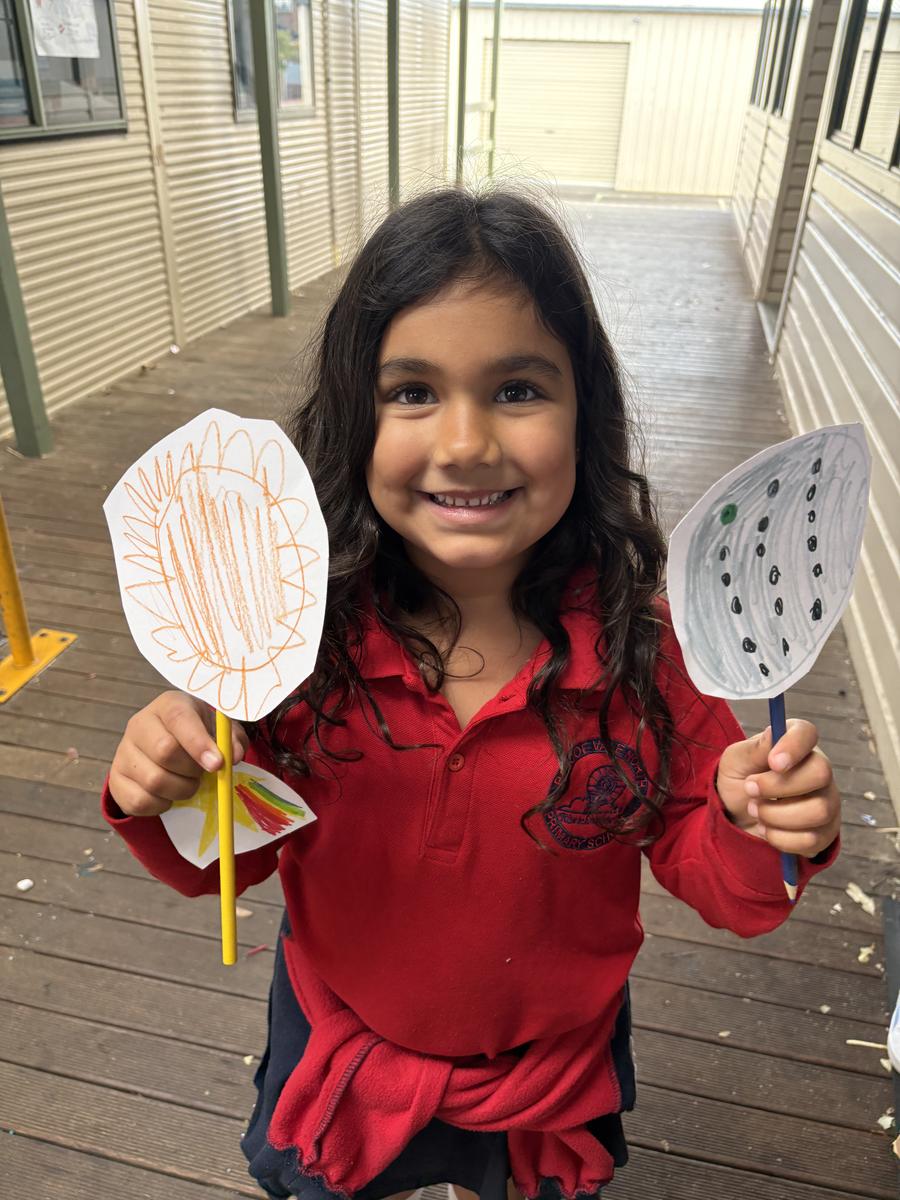
and we attempted leaf pictures dyring our study of Autumn.
In Grade 1 and 2 for Term 2, the students revised for the 4 traditonal seaons and made news reports about extreme weather. We also matched up the Wurundjeri nation's 7 seasons across a year. It is currently Wombat season. We will run some investigations into natural and manmade materials and how we can reduce, reuse and recycle items to be more.
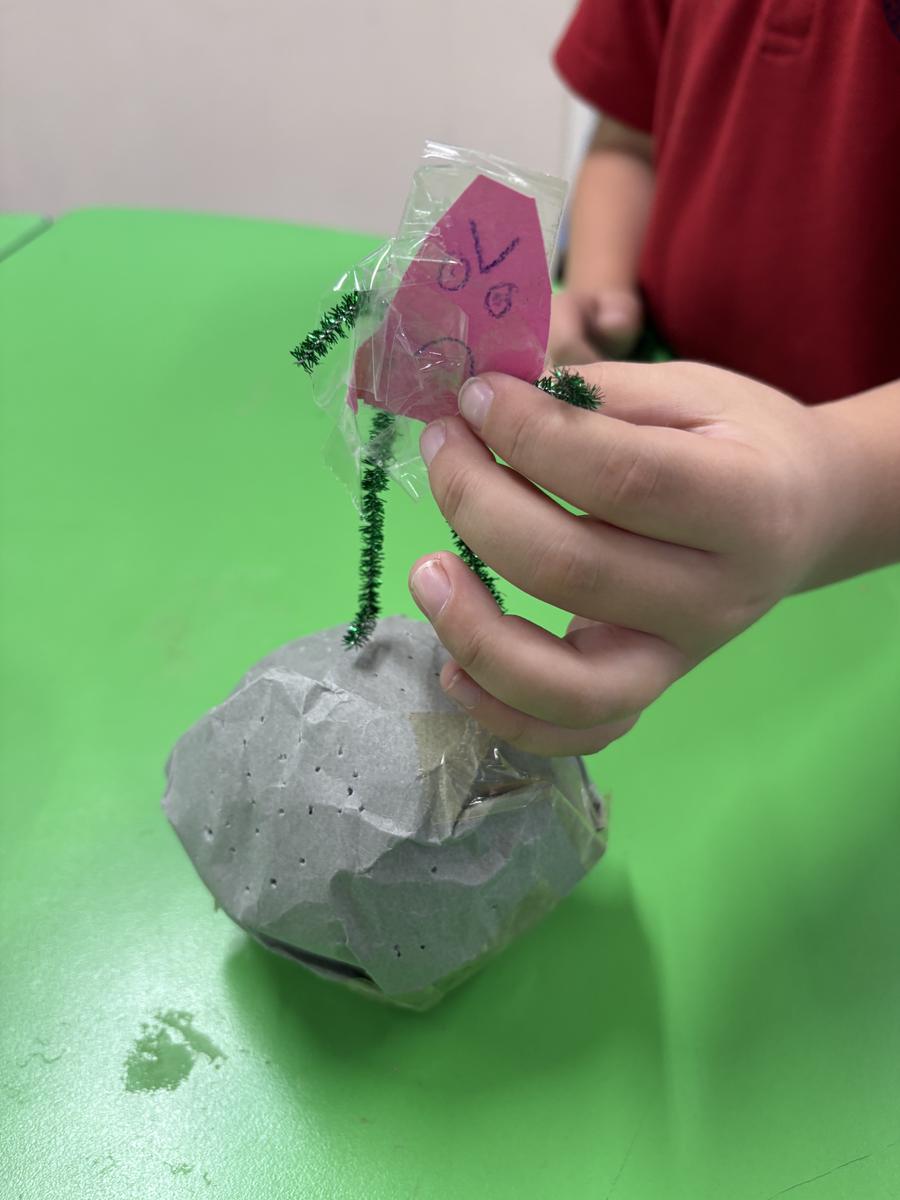
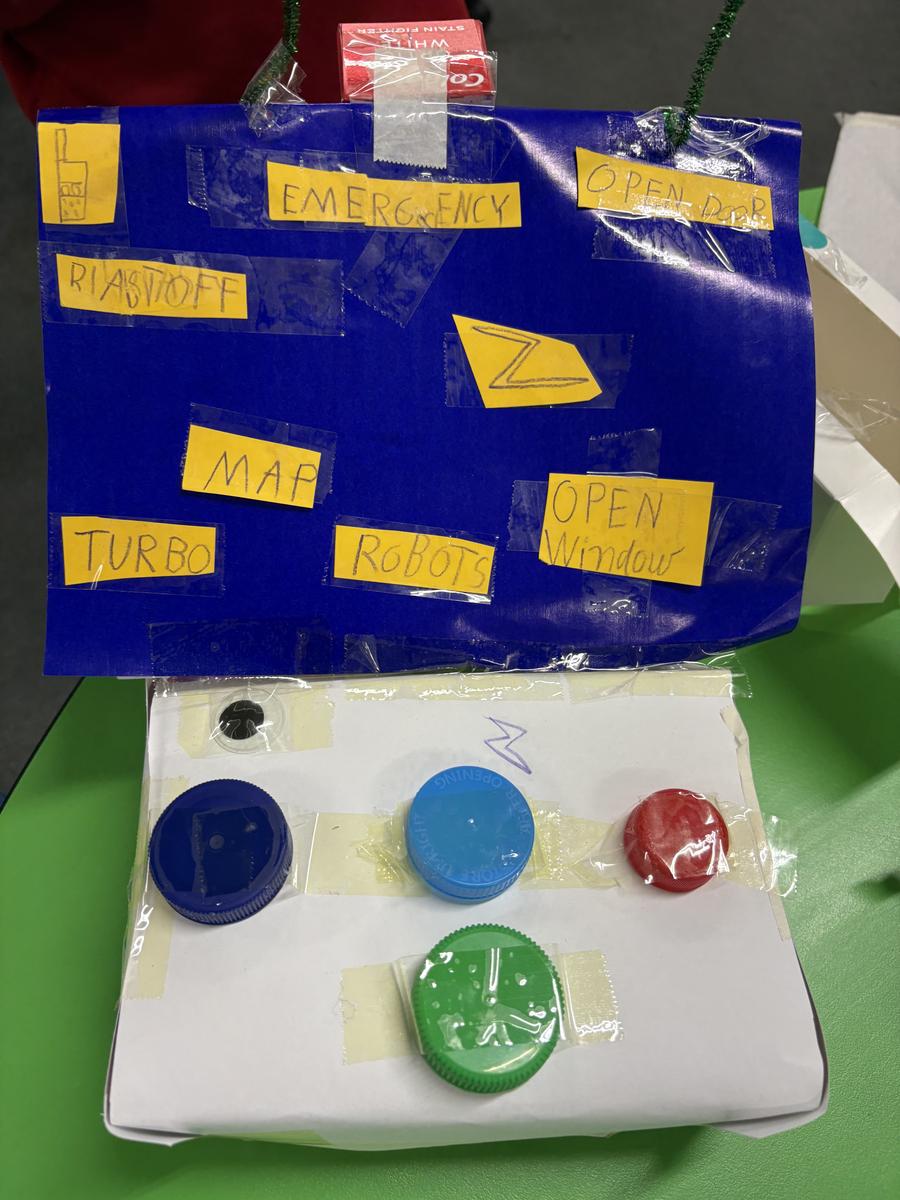
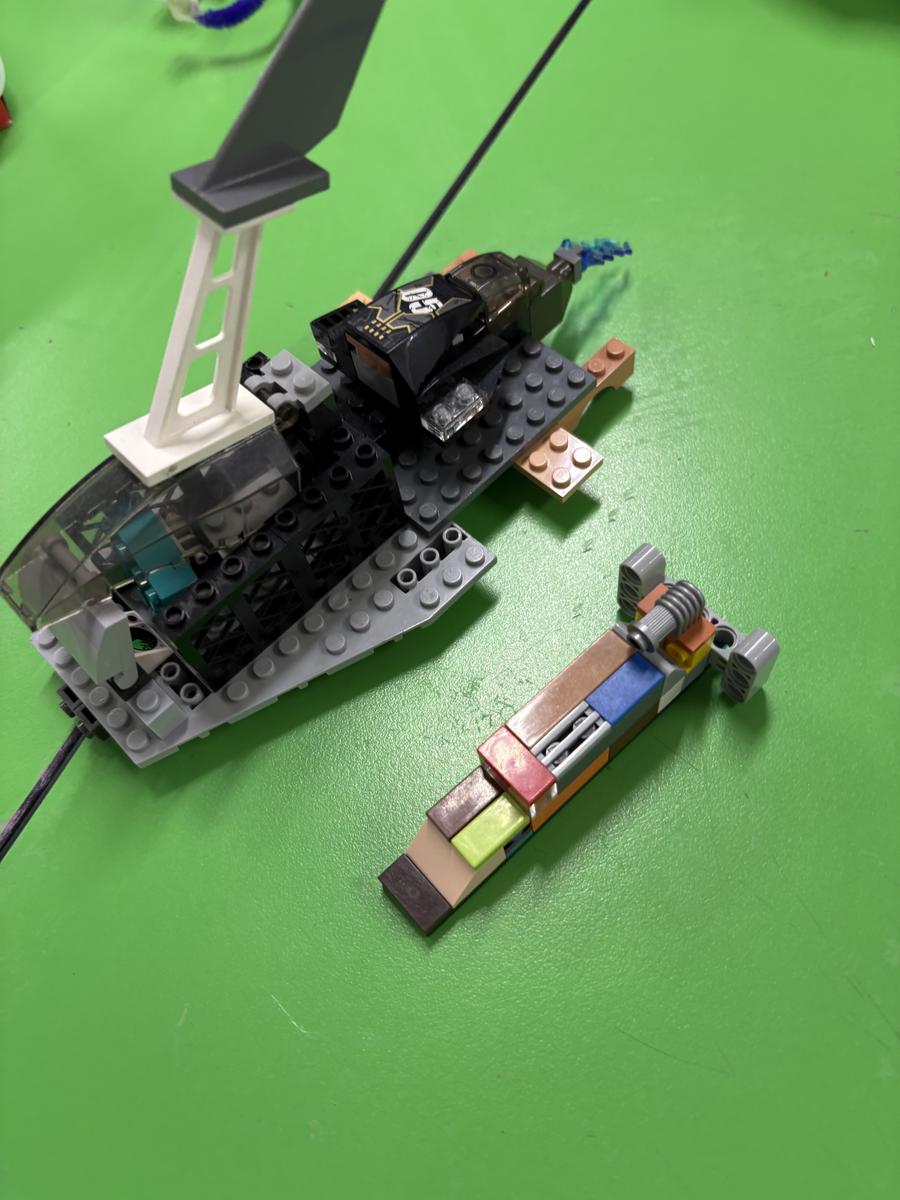
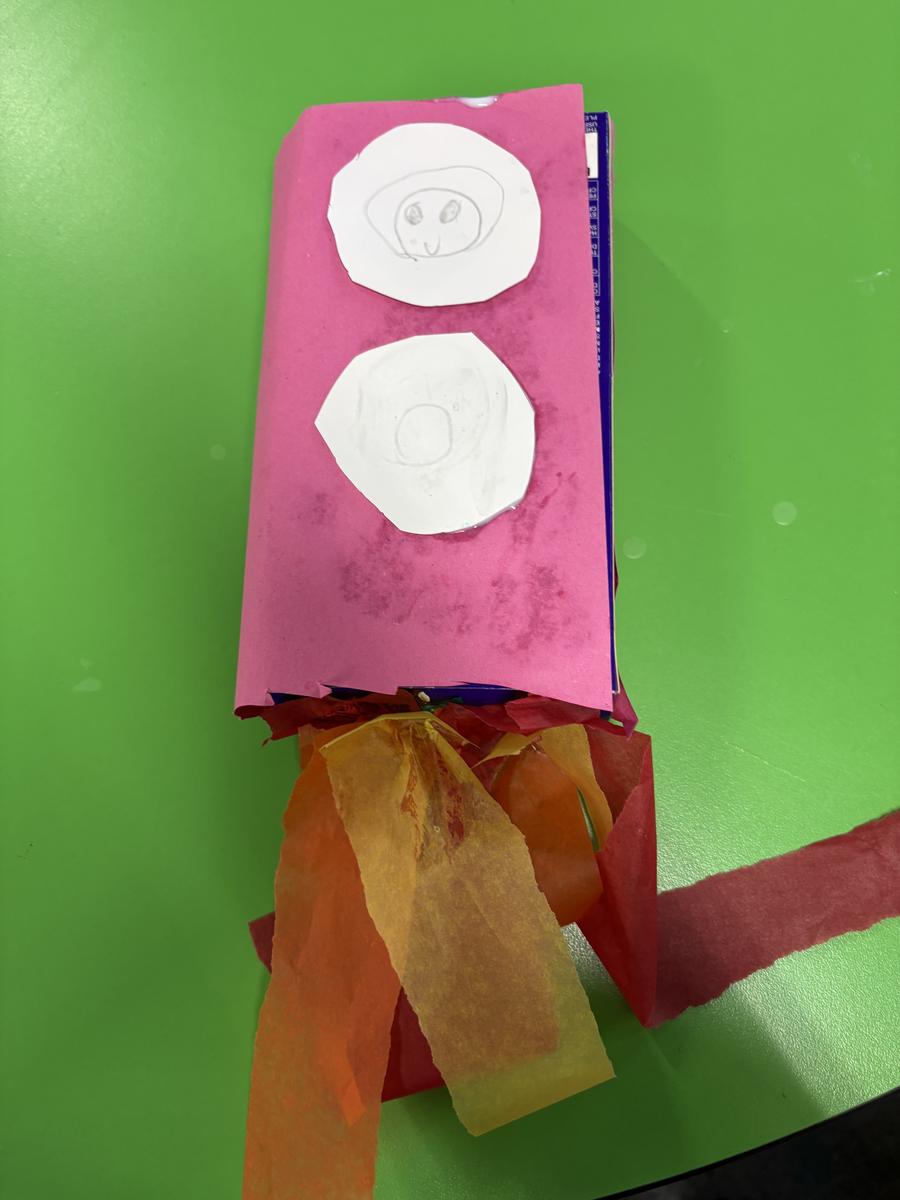
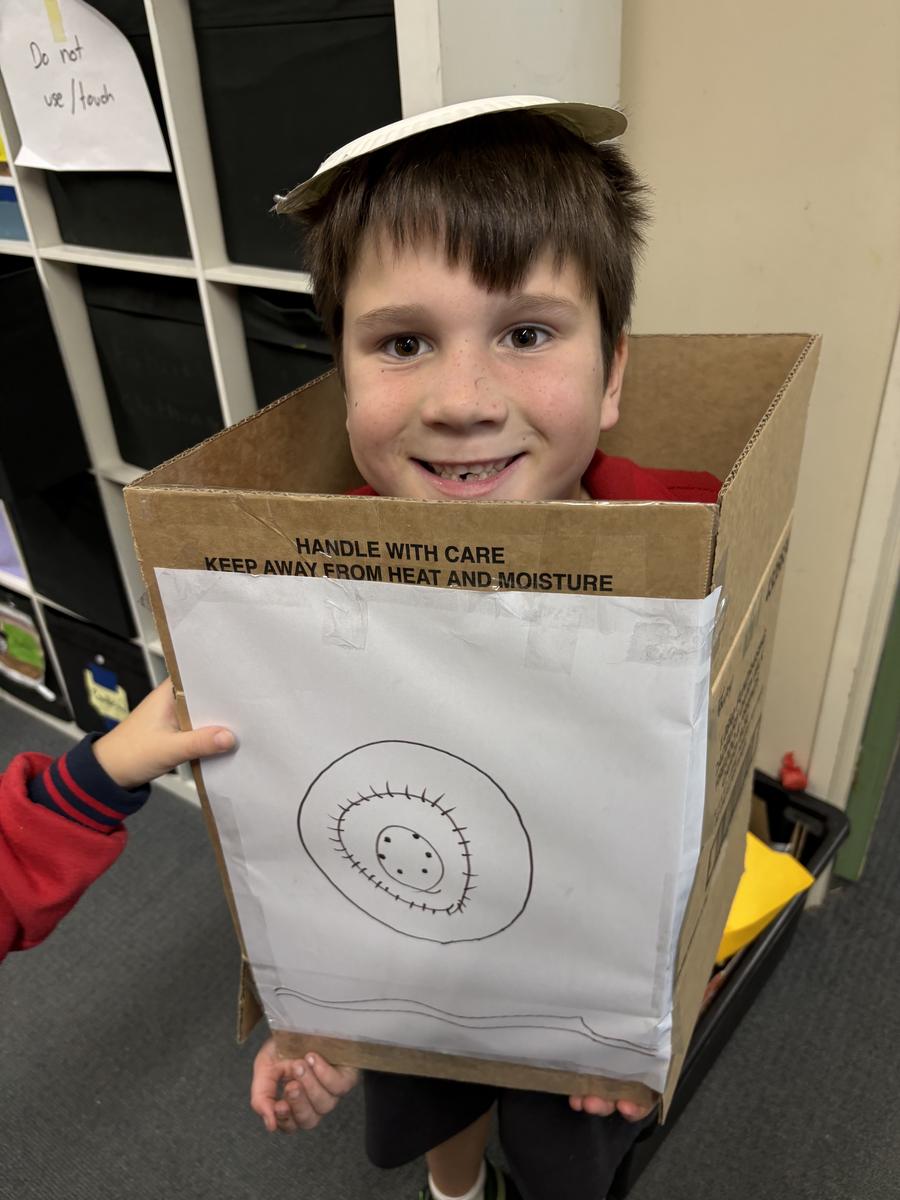
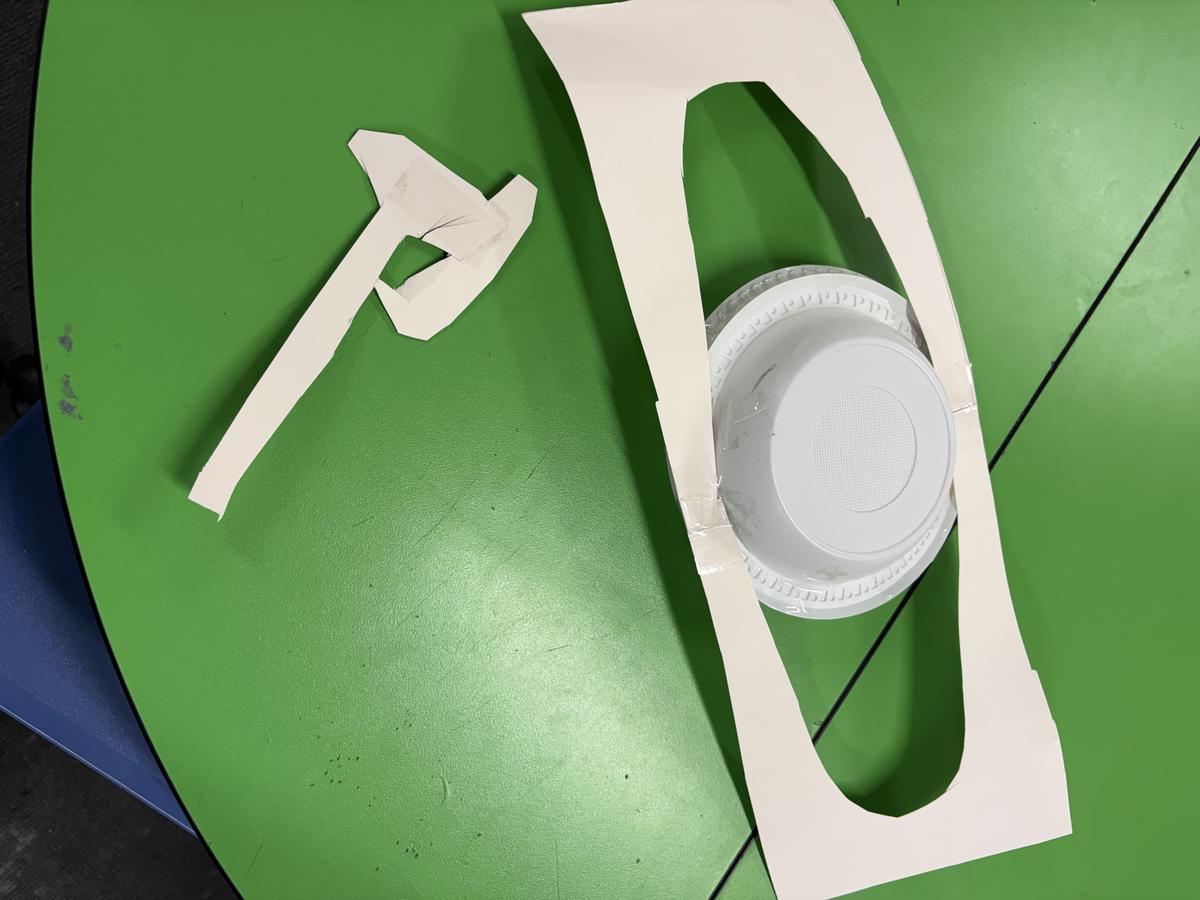
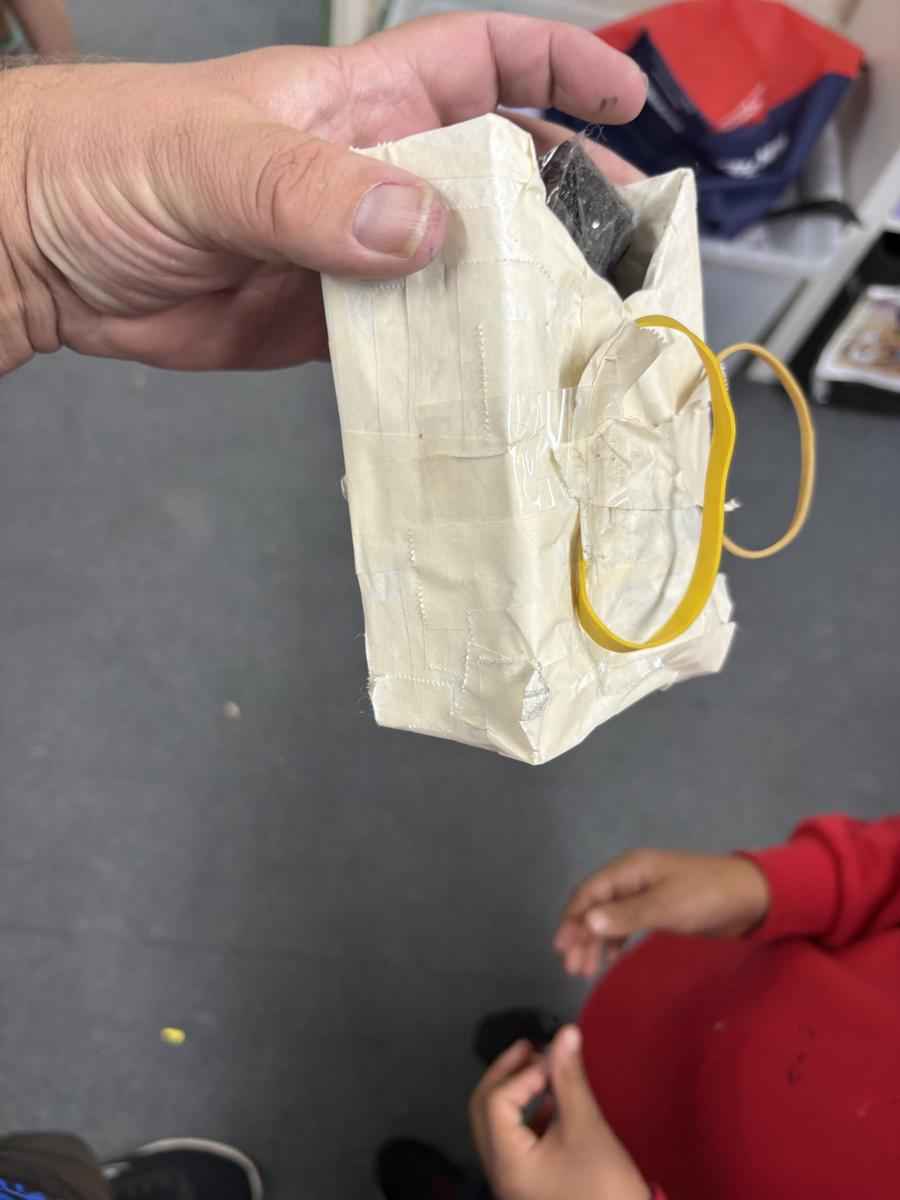
We also started our unit on Space and attempt our first 'space related build' which included astronauts, space stations, rockets and robots.
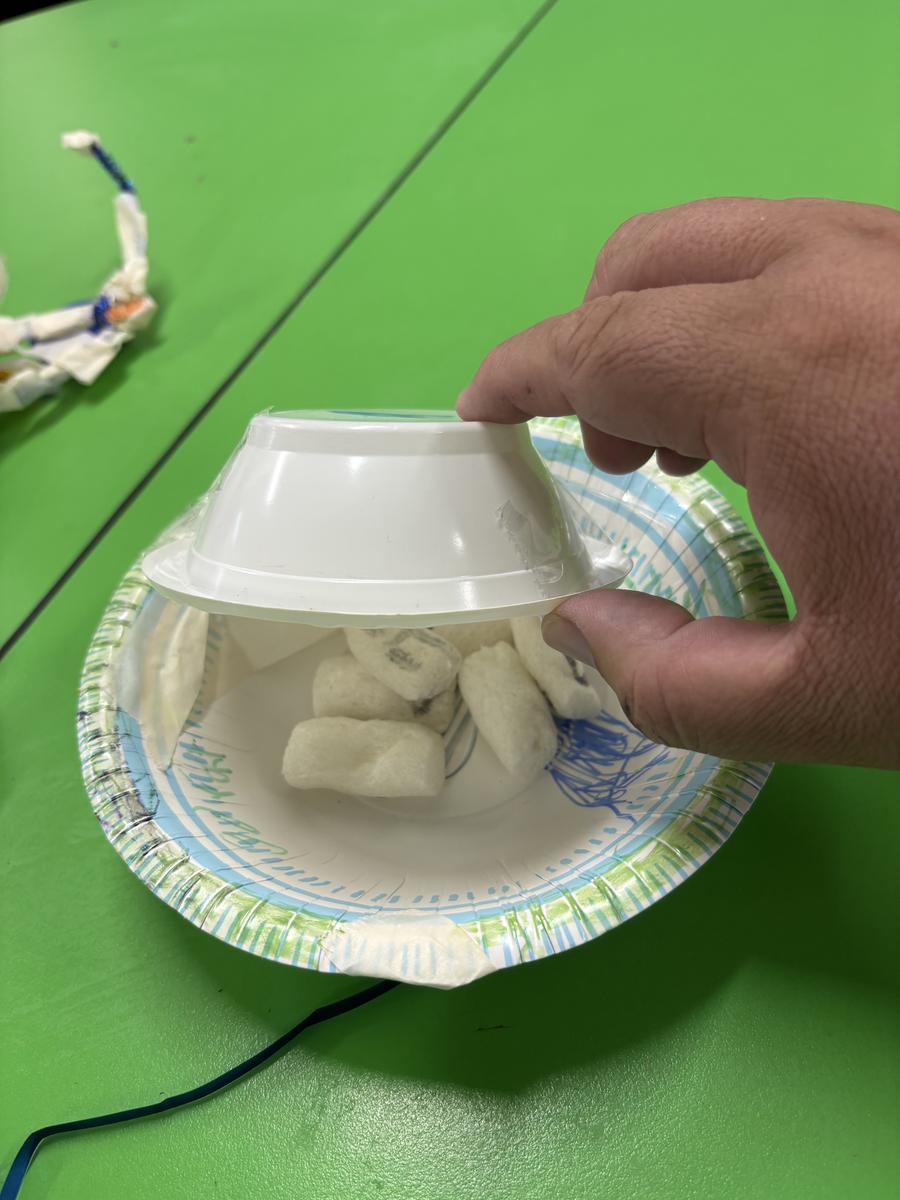
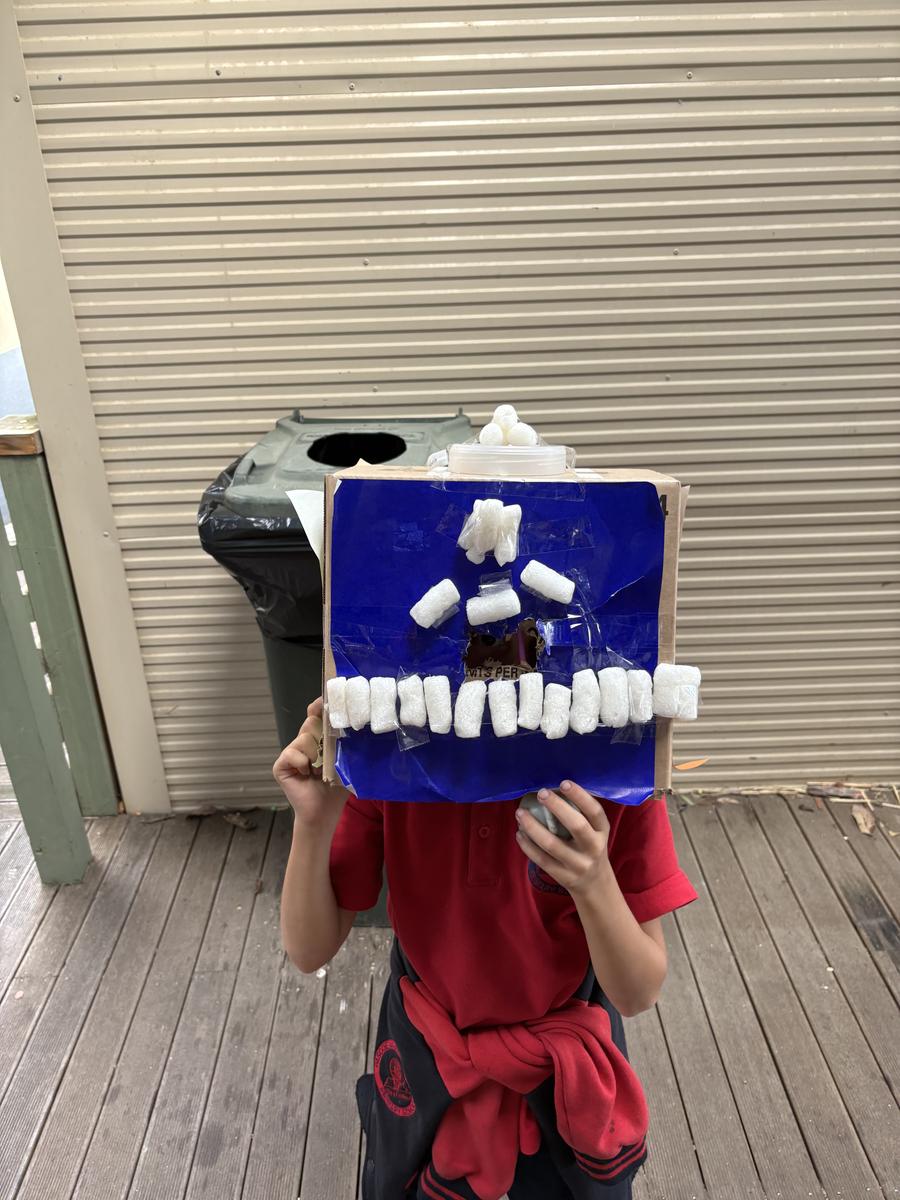
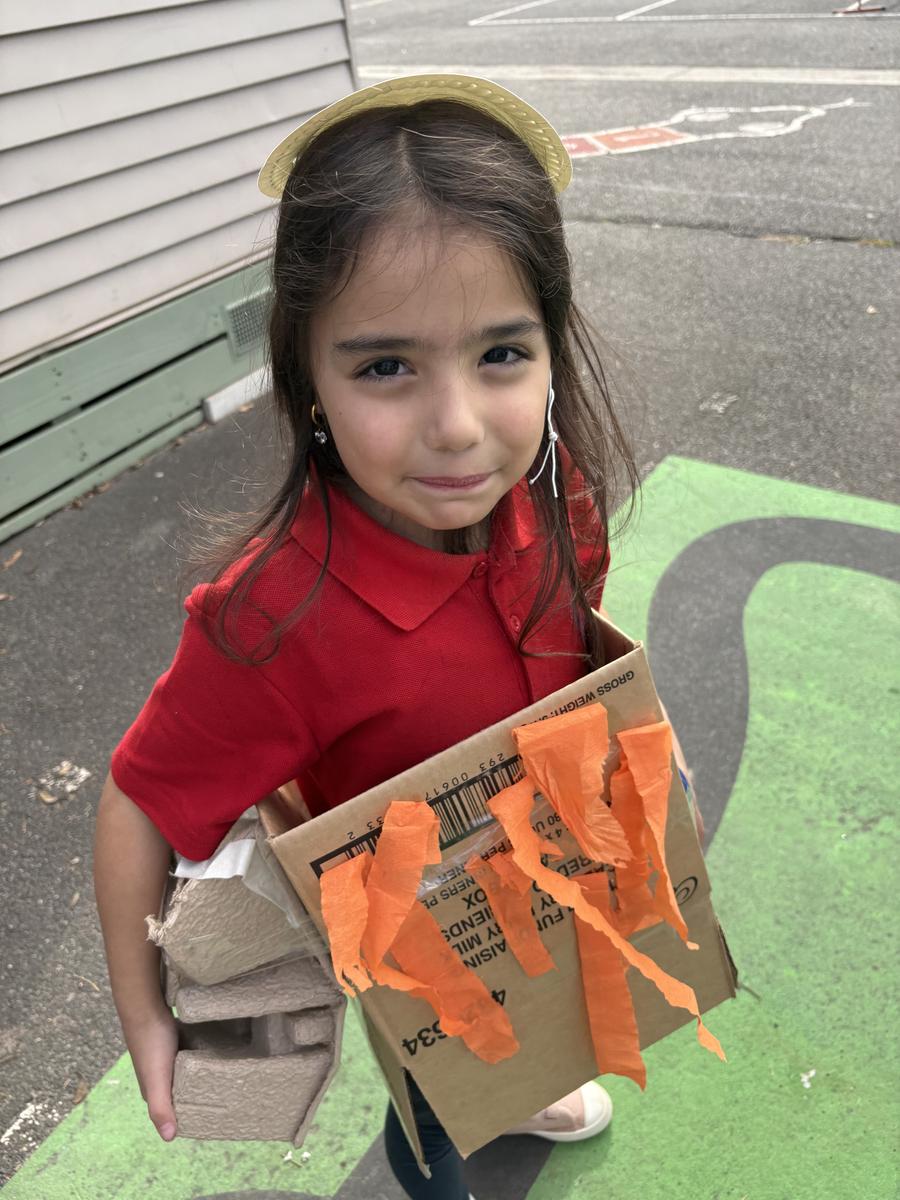
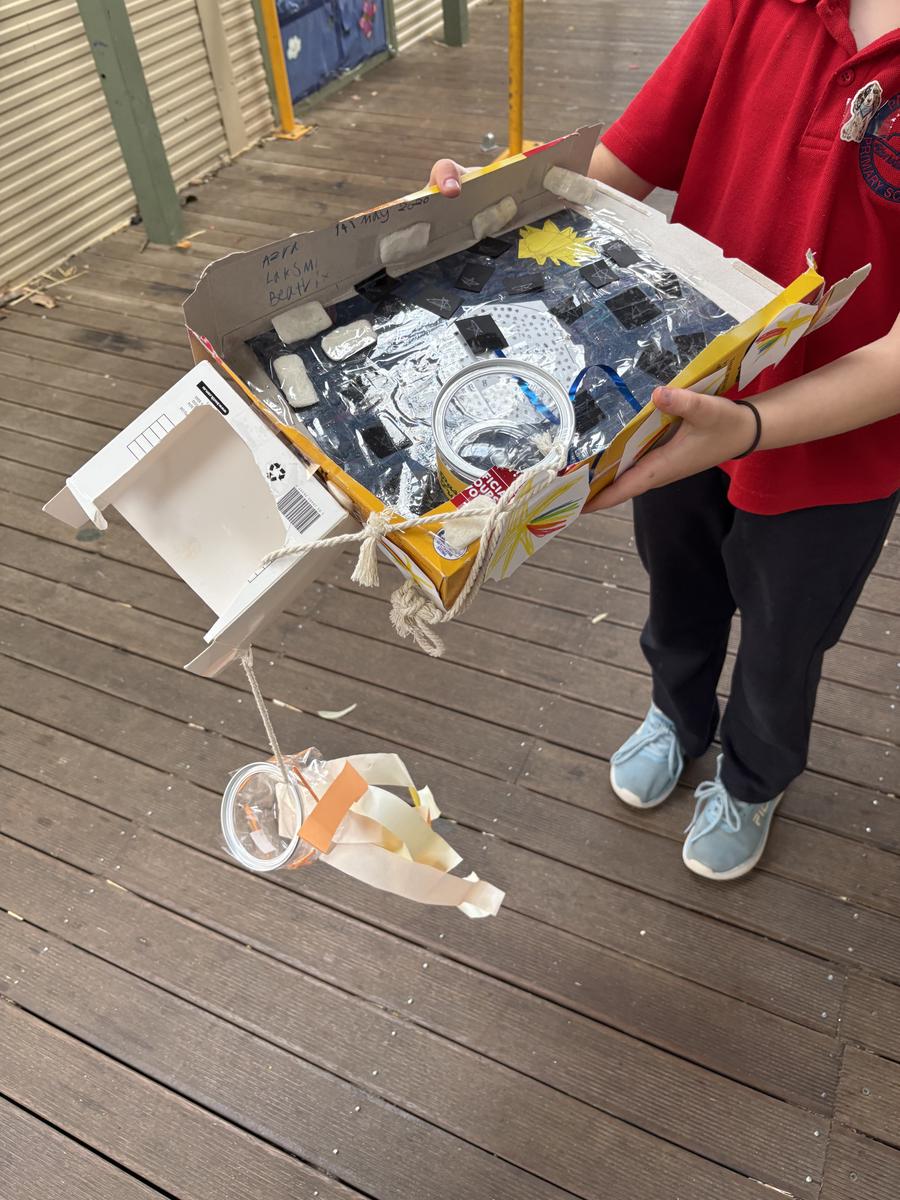
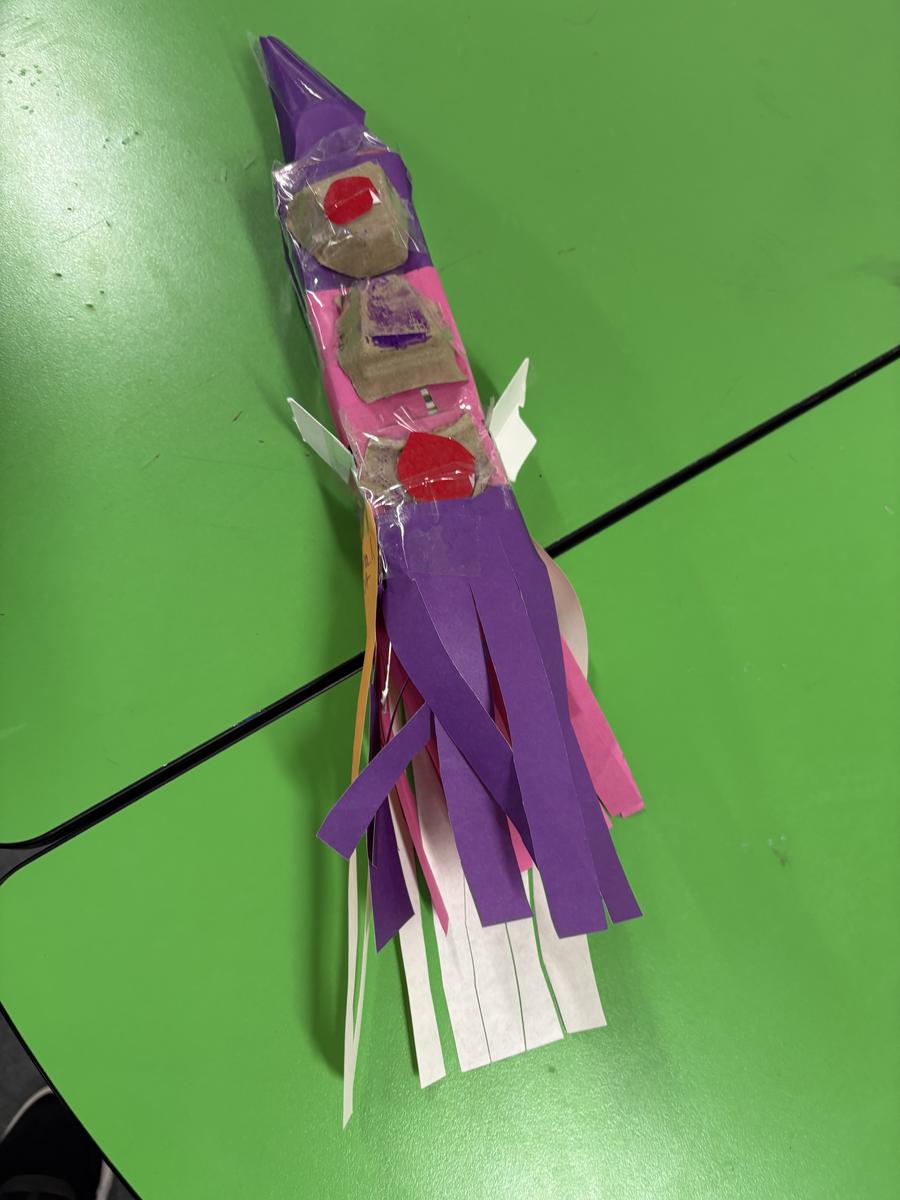
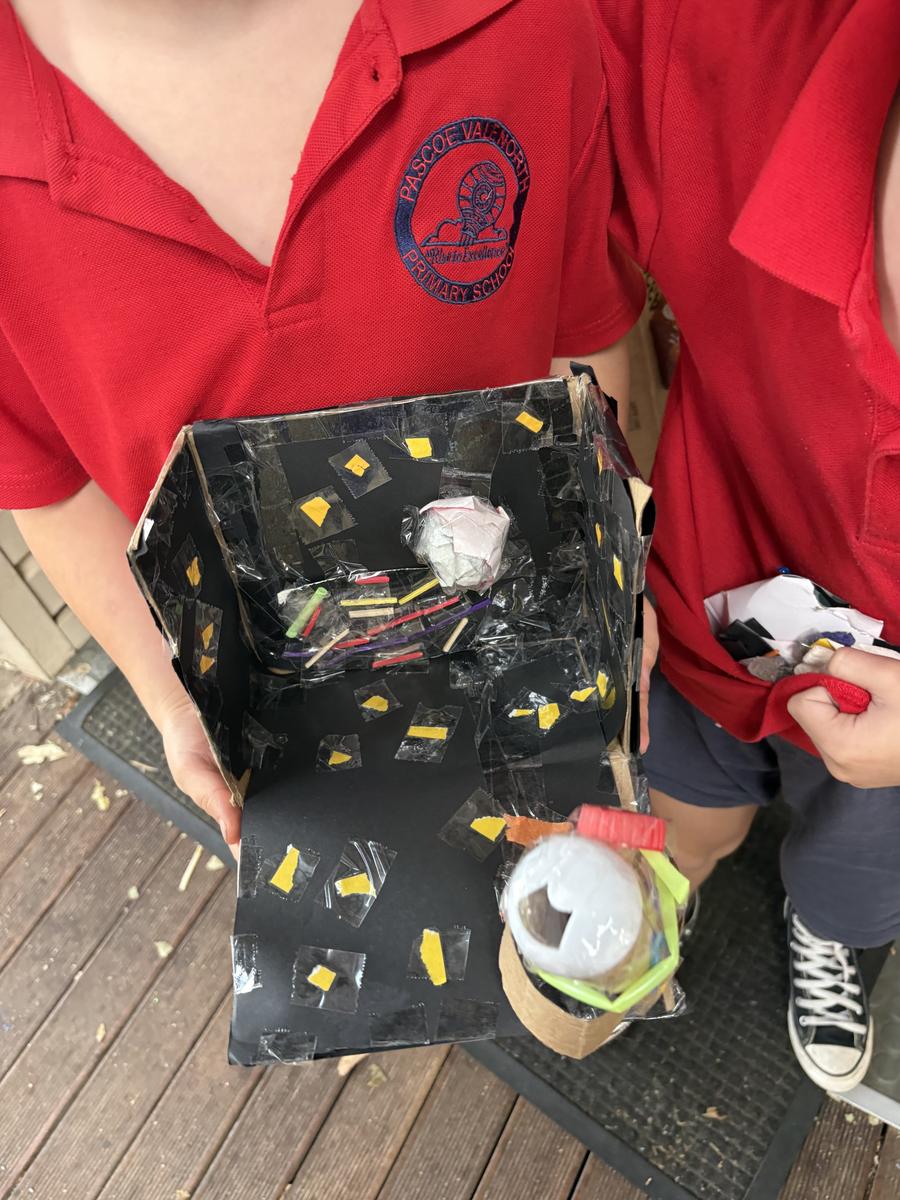
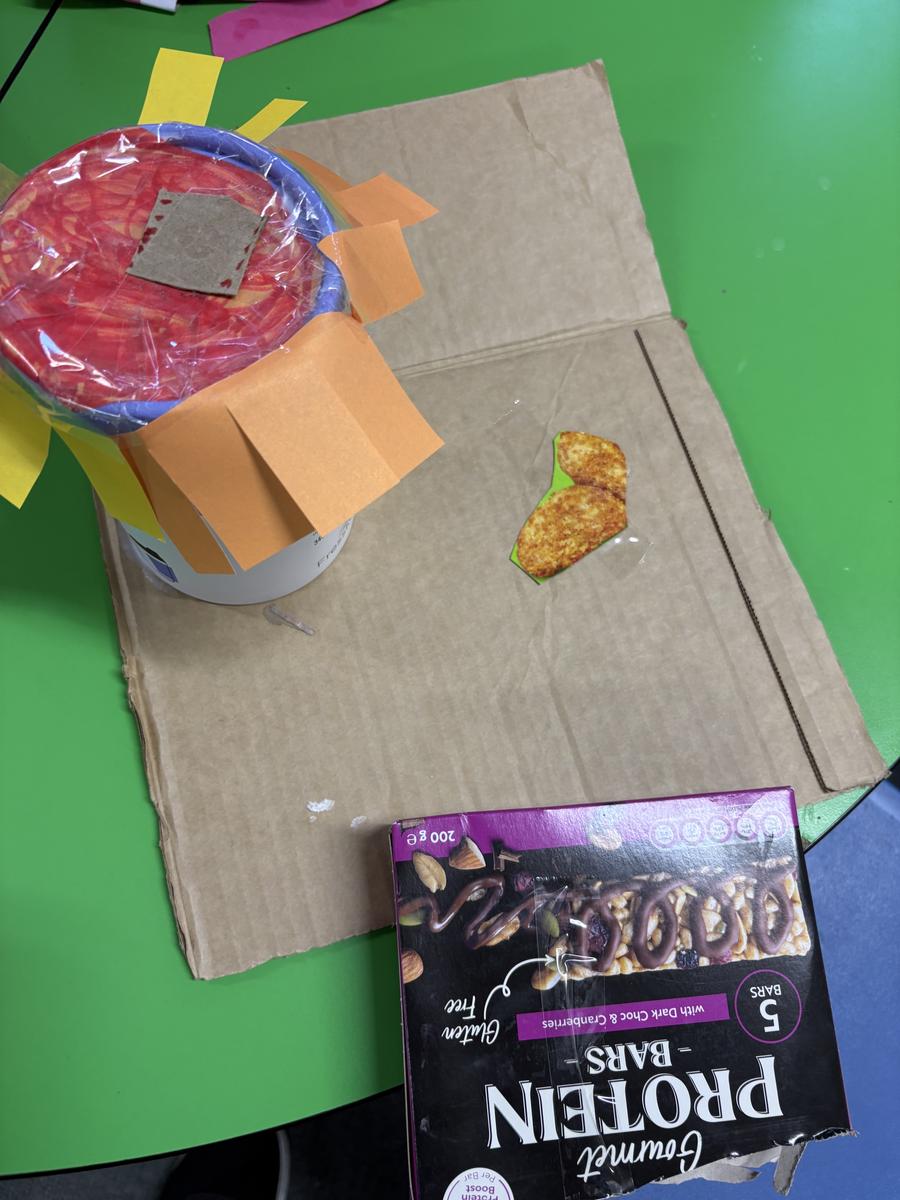
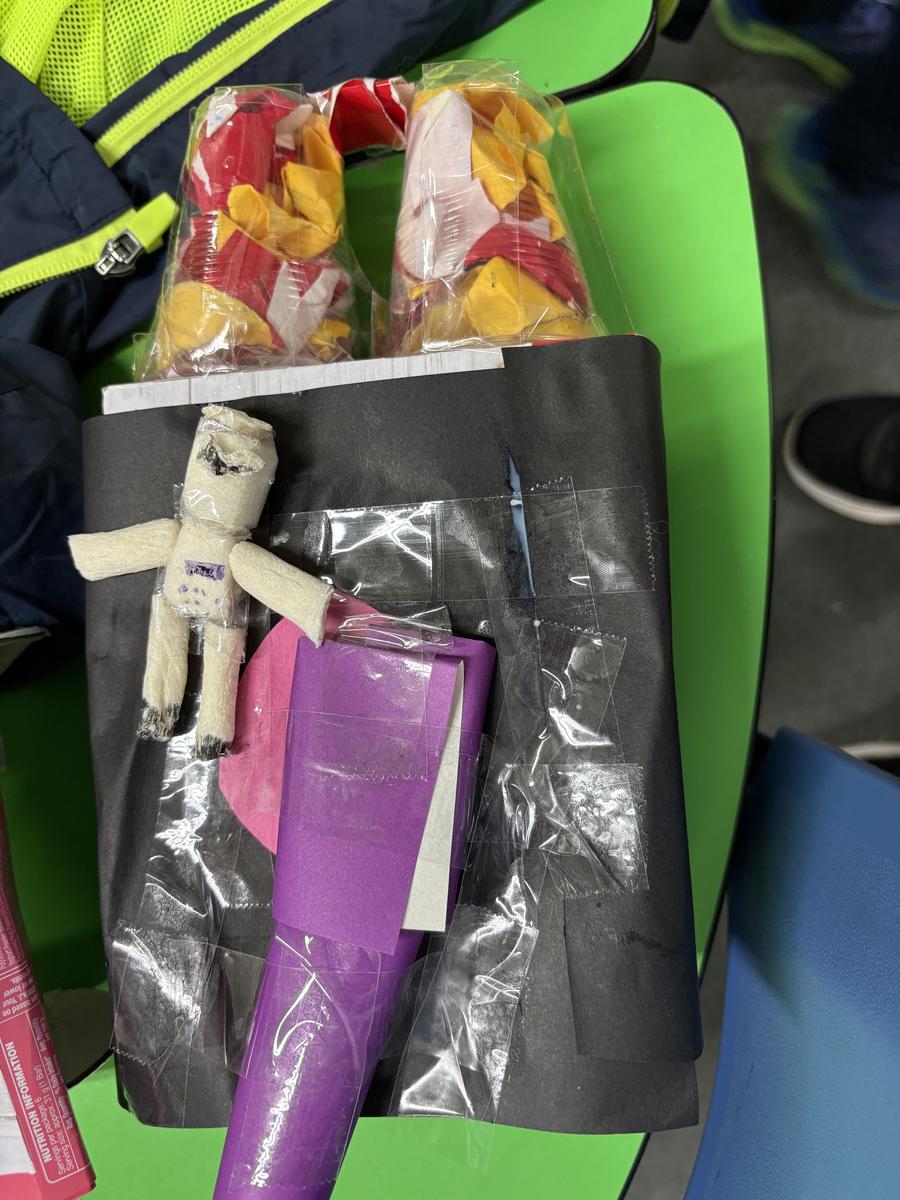
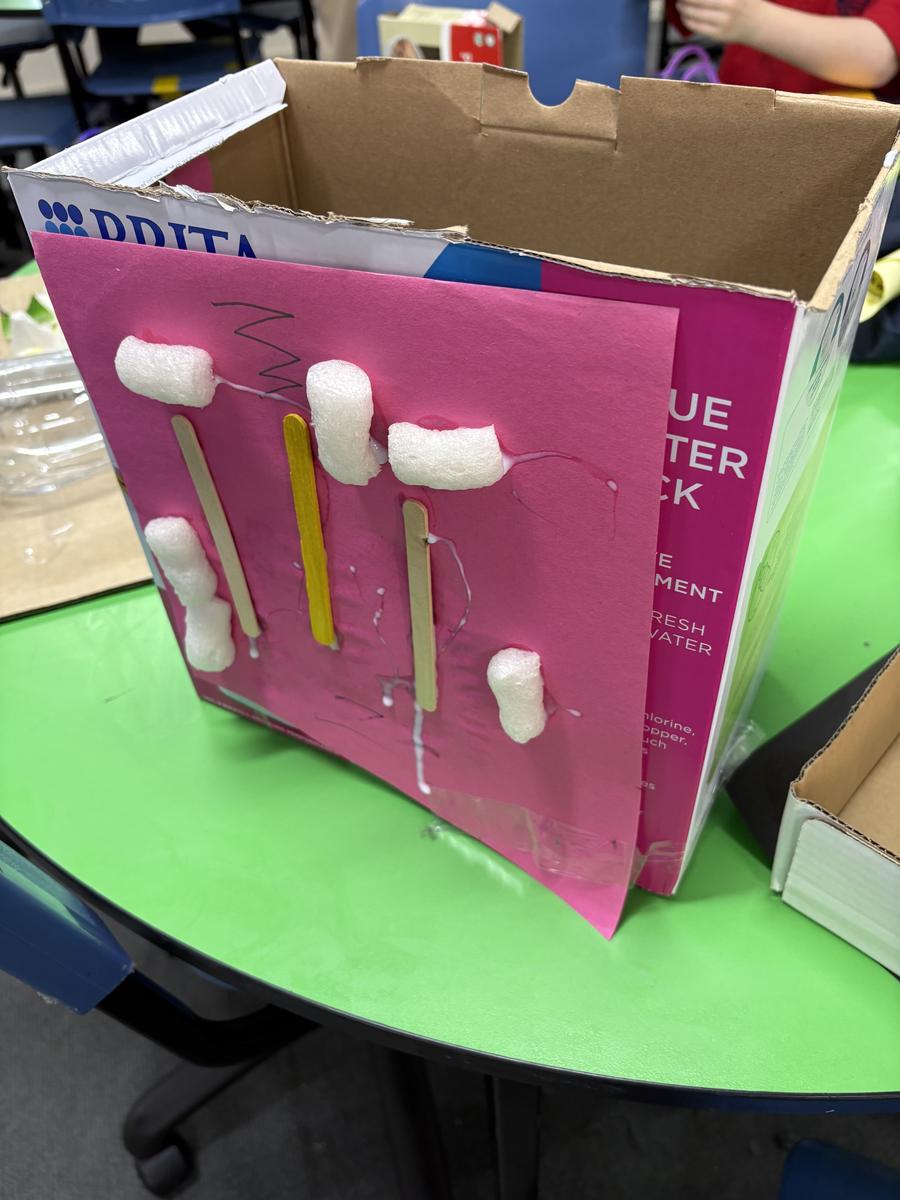
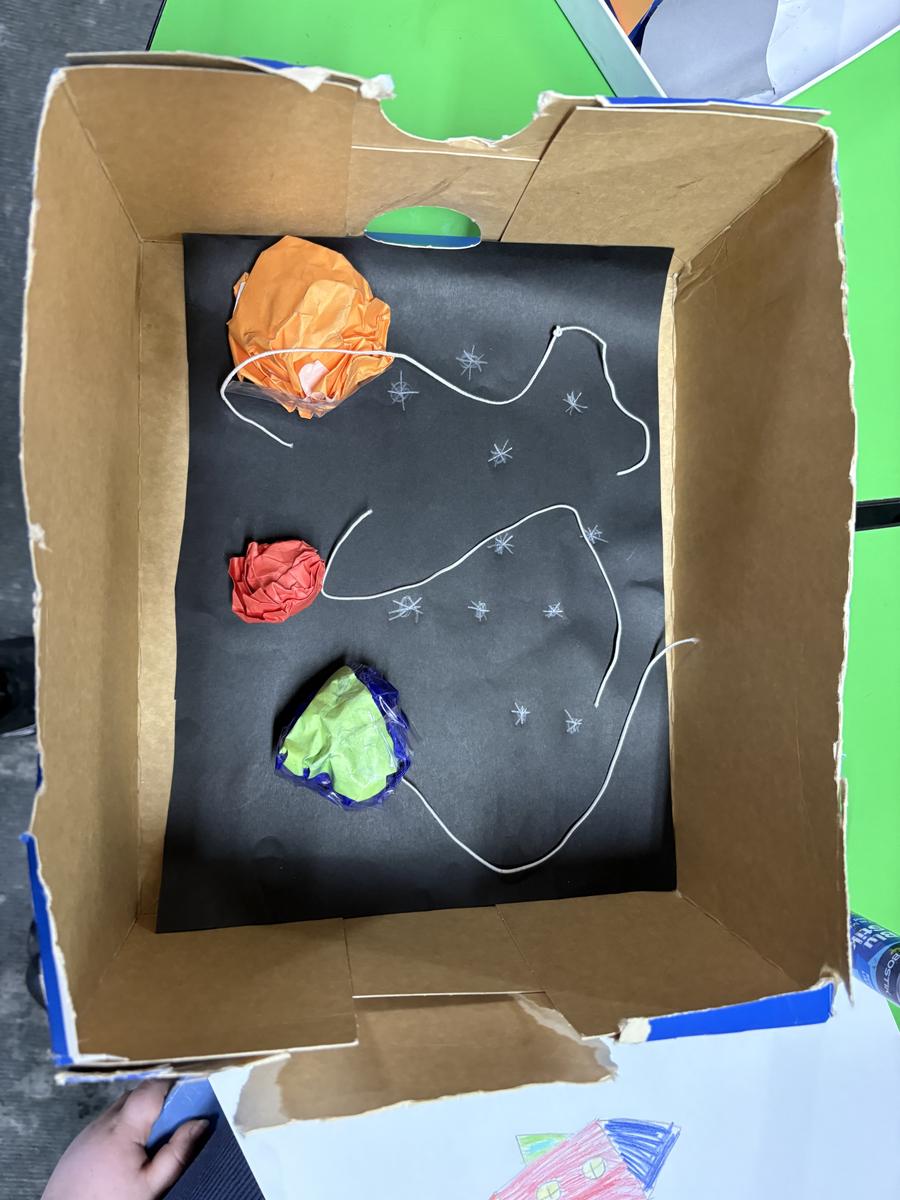
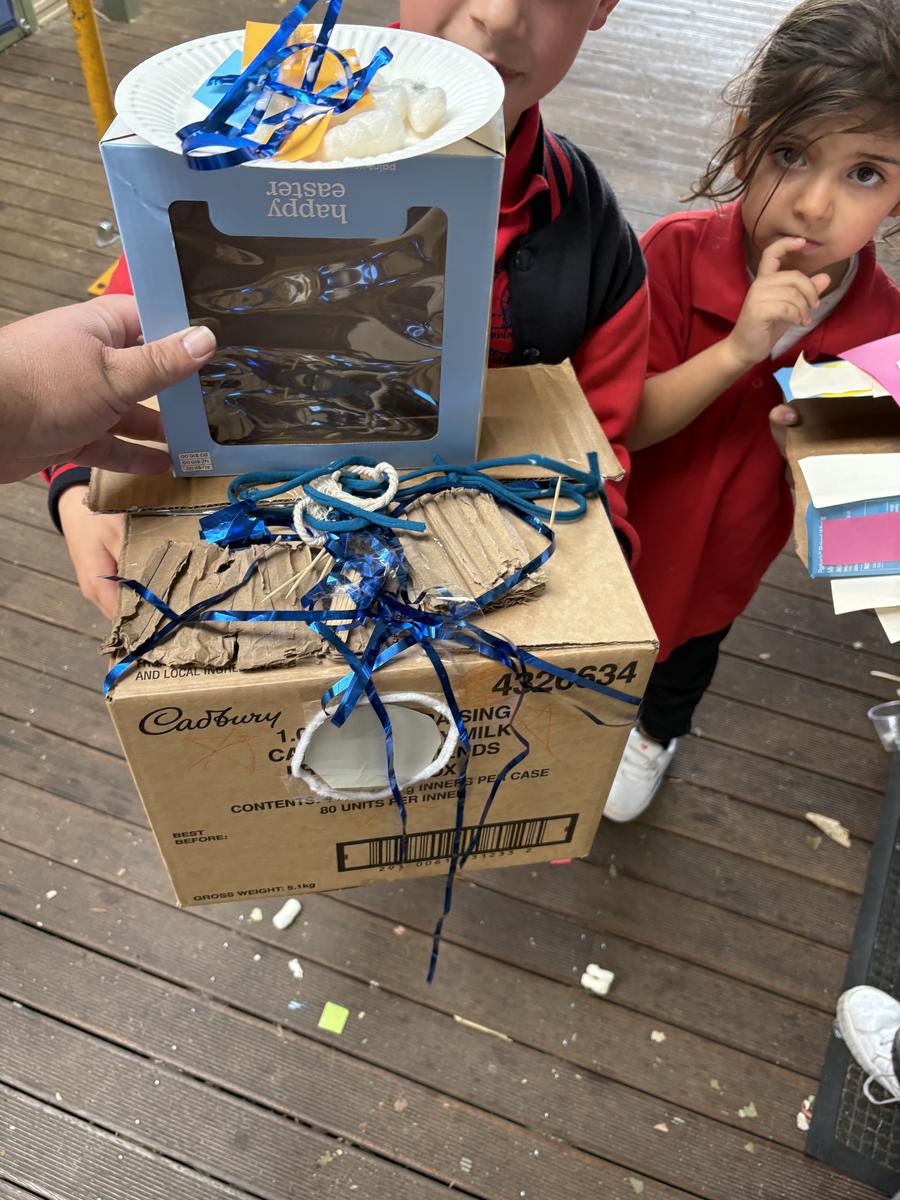
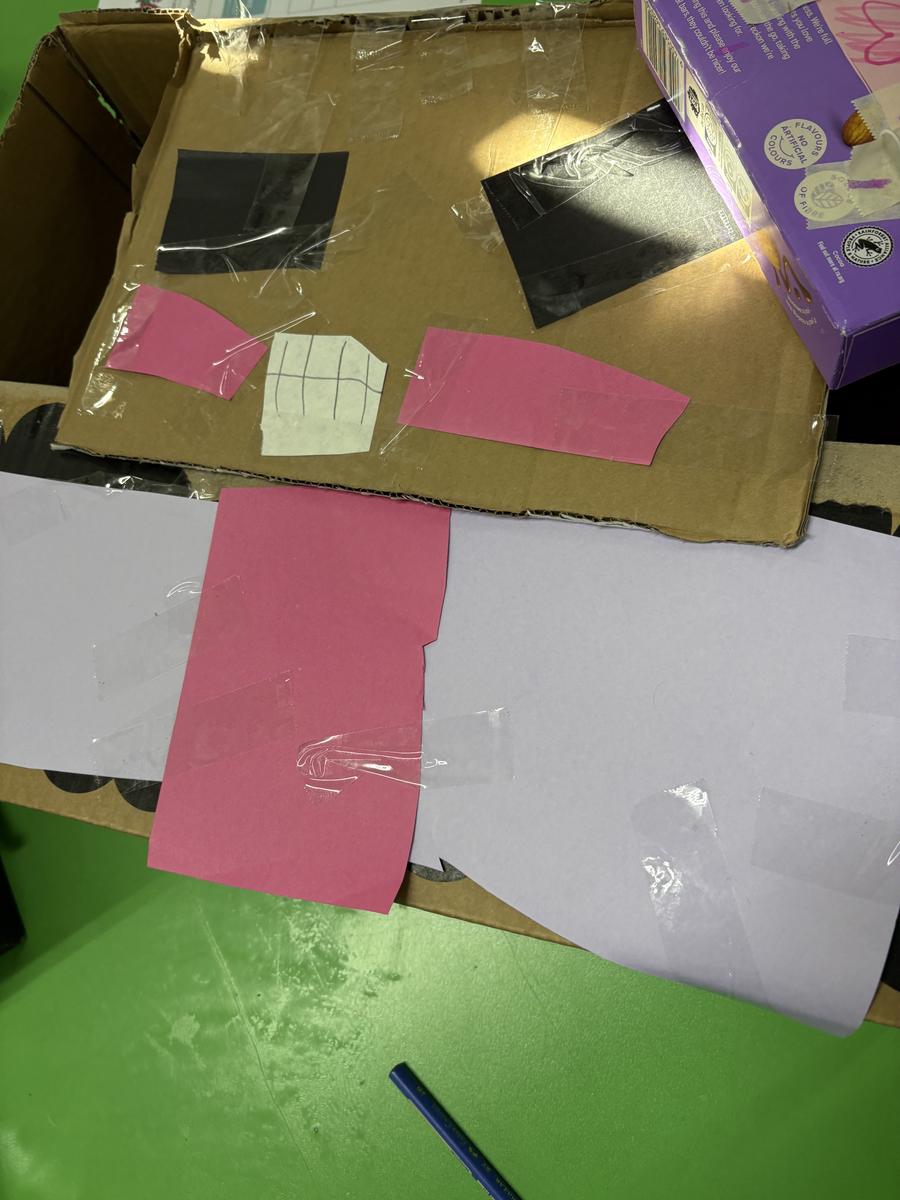
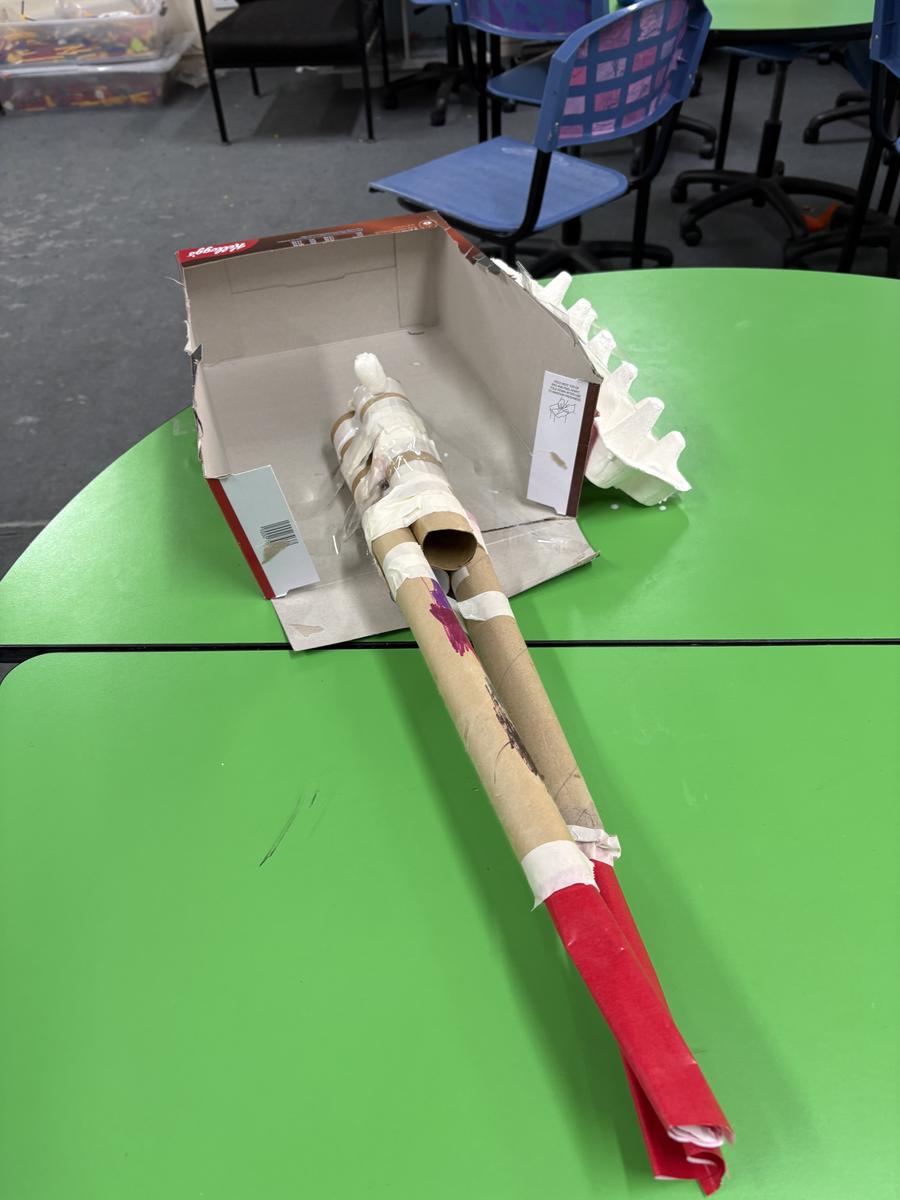
In Grade 3 and 4, the students will investigate the night sky and the constellations that we can see. They completed an experiment to show the Greenhouse effect. For technology, Students continue working on their coding knowledge using code.org and will apply this block coding knowledge to using the Sphero Robots. For any parents who are interested in code.org here is some extra information.
In my class, your student is learning computer science on Code.org, a fun, creative platform for learning computer science and basic coding to create interactive animations, games, or apps. Your interest in what your child is learning is critical, and Code.org makes it easy to stay involved.
One of the best ways is to ask your child to explain what they’re learning and show you a project they are proud of, see details. Or watch one of these videos together.
Our class uses secret words or secret pictures to sign in. To have your student sign in to Code.org at home, do the following:
At the top of their homepage, your student can continue the course they are doing with their classroom at school. They can also create their own games or artwork in the Project Gallery or check out code.org/athome for ideas for things to work on at home.
Keep up to date with what your student is working on and receive updates from Code.org. Have your child sign in to Code.org and then enter your email in Account Settings or click here.
Six different studies show: children who study computer science perform better in other subjects, excel at problem solving, and are 17% more likely to attend college. Computer science teaches students critical thinking, problem solving, and digital citizenship, and benefits all students, no matter what opportunities they pursue in the future. And learning to make interactive animations, code-art, games, and apps on Code.org encourages creativity and makes learning fun.
Code.org assigns utmost importance to student safety and security. As a not-for-profit organization, they are transparent about the limited data they collect and how they use it. They do not sell data or exploit it for financial gain. They do not sell ads. Code.org has signed the Student Privacy Pledge and their privacy practices are highly rated by Common Sense Media. You can find further details by viewing Code.org's Privacy Policy.
In Grade 5 and 6 for Term 2, we started the term looking at constellations of the night sky and their history. We then attempted to re-create them using chickpeas and toothpicks. Here are some examples.
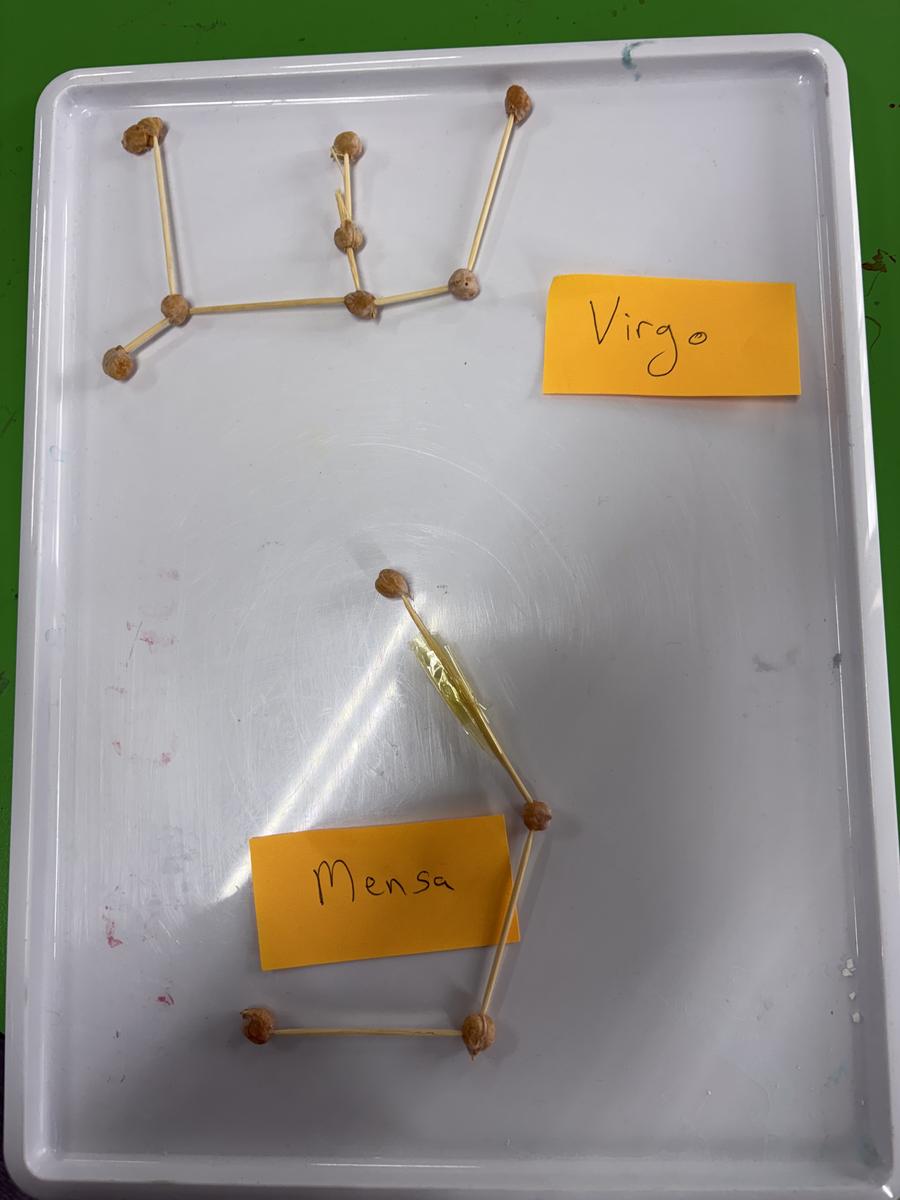
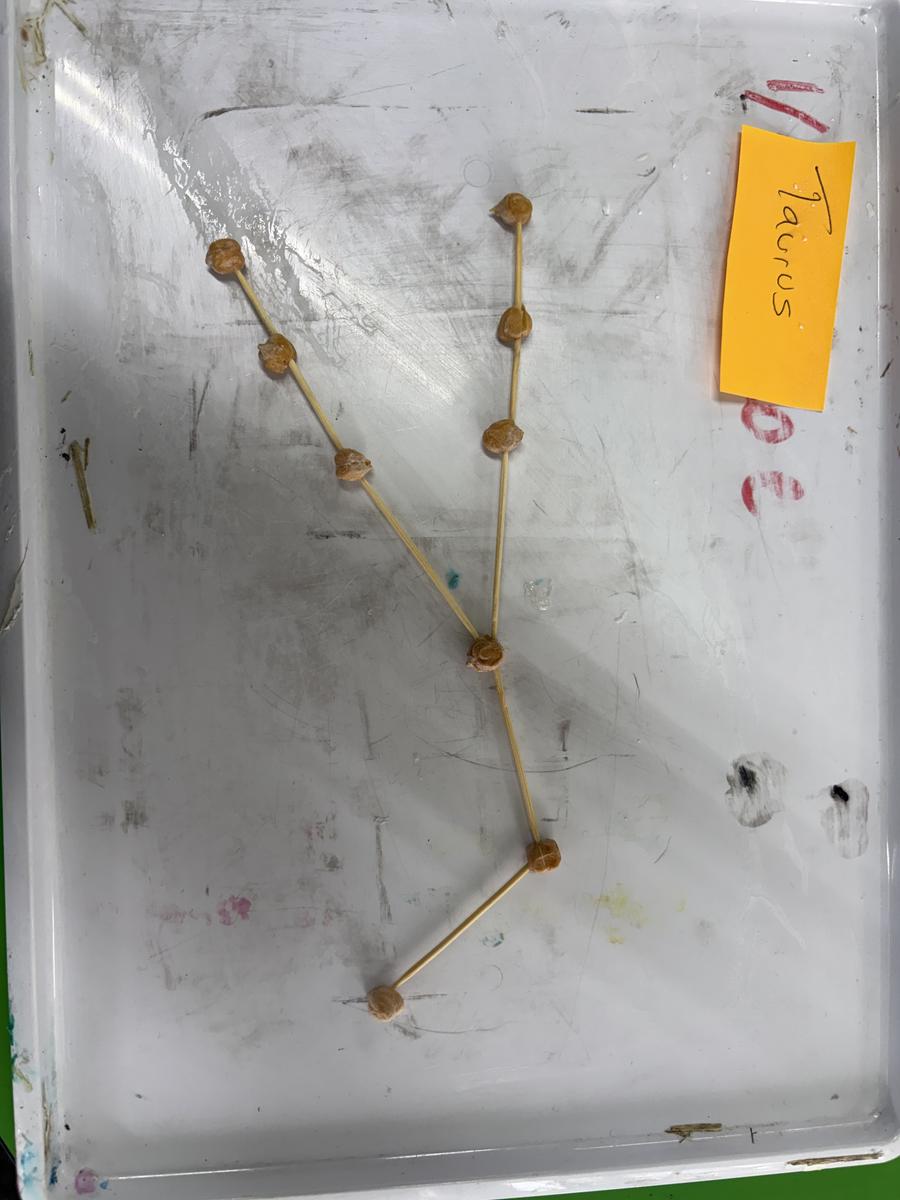
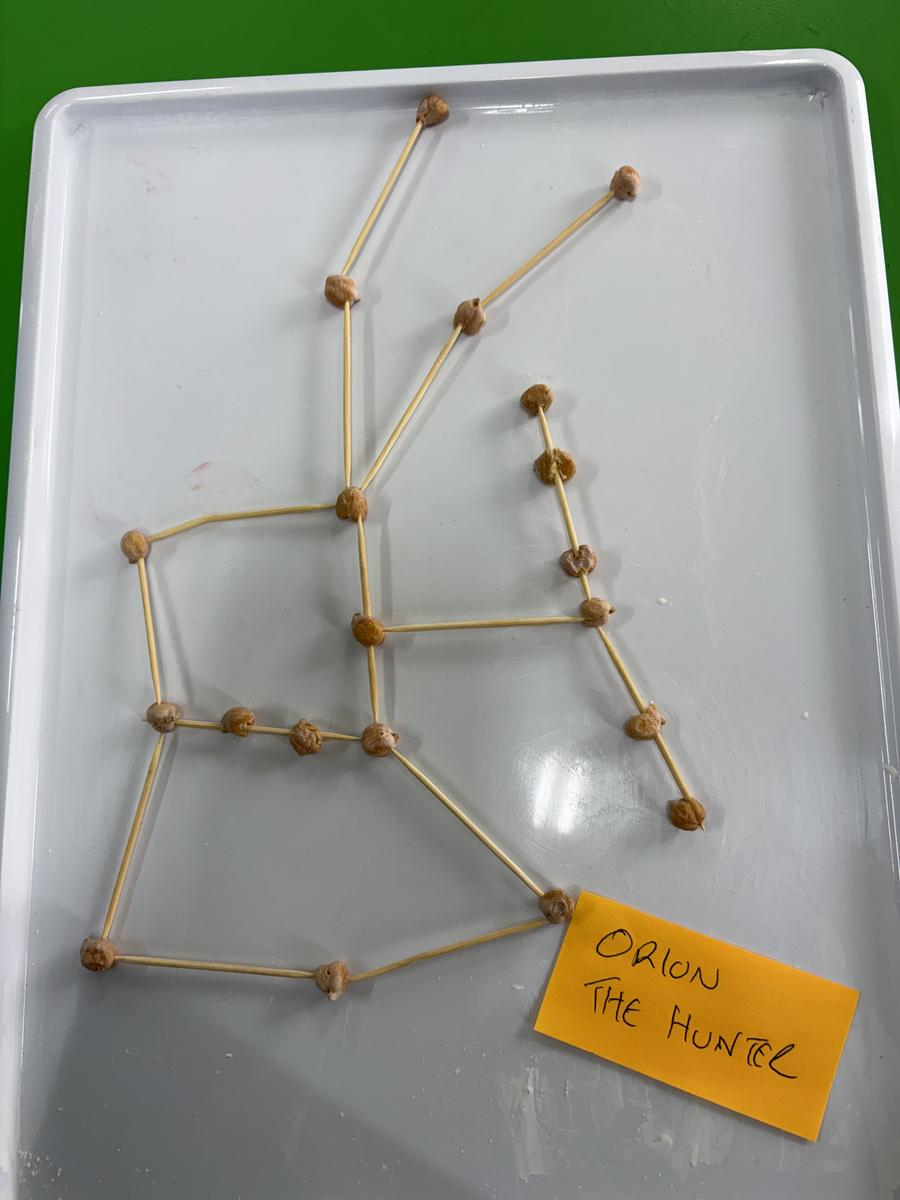
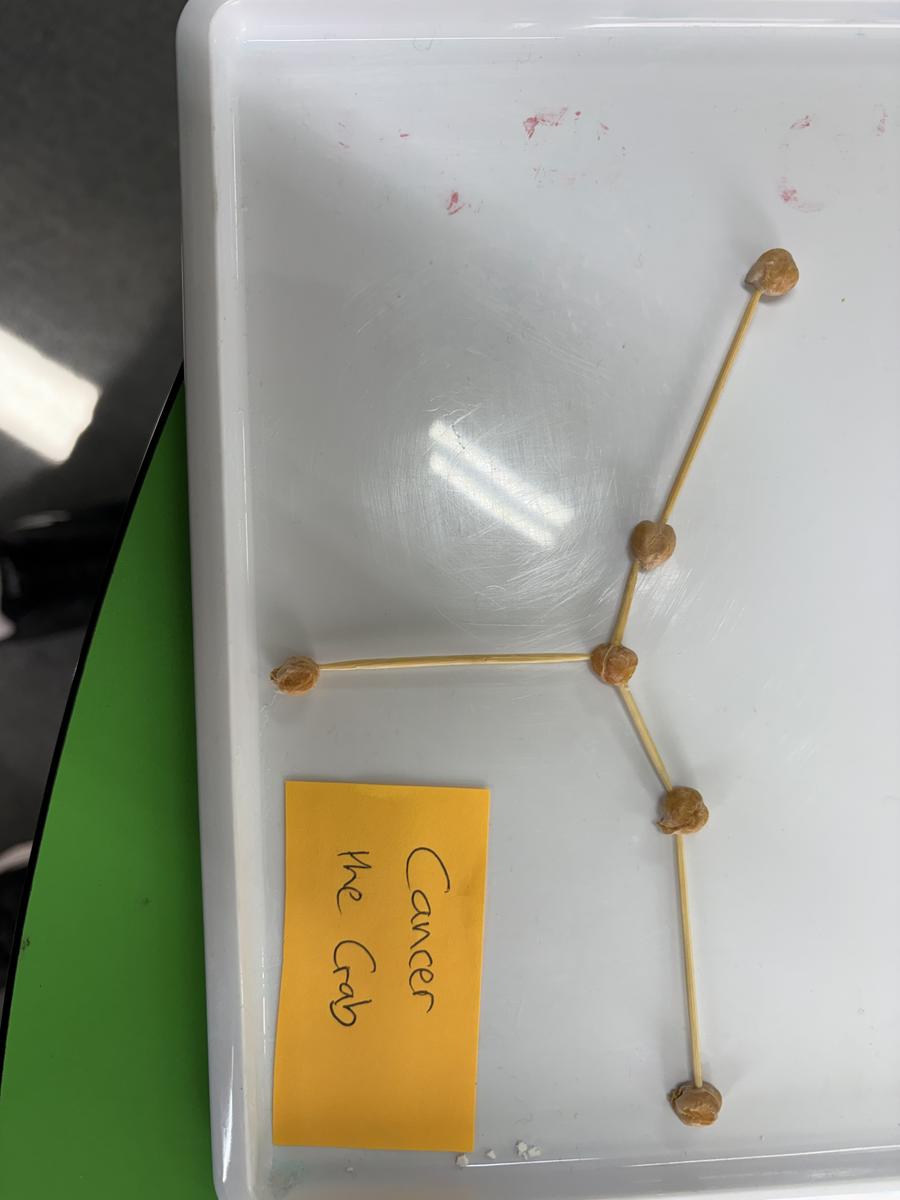
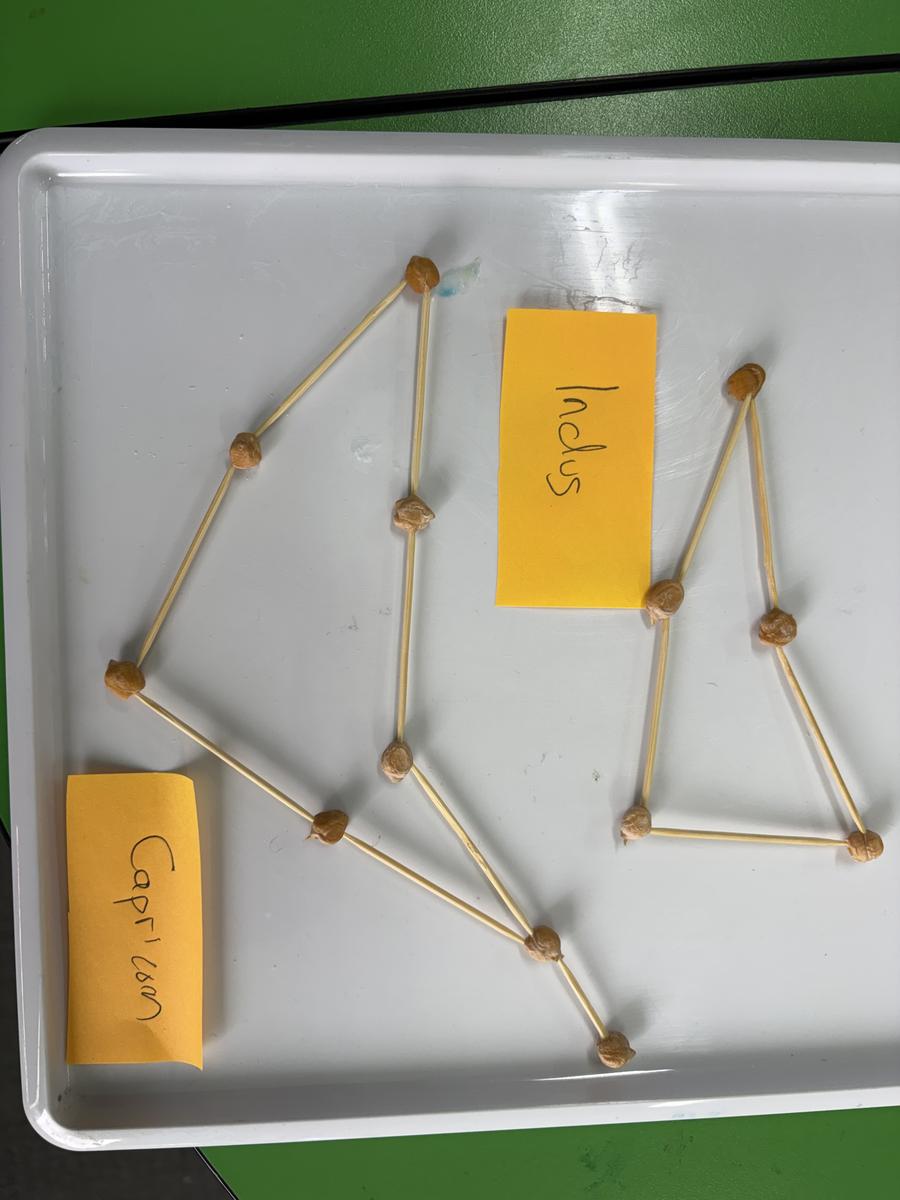
They will complete a solar system size challenge and make a model of some of the planets of our solar system (with a moveable feature). Students will have another lesson on their own personal project (most likely week 8) and their challenge lesson this term will be planning and making rockets that can travel over 10, 20 or 30 metres. Students will continue to apply their coding skills to specific challenges using code.org .
As always, If you ever have any questions or would like to contact me - the easiest way is to drop me an email at stephen.lytton@education.vic.gov.au
--------------------------------------------------------------------------------------------
STEM Donations
The STEM room is still in need of cardboard tubes (from paper towel), bottle caps and small cardboard boxes for planned activies in Term 3. If you could collect any you use over the next week, or during the school holidays and donate them to the school - both myself and the students will be very happy.
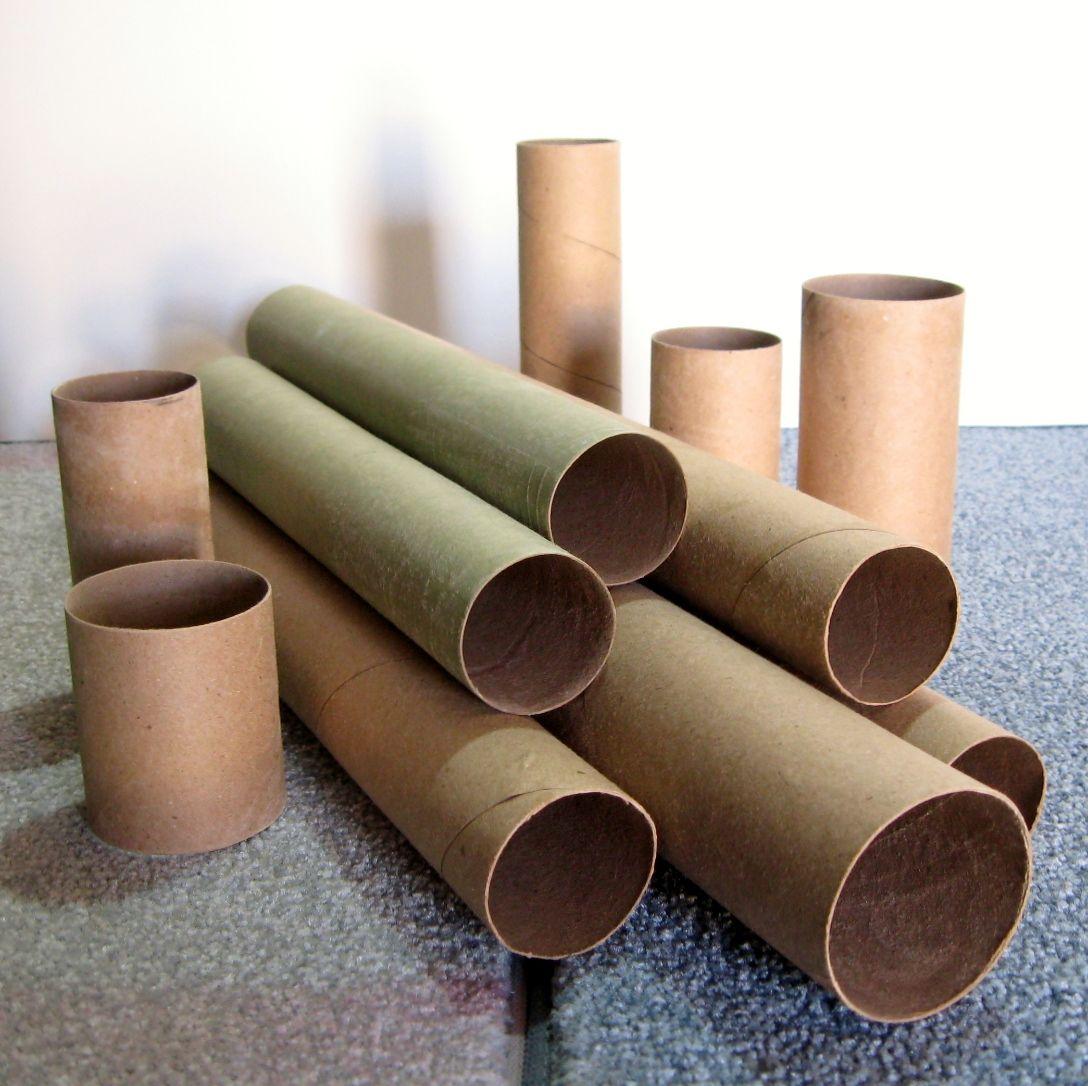
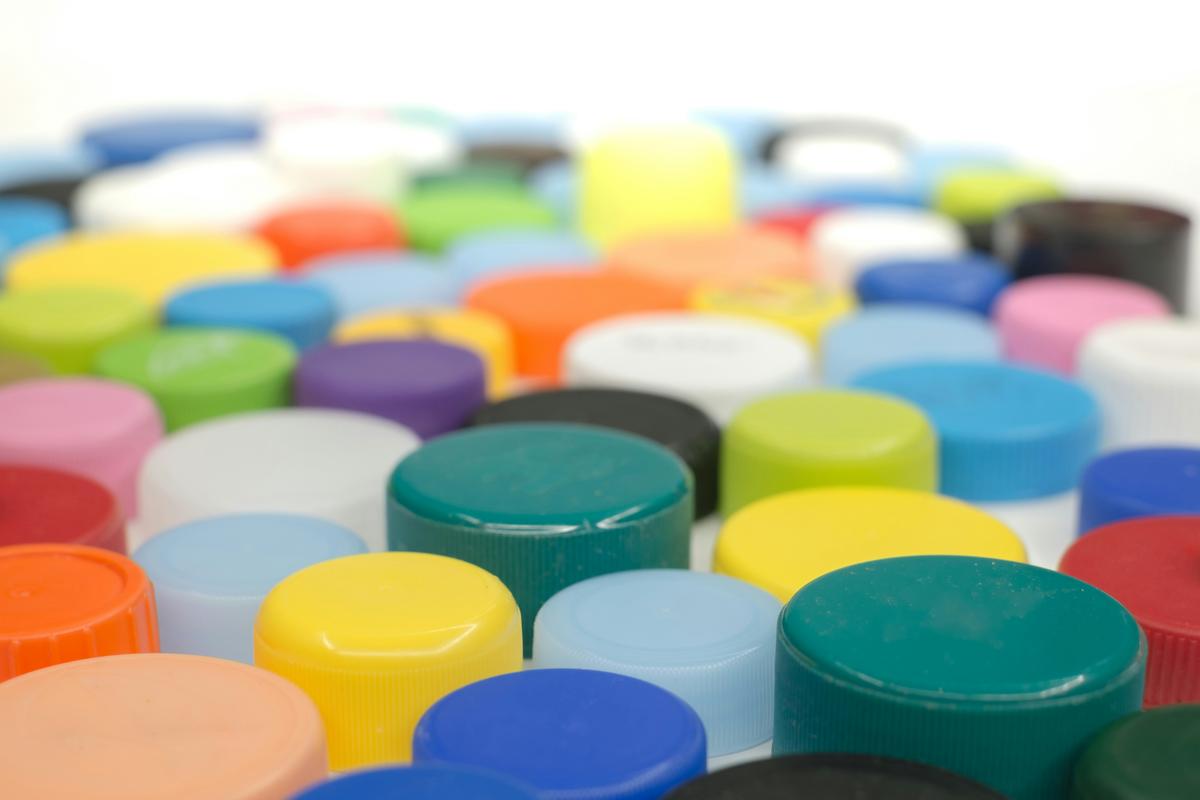
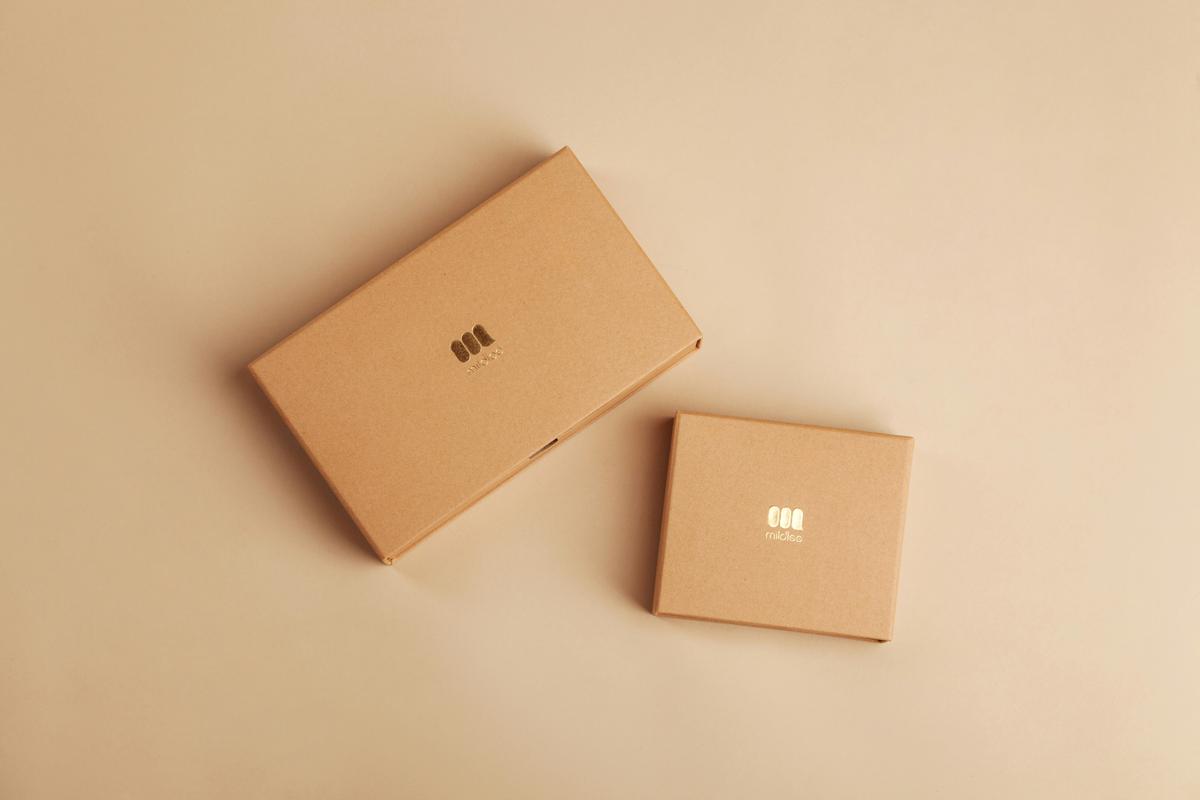
These items can be: -
Thank you, Stephen Lytton STEM Specialist