
Assistant Principals' Report




Topic 4: Problem Solving
Our Respectful Relationships lessons at RGLPS have recently begun exploring the topic of Problem Solving, and students will continue developing these skills over the next couple of weeks.
Problem solving helps students develop the skills to identify challenges, think through possible solutions, and make positive choices. Throughout these lessons, students will learn that problems are a normal part of life and explore strategies such as identifying the problem, considering different solutions, thinking about the possible consequences of each option, and choosing the best course of action.
By learning and practising these skills, students build confidence, resilience, and independence, enabling them to manage everyday challenges and work positively with others.
We encourage families to continue these conversations at home by asking your child about the problem-solving strategies they are learning and how they can apply them in different situations.
Family Conversation Starters:
- Can you tell me about a problem you solved at school this week?
- What are some different ways you could solve a problem?
- How do you decide which solution is the best one?
- What can you do if your first solution doesn't work?
- Who can you ask for help if you're finding a problem difficult to solve?
Having these conversations at home helps reinforce the problem-solving skills we are developing at school and encourages children to approach challenges with confidence, persistence, and a positive mindset.
Supporting Healthy Device Habits at Home
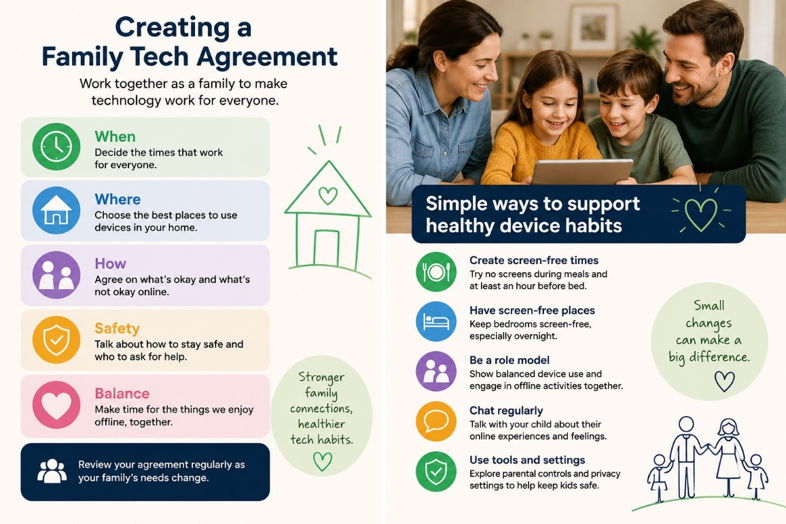
Technology is an important part of children's lives, but setting healthy boundaries can sometimes be challenging. The Australian eSafety Commissioner recommends creating a Family Tech Agreement to help families decide together when, where and how devices are used. Having clear, consistent expectations can make conversations about screen time and online safety easier while helping children develop positive digital habits.
Families may also find these free resources helpful:
- eSafety Commissioner – Parent Resources: Practical advice on managing devices, parental controls, online safety and family tech agreements. eSafety Parent Resources
- eSafety Family Tech Agreement: Downloadable templates to create a personalised agreement for your family. Family Tech Agreement Templates
Common Sense Media – Managing Screen Time: Ideas for creating screen-free times and places, setting healthy routines and modelling positive device use. Common Sense Media: Managing Screen Time
Small changes, such as keeping devices out of bedrooms overnight, having screen-free family meals, and talking regularly about online experiences, can help children build safe and balanced technology habits.
100 Days of Grade 6

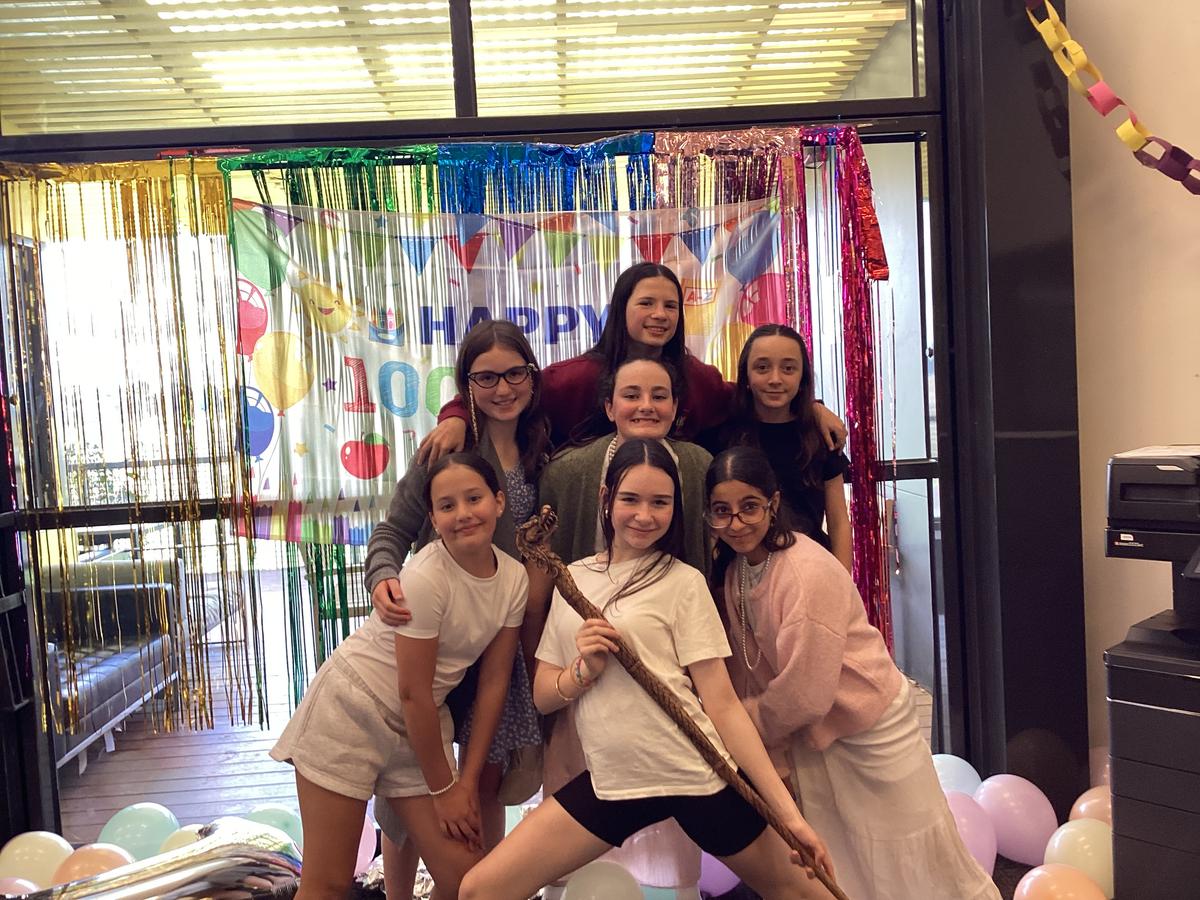
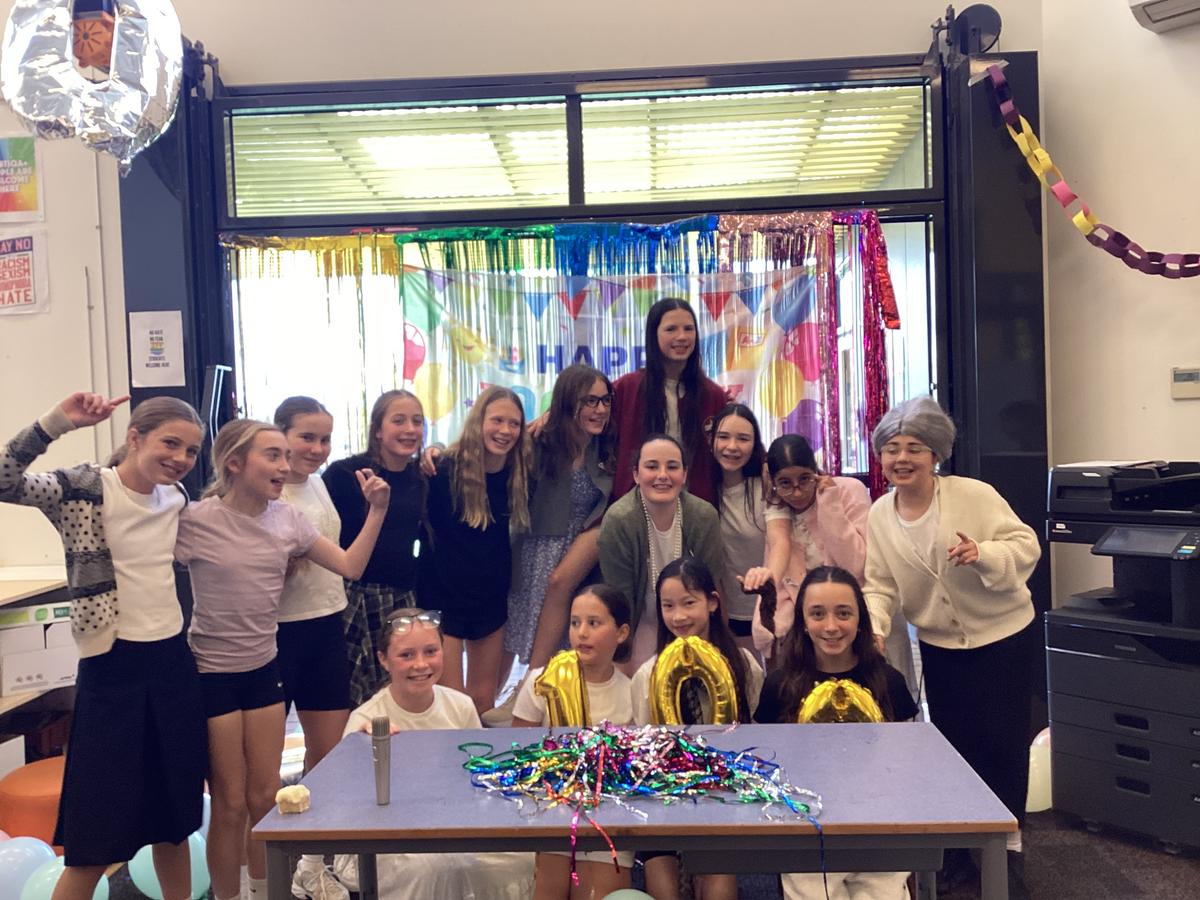
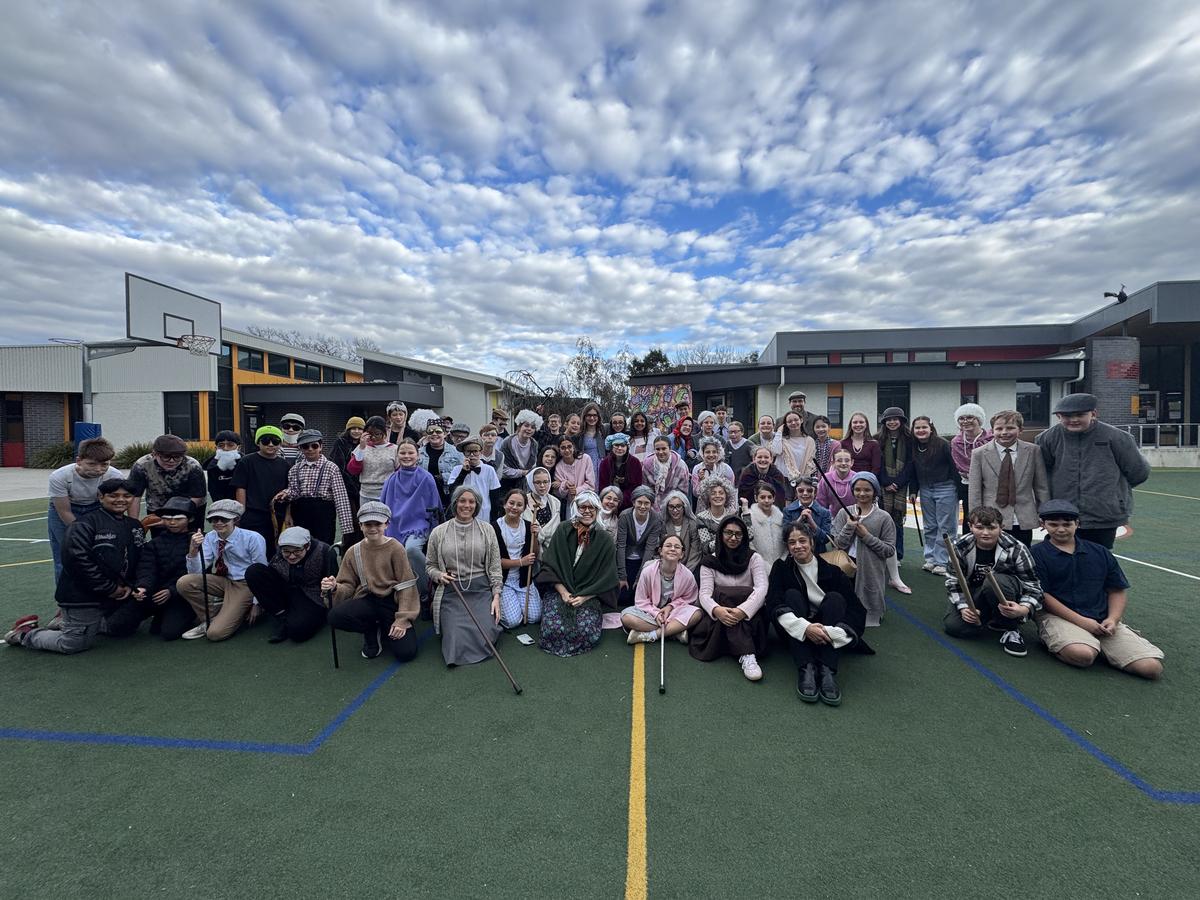
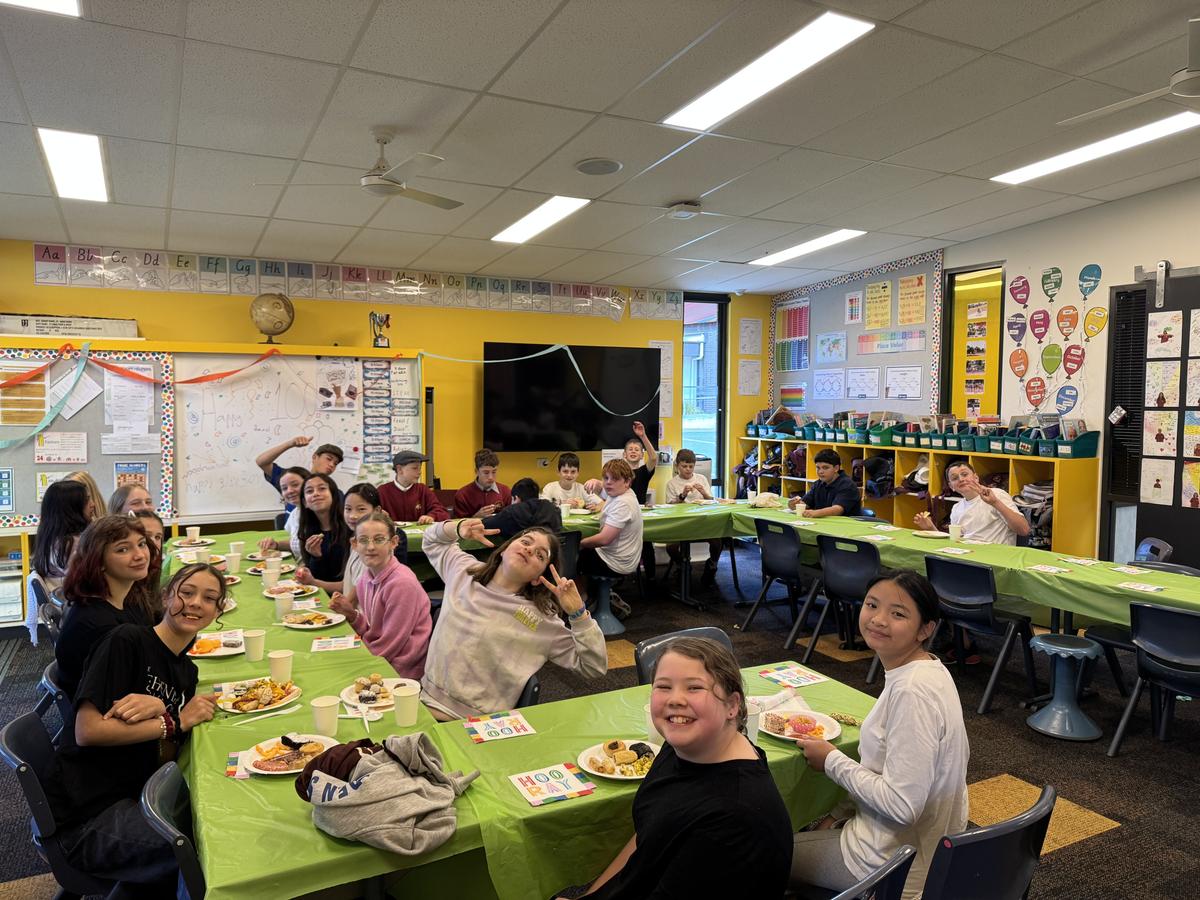
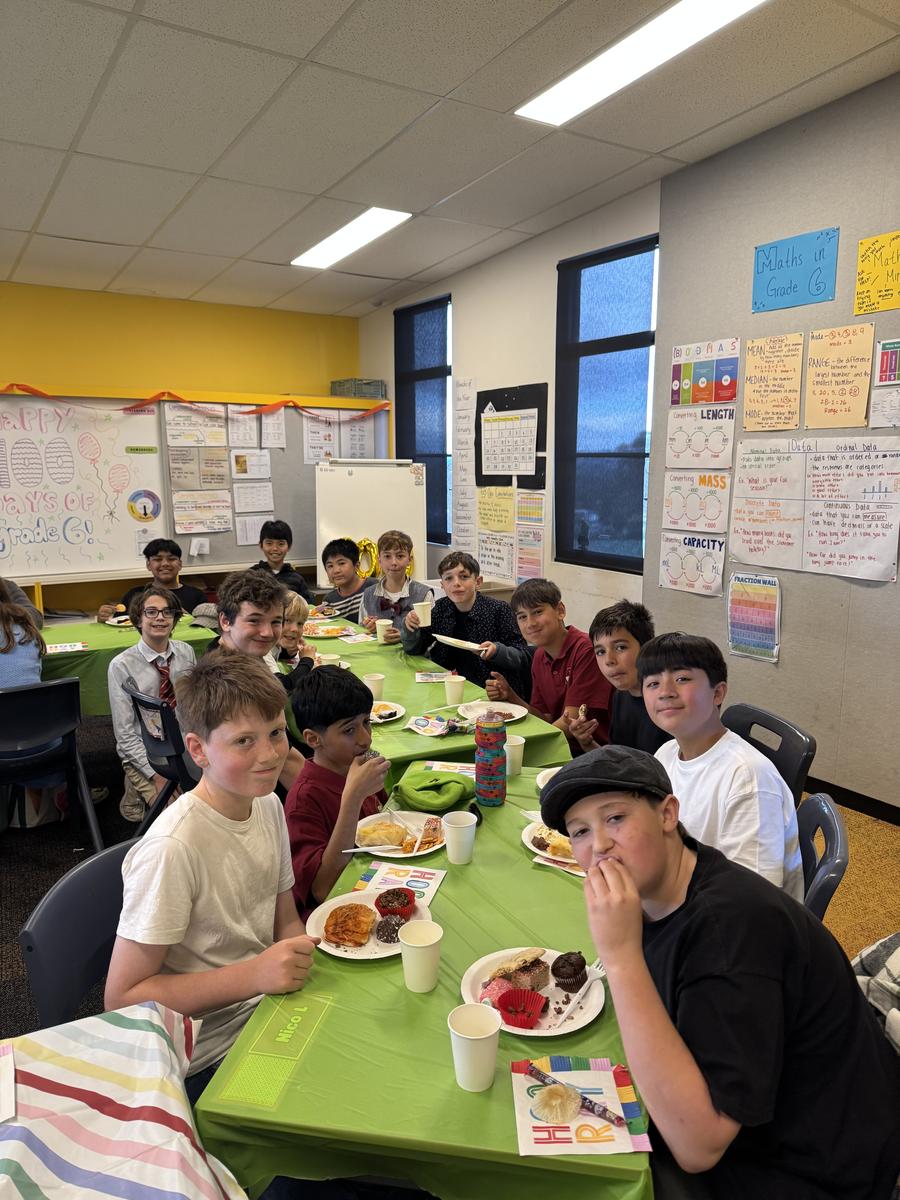
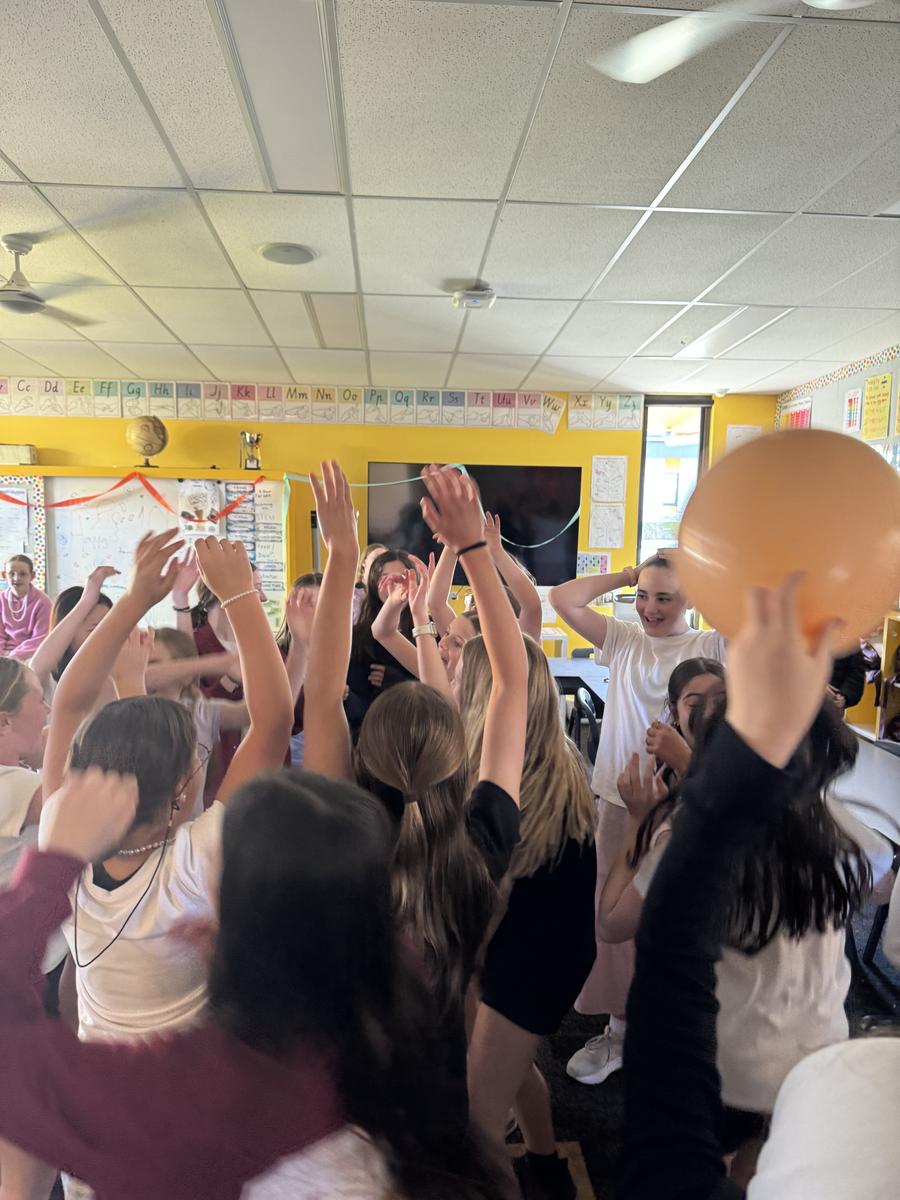
Last Wednesday we had our 100 days of Grade Six! We did this because when we were in Prep there was covid and of course LOCKDOWN 🙄. The day started with a parade which showcased us dressing up as 100 year-olds🧓. Everyone looked amazing and all the parents came to watch us walk (with a walker OF COURSE). Then in the middle of the day we had a feast! Everyone brought an item of food to share with the cohort. The party featured a disco, where we put on some of our favourite music and partied the day away. There was also a photo booth where we could all take photos that could last us for years and that was a blast. The day ended with all of us doing some activities that we would have done if we were in Prep. Overall, it was the best day EVER!!!
By Maisie Campbell and Abby Brown (6A)
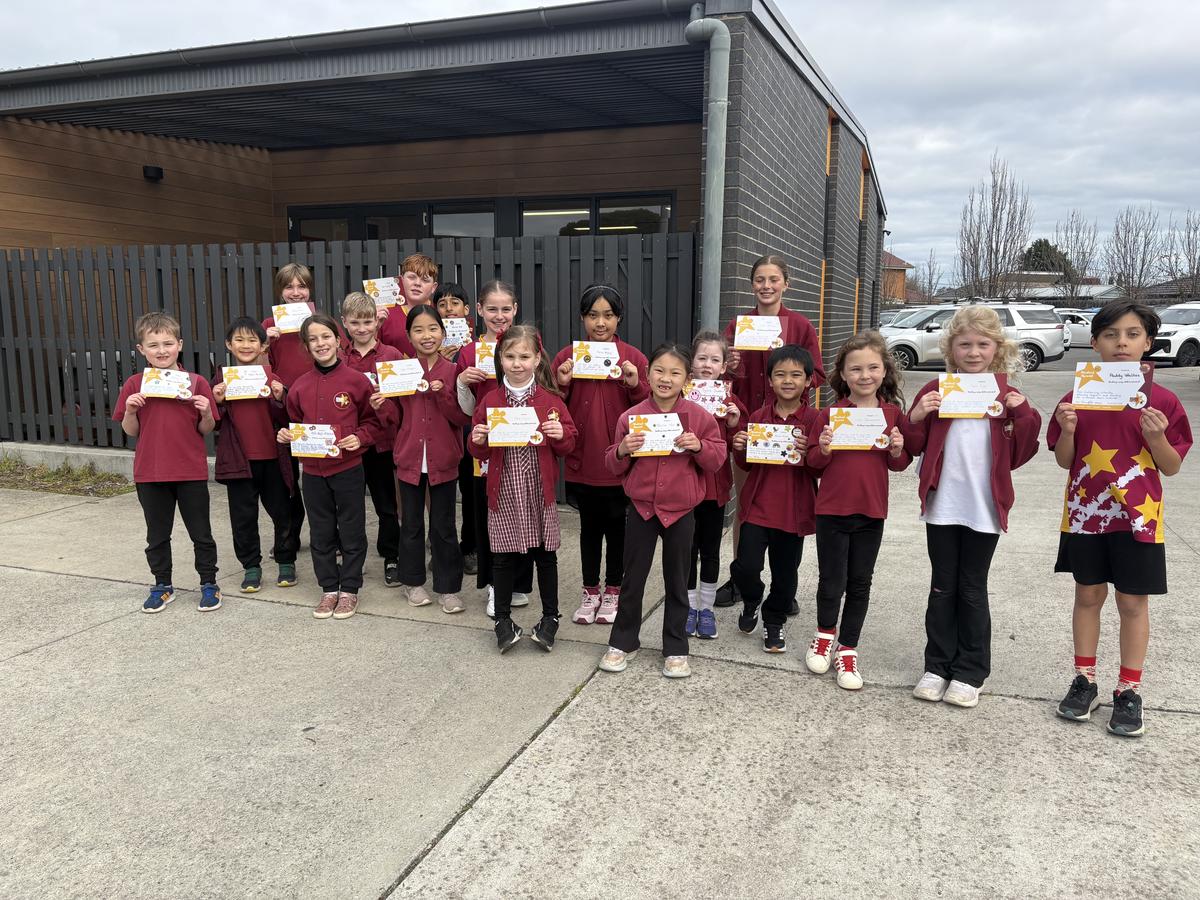
Student of the Week
Nick Burley & Cathie Sutton
Assistant Principal